
Avilable
& Installations
|
Specifications | ||||||||||||||||||||||||||||||||||||
|
1. What is the official price range for the LG CreateBoard 65TR3DK?
The official price for the LG CreateBoard 65TR3DK-65" typically ranges from ₹90,000 to ₹1,15,000 (excluding taxes), providing an excellent 4K UHD panel for medium to large classrooms.
2. What core hardware specifications does the LG CreateBoard 65TR3DK feature?
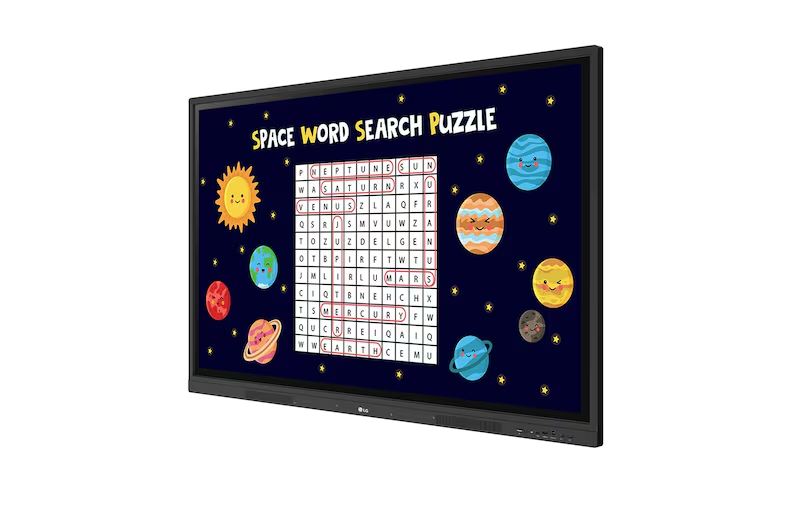
This Interactive Flat Panel runs on Android 13 OS with a Quad-Core processor, and is equipped with 8GB RAM and 64GB storage for reliable performance of educational applications.
3. What key benefits does the 65TR3DK model offer for interactive teaching?
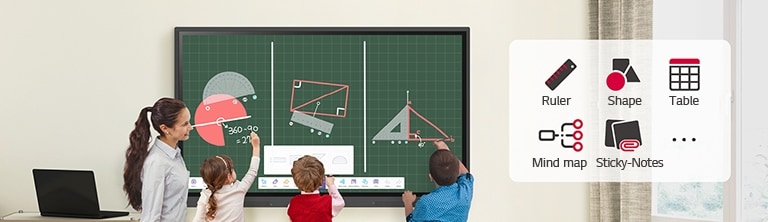
The LG CreateBoard features Google Certification and proprietary tools like the LG CreateBoard Lab, offering various templates, sticky notes, and a lifelike 40-point multi-touch experience.
4. Where is the official and most reliable place to purchase the LG CreateBoard 65TR3DK?
You can buy the official LG CreateBoard 65TR3DK directly from authorized business partners like Elactree. We ensure a genuine product with official technical support and warranty services.
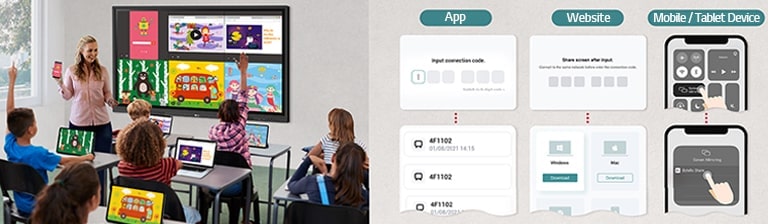
5. How does the LG CreateBoard simplify content sharing from personal devices?
The display uses the LG CreateBoard Share app, allowing users to wirelessly share up to 9 screens simultaneously, facilitating dynamic group work and content distribution in the classroom.
6. Can the LG CreateBoard be integrated to run a full Windows operating system?
Yes, the 65TR3DK includes a convenient OPS (Open Pluggable Specification) slot. By installing an optional OPS module, the panel can easily function as a dedicated Windows PC for specific software needs.
7. Does the 65-inch LG CreateBoard offer features to protect student and teacher eyesight?
Yes, the Interactive Panel has introduced a flicker-free function to reduce backlight flickering. This, along with low blue light settings, ensures more comfortable use over longer teaching sessions.
Our commitment is backed by a verified 99% on-time arrival rate for all domestic shipments within India.
Purchase with confidence. We guarantee genuine, brand-new electronics directly from certified manufacturers.
Your personal data is protected with advanced encryption. We strictly adhere to Indian data privacy laws.
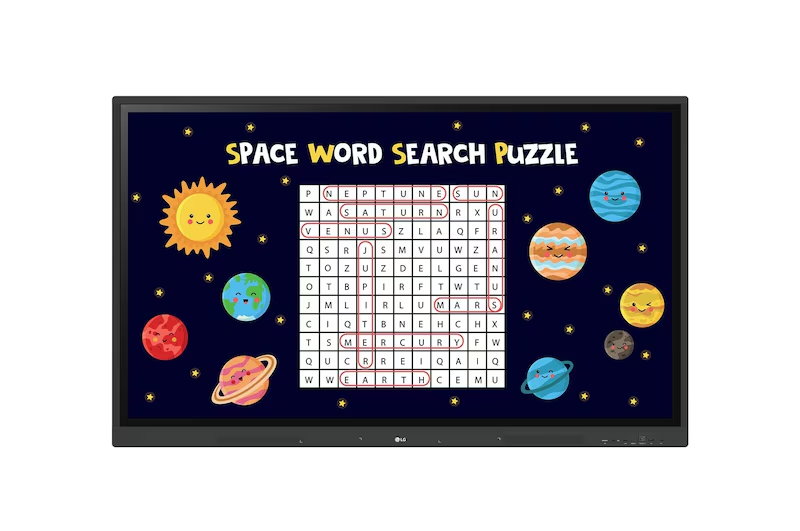
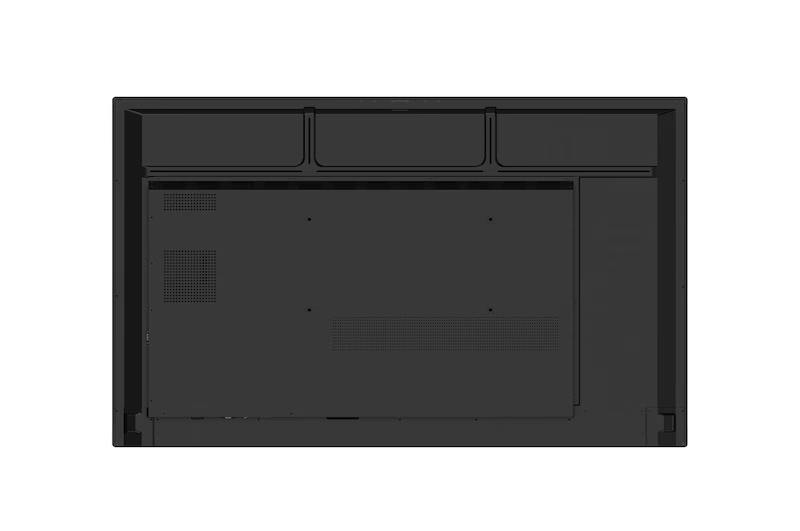

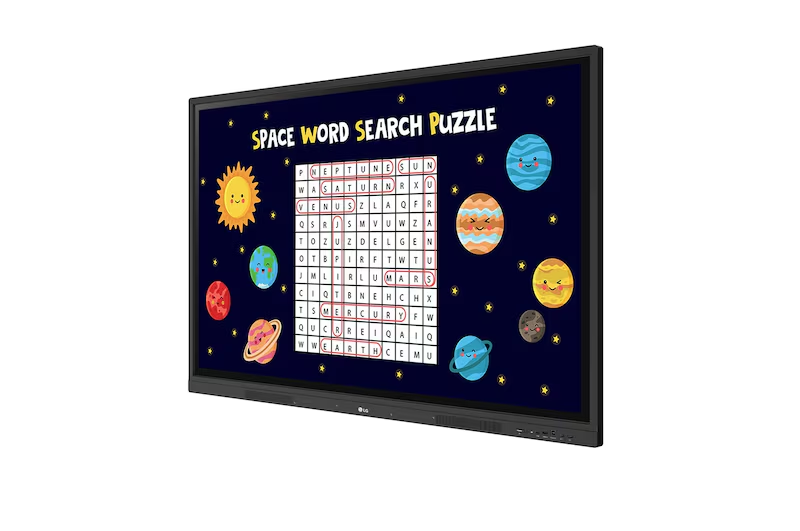
The LG CreateBoard Interactive Panel (55TR3DK-55") is a powerful centerpiece for modern collaboration and learning, designed to make every presentation dynamic and responsive. Featuring a…
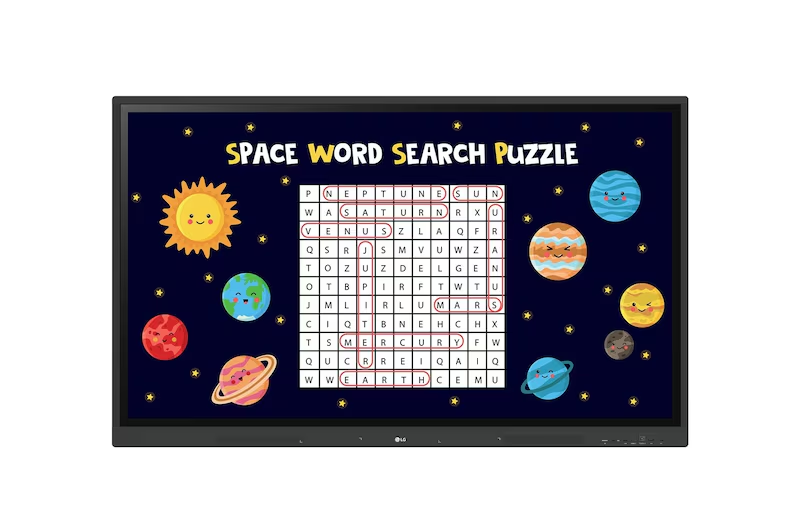
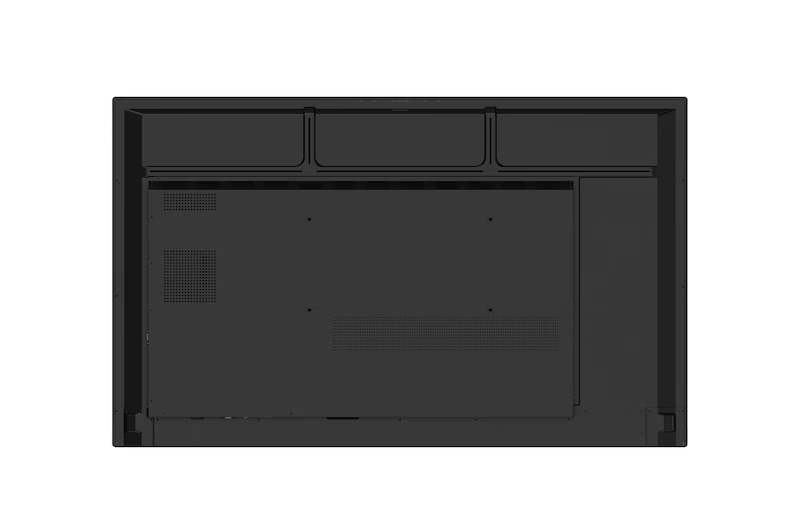

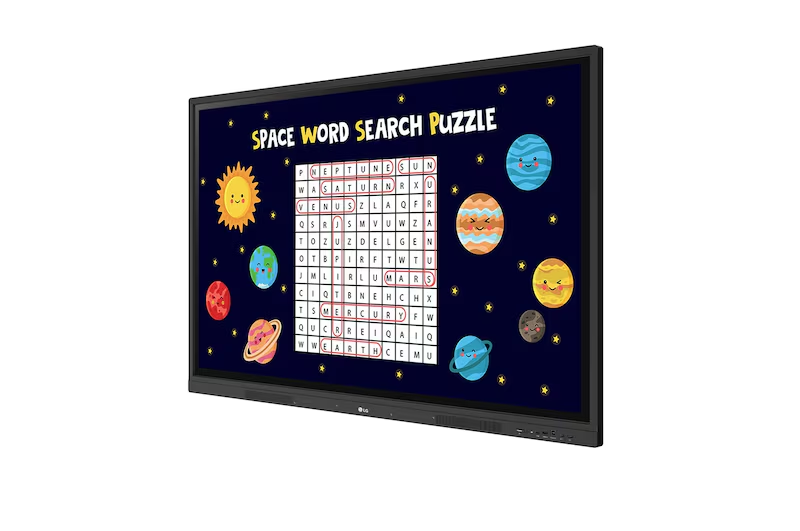
The LG CreateBoard Interactive Panel (75TR3DK-75") is a powerful centerpiece for modern collaboration and learning environments. This 75-inch panel delivers stunning clarity with its 3,840…
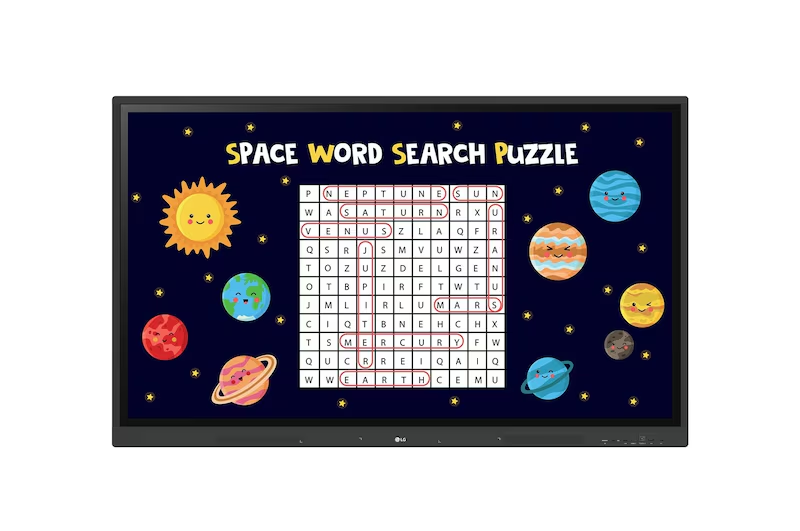
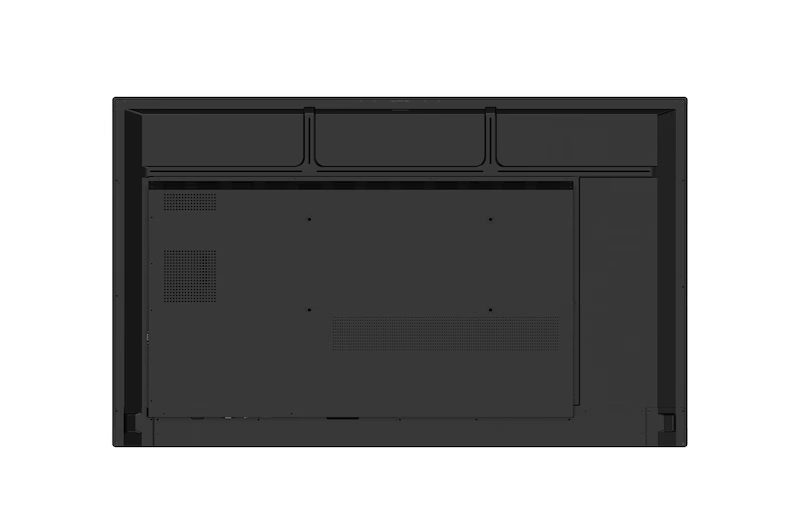

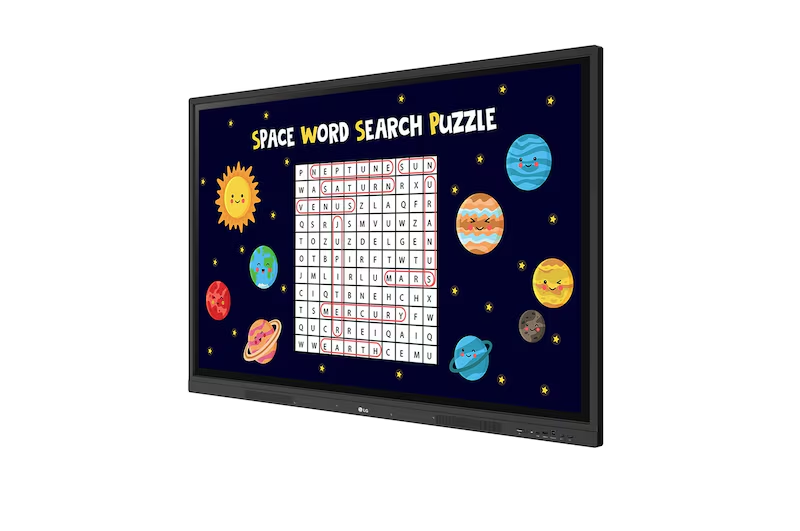
The LG CreateBoard Interactive Panel (86TR3DK) is a powerful 86-inch display designed to maximize collaboration and engagement in any setting. Boasting a brilliant 440 nit…
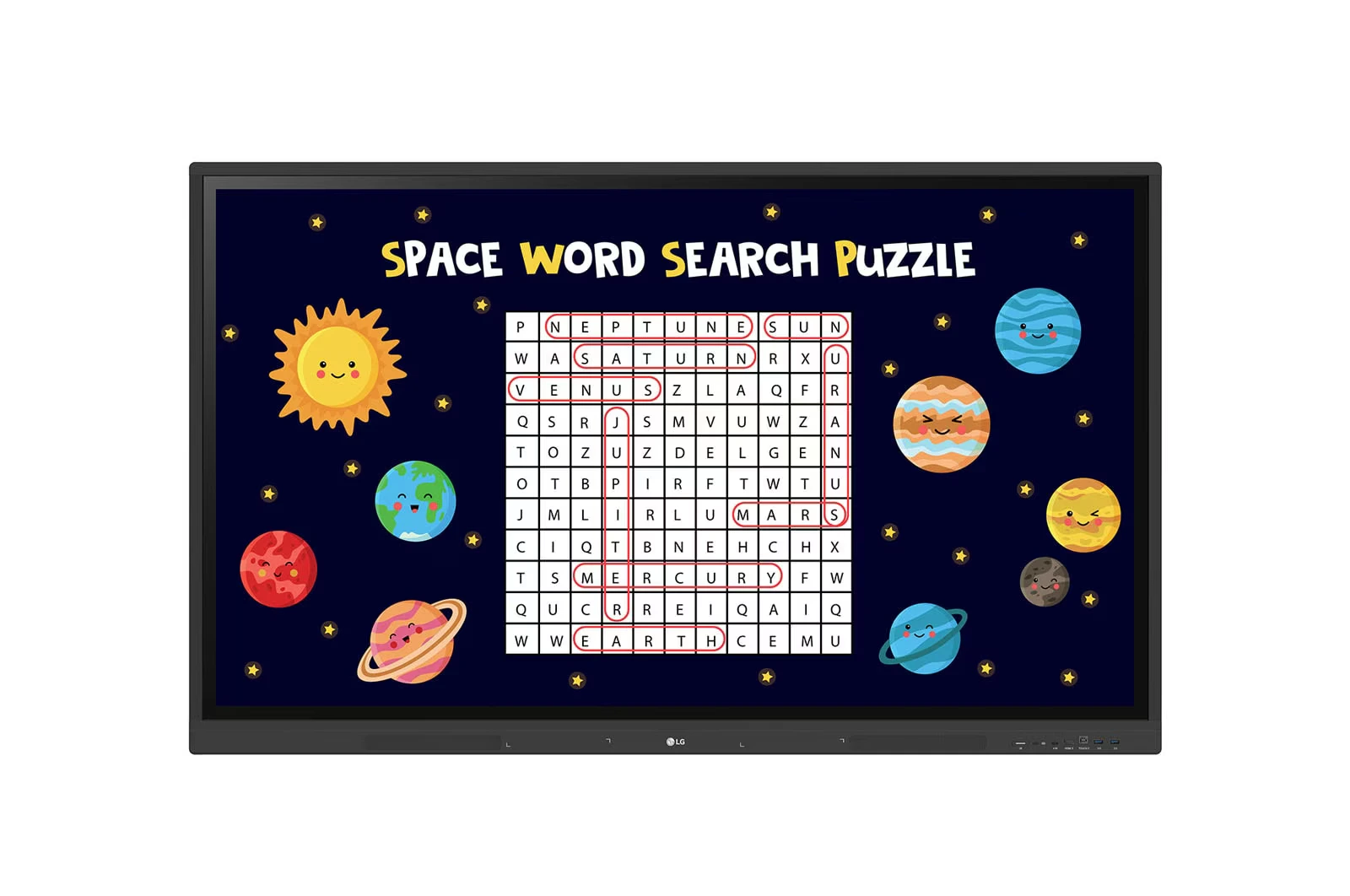
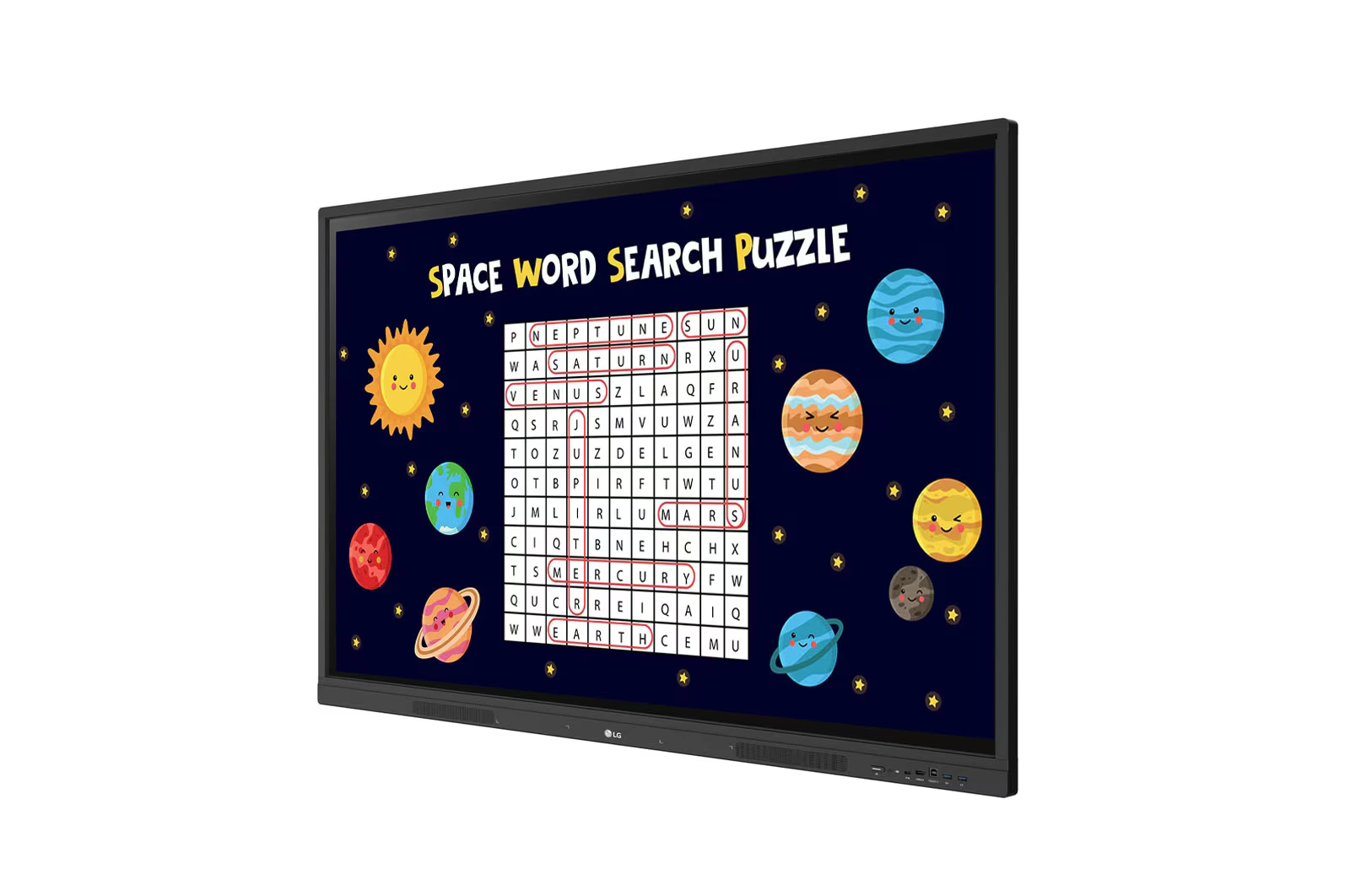

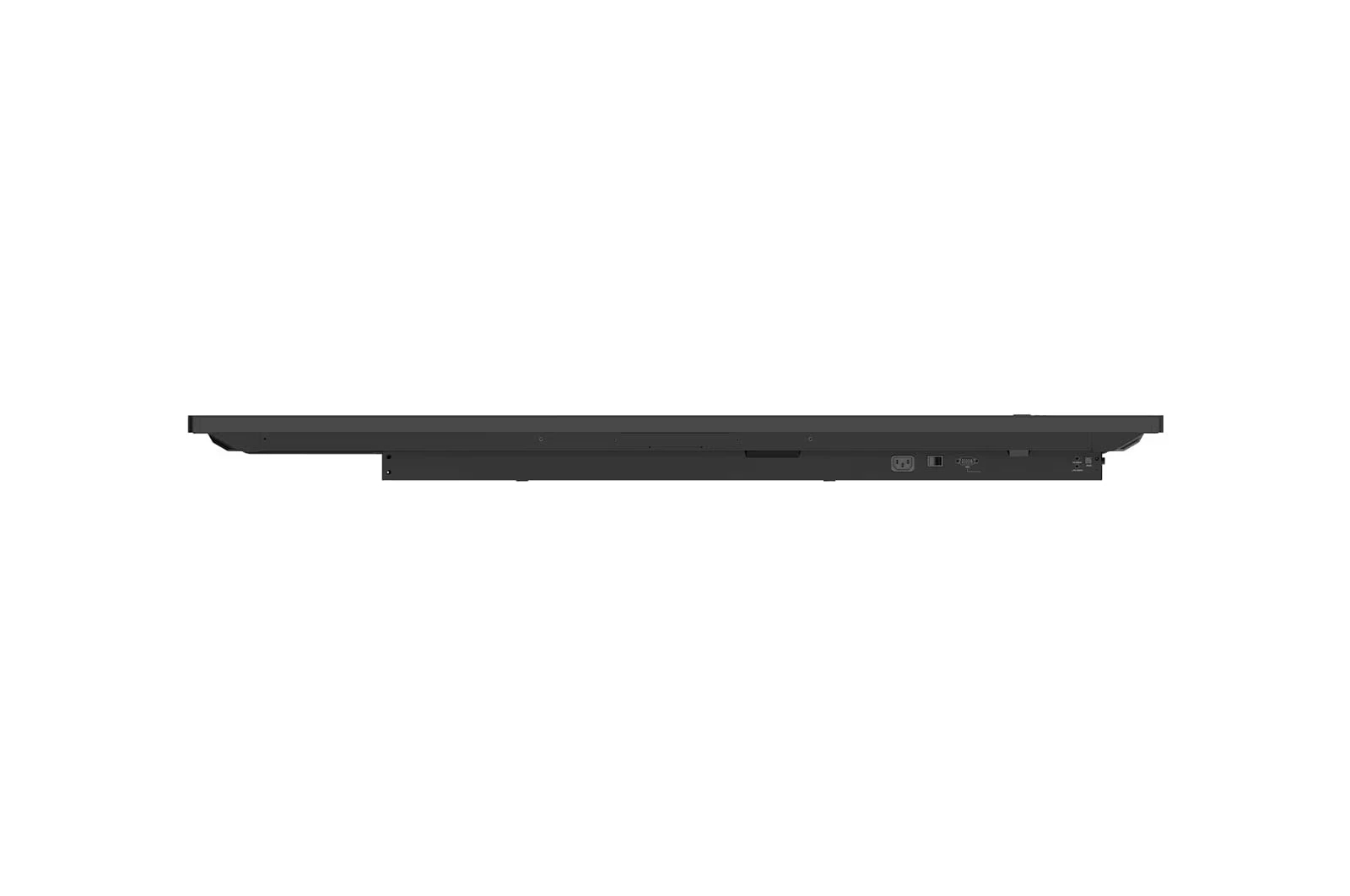
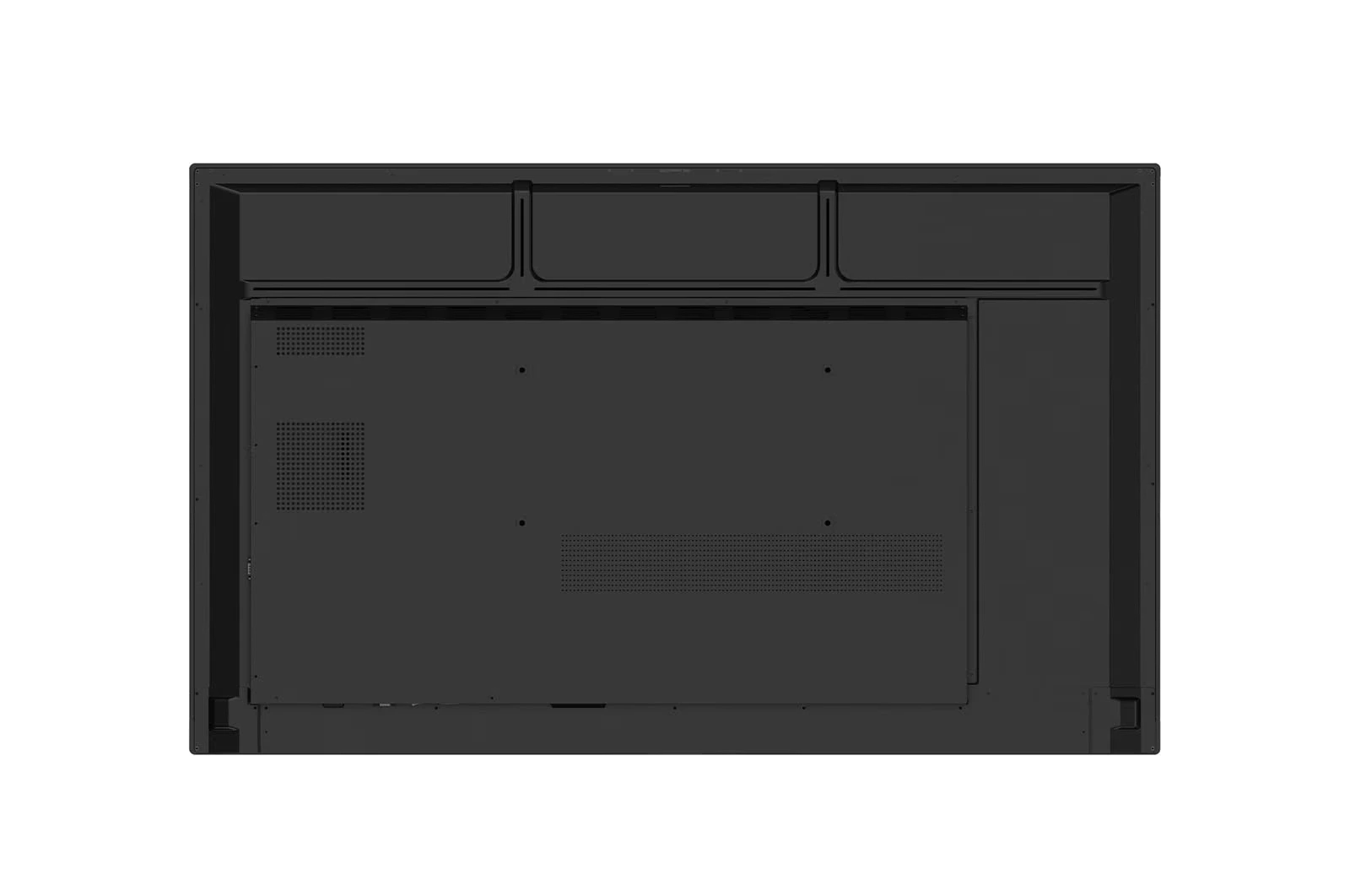
LG CreateBoard 98TR3DK is a premium 98-inch 4K UHD Interactive Flat Panel Display designed for classrooms, training centers, and corporate meeting rooms. It features an…