

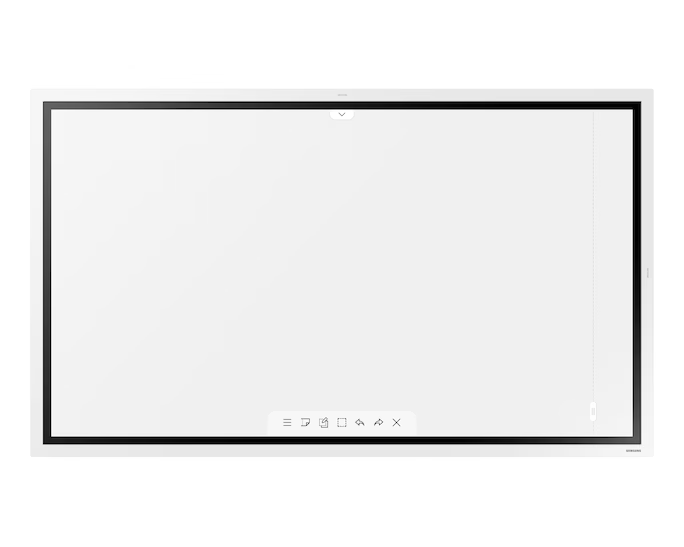
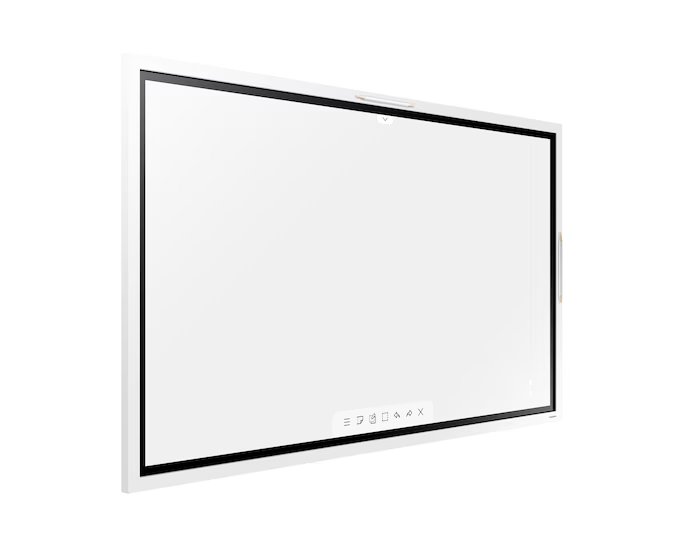
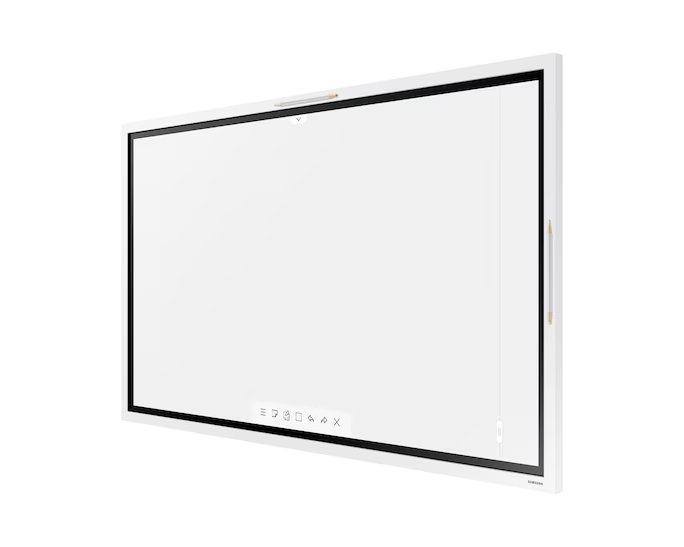
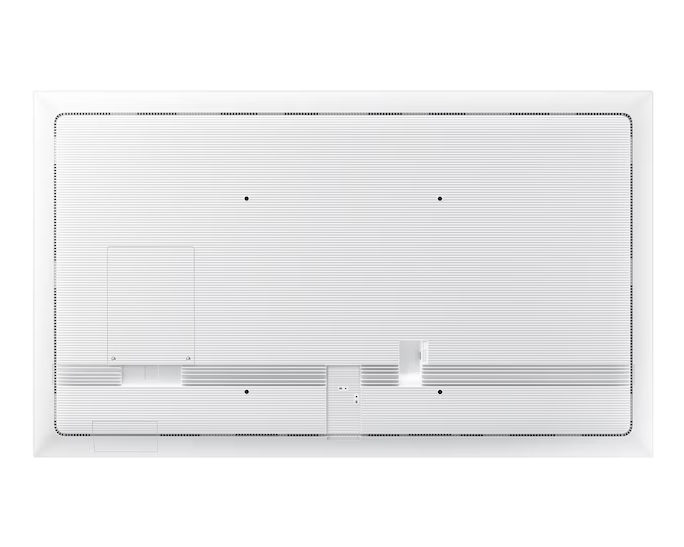
The Samsung Flip 2.0 (WM55R) is a 55-inch 4K UHD interactive digital flipchart designed to enhance collaboration in business and education environments. It offers a…
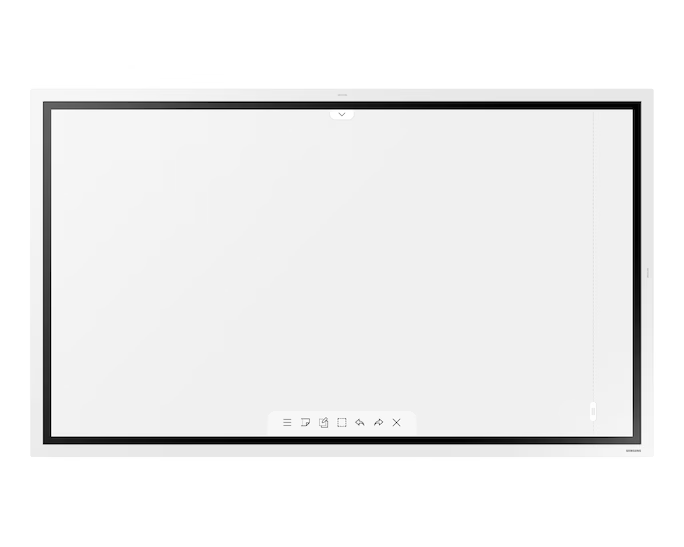
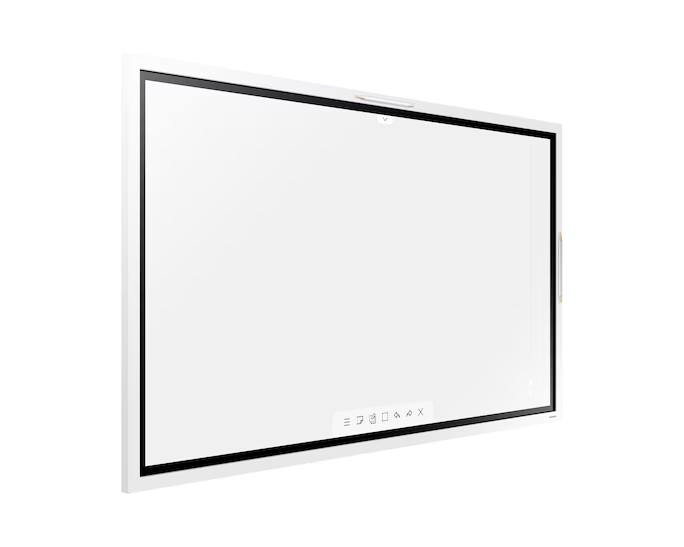
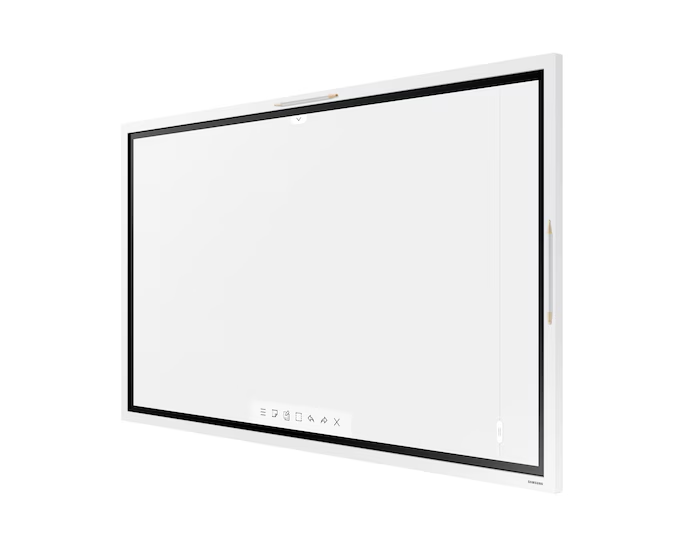
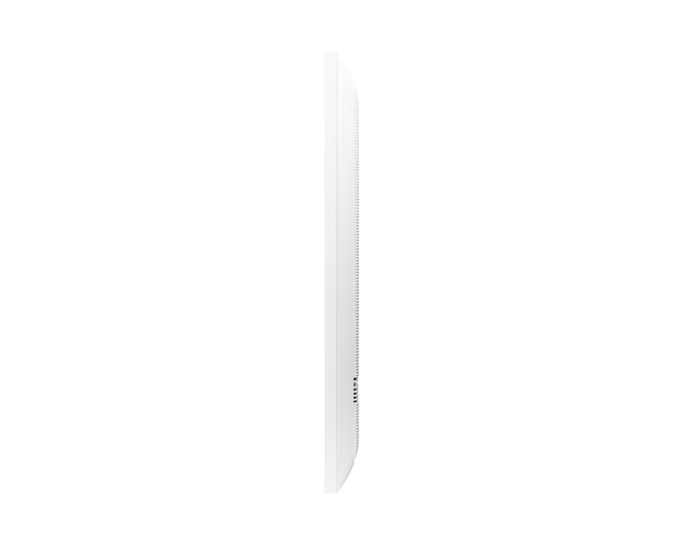
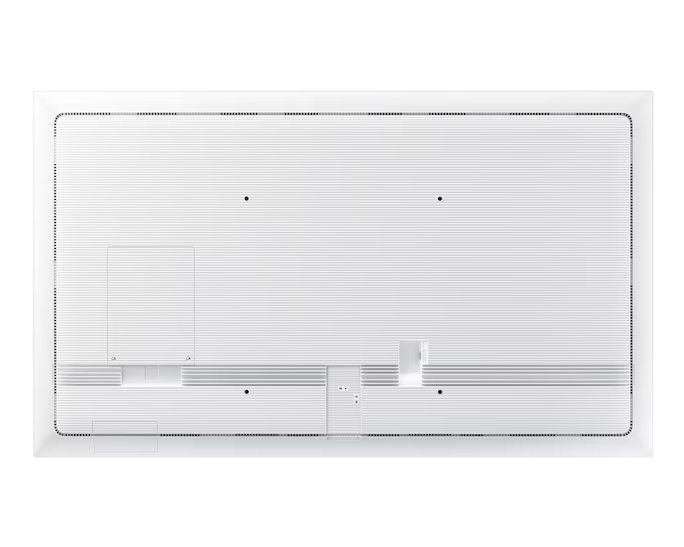
The Samsung Flip 2.0 (WM65R-65") is a 65-inch 4K UHD interactive digital flipchart designed to enhance modern meeting and learning environments. It provides a smooth,…
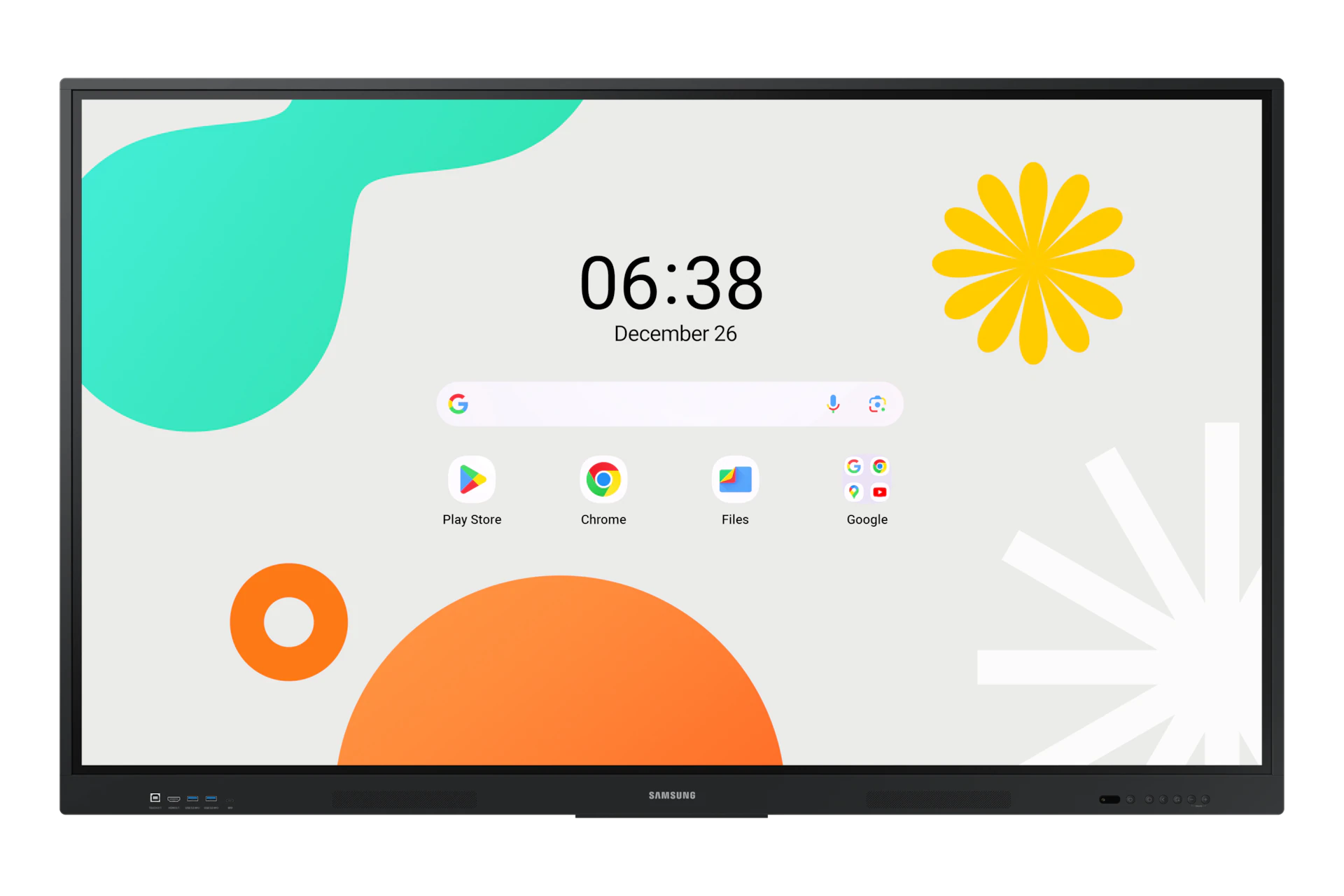
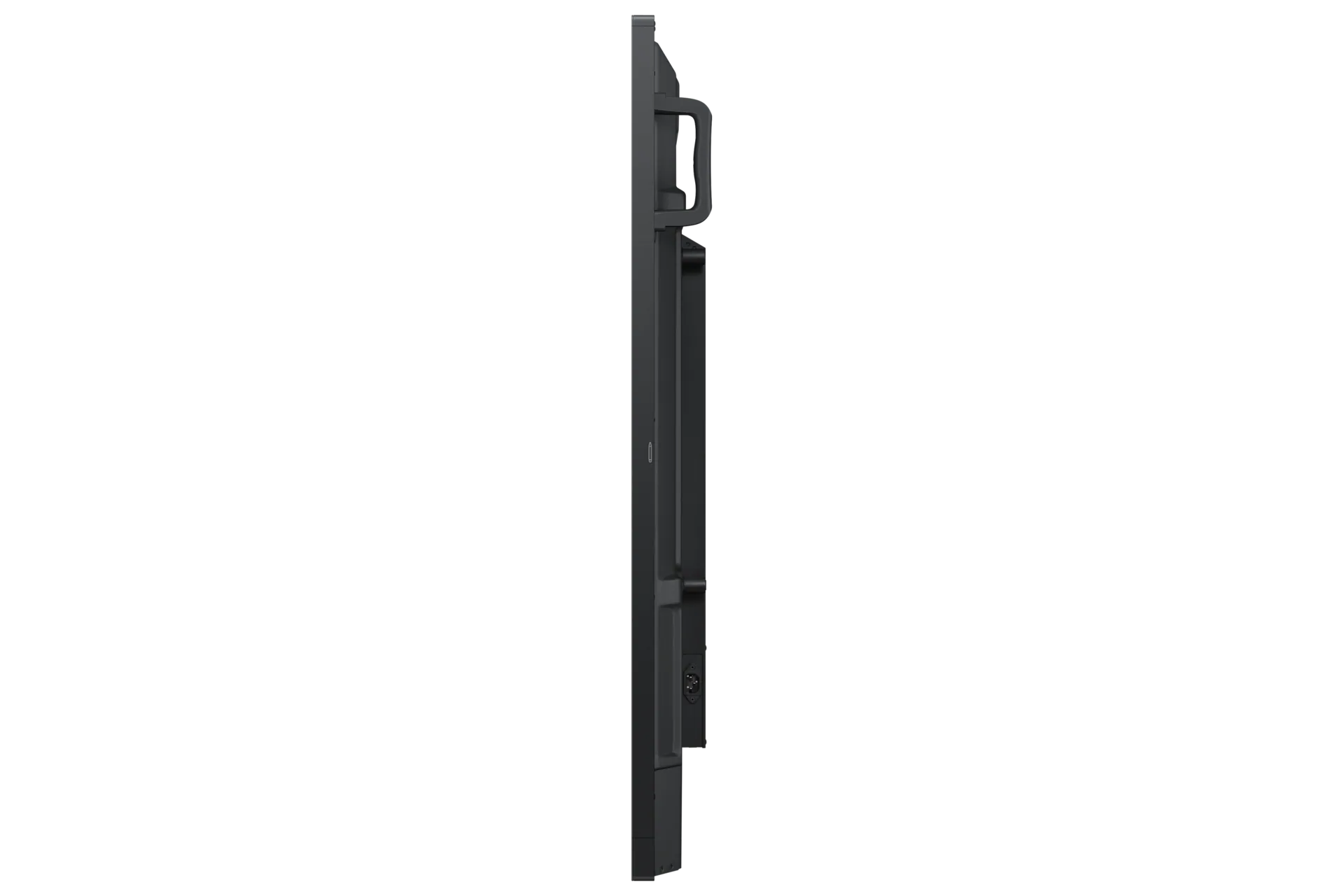
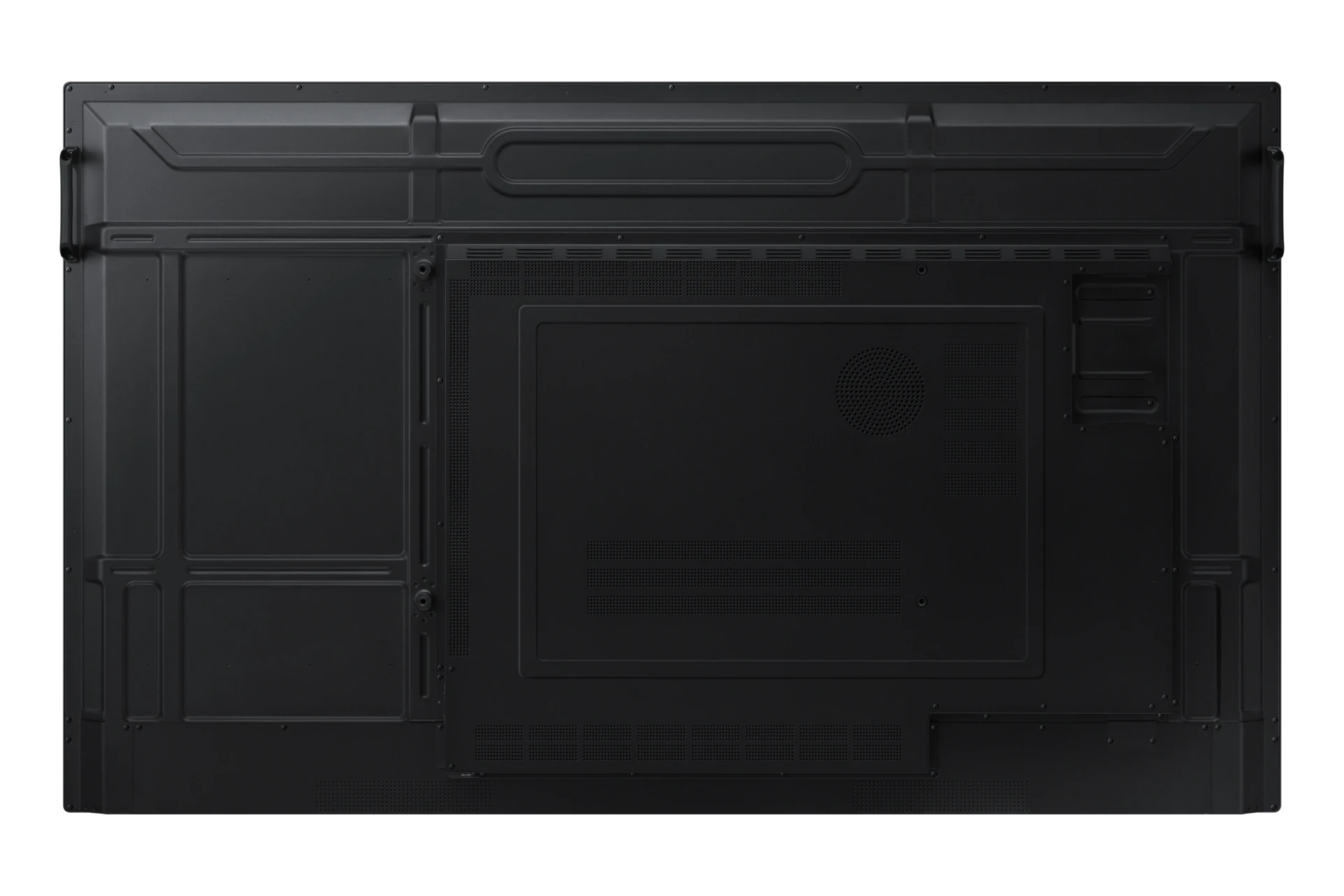
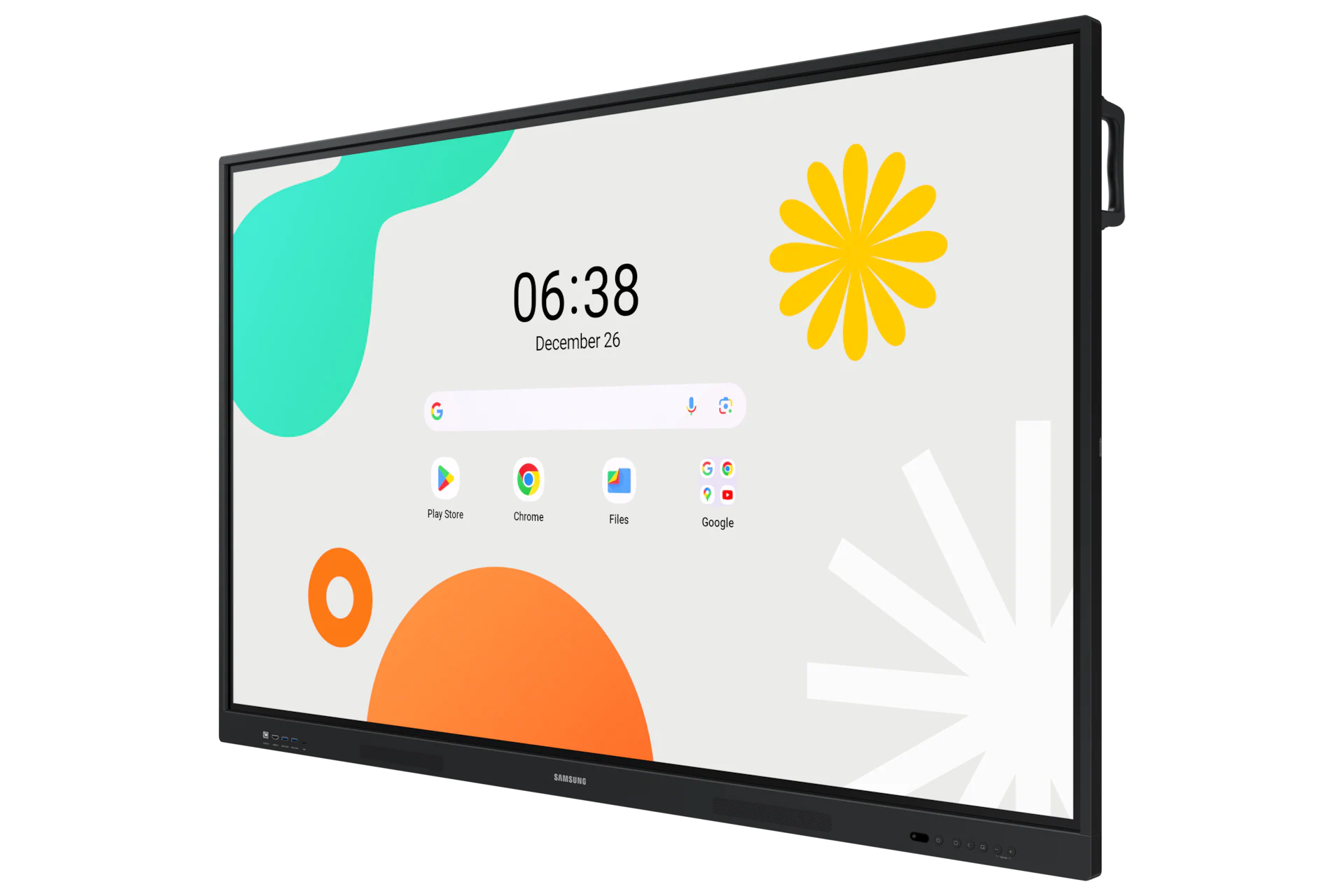
The Samsung Interactive Display WAF Series (model WA75F-75") is a 75-inch interactive panel designed to transform classrooms and meeting rooms into dynamic learning and collaboration…
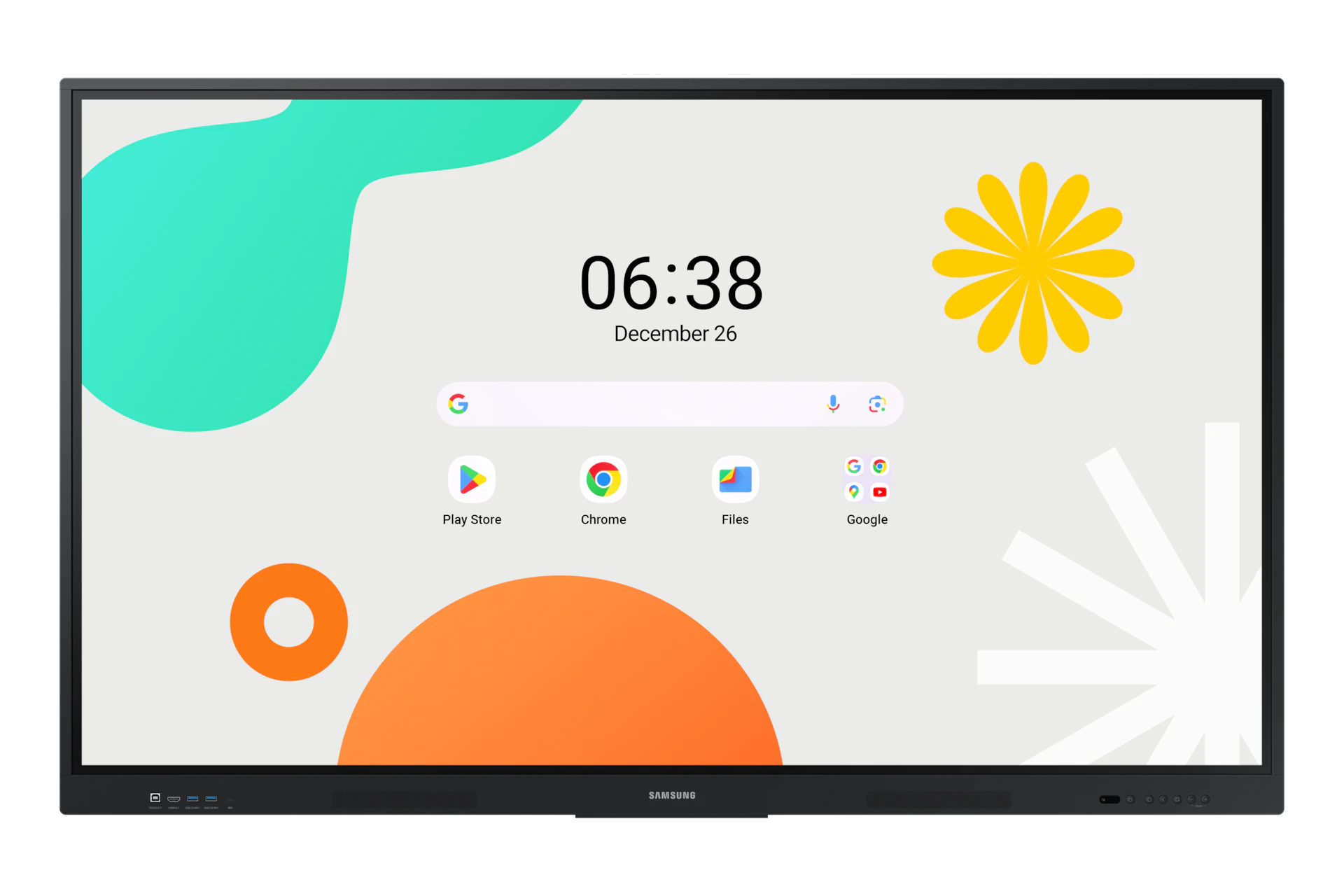
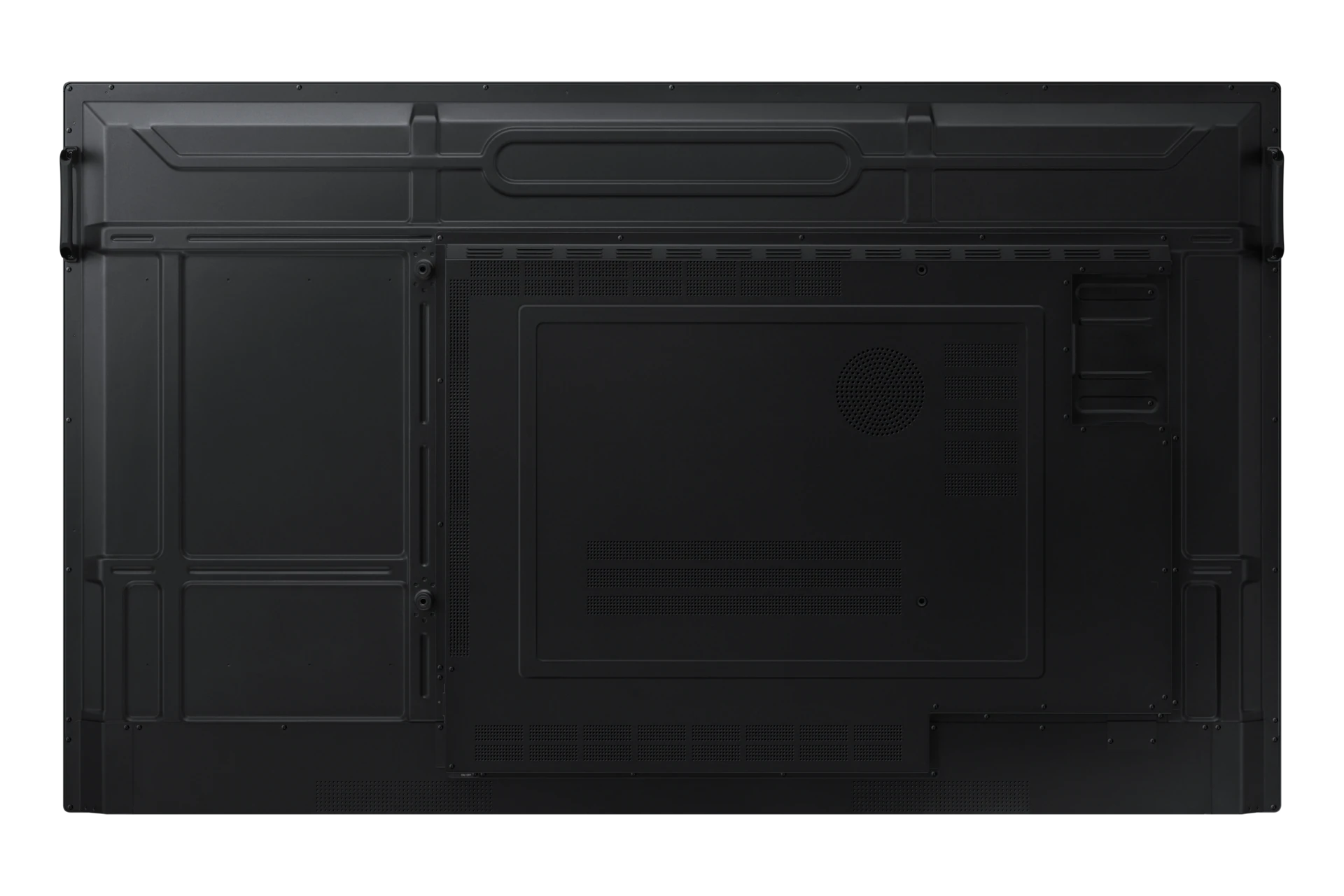
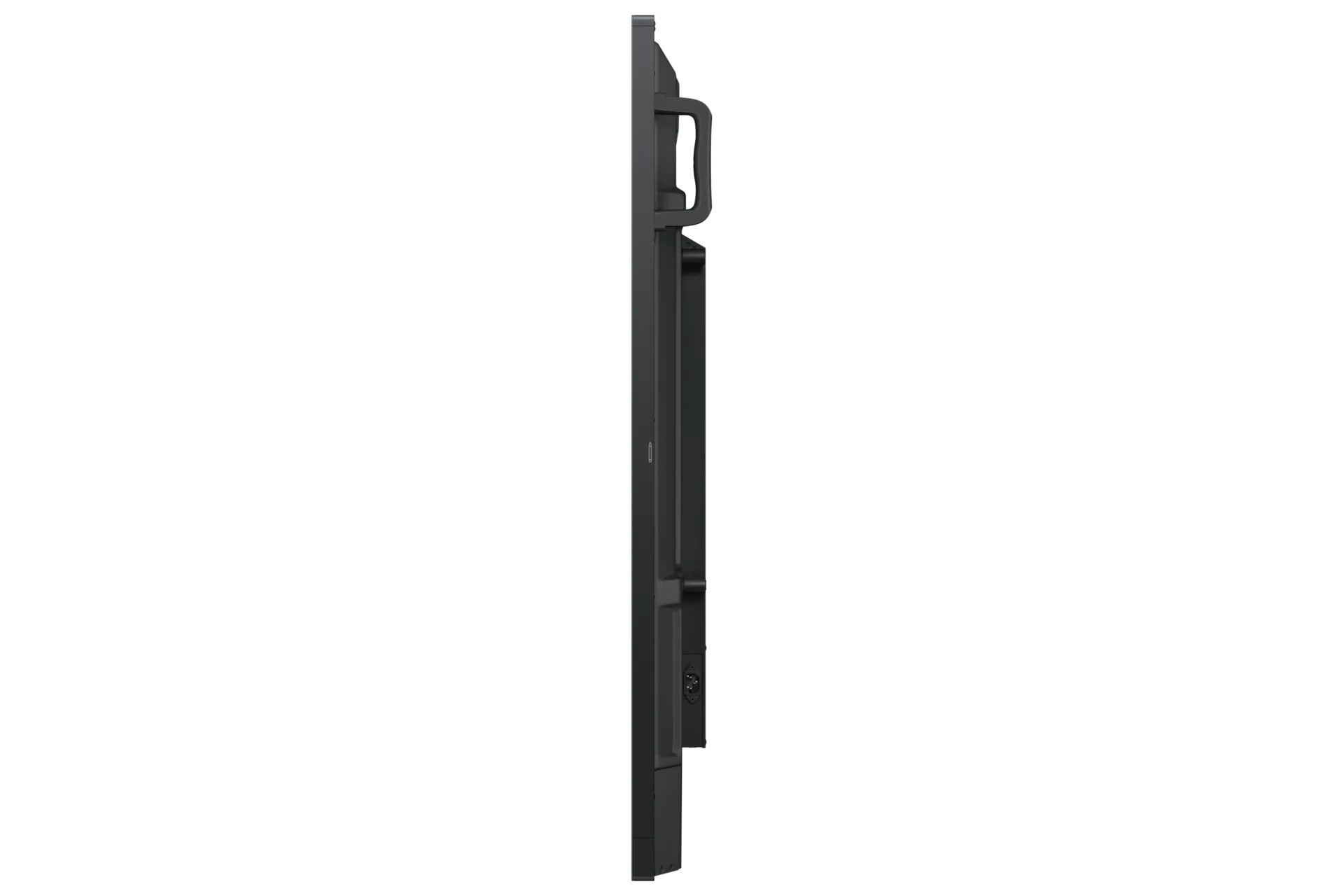
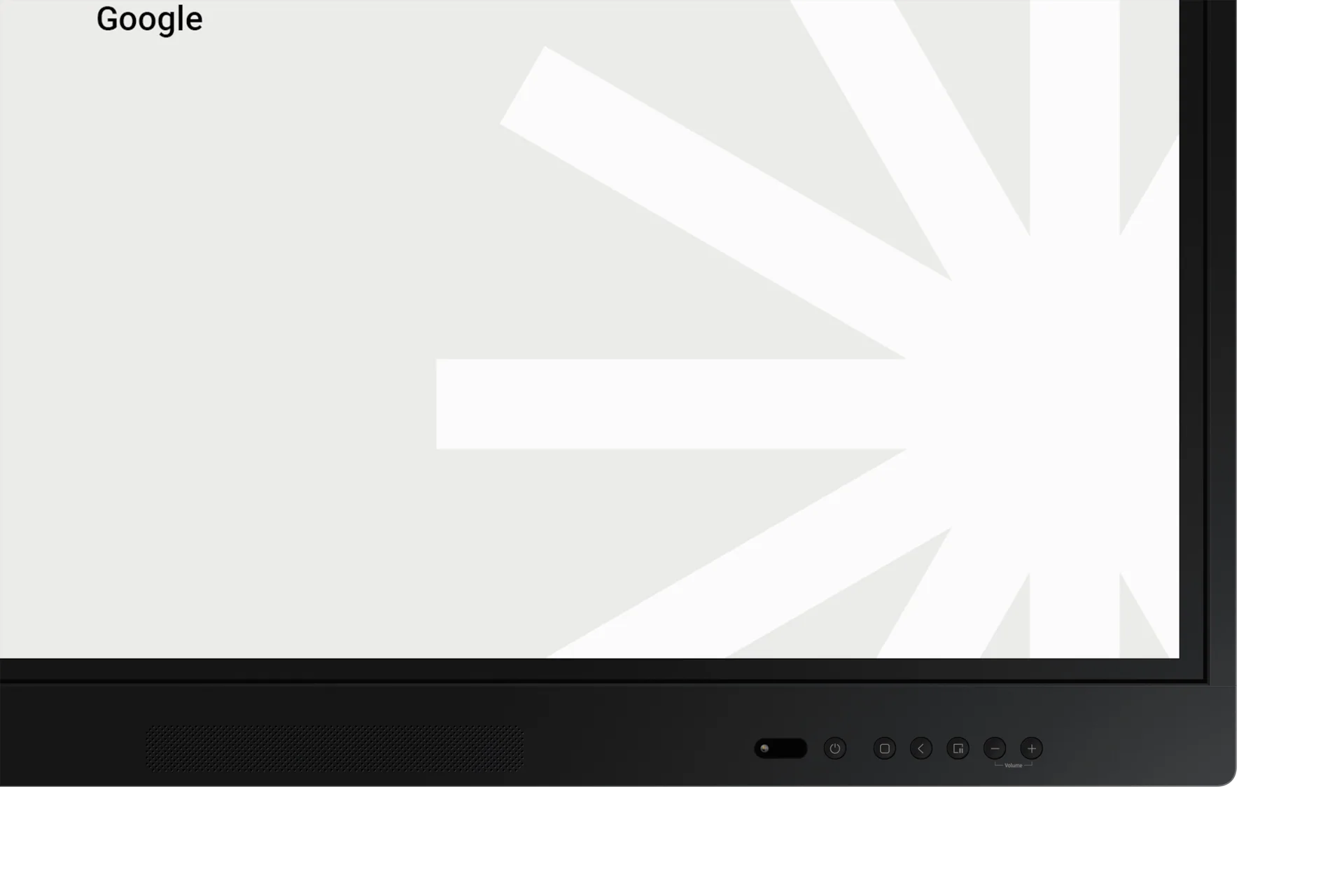
The Samsung WA65F-65" is a high-performance 65-inch Interactive Display designed to transform education and business collaboration. It features brilliant 4K UHD (3840 x 2160) resolution…
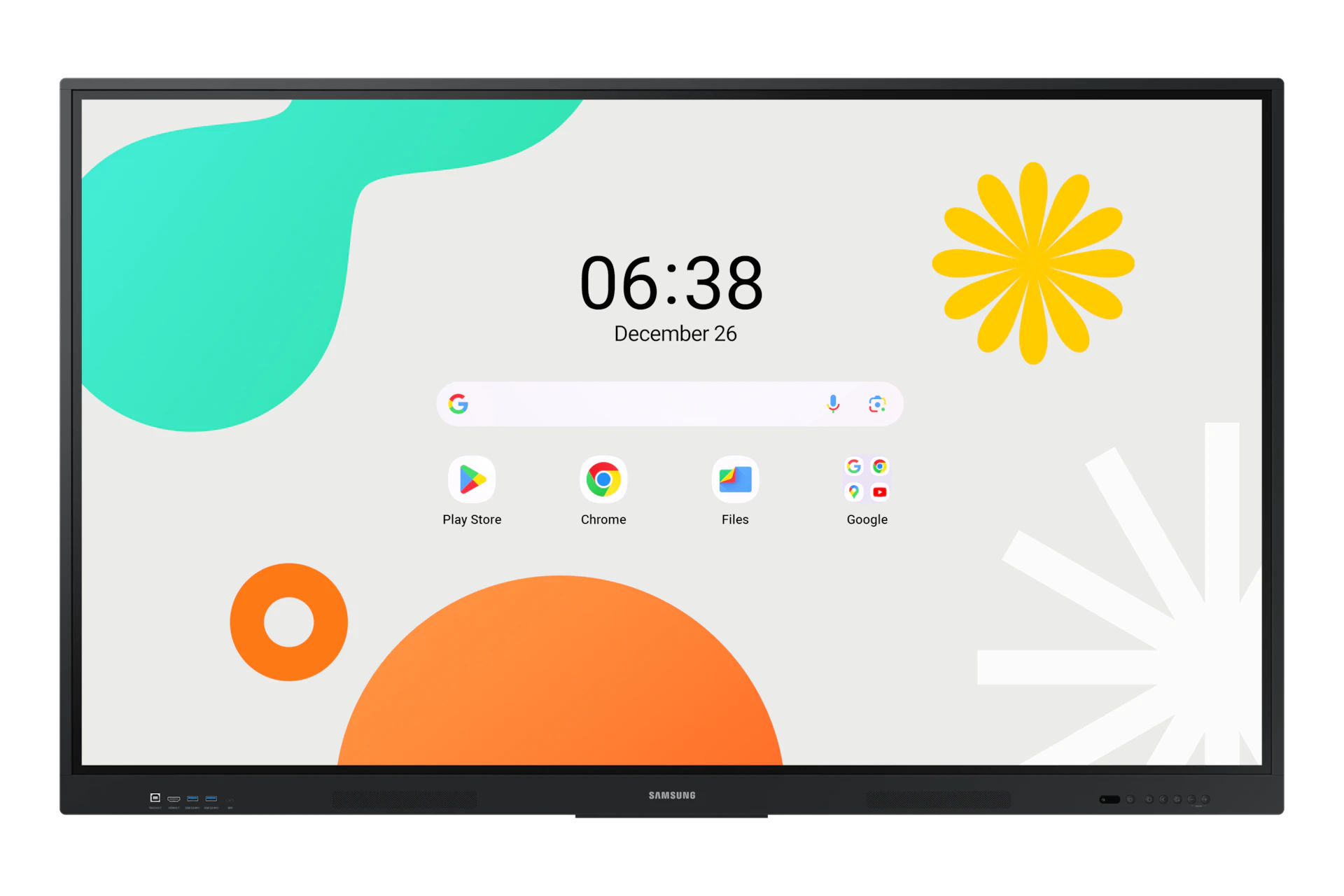
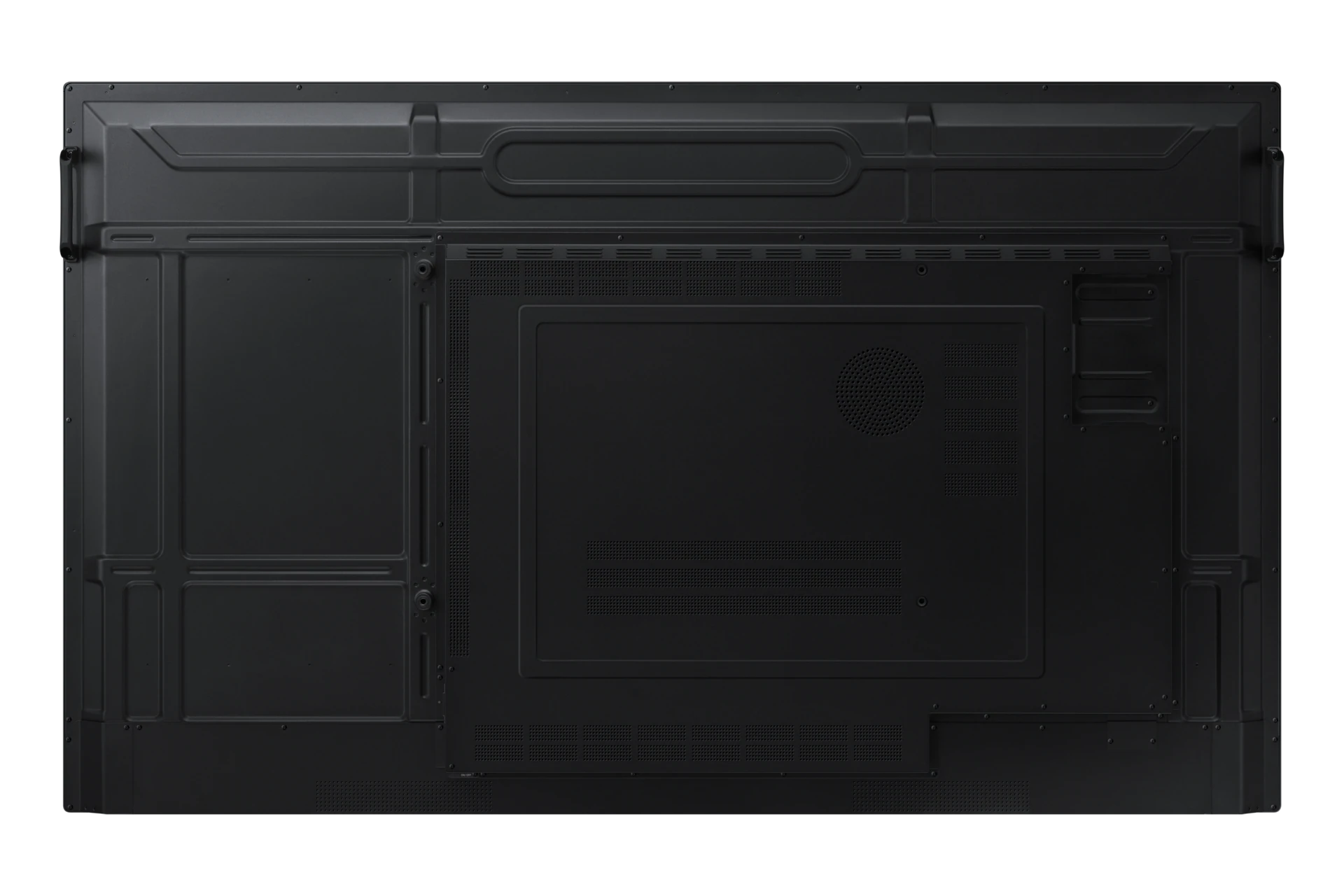
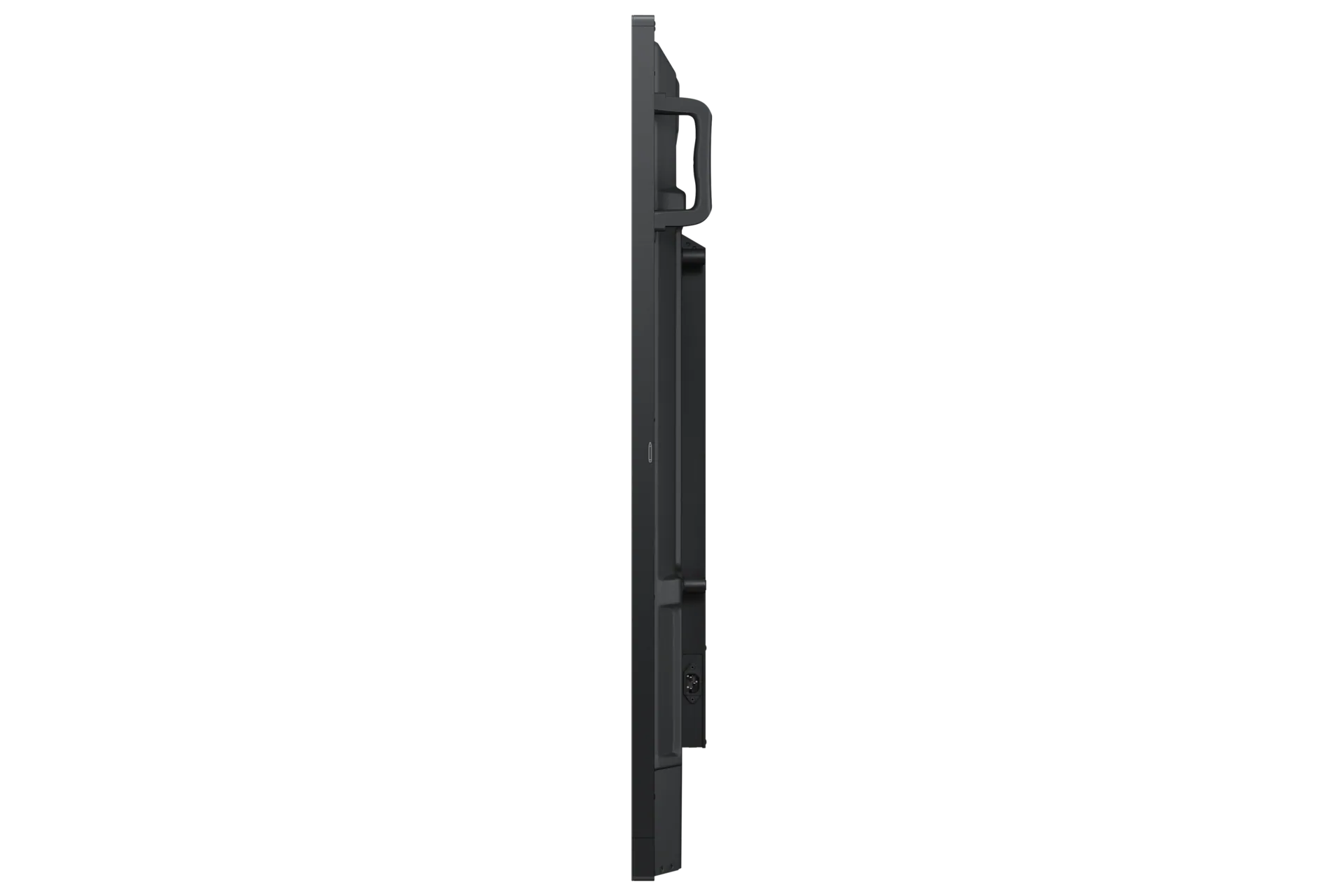
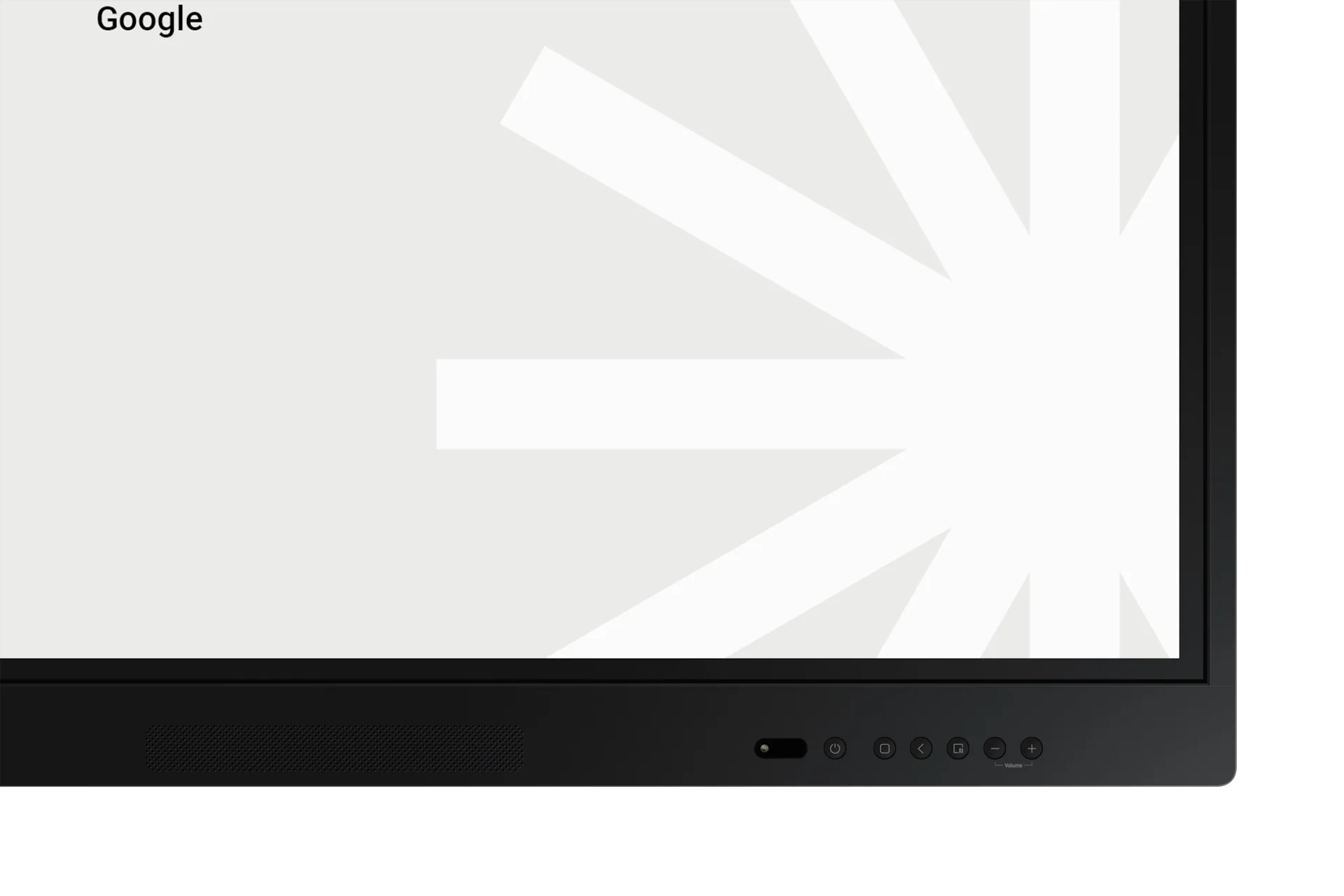
The Samsung WA86F is an 86-inch 4K UHD interactive display designed to transform education and collaboration spaces. Running on the intuitive Android OS with Google…
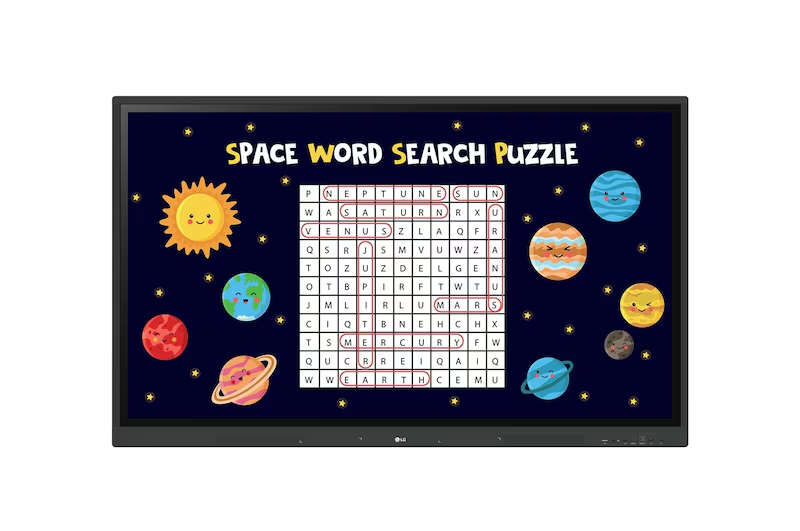
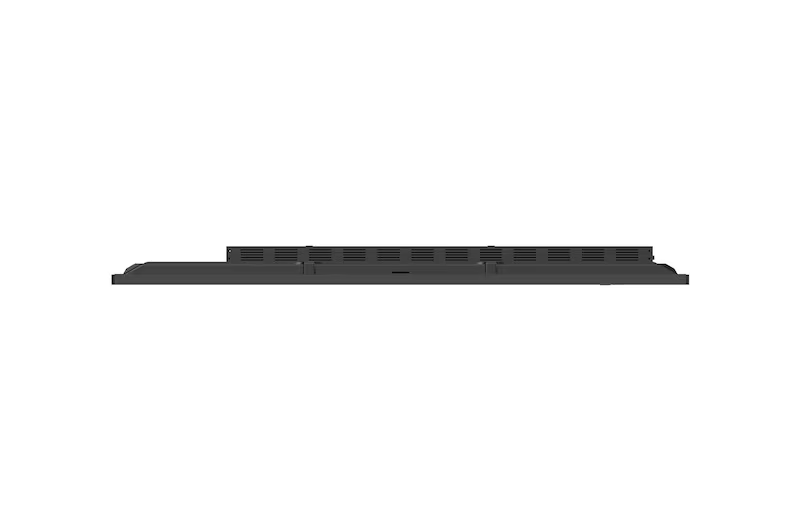
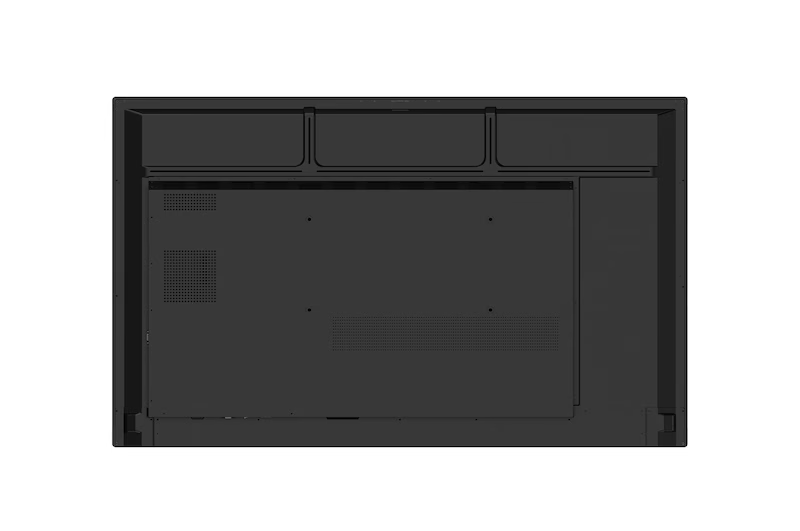

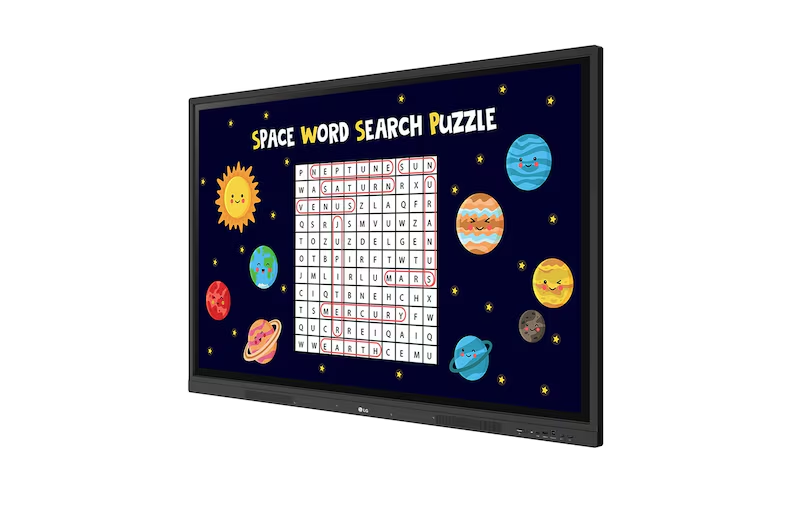
The LG CreateBoard Interactive Panel (55TR3DK-55") is a powerful centerpiece for modern collaboration and learning, designed to make every presentation dynamic and responsive. Featuring a…
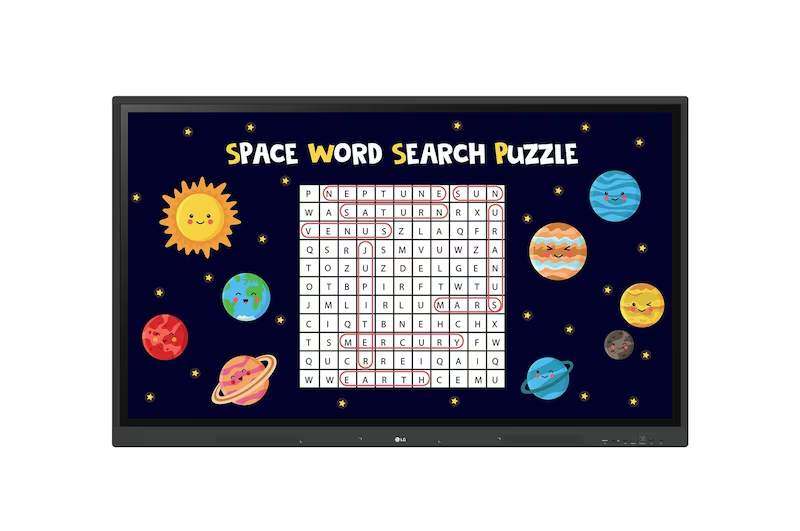
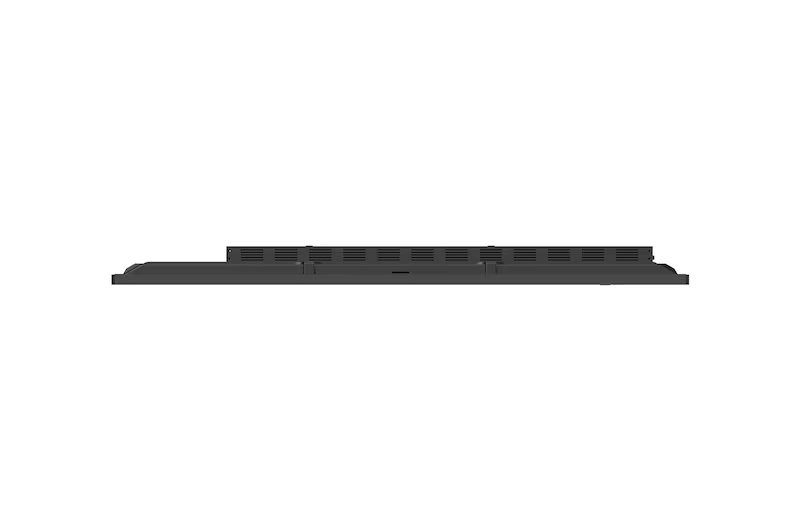
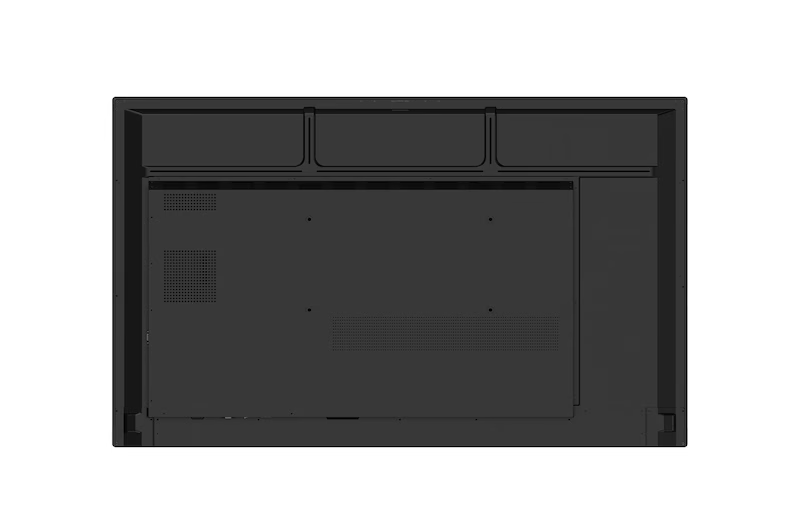

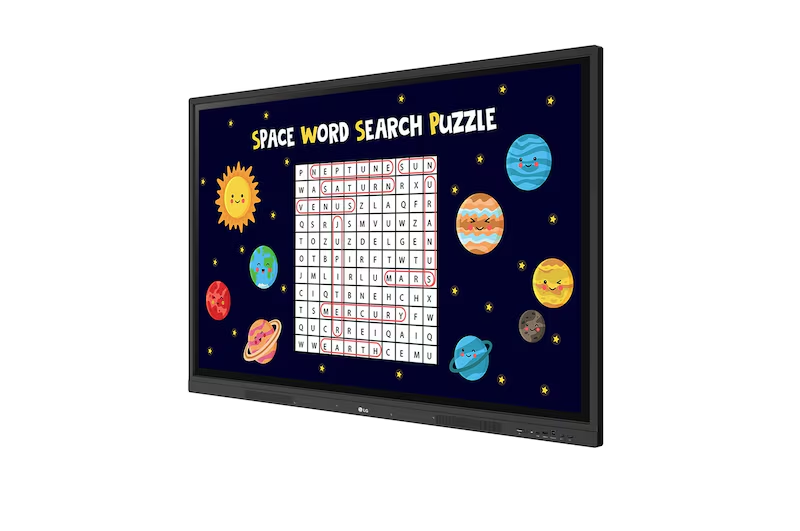
The LG CreateBoard Interactive Panel (65TR3DK-65") is a powerful centerpiece for modern collaboration and learning, designed to make every interaction intuitive and impactful. Featuring a…
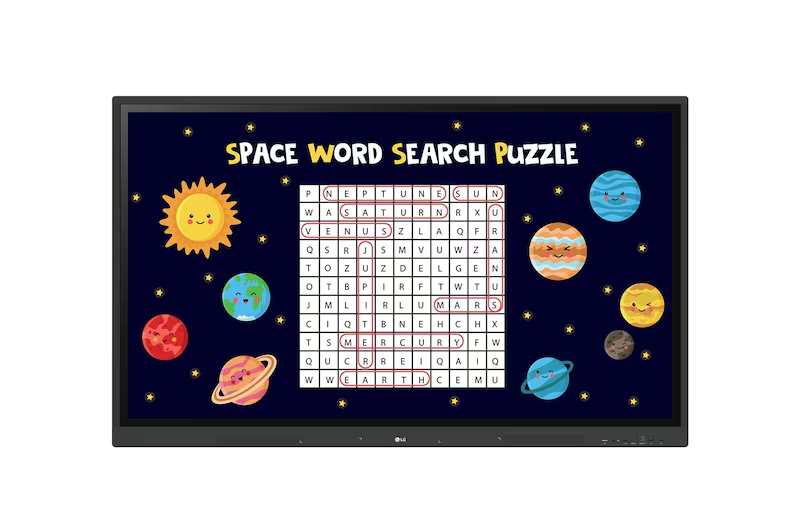
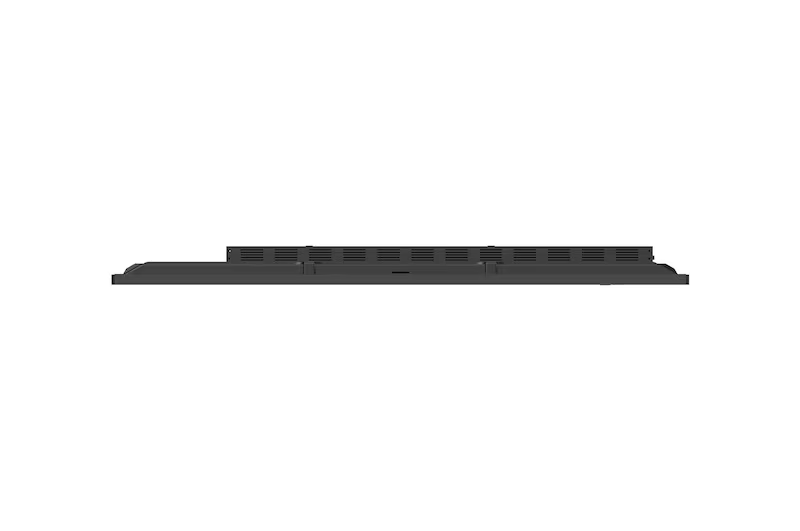
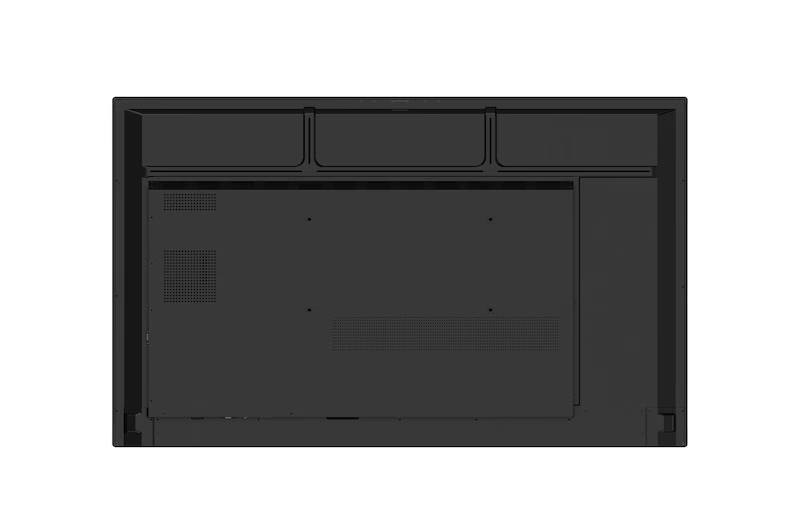

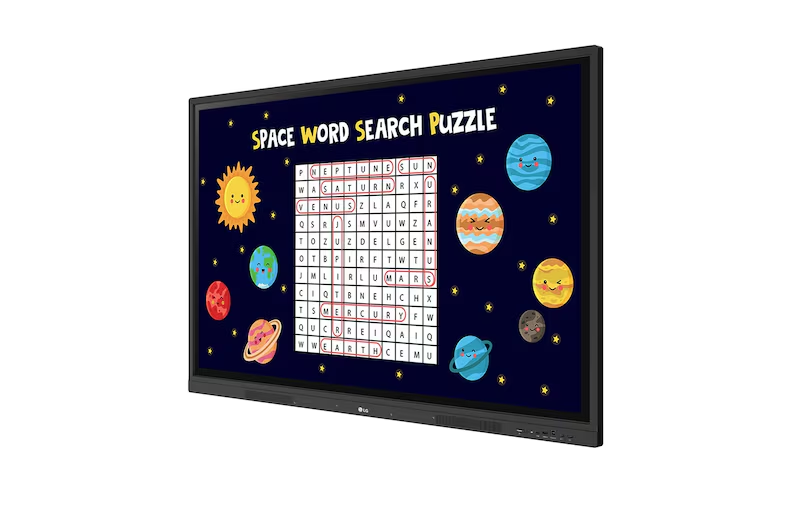
The LG CreateBoard Interactive Panel (75TR3DK-75") is a powerful centerpiece for modern collaboration and learning environments. This 75-inch panel delivers stunning clarity with its 3,840…
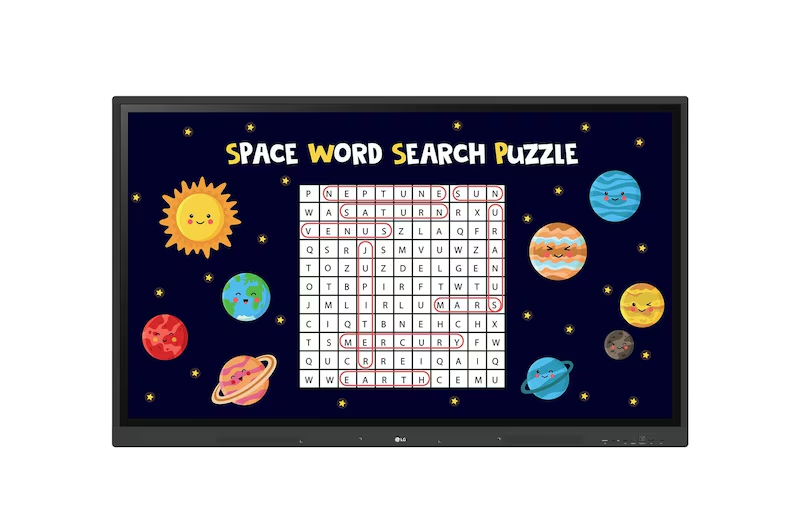
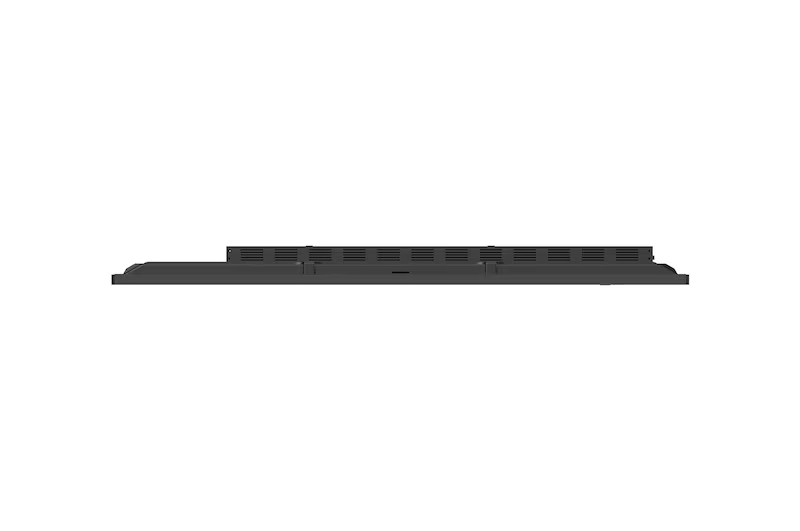
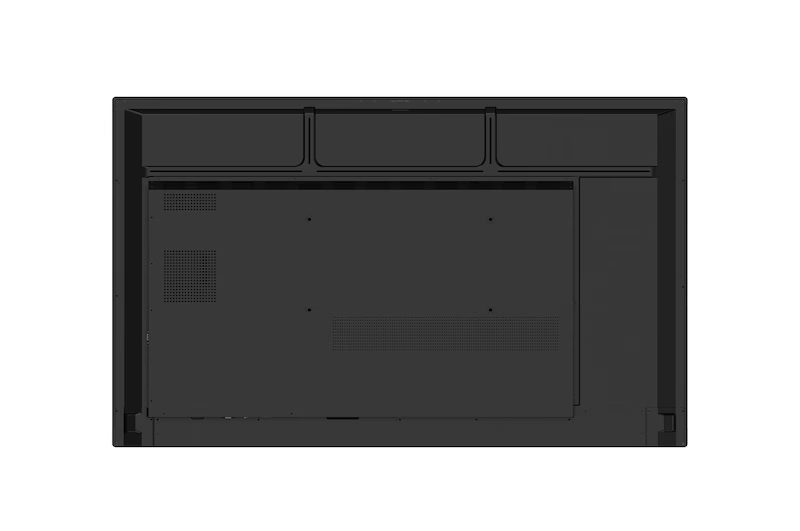

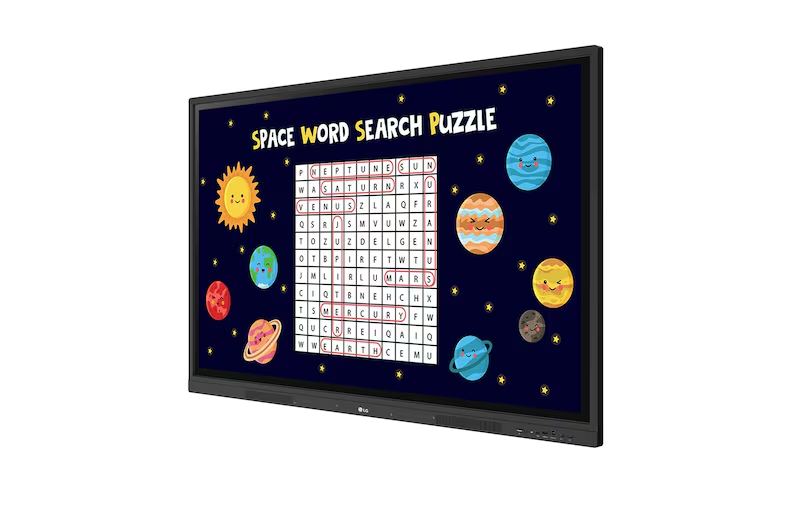
The LG CreateBoard Interactive Panel (86TR3DK) is a powerful 86-inch display designed to maximize collaboration and engagement in any setting. Boasting a brilliant 440 nit…


The DeltaView Blaze 65" Smart Board is designed to revolutionize data education by delivering engaging, hands-on learning experiences that bring complex information to life. It…


The DeltaView Blaze 75" Smart Board is designed to revolutionize data education by delivering engaging, hands-on learning experiences that bring complex information to life. It…


The DeltaView Blaze 86" Smart Board is designed to revolutionize data education by delivering engaging, hands-on learning experiences that bring complex information to life. It…


The DeltaView Blaze 98" Smart Board is designed to revolutionize data education by delivering engaging, hands-on learning experiences that bring complex information to life. It…


The DeltaView Blaze 110" Smart Board is designed to revolutionize data education by delivering engaging, hands-on learning experiences that bring complex information to life. It…
A smart whiteboard for classroom use is a touch-enabled display that replaces the traditional whiteboard, projector, and computer with one connected device. This guide covers how smart boards work, pricing in India, brand comparisons (Samsung, BenQ, MAXHUB, LG, ViewSonic), classroom size recommendations, a full buying checklist, and answers to 30 common questions — so you can choose the right interactive panel for your school, college, or training center.
Education in India is shifting from static, one-way teaching to interactive, technology-led classrooms.
A smart whiteboard for classroom use is no longer an optional upgrade — it has become core infrastructure for schools, colleges, coaching institutes, and corporate training rooms that want to deliver engaging, hybrid-ready lessons.
At Elactree, we supply and install premium interactive smart boards for teaching from Samsung, BenQ, MAXHUB, LG, and ViewSonic, backed by professional installation, teacher training, warranty support, and PAN India delivery.
Image suggestion: Hero banner — teacher using a 75” interactive panel in a classroom, students engaged, natural lighting.
A smart whiteboard for classroom use is an interactive touch display that combines a digital whiteboard, computer, projector, and collaboration platform into a single device.
Teachers write digitally, annotate content, play multimedia, browse the internet, and run quizzes — all with multi-touch support for several users at once.
Unlike a projector, a smart board delivers sharp 4K visuals in normal room lighting and needs no dim-light setup, lamp replacement, or manual focus adjustment.
Most interactive panels run on a built-in Android operating system, with an optional Windows OPS (Open Pluggable Specification) module for full desktop software.
Teachers and students interact directly with a finger or stylus.
A modern smart board lets you:
Common hardware and software features include:
Schools are replacing chalkboards, whiteboards, and projectors with smart boards because they raise student engagement, simplify lesson delivery, and align with India's NEP 2020 push toward experiential, technology-enabled learning.
Reason | Impact on Classroom |
| Better student engagement | Videos, quizzes, and animations keep students active participants |
| Hybrid learning support | One device runs both offline and online classes |
| Digital classroom environment | Textbooks, apps, and online resources in a single interface |
| Higher teacher productivity | Lessons prepared once, reused, and shared instantly |
| NEP 2020 alignment | Encourages experiential, technology-enabled teaching methods |
| Improved learning outcomes | Visual learning aids concept clarity and retention |
| Paperless teaching | Notes stored and shared digitally |
| Collaborative learning | Multiple students interact at once via multi-touch |
A smart board improves lesson delivery, boosts participation, and creates a more engaging digital classroom — while reducing the maintenance overhead of projectors.
A smart whiteboard outperforms a traditional whiteboard on every functional dimension except purchase price — it adds multimedia, internet access, cloud storage, and collaboration that a marker-and-board setup simply cannot offer.
Feature | Smart Whiteboard | Traditional Whiteboard |
| Writing | Digital, stylus or finger | Marker only |
| Multimedia support | ✅ Video, audio, PDF, PPT | ❌ None |
| Internet access | ✅ Yes | ❌ No |
| Touch interaction | ✅ Up to 40 points | ❌ No |
| Save notes | ✅ Cloud & local | ❌ No |
| Wireless screen sharing | ✅ Yes | ❌ No |
| Online teaching | ✅ Zoom, Teams, Meet | ❌ No |
| Student collaboration | ✅ Multi-user | ❌ Single user at a time |
| AI teaching tools | ✅ Available | ❌ No |
Choose a smart whiteboard if you want:
In everyday use, "smart board" and "interactive panel" refer to the same category of touch-enabled classroom display.
The terms are used interchangeably; what actually differs between models is the software ecosystem, Android version, EDLA certification, and after-sales support — not the underlying hardware concept.
Feature | Smart Board | Interactive Panel |
| Touch display | ✅ | ✅ |
| Android OS | ✅ | ✅ |
| Whiteboard software | ✅ Included | ✅ Included |
| Wireless sharing | ✅ | ✅ |
| OPS support | ✅ | ✅ |
| 4K display | ✅ | ✅ |
| Classroom-optimized software | Usually yes | Depends on brand |
| Video conferencing | Supported | Supported |
What actually differentiates models:
Replacing a projector with a smart board removes shadows, dim visuals, lamp replacements, and alignment problems.
Smart boards stay bright in normal room lighting, respond to touch, and cost less to maintain over their lifetime.
Feature | Smart Board | Projector |
| Image quality | 4K UHD | Depends on ambient lighting |
| Brightness | Consistently bright | Reduced in bright rooms |
| Touch support | Built-in | Limited or requires add-on |
| Shadow-free writing | ✅ Yes | ❌ No |
| Lamp replacement | Not required | Required periodically |
| Maintenance | Low | Higher |
| Internet access | Built-in | Needs external device |
| Screen sharing | Wireless | Usually wired |
| Lifespan | Commercial-grade, long-lasting | Limited by lamp life |
Why schools prefer smart boards:
Samsung interactive displays are known for premium build quality and enterprise-grade security, while BenQ focuses on education-specific software and eye-care features. Both are strong choices; the right pick depends on whether your priority is display quality or classroom-management software.
Factor | Samsung | BenQ |
| Panel quality | Premium 4K UHD | 4K UHD, education-tuned |
| Software focus | General collaboration + security | Classroom management tools |
| EDLA certification | Available on select models | Available on select models |
| Eye-care technology | Low blue light | Dedicated eye-care suite |
| Best suited for | Premium schools, universities, corporate | Schools, coaching institutes, colleges |
| AI writing tools | Yes | Yes |
Both brands are available through Elactree with OEM warranty and professional installation.
The built-in Android system handles everyday teaching tasks — presentations, whiteboarding, browsing, and video calls — without an external computer.
A Windows OPS module is worth adding only if your institution depends on specific Windows-only software, such as advanced engineering or design tools.
Factor | Android (Built-in) | Windows OPS Module |
| Setup | Ready out of the box | Requires OPS slot + Windows license |
| Best for | Daily teaching, presentations, browsing | Specialized Windows-only software |
| Cost | Included | Additional hardware + OS cost |
| Maintenance | Minimal | Standard PC maintenance applies |
| Performance for classroom apps | Excellent | Excellent, more resource-intensive |
| Recommended for most schools | ✅ Yes | Only if Windows software is essential |
Guidance: Start with Android for general classroom use. Add an OPS module only where a specific application genuinely requires Windows.
The right screen size depends on room dimensions, student strength, and viewing distance — not budget alone.
Under-sizing a display hurts visibility from the back rows; over-sizing wastes budget in small rooms.
Display Size | Recommended Room Size | Ideal Student Capacity |
| 65” | Small classrooms, tuition rooms | 15–30 students |
| 75” | Medium classrooms (most popular) | 30–50 students |
| 86” | Large classrooms, lecture halls | 50–80 students |
| 98” | Auditoriums, large training rooms | 80+ students |
Best for coaching institutes, small classrooms, and meeting rooms — budget-friendly, compact, and easy to install.
The most common choice for CBSE, ICSE, and state-board schools — balances price, visibility, and demand.
Suited to engineering colleges, universities, and large classrooms needing bigger, more collaborative displays.
Built for conference halls, auditoriums, and government institutions with very large audiences.
Before buying a smart whiteboard for classroom use, evaluate classroom size, budget, student capacity, Android version, RAM/storage, EDLA certification, warranty, installation, teacher training, and AMC availability together — not price in isolation.
Compare display quality, Android version, touch accuracy, warranty, and support — not just sticker price. A slightly higher upfront cost often lowers total cost of ownership.
Choose the latest available Android version for better security, performance, and app compatibility.
Android 15 is currently recommended for new deployments.
For smooth multitasking with multiple apps, browsers, and video calls open at once, look for at least:
on entry models, and
on premium models used for heavier workloads.
EDLA-certified boards give secure, official access to Google Play, Classroom, Drive, Docs, Sheets, and Meet — important for institutions standardized on Google Workspace for Education.
Look for:
for a natural writing experience.
Prioritize:
A capable CPU, sufficient RAM, fast storage, and AI acceleration ensure smooth multitasking and quick app launches.
An OPS slot lets you add a Windows PC module later for Microsoft Office or specialized software — useful for future-proofing without committing to it upfront.
Confirm:
for flexible device integration.
Check manufacturer warranty length, professional installation service, wall-mounting safety, and cable management.
Choose a vendor that includes hands-on teacher onboarding — adoption fails when staff aren't trained on the software.
An AMC covers preventive maintenance, software updates, and priority support after the warranty period ends, protecting your investment long-term.
Beyond basic touch interaction, advanced features determine how much time a smart board saves teachers and how well it integrates with existing school systems.
Explore related Elactree solutions:
Smart whiteboards are used far beyond classrooms — schools, colleges, coaching institutes, corporate offices, training centers, and government bodies all use interactive displays for teaching, presentations, and collaboration.
(CBSE, ICSE, state board, international, K-12)
(Engineering, medical, MBA, polytechnic)
(IIT-JEE, NEET, UPSC, SSC, Banking, Language)
A 40-classroom CBSE school replaced projectors with 75” EDLA-certified smart boards across all sections.
Teachers reported faster lesson prep using saved digital notes, and administrators noted improved Google Classroom integration for homework tracking.
A private engineering college installed 86” interactive panels in three large lecture halls to support CAD walkthroughs and live technical demonstrations, replacing dim projector setups that made detailed diagrams hard to read from the back rows.
A coaching center preparing students for JEE and NEET adopted 75” smart boards with lesson-recording features, allowing students to revisit recorded problem-solving sessions — a workflow that was not possible with a standard whiteboard.
Elactree partners with globally recognized OEMs — Samsung, BenQ, MAXHUB, LG, and ViewSonic — so institutions can choose based on budget, software ecosystem, and support needs, all backed by manufacturer warranty.
Premium 4K panels, enterprise-grade security, smooth performance.
Best for premium schools, universities, and corporate offices.
Education-focused software, EDLA-certified models, eye-care technology, classroom management tools.
Best for schools, coaching institutes, and colleges.
Strong collaboration features, Android 15, AI camera, and built-in microphone support.
Best for training centers, corporate meeting rooms, and hybrid learning.
Intuitive whiteboard software, anti-glare display, low maintenance.
Commercial-grade panels, accurate color reproduction, enterprise security, professional installation support.
Buying from Elactree means consultation, installation, training, and long-term support — not just hardware.
We help institutions across India select, deploy, and maintain interactive display solutions with genuine OEM backing.
Smart board prices in India vary by screen size, brand, Android version, EDLA certification, touch technology, and included accessories.
Rather than comparing price alone, evaluate the total package — installation, training, warranty, and AMC — for accurate long-term value.
A smart whiteboard is an interactive touch display that combines a digital whiteboard, computer, projector, and collaboration software in one device. Teachers write, annotate, play multimedia, run online classes, and save notes digitally, replacing the need for separate equipment in the classroom.
A smart board adds touch interaction, 4K display, multimedia playback, internet access, cloud storage, and real-time collaboration—making lessons more engaging and content easier to reuse across sessions.
"Smart board" often emphasizes the teaching software, while "interactive panel" refers to the hardware display. Most modern products combine both, so the distinction rarely matters when comparing options.
Smart boards give brighter visuals in normal lighting, built-in touch response, and lower long-term maintenance, since there's no lamp to replace or image alignment to manage.
Match the size to your room and back-row viewing distance.
Most interactive panels support up to 40-point multi-touch, letting several students and the teacher interact with the display simultaneously during group activities.
Most smart boards run a built-in Android operating system that handles everyday teaching tasks.
For Windows-specific software, an optional OPS module can be added later.
They support Wi-Fi, LAN, and Bluetooth connectivity, giving direct access to online resources, cloud storage, and video conferencing platforms.
Yes, particularly EDLA-certified models, which offer verified access to Google Classroom, Drive, Docs, Sheets, and Meet as part of Google Workspace for Education.
Notes can be saved locally, exported as PDF or image files, or synced to cloud storage, so lessons can be reused or shared with students afterward.
Teachers and students can mirror content from laptops, tablets, or smartphones to the display without connecting cables.
Most current models run Android 13, 14, or 15, with many also supporting Windows through an optional OPS module for institutions needing desktop-grade software.
Evaluate:
rather than any single factor alone.
EDLA (Education Device Licensing Agreement) certification gives a device official, secure access to Google Workspace apps and services, improving compatibility and long-term software support for schools.
They integrate with Zoom, Microsoft Teams, and Google Meet, making them suitable for both in-person and hybrid or fully online teaching formats.
Smart boards are used in:
Many premium models include AI-powered handwriting recognition that converts handwritten notes into editable digital text, useful for saving structured lesson content.
Younger students benefit from animations, videos, and interactive games, which typically hold attention better than static teaching methods.
Commercial-grade interactive displays are generally rated for 50,000+ hours of use, though actual lifespan depends on daily usage patterns and maintenance.
Elactree offers professional installation, wall mounting, network configuration, software setup, and teacher training as part of its deployment service.
Products come with manufacturer warranty, and optional Annual Maintenance Contracts are available for preventive maintenance and priority support after the warranty period.
Elactree supplies interactive displays from: