March 17, 2026 Manisha Maurya
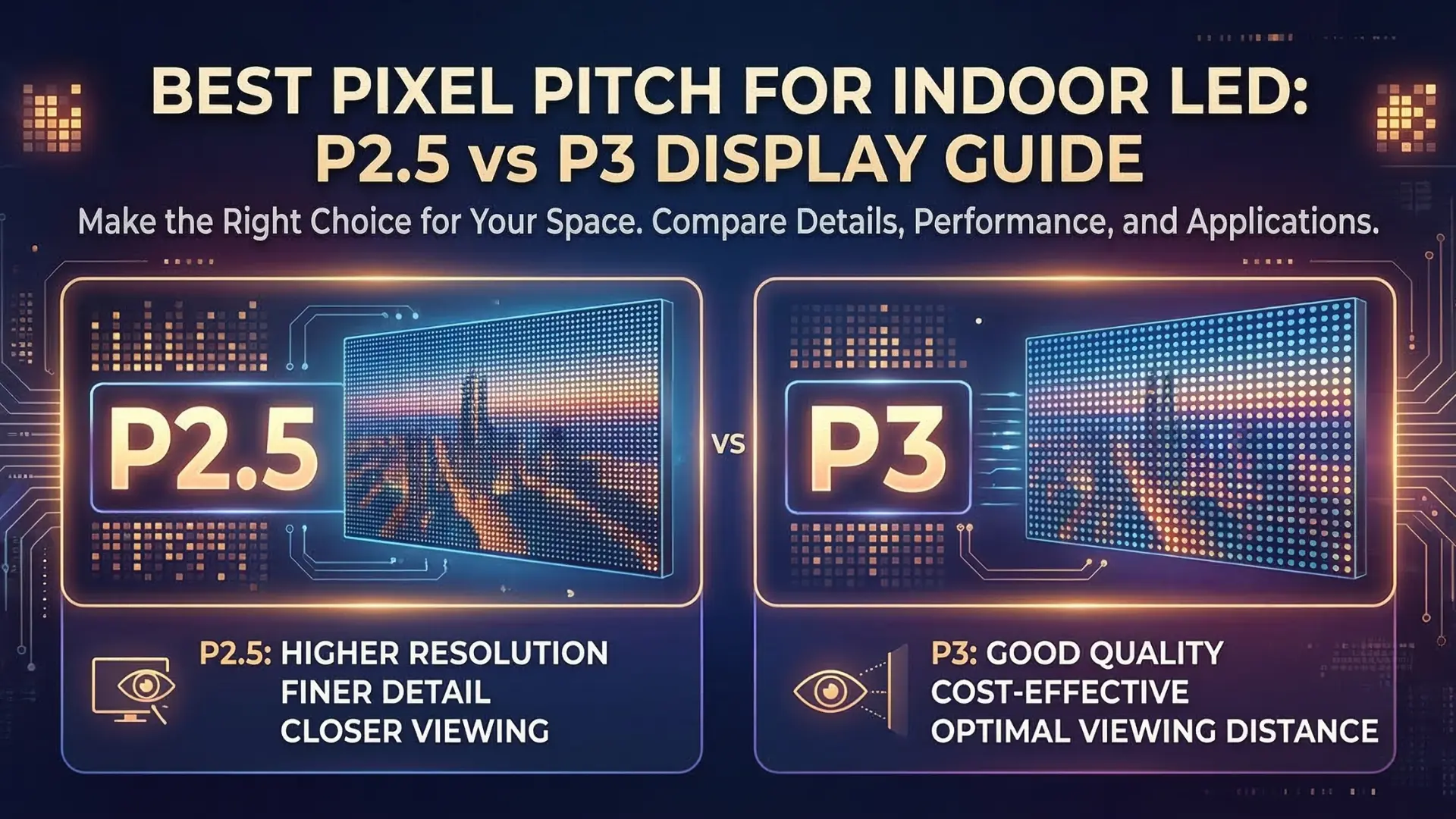
When investing in digital signage, the most critical technical specification you will encounter is pixel pitch. It determines the clarity of your content, the minimum distance your audience should stand, and—most importantly—your total project cost.
In the current 2026 market, the debate often settles between two industry workhorses: P2.5 and P3 LED displays. While they may look similar at a glance, the 0.5mm difference significantly impacts performance.
Pixel pitch refers to the center-to-center distance between two adjacent pixels (LED clusters), measured in millimeters.
A smaller pixel pitch means higher pixel density and higher resolution.
A larger pixel pitch means fewer pixels per square meter, which is more cost-effective for large-scale viewing.
To choose the right screen, you need to look at the numbers. Here is how P2.5 and P3 stack up against each other:
The difference in density is more drastic than the numbers suggest:
P2.5 LED: Approximately 160,000 pixels per square meter.
P3 LED: Approximately 111,111 pixels per square meter.
By choosing P2.5, you gain nearly 44% more pixels, resulting in significantly sharper text and more lifelike imagery.
The "Golden Rule" for pixel pitch is that the pitch in millimeters equals the minimum comfortable viewing distance in meters.
P2.5: Best viewed from 2.5 meters (8 feet) or more.
P3: Best viewed from 3 meters (10 feet) or more.
If your audience is standing in a narrow hallway or a small boutique, P2.5 is essential to prevent "pixelation" (where the viewer sees individual dots instead of a smooth image).
In 2026, P3 remains the "value leader" for large indoor spaces. Because it requires fewer LED lamps and less complex driver ICs, a P3 display is typically 20% to 30% cheaper than a P2.5 display of the same size.
| Application | Recommended Pitch | Why? |
| Corporate Boardrooms | P2.5 | High resolution for spreadsheets and text. |
| Retail Window Displays | P2.5 | Sharp visuals for close-up foot traffic. |
| Church Altars / Auditoriums | P3 | Large scale viewing from a distance. |
| Shopping Mall Atriums | P3 | Balanced cost for massive displays. |
| Control Rooms | P1.5 - P2.0 | Requires ultra-fine detail for monitoring. |
The "best" pixel pitch isn't the smallest one; it is the one that fits your viewing environment.
Choose P2.5 if your viewers are closer than 3 meters or if you are displaying high-detail content like fine text or 4K video.
Choose P3 for larger venues where the audience is further away, allowing you to get a bigger screen for less money.
Yes, if you are standing within 2 meters of the screen, the P3 will look "grainy," while the P2.5 will appear much smoother. At 5 meters away, the difference becomes almost indistinguishable to the human eye.
Resolution depends on the total size of the screen. To reach a standard 1080p Full HD resolution with P2.5, your screen needs to be approximately 4.8 meters wide by 2.7 meters high.
Generally, yes. Because P2.5 has more LEDs per square meter, it typically consumes more power and generates more heat than a P3 display of the same brightness.
P3 modules are slightly more robust because the LEDs are spaced further apart, making them easier to handle during installation. P2.5 requires more delicate care.
No. While "fine pixel pitch" (sub-2mm) is growing, P2.5 remains the industry standard for high-quality commercial indoor displays due to its balance of price and performance.

 Interactive flat Panel
Interactive flat Panel
Interactive flat Panel
Interactive flat Panel
Interactive flat Panel
Interactive flat Panel
Interactive flat Panel
