May 01, 2026 Manisha Maurya
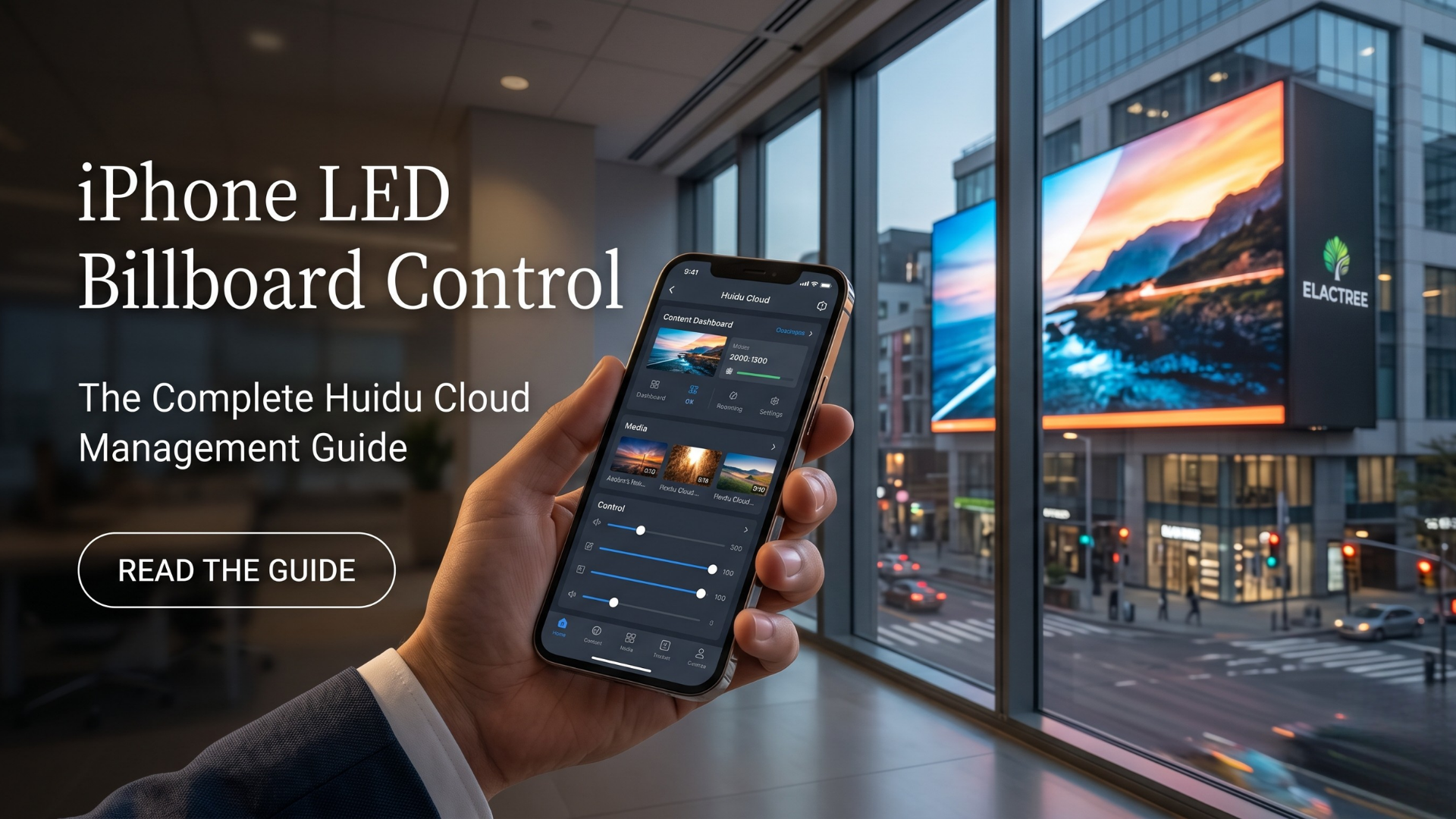
You can control a commercial LED billboard directly from an iPhone by utilizing Huidu cloud management and the LedArt mobile application.
Still using clunky laptops and data cables to update your commercial video walls? The era of tethered digital signage is officially over. Discover how Huidu cloud management and the LedArt app let you control, schedule, and update your high-impact LED billboards directly from your iPhone, anywhere in the world.
Table of Contents
The Evolution of Commercial Display Control
What is Huidu Cloud Management?
Core Features of the LedArt iPhone App
Step-by-Step: Setting Up Mobile Billboard Control
Upgrading Your Infrastructure with Elactree
Conclusion
Historically, managing digital signage required technicians to be physically present at the installation site. Updating a simple promotional video on a billboard meant connecting a laptop via ethernet or serial cables to a receiving card.
Today, modern hardware has transformed this workflow. With robust asynchronous control systems, businesses can execute real-time content strategies from the palm of their hand.
Huidu technology provides advanced hardware and software ecosystems for commercial displays. Their cloud management system bridges the gap between complex video wall processors and user-friendly software interfaces.
Whether you are managing a single active LED display in a retail storefront or a network of outdoor digital billboards across a corporate campus, Huidu's infrastructure allows for centralized, wireless oversight. The system stores your media securely and pushes instructions instantly to the hardware.
The LedArt app is the mobile command center for Huidu controllers.
Wireless AP Connection: The app connects directly to the Wi-Fi hotspot generated by the LED controller.
Multi-Layer Editing: You can add and position text, images, videos, and digital clocks onto your display canvas using an intuitive drag-and-drop interface.
Smart Scheduling: Program specific advertisements or corporate messaging to run at designated times of the day, ensuring highly targeted communication.
Hardware Control: Adjust panel brightness, switch the screen on or off, and perform firmware updates remotely to maintain hardware health.
Step-by-Step: Setting Up Mobile Billboard Control
Deploying your first mobile-managed campaign is a straightforward process.
Install the Application: Download the LedArt app from the Apple App Store onto your iPhone.
Connect to the Controller: Navigate to your iPhone's Wi-Fi settings and connect to the network broadcasted by your Huidu hardware.
Create a New Program: Open the app, select your controller model, and define the pixel width and height of your specific LED billboard.
Design Your Layout: Upload your high-definition video files or images. Add any necessary text overlays or dynamic elements.
Send to Display: Tap the send button. The app will compile the data and push it wirelessly to the receiving card, updating the billboard instantly.
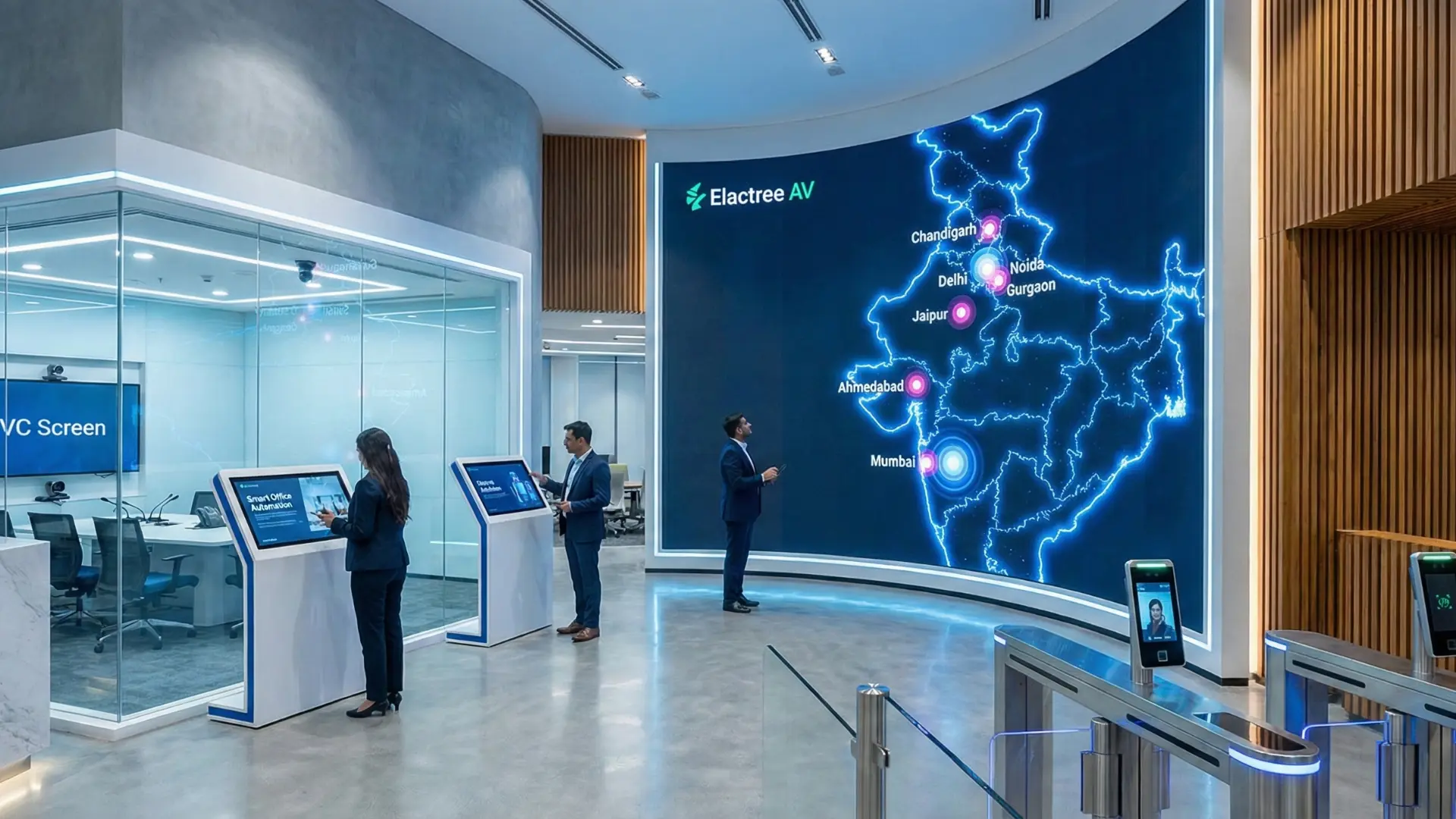
Software is only as reliable as the hardware it commands. At Elactree, we specialize in providing premium B2B commercial audiovisual hardware that integrates seamlessly with Huidu cloud management systems.
From selecting the correct Novastar or Huidu receiving cards to deploying interactive flat panels for corporate environments, our technical team ensures your digital signage is optimized for maximum uptime and visual impact.
Transitioning to iPhone LED billboard control eliminates operational bottlenecks, allowing your marketing and IT teams to update digital assets in real-time. By leveraging the LedArt app, you maintain complete creative and technical control over your displays without the hassle of hardwired connections.
Ready to modernize your commercial display network? Contact the experts at Elactree today to explore our catalog of high-performance LED controllers and digital signage solutions tailored to your business needs.
Author Note:
Written by Manya, Senior Technical Consultant at Elactree. With extensive experience deploying commercial audiovisual hardware and Active LED video walls across major commercial hubs, Manya specializes in bridging the gap between advanced digital signage technology and user-friendly control systems.
Yes, you can manage multiple LED displays through the Huidu LedArt app by using cluster management over a local area network. The app allows you to group different controllers, send synchronized programs, and adjust hardware parameters across your entire digital signage network simultaneously.
No internet connection is strictly required for local updates. You can connect your iPhone directly to the Huidu controller's built-in Wi-Fi hotspot using AP mode.
The application is designed specifically for Huidu hardware, including their full-color synchronous and asynchronous controllers, as well as single-color cards.