March 16, 2026 Manisha Maurya
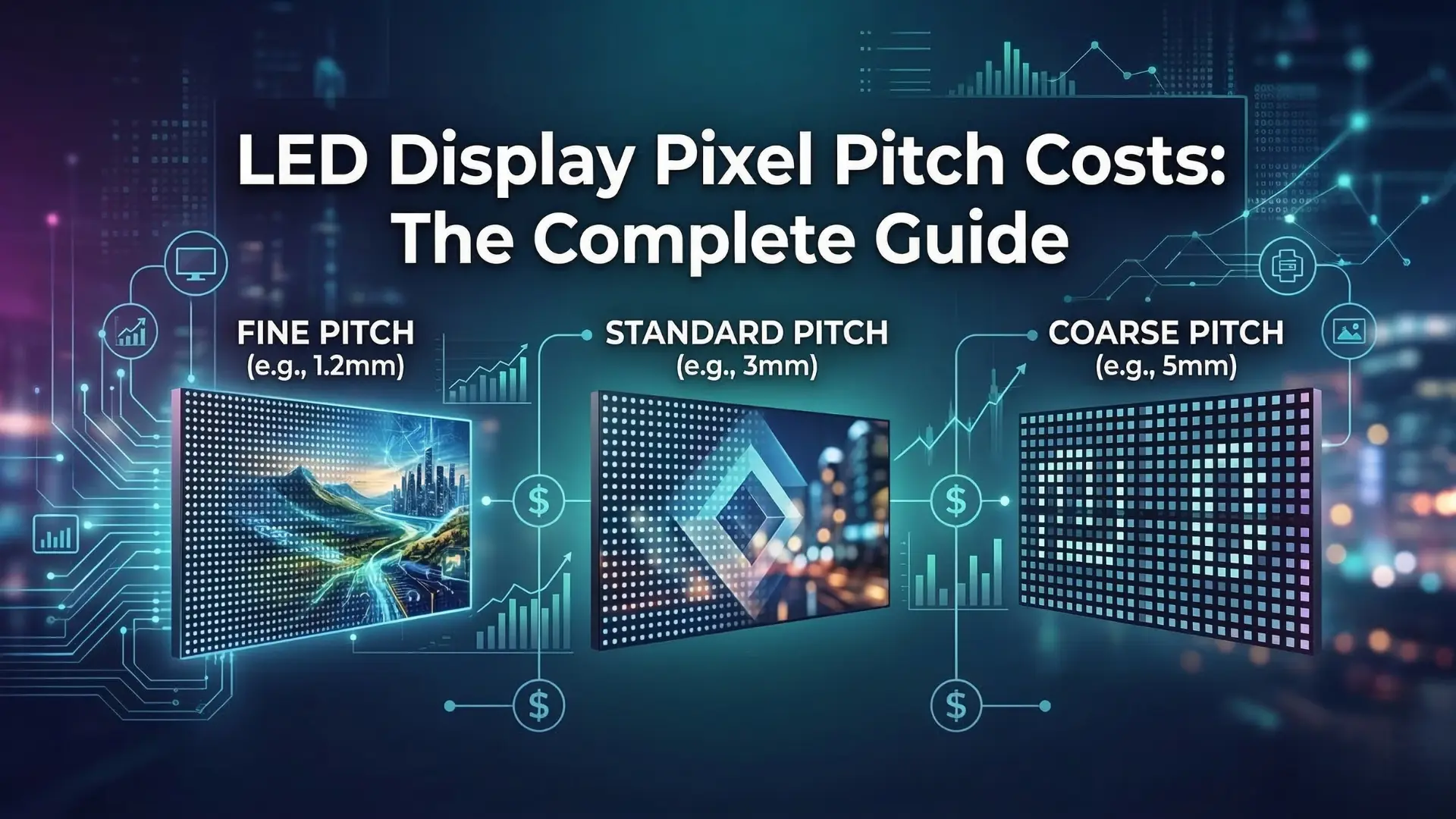
Investing in an Active LED video wall or digital display can transform a space, but navigating the pricing can be tricky. One of the single biggest factors influencing the price tag of your new screen is the "pixel pitch."
If you want to ensure you are getting the best return on investment without overpaying for unnecessary specifications, understanding how pixel pitch relates to cost is essential. Let's break down everything you need to know.
Before looking at the budget, it is important to understand the technology dictating the price.
Pixel pitch refers to the physical distance between the center of one LED pixel to the center of the adjacent LED pixel, usually measured in millimeters (mm).
If a display has a pixel pitch of P2.0, it means there are 2.0 millimeters between each pixel. A smaller number means the pixels are packed closer together, resulting in a higher pixel density and a much sharper image.
The general rule of thumb for digital displays is that the pixel pitch directly dictates the optimal viewing distance. A P2.5 screen will look crisp and clear from about 2.5 meters away. If your audience is further back, you can easily get away with a higher pixel pitch without sacrificing perceived image quality.
When you request a quote for an LED display, the pixel pitch will be the primary variable driving the cost per square meter.
A P1.5 display will cost significantly more than a P4.0 display of the exact same physical size.
A lower pixel pitch requires thousands of additional LED diodes to fill the same amount of space. This increases the cost of materials, the complexity of the manufacturing process, and the processing power required to run the display.
The goal is not to buy the lowest pixel pitch available; the goal is to buy the right pixel pitch for your space. Overspending on a P1.2 screen for a display that people will only ever view from 20 feet away is a common, costly mistake.
Different industries have completely different physical layouts and audience behaviors. Here is how to match the pitch to your application.
Retail environments demand high-resolution imagery to showcase products effectively.
In commercial spaces, customers often walk right up to the screens. If the pitch is too high, the image will look pixelated and ruin the premium feel of the brand.
For indoor retail showrooms, cafes, or high-end restaurants where foot traffic is close to the walls, a P1.8 to P2.5 display is usually the sweet spot for balancing sharp menus or promotional videos with a reasonable budget.
Educational institutions and corporate offices usually require much larger screens installed in vast spaces.
In a school auditorium or a large corporate training room, the front row of the audience might be 15 to 20 feet away from the screen.
Because the audience is seated further back, you can utilize a P2.5, P3, or even P4 display. This drastically lowers the cost per square meter, allowing you to build a massive, impressive video wall while staying well within the facility's budget.
It is worth noting that outdoor displays, like those used for drive-thrus or exterior school announcements, often use P6 to P10. Because they are viewed from cars or across streets, the lower density saves massive amounts of money while remaining perfectly legible.
While pixel pitch drives the panel cost, remember to budget for the complete ecosystem. Higher density screens draw more power and generate more heat. Be sure to factor in structural mounting, media players, content management software, and ongoing maintenance when calculating your total display investment.
1. Does a lower pixel pitch always mean a better display?
Not necessarily. While a lower pixel pitch provides higher resolution, it is only "better" if your audience is standing close enough to notice the difference. If viewed from a distance, a high and low pixel pitch screen will look identical to the human eye.
2. What pixel pitch do I need for a conference room smart board?
For interactive panels and smart boards where users are touching the screen and reading fine text, a very tight pixel pitch (usually P1.2 to P1.5, or a standard 4K LCD panel) is required to prevent eye strain.
3. How do I calculate the optimal viewing distance for an LED wall?
A simple industry formula is: Pixel Pitch (in mm) = Minimum Viewing Distance (in meters). Therefore, a P3 display looks best from 3 meters (about 10 feet) away or further.
4. Why are outdoor LED displays cheaper per square meter than indoor ones?
Outdoor displays typically have a much higher pixel pitch (P6 to P16) because they are viewed from far away (like a highway billboard). Fewer LEDs per square meter translates to lower manufacturing costs, even when factoring in weatherproofing.
5. Can I mix different pixel pitches on the same video wall?
No. An LED video wall must be built using identical panels with the exact same pixel pitch, batch, and manufacturer to ensure seamless image processing and color calibration across the entire display.

 Interactive flat Panel
Interactive flat Panel
Interactive flat Panel
Interactive flat Panel
Interactive flat Panel
Interactive flat Panel
Interactive flat Panel
