February 28, 2026 Manisha Maurya
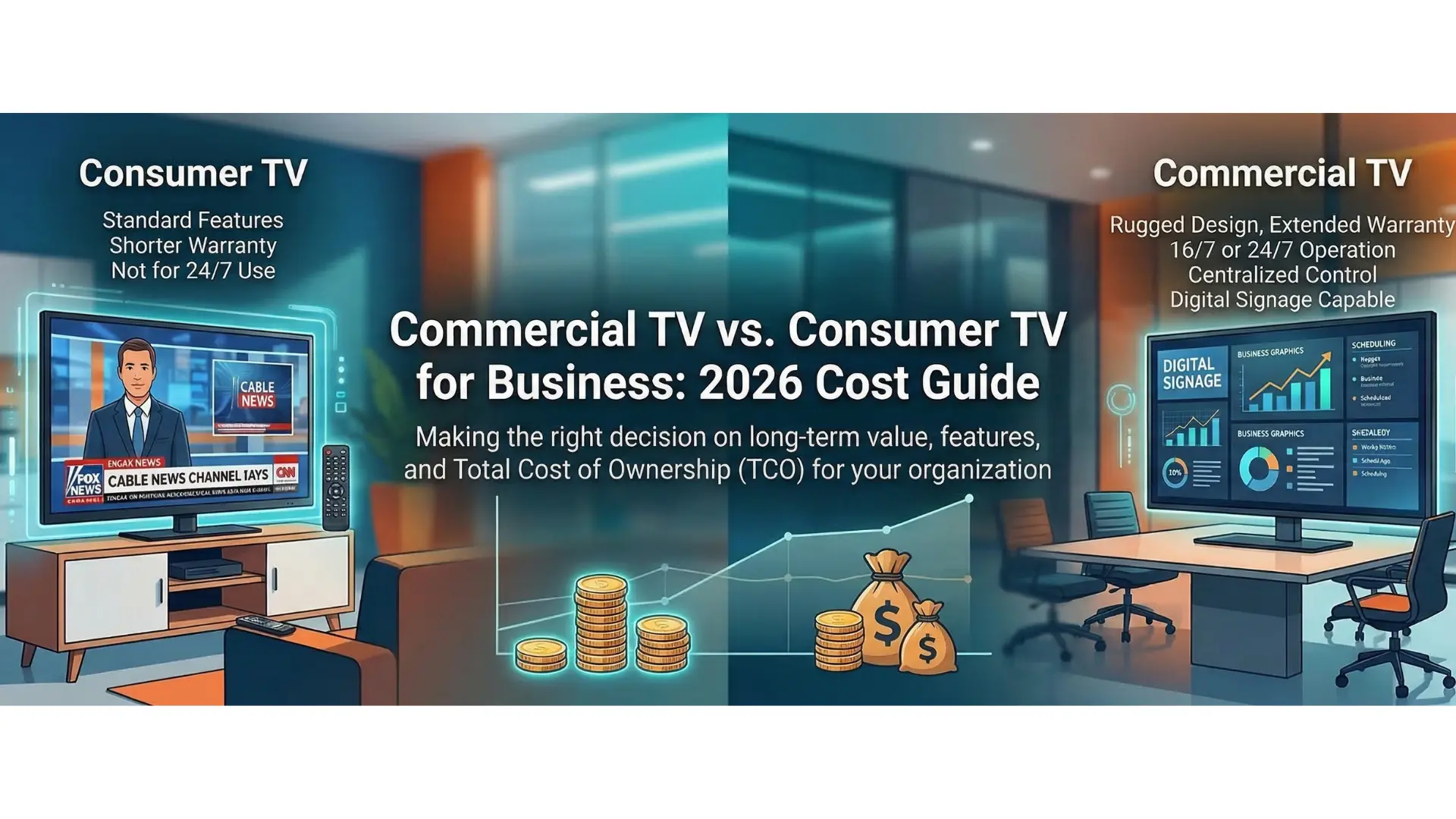
In the fast-paced business landscape of 2026, the "screens" in your lobby, conference room, or storefront are no longer just monitors—they are critical digital infrastructure. While it remains tempting to head to a local big-box retailer and grab a discounted 4K home television for your office, the short-term savings are often a mirage.
As technology becomes more integrated with AI-driven scheduling and 24/7 engagement, the gap between consumer-grade and commercial-grade technology has never been wider. Here is why choosing a home TV for your business could be the most expensive mistake you make this year.
The most immediate cost of using a consumer TV in a B2B environment is the loss of protection. In 2026, manufacturers have become more stringent with warranty "use cases."
Consumer TVs: Most standard warranties (typically 1 year) explicitly state that they are for "residential use only." If the manufacturer detects the unit was used 16 hours a day in a retail shop, your claim will likely be denied.
Commercial TVs: These come with robust 3-year (or longer) warranties that cover on-site service. If a screen goes down, a technician comes to you—eliminating the labor cost of your staff unmounting and shipping a 75-inch screen.
Home televisions are engineered for the average viewer who watches 4–6 hours of content an evening. They rely on passive cooling and plastic components that aren't designed to dissipate heat indefinitely.
In a business setting, screens often run for 16 to 24 hours a day. When a consumer TV is pushed past its duty cycle, you face:
Image Retention (Burn-in): Static logos or menu boards can permanently "ghost" onto the screen.
Thermal Stress: Overheating leads to capacitor failure and backlight "bleeding," effectively killing the display years before its time.
Modern office and retail designs emphasize natural light and high-intensity LED fixtures. A consumer TV typically maxes out at 250–350 nits of brightness. In a bright lobby, this results in a washed-out image that is hard to read.
Commercial displays are built for visibility, ranging from 500 to 2,500 nits. They also feature professional-grade anti-reflective coatings that diffuse glare rather than reflecting it like a mirror, ensuring your brand message is clear from every angle.
Digital signage in 2026 is increasingly vertical. However, if you flip a consumer TV into portrait mode, you are likely sealing its fate.
Technical Note: Consumer TVs are vented for horizontal airflow. Rotating them blocks heat dissipation, causing "pooling" of liquid crystals and hardware failure. Commercial panels are engineered with specialized cooling fans and structural supports specifically for vertical orientation.
In an era of increased cyber threats, a "Smart" consumer TV is a liability. They often lack the advanced security protocols needed for enterprise networks and are prone to "pop-ups" or accidental updates that can disrupt your display.
| Feature | Consumer TV | Commercial Display |
| Control | IR Remote (easily lost/stolen) | RS-232 / LAN (Centralized) |
| Lock-Out | Limited (customers can change inputs) | Full "Pro" Mode (locks buttons/ports) |
| Software | Consumer Apps (Netflix/Hulu) | Integrated CMS / AI-Analytics |
| Security | Minimal / Home-grade | Enterprise-grade Encryption |
While a commercial display might cost 20-40% more upfront, its lifespan is typically double that of a consumer unit. When you factor in the cost of replacement labor, voided warranties, and the potential loss of business due to a "black screen" on your storefront, the commercial choice is the only one that makes financial sense in 2026.
1. Can't I just use a consumer TV and buy an extended third-party warranty?
Most third-party warranties still carry "commercial use" exclusions. Even if they don't, you are still responsible for the "downtime" and the labor cost of switching out the failed unit, which often exceeds the initial savings.
2. Are commercial TVs harder to set up than home TVs?
Actually, they are often easier for businesses. They feature "cloning" capabilities via USB or LAN, allowing you to set up one screen and instantly push those settings to 50 other displays.
3. Does "Commercial-Grade" mean the picture quality is worse?
Quite the opposite. While consumer TVs focus on "vibrant" colors for movies, commercial displays offer better color accuracy, higher brightness (nits), and better scaling for professional graphics and text.
4. Why is portrait mode such a big deal for commercial screens?
It’s about gravity and heat. Liquid crystals in a consumer panel can actually "sag" over time when held vertically, and the heat rising from the bottom components can damage the top of the screen if not properly vented.
5. Is the energy consumption higher on a commercial TV?
Commercial displays are often more energy-efficient for long-term use. They include programmable "eco-modes," auto-brightness sensors, and scheduling tools that ensure the screen is completely powered down when the business is closed.

 Interactive flat Panel
Interactive flat Panel
Interactive flat Panel
 Interactive flat Panel
 Interactive flat Panel
