April 28, 2026 Manisha Maurya

To add a real-time stock ticker widget to your website, choose a reliable financial data provider like TradingView or an API service. Customize the widget's layout, speed, and colors to match your brand. Then, copy the provided HTML or JavaScript embed code and paste it directly into your website's backend code where you want the ticker to appear.
Why Your Website Needs a Live Market Feed
Choosing the Right Widget Provider
Step-by-Step: Embedding the Ticker on Your Website
Customizing for the Best User Experience
Conclusion
Capturing and retaining user attention is harder than ever. Just as high-end digital signage and video walls captivate visitors in a physical corporate lobby, dynamic elements on your website signal that your brand is active and authoritative.
Adding a real-time stock ticker widget to your website provides several immediate benefits:
Increased Dwell Time: Moving elements naturally catch the eye, encouraging visitors to stay on the page longer as they wait to see specific ticker symbols.
Enhanced Authority: Displaying live data builds trust. It shows your platform is connected and up-to-date.
Better User Experience (UX): Investors and professionals appreciate having quick access to market trends without needing to open a new tab.
Not all widgets are created equal. You need a solution that won't slow down your page load speed or break during high-traffic trading days.
Here are the top options to consider:
TradingView: The industry standard for financial widgets. They offer robust, highly customizable, and free HTML5 widgets.
Elfsight: Great for WordPress or non-technical users who want a simple drag-and-drop integration.
Custom API (Alpha Vantage, Finnhub): Best for enterprise sites needing raw data to build a completely bespoke financial data visualization from scratch.
For this guide, we will use the standard method of adding an HTML iframe or JavaScript snippet, which works across almost all Content Management Systems (CMS) including WordPress, Webflow, and Shopify.
Navigate to your chosen provider (like TradingView's widget portal). Select the specific markets, indices, or individual stocks you want to display (e.g., AAPL, TSLA, S&P 500).
Adjust the theme (light or dark mode) and colors to seamlessly blend with your website's CSS. Set the scroll speed to be readable but dynamic.
Once customized, click "Apply" or "Generate Code." Copy the entire block of HTML or JavaScript provided.
Log into your website's backend. Open the page or footer widget area where you want the ticker to live. Insert an "HTML block" or "Custom Code" element, and paste the code directly into the editor. Update and publish.
To ensure your new widget improves UX rather than cluttering it, keep these best practices in mind:
Placement is Key: The top header or the bottom footer are the most natural locations for a scrolling tape.
Mobile Responsiveness: Ensure the widget scales down correctly on mobile devices. A ticker that breaks the horizontal scrolling of a mobile page will severely harm your SEO rankings.
Keep it Relevant: Only display tickers that matter to your audience. A tech blog should feature NASDAQ stocks, while a general business site might focus on global indices.
Integrating live market data is a fast, effective way to elevate your digital presence. Whether you are managing an investor relations page or setting up the digital dashboard for your next corporate AV project, a well-placed ticker keeps your audience informed and engaged.
Ready to upgrade your digital and physical displays? Contact the Elactree team today to learn how our interactive panels and display solutions can transform your business communications.
If you use a reputable provider like TradingView, the impact is minimal. These widgets load asynchronously via JavaScript, meaning your main page content will load first without forcing the user to wait for the financial data to render.
Yes, adding a ticker to WordPress is simple. You can either use a dedicated financial widget plugin or paste the custom HTML/JavaScript embed code directly into a "Custom HTML" block within your Gutenberg editor or page builder.
Many providers offer free versions of their widgets, which usually include delayed data (15 minutes) or require a small watermark. For true millisecond-level real-time data or white-label solutions, you will typically need a premium API subscription.
You will need to return to the widget provider's portal where you generated the code. Update your selected symbols in their interface, generate a new embed code, and replace the old code in your website’s backend.
Author Note: Written by the Elactree Team. We specialize in bringing dynamic visual data to life, from advanced website integrations to large-scale Active LED displays and interactive panels for modern corporate environments.


 Interactive flat Panel
Interactive flat Panel
Interactive flat Panel
 Interactive flat Panel
 Interactive flat Panel
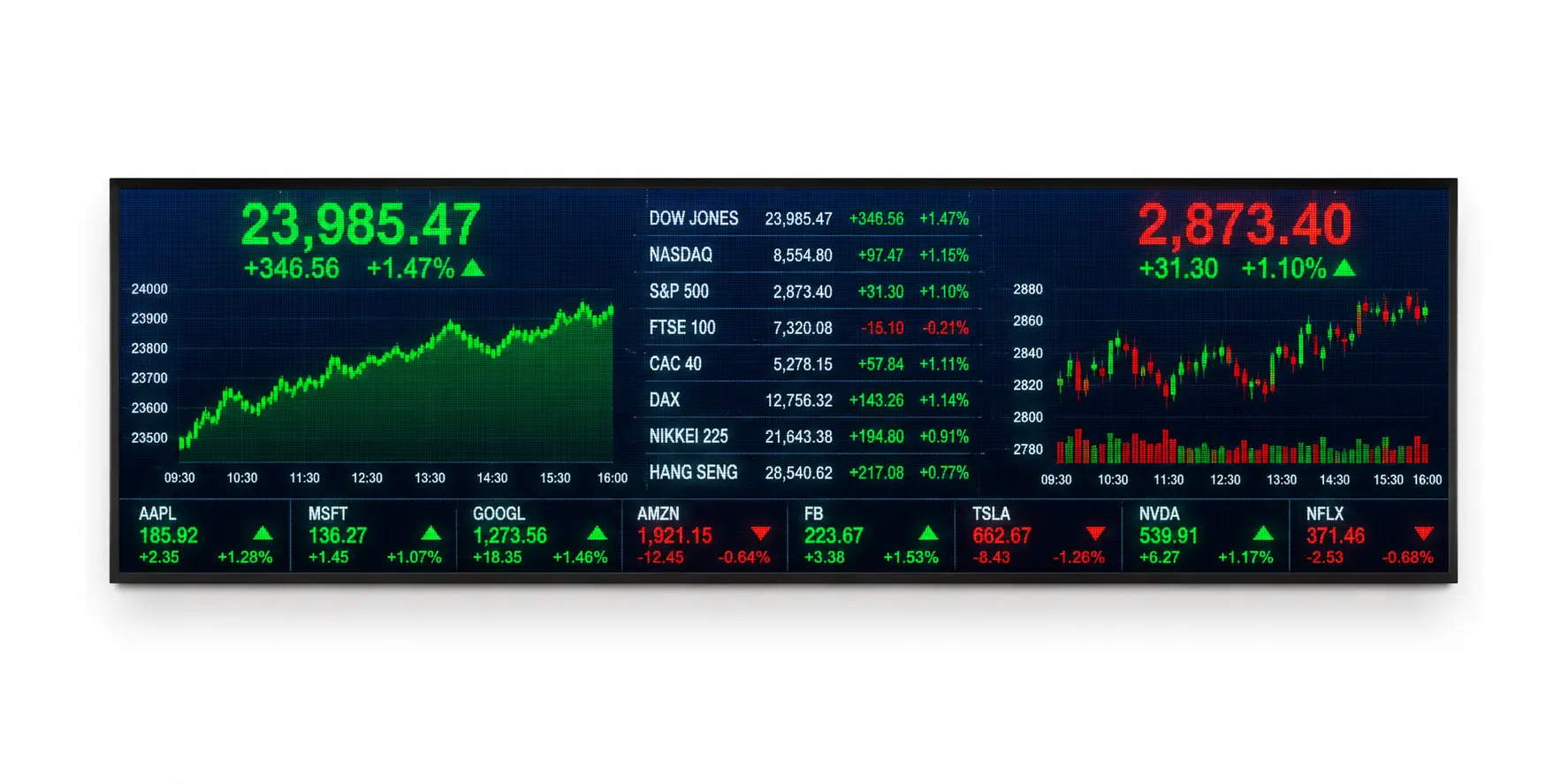
A Financial Ticker Display P3 is a high-resolution LED information display designed to showcase real-time financial data, investment updates, mutual...
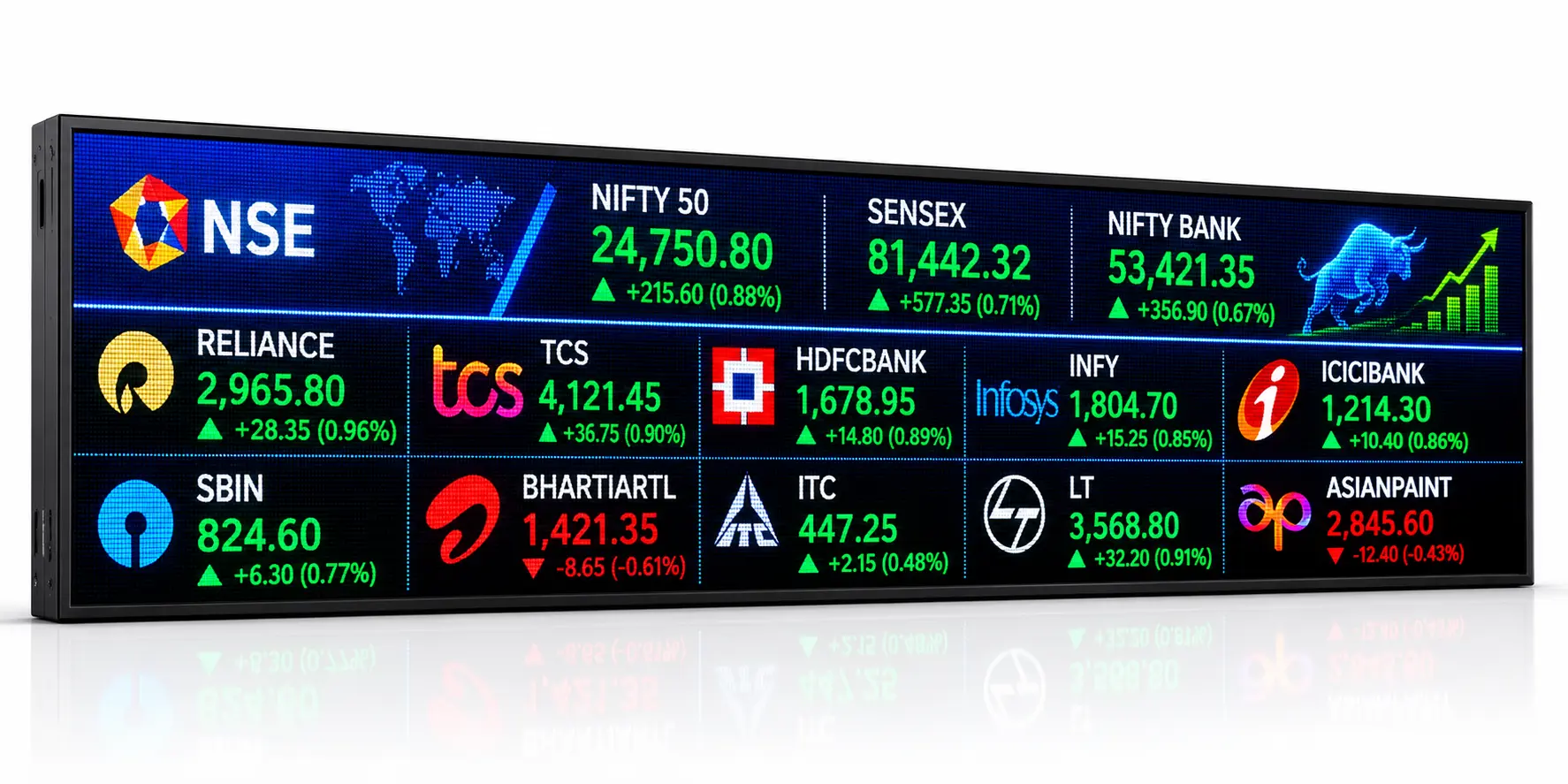
A Live Share Price LED Display Board P4 is a professional LED ticker display system designed to show real-time stock...

Elevate your indoor environment with our P4mm Indoor Active LED video wall, a premier solution for high-resolution signage. This seamless...

Transform your interior space with our P3.0mm Indoor Active LED display, the premium solution for high-resolution digital signage. This seamless...
