April 01, 2026 Mahender Mahender
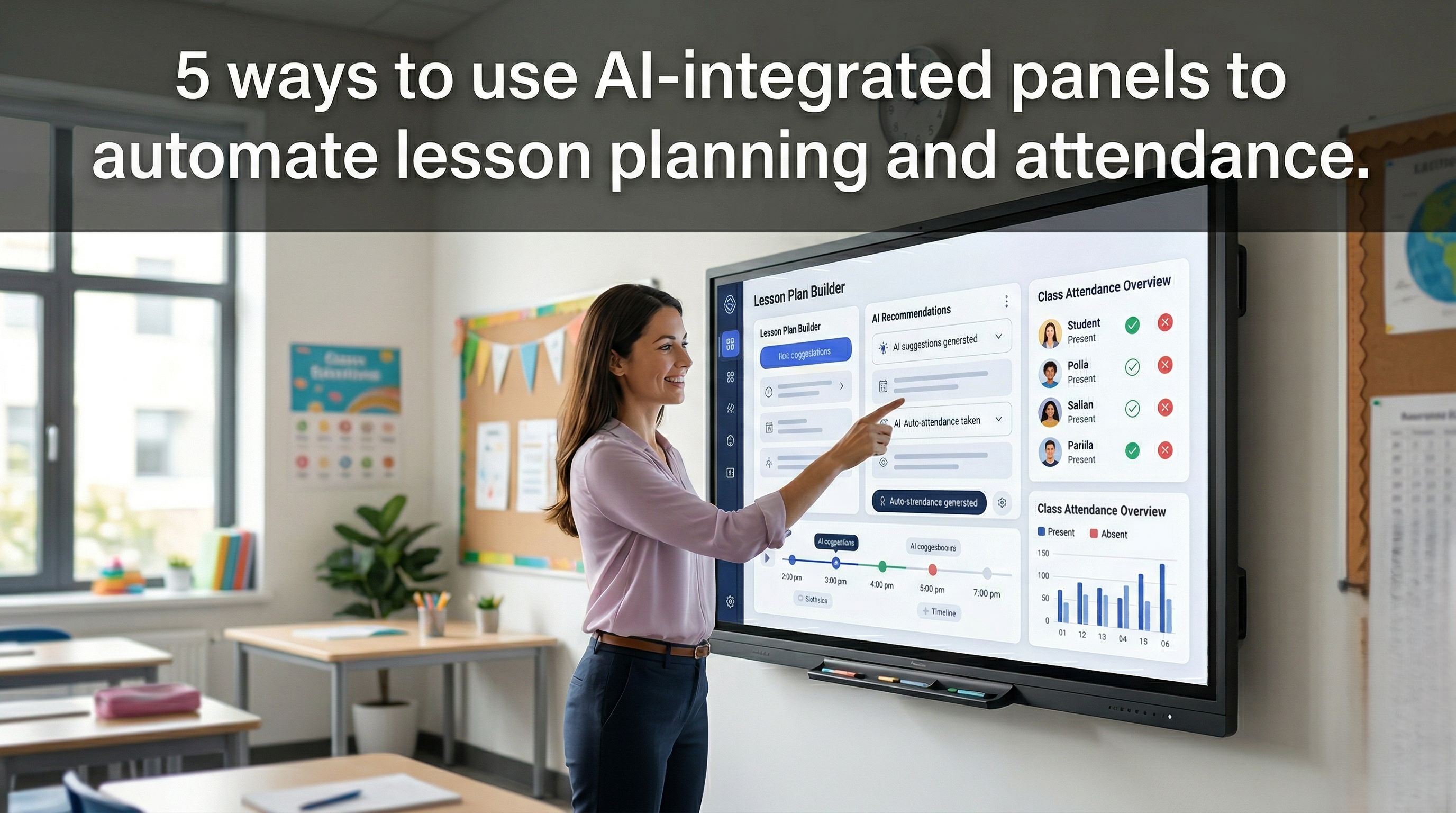
AI-Integrated Panels are smart interactive displays that use artificial intelligence to assist teachers with lesson planning, content creation, classroom collaboration, assessments, and personalized learning experiences. These panels help educators save time while improving student engagement and learning outcomes.
These aren't just the digital whiteboards of the past decade. Modern AI interactive displays act as a co-teacher, handling repetitive administrative tasks so educators can get back to what they do best—connecting with students.
In this guide, we’ll explore five practical ways schools are using AI-integrated panels to automate lesson planning, streamline attendance, and build smarter classrooms.
Standard interactive flat panels (IFPs) allowed teachers to project screens and write digitally. AI-integrated panels go a step further. Equipped with built-in neural processing units (NPUs), secure optical sensors, and generative AI software suites, these panels actively interpret data and generate content.
This shift moves technology from a presentation tool to a productivity engine. Here is how you can leverage them.
The traditional roll call takes up to 10 minutes of valuable instructional time every morning. AI panels can reduce this to zero.
High-end AI displays feature secure, edge-based optical sensors that can automate this process without requiring the teacher to lift a finger.
Facial Recognition (Opt-In): Using secure, localized AI (meaning data never leaves the device), the panel recognizes students as they walk into the room and logs them as present.
RFID & NFC Integration: Students tap their ID cards on the panel's bezel as they enter.
Automated Tardy Logs: The panel notes the exact time of entry and automatically updates the school’s Student Information System (SIS).
The Benefit: Reclaiming 10 minutes a day adds up to over 30 hours of recovered instructional time per school year.
Writer's block happens to teachers, too. When adapting a curriculum to a new learning style, the built-in AI tools on modern interactive panels are game-changers.
Teachers can stand at the board and use voice commands or typed prompts to generate lesson frameworks instantly.
Prompt-to-Slide: A teacher types, "Create a 5-slide interactive presentation on the water cycle for 4th graders." The panel generates the text, sources safe, copyright-free images, and formats the layout.
Instant Translation: Teaching a bilingual class? The AI can instantly duplicate the lesson plan and translate it into a secondary language with high contextual accuracy.
Resource Aggregation: The panel can pull up relevant, age-appropriate educational videos and interactive 3D models to accompany the text.
Checking for understanding is critical, but writing quizzes is time-consuming. AI panels automate the assessment loop.
After writing notes or presenting a lesson on the board, the teacher can activate the panel's assessment tool.
Contextual Question Generation: The AI reads the content currently on the screen and automatically generates multiple-choice or short-answer questions based on that specific material.
Device Casting: The panel casts these questions directly to student Chromebooks or tablets.
Instant Grading & Heatmaps: As students answer, the panel grades the responses and displays an anonymized "heatmap" on the board, showing the teacher exactly which concepts the class grasped and which need reteaching.
A major pain point for educators is duplicating work—writing notes on the board, saving them, downloading them, and uploading them to Google Classroom, Canvas, or Blackboard.
AI-integrated panels feature deep, bi-directional LMS integrations.
Auto-Publishing: At the end of a lesson, the panel automatically cleans up the teacher's handwriting via OCR (Optical Character Recognition) and pushes the notes directly to the students' digital portal.
Assignment Generation: If the AI helped generate a homework assignment during the lesson, it automatically creates the assignment module in the LMS, complete with due dates and grading rubrics.
No two students learn at the exact same pace. AI panels help educators offer personalized learning paths without spending hours planning separate activities.
Adaptive Content: If the panel’s quiz data shows that five students failed a math concept, the AI automatically suggests a remediation activity or an alternative visual model for the teacher to display.
Leveled Reading: The teacher can highlight a complex text on the board, and the AI will generate three different versions of the text at varying Lexile (reading) levels, pushing the appropriate version to individual student devices.
To get the most out of your investment, keep these implementation strategies in mind:
Prioritize Privacy: Always ensure the AI panel complies with FERPA, COPPA, and GDPR. If using visual attendance, ensure data is processed locally (edge computing) and not stored on a cloud server.
Provide Robust Professional Development: Teachers won't use features they don't understand. Host hands-on training sessions focused entirely on the AI automation features, not just the whiteboard tools.
Start Small: Encourage teachers to automate just one thing first—like LMS syncing or auto-quizzes—before attempting to use the panel for full lesson generation.
Technology should never replace the human element of teaching; it should enhance it. By utilizing AI-integrated panels to automate lesson planning, attendance, and data entry, school districts can give teachers back their most precious resource: time.
When administrative burdens are lifted, teachers can focus on mentoring, inspiring, and connecting with the next generation.
Do AI-integrated panels violate student privacy?
No, provided you choose panels built for education. Reputable brands ensure that AI processing (especially facial recognition for attendance) is done locally on the device (edge computing). Data is anonymized and compliant with FERPA and COPPA guidelines.
Can an AI panel completely write a lesson plan?
While AI panels can generate highly accurate outlines, slide decks, and assessments based on prompts, they are designed to be "co-pilots." The teacher remains the expert who reviews, edits, and guides the AI-generated content to fit the specific needs of their classroom.
What Learning Management Systems (LMS) do these panels support?
Most modern AI panels offer seamless API integrations with major platforms, including Google Workspace for Education (Google Classroom), Microsoft Teams, Canvas, Schoology, and Blackboard.



 Interactive flat Panel
Interactive flat Panel
Interactive flat Panel
 Interactive flat Panel
 Interactive flat Panel
