August 10, 2026 Mahender Mahender
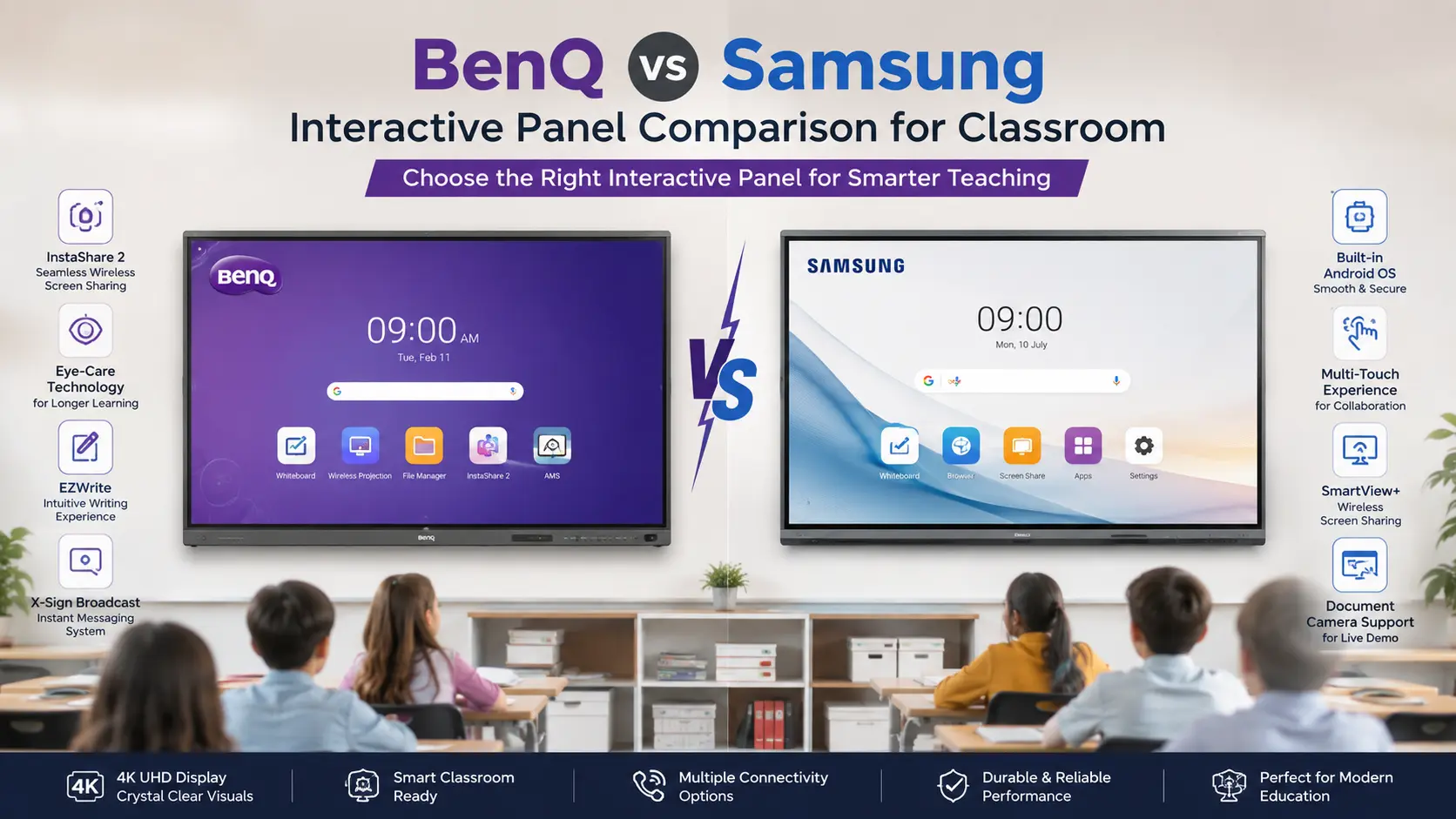
Choosing an interactive panel is not simply a matter of comparing screen size or processor specifications. For a school, college, training centre, or corporate meeting room, the panel becomes part of the everyday working environment. Touch response, writing experience, software, connectivity, installation, service support, and long-term usability can matter just as much as display resolution.
Two brands frequently considered in the Indian market are BenQ and Samsung. Both offer large-format interactive displays, but their product ranges and feature priorities differ by model.
So, which is better: BenQ or Samsung interactive panel?
The practical answer depends on how the display will be used. BenQ can be particularly attractive for education-focused deployments where classroom software, teaching tools, touch interaction, and eye-care considerations are important. Samsung is a strong option for buyers who want an established large-display ecosystem, modern Android-based interactive displays, Google services on supported models, and a combination of classroom and meeting-room functionality.
The exact comparison should always be made model against model rather than brand against brand.
BenQ is generally worth considering when education-specific teaching features and classroom usability are high priorities. Samsung is worth considering when buyers want a broad display ecosystem, modern interactive-display hardware, and a strong combination of presentation, collaboration, and display capabilities.
For example, BenQ's RE8604FV Essential Series is an 86-inch interactive display with a 4K UHD resolution, up to 40 touch points, Android 14 with EDLA on the India specification page, USB-C connectivity, and a 450-nit typical brightness specification.
Samsung's current WAF-P Series, available in 65-, 75-, and 86-inch sizes, uses Android 15 and an octa-core processor, with 8 GB RAM and 128 GB storage on the 86-inch specification. Samsung also lists Google EDLA certification and Google Play access for the WAF-P Series.
These specifications show why the decision should be based on the exact model, required features, room size, software environment, and support arrangement rather than simply choosing the more familiar brand.

Important: Specifications can change between generations, screen sizes, regions and configurations. Buyers should verify the exact model number before placing an order.
An interactive panel is a large touchscreen display designed for direct interaction with digital content. Unlike a conventional television or projector, an interactive panel allows users to write, annotate, draw, open applications, control presentations and interact with on-screen content using touch or a compatible stylus.
Interactive panels are commonly installed in:
School classrooms
Smart classrooms
College lecture rooms
Coaching and training centres
Corporate meeting rooms
Boardrooms
Government training facilities
Collaboration spaces
A typical panel combines a large display, touchscreen technology, speakers, computing hardware and multiple connectivity options in a single unit.
For schools, the important question is not simply whether a panel has a 4K display. The more useful question is whether teachers can comfortably use the system every day without unnecessary setup or technical complications.
A BenQ interactive panel is a large-format touchscreen display designed for interactive teaching, presentations and collaboration. BenQ's Board range includes education-oriented features, while individual models differ in hardware, software and connectivity.
For example, the BenQ RE8604FV Essential Series listed for India has an 86-inch IPS panel, 3840 × 2160 UHD resolution, 450-nit typical brightness, anti-glare glass, Precision IR touch technology and support for up to 40 simultaneous touch points. Its listed system configuration includes Android 14 with EDLA, 8 GB RAM and 128 GB storage, although BenQ notes that some specifications can depend on region.
This type of configuration makes the panel suitable for classrooms where teachers need to write, annotate, display digital lessons and interact with multiple on-screen objects.
The important point is that BenQ specifications vary across product series, so buyers should not assume that every BenQ Board has the same processor, operating system, storage or touch specification.
A Samsung interactive panel is a large touchscreen display designed for education, presentations, collaboration and other professional environments.
Samsung's current WAF-P Series is offered in 65-, 75-, and 86-inch sizes. Samsung lists Android 15, an octa-core CPU, 8 GB memory and 128 GB storage for the 86-inch model. The company also lists Google EDLA certification and access to Google Play and Google services on the series.
The WAF-P Series also includes USB connectivity and is positioned for both classroom and meeting-room applications. Samsung lists an all-in-one video call system as one of the series features.
Again, the exact features depend on the model. A buyer should compare the complete model number rather than assuming that specifications from one Samsung interactive display apply to every Samsung panel.
Display quality directly affects how comfortably students, teachers and meeting participants can view content.
BenQ's RE8604FV, for example, uses an IPS panel with 4K UHD resolution, 450-nit typical brightness, anti-glare glass and a listed 1200:1 typical contrast ratio.
Samsung's WAF-P Series is also positioned as a high-resolution interactive display, but the exact display specifications should be checked for the selected screen size and model.
For a classroom, buyers should evaluate more than resolution. Check:
Screen brightness
Anti-glare performance
Viewing angles
Touch accuracy
Writing smoothness
Glass hardness
Screen size relative to classroom depth
Visibility under classroom lighting
A 4K panel is useful, but poor placement or excessive reflections can still reduce the practical viewing experience.
There is no universal brand-level winner.
Choose based on the exact panel specifications and, ideally, a live demonstration. For large school installations, it is worth viewing both brands in an actual classroom environment before finalising the purchase.
Touch interaction is one of the biggest reasons to choose an interactive panel instead of a conventional display.
BenQ's RE8604FV uses Precision IR touch technology and supports up to 40 touch points, with a listed touch response of less than 5 ms.
However, the number of touch points should not be treated as the only measure of writing quality.
Teachers should test:
Pen tracking
Palm rejection
Writing latency
Line accuracy
Multi-touch interaction
Erasing
Annotation tools
Whether writing works consistently across applications
Samsung's exact touch specifications vary by model, so buyers should request the official technical datasheet for the chosen screen.
If the panel will primarily be used for teaching, arrange a demonstration in which a teacher actually writes on the screen for several minutes.
A specification sheet can tell you the number of touch points. It cannot fully tell you whether the writing experience feels natural.
The operating system affects how applications, updates and cloud services work on the panel.
BenQ's RE8604FV specification lists Android 14.0 with EDLA, along with 8 GB RAM and 128 GB storage, subject to regional availability.
Samsung's WAF-P Series lists Android 15, an octa-core processor, 8 GB memory and 128 GB storage for the 86-inch model. Samsung also states that the series is Google EDLA certified and supports Google Play and Google services.
This can matter for schools that want to use Android applications directly on the panel rather than connecting an external computer for every lesson.
Ask the supplier:
Which Android version is installed?
Is the exact model EDLA certified?
Are Google Play and Google services officially supported?
Which applications are pre-installed?
How are software updates delivered?
How long will software updates be supported?
Can the panel connect to Microsoft 365 or Google Workspace workflows?
Can a Windows laptop or OPS computer be connected easily?
Do not assume that Android version or Google functionality is identical across every product series.
This is an area where brand positioning becomes particularly important.
A school should evaluate how teachers actually prepare and deliver lessons rather than counting the number of applications advertised with a panel.
Useful teaching functions can include:
Digital whiteboarding
Annotation
Shape recognition
Screen recording
Wireless presentation
Lesson-content access
Cloud storage integration
Multi-user interaction
Digital classroom tools
External PC support
BenQ has a strong education-oriented product positioning, so its Board products deserve close evaluation when the primary use case is classroom teaching.
Samsung also offers interactive displays designed for education and collaboration, including current WAF-P models that combine interactive display hardware with Android-based functionality.
BenQ may have an advantage for buyers prioritising education-specific workflows, while Samsung can be attractive for organisations that want interactive displays integrated into a wider Samsung display and technology environment.
The correct decision should still be based on a teacher demonstration using actual lesson material.
Connectivity becomes important when the panel is used with laptops, document cameras, cameras, speakers or other classroom equipment.
The BenQ RE8604FV specification includes multiple HDMI ports, DisplayPort, USB-A, USB-C with 65 W power delivery, USB-B touch connections, VGA and audio connections.
Samsung's WAF-P Series also provides multiple USB connections, including USB-C, with Samsung listing five USB ports on the product page.
Before buying, check whether the selected panel supports the connections already used in your institution.
For example, a school may need:
HDMI for laptops
USB-C for newer notebooks
USB-B for touch through an external PC
LAN for wired networking
Wi-Fi for wireless presentation
Audio output for external sound systems
Camera connections for hybrid teaching
A panel with many ports is not automatically better if those ports do not match the organisation's existing equipment.

The best panel depends heavily on the environment.
Prioritise:
Writing experience
Teacher-friendly interface
Classroom software
Screen visibility
Touch accuracy
Google/Microsoft compatibility
Device sharing
Training
Service support
BenQ deserves particular attention in this scenario because of its education-oriented Board portfolio.
Prioritise:
Video conferencing compatibility
Wireless presentation
Camera and microphone integration
Laptop connectivity
Meeting-room software
Screen sharing
Room size
Mounting
IT administration
Samsung's WAF-P Series includes an all-in-one video-call system feature, making the series relevant to buyers considering both interactive presentation and meeting-room use.
For a school focused primarily on interactive teaching, BenQ is often the more natural shortlist choice. For organisations looking for a broader display and collaboration ecosystem, Samsung may be the stronger fit.
That does not mean one brand is universally superior.
Classroom teaching is the main application.
Teachers will frequently write and annotate on the display.
Education-specific software is important.
Touch performance is a major buying factor.
The school wants to evaluate a dedicated education-focused display portfolio.
Eye-care and classroom usability are important evaluation criteria.
The supplier can provide a strong local installation and support package.
The organisation already uses Samsung display products.
Google services and EDLA support on the selected model are important.
Android 15 is preferred on the current WAF-P range.
The panel will be used for both presentation and collaboration.
Video-call functionality is important.
The organisation values integration with a broader Samsung business-display ecosystem.
The final decision should be made after comparing two specific models with the same screen size and similar configuration.
There is no single fixed price for a BenQ or Samsung interactive panel in India.
The final quotation can vary according to:
Screen size
Product series
Processor and memory configuration
Operating system
Touch technology
Included software
Warranty package
Wall mount or mobile stand
Installation
Delivery location
Additional accessories
OPS computer
Camera and audio equipment
Quantity purchased
Institutional procurement requirements
For this reason, publishing an exact "BenQ vs Samsung price" without specifying the model and configuration can be misleading.
A proper comparison should request quotations for equivalent configurations.
For example, compare:
86-inch BenQ + 86-inch Samsung
rather than comparing an 86-inch BenQ model against a 75-inch Samsung model simply because both are available from the same supplier.
Also ask whether the quoted price includes installation, wall mounting, training, delivery, warranty and accessories.
For institutional buyers, after-sales support can have a bigger practical impact than a small difference in hardware specifications.
BenQ's India warranty information for PDP/IFP/DS products currently lists a three-year warranty from the date of purchase, or 39 months from manufacturing, whichever is earlier, with onsite service under the stated terms. The same policy lists a 24-hour response target and seven-business-day turnaround target for covered cases. Buyers should confirm that the terms apply to their exact model and quotation.
Samsung warranty terms can vary by product and commercial arrangement, so buyers should request the written warranty applicable to the exact interactive-display model being purchased.
Is installation included?
Is wall mounting included?
Is delivery included?
What is the warranty period?
Is onsite service available?
What is the service response commitment?
Who provides technical support?
Is teacher training included?
What happens if the panel develops a touch problem?
How are software problems handled?
Are replacement parts available locally?
For a school purchasing 20 or 50 panels, these questions can be more important than a minor difference in processor specifications.
An interactive panel is a large and relatively heavy piece of equipment. Installation should therefore be planned before delivery.
Consider:
Check wall strength, mounting compatibility and viewing height. The panel should be positioned so teachers and students can comfortably interact with the touch surface.
A mobile trolley can make sense when the same panel is shared between rooms.
Plan power sockets, LAN connectivity and cable routing before installation. Poor cable management can create operational problems later.
If the school plans to use an OPS PC, camera, document camera or external speakers, confirm compatibility before installation.
The screen should be visible from the back of the room without creating excessive glare or requiring students to view it from extreme angles.
Use this checklist before requesting a final quotation.
Do not compare only "BenQ 86-inch" and "Samsung 86-inch."
Ask for the complete model number and official datasheet.
Compare:
Screen size
Resolution
Brightness
Contrast
Touch points
Touch response
RAM
Storage
Android version
Google certification
USB-C capability
HDMI inputs
Wireless connectivity
Audio
Camera support
Ask a teacher to write, erase, draw and annotate.
Connect an actual school laptop and test HDMI, USB-C and touch functionality.
Ask which applications are included and whether they are officially supported.
Get the warranty period and service terms in writing.
Clarify whether mounting, installation and configuration are included.
A panel can have excellent hardware and still be underused if teachers do not know how to use its software.
Ask who will handle the service request in your city and what the escalation process is.
A demonstration is particularly important when buying multiple panels for a school or institution.
Strong focus on education-oriented interactive displays.
Current models offer high-resolution large-format displays.
Selected models provide extensive multi-touch support.
Education-focused workflows can be an important consideration.
Current India specifications include EDLA-enabled Android on supported models.
BenQ publishes dedicated India warranty and support information for its interactive-display category.
Features vary considerably between product series.
Buyers need to verify the exact software and hardware configuration.
A higher specification does not automatically mean better classroom usability.
Installation, training and service should be checked separately in the quotation.
Strong large-display technology portfolio.
Current WAF-P models are available in 65-, 75- and 86-inch sizes.
WAF-P uses Android 15 and includes EDLA certification according to Samsung's India product information.
Google Play and Google services are supported on the WAF-P series.
The current WAF-P range includes features relevant to both classrooms and meeting rooms.
Features differ between Samsung interactive-display generations and models.
Buyers should not assume that every Samsung panel has the same Android, memory or connectivity configuration.
Corporate and education buyers should verify the exact warranty and service arrangement before purchase.
A broader product ecosystem does not necessarily make one model better for a particular classroom.
BenQ and Samsung are both credible options for buyers looking for an interactive panel in India, but the better choice depends on the application and the exact model being compared. For a school or college where interactive teaching, writing, annotation and education-oriented workflows are the main priorities, BenQ should be on the shortlist. For an organisation that wants an interactive display with modern Android functionality, Google services on supported models, and a combination of presentation, collaboration and meeting-room applications, Samsung's current WAF-P range is worth evaluating. For either brand, do not make the final decision from a brochure alone.
Compare the same screen size, test touch and writing performance, verify software compatibility, review warranty terms, confirm installation requirements and evaluate local technical support.
The most reliable buying decision is therefore not simply "BenQ vs Samsung." It is "Which exact BenQ or Samsung model best matches our room, users, software, budget and support requirements?"
BenQ can be a strong choice for education-focused deployments, while Samsung can be attractive for organisations that value its display ecosystem and current interactive-display features. The better option depends on the exact models and intended use.
For classrooms focused heavily on teaching, annotation and interactive lessons, BenQ is worth serious consideration because of its education-oriented Board portfolio. Samsung is also suitable for classrooms, particularly when Google services, modern Android functionality or broader presentation requirements are important.
Touch performance must be compared model by model. For example, BenQ's RE8604FV supports up to 40 touch points and lists a touch response of less than 5 ms. Samsung's touch specifications should be checked for the exact WAF-P model and screen size being considered.
Yes, selected models from both brands use Android. BenQ's RE8604FV lists Android 14 with EDLA, while Samsung's WAF-P Series uses Android 15 according to Samsung's current India product information.
Samsung states that its WAF-P Series is Google EDLA certified and supports Google Play and Google services. Buyers should verify the same functionality for any other Samsung model they are considering.
The appropriate size depends on classroom dimensions, seating distance and viewing requirements. Common large-format options include 65, 75 and 86 inches. Samsung's WAF-P Series, for example, is offered in all three sizes.
An interactive panel can simplify classroom operation because the display, touch interface and computing functions can be integrated into one device. However, the better solution depends on room size, budget, viewing distance, installation requirements and existing equipment.
Compare screen size, resolution, brightness, touch technology, touch response, Android version, Google certification, RAM, storage, connectivity, software, warranty, installation, training and local technical support.
Not necessarily. Installation, wall mounting, delivery, configuration, training and accessories may be quoted separately. Buyers should request an itemised quotation.
Samsung can be particularly relevant where the interactive display will be used for meetings, presentation and video collaboration, especially with features offered by the current WAF-P range. BenQ can also be suitable when interactive presentation and collaboration are the primary requirements. The room's conferencing platform and peripheral requirements should determine the final choice.
The usable life depends on panel quality, operating hours, environment, usage intensity, maintenance and software support. Buyers should ask the manufacturer or authorised supplier about the expected operating life and warranty for the exact model rather than relying on a generic figure.
Yes. A live demonstration is one of the best ways to compare panels. Test writing, touch accuracy, screen visibility, wireless presentation, external laptop connectivity, speakers and the software interface using the type of content your teachers or employees will actually use.




 Interactive flat Panel
Interactive flat Panel
Interactive flat Panel
Interactive flat Panel
Interactive flat Panel
 Interactive flat Panel
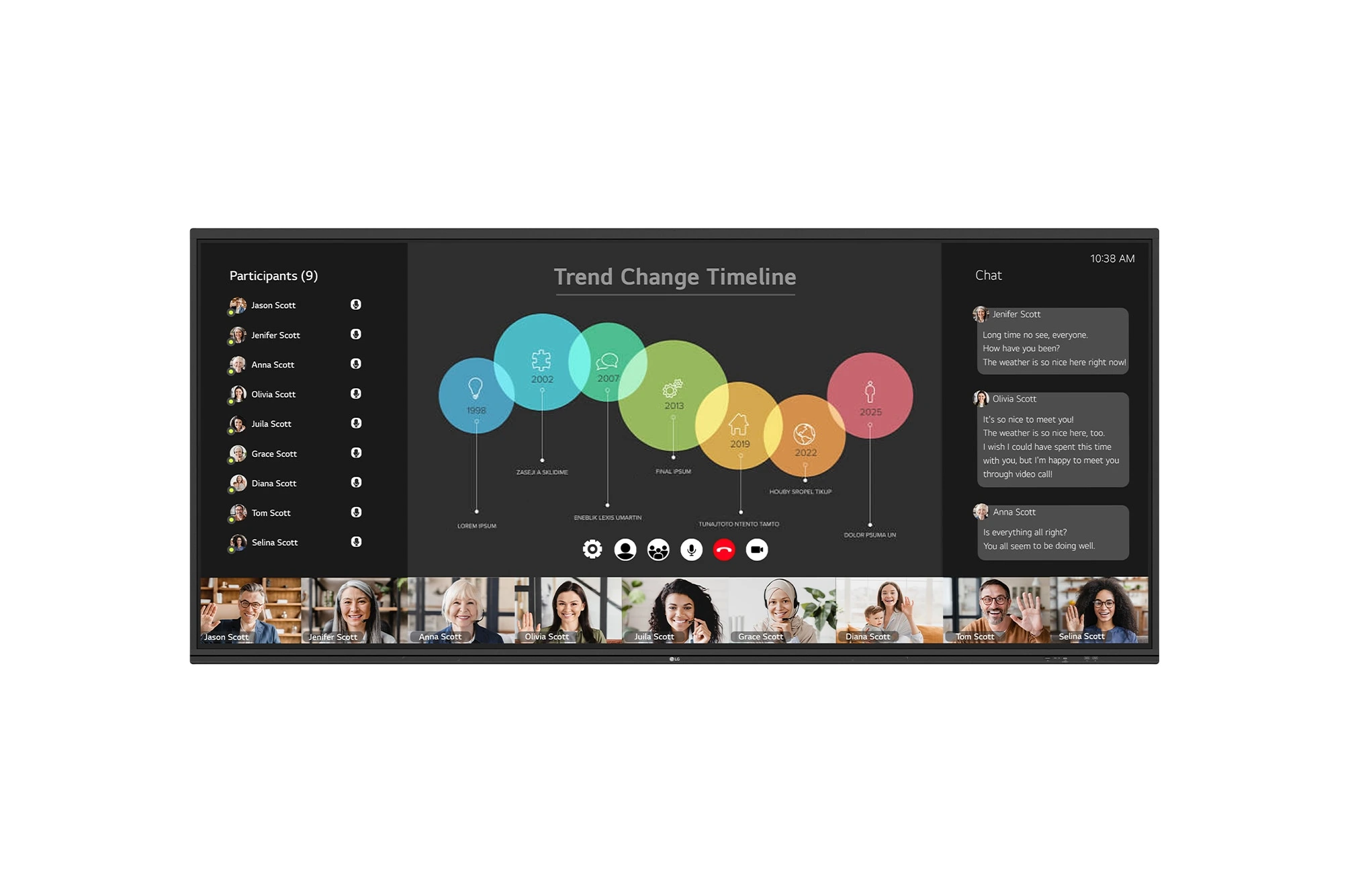
The LG CreateBoard 105TR5WP-I is a premium 105-inch 5K UltraWide (21:9) interactive display designed for modern meeting rooms, hybrid collaboration,...
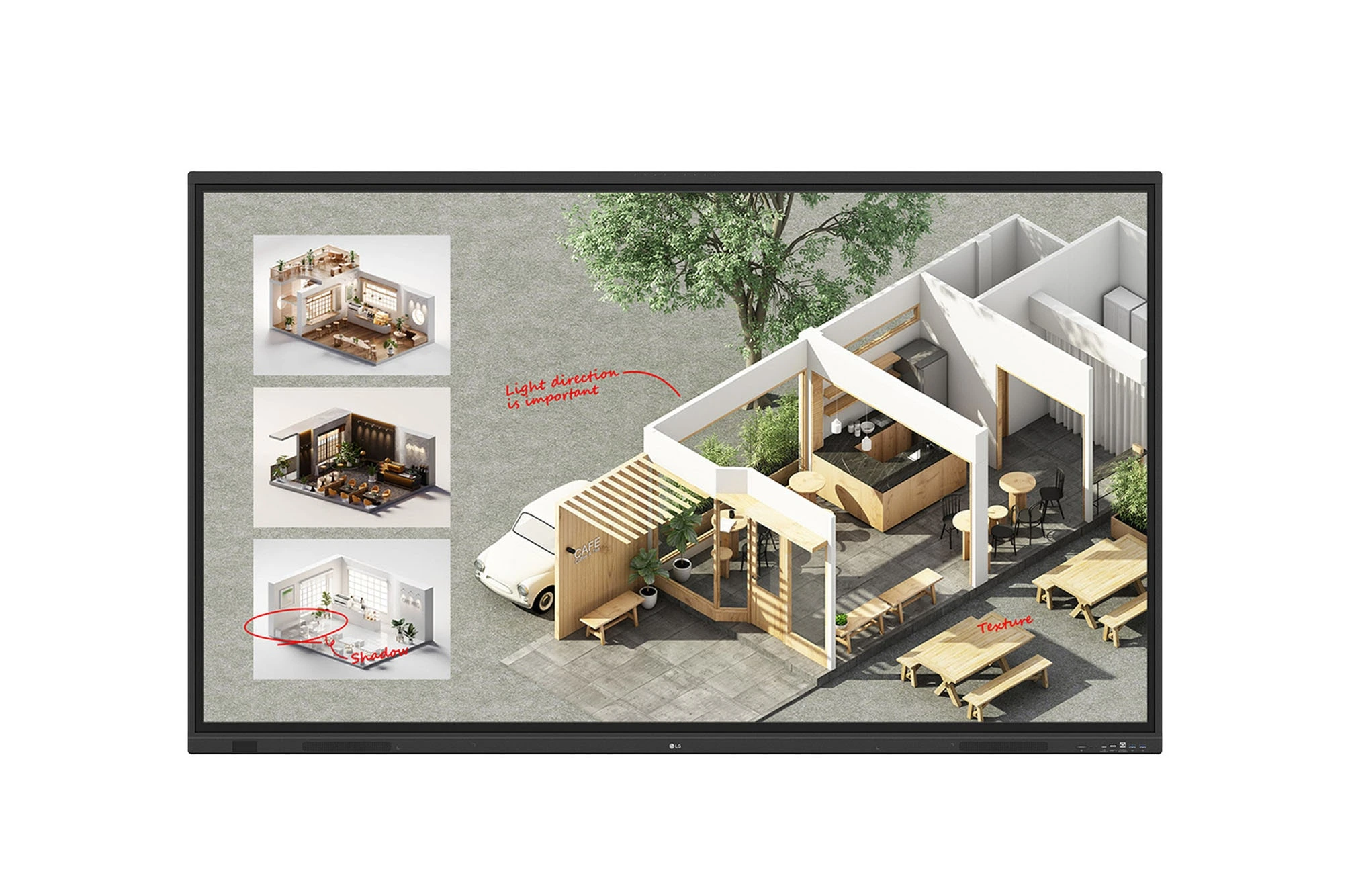
The LG CreateBoard Standard 86TR3DQ-I is an 86-inch 4K UHD Interactive Flat Panel Display designed for classrooms, corporate meeting rooms,...
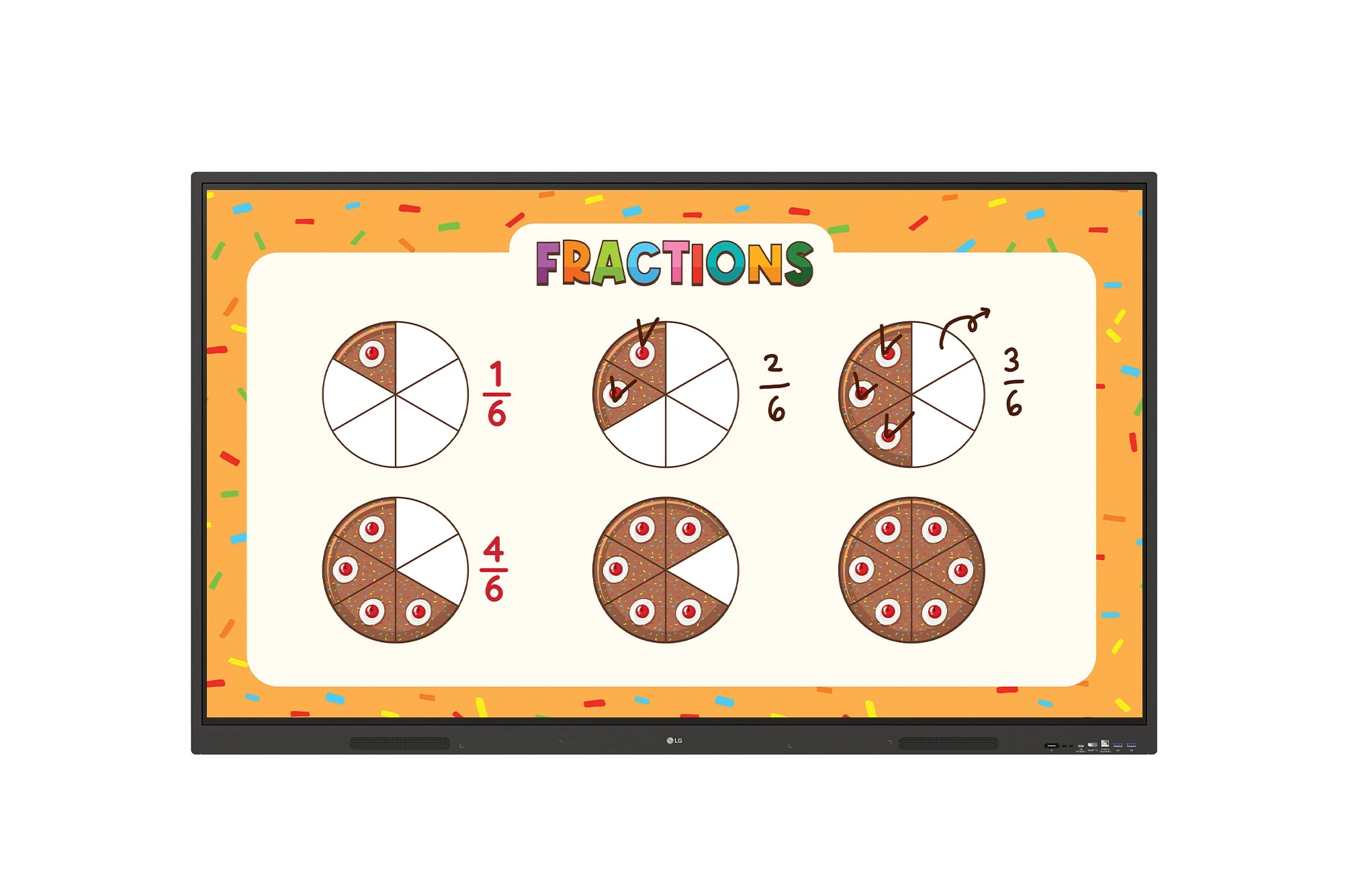
The LG CreateBoard 86TR3ER-I is an 86-inch 4K UHD interactive flat panel designed for modern classrooms, corporate meeting rooms, and...
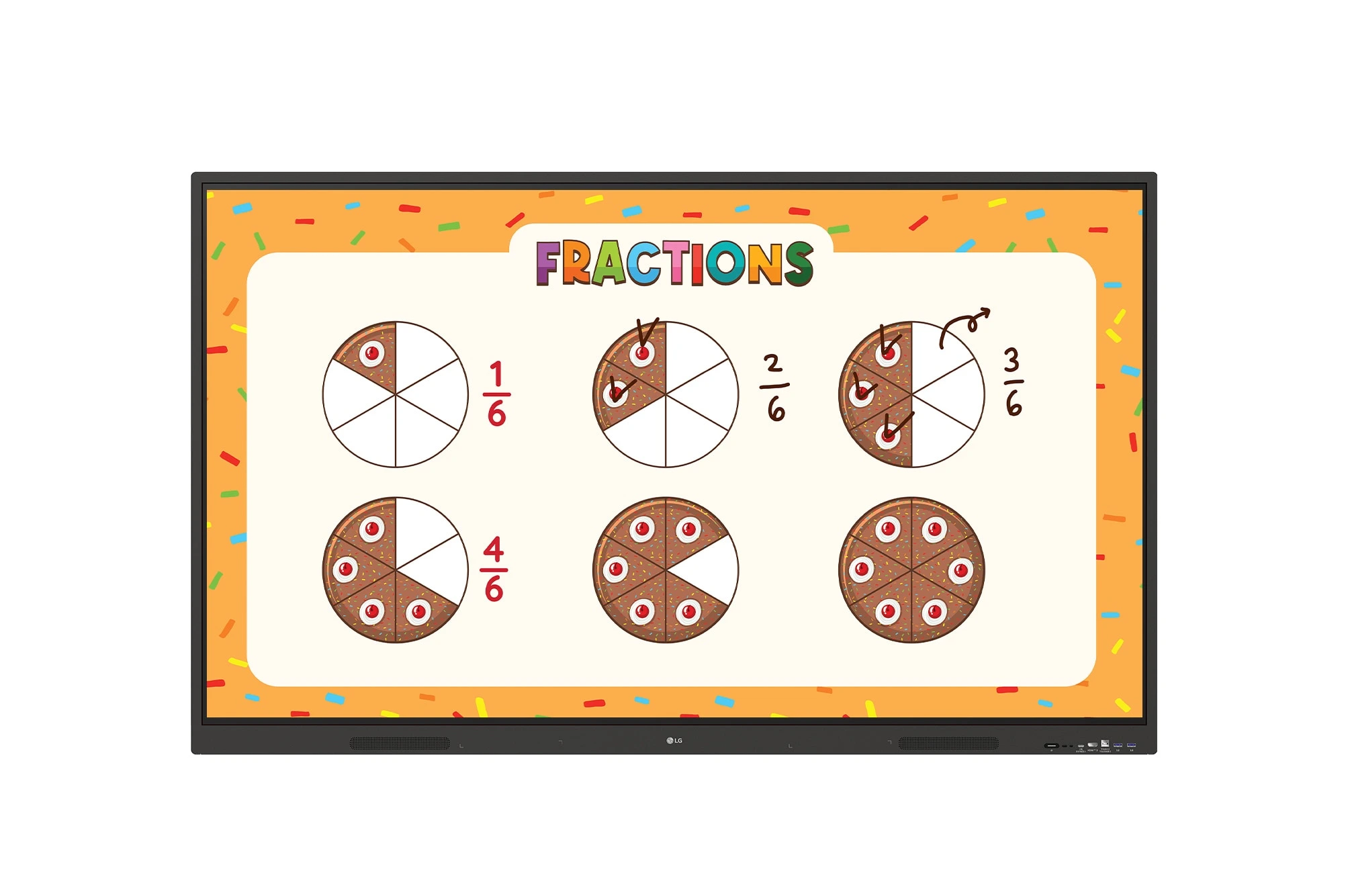
The LG CreateBoard 75TR3ER-I is a premium 75-inch 4K UHD Interactive Flat Panel designed for classrooms, training centers, and corporate...
