August 07, 2026 Mahender Mahender
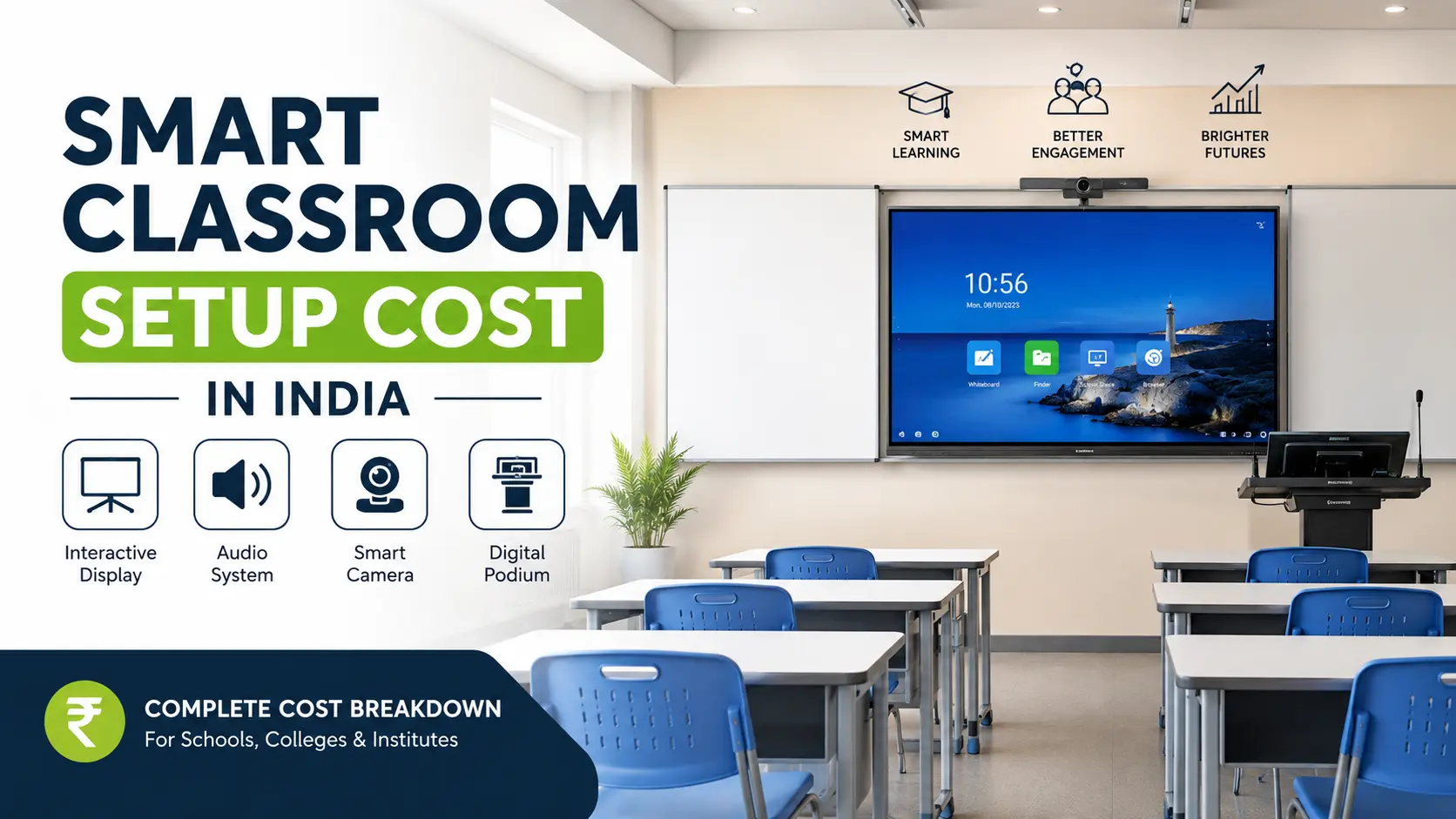
Schools, colleges, coaching centres and training institutes across India are investing in smart classrooms, but one question comes up in almost every discussion: how much does a smart classroom setup actually cost?
The answer is not straightforward because the total investment depends on the display technology, classroom size, software requirements, installation complexity and the number of classrooms being upgraded. A small coaching centre may need a basic setup, while a university classroom may require advanced collaboration and video conferencing features.
Many buyers compare quotations from different suppliers and are surprised to see significant price differences for seemingly similar systems. In reality, the display quality, warranty, accessories, support services and software licences can vary considerably.
This guide explains the smart classroom setup cost in India, the components involved, the factors that influence pricing and the questions institutions should ask before making a purchase decision.
The smart classroom setup cost in India generally starts from around ₹1.5 lakh for a basic classroom and can exceed ₹10 lakh for large institutions with advanced requirements.
A standard setup typically includes:
Interactive flat panel or projector
Teaching software
OPS computer or built-in Android system
Wall mount or trolley
Audio system
Internet connectivity
Installation and training
The final cost depends on classroom size, display size, software requirements, maintenance plans and the number of classrooms being deployed.

Actual prices vary depending on the brand, configuration and location.
A smart classroom setup is a technology-enabled learning environment that combines digital teaching tools with classroom infrastructure to improve interaction and content delivery.
A typical smart classroom may include:
Interactive flat panel display
Smart board software
Computer or OPS module
Speakers and microphone
Document camera
Wireless screen sharing
Internet connectivity
Video conferencing equipment
Digital teaching content
The objective is to support presentations, annotations, online classes, multimedia learning and collaborative teaching.
Understanding the individual components helps buyers compare quotations more accurately.
The display is usually the most expensive component.
Common display sizes include:
65-inch
75-inch
86-inch
98-inch
Larger classrooms generally require bigger screens, which increase the overall project cost.
Factors affecting display pricing:
Touch technology
Resolution
Brightness
Number of touch points
Android version
Built-in software
Glass protection
Warranty coverage
Many institutions require a dedicated Windows OPS computer for applications such as:
Microsoft Office
Educational software
Online examinations
Video conferencing
Content management
Higher RAM and storage configurations increase the overall cost.
Large classrooms often need external speakers and microphones.
Additional audio equipment may include:
Ceiling speakers
Wireless microphones
Amplifiers
Sound processors
The cost increases with classroom size and seating capacity.
Some suppliers include teaching software in the package, while others charge separately.
Software costs may depend on:
Number of users
Annual subscription plans
Whiteboarding tools
Cloud storage
Assessment features
LMS integration
Buyers should verify whether the licence is lifetime or subscription-based.
Installation costs vary based on:
Wall strength
Wiring requirements
Electrical work
Classroom location
Network setup
Safety standards
Multi-floor installations may involve additional labour charges.
A smart classroom depends heavily on stable internet connectivity.
Additional costs may include:
Wi-Fi access points
Network switches
LAN cabling
Router upgrades
Security systems
Institutions planning campus-wide deployment should include networking costs in the budget.
Hybrid classrooms and universities often require:
PTZ cameras
USB cameras
Speakerphones
Conference microphones
Video conferencing software
These components significantly increase the overall setup cost.
Suitable for:
Small schools
Tuition centres
Coaching institutes
Usually includes:
65-inch interactive panel
Basic teaching software
Built-in speakers
Wall mount
Installation
Limitations:
Limited collaboration tools
Smaller display
Basic software features
Suitable for:
CBSE schools
Colleges
Medium-sized institutions
Typically includes:
75-inch or 86-inch interactive panel
OPS computer
Educational software
Audio system
Wireless sharing tools
Teacher training
This category offers a balance between cost and functionality.
Suitable for:
Universities
Engineering colleges
Corporate training centres
Common features:
Large-format display
Video conferencing equipment
Advanced software
Cloud integration
Central management
Multiple collaboration tools
The price increases further for auditoriums and large lecture halls.
Two quotations may look similar on paper but differ significantly in quality and long-term value.
Important reasons include:
Display technology
Touch response quality
Software features
Warranty period
Installation scope
Training services
After-sales support
Brand reputation
Hardware specifications
Always compare the complete package instead of focusing only on the initial price.

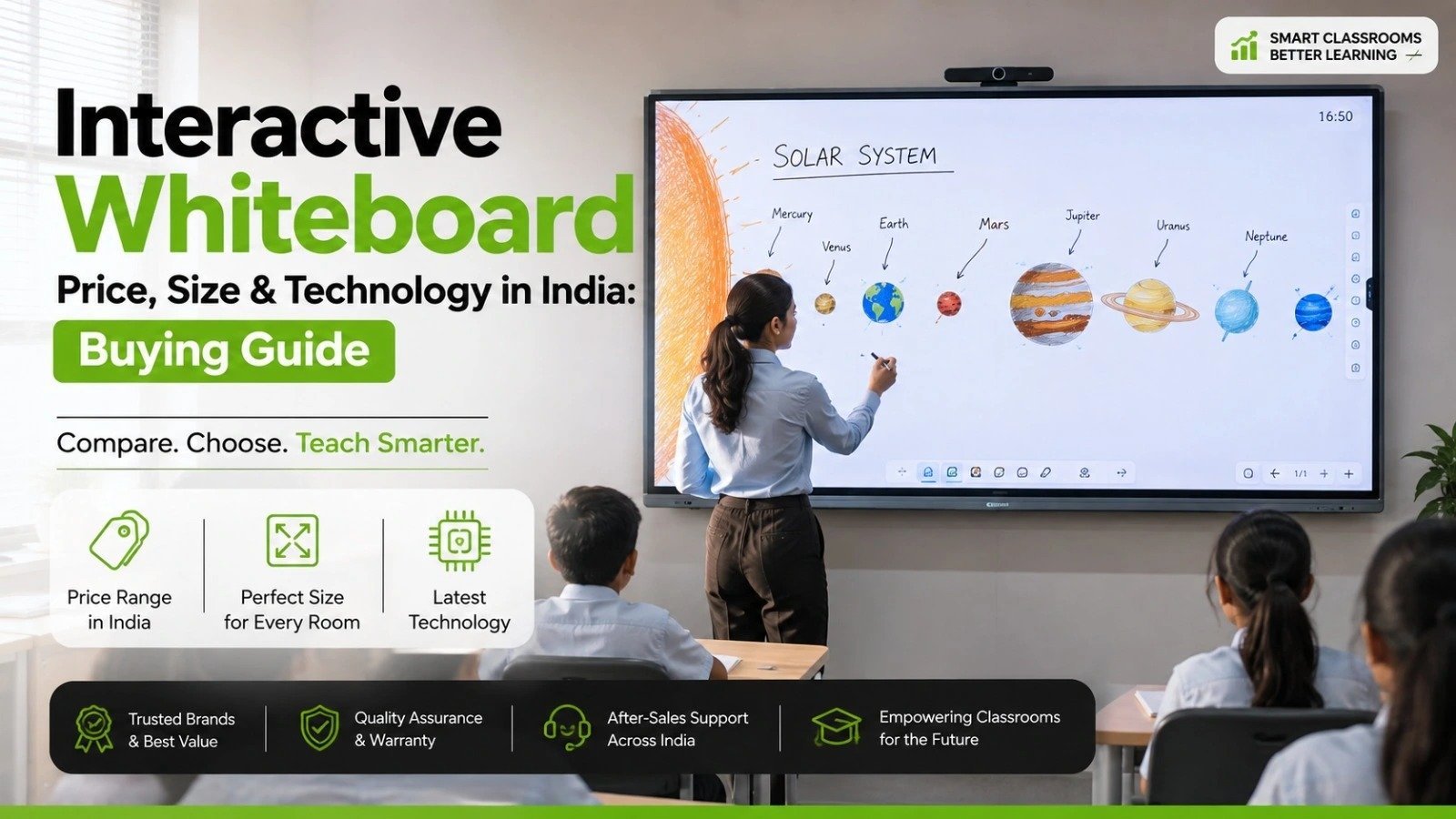
For most schools planning a new installation, interactive panels provide a lower maintenance experience, although the upfront cost is higher.
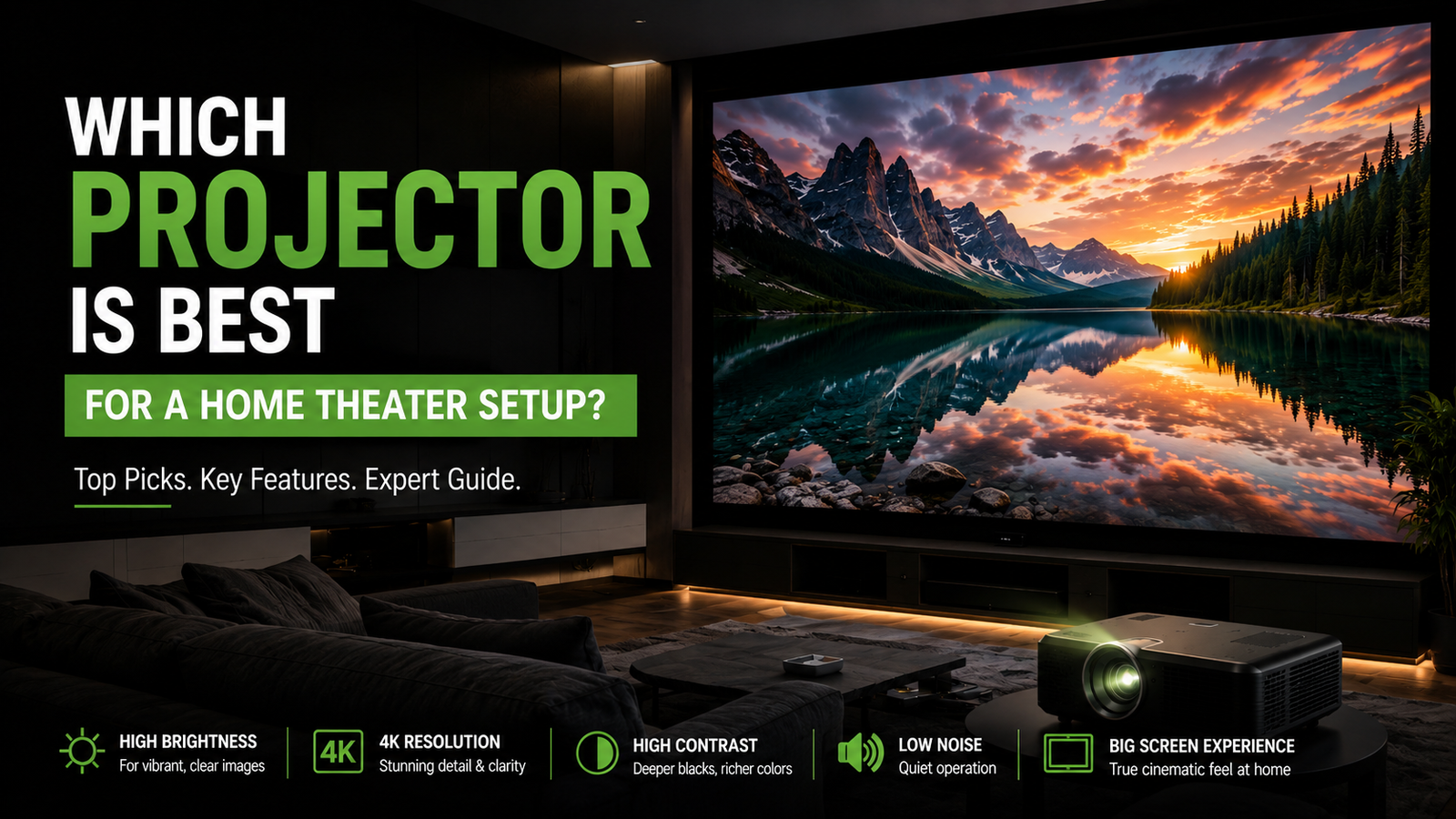
Projectors may still be suitable for institutions with limited budgets or very large classrooms.
The following factors can increase the budget:
Larger display sizes.
Higher-resolution screens.
Advanced educational software.
Video conferencing equipment.
Multiple microphones and speakers.
Campus-wide networking.
Centralised device management.
Extended warranty plans.
Additional training sessions.
Custom classroom furniture.
Schools generally prioritise:
Easy-to-use software
Durability
Teacher training
Long-term support
Most schools choose 75-inch or 86-inch displays.
Higher education institutions often require:
Video conferencing
LMS integration
Content sharing
Lecture recording
Their budgets are usually higher than those of schools.
Coaching centres focus on:
Cost efficiency
Interactive teaching
Content annotation
Hybrid classes
A basic or standard setup is often sufficient.
Corporate environments may need:
Wireless collaboration
Meeting software integration
Video conferencing
Screen sharing
These requirements increase the total investment.
Before purchasing a smart classroom setup, ask the supplier the following questions.
What screen size is recommended?
Is the display 4K?
How many touch points are supported?
Is an OPS computer included?
Is the licence lifetime or subscription-based?
Does the software support online classes?
Can teachers annotate documents?
Is installation included?
What electrical work is required?
Is wall mounting included?
Is teacher training provided?
What is the warranty period?
Is on-site support available?
Are spare parts available locally?
What is the annual maintenance cost?
How quickly can service requests be resolved?
More interactive learning experience.
Better visual presentations.
Easier collaboration.
Support for hybrid education.
Digital content sharing.
Reduced dependence on printed material.
Higher initial investment.
Dependence on electricity and internet.
Teacher training requirements.
Software subscription costs in some cases.
Maintenance planning for large deployments.
The smart classroom setup cost in India can range from approximately ₹1.5 lakh for a basic classroom to more than ₹10 lakh for advanced institutional deployments.
For most schools and colleges, a mid-range setup with a 75-inch or 86-inch interactive panel, educational software and teacher training offers a practical balance between functionality and cost.
Before finalising a purchase, institutions should compare not only the hardware price but also installation, software licensing, warranty, maintenance and after-sales support. The right choice depends on classroom size, teaching requirements and long-term operational goals.
A smart classroom setup in India typically costs between ₹1.5 lakh and ₹10 lakh or more, depending on the equipment and classroom requirements.
A standard package may include an interactive display, software, computer module, speakers, mounting accessories and installation.
Many schools prefer 75-inch or 86-inch displays, although the ideal size depends on classroom dimensions and student capacity.
Interactive panels generally offer better touch functionality and lower maintenance, while projectors often have a lower initial cost.
Internet access is not mandatory for basic teaching functions, but it is essential for online classes, cloud services and content updates.
A single classroom installation may take a few hours to a few days, depending on wiring and infrastructure requirements.
Many suppliers offer training, but buyers should confirm whether it is included in the quotation.
Yes. Most existing classrooms can be upgraded with displays, software and networking infrastructure.
Schools should consider software subscriptions, repairs, support contracts and networking maintenance.
Yes. Coaching centres often use smart classrooms for presentations, annotations and hybrid learning.




 Interactive flat Panel
Interactive flat Panel
Interactive flat Panel
 Interactive flat Panel
 Interactive flat Panel
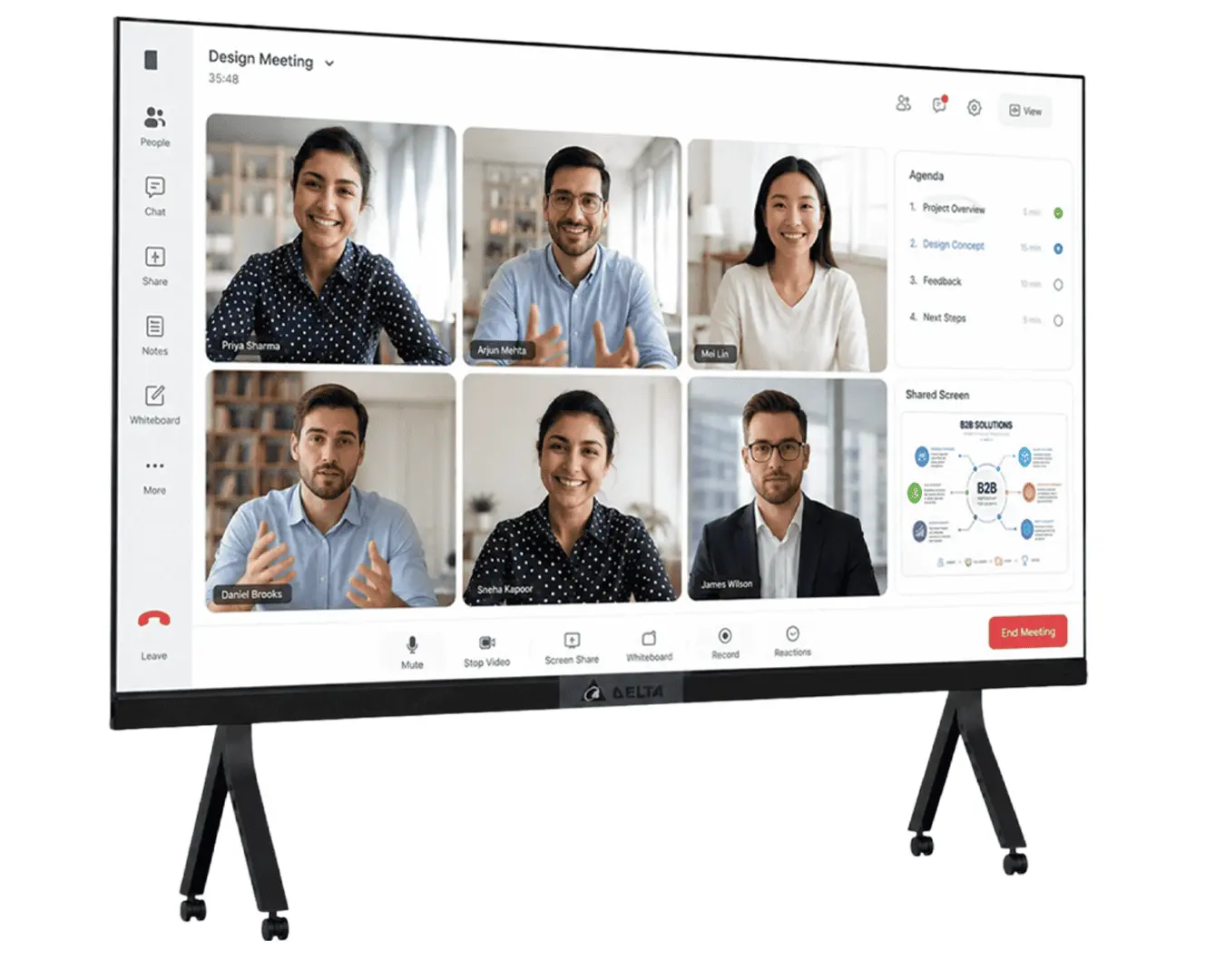
The Delta AIO-D165 165 Inch LED All-in-One Display features Full HD resolution, 800 nits brightness, an integrated Android controller and...
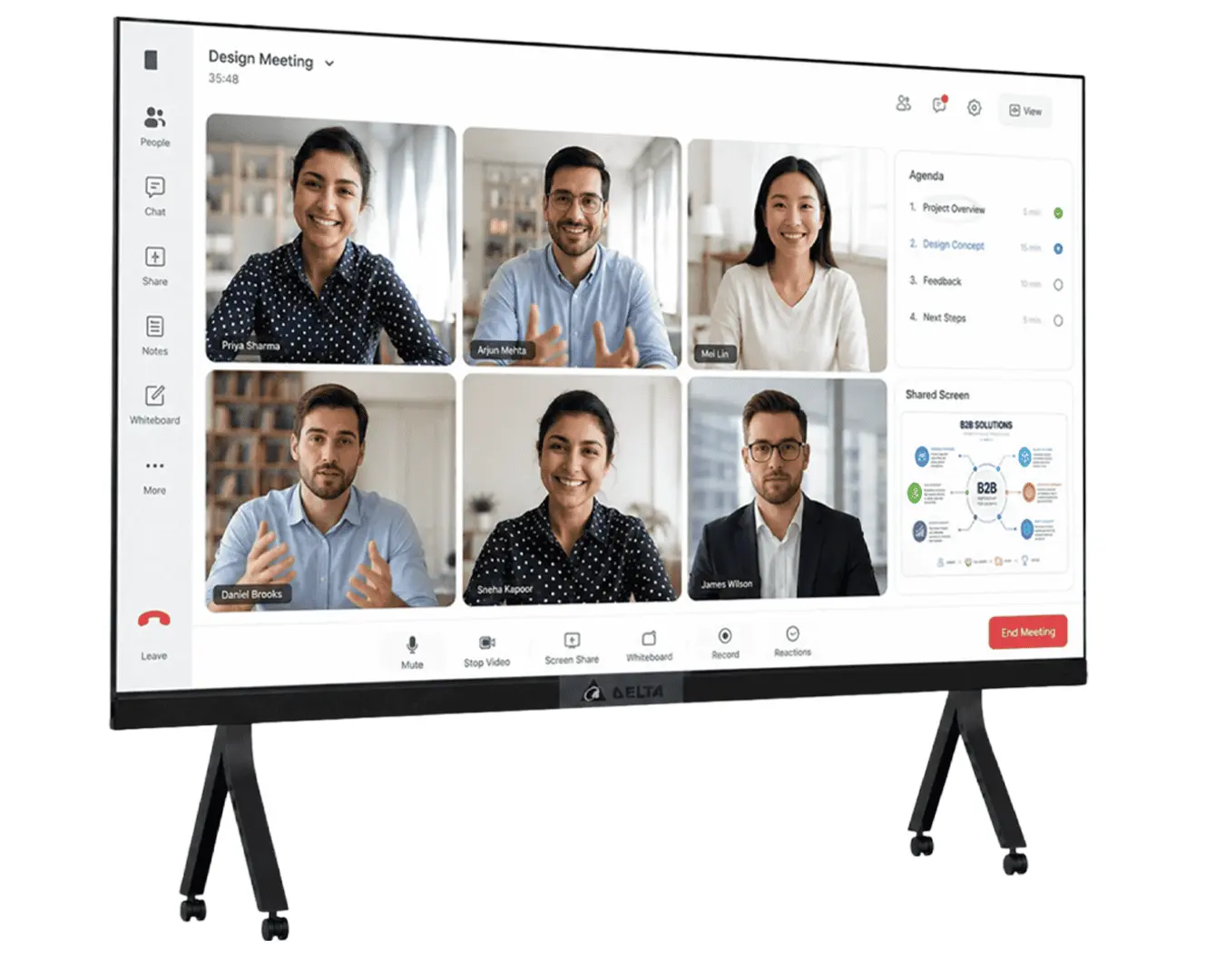
The Delta AIO-D150 150 Inch All-in-One LED Display is a premium large-format display designed for corporate offices, conference rooms, auditoriums,...
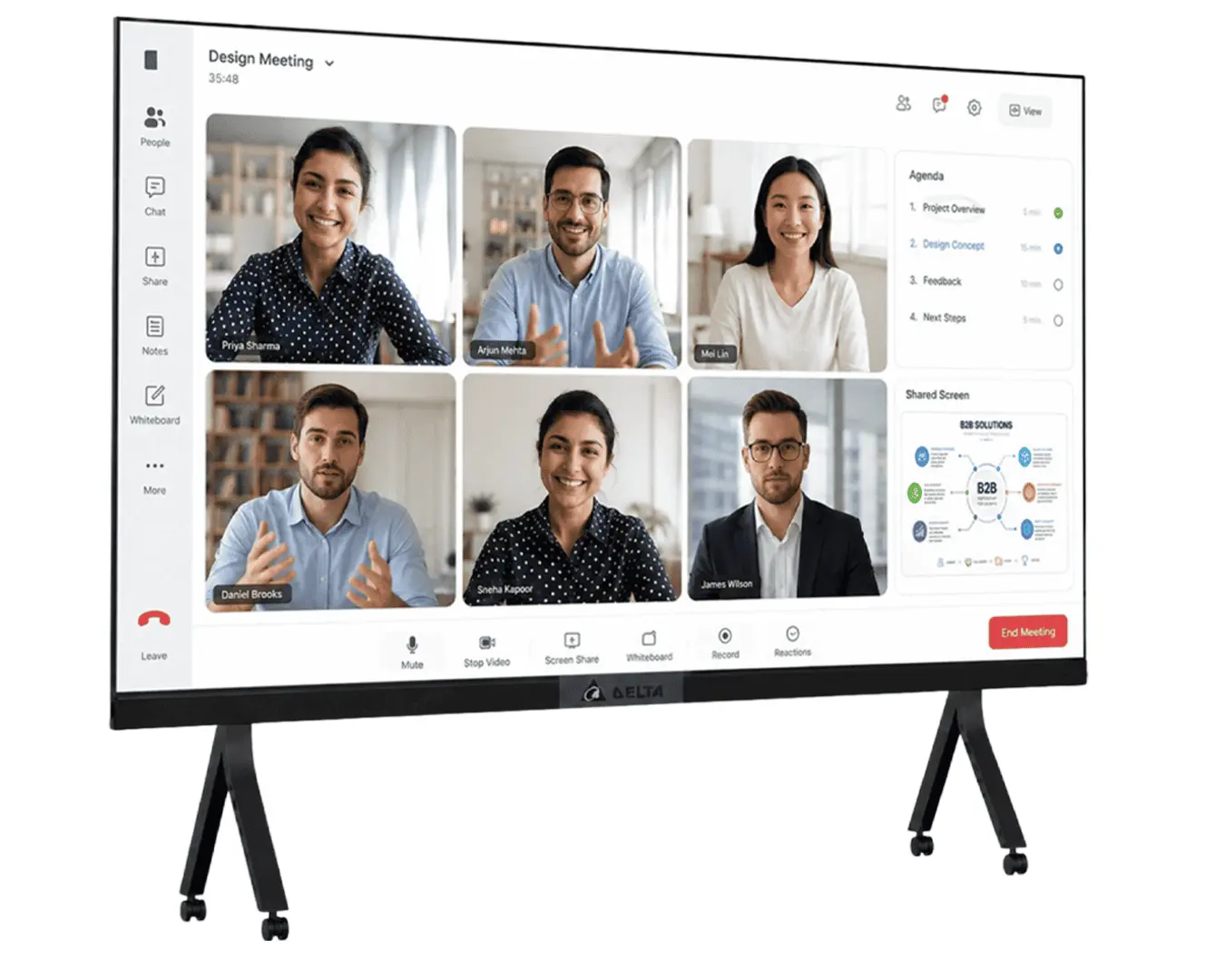
The Delta AIO-D138 138 Inch Full HD LED All-in-One Display delivers stunning visuals with 800 nits brightness, 1.588 mm pixel...
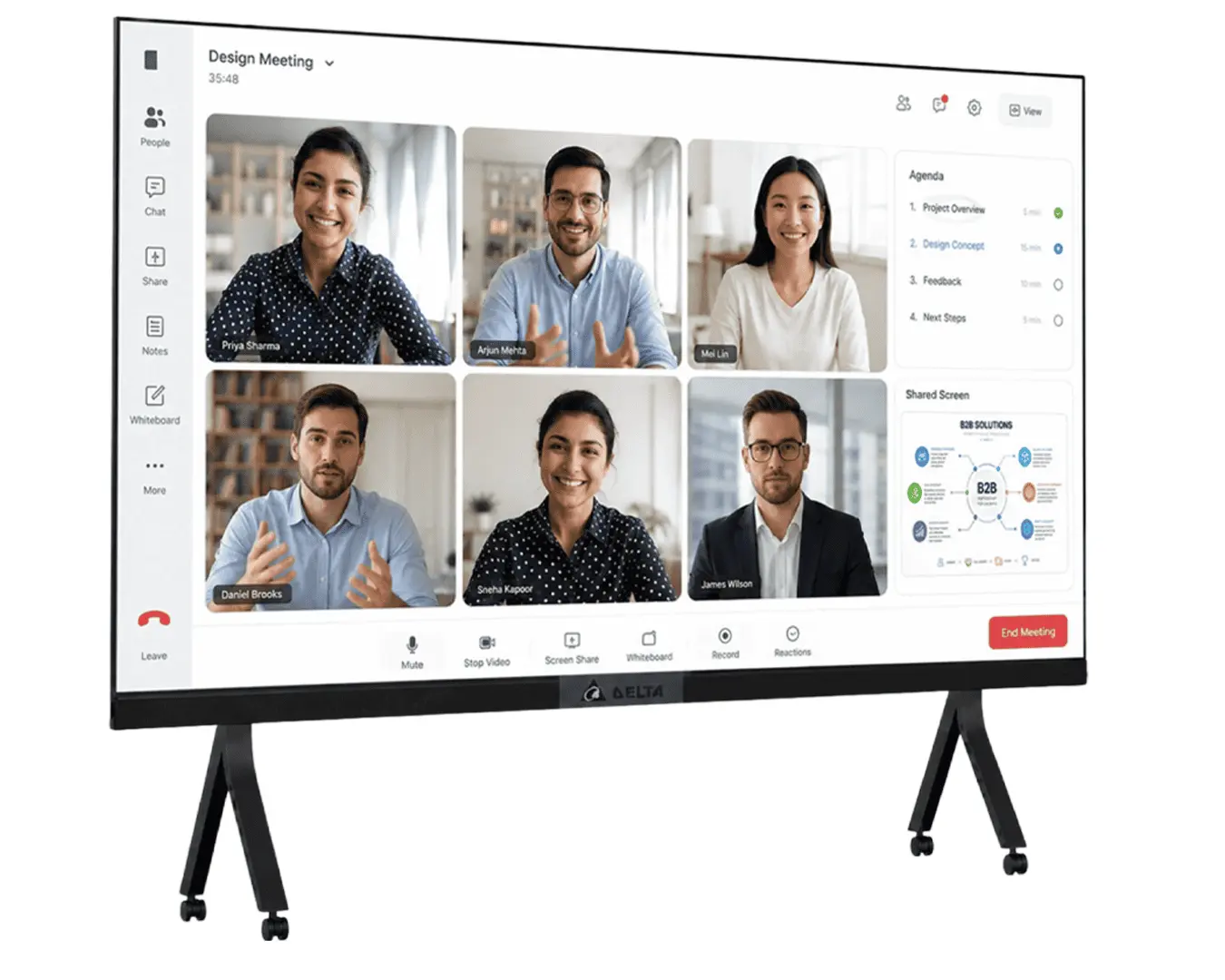
The Delta AIO-D120 120 Inch Full HD All-in-One LED Display delivers high-quality visuals with 800 nits brightness, 3840Hz refresh rate...
