August 12, 2026 Mahender Mahender
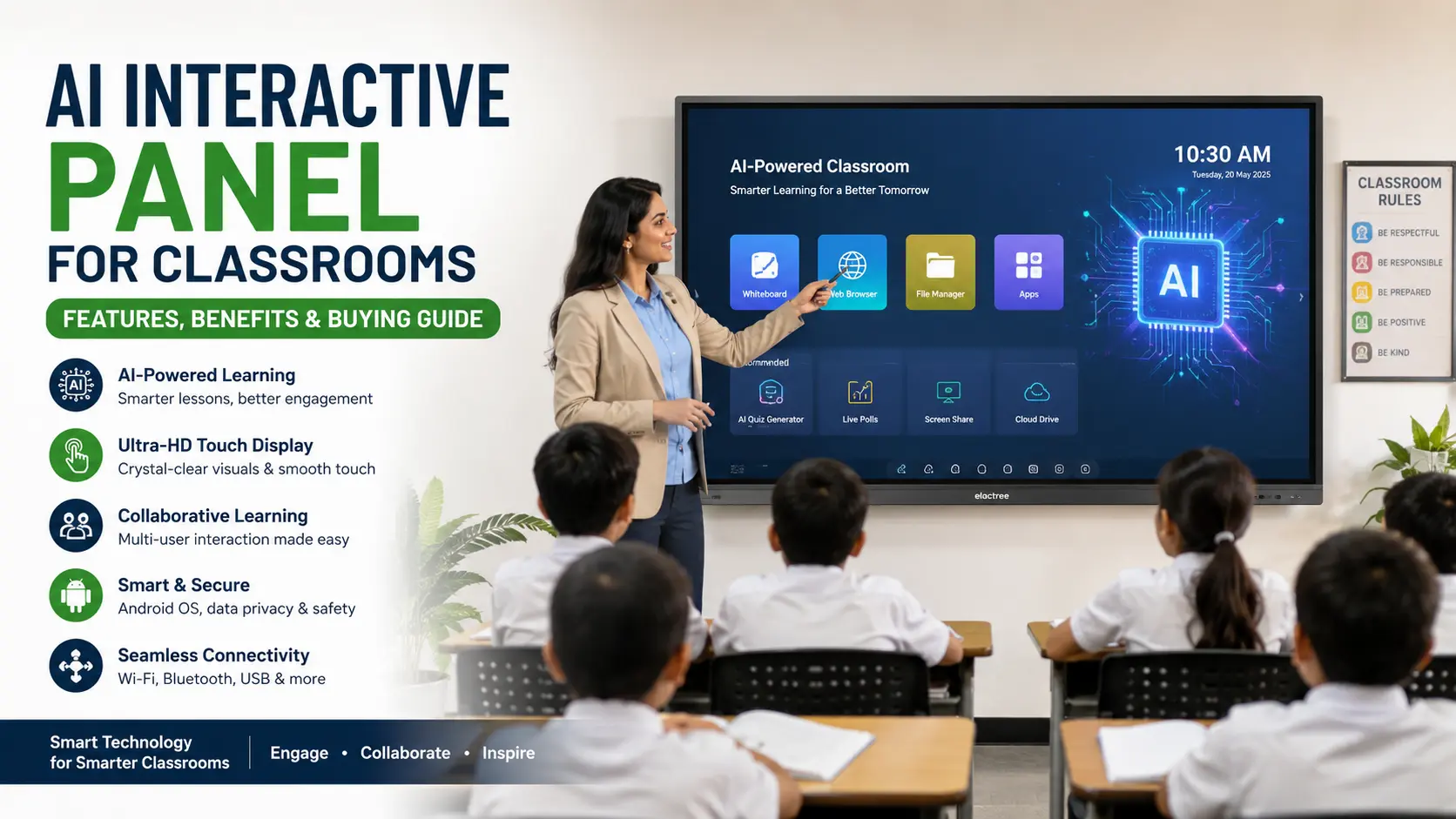
Choosing an interactive panel for a classroom used to be mainly about screen size, touch response, resolution, ports and software. In 2026, schools are also evaluating how the display uses artificial intelligence to support teaching, content search, writing, transcription, collaboration and classroom workflows.
The term AI Interactive Panel generally refers to an interactive flat panel that combines a large touch display with built-in or connected AI features. However, not every panel marketed as “AI” provides the same capabilities. Some use AI for handwriting or content search, while others add voice transcription, cameras, visual recognition or dedicated hardware for on-device AI processing.
For schools and colleges in India, the right purchase therefore depends on more than the presence of an AI label. Buyers should evaluate the actual AI functions, operating system, Google or Microsoft compatibility, touch performance, connectivity, privacy controls, installation, warranty and local technical support.
An AI Interactive Panel is a large touchscreen display designed for teaching and collaboration that includes artificial intelligence features such as AI-assisted search, handwriting recognition, content assistance, voice transcription or other intelligent classroom functions, depending on the model.
It can work as a digital whiteboard, presentation display, teaching computer and collaboration screen in one device. Some models also support video calls, screen sharing and external computers through an OPS slot.
For a school, AI is most useful when it reduces routine teacher tasks or makes classroom content easier to access. It should not be treated as a replacement for lesson planning, teacher judgement or curriculum expertise.

The main difference is the software and processing capability available on the panel.
A conventional interactive panel may provide 4K display, touch interaction, annotation, screen sharing, Android or another operating system and external PC connectivity. An AI interactive panel adds functions that use AI for tasks such as recognising handwriting, searching for information, summarising spoken content or assisting with classroom content.
The important point is that AI is not a replacement for the basic interactive display hardware. A panel still needs good touch accuracy, suitable brightness, reliable software and appropriate connectivity.
AI capabilities differ considerably between manufacturers and models. Buyers should therefore check the exact product specification instead of assuming that every AI panel includes the same functions.
Teachers frequently write notes, equations, diagrams and keywords directly on an interactive display.
AI-assisted handwriting features can help recognise written content, convert handwriting into digital text or provide intelligent assistance around the content. Some displays also use handwriting prediction to make digital writing more responsive.
Samsung's WAF-P range, for example, lists handwriting prediction and multi-touch capabilities, while its newer WAFX-P models include AI-related tools such as Circle to Search and voice recording/transcription features.
The practical value depends on recognition accuracy, supported languages and the applications being used.
AI-assisted search can reduce the number of steps required to find supporting classroom material.
For example, a teacher may select or circle a term on the screen and use a supported search feature to find related information, images or other resources. Samsung's WAF and WAFX-P displays include a Circle Text and Search function that can search for information related to selected screen content.
This can be useful during science, geography, history and language lessons where teachers frequently need supporting information.
However, teachers should still verify AI-generated or automatically retrieved information before presenting it as fact.
Some AI interactive panels can record classroom audio and convert speech into text.
This can be useful for:
Recording key points from a lecture
Creating text notes from discussions
Reviewing classroom sessions
Capturing student responses
Creating summaries of spoken content
Samsung states that its WAF and WAFX-P displays can record and transcribe lectures and student input, with generated summaries containing keywords and timestamps.
Availability and functionality can vary by model, software version, language and region.
AI features are not limited to the screen itself.
Some interactive panels integrate cameras, microphones and speakers for online teaching and hybrid classrooms. AI camera functions may include features such as auto-framing or speaker tracking.
For example, Samsung's WAF-P product information lists an all-in-one video call system, while the 75-inch WAF-P specification describes a built-in camera with auto-framing and a microphone designed to capture voices within a specified range.
For schools conducting hybrid classes, this can reduce the amount of additional hardware required.
Before buying, check whether the camera is included, whether it has a privacy cover, which video-conferencing applications are supported and whether the microphone performs adequately in the intended classroom.
Some panels can use AI to assist with classroom content.
Depending on the manufacturer, this may include:
Generating or improving lesson content
Summarising information
Creating questions
Explaining concepts
Organising notes
Supporting visual learning
Searching for related information
These functions should be assessed individually. “AI-enabled” does not automatically mean that a panel can perform all of these tasks.
One important distinction is where AI processing takes place.
Cloud-based AI sends information to an online service for processing, while on-device AI can process supported tasks directly on the panel.
BenQ's RP05 interactive display, launched in India in June 2026, is an example of a model designed around dedicated on-device AI processing. BenQ states that its AI teaching tools run on a dedicated NPU and that supported AI functions can operate on the board without cloud dependency.
For schools, on-device processing can be relevant when evaluating privacy, network dependence and response time. Buyers should still review the manufacturer's privacy documentation and determine exactly which functions operate locally.
An AI interactive panel combines several technologies rather than relying on AI alone.
A typical system may include:
Touch display → Operating system → Classroom software → AI features → Connectivity → Optional external computer or OPS
The display provides the visual and touch interface. The operating system runs applications and system functions. Classroom software provides whiteboarding, annotation and collaboration tools, while AI features handle supported intelligent tasks.
External devices can add further capabilities. For example, a Windows OPS computer can allow schools to run Windows applications directly through the interactive display.
Samsung's WAFX-P series includes Android 15, Google EDLA certification and an OPS slot, allowing the display to function with a Windows-based OPS computer when required.
AI-assisted search can help teachers find supporting information without leaving the lesson interface.
Instead of switching between multiple devices, a teacher may be able to search for definitions, images or related information directly from the panel, depending on the software.
Handwriting recognition, annotation and digital note tools can make it easier to save and reuse lesson content.
This is particularly useful when teachers want to retain board notes rather than erase them at the end of every class.
A panel with an integrated camera, microphone and speakers can simplify online teaching.
Schools running hybrid lessons should evaluate camera framing, microphone pickup, speaker output, privacy controls and compatibility with their chosen conferencing platform.
Multi-touch allows multiple students to work on the display at the same time on supported models.
For example, Samsung's WAF-P information states that multi-touch can support up to 50 points when running Windows through an OPS or external PC.
The actual touch capability depends on the operating mode and product configuration, so schools should test the exact model.
An Android-based interactive panel can combine display, whiteboard, browser, applications and collaboration tools in one unit.
This can simplify classroom setup, although schools that depend heavily on Windows applications may still require an OPS or external PC.
Teachers can use digital annotations, saved whiteboards and connected cloud resources to continue lessons across multiple sessions.
The usefulness of this feature depends heavily on software design, account management and the school's existing digital ecosystem.
AI functionality does not automatically make an interactive panel a better classroom device.
Two products can both be advertised as AI interactive panels while offering very different AI tools.
One may provide handwriting recognition and search, while another may include voice transcription, AI cameras or local AI processing.
Generative AI and automated search systems can make mistakes.
Teachers should verify important educational information, especially factual, scientific, historical, mathematical and examination-related content.
Cloud-based AI services may depend on an internet connection.
Schools should determine which features work offline and which require an account, network access or an external service.
Classrooms may involve student voices, images, names and other sensitive information.
If an AI feature records audio, processes images or sends content to a cloud service, the school should understand what data is collected, where it is processed and how it is retained.
Additional processors, cameras, microphones, storage, software and AI hardware can increase the total purchase price.
The cheapest panel is not necessarily the best-value option, but schools should also avoid paying for AI functions they do not expect teachers to use.
AI should not distract buyers from the fundamentals of an interactive panel.
Common classroom sizes include 65, 75 and 86 inches, although larger formats are also available.
The right size depends on:
Classroom dimensions
Viewing distance
Number of students
Seating arrangement
Wall or stand position
Type of content being displayed
For many standard classrooms, 75 inches can provide a practical balance between visibility and physical size. Larger rooms may justify 86 inches or more.
For a new classroom installation, 4K resolution is a common specification to consider.
It provides clearer text, diagrams, presentations and video content than lower-resolution displays, particularly on larger screens.
Brightness affects visibility under classroom lighting.
Buyers should compare the manufacturer's stated brightness and consider the actual classroom environment rather than selecting a panel based only on screen size.
Touch response is one of the most important aspects of an interactive display.
Test:
Writing latency
Pen accuracy
Palm rejection
Multi-touch performance
Finger and stylus response
Writing near the edges
Multiple users writing simultaneously
A panel with excellent AI software but poor writing performance can still be frustrating for teachers.
There is no single operating system that is best for every school.
Android-based interactive panels can provide an integrated classroom experience with applications, browser access, whiteboarding and supported Google services.
For schools that want an all-in-one display with minimal dependence on an external computer, Android can be convenient.
Some newer displays are offered with Google EDLA certification. Samsung's WAF-P product page, for example, lists Android 15 and EDLA certification.
Windows can be preferable when the school depends on desktop applications, Microsoft workflows or specialised educational software.
An OPS computer can turn the interactive display into a Windows-based classroom computer.
For many institutions, the practical choice is an Android interactive panel with an optional OPS slot.
This allows teachers to use the built-in system for everyday teaching while retaining the option of Windows computing when required.
A classroom panel should connect easily to teachers' laptops, student devices, USB accessories and network infrastructure.
Look for:
HDMI input
USB-A
USB-C
Display output where required
Ethernet
Wi-Fi
Bluetooth
Audio input/output where required
OPS support if Windows computing is needed
USB-C can be particularly useful because a single compatible connection may support display, touch and device charging, depending on the panel and connected computer.
Samsung's WAF/WAFX-P information, for example, describes USB-C connectivity for screen mirroring, touch control and charging on supported configurations.
Always check the exact port specification rather than assuming that every USB-C port provides the same functions.
Before requesting quotations, schools should create a basic technical and operational requirement list.
Start with the actual teaching requirement.
Ask:
Will teachers mainly use digital whiteboarding?
Is online teaching important?
Do teachers need AI-assisted search?
Is voice transcription useful?
Will students collaborate on the screen?
Are Windows applications required?
Does the school use Google Workspace or Microsoft 365?
Will the panel be connected to existing classroom cameras and speakers?
This prevents the purchase from being driven only by marketing terminology.
Measure the classroom before selecting 65, 75 or 86 inches.
Consider the distance between the screen and the last row rather than choosing the largest panel available.
Ask for a live demonstration.
Have an actual teacher write:
Small text
Large letters
Mathematical equations
Diagrams
Notes near the screen edges
Then test two or more people writing simultaneously.
Do not accept an AI feature list at face value.
Ask the supplier to demonstrate the exact functions included with the quoted model.
Test:
AI search
Handwriting recognition
Voice transcription
AI content tools
Image or object recognition, if available
Camera tracking
Offline functionality
Confirm compatibility with the school's current applications.
Check:
Google Workspace
Microsoft 365
Web browsers
Video conferencing
Educational applications
Screen-sharing software
Existing Windows applications
Compatibility can vary by operating system and model.
If Google services are important, verify whether the exact model has Google EDLA certification rather than assuming that every Android interactive panel provides the same Google experience.
The certification and supported Google services should be confirmed from the manufacturer's current documentation.
For AI-enabled classroom equipment, privacy should be part of the technical evaluation.
Ask:
Does the AI process data locally or through the cloud?
Is an account required?
What data is collected?
Can microphones or cameras be disabled?
Is a physical camera privacy cover included?
How are software updates delivered?
Can administrators control installed applications?
Interactive panels are large and heavy equipment.
Check whether the quotation includes:
Wall mounting
Compatible mounting hardware
Installation
Power requirements
Cable routing
Network configuration
Calibration
Initial software setup
A wall structure should also be checked for whether it can safely support the selected panel and mount.
For a school, after-sales support can be as important as the initial specification.
Ask the supplier:
What is the warranty period?
What parts are covered?
Is onsite service available?
What happens if the touch system fails?
How are software issues handled?
Are spare parts available in India?
Is installation included?
Is teacher training included?
Who should the school contact for technical support?
Do not compare quotations on hardware price alone.
A product demonstration is one of the most useful steps before a large institutional purchase.
Test the panel using the same applications, internet connection and teaching workflow that teachers will use after installation.

There is no single fixed price for an AI interactive panel in India because the total cost varies by brand, screen size, processor, operating system, AI hardware, software package, camera system, storage, touch capability, warranty and installation.
A 65-inch panel with basic interactive functions will have a different price from an 86-inch model with higher specifications, integrated video conferencing hardware and dedicated AI processing.
The quotation may also vary depending on whether it includes:
Wall mount
Floor stand
Installation
OPS computer
Camera
Extended warranty
Software licences
Teacher training
Onsite support
For this reason, buyers should compare complete configurations, not only the headline panel price.
When requesting quotations, ask suppliers to list every included component and service separately.
An AI interactive panel is generally more suitable for classrooms where teachers need direct touch interaction, digital writing, annotation and multi-user participation.
A Smart TV is primarily designed for viewing content. It may offer applications and screen sharing, but it generally does not provide the same classroom-focused touch, annotation and interactive teaching workflow.
For a school buying specifically for interactive teaching, an interactive panel is usually the more appropriate category.
An AI interactive panel offers a self-contained digital display and touch interface, while a projector depends on a separate projection surface and usually requires additional equipment.
For a new smart classroom installation where direct interaction is important, an interactive panel is generally the more straightforward solution.
Combines display, touch and digital whiteboarding in one system
Can reduce reliance on separate classroom devices
AI can assist with selected teaching and productivity tasks
Supports digital annotation and collaboration
Selected models support voice transcription
Some models integrate cameras and microphones
Android and Windows/OPS configurations can support different workflows
Can support screen sharing and connected devices
Higher specifications can increase purchase cost
AI functionality varies significantly between models
Some AI functions depend on internet connectivity
AI-generated information still requires teacher verification
Cameras and microphones require appropriate privacy controls
Large panels require suitable mounting and installation
Software support and updates can vary by manufacturer
A feature-rich panel may be unnecessary for schools with basic teaching requirements
Before placing a purchase order, ask the supplier for written answers to these questions:
What exact AI features are included in this model?
Which AI functions work offline?
Does the panel require cloud accounts for AI features?
What operating system and version does it use?
Is Google EDLA certification available for the exact model?
Does it support an OPS Windows computer?
What is the maximum touch-point count in each operating mode?
What are the brightness and resolution specifications?
Which screen-sharing platforms are supported?
Are camera and microphone included?
Is a physical camera privacy cover provided?
What warranty is included?
Is onsite service available in the school's location?
Does the quotation include installation?
Is teacher training included?
What happens if the panel requires repair?
Are software updates provided?
Which applications are pre-installed?
Can administrators manage users and devices?
Can the supplier demonstrate the exact quoted model?
Written confirmation is preferable to relying only on a sales presentation.
An AI Interactive Panel is a large touchscreen display that combines interactive whiteboarding and digital presentation features with selected artificial intelligence functions. Depending on the model, AI may support search, handwriting recognition, transcription, content assistance or camera functions.
Yes, particularly for schools that want digital whiteboarding, interactive teaching, device sharing and AI-assisted classroom tools in one system. Its value depends on whether teachers actually use the included features.
Useful features can include AI-assisted search, handwriting recognition, voice transcription, content assistance and AI camera functions. Schools should prioritise features that match their actual teaching workflows rather than selecting a panel simply because it is marketed as AI-enabled.
Not always. Basic functions such as writing and local whiteboarding can work without internet access, while cloud-based applications and some AI services may require connectivity. The exact offline capabilities depend on the model and software.
It can be better when the school needs AI-assisted functions such as transcription, intelligent search or content assistance. If those features will not be used, a well-designed standard interactive panel may provide better value.
The appropriate size depends on classroom dimensions, viewing distance and seating layout. 65-inch, 75-inch and 86-inch panels are common options, but the school should assess visibility from the last row before deciding.
4K is useful for displaying detailed text, diagrams, presentations and video content clearly on a large screen. It is a sensible specification to consider for a new installation, although other factors such as brightness and touch performance also matter.
Some interactive panels support Windows through an OPS computer or an external PC. This is useful for schools that depend on Windows applications. Buyers should check whether the exact model has an OPS slot and whether the required OPS configuration is supported.
Some AI functions can run locally on supported hardware, while others require internet-based services. For example, BenQ states that supported AI functions on its RP05 can run on dedicated on-device processing hardware.
The price varies according to screen size, brand, processor, operating system, AI capabilities, touch specification, camera, software, warranty and installation. Buyers should request a complete configuration-based quotation instead of comparing only the display price.
A built-in camera can be useful for hybrid classrooms and online teaching. However, schools should check camera quality, microphone performance, conferencing compatibility and privacy controls before purchasing.
Test the exact panel in a real teaching scenario. Check touch response, writing accuracy, software compatibility, AI functions, connectivity, privacy controls, installation requirements, warranty and local service support before making the final decision.
An AI Interactive Panel for classrooms is worth considering when a school wants more than digital display and touch interaction. The strongest use cases are classrooms that need AI-assisted search, handwriting tools, transcription, digital collaboration, hybrid teaching or other intelligent functions alongside conventional interactive teaching.
However, AI should not be the only buying criterion. A panel with excellent AI features but poor touch performance, limited software compatibility or weak local support can create more problems than it solves.
For most schools in India, the practical approach is to first define the teaching workflow, then compare screen size, display quality, touch performance, operating system, software, connectivity, AI functions, privacy, installation, warranty and service. Finally, test the exact model with teachers before placing a bulk order.
The best AI Interactive Panel is not necessarily the one with the longest AI feature list. It is the one whose hardware, software and support fit the school's classrooms and will continue to be useful in everyday teaching.




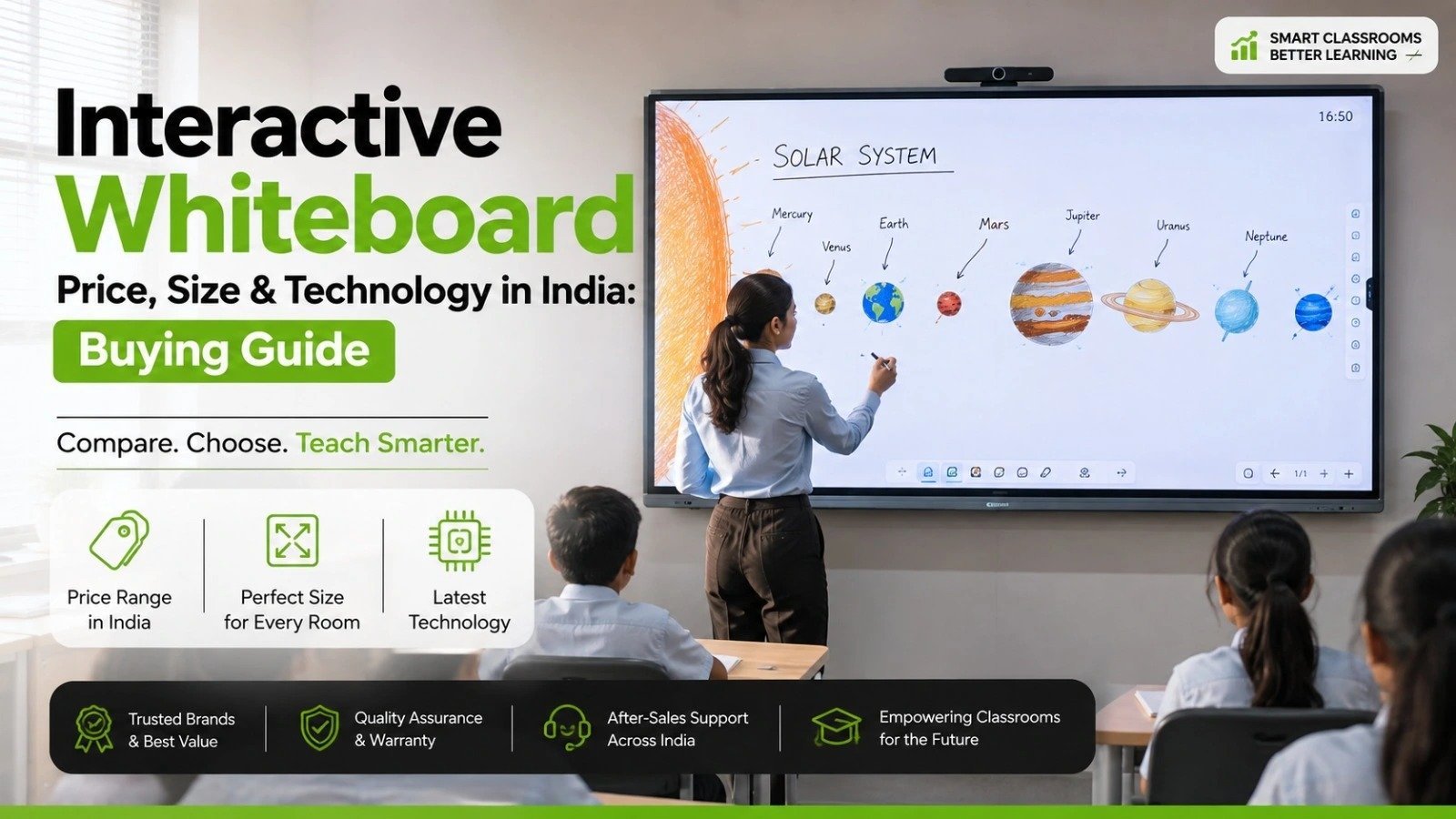
 Interactive flat Panel
Interactive flat Panel
Interactive flat Panel
Interactive flat Panel
Interactive flat Panel
 Interactive flat Panel
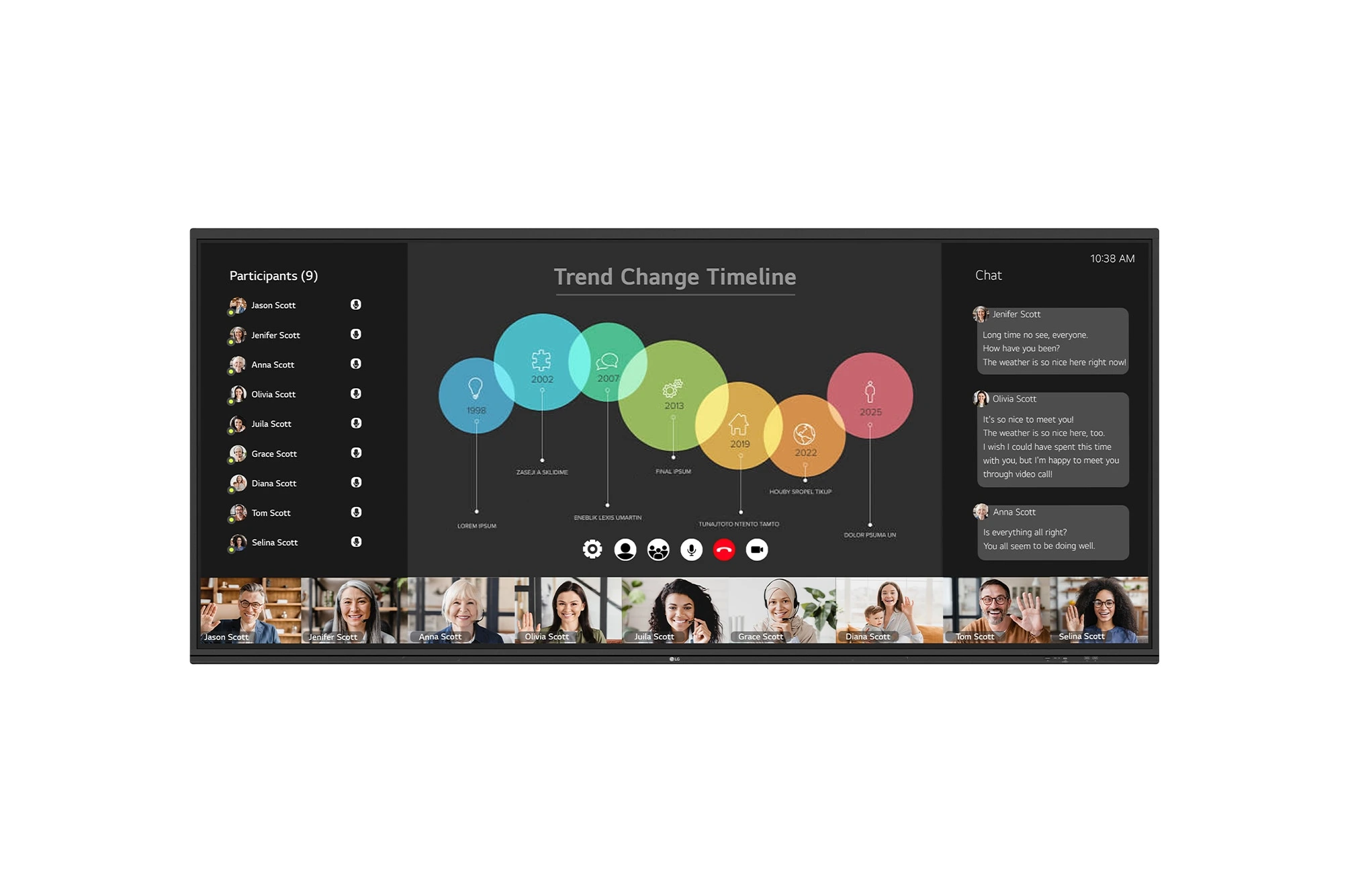
The LG CreateBoard 105TR5WP-I is a premium 105-inch 5K UltraWide (21:9) interactive display designed for modern meeting rooms, hybrid collaboration,...
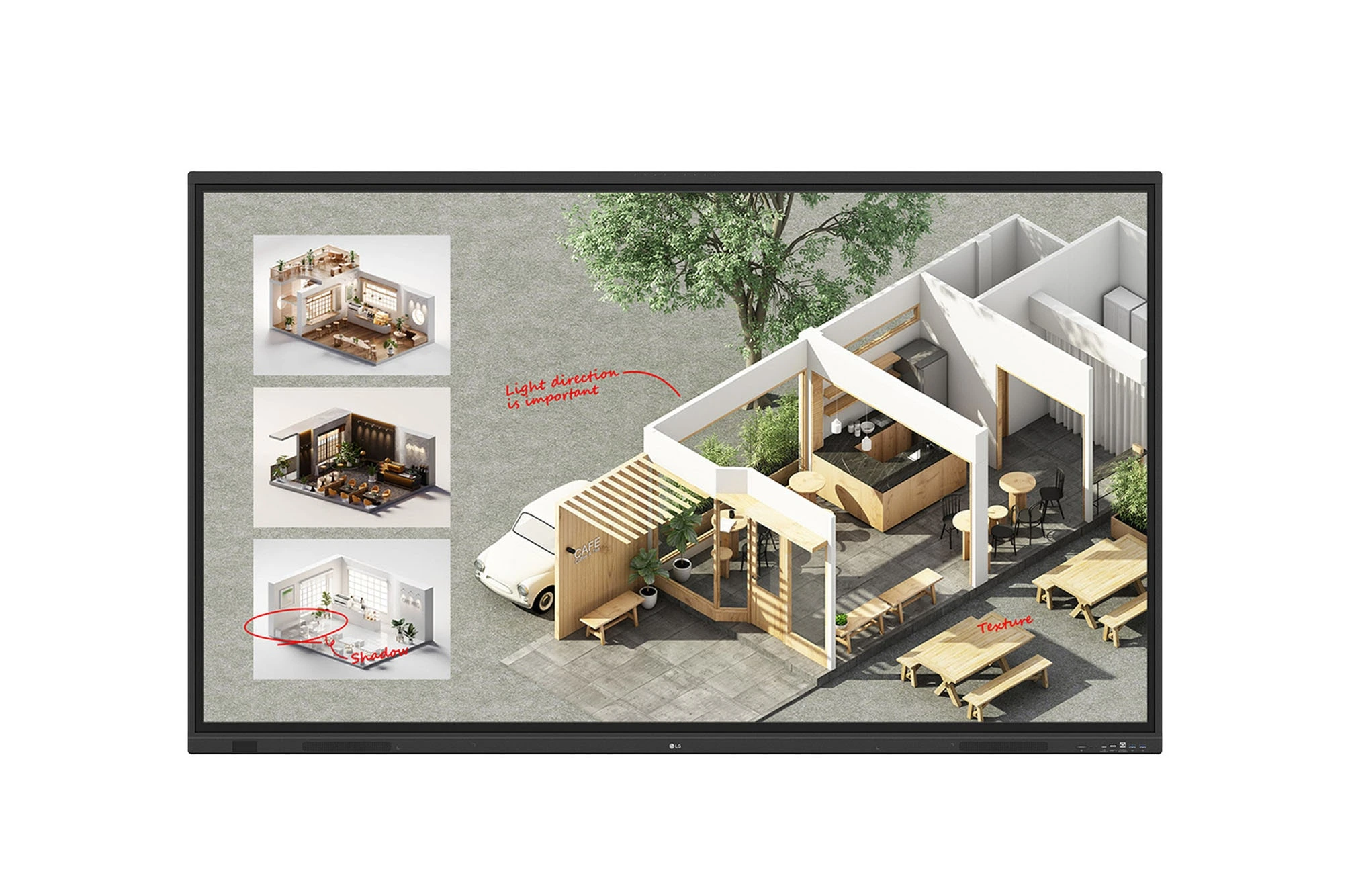
The LG CreateBoard Standard 86TR3DQ-I is an 86-inch 4K UHD Interactive Flat Panel Display designed for classrooms, corporate meeting rooms,...
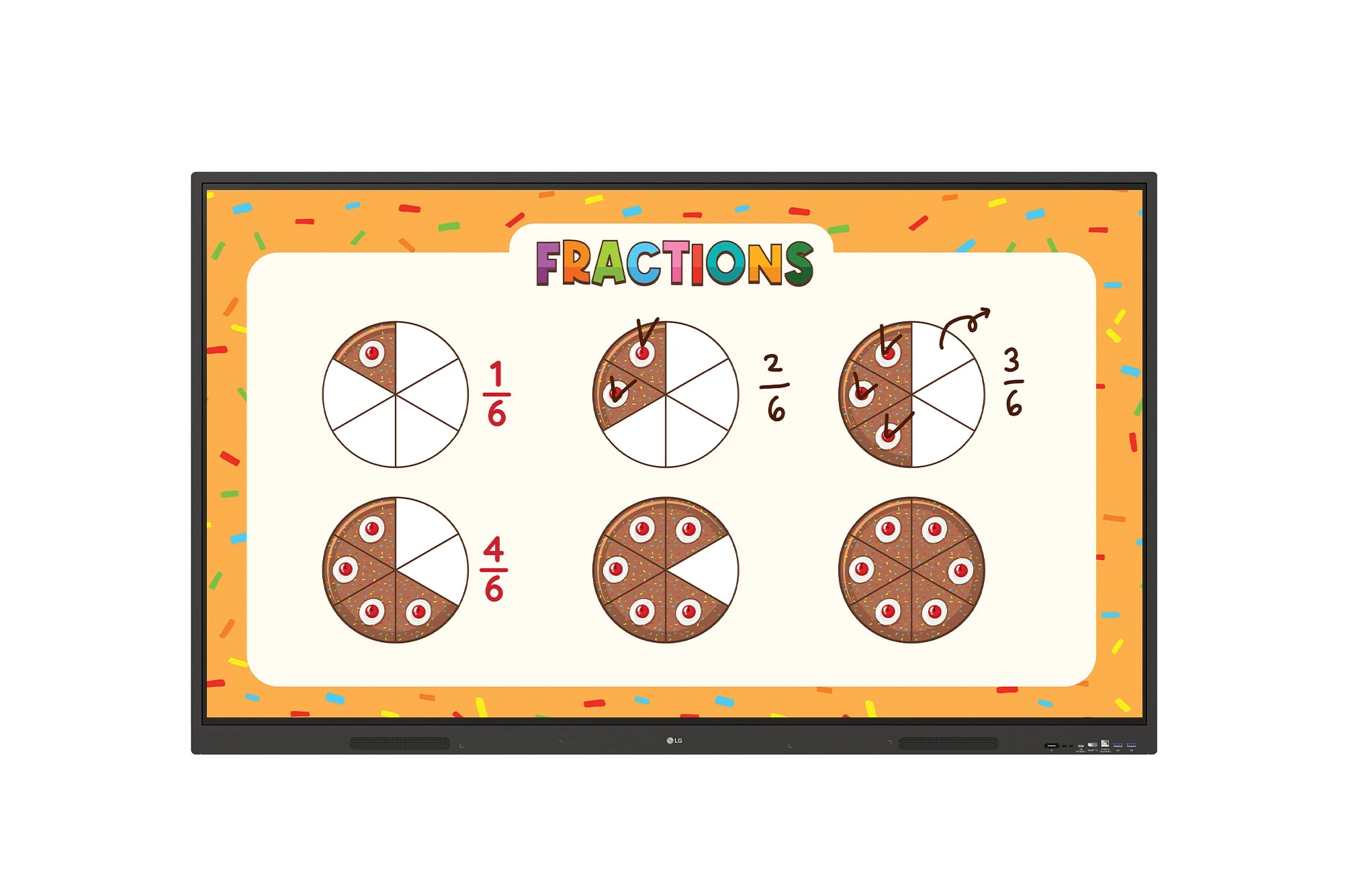
The LG CreateBoard 86TR3ER-I is an 86-inch 4K UHD interactive flat panel designed for modern classrooms, corporate meeting rooms, and...
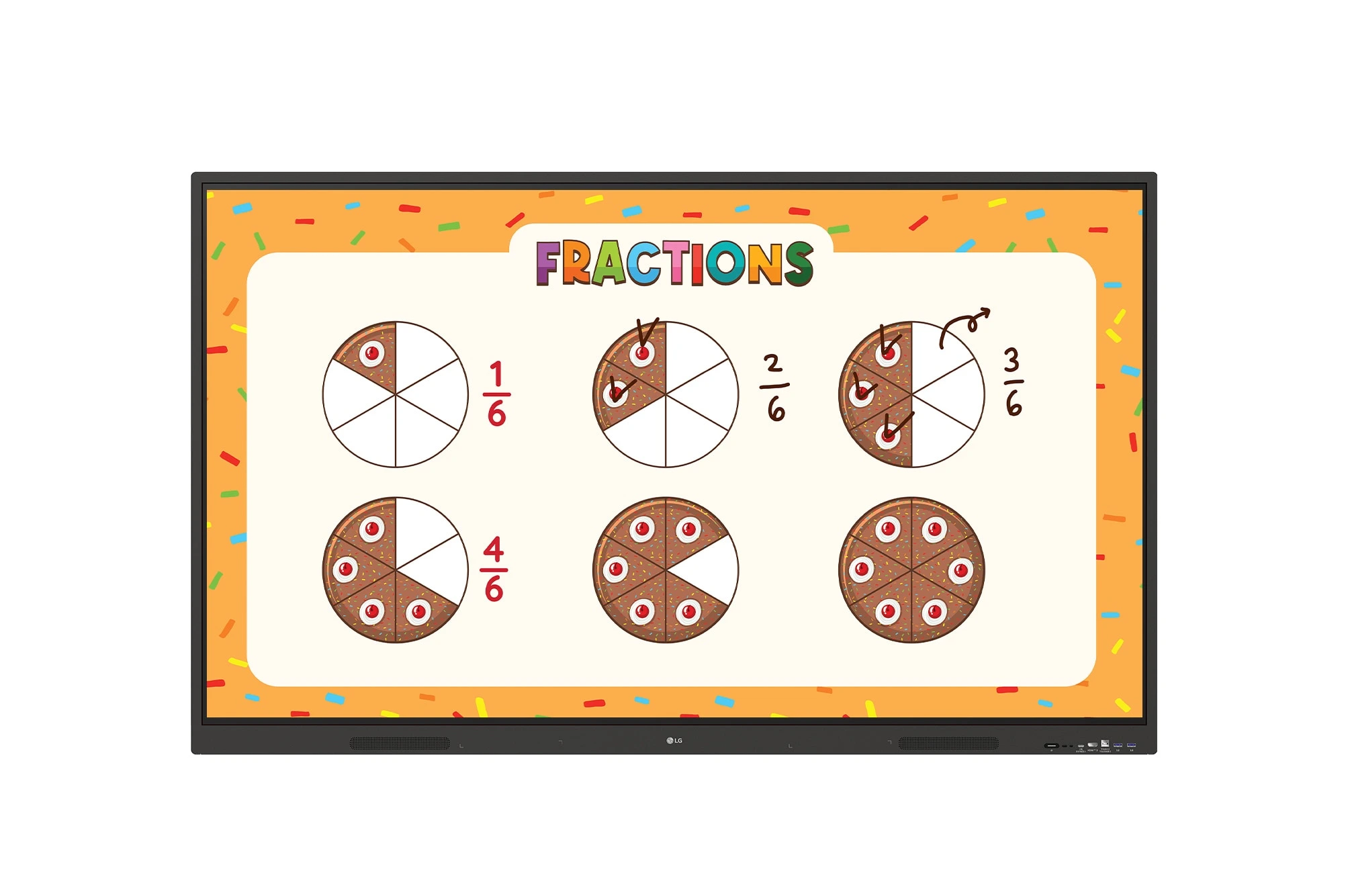
The LG CreateBoard 75TR3ER-I is a premium 75-inch 4K UHD Interactive Flat Panel designed for classrooms, training centers, and corporate...
