August 05, 2026 Mahender Mahender
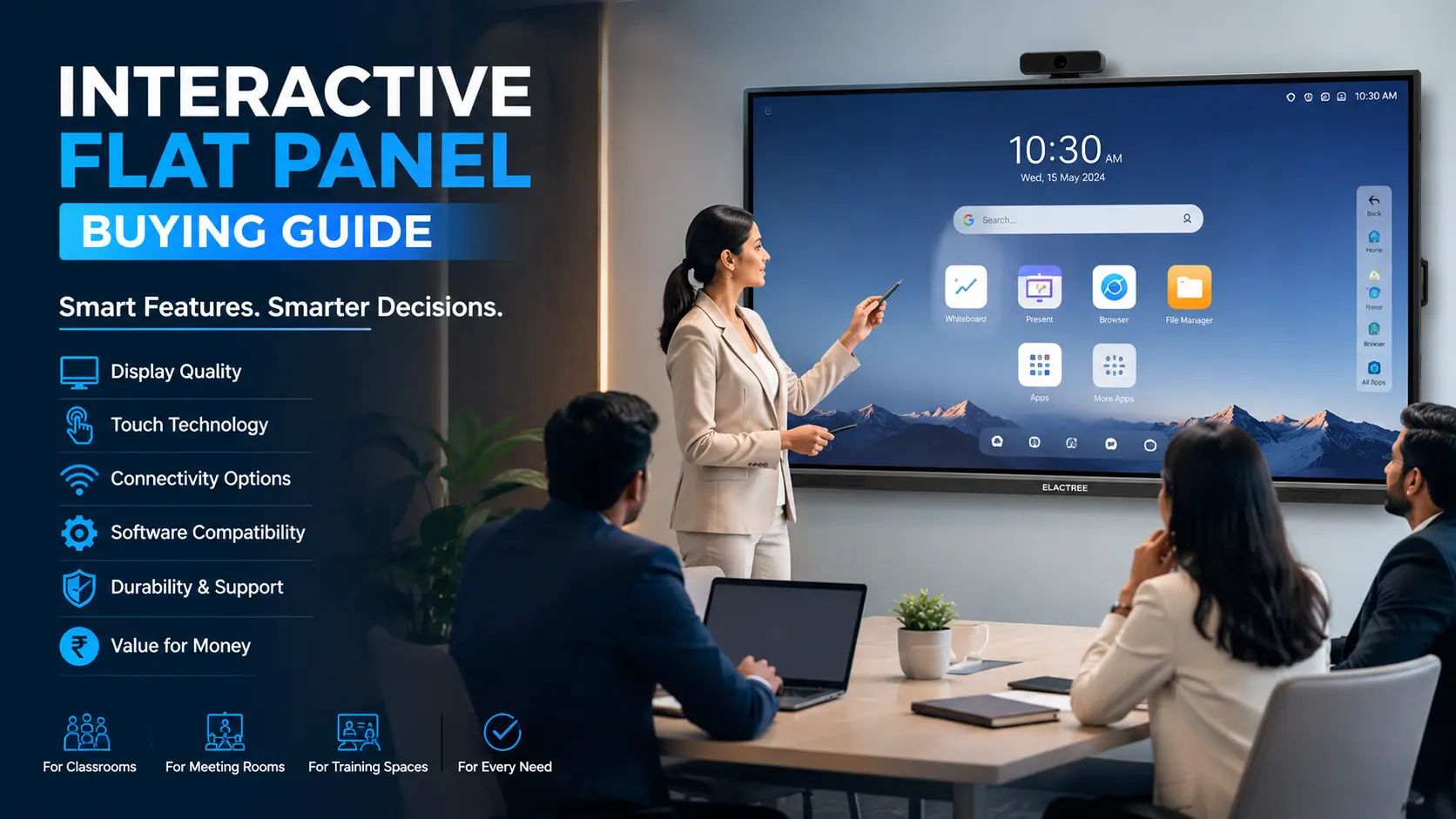
Buying an interactive flat panel is no longer a simple hardware purchase. Schools, colleges, coaching institutes, corporate offices, and government organisations now expect a display that supports teaching, presentations, collaboration, video conferencing, and digital content sharing.
The challenge is that many interactive panels look similar on paper. Two products with the same screen size may differ significantly in touch technology, software support, warranty, operating system, and after-sales service.
For buyers in India, the decision often comes down to practical questions: Which screen size is suitable? Which operating system should you choose? How important is training and technical support? What affects the final price?
This interactive panel buying guide answers those questions and explains what buyers should evaluate before making a purchase.
An interactive flat panel is a large touchscreen display designed for classrooms, meeting rooms, training centres, and collaborative workspaces. The right panel depends on the room size, number of users, software requirements, screen resolution, operating system, warranty, and long-term support.
Before purchasing, buyers should verify:
Screen size and resolution
Touch accuracy and response
Android version and software ecosystem
Compatibility with Windows, macOS, and conferencing tools
Warranty and service coverage
Installation requirements
Training and maintenance support
Total ownership cost
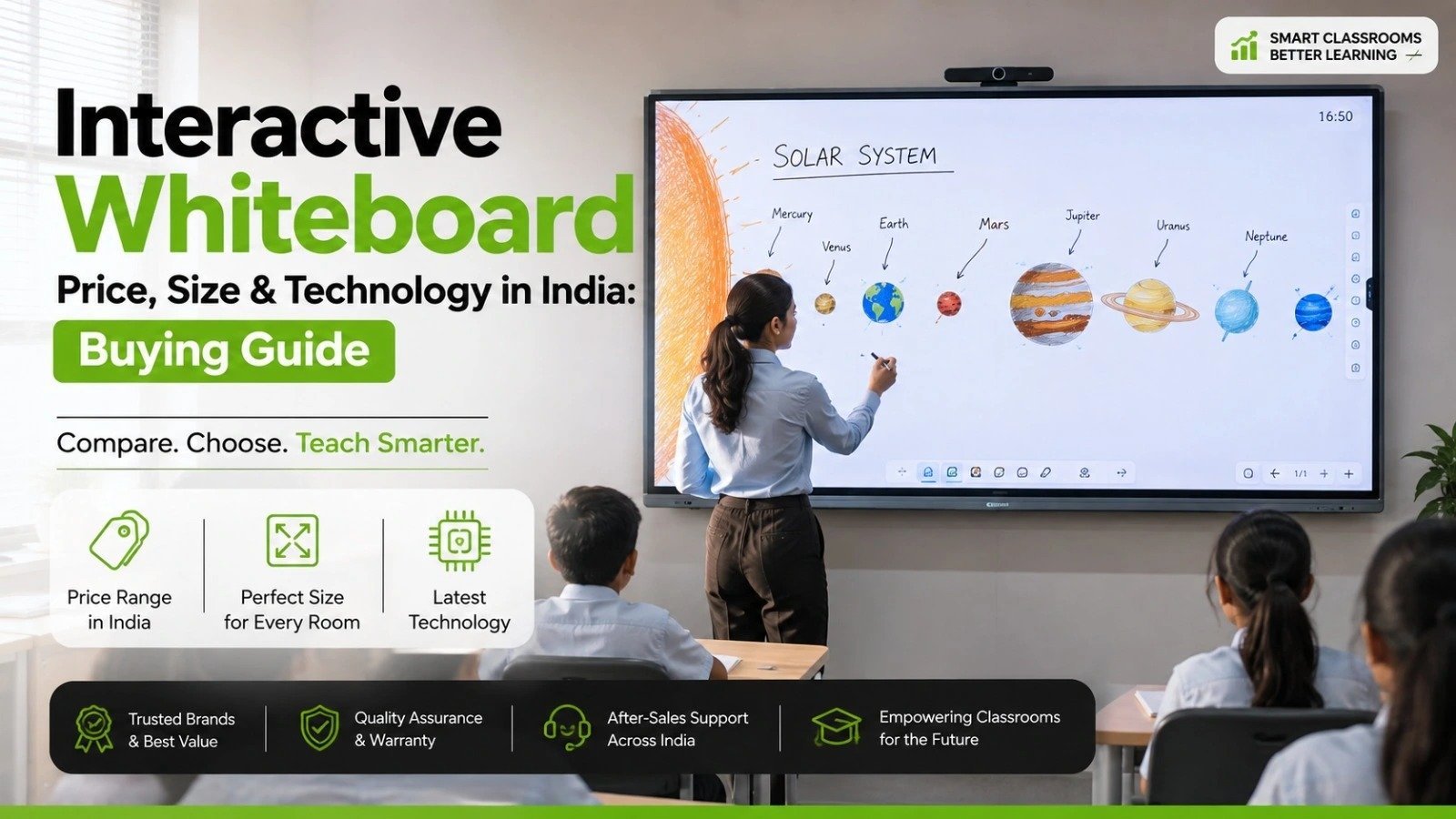
For most schools and offices in India, a 75-inch or 86-inch interactive panel is often suitable, although the ideal size depends on room dimensions and seating distance.

An interactive flat panel is a large touchscreen display that combines a high-resolution screen, touch functionality, digital whiteboard software, and connectivity features in a single device.
Unlike traditional projectors, interactive panels do not require a separate projection surface. Users can write, draw, annotate documents, share screens, and conduct presentations directly on the display.
Interactive panels are commonly used in:
Schools and classrooms
Colleges and universities
Coaching institutes
Corporate meeting rooms
Training centres
Government offices
Conference rooms
Most modern panels support multiple users writing simultaneously, although capabilities vary depending on the manufacturer and model.
Interactive flat panels are suitable for organisations that regularly conduct presentations, collaborative sessions, or training programmes.
Schools use interactive panels for:
Digital teaching
Interactive lessons
Multimedia presentations
Online classes
Classroom collaboration
Coaching centres often need:
Fast note-taking
Diagram explanations
Recorded sessions
Content sharing
Businesses typically use interactive panels for:
Team meetings
Video conferences
Client presentations
Brainstorming sessions
Employee training
Government departments use interactive displays for:
Meetings
Training programmes
Information sharing
Presentations
Screen size affects visibility, user experience, and overall cost.
As a general rule, larger rooms require larger screens. Buyers should assess viewing distance before finalising the panel size.
Most modern interactive panels offer 4K UHD resolution.
Buyers should evaluate:
Resolution quality
Brightness
Viewing angles
Colour accuracy
Anti-glare coating
Classrooms with large windows may require displays with better brightness and anti-glare performance.
Touch quality directly affects the writing experience.
Important factors include:
Touch response speed
Palm rejection support
Stylus compatibility
Multi-touch capability
Writing accuracy
For educational use, smooth handwriting performance is particularly important.
Most interactive panels include Android, while many also support Windows through an OPS module.
Buyers should verify:
Android version
Update support
App compatibility
Security features
Performance
Some organisations require access to specific software that may only run on Windows.
Software can significantly affect usability.
Useful features include:
Whiteboard applications
Annotation tools
Screen sharing
Cloud storage integration
File management
Browser support
Split-screen mode
The exact software package may vary by manufacturer.
Before purchasing, ensure compatibility with:
Windows laptops
MacBooks
Android devices
iPhones and iPads
Microsoft Teams
Zoom
Google Meet
Buyers should request a demonstration if compatibility is critical.
A modern interactive panel should provide sufficient connectivity.
Look for:
HDMI ports
USB ports
USB Type-C
Wi-Fi
Bluetooth
LAN port
Audio output
Corporate buyers often require USB Type-C connectivity for simplified meetings.
Built-in audio quality can vary significantly.
Check:
Speaker output
Microphone compatibility
Sound clarity
External audio support
Large classrooms may still require additional speakers.
Installation affects both cost and usability.
Consider:
Wall strength
Mounting hardware
Power points
Cable routing
Internet connectivity
Viewing height
Some institutions may prefer motorised stands instead of wall mounting.
After-sales support is often more important than minor hardware differences.
Ask the supplier:
What is the warranty period?
Is on-site support available?
Are spare parts available locally?
What is the expected response time?
Is training included?
A lower purchase price may not be beneficial if service support is limited.

Actual requirements depend on room dimensions and seating arrangements.
Interactive panel pricing in India depends on multiple factors rather than screen size alone.
The final quotation may vary depending on:
Screen size
Display technology
Touch capability
Operating system
OPS computer inclusion
Brand
Warranty period
Accessories
Installation requirements
Software licensing
A 75-inch panel from one manufacturer may cost more than an 86-inch model from another because of differences in software, certifications, accessories, and service support.
Buyers should compare the complete package instead of evaluating price alone.
Before making a final decision, ask these questions:
Which Android version is included?
Is Windows OPS supported?
What software is pre-installed?
Is screen sharing included?
How many simultaneous touch points are supported?
What is covered under warranty?
Is on-site installation included?
Will teachers or employees receive training?
How quickly is technical support provided?
Are spare parts available locally?
These questions help avoid unexpected costs after installation.
Many organisations focus only on price and overlook long-term requirements.
Avoid these mistakes:
Buying the wrong screen size
Ignoring software compatibility
Choosing without a product demonstration
Overlooking warranty conditions
Ignoring service availability
Underestimating installation requirements
Comparing products only by specifications
The lowest quotation is not always the most economical option over several years of use.
Large touchscreen experience
Better visibility than projectors in bright rooms
Digital whiteboard functionality
Supports collaboration
Wireless screen sharing
Suitable for teaching and meetings
Reduced maintenance compared to lamp-based projectors
Higher initial investment
Large models require professional installation
Software capabilities vary by brand
Some features require internet connectivity
Repairs may require specialised support
A 75-inch or 86-inch panel with strong annotation tools and teacher-friendly software is generally suitable.
Focus on handwriting accuracy, screen recording, and content-sharing features.
Prioritise video conferencing compatibility, wireless sharing, and USB Type-C connectivity.
Evaluate warranty, procurement compliance, and local support availability.
The final choice depends on room size, usage requirements, software needs, and long-term maintenance expectations.
An interactive flat panel is a long-term investment that affects teaching, communication, and collaboration. The right choice is not determined only by screen size or price.
For most buyers in India, the most important factors are display quality, touch performance, software compatibility, installation, warranty, and after-sales support.
Before making a purchase, request a product demonstration, verify the exact specifications, and compare the complete package rather than focusing only on the initial quotation. A carefully planned purchase can provide value for years, while the wrong choice may create operational challenges from day one.
An interactive flat panel is a touchscreen display that combines a large screen, whiteboard software, and collaboration tools for classrooms and meeting rooms.
A 75-inch or 86-inch panel is commonly suitable for classrooms, although the correct size depends on room dimensions and seating distance.
In many classrooms and meeting rooms, interactive panels can replace projectors because they offer better visibility and touch functionality.
Yes. Most interactive panels support Windows laptops, MacBooks, and other devices through HDMI, USB, or wireless connections.
Basic features such as writing and annotation may work offline, but cloud services, updates, and online collaboration require internet access.
The lifespan depends on usage, maintenance, and manufacturer specifications.
Many interactive panels support multi-touch writing, although the exact capability varies by model.
Basic functions are usually easy to learn, but training can help teachers and employees use advanced features effectively.
OPS is an optional computer module that adds Windows functionality to compatible interactive panels.
Buyers should compare screen size, software, operating system, connectivity, warranty, installation, and after-sales support.




 Interactive flat Panel
Interactive flat Panel
Interactive flat Panel
 Interactive flat Panel
 Interactive flat Panel
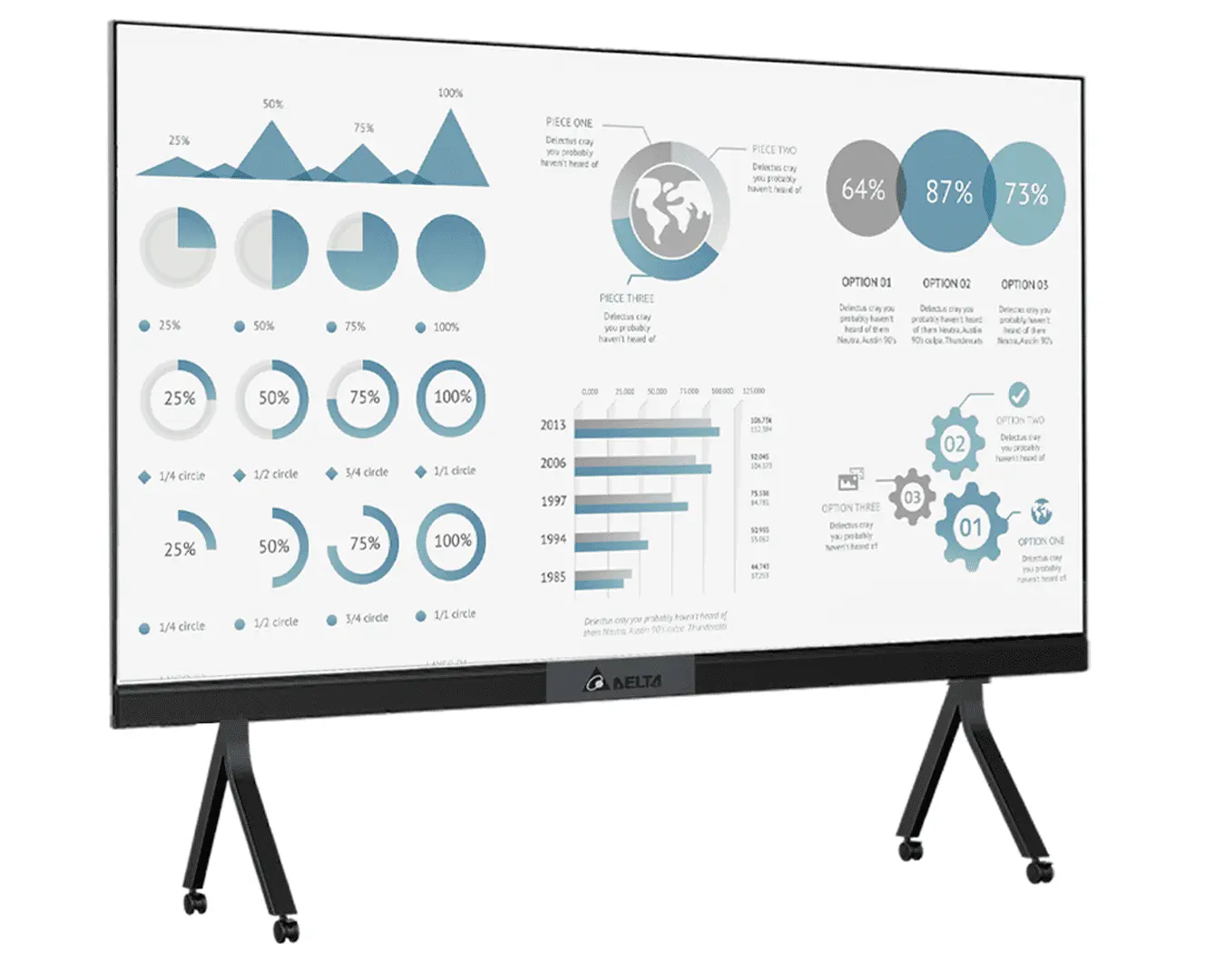
The Delta AIO-D 220E is a 220-inch Full HD All-in-One LED Display designed for boardrooms, conference rooms, large meeting spaces...
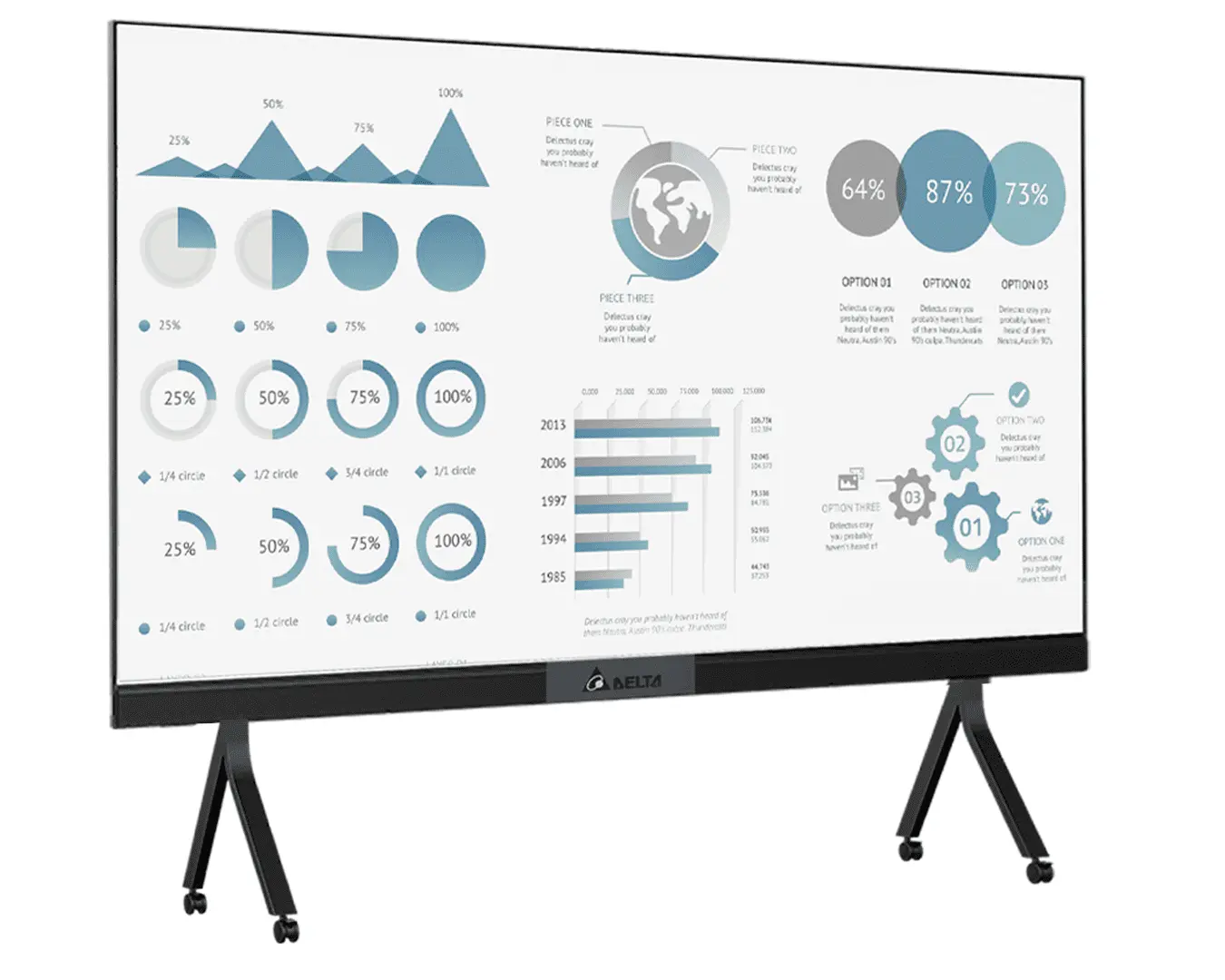
The Delta AIO-D 165E 165-inch LED All-in-One Display features Full HD resolution, 800 nits brightness, Android 13, 8GB RAM and...
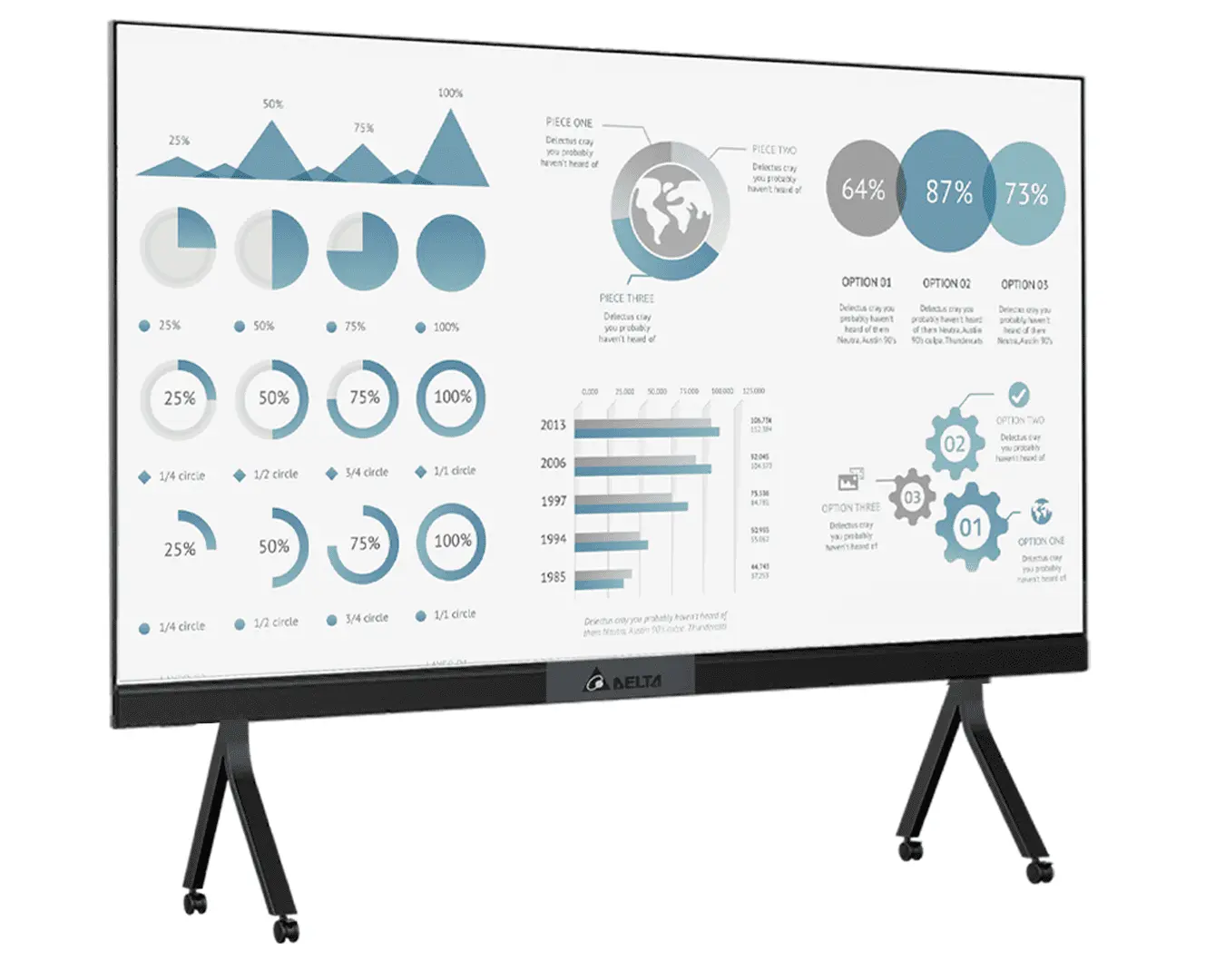
The Delta AIO-D 150E 150-inch All-in-One LED Display delivers Full HD visuals, 800 nits brightness, built-in Android, and powerful 120W...
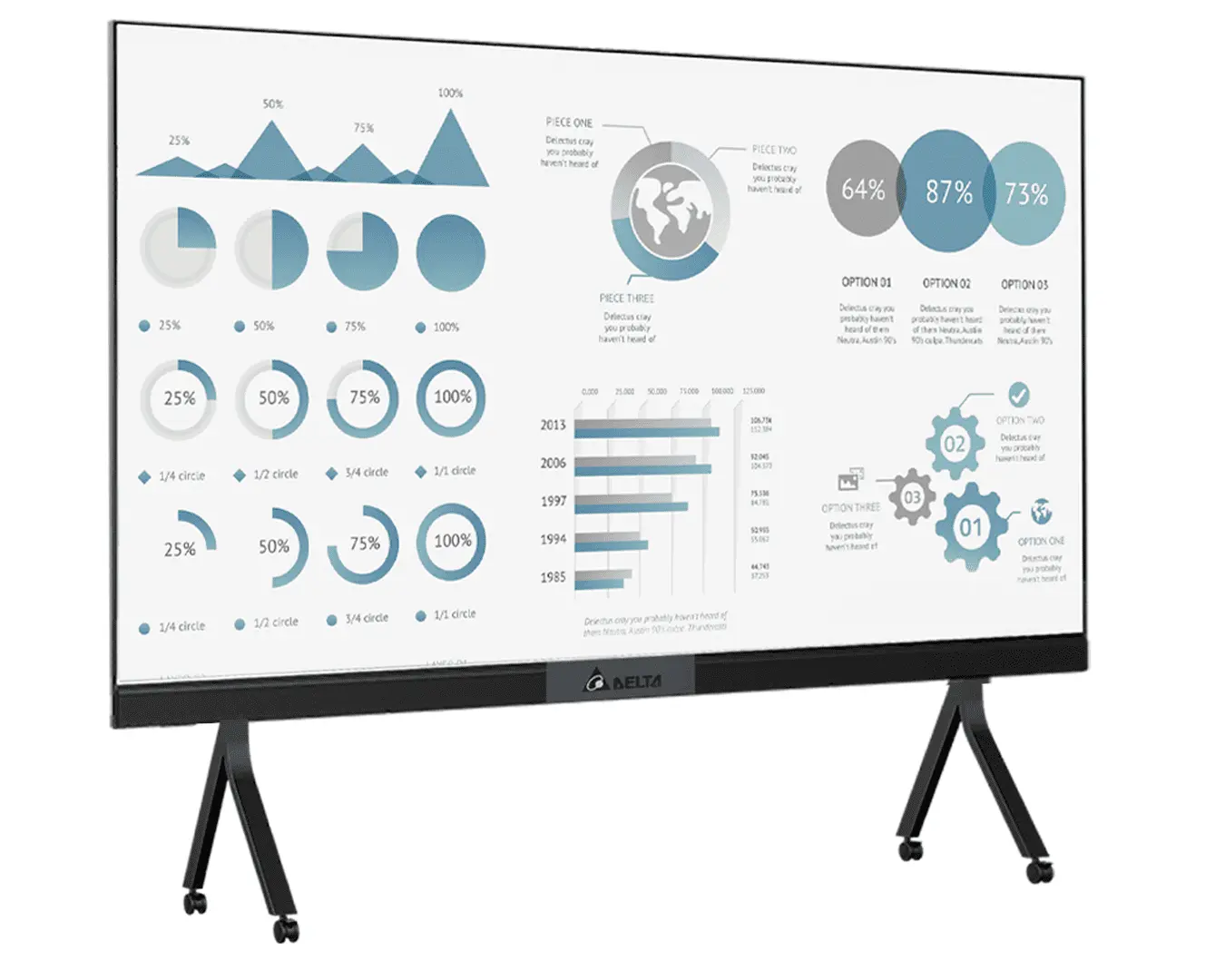
The Delta AIO-D 138E is a 138-inch Full HD All-in-One LED Display featuring Android 13, 8GB RAM, 64GB storage, built-in...
