March 31, 2026 Manisha Maurya
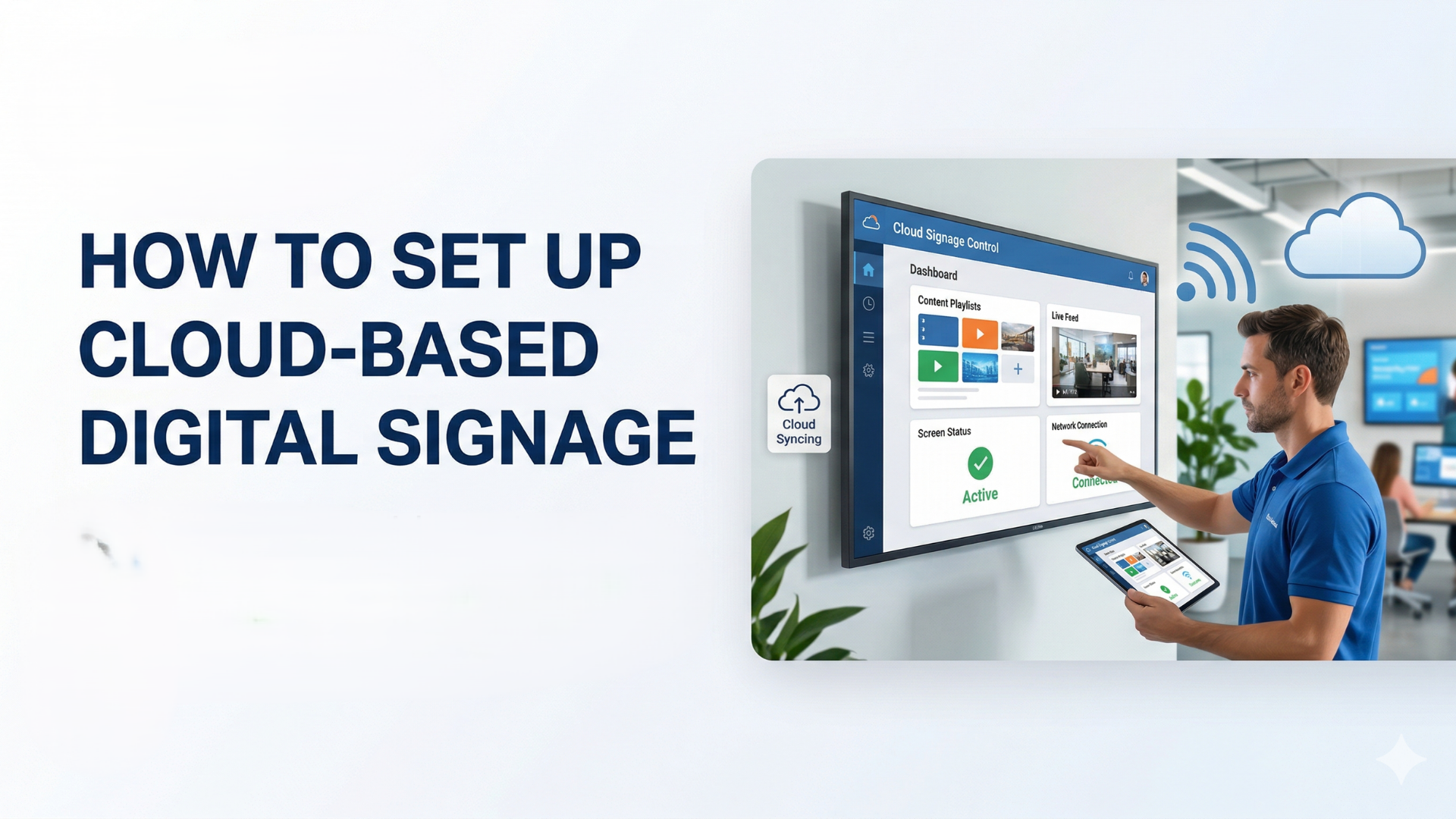
Cloud-based digital signage refers to a system where your digital screen content is hosted, managed, and deployed over the internet via cloud servers, rather than from a local, on-premise computer.
You log into a web-based dashboard on your computer or phone, upload your media, and instantly push updates to any screen in your network, regardless of where those screens are physically located.
Why Choose a Cloud-Based System?
If you are debating between an on-premise setup and the cloud, the cloud wins out for most modern businesses. Here is why:
Remote Management: Update screens across the country from your couch.
Lower Upfront Costs: No need to buy and maintain expensive on-site servers.
Automatic Updates: The software provider handles security patches and feature updates.
Scalability: Adding a new screen to your network takes minutes, not days.
Ready to get started? Follow these five steps to get your screens up and running.
The first thing you need is a screen. While you can use a standard consumer TV, it is highly recommended to invest in a commercial-grade display.
Consumer TVs are designed to be on for 4 to 6 hours a day. Commercial displays are built for 16/7 or 24/7 operation, feature better brightness for glaring commercial environments, and have longer warranties.
Key takeaway: Look for displays from trusted brands with strong commercial lines, such as Samsung, LG, or Sony.
The media player is the brain behind your screen. It is a small piece of hardware that downloads content from the cloud and plays it on your display.
You generally have two options:
System-on-Chip (SoC) Displays: Many modern commercial screens come with built-in media players. You won't need an external device, keeping your setup clean and simple.
External Media Players: These are small boxes or HDMI sticks (like an Amazon Fire TV Stick, Apple TV, or dedicated commercial players like BrightSign) that plug into the back of your screen. These are ideal if you already own screens and just need to make them "smart."
This is the platform you will log into every day. Choosing the right cloud digital signage software is crucial for a smooth user experience.
When evaluating software options, look for:
Hardware Compatibility: Ensure it works with your chosen media player.
User-Friendly Dashboard: A drag-and-drop interface makes content creation much easier.
App Integrations: Can it display live weather, social media feeds, or dynamic news tickers?
Role-Based Access: Crucial if you have multiple team members managing the screens.
Because the system relies on the cloud, a stable internet connection is mandatory.
Wi-Fi: Great for flexibility and clean installations without cables.
Ethernet (Hardwired): Highly recommended for digital signage. It provides a more stable, secure, and faster connection, ensuring your media players never drop offline.
Once connected to the internet, you will pair your screen to your software account. Usually, the software will display a pairing code on the screen, which you type into your web dashboard to link the two.
Now comes the fun part. Log into your cloud software and start building your playlists.
Most platforms allow you to upload images (JPEGs, PNGs) and videos (MP4s). The best platforms also include native canvas editors, similar to Canva, allowing you to design directly in the browser.
Once your content is uploaded, use the scheduling feature to dictate exactly when and where the content should play.
Best Practices for Managing Your Screens Remotely
To get the most out of your new setup, keep these EEAT-backed best practices in mind:
Use the 3x5 Rule: Keep text minimal. Use three lines of text with five words each, or five lines with three words each.
Monitor Screen Status: Utilize your software's remote monitoring tools to receive alerts if a screen goes offline.
Schedule in Advance: Build out your content calendar weeks in advance so your screens never show stale information.
Prioritize Security: Ensure your cloud software uses strong encryption (like SOC 2 compliance) to prevent unauthorized access to your displays.
Do I need a smart TV for cloud digital signage?
No. While smart TVs with built-in media players (SoC) are convenient, you can use any TV or monitor with an HDMI port by attaching an external digital signage media player.
What happens to my screens if the internet goes down?
Most high-quality cloud digital signage systems cache (download and store) the content locally on the media player. If the internet drops, your current playlist will continue looping uninterrupted. However, you won't be able to push new updates until the connection is restored.
How much does cloud digital signage software cost?
Pricing is typically structured as a monthly or annual SaaS (Software as a Service) fee, usually ranging from $10 to $40 per screen, per month, depending on the features you need.
Learning how to set up cloud-based digital signage doesn't require an advanced IT degree. By selecting commercial-grade displays, pairing them with the right media players, and utilizing intuitive cloud software, you can build a dynamic communication network in a matter of hours.
Remember that your digital signage is only as good as the content you put on it. Invest time in creating engaging, high-quality visuals, and watch your customer engagement soar.
Author Note:
By Elactree team, AV/IT Integration Specialist with over 10 years of experience helping retail, corporate, and hospitality brands deploy scalable digital display networks.

 Interactive flat Panel
Interactive flat Panel
Interactive flat Panel
 Interactive flat Panel
 Interactive flat Panel
