March 26, 2026 Mahender Mahender
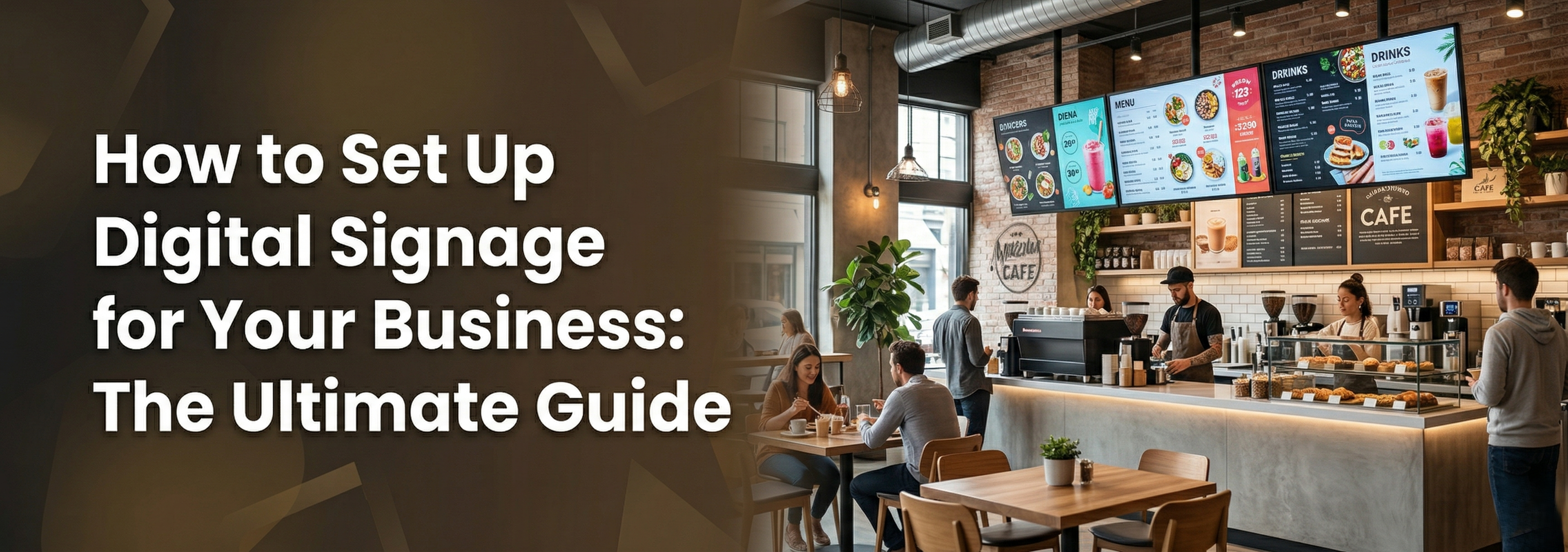
Walking into a modern business and seeing a static, printed poster is becoming a thing of the past. Whether you run a bustling retail store, a corporate office, or a quick-service restaurant, capturing attention requires motion, brightness, and timely information.
Digital signage transforms how you communicate with your audience, but the process of moving from a physical poster to a dynamic screen can feel overwhelming. If you are wondering what hardware you need, how to get your videos onto the screen, and what mistakes to avoid, you are in the right place.
Retail Promos: Highlighting flash sales or new product videos.
Digital Menu Boards: Displaying dynamic pricing and food imagery in a restaurant.
Corporate Communications: Sharing company news, KPIs, or HR updates in an office lobby.
Wayfinding: Guiding visitors through a hospital, mall, or large campus.
Once your goal is set, identify the placement. Will it be indoors under standard lighting, in a bright window facing the street, or outdoors? The location will determine how bright your screen needs to be.
This is where many businesses make a costly error. It is incredibly tempting to drive to a local electronics store and buy a cheap television for your business. However, using a consumer TV for digital signage is a mistake.
You need a Commercial Display. Here is why:
Operating Hours: Consumer TVs are built to run 4 to 6 hours a day. Commercial displays from brands like Samsung and LG are engineered to run 16/7 or even 24/7 without overheating or causing image burn-in.
Brightness (Nits): A home TV typically maxes out at 250-300 nits of brightness. If placed in a well-lit store or window, it will look dark and washed out. Commercial screens offer 500 to 4,000+ nits to cut through harsh lighting and glare.
Warranty: Using a consumer TV in a commercial environment instantly voids the manufacturer's warranty.
Form Factor: Commercial displays often feature ultra-narrow bezels, perfect for creating seamless video walls, and can easily be mounted in portrait orientation without cooling issues.
For massive spaces like auditoriums or large lobbies, you might even bypass LCD panels entirely and opt for Active LED displays, which offer bezel-free, scalable viewing at immense sizes.
Having a great screen is only half the battle; you need a way to get your content onto it and manage it remotely.
The media player is the small computer that processes your videos and images and feeds them to the screen.
External Media Players: A small physical box mounted behind the screen.
System-on-Chip (SoC): Modern commercial displays often come with an SoC—a built-in media player. This eliminates the need for extra hardware and cables, creating a cleaner, more reliable setup.
The CMS is the software you use on your laptop to upload, schedule, and manage your content. While a basic "plug-and-play" USB drive works for a single, unchanging screen, a cloud-based CMS is essential for modern businesses.
A good CMS allows you to update screens across multiple cities instantly, schedule "dayparting" (e.g., showing a breakfast menu in the morning and switching to lunch at noon), and monitor if a screen goes offline.
Your digital signage is only as effective as the content you put on it. Keep these best practices in mind:
Keep it Brief: People walking by only have a few seconds to absorb your message. Stick to one clear idea per slide.
Use Motion: Moving graphics capture the eye significantly better than static images. Even slow panning across a high-quality photo works wonders.
Legible Typography: Use high-contrast colors and large, sans-serif fonts. If it cannot be read from 10 feet away, the text is too small.
Clear Call to Action: Tell the viewer exactly what to do next ("Scan QR Code," "Ask at the Counter," or "Visit Aisle 4").
The final step is securely mounting your screens and getting them online.
Mounting: Ensure you use commercial-grade wall, ceiling, or floor mounts rated for the exact weight of your display. Proper ventilation behind the screen is critical to prevent overheating.
Internet Connection: While Wi-Fi is convenient, a hardwired Ethernet connection is always recommended for digital signage. It provides a more stable connection, ensuring your high-definition videos download smoothly without buffering or dropping offline.
Can I use a regular TV for digital signage?
While physically possible, it is highly discouraged. Regular consumer TVs are not built for long operating hours, lack the brightness needed for commercial spaces, and using them for business voids their warranty. Always opt for a purpose-built commercial display.
How much does it cost to set up digital signage?
The cost varies widely based on the scale of your project. A single indoor commercial display setup might start around ₹40,000 to ₹80,000, while high-brightness window displays, interactive flat panels, or large active LED video walls require a larger investment.
Do I need an internet connection for digital signage?
If you are simply playing a looping video from a USB drive, no internet is required. However, if you want to update content remotely, schedule changes, or pull live data (like weather or news feeds) using a cloud-based CMS, a stable internet connection is essential.
Setting up digital signage doesn't have to be a headache. Sourcing the right hardware for your specific environment ensures you get maximum engagement and a strong return on your investment.
Whether you need a sleek commercial display for a corporate lobby, an interactive flat panel for collaboration, or an active LED wall to stop foot traffic, the right technology makes all the difference.
Explore our full range of industry-leading commercial displays from brands like Samsung, LG, and BenQ at Elactree to find the perfect fit for your business today.
Author Note
Author: Elactree Technical Team
Bio: With years of experience providing cutting-edge audiovisual and commercial display solutions across India, the Elactree team helps businesses transition from static signage to dynamic digital experiences using top-tier brands like Samsung, LG, and BenQ.

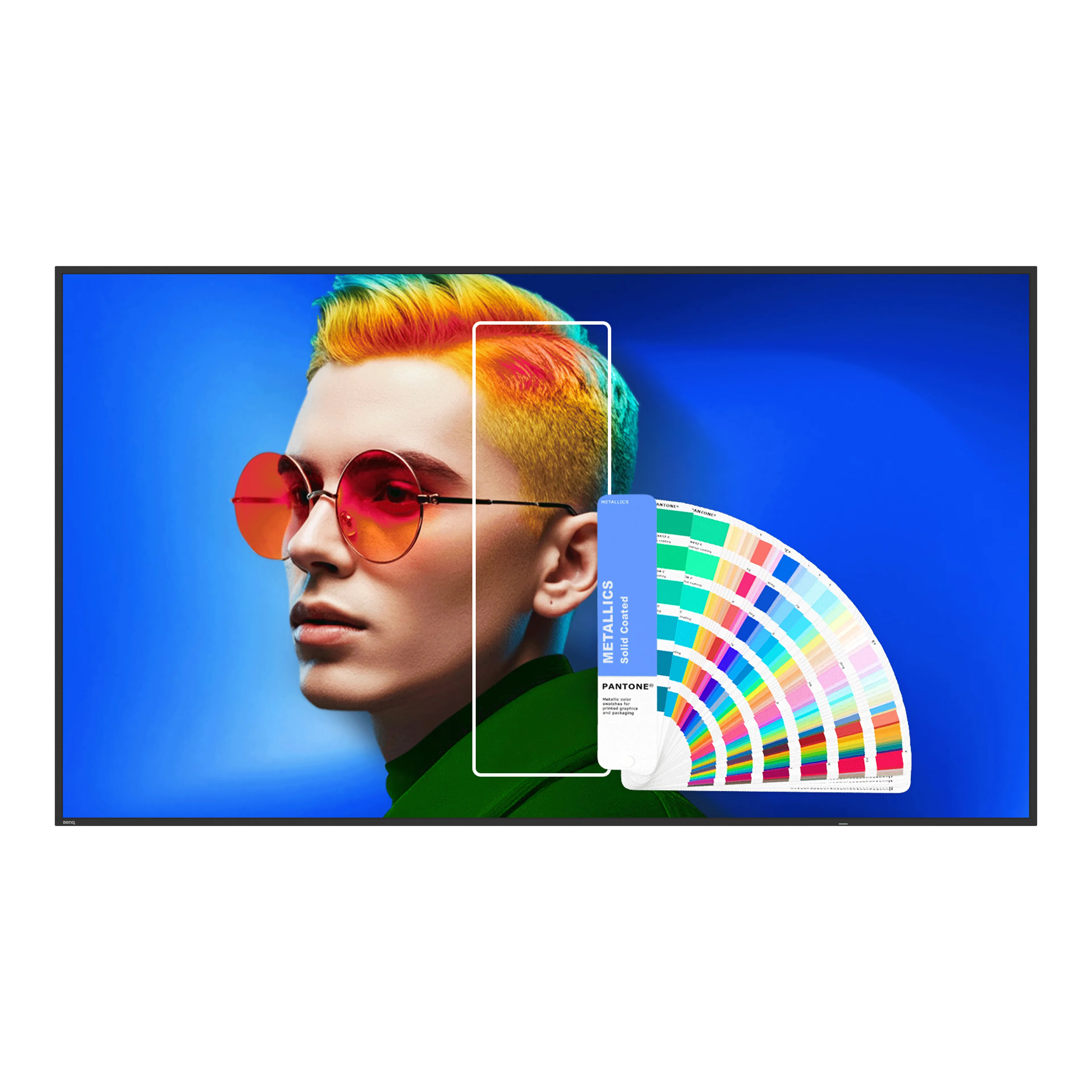
BenQ SL6504 is a 65-inch professional 4K UHD digital signage display featuring 500 nits brightness, IPS panel technology, Android 13,...
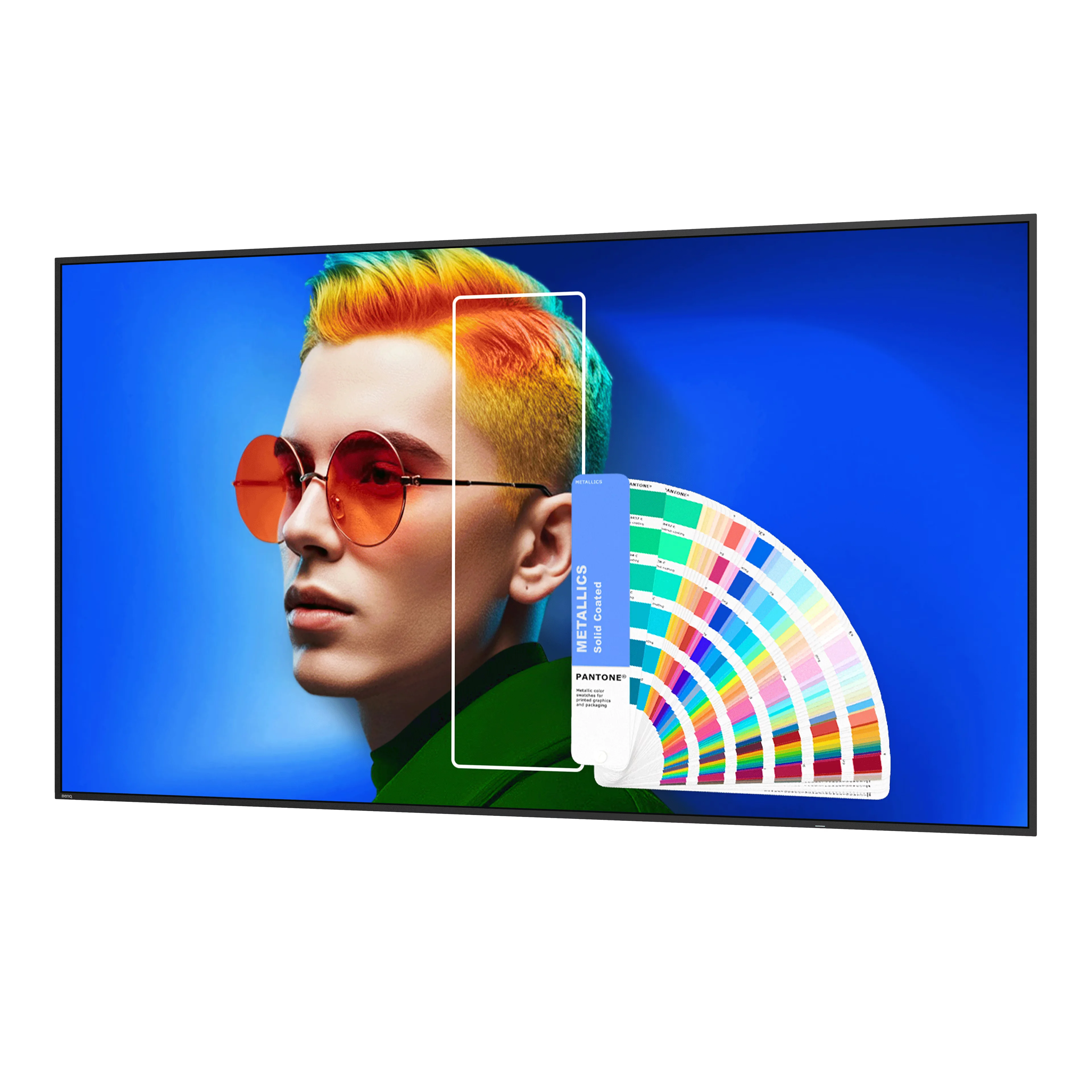
BenQ SL7504 is a 75-inch 4K UHD professional digital signage display with 500 nits brightness, Android 13, 24/7 operation, anti-glare...
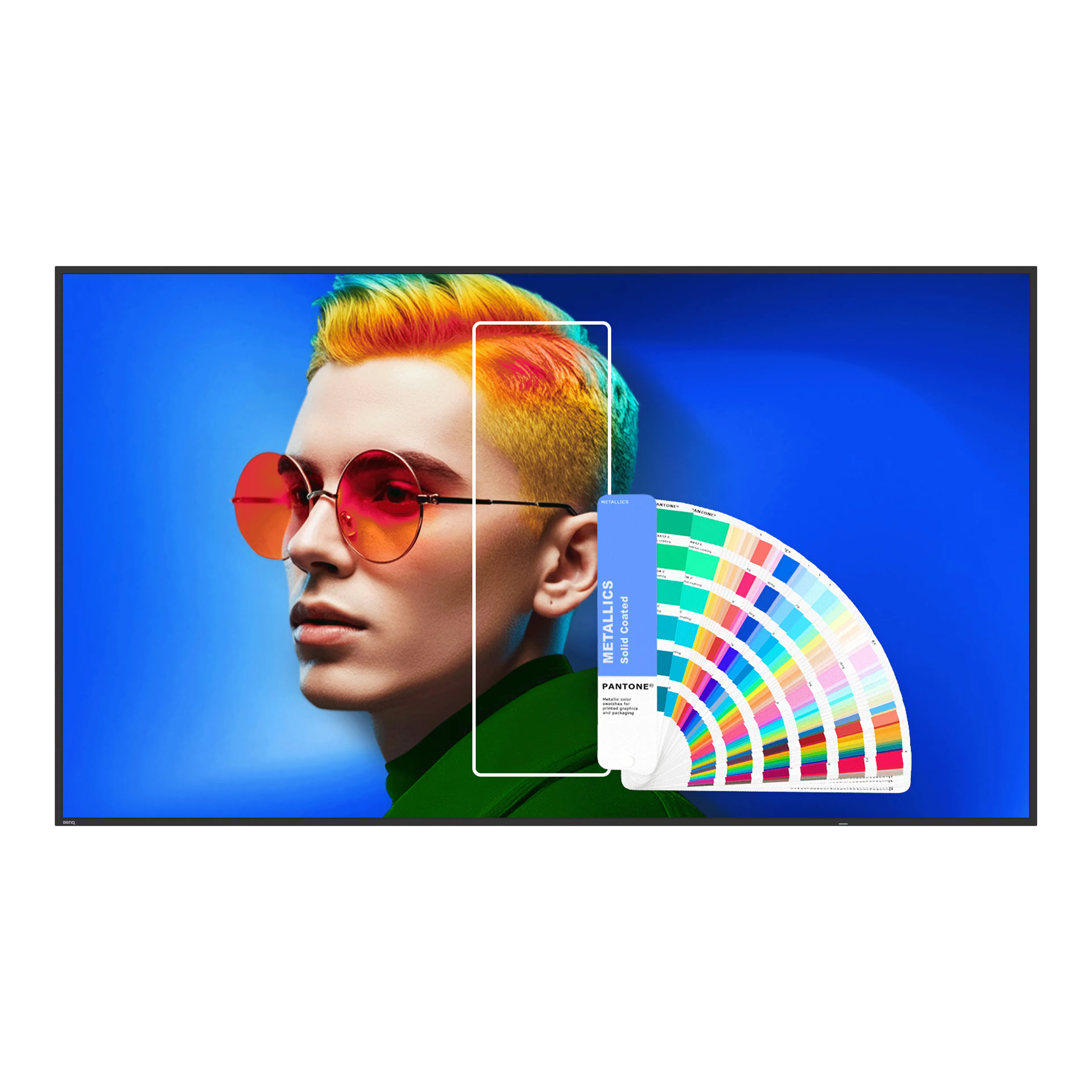
The BenQ SL8604 is an 86-inch 4K UHD professional digital signage display featuring 500 nits brightness, an IPS panel, Android...
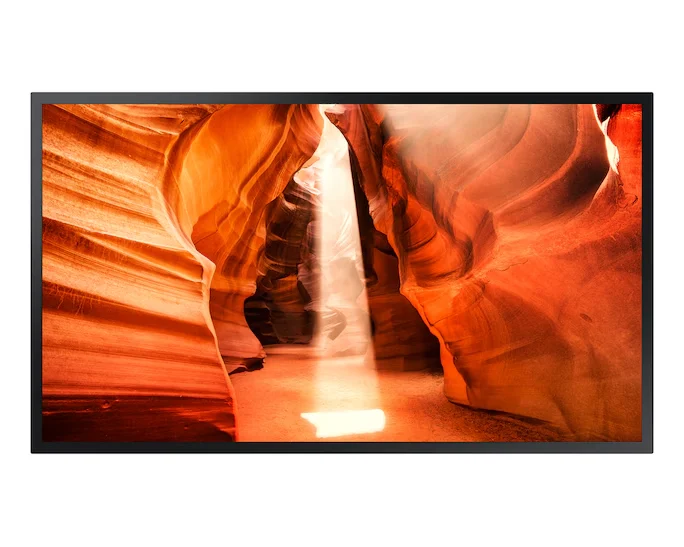
Samsung OM55N 55 Inch Semi Outdoor Digital Signage features 4,000-nit brightness, Full HD resolution, wide 178° viewing angles, and a...
