July 29, 2026 Mahender Mahender
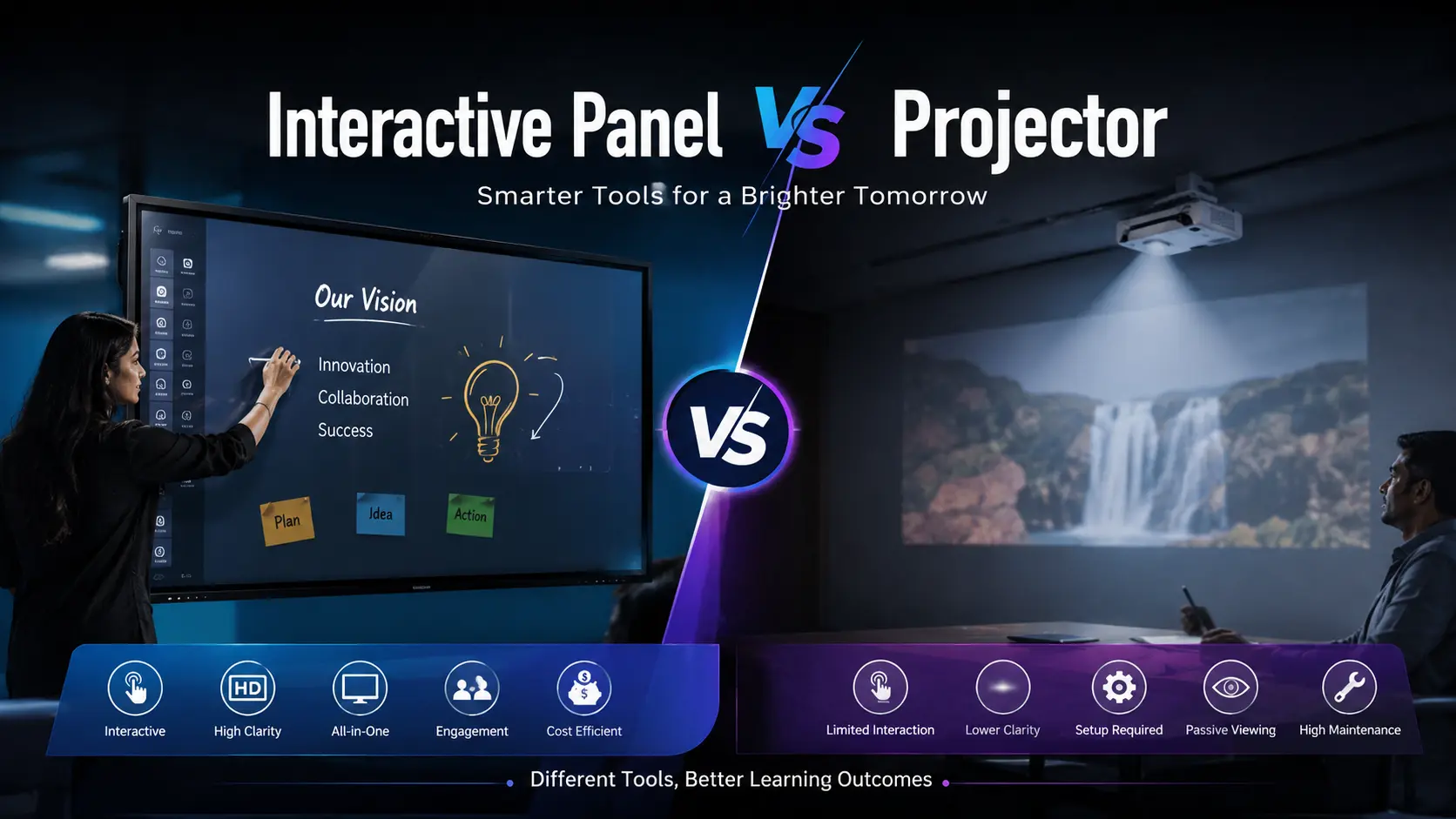
If you're planning to upgrade a classroom, meeting room, or training centre, one of the first questions you'll face is whether to buy an interactive panel or a projector. Both display content on a large screen, but they differ significantly in how they are installed, used, maintained, and managed over the long term.
For many buyers, the decision isn't just about display size. It involves classroom engagement, meeting efficiency, maintenance costs, software compatibility, room lighting, and the expected lifespan of the equipment. A lower purchase price may not always result in a lower overall cost of ownership.
This guide compares interactive panels and projectors in practical terms, helping schools, colleges, businesses, coaching institutes, and government organisations choose the right solution based on their actual requirements.
For most new classrooms, conference rooms, and training spaces, an interactive panel is generally the better long-term choice. It offers a brighter display, built-in touch functionality, lower maintenance, and works well even in brightly lit rooms.
A projector remains a practical option when the budget is limited, an extremely large display is required, or an existing projection setup is already available.
The right choice depends on your room size, usage frequency, user expectations, and available budget.

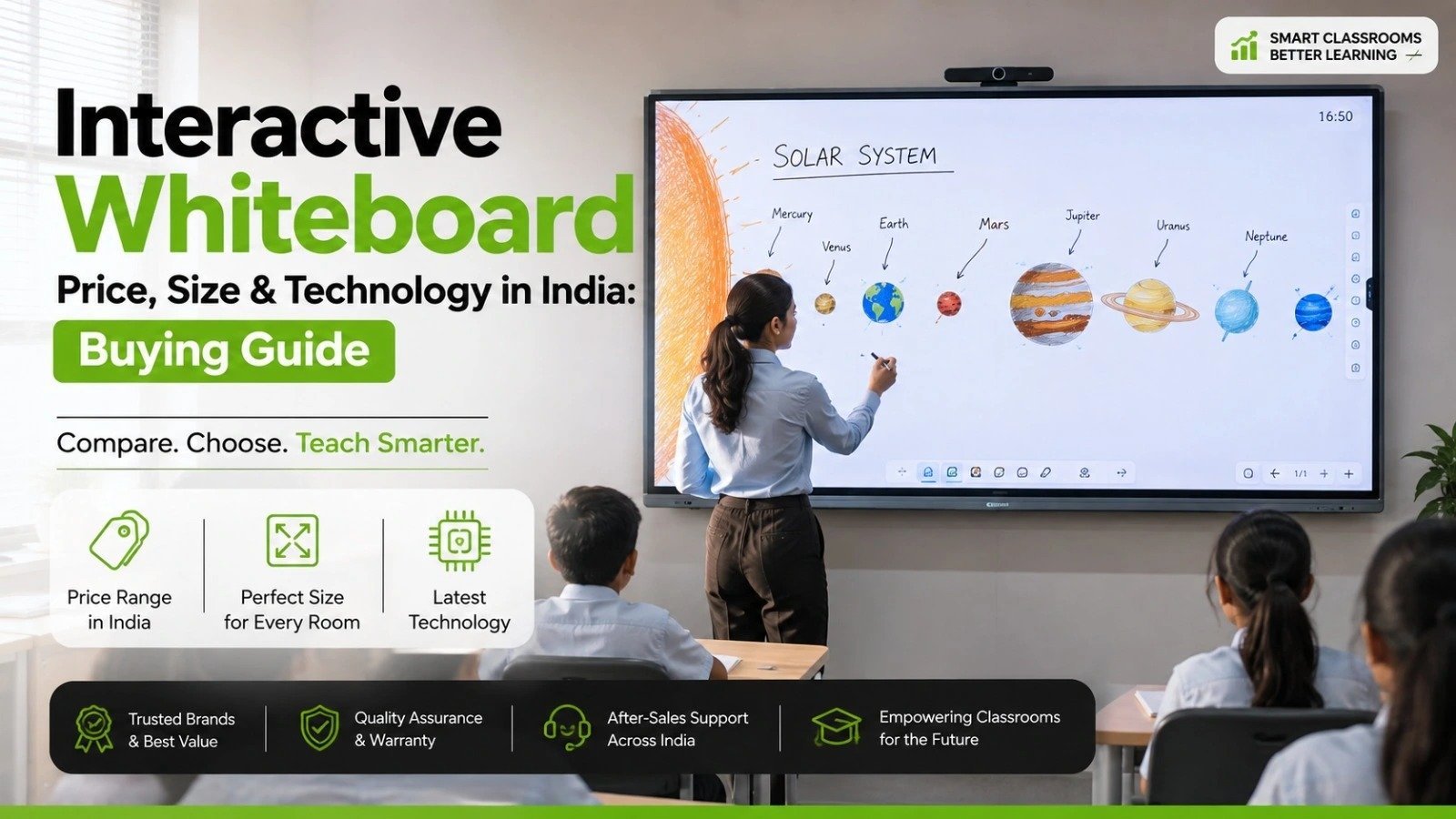
An interactive panel is a large touchscreen display designed for education, collaboration, presentations, and digital teaching. It combines a high-resolution display with touch technology, allowing users to write, annotate, open applications, browse the internet, and conduct video meetings directly on the screen.
Depending on the manufacturer and model, an interactive panel may include:
Built-in Android operating system
Whiteboarding software
Wireless screen sharing
Multi-user touch support
Cloud storage integration
Video conferencing compatibility
Optional Windows OPS support
Interactive panels are commonly installed in:
Schools
Colleges
Coaching institutes
Corporate meeting rooms
Government offices
Training centres
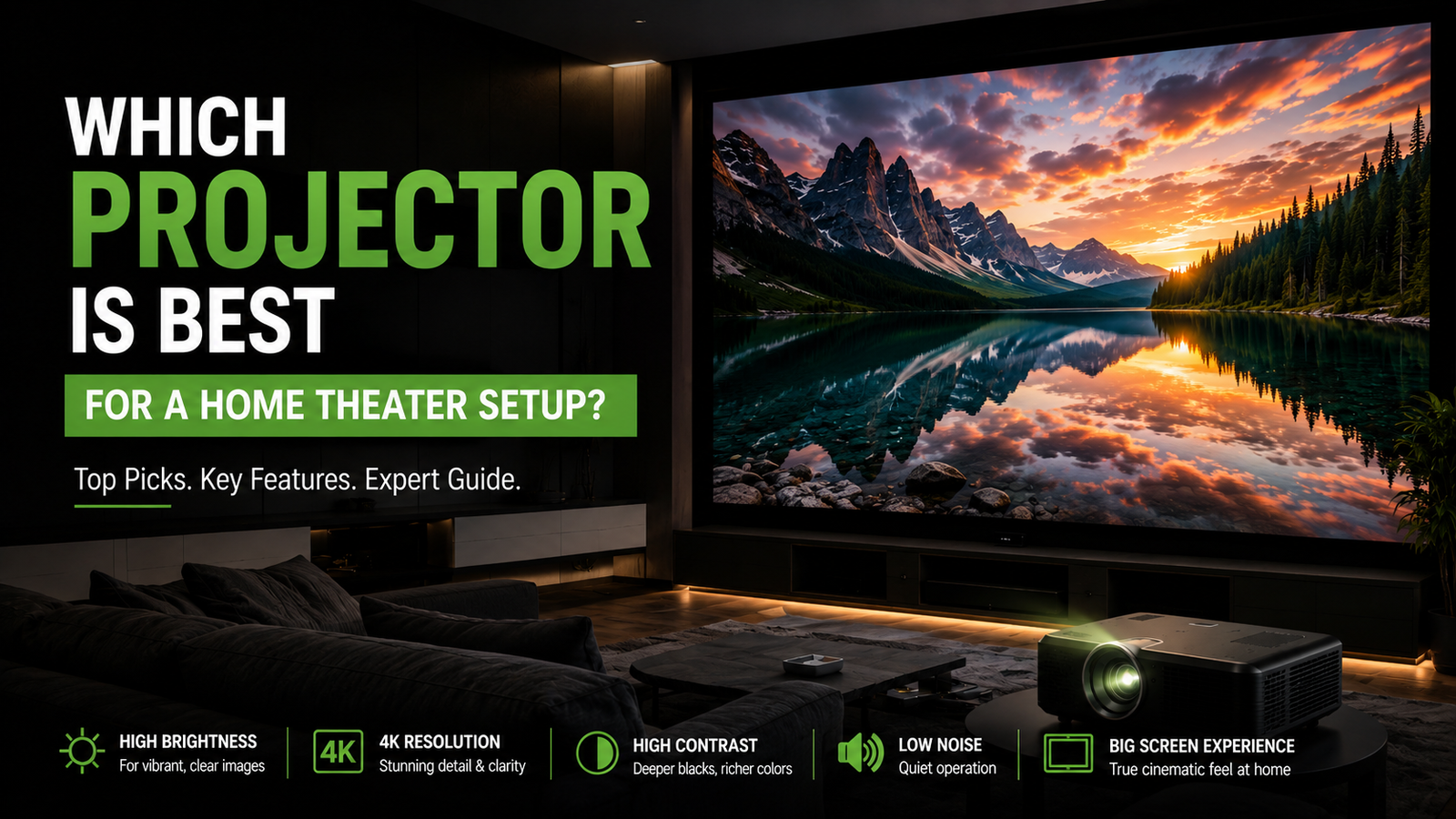
A projector displays images by projecting light onto a projection screen or a flat wall. It connects to devices such as laptops, desktops, media players, or conferencing systems.
Projectors are available in several technologies, including:
LCD
DLP
Laser projection
LED projection
Some projectors support interactive functionality when combined with dedicated pens, cameras, or sensors, but not every projector includes these features by default.
Projectors are commonly used for:
Lecture halls
Large auditoriums
Seminar rooms
Home theatres
Event presentations

No.Although both display presentations, videos, and educational content, they work differently.
An interactive panel is a self-contained touchscreen display, while a projector creates an image by projecting light onto a separate surface.
The biggest practical difference is user interaction.
With an interactive panel, teachers or presenters write directly on the display using a stylus or finger. With a standard projector, interaction usually happens through a connected computer unless additional interactive hardware is installed.
Interactive panels generally provide:
Sharp 4K resolution on supported models
Consistent brightness
Better colour reproduction
Clear text visibility
Projector image quality depends on:
Brightness (lumens)
Projection distance
Screen quality
Ambient lighting
Lens alignment
For classrooms with windows or bright lighting, interactive panels usually provide a more consistent viewing experience.
This is where interactive panels have a significant advantage.
Users can:
Write naturally
Highlight documents
Save annotations
Open educational apps
Collaborate simultaneously
Many models support multiple touch points, allowing several students or participants to interact at the same time.
Traditional projectors require additional accessories for similar functionality.
Interactive panels simplify classroom teaching.
Teachers can:
Switch between whiteboard and presentations
Display websites instantly
Annotate PDFs
Play educational videos
Save class notes digitally
Projectors remain effective for lecture-style teaching where interaction is less important.
Interactive panels support collaborative meetings through:
Digital whiteboarding
Wireless presentation
Video conferencing integration
Document annotation
Brainstorming sessions
Projectors continue to work well for presentation-focused meetings but generally offer fewer collaboration features without additional equipment.
Ambient light affects projectors more than interactive panels.
If a meeting room or classroom has:
Large windows
Strong ceiling lights
Daylight throughout the day
an interactive panel usually delivers clearer visibility without darkening the room.
Installation usually involves:
Wall mounting
Mobile trolley (optional)
Power connection
Network connection
Installation may require:
Ceiling mounting
Projection screen
Long HDMI or network cabling
Image alignment
Lens adjustment
Installation complexity varies depending on room size and projector type.
Interactive panels generally require less routine maintenance.
Typical maintenance includes:
Software updates
Screen cleaning
Firmware updates where available
Projectors may require:
Lamp replacement (lamp-based models)
Filter cleaning
Lens cleaning
Alignment checks
Laser projectors typically reduce maintenance requirements compared with traditional lamp projectors.
The usable life of both products depends on:
Usage hours
Environmental conditions
Maintenance
Manufacturer
Product series
Interactive panels avoid lamp replacement, which reduces one recurring maintenance task commonly associated with lamp-based projectors.
Many interactive panels include built-in speakers suitable for everyday classroom teaching or meeting rooms.
Projectors may also include speakers, but larger rooms often require external audio systems for better sound coverage.
Interactive panels commonly support:
Microsoft Office files
PDF annotation
Google Workspace (depending on model)
Microsoft Teams
Zoom
Whiteboard applications
Wireless casting
Software support varies by manufacturer and operating system, so buyers should verify compatibility before purchasing.
For most schools introducing smart classrooms today, an interactive panel is generally the preferred choice.
It is particularly suitable for:
CBSE schools
ICSE schools
International schools
Coaching institutes
Skill development centres
Reasons include:
Better student engagement
Interactive lessons
Digital whiteboard functionality
Lower routine maintenance
Better visibility in classrooms
Projectors remain suitable for:
Large lecture theatres
Budget-conscious institutions
Existing projection-based infrastructure

Interactive panels are well suited for:
Boardrooms
Collaboration spaces
Hybrid meetings
Sales presentations
Design discussions
Projectors remain useful in:
Large auditoriums
Event spaces
Conference halls requiring very large projected images
Government departments often evaluate equipment based on long-term usability, maintenance, procurement policies, and support availability.
Interactive panels are commonly considered where digital collaboration and training are priorities, while projectors may still be selected for larger halls or where existing projection infrastructure is already in place.
The purchase price depends on several factors, including:
Screen size
Display resolution
Touch technology
Brightness
Software features
Installation requirements
Warranty
Brand
Accessories
Service support
Interactive panels generally have a higher initial purchase cost.
Projectors may appear less expensive initially, but buyers should also consider:
Projection screen cost
Ceiling mounting
Cabling
Installation labour
Lamp replacement (where applicable)
Periodic maintenance
Comparing the total cost of ownership often provides a more accurate basis for decision-making than comparing purchase prices alone.
Before selecting either solution, consider the following checklist.
Choose a display size suitable for the seating distance.
Bright rooms generally favour interactive panels.
Ask whether users need to:
Write on screen
Annotate documents
Conduct online meetings
Save notes
Confirm compatibility with:
Existing operating systems
Learning management systems
Meeting platforms
Office applications
Check:
Wall strength
Ceiling height
Power availability
Network connectivity
Review:
Standard warranty period
On-site support
Response time
Availability of spare parts
Request a live product demonstration before purchasing, especially for classroom or boardroom deployments.
Which operating system does the display use?
Does it support future software updates?
What accessories are included?
Is installation included?
What training is provided?
What is covered under warranty?
Is local service available in my city?
Are spare parts readily available?
Excellent display quality
Built-in touchscreen
Digital whiteboard
Low maintenance
Suitable for bright environments
Supports collaborative learning and meetings
Higher upfront investment
Larger models require professional installation
Screen size is fixed after purchase
Lower initial purchase cost in many cases
Suitable for very large images
Useful for auditoriums
Portable models are available
Performance affected by ambient light
Periodic maintenance may be required
Touch functionality usually requires additional hardware
Image quality depends on installation and projection conditions
For most schools, colleges, corporate offices, and training centres planning a new installation, an interactive panel is usually the more practical long-term investment. It combines display, touchscreen interaction, digital whiteboarding, and collaboration features in a single device while reducing routine maintenance compared with many traditional projector setups.
A projector continues to be a sensible choice for large auditoriums, event venues, and organisations that need very large display sizes or already have projection infrastructure in place.
The final decision should be based on room size, teaching or presentation style, software requirements, maintenance expectations, and the total cost of ownership rather than the purchase price alone.
For most classrooms and meeting rooms, an interactive panel offers better visibility, touch interaction, and lower maintenance. Projectors remain suitable for very large display requirements and budget-focused installations.
Yes. Many schools and businesses replace projectors with interactive panels to improve collaboration, visibility, and classroom engagement.
Not always. Many models include a built-in operating system, while some users add an OPS or external PC for additional software requirements.
In many cases, the initial purchase cost is lower, but buyers should also consider installation, projection screens, maintenance, and replacement components when comparing long-term costs.
Interactive panels generally provide a more convenient experience because users can write, annotate, and share content directly from the display.
Many interactive panels support multi-touch functionality, allowing several users to interact simultaneously. The exact number depends on the model.
Projectors can be affected by strong ambient light. Higher-brightness models perform better, but image visibility still depends on room conditions.
Interactive panels generally require less routine maintenance because they do not rely on projection lamps. Maintenance needs vary by product design.
Yes. They are widely used for presentations, brainstorming sessions, document annotation, wireless sharing, and video conferencing.
Check the display size, operating system, touch capability, software compatibility, warranty, installation requirements, service availability, and included accessories before making a decision.




 Interactive flat Panel
Interactive flat Panel
Interactive flat Panel
 Interactive flat Panel
 Interactive flat Panel
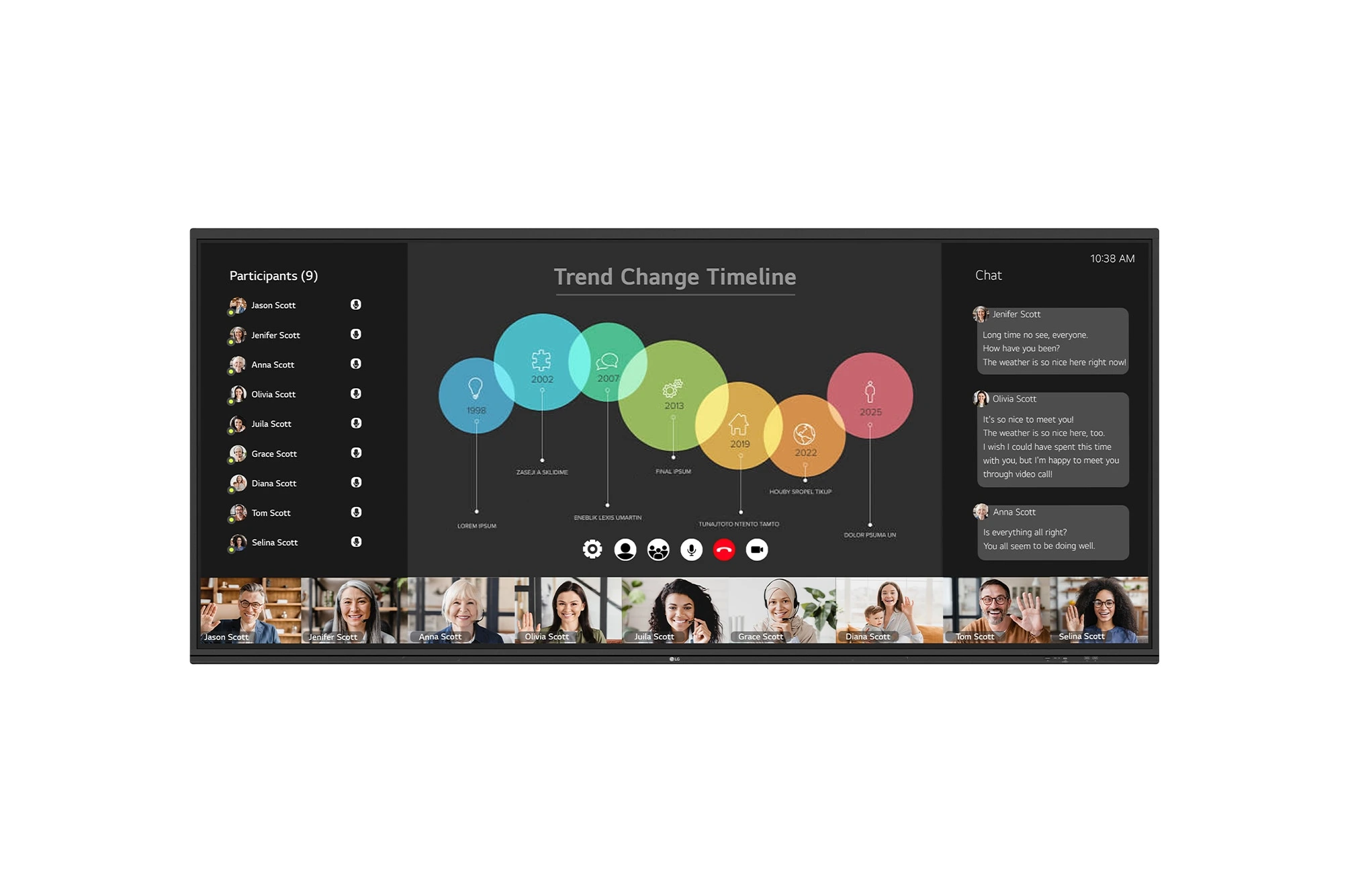
The LG CreateBoard 105TR5WP-I is a premium 105-inch 5K UltraWide (21:9) interactive display designed for modern meeting rooms, hybrid collaboration,...
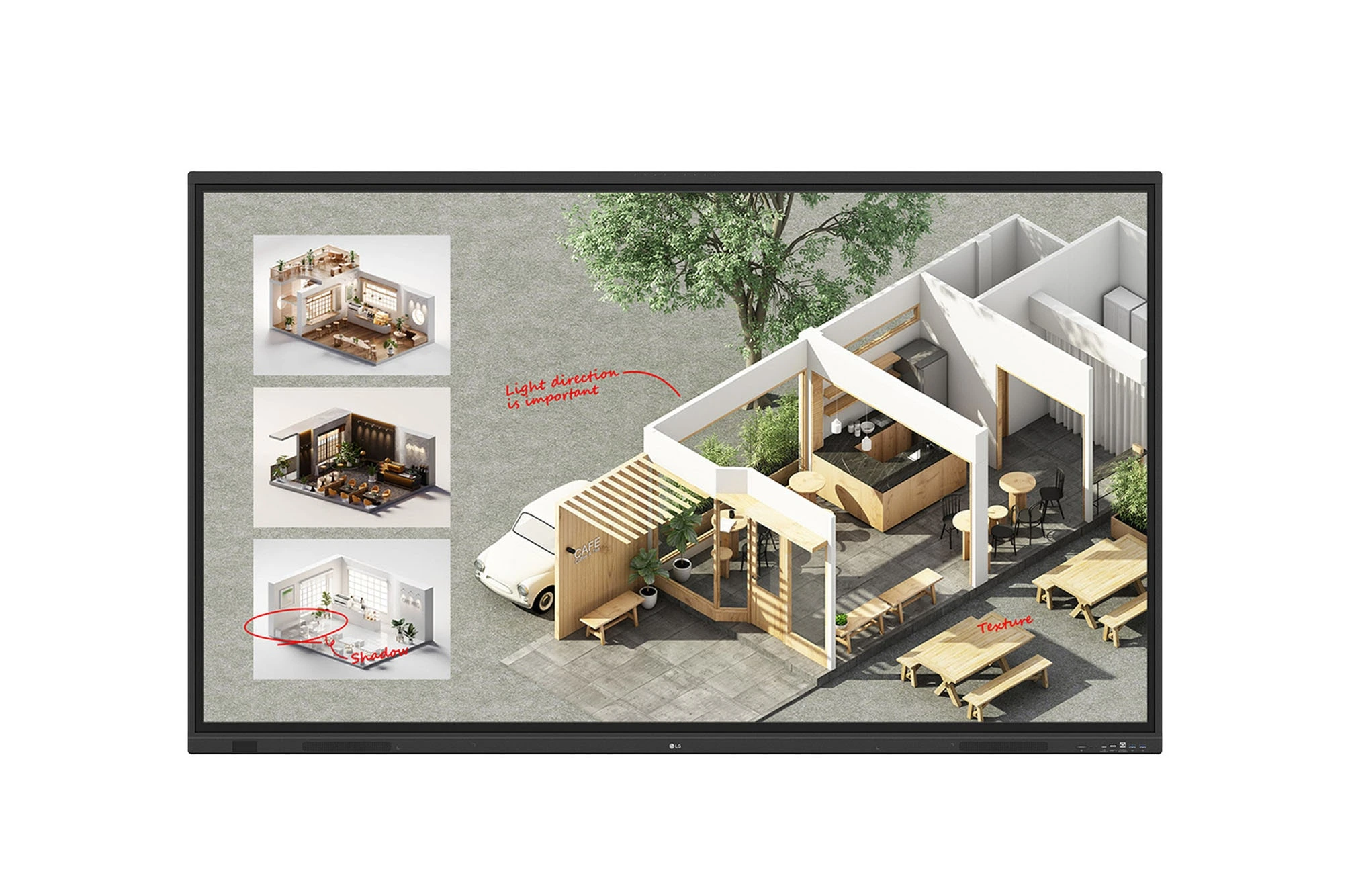
The LG CreateBoard Standard 86TR3DQ-I is an 86-inch 4K UHD Interactive Flat Panel Display designed for classrooms, corporate meeting rooms,...
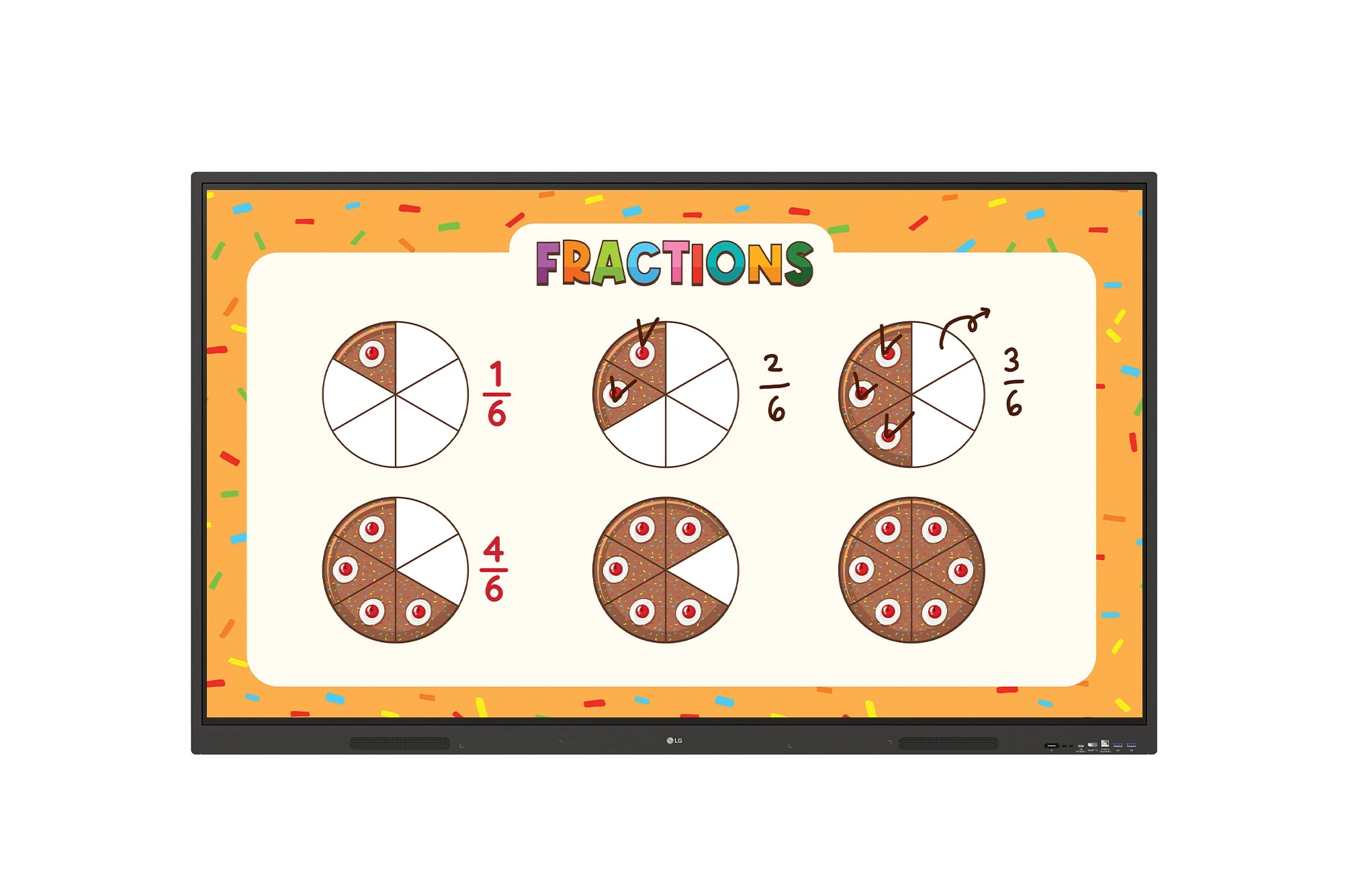
The LG CreateBoard 86TR3ER-I is an 86-inch 4K UHD interactive flat panel designed for modern classrooms, corporate meeting rooms, and...
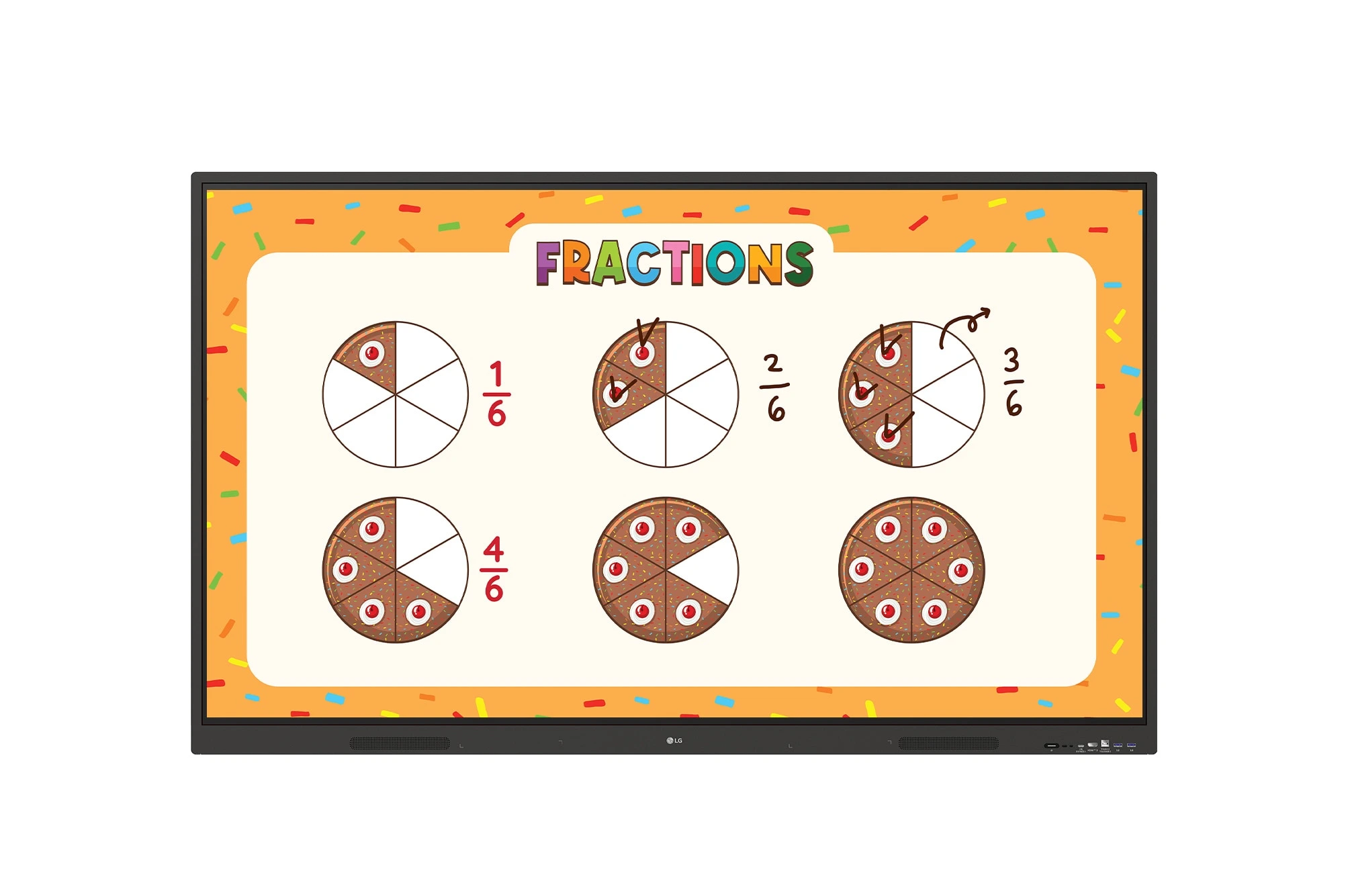
The LG CreateBoard 75TR3ER-I is a premium 75-inch 4K UHD Interactive Flat Panel designed for classrooms, training centers, and corporate...
