February 23, 2026 Manisha Maurya
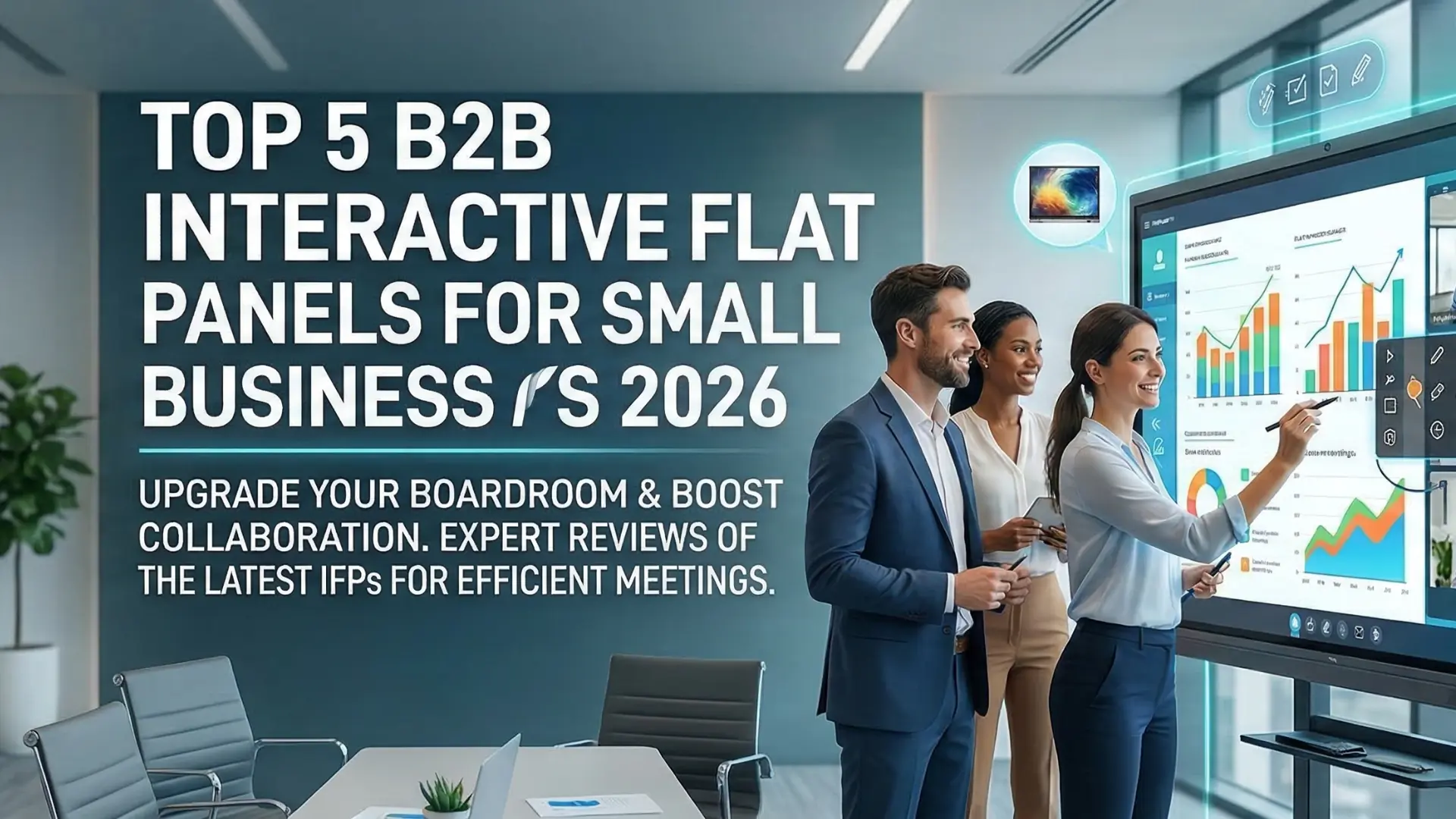
Navigating office technology upgrades can feel overwhelming, especially for a small business where every investment needs to deliver immediate ROI. If your team is struggling with messy whiteboards, tangled projector cables, or disconnected hybrid meetings, upgrading to an Interactive Flat Panel (IFP) is a practical, modern solution.
In 2026, IFPs have evolved from clunky educational tools into sleek, highly secure corporate hubs. Here is a factual, no-nonsense comparative review of the top 5 interactive flat panels tailored for small B2B environments this year.
The days of passive displays and separate conferencing cameras are fading. Today's meeting room technology is about consolidating hardware into a single, intuitive platform.
Modern IFPs solve several specific B2B pain points:
Hybrid Parity: Built-in AI cameras and microphone arrays ensure remote clients feel as present as in-room staff.
Zero-Setup Meetings: Walk up, connect wirelessly, and start collaborating instantly.
Enterprise Security: With Google EDLA (Enterprise Devices Licensing Agreement) certification now standard, IT can securely manage these displays just like mobile devices.
Here is our comparative review of the best models on the market for small businesses in 2026, categorized by their strongest use cases.
The ViewSonic IFP63 Series is a powerhouse for teams that rely heavily on Google Workspace and dynamic brainstorming.
This panel operates on an upgradable Android 15 OS and is fully Google EDLA certified. It offers an incredibly responsive 50-point PCAP touch experience, making it feel just like writing on paper. Paired with ViewSonic's TeamOne software, it is arguably the most fluid collaborative whiteboard on the market.
Samsung remains a dominant force in corporate displays because of its reliability and premium aesthetic.
Operating on Samsung's Tizen OS, the QMC series provides a clean, commercial-grade experience. It does not boast the extreme touch-point counts of some competitors, but it excels in 4K UHD visual clarity and consistent performance. It is the safest choice for standardizing displays across multiple huddle rooms.
SMART Technologies built its reputation in education but has successfully pivoted to create high-end corporate solutions.
The QX Pro series allows you to ink over any file type or web browser without frustrating software overlays. It is designed to work with what you already use, easily integrating with Microsoft Teams and Zoom.
A standout feature is the SMART Ink technology, which allows multiple users to write, erase, and navigate simultaneously without switching toolbars.
BenQ has taken a unique approach to workplace technology by focusing heavily on the physical well-being of the users in the room.
Beyond its excellent 4K display and InstaShow wireless casting capabilities, the BenQ RP04 series is packed with eye-care technology and anti-glare screens to reduce fatigue during long strategy sessions.
This board includes built-in air quality sensors that monitor CO2, PM2.5, temperature, and humidity, alerting you when it is time to ventilate the room to keep your team sharp.
As hybrid work cements itself as the standard, the aspect ratio of how we view remote participants is shifting.
Avocor is leading the charge in 21:9 ultrawide displays. This format is specifically designed for Microsoft Teams Rooms "Front Row" layout, allowing your in-room team to see a large presentation while keeping the remote participants clearly visible at eye level along the bottom of the screen.
When comparing these models, look past the screen size and focus on your daily workflows. If your team lives in Microsoft Office, lean toward Avocor or SMART Board. If Google Workspace is your hub, ViewSonic and BenQ offer incredible EDLA-certified options. Ensure you also factor in the physical dimensions of your conference room to avoid buying an oversized board for a tiny huddle space.
A standard TV is a passive display meant only for viewing content. An Interactive Flat Panel (IFP) is a complete computing device with a touch-sensitive screen, built-in whiteboarding software, wireless screen sharing, and often integrated video conferencing hardware.
No. Most 2026 IFPs feature built-in operating systems (usually Android 13 or newer) that can run meeting apps, web browsers, and whiteboards natively. However, many offer an OPS (Open Pluggable Specification) slot to slide in a Windows PC module if your business requires a full desktop environment.
Prices vary based on size and brand, but small businesses should generally expect to invest between 2,500 USD and 6,000 USD for a high-quality 65-inch to 75-inch enterprise-grade panel, including basic installation and mounting hardware.
EDLA stands for Enterprise Devices Licensing Agreement. An EDLA-certified IFP has official access to the Google Play Store and native Google Workspace apps (Docs, Sheets, Drive). More importantly, it receives regular security patches directly from Google, which is crucial for protecting corporate data.
Yes. Modern IFPs allow you to run video conferencing software (like Zoom or Teams) directly from the board. When you share your screen within the app, remote participants will see a clear, digital feed of the whiteboard and all real-time annotations.

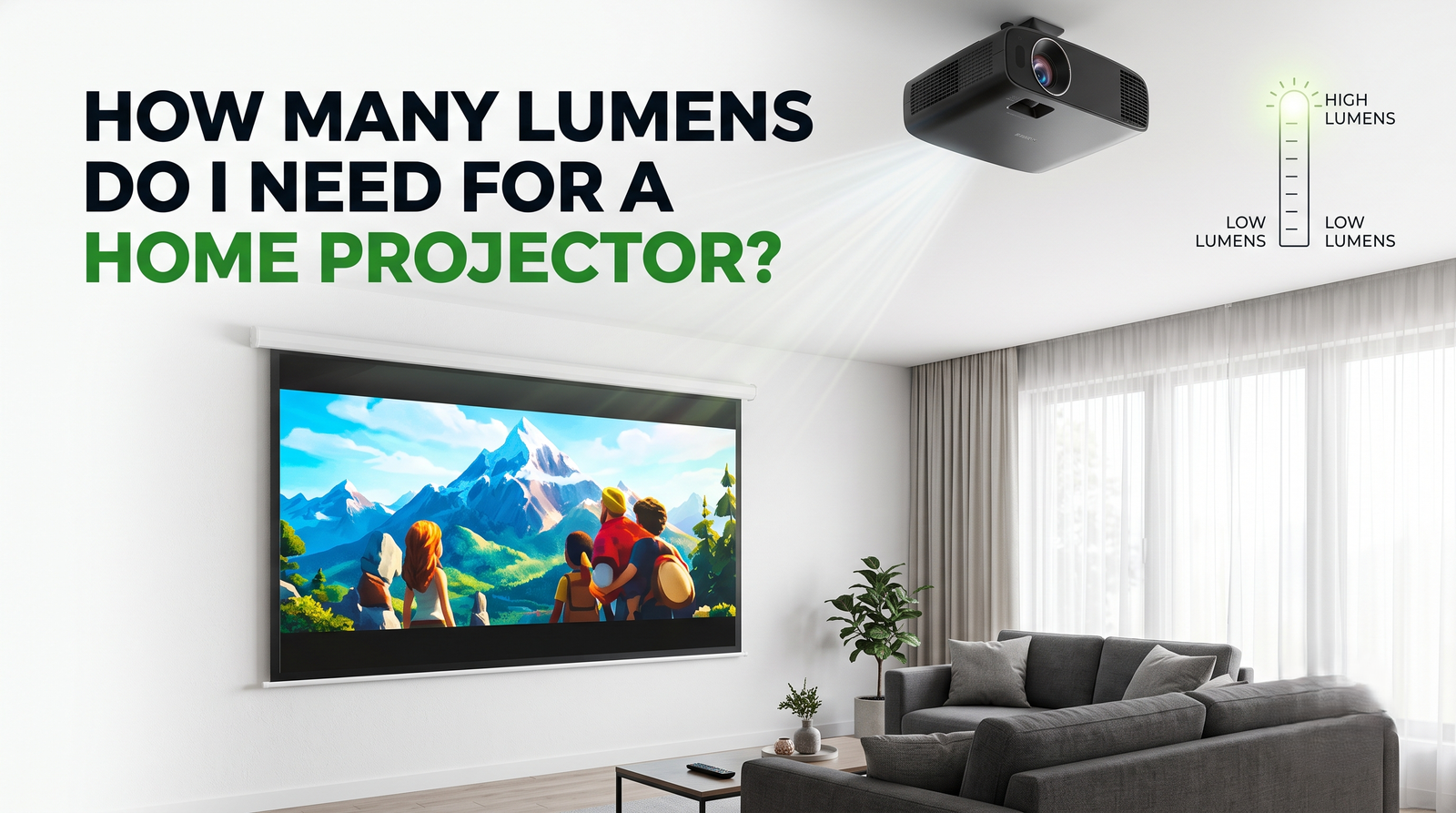 Interactive flat Panel
Interactive flat Panel
Interactive flat Panel
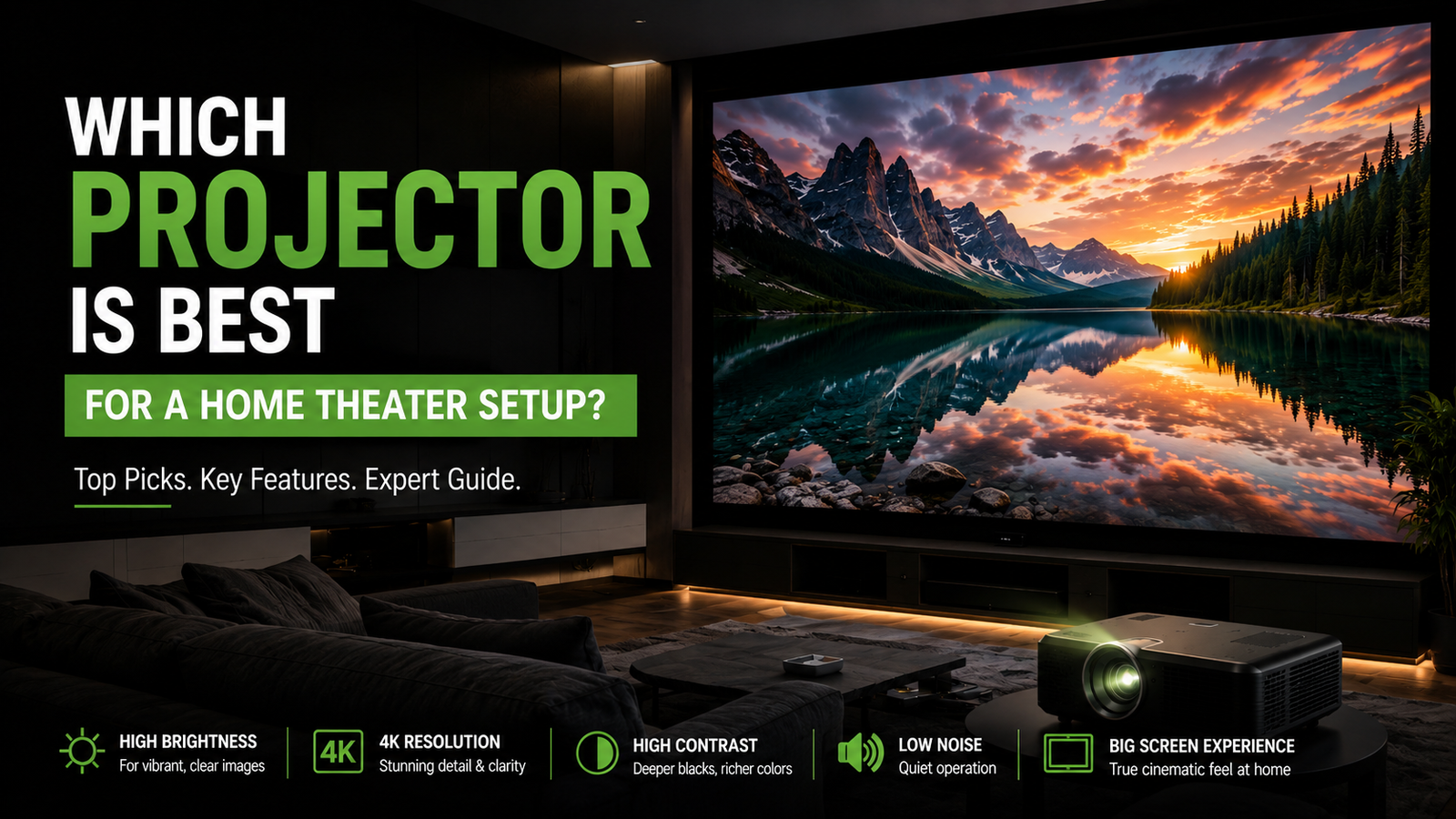 Interactive flat Panel
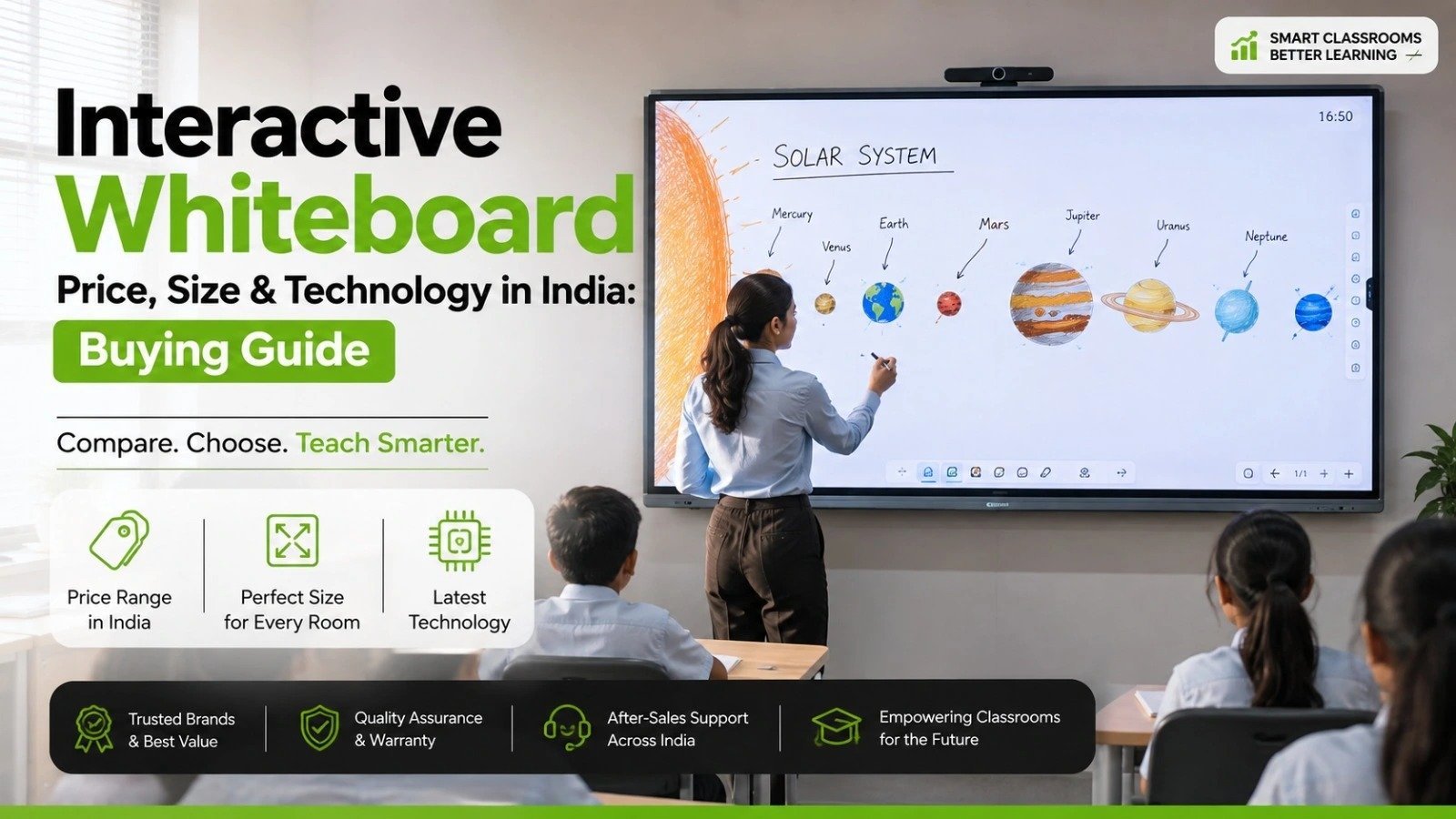 Interactive flat Panel
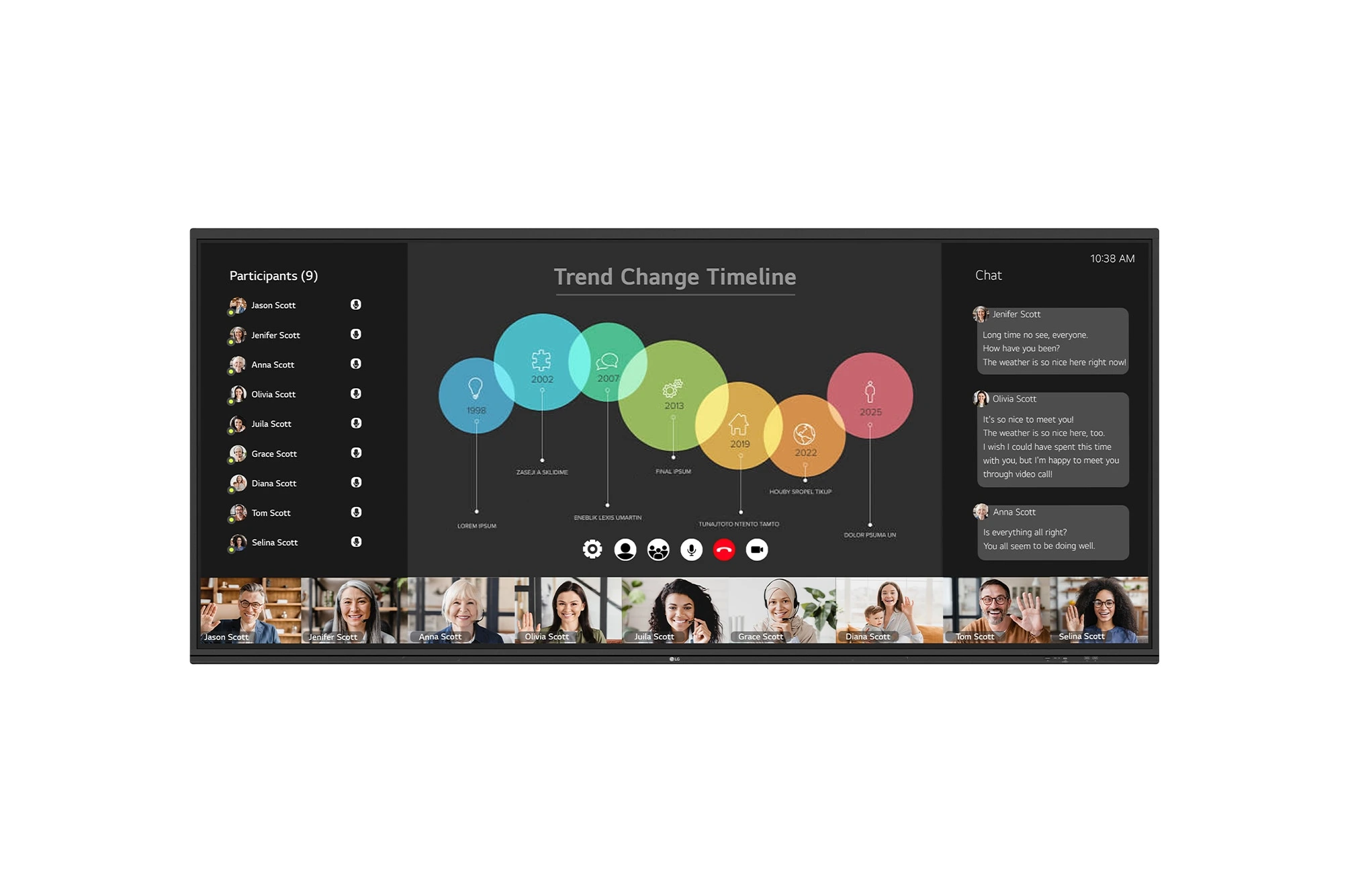
The LG CreateBoard 105TR5WP-I is a premium 105-inch 5K UltraWide (21:9) interactive display designed for modern meeting rooms, hybrid collaboration,...
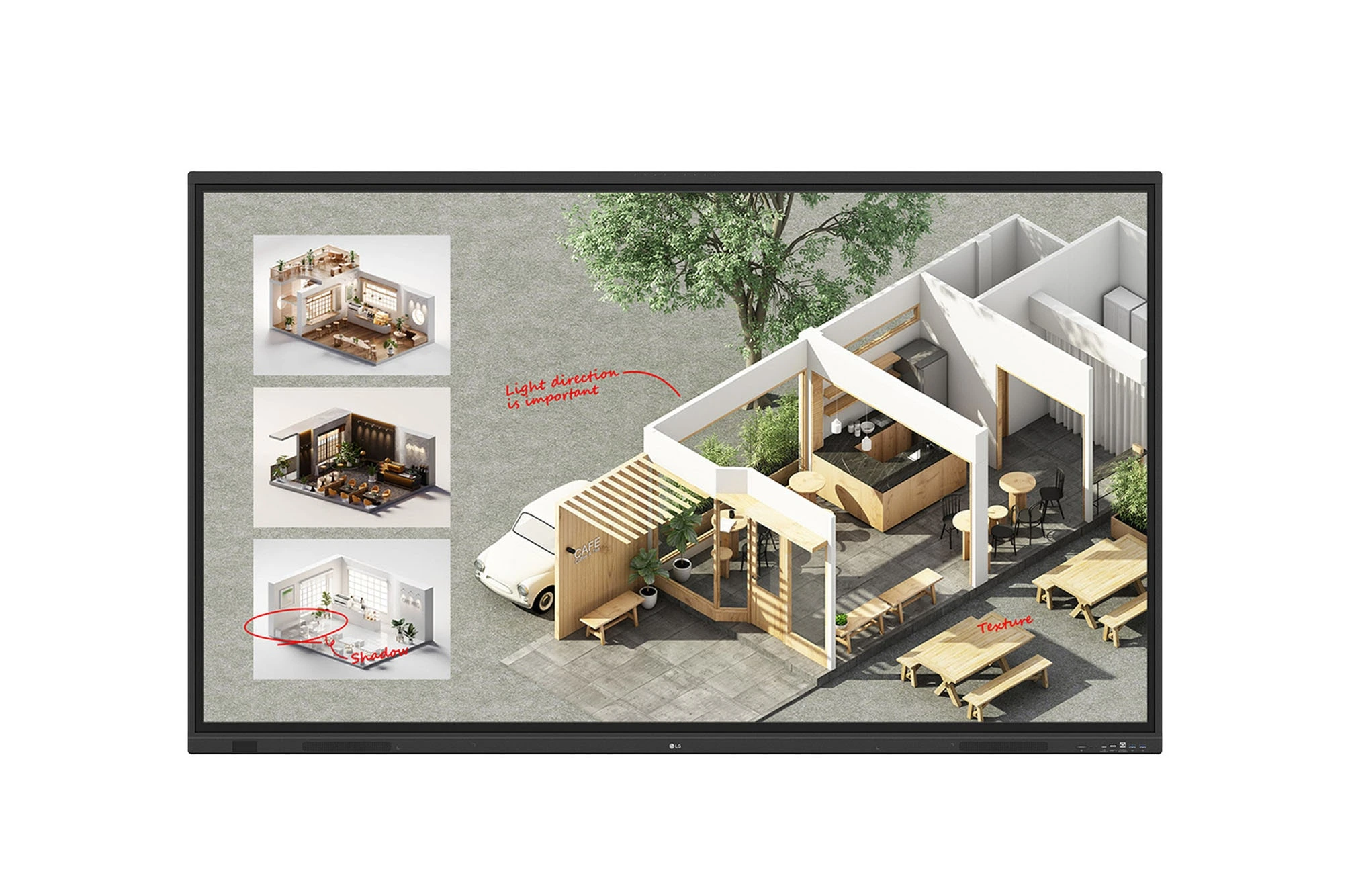
The LG CreateBoard Standard 86TR3DQ-I is an 86-inch 4K UHD Interactive Flat Panel Display designed for classrooms, corporate meeting rooms,...

The LG CreateBoard 86TR3ER-I is an 86-inch 4K UHD interactive flat panel designed for modern classrooms, corporate meeting rooms, and...

The LG CreateBoard 75TR3ER-I is a premium 75-inch 4K UHD Interactive Flat Panel designed for classrooms, training centers, and corporate...
