
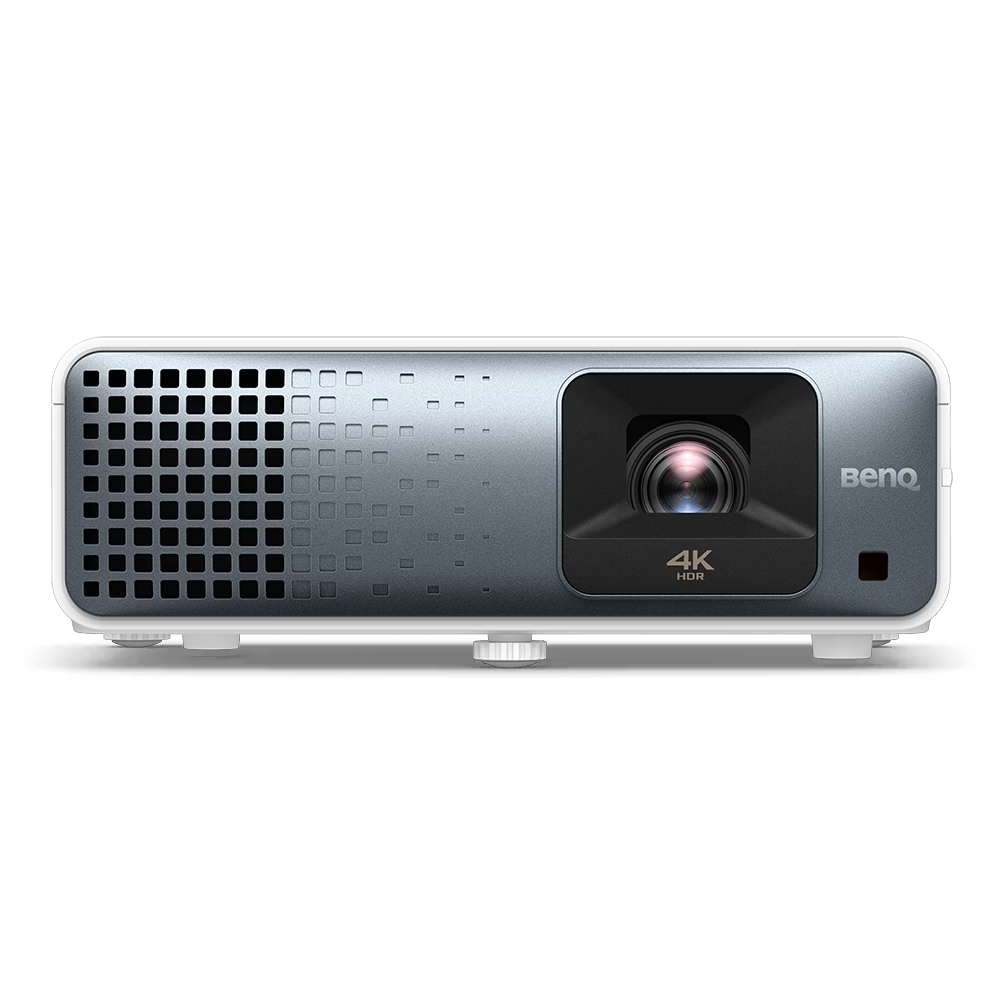


The BenQ TK710 is a premium 4K UHD (3840 x 2160) Laser Projector designed for both immersive home cinema and casual big-screen gaming. It utilizes…
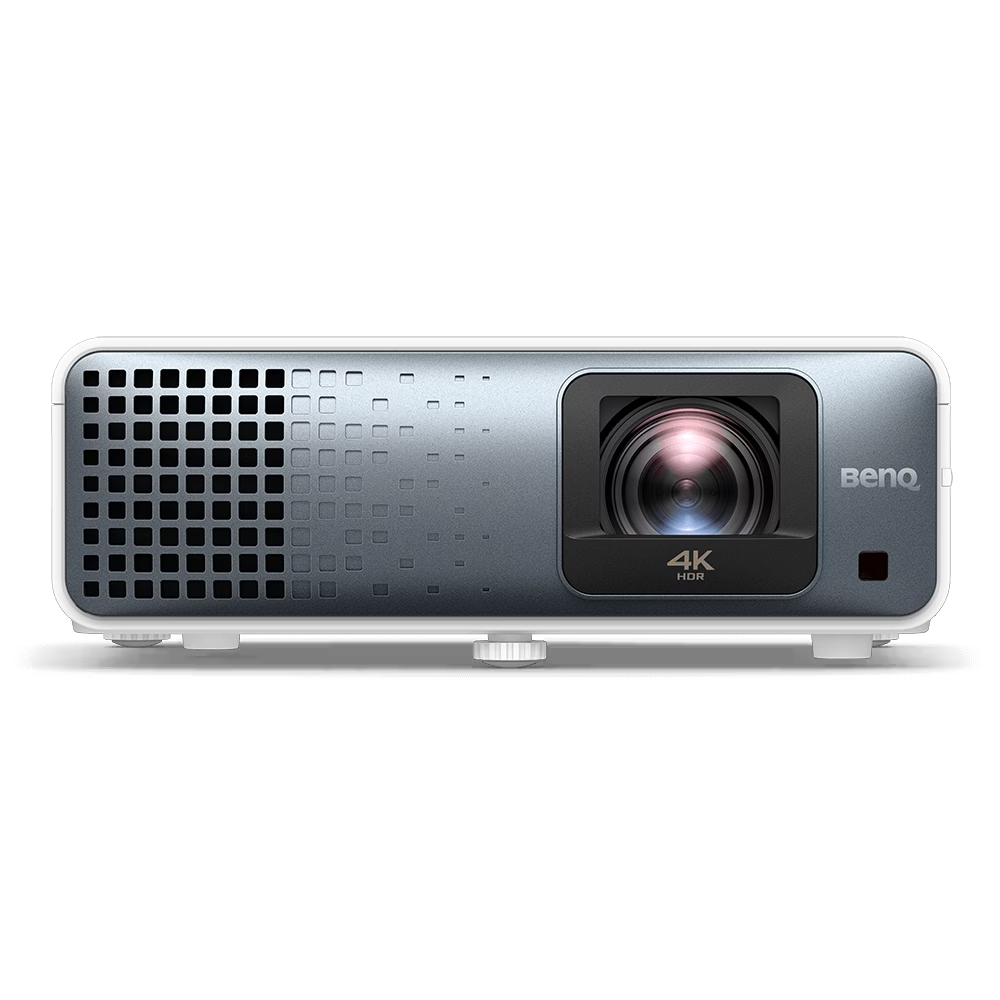


The BenQ TK710STi is a high-performance, 4K UHD (3840x2160) Laser Short Throw projector designed for both immersive home cinema and casual gaming in well-lit rooms.…
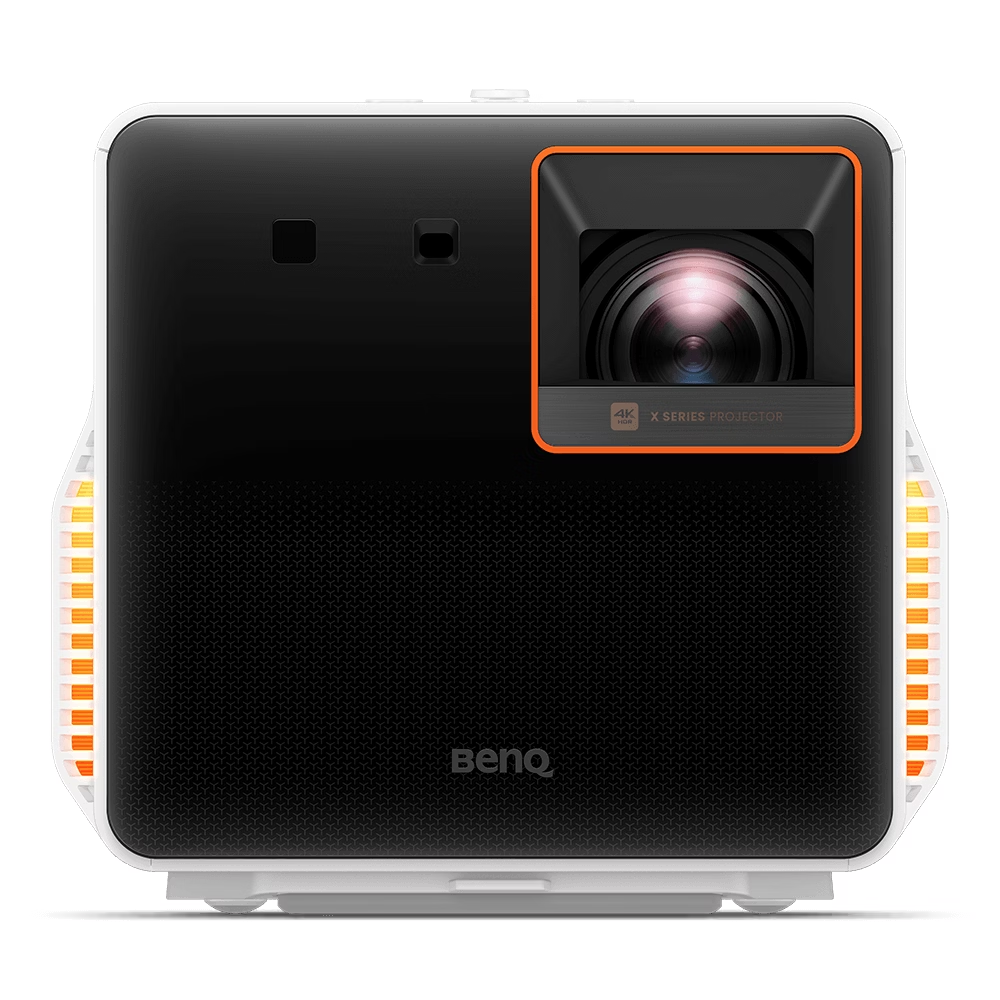


The BenQ X300G is a cutting-edge 4K HDR Short Throw Portable Gaming Projector engineered for an immersive console gaming experience anywhere. It delivers stunning visual…
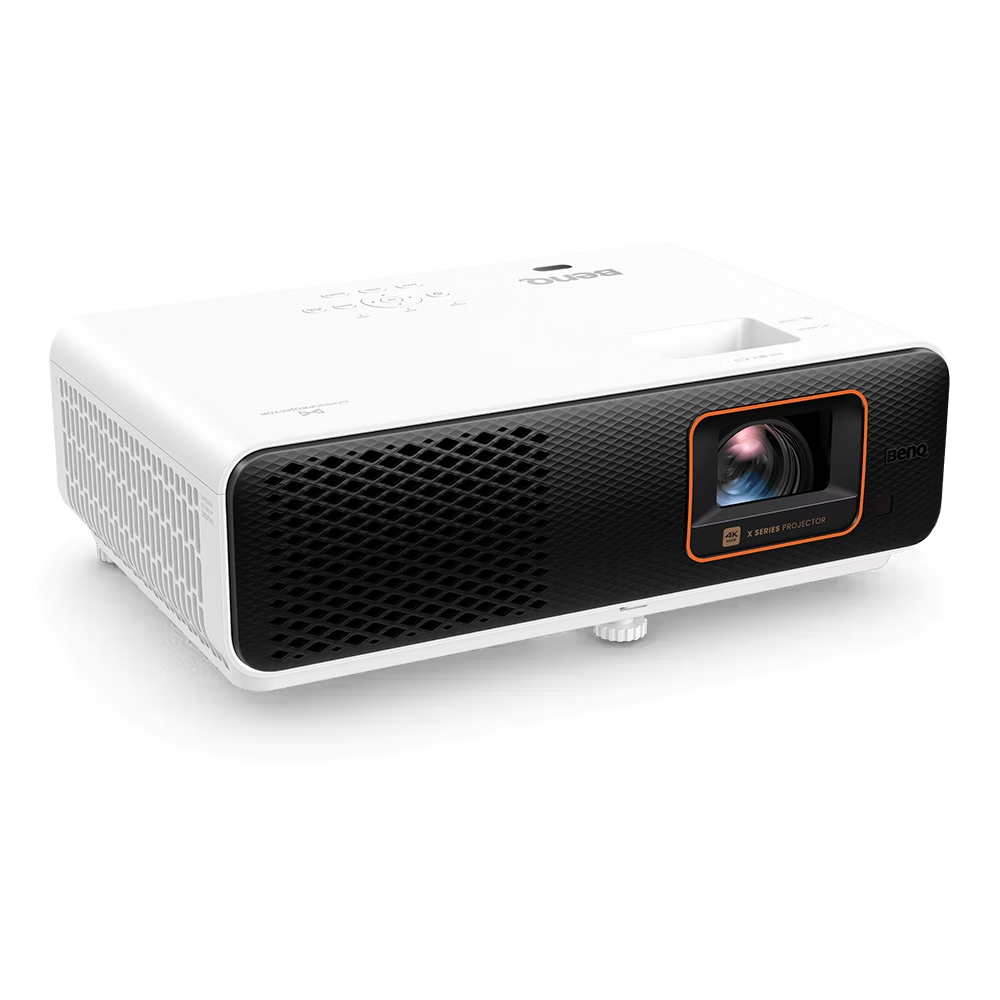


The BenQ X500i is a high-performance 4K UHD Short Throw Gaming Projector designed to deliver large, immersive images in compact spaces, projecting a 100" screen…
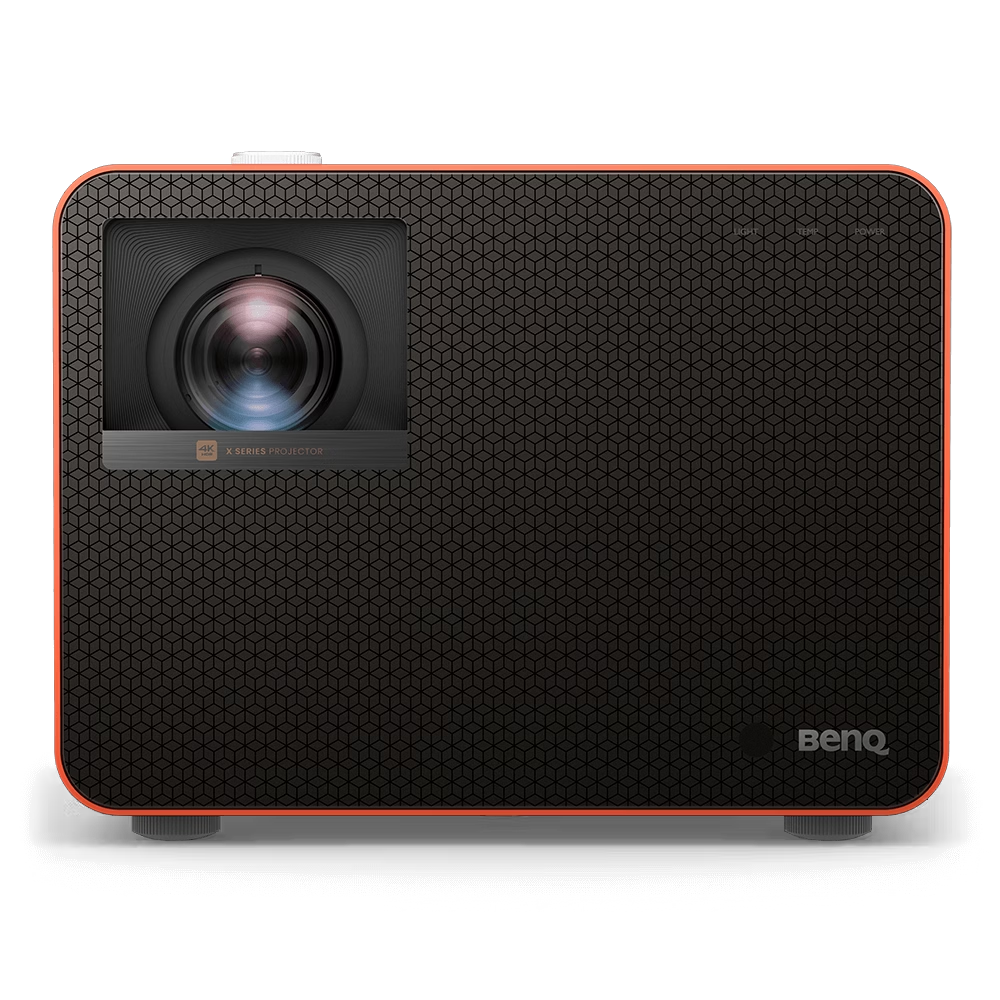


The BenQ X3100i is the flagship 4K HDR 4LED Gaming Projector designed to deliver an immersive big-screen console gaming experience. It utilizes BenQ's exclusive 4LED…
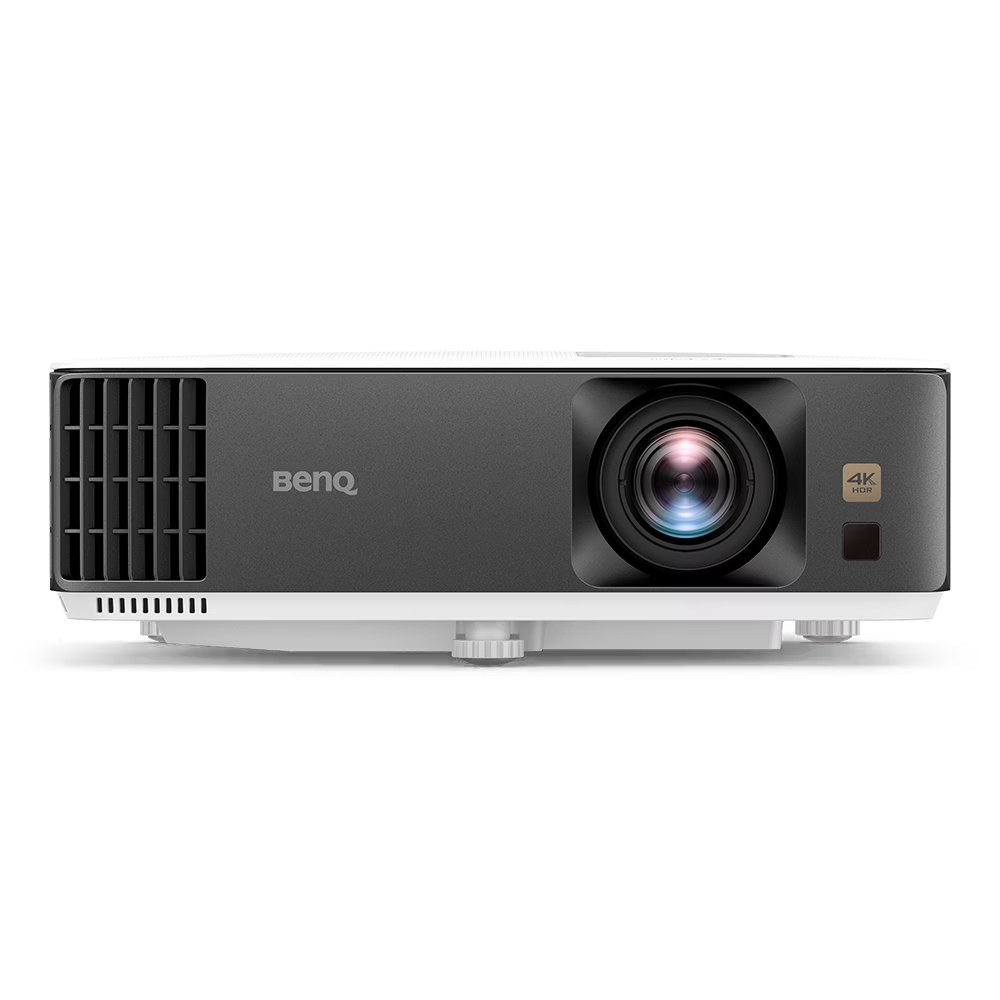


The BenQ TK700 is a dedicated 4K HDR Console Gaming Projector that eliminates the need to choose between speed and picture quality. It delivers stunning…
For years, console and PC players avoided projectors for competitive play. High input lag made twitch reactions impossible, traditional lamps struggled to highlight fine shadow detail in HDR, and motion blur compromised fast-paced action.
Modern projection technology has closed that performance gap. A dedicated 4K gaming display can now produce a crisp 120-inch picture while running current-generation consoles at 120Hz or 240Hz with minimal response delay.
However, finding the best 4K projector for gaming involves balancing display latency, brightness requirements, and room layout. A unit tailored strictly for home cinema movie watching often handles fast-paced action poorly, while a low-latency gaming model requires the right projection surface and ambient lighting to perform as intended.
The best 4K projector for gaming delivers an input lag under 17 milliseconds at 4K/60Hz (under 8ms at 1080p/120Hz or 4ms at 1080p/240Hz), provides high-bandwidth HDMI 2.0b or HDMI 2.1 ports, and generates at least 2,500 ANSI lumens for controlled ambient light environments.
For Indian living conditions, where blocking daylight completely can be challenging and dust levels are high, a solid-state light engine—such as a 4K laser projector gaming model or a 4-channel LED (4LED) system—offers consistent brightness, faster startup, low heat generation, and maintenance-free operation.
Feature / Category | Dedicated 4K DLP (LED / Lamp) | 4K Laser Projector Gaming (UST) | Cinema-Focused 4K (LCoS / 3LCD) |
|---|---|---|---|
Typical Input Lag (4K @ 60Hz) | 14 ms to 17 ms | 16 ms to 32 ms | 25 ms to 50+ ms |
High Refresh Rate Support | Up to 240Hz (at 1080p) | Typically 60Hz to 120Hz | Typically 60Hz |
Light Source Lifespan | 15,000 to 30,000 hours (LED) | 20,000 to 30,000 hours | 4,000 to 15,000 hours |
Throw Distance Required | 8 to 14 feet (Standard / Short-Throw) | 8 to 15 inches (Ultra Short Throw) | 10 to 16 feet (Standard Throw) |
Ambient Light Tolerance | Moderate (2,500–3,300 ANSI Lumens) | High (When paired with ALR screen) | Low to Moderate (Requires blackout room) |
Primary Use Case | Fast-paced multiplayer, FPS, and consoles | Living rooms with limited depth | Story-driven cinematic RPGs and films |
A 4K gaming projector is an optical display device engineered to minimise the processing delay between a video input signal (from a console or PC) and the projected image, while outputting an ultra-high-definition resolution (3840 x 2160 pixels).
Standard consumer projectors rely on digital frame interpolation, motion smoothing, and geometric warping to refine films. While these processing algorithms improve passive video playback, they add display lag—often pushing signal latency past 70 to 100 milliseconds.
Dedicated gaming projectors feature an integrated hardware "Game Mode." When activated, this mode bypasses non-essential video processing to deliver real-time control feedback that mirrors dedicated gaming monitors and televisions.
No. Home cinema projectors and gaming projectors are built with contrasting technical priorities:
Home Cinema Projectors: These units focus primarily on native contrast, black levels, and wide colour gamut tracking (such as 100% DCI-P3). Image processing engines run continuously to smooth out film grain and adjust dynamic irises, which causes high display latency.
Gaming Projectors: These displays prioritize low input lag, rapid pixel switching, high refresh rate synchronisation, and shadow-detail enhancement modes. The colour tuning is structured to keep objects visible in low-light game scenes rather than adhering to dark-room film standards.
Playing a multiplayer title on a home cinema projector often results in a sluggish controller feel, delayed reticle adjustments, and noticeable ghosting during rapid camera sweeps.
Input latency dictates how quickly an action on your controller or keyboard appears on screen:
Competitive standard: Under 17ms at 4K/60Hz, under 8ms at 1080p/120Hz, and under 5ms at 1080p/240Hz.
Casual standard: 20ms to 35ms for open-world exploration, platformers, and turn-based games.
Unsuitable for gaming: Above 45ms, where motion feels disconnected from controller input.
If you connect a PlayStation 5 or Xbox Series X, confirm that the projector accepts high-frame-rate inputs (1080p or 1440p at 120Hz) over HDMI.
Traditional UHP Lamps: Found in budget 4K projectors for gaming. While affordable initially, lamps degrade steadily across 3,000 to 4,000 hours, losing peak brightness, and generate high exhaust heat.
4-Channel LED (4LED): Utilises separate solid-state LED diodes for high colour saturation, running for 20,000 to 30,000 hours with instant on/off functionality.
Laser Phosphor Engines: Deliver high brightness efficiency (3,000+ ANSI lumens) with consistent color preservation over decades of use. A 4K laser projector gaming model maintains sharp highlights across large screen sizes and tolerates ambient living-room lighting better than traditional lamps.
Most commercial gaming projectors priced under ₹4,00,000 use DLP (Digital Light Processing) pixel-shifting technology from Texas Instruments.
DLP XPR (Pixel-Shift): Uses microsecond mirror switching on a 0.47-inch or 0.65-inch digital micromirror device (DMD) to render 8.3 million distinct pixels on screen. Because the micromirrors switch states almost instantly, DLP exhibits negligible motion blur and zero phosphor trailing.
Native 4K (LCoS / SXRD): Features a dedicated 3840 x 2160 panel array. Native 4k panels provide deeper black levels and higher native contrast, but units are physically bulkier, run hotter, and typically carry a higher initial cost.
The right physical format depends on your room layout and gaming hardware positioning:
Choose a Standard Throw Projector if: You have a dedicated space where the projector can be mounted on the ceiling or placed on a rear shelf 9 to 13 feet away. Standard long-throw models typically deliver lower hardware latency, higher refresh rate flexibility (up to 240Hz), and lower initial costs.
Choose an Ultra Short Throw (UST) Laser Projector if: You game in a standard apartment living room with limited throw distance. UST units sit 8 to 15 inches from the wall, allowing you to keep your console, soundbar, and projector together on the same media credenza without running long cables across the ceiling.
Prices in India are influenced by light source technology, hardware refresh rates, import duty structures, and 28% GST on projection equipment.
Entry 4K DLP Gaming Projectors (Lamp-Based): ₹1,20,000 to ₹1,45,000. Models like the BenQ TK700 provide 4K/60Hz gaming with 16ms input lag and high lumen output.
Mid-Tier Solid-State Models (Short-Throw / 4LED): ₹1,40,000 to ₹2,30,000. The BenQ 4K projector price in India for dedicated enthusiast platforms—such as the TK700STi, TK710 series, or the X3100i 4LED projector—falls within this bracket depending on local stock availability, lens shift mechanisms, and bundled Android TV modules.
Premium 4K Laser & UST Gaming Displays: ₹3,20,000 to ₹5,50,000+. These units incorporate high-lumen triple-laser light engines, wide colour gamuts, integrated eARC connectivity, and dedicated high-fidelity soundbars.
Consider these real-world environmental and installation factors before making a purchase:
Dust Protection (IP5X Rating): India's high airborne dust levels can lead to "dust blobs" on unsealed projection optics. Prioritise projectors with sealed optical engines to protect internal micromirrors and light paths from premature contamination.
Power Backup and Voltage Stability: Sudden power cuts during long gaming sessions prevent projection fans from performing their cool-down cycles, which can strain solid-state light engines or bulbs. Connect your projector and gaming console to a pure sine-wave UPS.
HDMI Cable Architecture: Uncompressed 4K signals running at 60Hz HDR require high-speed 18Gbps cables, while 4K/120Hz inputs require 48Gbps Ultra High Speed HDMI cables. If your projector is ceiling-mounted and requires a run longer than 5 metres, use active optical HDMI (AOC) cables to prevent signal dropouts and flickering.
Projection Screen Pairing: Standard white walls reflect light unevenly and absorb shadow detail. Standard throw models benefit from fixed-frame grey contrast screens, while UST laser units require a tensioned Ceiling Light Rejecting (CLR) or Ambient Light Rejecting (ALR) screen to maintain contrast under room lights.
Screen Size and Scale: Creates an immersive 100-inch to 150-inch display area that flat-panel TVs cannot match at a comparable price per inch.
Lower Visual Fatigue: Projected displays use reflected light rather than direct emissive light, resulting in less eye strain during extended play sessions.
Flexible Display Ratios: Many modern gaming projectors support wide aspect ratios (such as 21:9 or 32:9) for ultrawide PC gaming.
Black Level Ceiling: Projectors cannot display black levels darker than the screen material itself in the presence of ambient room light.
Setup Sensitivity: Keystone correction and digital alignment increase display latency. For the lowest input lag, the projector must be physically aligned with the screen.
Acoustic Noise: When running at peak HDR brightness, internal cooling fans generate audible airflow, requiring thoughtful placement relative to your seating area.
For players whose priority is competitive esports, where 360Hz refresh rates and sub-1ms response times are critical, a dedicated gaming monitor remains the appropriate choice.
However, for console and PC players wanting a cinema-scale, 100-to-150-inch gaming setup, modern 4K gaming projectors deliver responsive performance and sharp visual detail.
If you game in a multi-use room with partial ambient light, opt for a 4K laser projector gaming model or a high-lumen 4LED system paired with an ALR screen. If you have a dedicated, light-controlled gaming den, a low-latency long-throw DLP projector running high-frame-rate modes will provide the most fluid gameplay at the best cost-to-performance ratio.
Yes. Current 4K gaming projectors achieve input lag ratings between 4ms and 16ms when running at high refresh rates, providing low-latency control response suitable for competitive online gaming.
In India, entry-level 4K gaming projectors such as the BenQ TK700 start around ₹1,22,000 to ₹1,38,000, while dedicated 4LED high-performance gaming models like the BenQ X3100g typically retail between ₹1,90,000 and ₹2,30,000 depending on distributor terms and seasonal promotions.
A completely dark room produces the deepest black levels, but a projector with 3,000 ANSI lumens or higher can produce a vivid picture in moderate ambient daylight when paired with an Ambient Light Rejecting (ALR) screen.
Yes, on supported models. Many 4K gaming projectors accept 1080p or 1440p signals at 120Hz from current-generation consoles, dropping input lag to roughly 8ms. Verify the manufacturer's EDID timing table for specific resolution combinations.
A laser projector reaches maximum brightness instantly, runs cooler, and maintains consistent brightness and color for 20,000 to 30,000 hours without requiring bulb replacements. Lamp projectors cost less initially but require bulb changes every 3,000 to 5,000 hours.
Yes. Digital keystone correction uses internal image processing to reshape the picture frame, which adds processing latency. To keep input lag as low as possible, disable digital keystone correction and align the projector mechanically using physical lens shift or mount placement.
Yes, on compatible high-refresh-rate gaming projectors. The projector runs at 240Hz at 1080p resolution, reducing input lag to approximately 4.2 milliseconds.
An ALR screen is not strictly mandatory, but projecting onto an uneven white wall washes out contrast and dulls colours. An ALR or high-contrast grey screen preserves dynamic range, especially in rooms with ambient light.
While built-in 5W to 10W speakers work for casual viewing, they lack positional audio accuracy and low-end bass. For gaming, pairing the projector with a dedicated soundbar, AV receiver, or low-latency wireless gaming headset is recommended.