August 19, 2026 Manisha Maurya
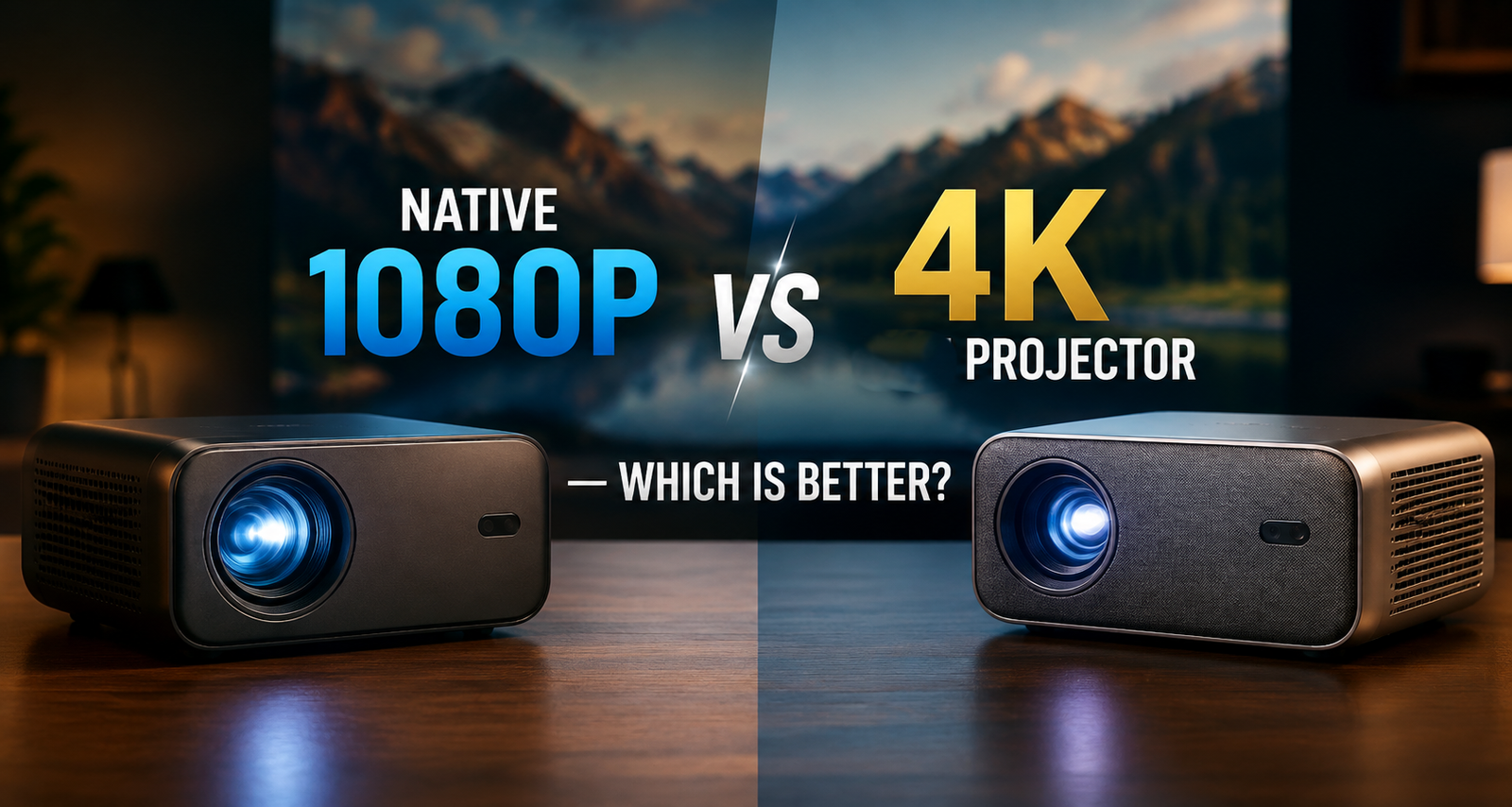
Choosing between a native 1080p projector and a 4K projector can be confusing because projector specifications do not always tell the whole story. A 4K projector offers a higher image resolution, but that does not automatically mean it is the better choice for every room, screen size, viewing distance, or budget.
The more useful question is what you will watch, how large the projected image will be, how close viewers will sit, and whether the projector is genuinely native 4K or uses a pixel-shifting or similar technology to display a higher-resolution image.
This Native 1080p vs 4K projector comparison explains the practical differences so you can choose based on image quality, viewing conditions, connectivity, installation, cost, and long-term use.
A 4K projector generally provides more image detail than a native 1080p projector, but native 1080p can be the better value for smaller screens, casual viewing, gaming, and buyers with a limited budget.
For a large home cinema screen or close viewing distance, 4K can make a noticeable difference because its higher pixel count produces finer details. For a compact setup where the image is relatively small, the difference may be less obvious.
The important point is to check the projector's native resolution and understand whether a model is true native 4K or achieves 4K output through another display technology.
| Feature | Native 1080p Projector | 4K Projector |
|---|---|---|
| Native resolution | 1920 × 1080 | Typically 3840 × 2160 for consumer 4K |
| Image detail | Very good for Full HD content | Higher detail, especially on large screens |
| Pixel count | About 2.07 million | About 8.29 million |
| Large-screen performance | Good | Better suited to very large images |
| Viewing distance | Works well at moderate distances | Benefits become more noticeable at closer distances |
| Full HD content | Excellent match | Can upscale or display Full HD content |
| 4K content | Cannot display native 4K resolution | Designed for 4K-resolution content, depending on technology |
| Typical cost | Usually lower | Usually higher |
| Best suited to | Movies, gaming, presentations, everyday entertainment | Home cinema, large screens and high-detail viewing |
A native 1080p projector uses a display system with a physical resolution of 1920 × 1080 pixels. It is commonly described as a Full HD projector.
Native resolution matters because it tells you the actual pixel structure used by the projector's imaging system. A native 1080p projector is particularly well suited to Full HD movies, streaming content, presentations, gaming, and general home entertainment.
Its main advantage is value. If the projected image is not extremely large and viewers are sitting at a reasonable distance, Full HD can already provide a sharp and enjoyable picture.
A native 1080p projector can be a practical choice when:
A 4K projector is designed to produce an image with substantially more pixels than Full HD. In the consumer market, 4K generally refers to a resolution of 3840 × 2160 pixels.
That gives a 4K image approximately four times as many pixels as a 1920 × 1080 image. More pixels allow the projector to reproduce finer details, which becomes particularly useful as the image gets larger or the viewer sits closer to the screen.
However, not every projector marketed as "4K" uses a native 3840 × 2160 imaging panel. Some models use technologies such as pixel shifting to produce a 4K or 4K-enhanced image. Buyers should check the exact manufacturer specification rather than relying only on the word "4K" in a product title.
No. The main difference between a native 1080p projector and a 4K projector is the amount of image detail the display system can reproduce.
A native 1080p projector has a physical 1920 × 1080 pixel structure, while a native 4K projector has a substantially higher physical pixel count. A projector that accepts a 4K input is not necessarily a native 4K projector.
This distinction is important when comparing specifications. Check both input resolution and native display resolution before buying.
Resolution is the most obvious difference.
A 1080p image contains approximately 2.07 million pixels, while a 3840 × 2160 4K image contains approximately 8.29 million pixels.
That additional pixel density can make small details, text, textures and fine edges appear more defined. The advantage becomes easier to see on larger screens and at shorter viewing distances.
However, resolution is only one part of image quality. Brightness, contrast, colour performance, lens quality, source quality and screen material also affect the final image.
A larger projected image gives you more reason to consider 4K.
When the picture is projected across a large screen, individual pixels can become more noticeable with lower-resolution displays, particularly when viewers sit close to the screen. A higher-resolution projector can maintain finer image detail at the same screen size.
For a dedicated home cinema with a large screen, 4K is generally the stronger choice when the rest of the system can take advantage of the additional resolution.
Viewing distance changes how noticeable the resolution difference is.
If you sit relatively far away from a moderate-size image, your eyes may not distinguish the additional detail of 4K as easily as they would on a large screen viewed from a shorter distance.
This is why buying a 4K projector solely because it has a higher resolution does not always provide the best value. The room and screen should be considered together with the projector.
The source content matters.
A 4K projector can display compatible 4K content at a higher level of detail, but watching mostly lower-resolution content will reduce the practical advantage of buying a 4K model.
A native 1080p projector is a natural fit for Full HD sources. A 4K projector becomes more attractive when your streaming services, media player, gaming system or other sources regularly provide 4K content.
For gaming, resolution is important, but it is not the only specification to check.
A native 1080p projector can be a sensible choice for gamers who prioritise responsiveness and value. A 4K projector can provide more detailed graphics, particularly on a large screen, but buyers should also check:
A projector should not be selected for gaming based on resolution alone.
Higher resolution does not automatically mean higher brightness.
Brightness is normally specified separately, and the appropriate brightness depends on the room, screen size, screen gain, ambient light and projector design.
A lower-resolution projector with suitable brightness can produce a more usable picture in a challenging room than a higher-resolution projector that is not appropriate for the environment.
For this reason, do not sacrifice suitable brightness simply to move from 1080p to 4K.
Contrast affects how clearly a projector can distinguish bright and dark areas.
A 4K projector with high resolution but weak overall image performance may not look better in every scene than a well-designed 1080p projector.
For movies, especially darker content, consider resolution alongside contrast performance, black levels, brightness and the room's ambient light.
A projector's ports and supported signals can affect how useful it remains over time.
Before purchasing, check:
A projector should support the devices you actually plan to connect.
Choose a 4K projector if maximum image detail, large-screen viewing and 4K content are important priorities. Choose a native 1080p projector if you want strong Full HD performance at a lower overall cost and do not need the additional resolution.
Not necessarily. A projector's final image depends on several components, including resolution, brightness, contrast, colour reproduction, optics, image processing, source quality and the viewing environment.
For example, a well-designed native 1080p projector used in a suitable room can produce a very good image. A poorly matched 4K projector may not deliver a better real-world experience simply because it has a higher resolution specification.
The right comparison is therefore 1080p projector vs 4K projector in the same room and use case, rather than resolution alone.
For a dedicated home cinema, 4K usually makes more sense when the screen is large and the viewer is close enough to benefit from the additional detail.
A 4K projector can show more fine texture in movie scenes, detailed landscapes, subtitles and other high-resolution material. The improvement is particularly relevant when the rest of the system—including the source and screen—is capable of supporting the higher-quality signal.
For a smaller living-room setup, a good native 1080p projector may provide sufficient image quality without requiring the additional investment associated with 4K.
For gaming, the decision should include resolution, input lag and refresh-rate support.
A 1080p projector may be preferable when the priority is straightforward Full HD gaming and value. A 4K projector is more suitable for users who want greater visual detail and have compatible gaming hardware and games.
Always check the manufacturer's supported resolution and refresh-rate combinations. A projector may support 4K input but operate at different refresh rates depending on the connected device and signal.
For business and education presentations, 1080p can be sufficient for many applications, especially when the projector is primarily displaying slides, video and standard office content.
However, detailed spreadsheets, diagrams, engineering drawings, high-resolution images and fine text can benefit from additional resolution when the projected image is large.
For professional installations, screen size, room dimensions, viewing distance and the type of content should be considered before deciding whether 4K is necessary.
This is one of the most important details to understand when comparing projectors.
Some projectors accept a 4K signal and use image processing or pixel-shifting techniques to create an image that appears more detailed than native 1080p. These projectors can offer a useful improvement, but they should not automatically be treated as equivalent to a native 3840 × 2160 display system.
When comparing two models, check the manufacturer's technical documentation for:
Projector prices in India vary considerably by manufacturer, display technology, brightness, lens system, smart features, connectivity, installation requirements and other specifications.
A 4K projector generally requires a higher investment than an entry-level or mid-range 1080p model, but there is no single price that applies to all models.
When comparing quotations, look beyond the projector's headline resolution. Check whether the package includes the required lens, installation, screen, mounting hardware, warranty coverage and after-sales support.
For commercial or professional installations, also consider the long-term service arrangement and availability of technical support.
Use this checklist before making a purchase:
Before purchasing, ask:
A 4K projector is the better choice for buyers who prioritise maximum image detail, large-screen home cinema viewing and compatible 4K content. A native 1080p projector is the better choice for buyers who want strong Full HD performance, a moderate screen size and better value.
The decision should not be based on resolution alone. Screen size, viewing distance, room brightness, content, gaming requirements, connectivity, installation and after-sales support all affect the final result.
If you are comparing specific projector models, check the native resolution, brightness, supported input signals, throw distance, refresh rates and warranty before making the final purchase. When possible, a real demonstration on a comparable screen is one of the best ways to judge whether the additional cost of 4K is worthwhile for your room.
A native 1080p projector is not generally better in resolution than a 4K projector. However, it can be the better purchase for a moderate-size screen, Full HD content and a buyer who prioritises value.
4K can be worth the additional cost when you use compatible 4K content, have a large screen or sit relatively close to the projected image. For smaller screens and longer viewing distances, the difference may be less noticeable.
The main difference is display resolution. A 1080p projector uses 1920 × 1080 pixels, while consumer 4K typically refers to 3840 × 2160 pixels.
Yes. Native 1080p refers to a projector with a physical display resolution of 1920 × 1080 pixels, which is commonly called Full HD.
Some 1080p projectors can accept higher-resolution input signals and process them for display, but the projector does not become a native 4K projector. Check the exact input-resolution specifications of the model.
A screen does not have a fixed pixel resolution in the same way as a digital display panel. A good-quality screen can be used with both 1080p and 4K projectors, but its size, gain, surface characteristics and condition can affect the final image.
Yes. Native 1080p can be sufficient for many home cinema setups, particularly with moderate screen sizes and suitable viewing distances. A 4K projector becomes more attractive when higher image detail is a priority.
It depends on the gaming hardware and the projector's specifications. 4K provides greater image detail, while 1080p can offer a more cost-effective gaming setup. Input lag and supported refresh rates should be checked alongside resolution.
No. A 4K projector has approximately four times as many pixels as a 1080p projector, but overall picture quality also depends on brightness, contrast, colour, optics, processing, source quality and viewing conditions.
For a large screen, 4K is generally the stronger option when the budget and other system components support it. The additional resolution can help preserve fine detail, especially when viewers sit relatively close.
Check the native resolution, 4K input/output method, brightness, contrast, throw distance, supported refresh rates, HDMI connectivity, HDR support, source compatibility, warranty and local service availability.
Native 4K and pixel-shifted 4K use different display approaches. Native 4K provides a physical 3840 × 2160 pixel structure, while pixel-shifting technologies use a lower native panel resolution with optical or image-processing techniques to create a higher-resolution image. The better choice depends on the model and your priorities.





 Buying guides
 Buying guides
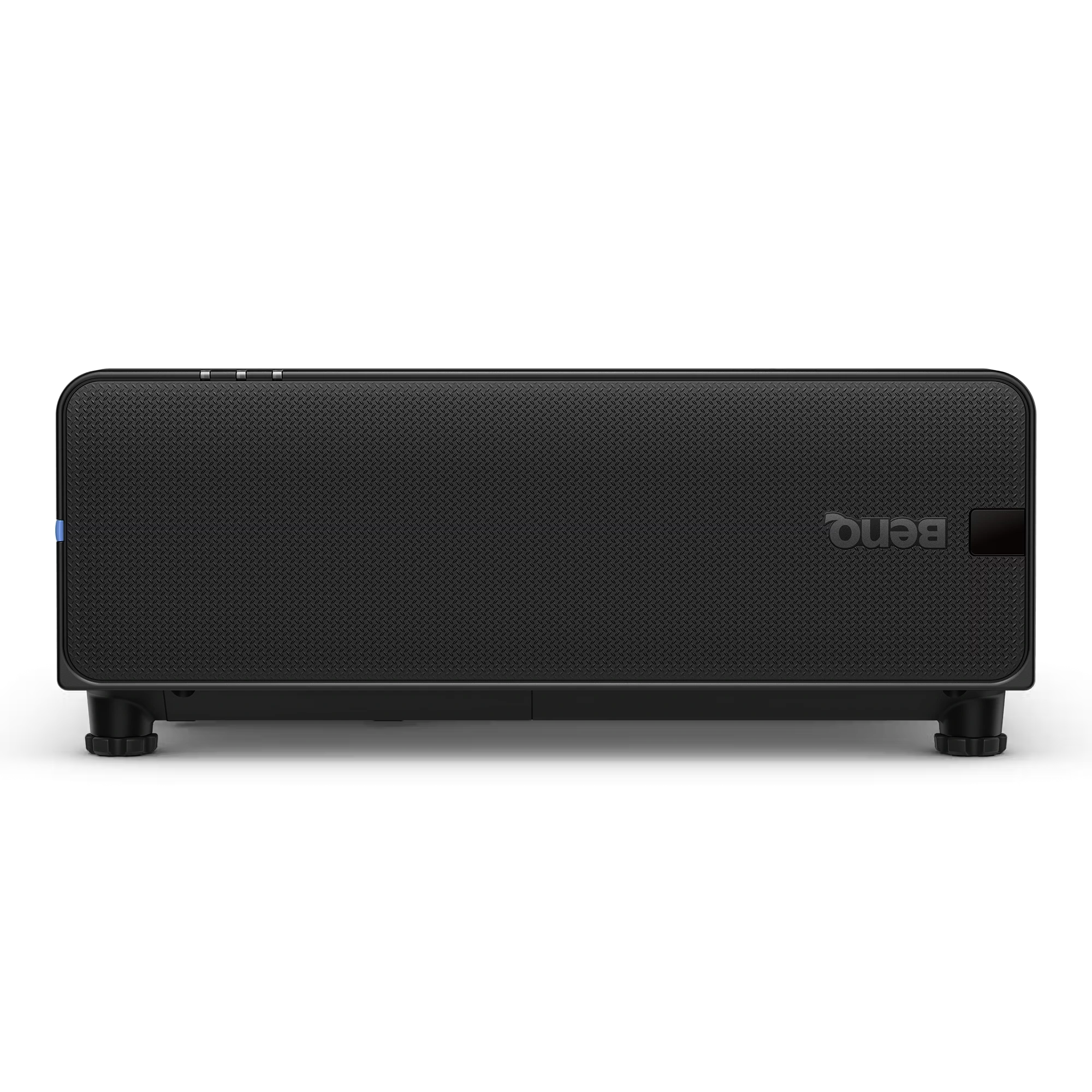
The BenQ LU895UST is a professional 5000 ANSI Lumen WUXGA laser simulation projector designed for immersive environments, museums, simulation centers,...
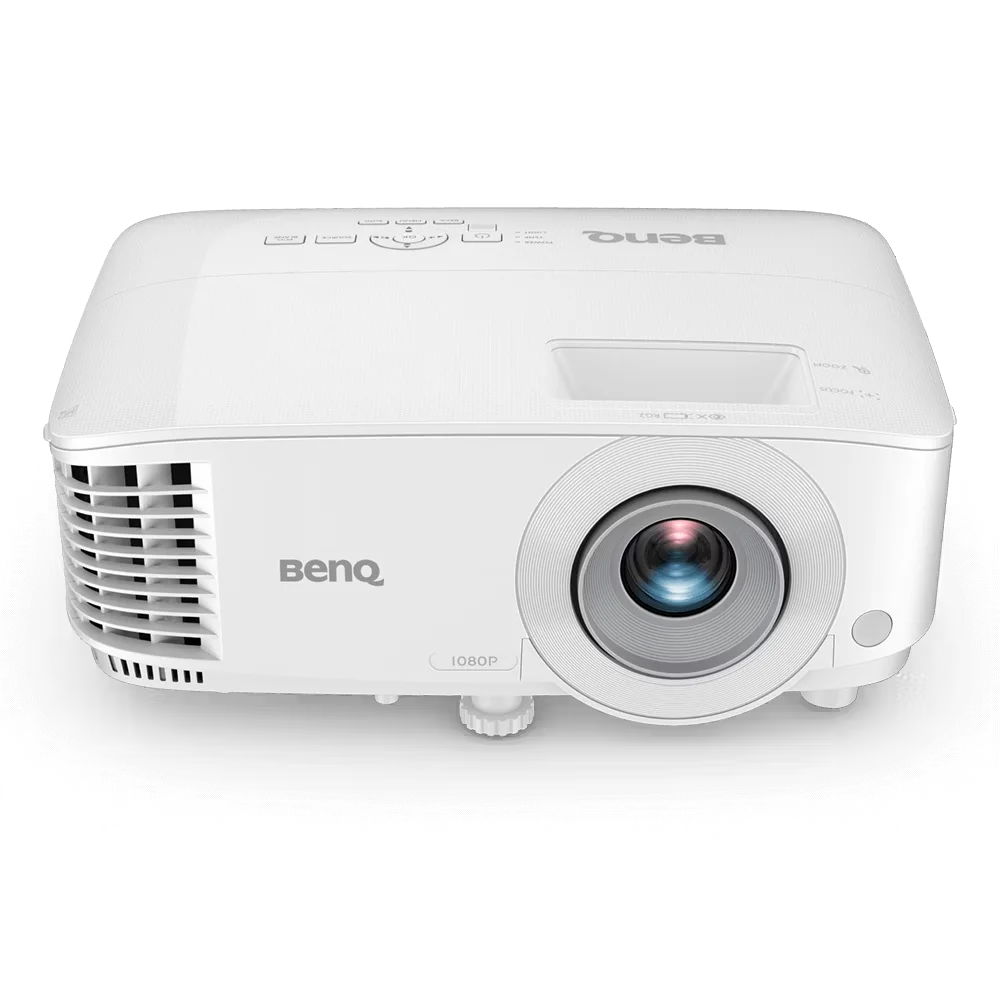
The BenQ MH560 is a Full HD 1080p business projector designed for meeting rooms, conference spaces, and classrooms. It delivers...
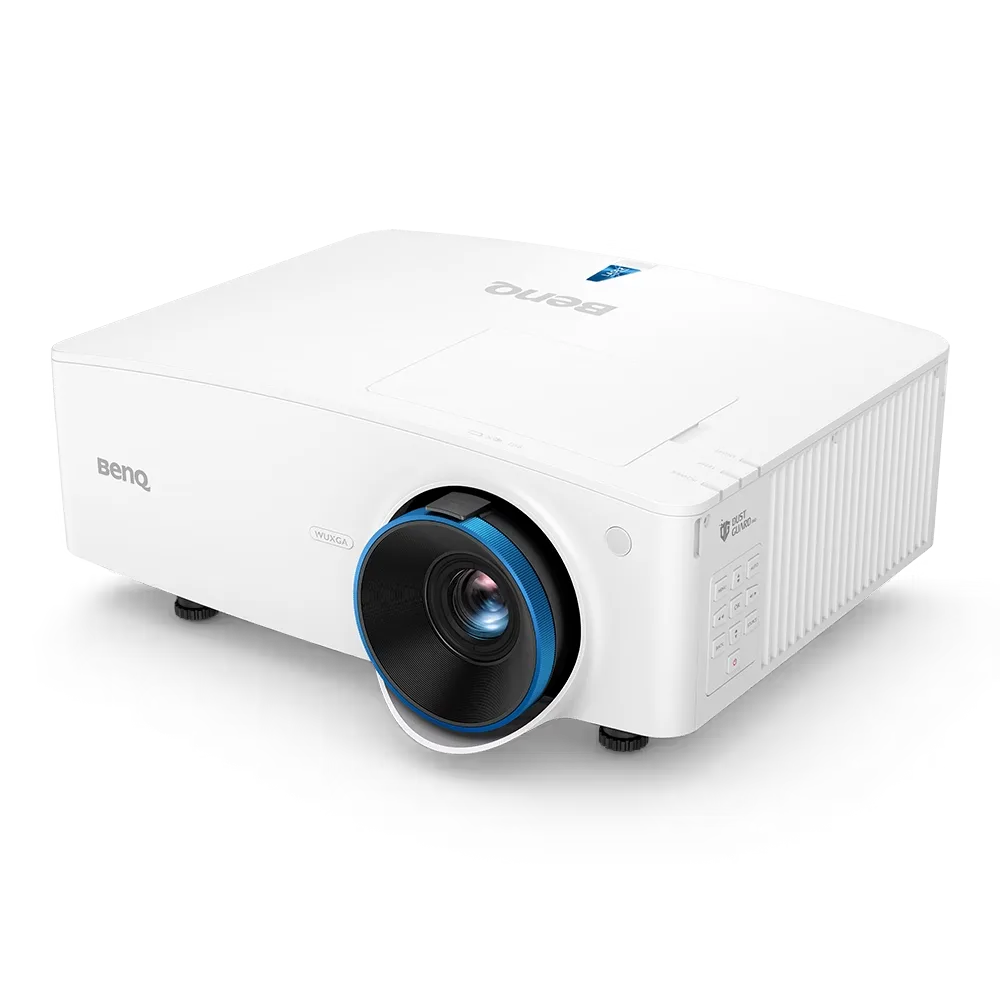
The BenQ LU935 is a professional-grade 6000 ANSI Lumens WUXGA laser projector designed for conference rooms, boardrooms, higher education, and...
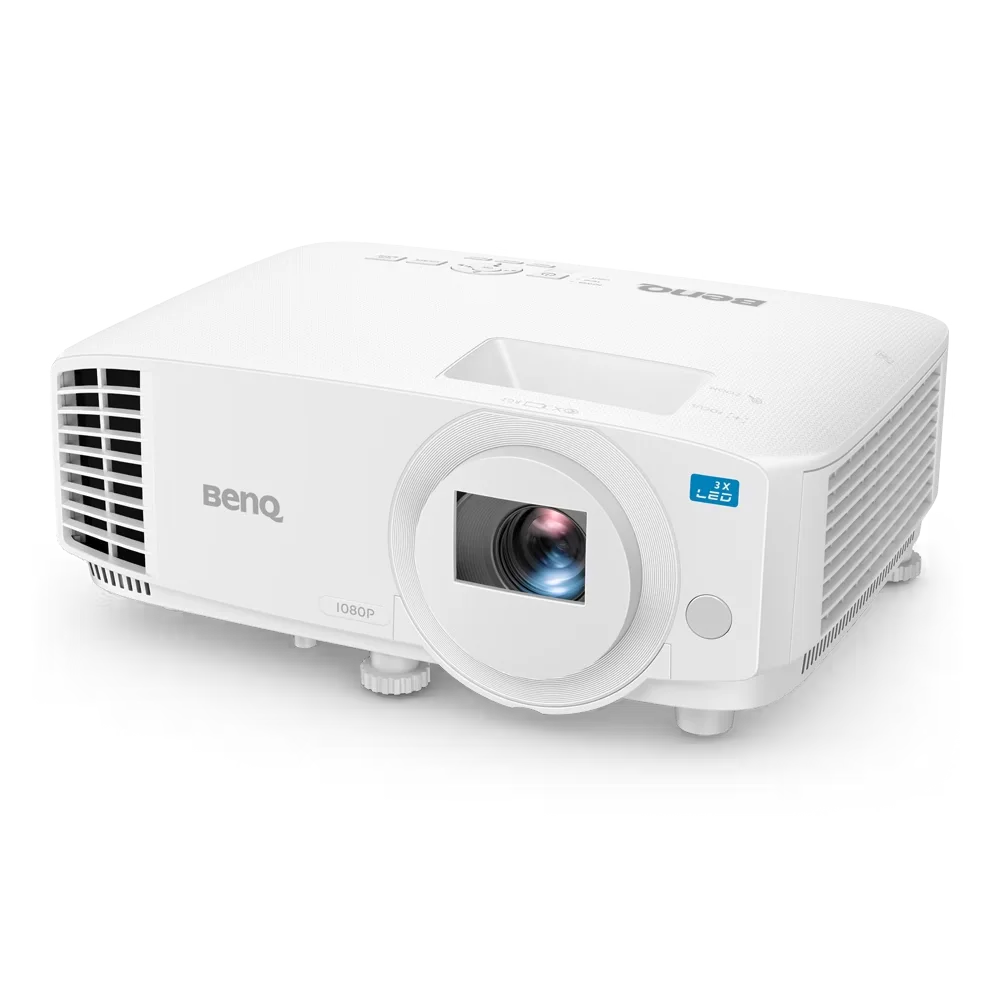
The BenQ LH500 is a Full HD LED meeting room projector designed for professional presentations and collaborative workspaces. It delivers...