September 19, 2026 kajal sharma

Setting up a dedicated gaming space usually leads to a single, high-stakes decision: do you buy a 4K smart TV or invest in a gaming projector? A modern television offers deep contrast and straightforward plug-and-play convenience, but screen sizes typically max out between 65 and 85 inches unless you are prepared to spend an exorbitant sum. A projector, by contrast, easily delivers a 100-inch to 150-inch display for a fraction of the cost per screen inch.
Yet, screen real estate is not the only factor that matters. Input lag, refresh rates, HDR tone mapping, and ambient lighting directly dictate how responsive and visually clear your games feel. Buyers frequently ask, "how many lumens do I need for a projector?" to understand whether a projected image can survive a living room with daytime ambient light, or if it demands a completely light-controlled den.
Choosing between a gaming projector vs TV comes down to balancing room lighting, the genres you play, and the kind of visual impact you want from your console or PC.
A TV is the better choice for competitive, fast-paced multiplayer titles (such as first-person shooters and fighting games) and for rooms with bright ambient light that cannot be shaded. Modern OLED and Mini-LED TVs provide near-instant pixel response times, input lag below 10ms at 120Hz or 140Hz, HDMI 2.1 features like Variable Refresh Rate (VRR), and true per-pixel black levels.
A gaming projector is the better choice for cinematic single-player campaigns, split-screen couch co-op, and sports games where immersion on a 100-inch to 120-inch display matters most. Modern dedicated gaming projectors feature specialized low-latency modes (down to 4ms to 16ms) and high refresh rates, but they require a dim or dark room—or an Ambient Light Rejecting (ALR) screen—to maintain adequate contrast.
Feature / Metric | Gaming TV (OLED / Mini-LED) | Dedicated Gaming Projector |
|---|---|---|
Typical Screen Size | 55″ to 85″ | 100″ to 150″+ |
Input Lag (Gaming Mode) | 5ms – 10ms (extremely low) | 4ms – 16ms (low on modern gaming units) |
Refresh Rate Support | Up to 120Hz – 144Hz at native 4K | 60Hz at 4K; 120Hz – 240Hz at 1080p |
Variable Refresh Rate (VRR) | Common (HDMI Forum VRR, G-Sync, FreeSync) | Rare (limited to select premium models) |
Contrast & Black Levels | Infinite (OLED) or very high (Mini-LED) | Moderate (dependent on room darkness and screen) |
Performance in Daylight | Excellent; unaffected by ambient light | Washed out without 3,000+ lumens and ALR screen |
Audio | Built-in 20W–40W speakers; eARC support | Basic internal speaker; external audio system recommended |
Space Required | Wall mount or TV console width | Throw distance needed (unless Ultra Short Throw) |
Maintenance | None required | Filter cleaning; lamp replacement (on bulb models) |
A gaming projector is a specialized video projector built with hardware specifically designed to minimize input latency and handle high frame-rate video signals. Traditional office or home theatre projectors prioritize colour accuracy or static image sharpness over processing speed, often resulting in input lag exceeding 50ms to 100ms—a delay that makes gaming controls feel sluggish and unresponsive.
In contrast, dedicated gaming projectors incorporate low-input-lag gaming modes that bypass heavy video post-processing, dropping latency down to 16ms at 4K 60Hz, and as low as 4ms at 1080p 240Hz. They are available in standard throw (placed several feet away on a ceiling mount or rear shelf) and Ultra Short Throw (UST) formats, which sit directly beneath the wall or screen like a soundbar.
A modern gaming TV is a flat-panel display—predominantly using OLED, QLED, or Mini-LED panel technology—equipped with gaming-centric display standards. Unlike standard televisions, these displays feature full-bandwidth HDMI 2.1 ports capable of handling uncompressed 4K video at 120 frames per second.
Gaming TVs include Auto Low Latency Mode (ALLM), which automatically switches the display to its fastest processing state when a console or PC is detected. They also natively support Variable Refresh Rate (VRR) formats such as AMD FreeSync Premium and Nvidia G-Sync Compatible, which dynamically sync the TV's refresh rate to the console's frame output to eliminate screen tearing and stuttering.
Home cinema projectors and gaming projectors are not the same, even though both can display movies and games.
Home cinema projectors focus primarily on DCI-P3 colour reproduction, high dynamic range (HDR) tone curves, and frame interpolation (motion smoothing). Their internal image processors spend substantial time refining each frame, producing an input delay ranging from 40ms to over 80ms. While acceptable for watching films, this delay is immediately noticeable when aiming a weapon or timing a turn in a racing game.
Gaming projectors feature dedicated firmware pipelines that disable redundant image buffering to achieve input lag figures between 4ms and 16ms. They also include specific game picture modes that selectively brighten shadow details without blowing out highlights, making it easier to spot opponents in dark areas.
Brightness is the single most critical factor determining whether a projector produces a clear, saturated image or a faded, washed-out visual. Projector brightness is measured in ANSI lumens (or ISO lumens), which indicate total light output.
Required Brightness: 1,500 to 2,000 ANSI Lumens
Environment: Curtains drawn, blackout blinds engaged, overhead lights off.
Practical Result: In zero ambient light, high brightness can actually cause eye strain. A rating of 1,500 to 2,000 lumens delivers rich colours and comfortable contrast across a 100-inch to 120-inch matte white screen.
Required Brightness: 2,000 to 3,000 ANSI Lumens
Environment: Warm table lamps, indirect cove lighting, or minor window seepage.
Practical Result: This is the baseline for most Indian households where family members share the living space. A projector with 2,500 to 3,000 lumens retains vibrant mid-tones and readable on-screen text, though absolute black levels will shift slightly toward charcoal grey.
Required Brightness: 3,500 to 4,500+ ANSI Lumens
Environment: Natural daylight filtering through curtains, ceiling LED fixtures turned on.
Practical Result: Standard projection cannot compete with direct sunlight. If you plan to game during the afternoon without heavy curtains, you need at least 3,500 lumens paired with an Ambient Light Rejecting (ALR) screen. ALR screens use optical micro-structures to reflect light originating from the projector towards your eyes while deflecting ambient light coming from windows or ceilings.
Input lag refers to the time taken between pressing a button on your controller and seeing that action occur on screen.
Gaming TVs: Modern gaming TVs lead this metric. High-end OLED panels deliver instantaneous pixel response times (0.1ms) and an input lag of roughly 5ms to 9ms at 120Hz.
Gaming Projectors: Dedicated gaming projectors have closed the gap considerably, offering input lag between 4ms (at 1080p 240Hz) and 16.7ms (at 4K 60Hz). While a 16ms lag is imperceptible to casual and narrative-focused gamers, esports players competing in fast-paced titles will still notice the crisper tracking of a high-refresh TV.
Almost all mid-range to high-end TVs sold in India today are native 4K panels capable of driving 120Hz signals over HDMI 2.1.
Most affordable 4K gaming projectors use pixel-shifting technology (such as Texas Instruments' DLP XPR technology). A specialized optical actuator shifts a 1080p micro-mirror display four times per frame at high speed to project 8.3 million distinct pixels onto the wall. While the resulting image is sharp and meets consumer 4K criteria, almost all 4K projectors are limited to a 60Hz refresh rate when receiving a 4K signal. To achieve 120Hz or 240Hz on a projector, you generally have to drop the game's output resolution down to Full HD (1080p).
Projectors cannot project "black"; they can only project absence of light. Consequently, the darkest part of your image can never be darker than the screen or wall itself. In a room with ambient light, dark corridors in games like The Last of Us or Elden Ring can look muddy.
OLED TVs generate light on an individual pixel level, allowing pixels to turn off entirely for true black and near-infinite contrast. Mini-LED TVs use thousands of microscopic LEDs grouped into local dimming zones to achieve deep contrast and blinding specular highlights (often exceeding 1,000 to 1,500 nits). Projectors support HDR10 and HLG, but their peak highlight brightness and shadow depth are naturally constrained compared to direct-lit glass panels.
A 65-inch or 75-inch TV requires a clear wall or a sturdy media console. Once placed, it remains a fixed black rectangle in the room.
Standard-throw projectors require roughly 8 to 12 feet of unobstructed distance between the lens and the wall to produce a 100-inch image. If your room layout has ceiling fans or low-hanging pendant lights, they can obstruct the light beam. Ultra Short Throw (UST) laser projectors resolve this issue by projecting upward at an extreme angle from just 8 to 15 inches away from the wall, making them practical for compact flats.
You prioritize cinematic scale: You want an authentic cinema or sports-stadium feel with an image spanning 100 to 150 inches.
You primarily play narrative and casual games: Your gaming library consists of open-world adventure titles, racing simulators, RPGs, or couch multiplayer games like EA Sports FC and Mario Kart.
You have space and light control: You have an empty wall or drop-down screen area and can darken the room during gaming sessions.
You want screen flexibility: A motorized roll-up screen allows the room to serve as a clean living area when the system is switched off.
You play competitive multiplayer titles: You regularly play competitive shooters (Call of Duty, Apex Legends, Valorant) where sub-10ms latency and 120Hz native refresh rates provide a tactical edge.
The setup is in a bright, shared room: You play during the day in a bright living room with large windows and active family foot traffic.
You want a straightforward, all-in-one setup: You want integrated apps, dependable HDMI 2.1 handshakes, low power draw, and decent built-in audio without configuring projector throw distances or mounting brackets.
When budgeting for a display in India, the cost equation changes dramatically depending on the screen size you are targeting.
55-inch to 75-inch Displays: High-performance 4K gaming TVs (featuring 120Hz panels, VRR, and full-array local dimming or OLED) range from approximately ₹65,000 to ₹1,80,000. At this size tier, a TV provides far better picture quality, brightness, and feature support per rupee spent.
85-inch Displays: Premium 85-inch TVs typically cost between ₹2,00,000 and ₹4,00,000 depending on whether you choose LED, Mini-LED, or OLED. At this junction, dedicated 4K home gaming projectors start competing directly on price.
100-inch and Above: An 98-inch or 100-inch commercial flat panel TV can easily cost between ₹3,50,000 and ₹8,00,000+, and maneuvering such a heavy panel through apartment elevators and doorways in Indian high-rises can be a logistical challenge. By comparison, a dedicated 4K gaming projector capable of a 120-inch image ranges from ₹1,20,000 to ₹2,50,000.
Additional Expenses to Factor for Projectors:
Screen: While you can project onto a flat white wall, an ALR or fixed-frame high-gain screen (costing ₹15,000 to ₹60,000) is necessary to unlock proper colour and contrast.
Audio System: Most projectors have weak internal speakers (5W to 10W). You will need a dedicated soundbar or AV receiver setup.
Cabling: Long run, certified high-speed optical HDMI cables (10m to 15m) are required if the projector is ceiling mounted.
Before finalizing your purchase, walk through this practical checklist:
Verify the ANSI/ISO Lumens Rating: Ensure the projector’s brightness is stated in standardized ANSI or ISO lumens, not unverified commercial peak ratings.
Check the Input Lag at 4K 60Hz and 1080p 120Hz: Look up verified latency test results. For gaming, aim for under 20ms at 60Hz and under 10ms at 120Hz.
Calculate the Throw Ratio: Use an online projection calculator to verify that your room depth allows the projector to cast your desired screen size without needing extreme digital keystone correction.
Confirm Optical Keystone and Lens Shift: Digital keystone correction degrades image resolution and increases input latency because it forces the projector to digitally reprocess the image. Look for physical optical lens shift or place the unit dead-centre.
Inspect the HDMI Ports: If buying a TV, ensure at least two ports support full-bandwidth HDMI 2.1 (4K at 120Hz, eARC, ALLM, and VRR). If buying a projector, ensure HDMI 2.0b or 2.1 is present with HDCP 2.2 compatibility.
Evaluate Ambient Lighting: If you cannot install blackout curtains, prioritize a high-brightness TV or an Ultra Short Throw projector paired with a specialised Fresnel ALR screen.
Pros:
Massive screen size (100″ to 150″+) for a cinematic, immersive field of view.
More affordable cost-per-inch beyond 85 inches.
Compact form factor; easy to transport compared to a fragile 85-inch glass panel.
Less direct eye fatigue during prolonged evening gaming sessions due to reflected rather than direct light.
Cons:
Picture washes out quickly in rooms with uncontrolled daylight.
High-end gaming features like VRR are rare.
4K resolution is generally locked to a 60Hz refresh rate.
Requires dedicated sound equipment and quiet ceiling or shelf placement.
Pros:
Unmatched contrast, deep black levels, and vibrant HDR peak brightness.
Instant pixel response times and ultra-low latency (under 10ms).
Full support for next-gen console features (4K at 120Hz, VRR, ALLM).
Reliable performance in bright, day-lit living rooms.
Cons:
Displays larger than 75 or 85 inches become prohibitively expensive.
Large glass panels are heavy, hard to maneuver into high-rise flats, and dominate the room's decor.
Prone to reflective glare on high-gloss screens when placed opposite bright windows.
The choice between a gaming projector and a TV is fundamentally an exchange between scale and precision.
Choose a gaming TV if you play competitive multiplayer games, demand native 4K at 120Hz with Variable Refresh Rate, or plan to game in a standard living room with active daylight. For everyday ease, punchy HDR, and rapid response times, a 55-inch to 75-inch TV remains the standard benchmark.
Choose a gaming projector if your priority is grand visual immersion for single-player narrative campaigns, couch multiplayer with friends, and sports gaming. Provided you have the room length (or opt for an Ultra Short Throw model) and can control ambient light, nothing matches the experience of exploring game worlds across a 120-inch display.
For a dedicated dark gaming room or home theatre with blackout blinds, 1,500 to 2,000 ANSI lumens is ideal. In a pitch-black setting, this range produces vibrant colours and high dynamic range without causing visual fatigue.
You can connect a console to a standard office projector, but the gaming experience will likely suffer. Office projectors are tuned for static presentations and typically exhibit input latency between 50ms and 120ms, which creates a noticeable, frustrating delay between controller inputs and screen actions.
Most mainstream 4K gaming projectors do not support 4K and 120Hz simultaneously. Due to processor and HDMI bandwidth constraints, they generally run at 4K at 60Hz or step down to 1080p to achieve 120Hz or 240Hz refresh rates. Premium models with full HDMI 2.1 chipsets that support native 4K 120Hz exist, but they carry a significant price premium.
A projector can replace a living room TV only if you choose an Ultra Short Throw (UST) laser projector paired with an Ambient Light Rejecting (ALR) screen, backed by at least 3,000 ANSI lumens. A standard-throw projector in a bright living room without light control will look washed out during daytime hours.
On modern gaming-specific projectors, input lag is not noticeable for most players. With dedicated game modes delivering 16ms at 4K 60Hz and 4ms to 8ms at 1080p 120Hz/240Hz, latency is comparable to standard consumer televisions. However, professional esports players may still prefer high-refresh OLED gaming TVs or monitors.
You do not strictly need an ALR screen if you game in a completely darkened room with painted dark walls; a standard matte white screen or flat white wall will suffice. However, if your room has white walls, light ceilings, or any ambient window light, an ALR screen is essential to preserve contrast and prevent the image from looking faded.
Gaming does not wear out a projector any faster than watching movies. Traditional lamp-based projectors have bulbs rated for 4,000 to 10,000 hours, which eventually require replacement. Modern LED and laser gaming projectors are rated for 20,000 to 30,000 hours, meaning you could game for 4 hours every single day for over a decade without light-source degradation.
Projectors create black areas on screen by withholding light. If ambient daylight or room lights hit the projection surface, that ambient light sets the baseline "black" level. When blacks become grey, the contrast ratio collapses, making the entire image appear pale and washed out.
Projectors are generally easier on the eyes during long gaming sessions in dark rooms. A television screen emits direct light straight into your eyes, which can cause strain in unlit rooms. A projector reflects light off a wall or screen, producing a softer, diffuse visual that is gentler over extended periods.
Yes. Current consoles connect directly to gaming projectors via standard HDMI ports. The console will automatically detect the projector's supported resolutions (such as 4K at 60Hz or 1080p at 120Hz) and allow you to configure low-latency settings accordingly.




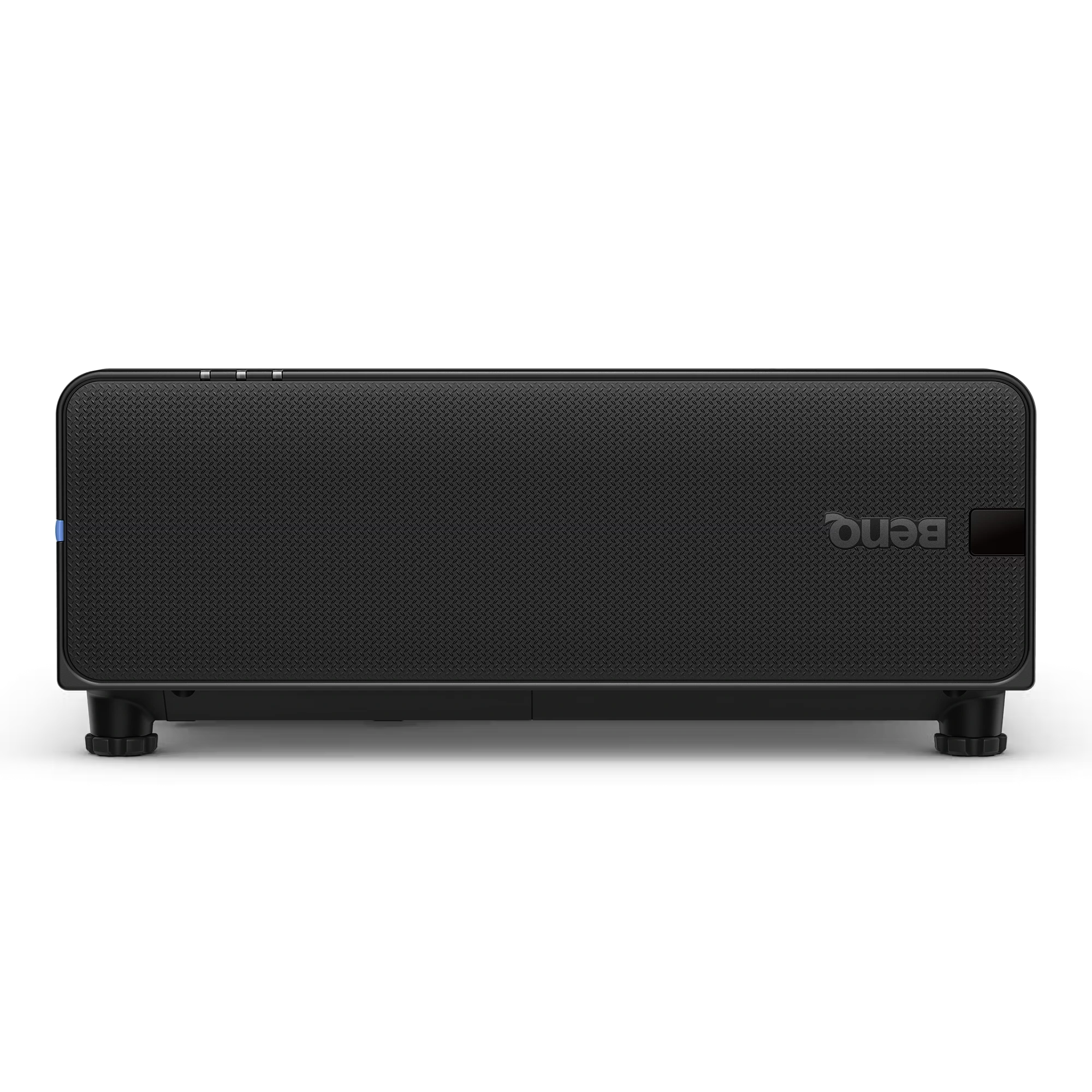
The BenQ LU895UST is a professional 5000 ANSI Lumen WUXGA laser simulation projector designed for immersive environments, museums, simulation centers,...
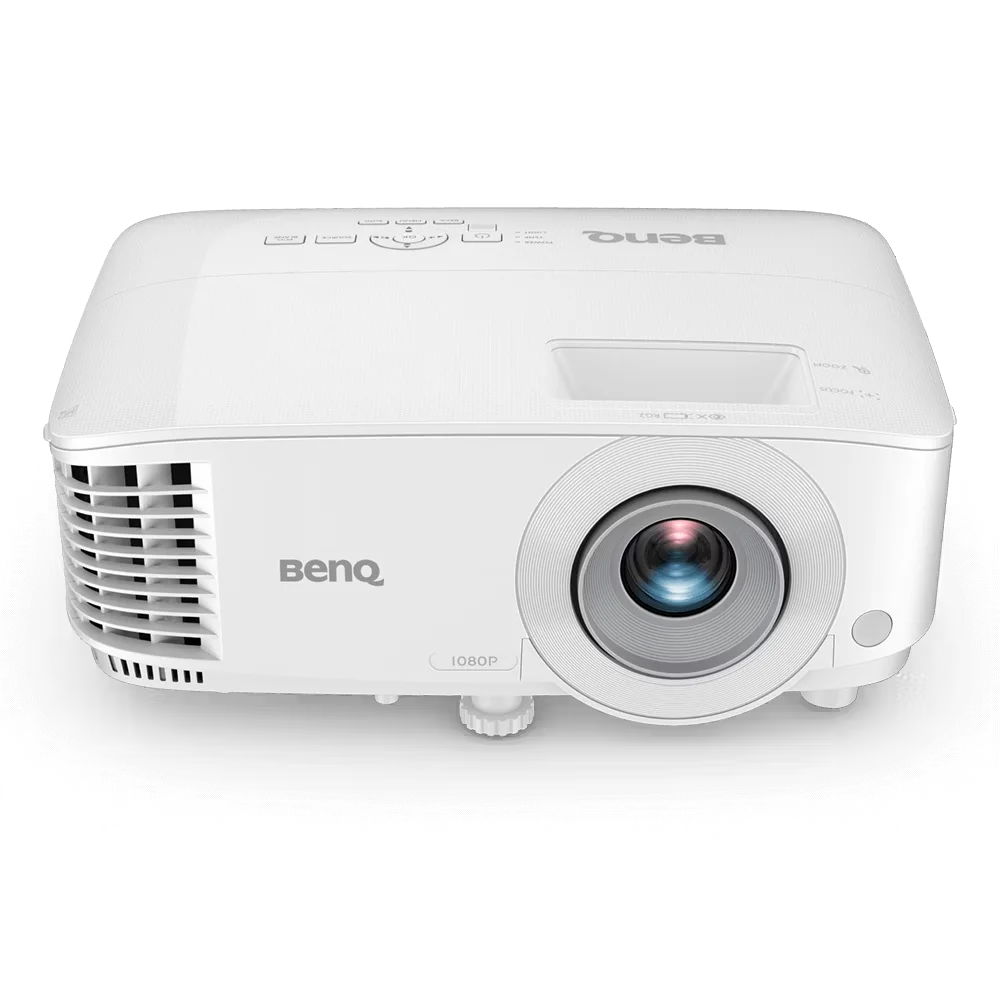
The BenQ MH560 is a Full HD 1080p business projector designed for meeting rooms, conference spaces, and classrooms. It delivers...
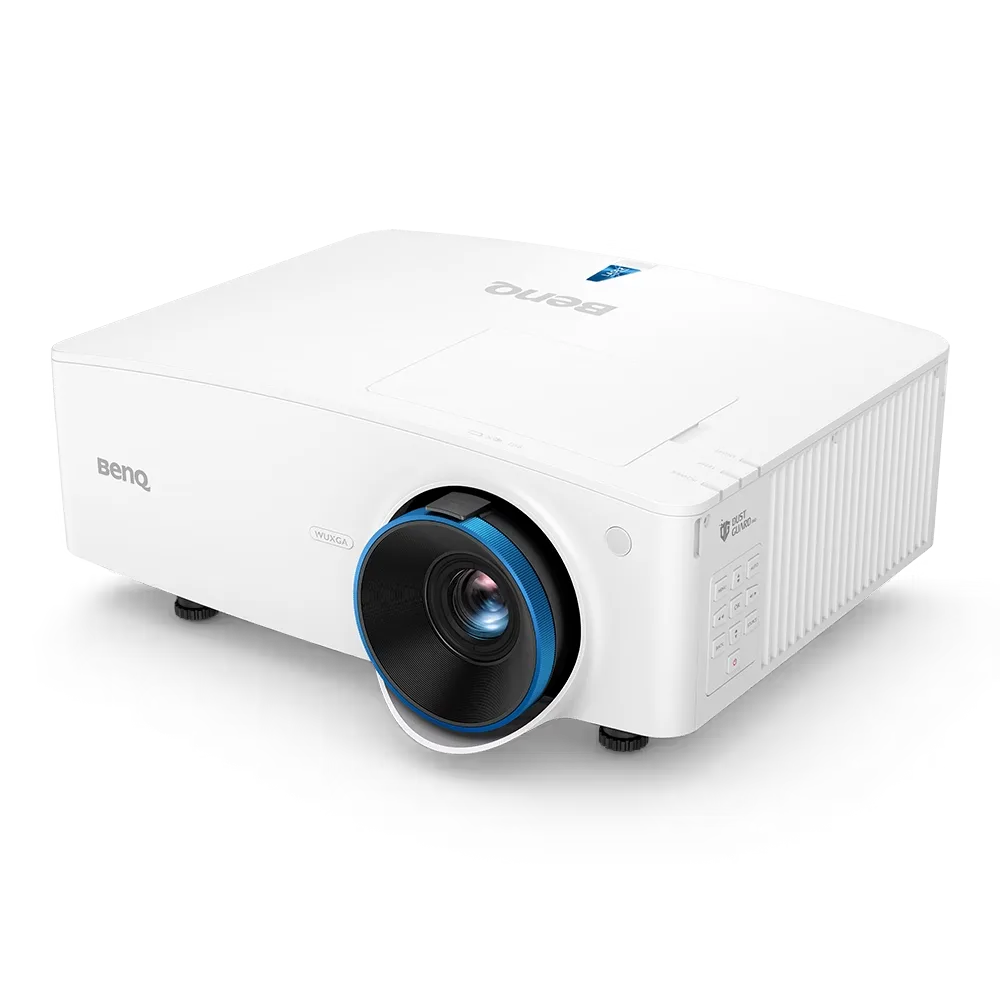
The BenQ LU935 is a professional-grade 6000 ANSI Lumens WUXGA laser projector designed for conference rooms, boardrooms, higher education, and...
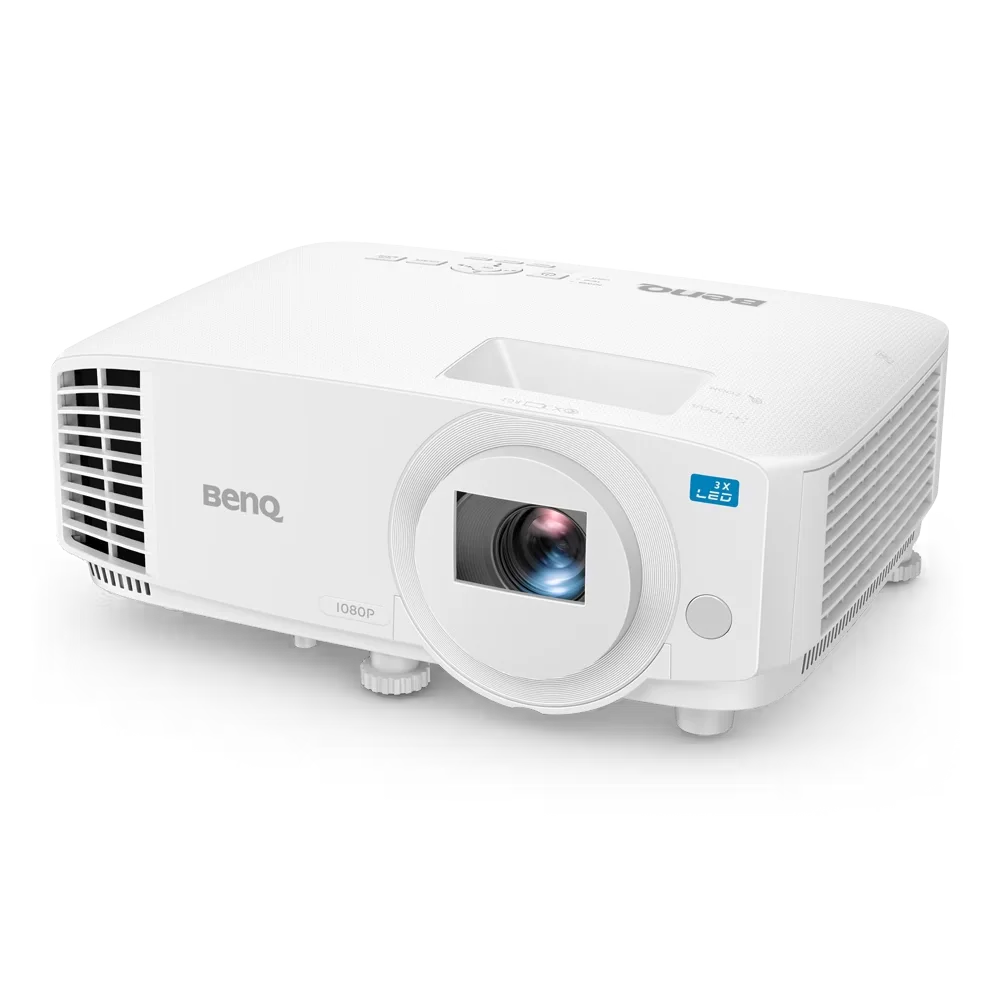
The BenQ LH500 is a Full HD LED meeting room projector designed for professional presentations and collaborative workspaces. It delivers...