September 28, 2026 Manisha Maurya

Setting up a 100-inch display for modern console gaming comes with technical compromises that standard television buyers rarely face. While a 4K gaming TV routinely supports HDMI 2.1 bandwidth, 120Hz refresh rates, and variable refresh rates (VRR) across multiple ports, projection optics handle these signals differently. Both the Sony PlayStation 5 and Microsoft Xbox Series X output demanding video signals, but their platform architectures place distinct demands on display hardware.
Choosing a gaming projector for Xbox v PS5 requires understanding how each console handles refresh rates, dynamic metadata, and audio passthrough. A projector tuned to look sharp on a PS5 narrative title might lack the broad refresh rate support that an Xbox competitive shooter demands.
This guide evaluates the core engineering differences between the PS5 and Xbox Series X, the technical attributes required in a modern gaming projector, and how Indian room conditions and pricing affect the final setup.
The Xbox Series X is more demanding of advanced projector features because it relies heavily on Variable Refresh Rate (VRR), 1440p resolution modes, and Dolby Vision gaming. A gaming projector for Xbox needs native HDMI 2.1 support and low-latency frame syncing to utilize the console's full display stack.
The PlayStation 5 works more predictably across standard 4K 60Hz and 1080p/4K 120Hz modes using standard HDR10. A gaming projector for PS5 can be slightly more flexible regarding proprietary display formats, provided the unit achieves an input lag under 20 milliseconds and features reliable HDR tone mapping.
Feature / Metric | Sony PlayStation 5 | Microsoft Xbox Series X | Projector Requirement |
|---|---|---|---|
Target Resolutions | 1080p, 1440p, 4K UHD | 1080p, 1440p, 4K UHD | True 4K via native or XPR pixel-shifting |
Maximum Refresh Rate | 120Hz (at 1080p, 1440p, and 4K) | 120Hz (at 1080p, 1440p, and 4K) | 120Hz/240Hz frame processing |
VRR Support | HDMI Forum VRR (48Hz–120Hz window) | HDMI Forum VRR & AMD FreeSync | Projector firmware with active sync support |
High Dynamic Range | HDR10, auto HDR calibration | HDR10, Dolby Vision for Gaming | High dynamic range decoding; strong tone mapping |
Auto Low Latency (ALLM) | Supported | Supported | Automatic Game Mode switching on HDMI handshake |
Audio Passthrough | Tempest 3D, Dolby Atmos, LPCM | Dolby Atmos, DTS:X, uncompressed LPCM | eARC (Enhanced Audio Return Channel) |
Modern consoles communicate with projectors using Extended Display Identification Data (EDID). This handshake informs the console about the projector’s native resolution, colour space, and timing limits. The consoles manage these handshakes differently.
The PS5 prioritises traditional consumer television standards:
Resolution Switching: The PS5 supports 1080p, 1440p, and 2160p (4K). If a projector accepts a 4K 60Hz signal but cannot negotiate high-bandwidth 4K 120Hz over HDMI 2.0, the PS5 drops the resolution to 1080p when 120Hz performance mode activates.
HDR Delivery: Sony uses standard static HDR10. The console features a system-level calibration tool that sets luminance clipping boundaries manually. This makes it easier for projectors with fixed tone-mapping curves to display highlighted areas without blown-out whites.
VRR Protocol: PS5 restricts Variable Refresh Rate strictly to the HDMI Forum VRR specification. It does not support AMD FreeSync over HDMI. If your projector advertises AMD FreeSync rather than official HDMI Forum VRR, the PS5 will disable VRR entirely.
The Xbox Series X functions closer to a modern gaming PC:
Format Flexibility: Xbox Series X natively outputs 1440p at both 60Hz and 120Hz seamlessly, even on legacy display protocols.
Dynamic HDR: Xbox supports Dolby Vision for gaming. Most home cinema projectors operate strictly on HDR10 or HDR10+ and do not carry Dolby Vision licenses due to optical luminance limitations. When paired with an Xbox, the console often falls back to base HDR10 unless the projector specifically includes dynamic metadata decoding.
Sync Protocols: Xbox supports both HDMI Forum VRR and AMD FreeSync. This ensures broader compatibility with gaming-focused projectors that use PC-derived display processors.
Input lag represents the delay between pressing a controller button and seeing the action register on screen.
Casual Single-Player Games: 30ms to 40ms is acceptable for narrative titles like God of War or Starfield.
Action & Shooters: 16ms or lower at 60Hz is essential for responsive combat.
High-Frame-Rate Modes: At 1080p 120Hz or 240Hz, premium gaming projectors reduce input lag to between 4ms and 8ms.
Most 4K projectors achieve 4K resolution using Texas Instruments DLP XPR pixel-shifting technology. While this provides sharp imagery, the digital processing required to shift micromirrors can add latency. Ensure any unit you evaluate includes a dedicated "Fast Mode" or "Game Mode" that bypasses frame-smoothing (MEMC) and keystone processing to minimise input delay.
Standard HDMI 2.0b ports cap transmission bandwidth at 18 Gbps. This allows:
4K at 60Hz with 8-bit or 10-bit HDR
1080p at 120Hz with HDR
True HDMI 2.1 provides up to 48 Gbps (often scaled to 24–40 Gbps in projection chips). This extra headroom enables uncompressed 4K at 120Hz with 10-bit colour and active VRR. If you connect an Xbox Series X or PS5 to an HDMI 2.0 projector, you must choose between sharp 4K resolution at 60fps or a softer 1080p resolution at 120fps.
Traditional Lamp: Lowest entry price, but bulbs degrade over 3,000 to 5,000 hours. The heat generated requires louder cooling fans, which can interfere with gaming audio in smaller rooms.
Solid-State LED: Offers instant start-up, low maintenance, and realistic colour reproduction. Lumens typically peak around 2,000 to 2,500 ANSI lumens, requiring good ambient light control.
Solid-State Laser: Delivers high brightness (3,000+ ANSI lumens), exceptional contrast, and 20,000+ hours of operation. Laser engines hold their colour calibration over years of daily gaming sessions.
Indian urban homes often present specific acoustic and optical challenges: living spaces frequently feature glossy tiled or marble floors, light-coloured walls, and large windows that admit significant daylight.
Standard Throw vs Ultra Short Throw (UST): A standard throw projector requires roughly 2.5 to 3.5 metres of clear distance to cast a 100-inch diagonal image. If you host gaming sessions in an apartment living room, ceiling mounting or running long high-speed HDMI cables can be disruptive. UST laser projectors sit 20 to 40 centimetres from the wall on a media console, shortening cable runs from your console.
Ambient Light Rejection (ALR) Screens: Projectors cannot project the colour black; deep black levels are simply the unilluminated surface of your screen. White walls or standard matte screens scatter ambient room light, which washes out shadow detail in dark games like The Last of Us Part I. Pair your projector with an ALR screen—specifically a ceiling light-rejecting (CLR) screen for USTs—to maintain acceptable contrast in living areas.
Power Stability: Projector lamps and laser diodes are sensitive to sudden power cuts, which interrupt cool-down fan cycles. Always connect the projector and console to a stable, dedicated online UPS to prevent thermal shock to the light engine.
Projection pricing splits into three distinct performance categories based on optical engines and processing hardware:
Entry-Level Gaming (₹75,000 – ₹1,25,000): Native 1080p or pixel-shifted 4K DLP projectors with standard lamp or early LED light engines. These units generally feature HDMI 2.0 ports, 60Hz 4K processing, and input lag between 16ms and 33ms. Suitable for casual weekend gaming in darkened rooms.
Mid-Tier Dedicated 4K Gaming (₹1,30,000 – ₹2,40,000): High-brightness LED or single-laser standard throw models. These models feature input lag down to 4ms (at high refresh rates), reliable 1080p 120Hz/240Hz handling, custom gaming HDR presets, and quiet cooling systems. Brands like BenQ (X-series) and ViewSonic lead this space.
Premium Laser & UST Systems (₹2,50,000 – ₹4,50,000+): Triple-laser UST units or high-end home theatre standard-throw units (from manufacturers like Sony, Epson, and Formovie). These systems feature robust colour space coverage (100% DCI-P3 or Rec. 2020), dedicated eARC audio, and high ANSI lumen ratings suitable for larger, partially lit spaces.
When sourcing the best projector for PS5 and Xbox Series X, your selection depends heavily on your primary genre and console environment.
Your primary console is a PlayStation 5.
You focus on cinematic single-player action titles (Ghost of Tsushima, Horizon Forbidden West, Spider-Man 2).
You want vivid HDR tone-mapping and true 4K resolution rather than 120fps competitive capability.
Your primary console is an Xbox Series X.
You play competitive online multiplayer titles (Halo Infinite, Call of Duty: Warzone, Fortnite).
You use 1440p gaming configurations or rely on AMD FreeSync to smooth out unpredictable frame-rate drops.
Before placing an order with a local AV integrator or online retailer, verify the following details:
Input Lag Specification: Check manufacturer figures for input lag at 4K 60Hz, 1080p 60Hz, and 1080p 120Hz. Confirm these apply with Keystone correction turned off.
Keystone and Optical Shift: Digital keystone correction degrades image clarity and introduces input lag. Prioritise projectors with physical lens shift or optical zoom so you can align the picture mechanically.
eARC Support: Modern gaming formats (Dolby Atmos, 5.1/7.1 uncompressed LPCM) require high bandwidth. Verify that the projector has at least one HDMI port marked eARC (not merely ARC) to route sound directly to an external AVR or soundbar without latency.
India Warranty Terms: Many premium projectors imported via grey-market channels lack local service coverage. Confirm the warranty covers both the internal optical engine and the light source (lamp/laser) within India.
Cooling Noise Level: For tabletop or near-couch placement, ensure fan noise is rated at or below 28–30 dB in Eco/Normal operating modes.
Unmatched Scale: A 100-inch to 120-inch screen offers immersion that standard 65-inch or 75-inch televisions cannot match.
Split-Screen Utility: Local couch co-op titles (It Takes Two, racing titles) provide each player with the equivalent of a full 50-inch display.
Reduced Eye Strain: Reflected projection light causes less optical fatigue during extended evening gaming sessions than direct light from an LED/OLED panel.
HDR Peak Brightness: Even high-output home cinema projectors struggle to match the specular highlights and true blacks produced by an OLED TV.
Ambient Light Sensitivity: Daylight wash-out requires blackout blinds or expensive ALR projection screens.
Setup Constraints: Digital image adjustments (geometric warping, digital keystone) increase frame latency, requiring precise physical alignment during installation.
Pairing a gaming projector with an Xbox Series X or PS5 requires matching display specifications to each console's underlying video hardware. If your setup centres around an Xbox Series X, balance your investment toward a projector equipped with flexible resolution scaling (particularly 1440p), dynamic synchronization (VRR/FreeSync), and low frame latency. If your setup centres around a PlayStation 5, prioritize consistent 4K 60Hz rendering, dependable static HDR tone mapping, and low-noise cooling for cinematic single-player campaigns.
For mixed-use family living rooms in India, pairing an ultra-short throw laser projector with a 100-inch ambient light rejecting screen offers the best balance of daylight contrast, responsive gaming, and clean installation.
Yes. Many modern gaming projectors support 1080p at 120Hz natively, and several newer models support 1440p and 4K at 120Hz. Ensure the projector firmware and the HDMI port support high-bandwidth signals and that the console's display settings have 120Hz output enabled.
No. The PlayStation 5 does not support Dolby Vision for games or media playback; it relies on standard HDR10. You do not need to pay extra for a Dolby Vision-licensed projector if you game solely on a PS5.
For casual narrative and adventure games, an input lag of 30ms to 40ms feels responsive. For competitive multiplayer shooters, sports titles, and racing games, look for an input lag of 16ms or lower at 60Hz, or under 8ms at 120Hz.
While a plain white wall displays an image, an Ambient Light Rejection (ALR) screen is strongly recommended for Indian living rooms. ALR screens prevent ambient daylight and reflections from glossy floors from washing out dark gaming scenes.
Yes. Digital keystone correction uses internal image processing to square the picture, which increases input latency. For the lowest input lag, turn off digital keystone and align the image physically using lens shift, optical zoom, and proper mount positioning.
Variable Refresh Rate synchronises the projector’s display timing with the console's fluctuating frame rate, preventing screen tearing. The Xbox Series X supports both HDMI Forum VRR and AMD FreeSync, while the PS5 only supports HDMI Forum VRR over compatible high-speed ports.
Yes, provided the projector includes an HDMI ARC or eARC port. Connect the console to the projector’s high-speed gaming port, then run an HDMI cable from the projector’s eARC port to the soundbar to pass uncompressed surround audio or Dolby Atmos.
A laser gaming projector typically lasts between 20,000 and 30,000 hours with minimal loss of brightness, requiring zero bulb changes over its operating life. Traditional lamp projectors require replacement bulbs every 3,000 to 5,000 hours to maintain original brightness levels.




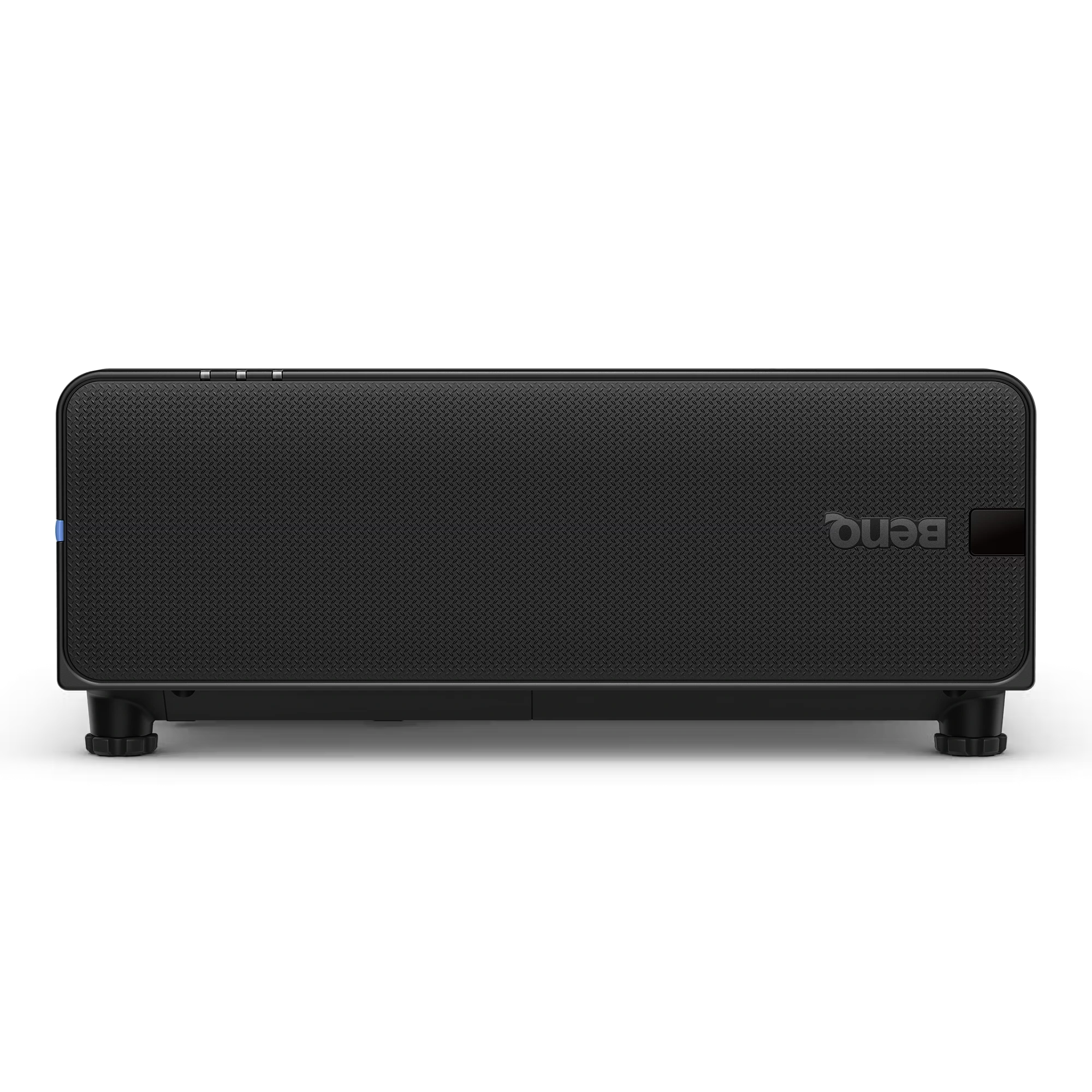
The BenQ LU895UST is a professional 5000 ANSI Lumen WUXGA laser simulation projector designed for immersive environments, museums, simulation centers,...
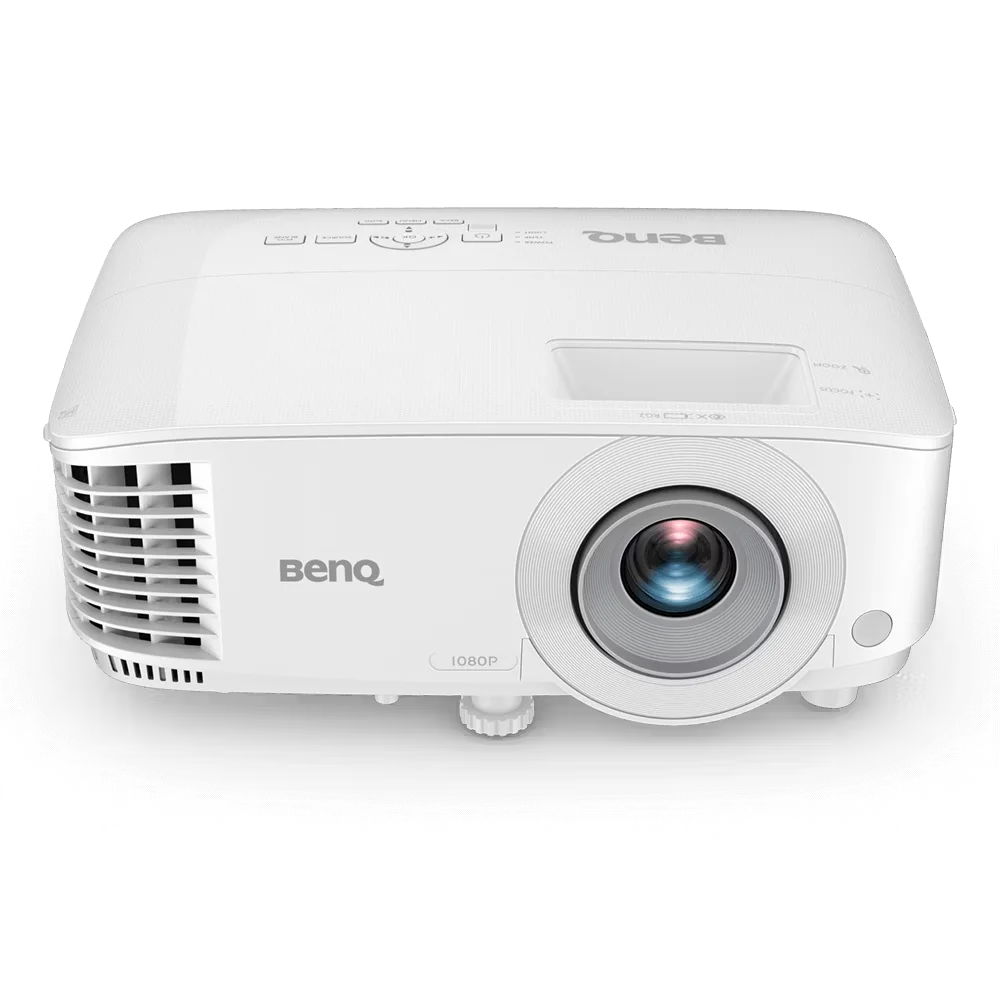
The BenQ MH560 is a Full HD 1080p business projector designed for meeting rooms, conference spaces, and classrooms. It delivers...
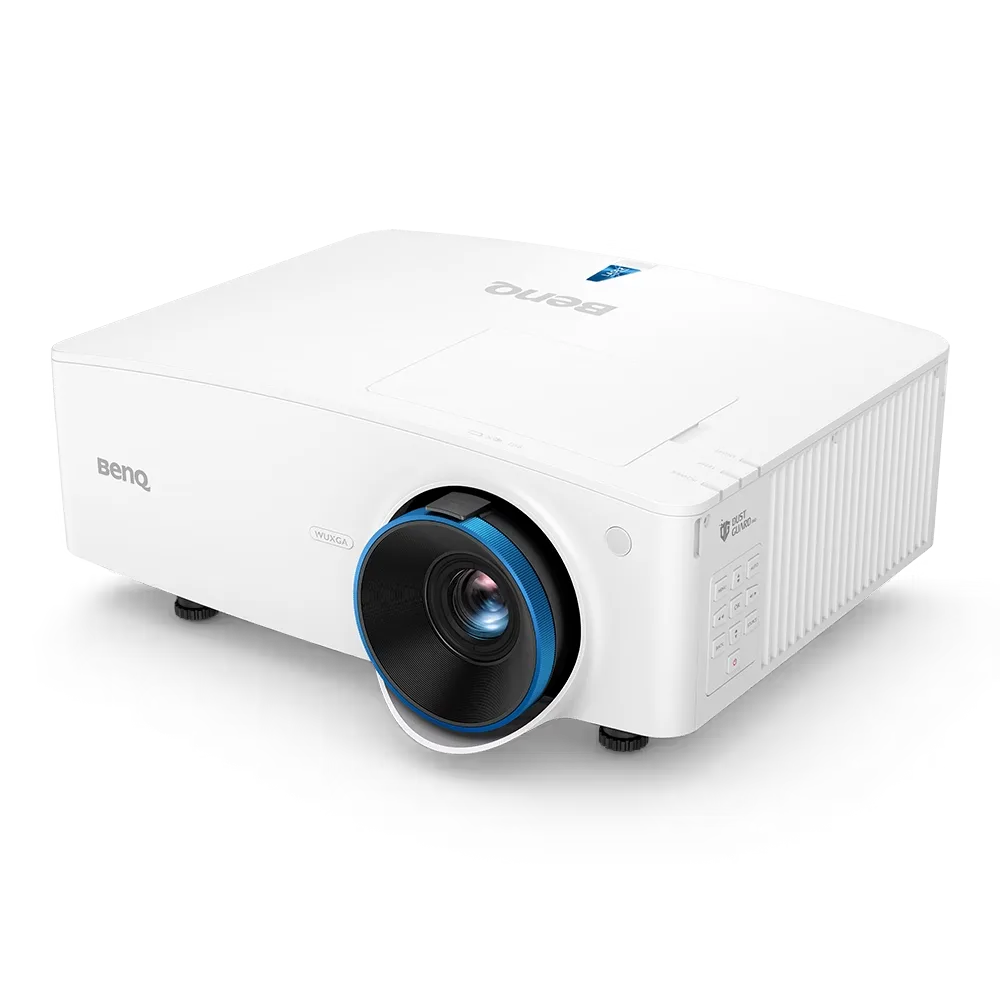
The BenQ LU935 is a professional-grade 6000 ANSI Lumens WUXGA laser projector designed for conference rooms, boardrooms, higher education, and...
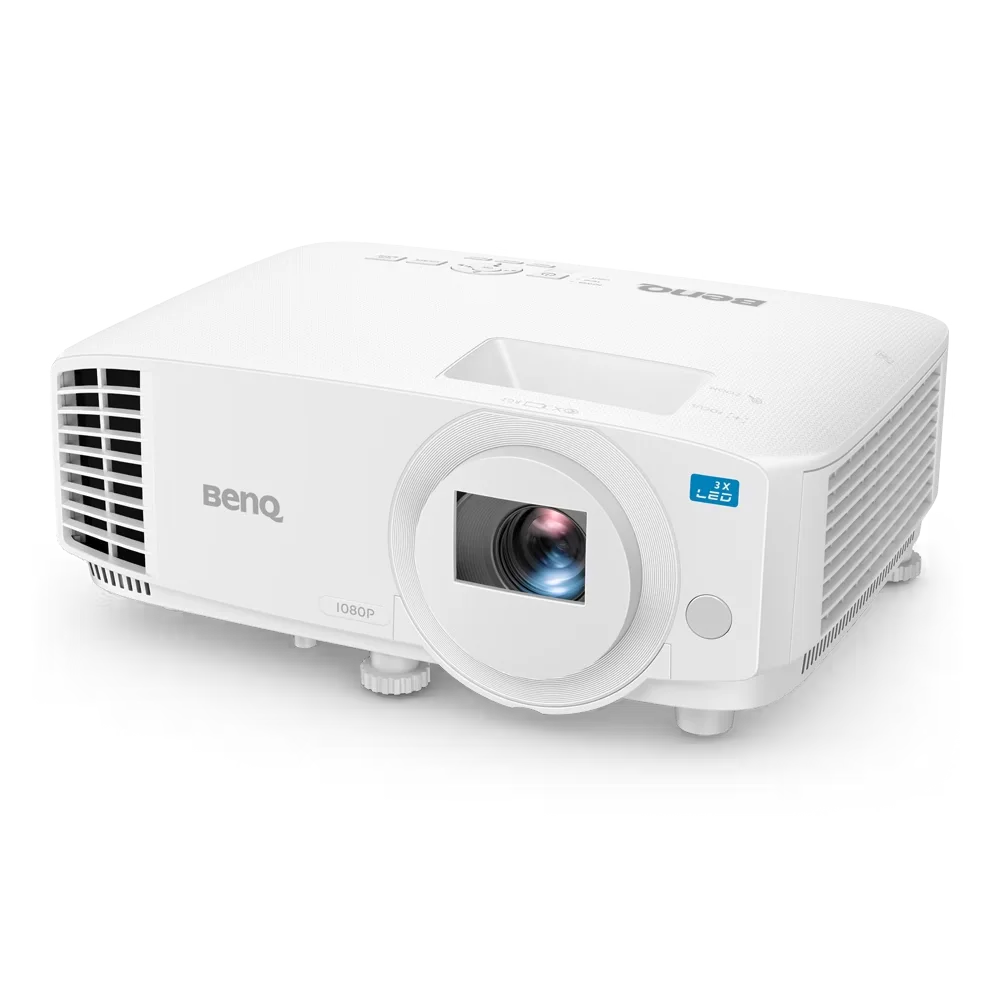
The BenQ LH500 is a Full HD LED meeting room projector designed for professional presentations and collaborative workspaces. It delivers...