April 24, 2026 Mahender Mahender
By the Elactree Team
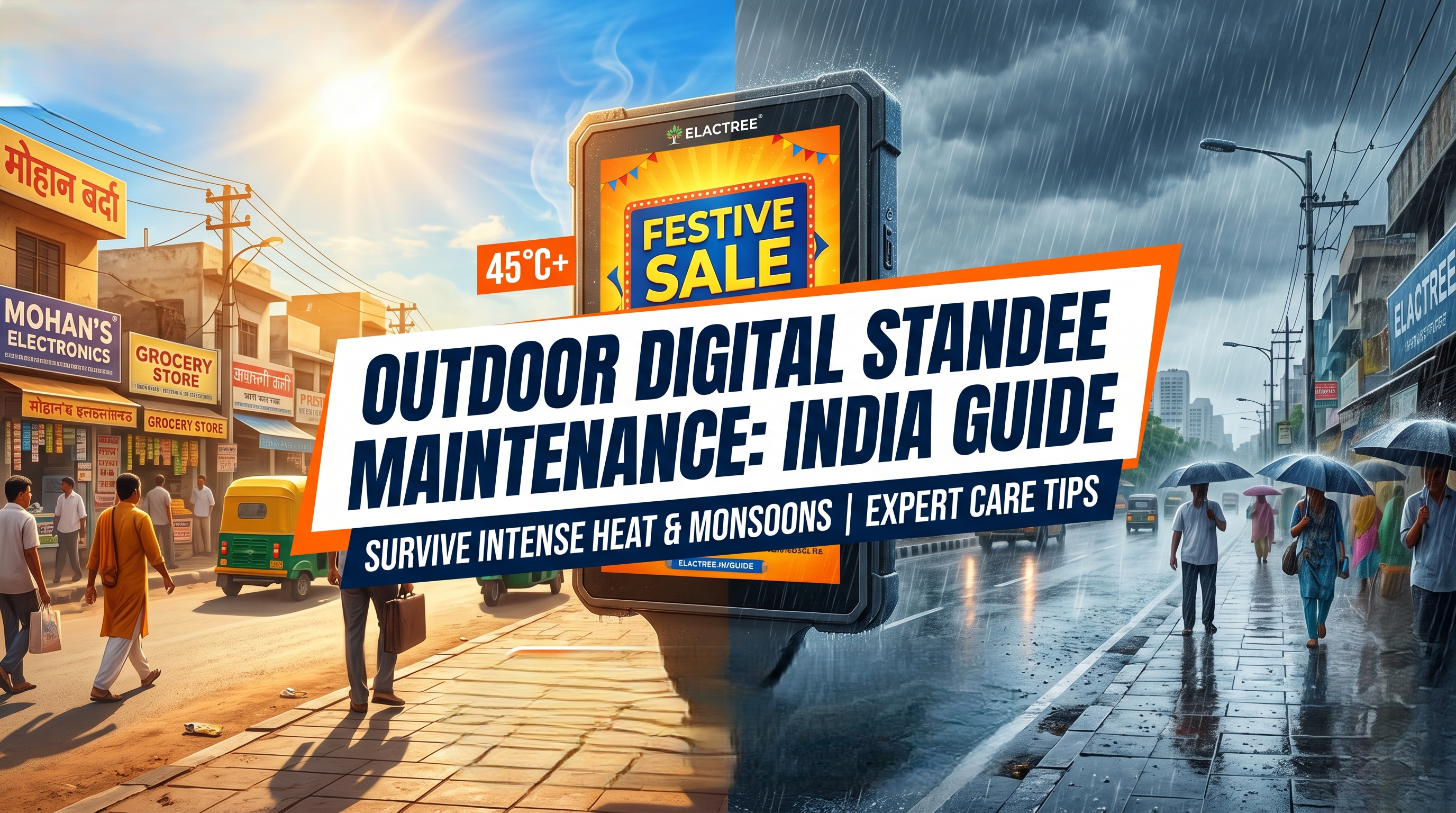
Indian summers can melt internal components, while torrential monsoons threaten catastrophic electrical shorts. Is your outdoor digital standee truly equipped to survive? Discover the essential, field-tested maintenance strategies that prevent costly downtime and keep your commercial displays running flawlessly, no matter what extreme weather the subcontinent throws at them.
When an outdoor digital standee goes dark, you lose more than just a piece of hardware; you lose customer engagement, advertising revenue, and brand credibility. In demanding commercial hubs from the intense heat of Noida to the heavy humidity of Mumbai, proactive outdoor digital standee maintenance is not optional—it is critical for survival.
Before implementing a maintenance routine, it is essential to understand the hardware. True outdoor digital signage is built with specific engineering defenses against the elements. If your current fleet lacks these baseline features, maintenance will only act as a temporary band-aid.
Enclosure Ventilation and IP Ratings: A true outdoor display requires an IP65 rating or higher, ensuring total protection against dust ingress and high-pressure water jets.
Thermal Management Systems: Passive cooling is insufficient for Indian summers. Active cooling fans and integrated HVAC systems are required to regulate internal temperatures.
High-Brightness LED & Anti-Glare Glass: To combat direct sunlight, displays must output high nits brightness (typically 2,500 nits or more) and utilize anti-glare capacitive touch screen glass to ensure readability.
When ambient temperatures exceed 40°C, the internal temperature of a digital standee can easily reach critical failure points. Heat degradation reduces the lifespan of the LED matrix and can cause permanent dark spots on the screen.
Standard indoor or semi-outdoor panels rely on natural heat dissipation. In direct sunlight, the enclosure acts like a greenhouse. To combat this, follow these maintenance steps:
Clean Intake Filters: Dust buildup chokes cooling fans. Vacuum and replace air intake filters monthly during the dry summer months to ensure maximum airflow.
Audit the Thermal Management System: Listen for abnormal fan noises and check diagnostic software to ensure internal cooling mechanisms are triggering at the correct temperature thresholds.
Optimize Display Brightness: Utilize ambient light sensors to automatically lower the nits brightness during the evening. This reduces heat generation and conserves power during non-peak sunlight hours.
The transition from scorching heat to heavy rain introduces a new threat: moisture condensation. When humidity levels spike, compromised seals allow water vapor to enter the enclosure, leading to immediate electrical shorts and corrosion.
Do not wait for the first downpour. Execute this checklist before the monsoon season begins:
Inspect Rubber Gaskets: Visually check all door seals and screen gaskets for micro-cracks or dry rot. Replace any degraded materials immediately.
Replace Desiccants: Swap out the silica gel packs inside the enclosure. These absorb trapped ambient moisture and prevent screen fogging.
Check Cable Glands: Ensure that the entry points for power and data cables are tightly sealed with weatherproof silicone or specialized cable glands.
Test GFCI Outlets: Verify that the Ground Fault Circuit Interrupter (GFCI) outlets powering the standee are fully functional to prevent electrical fires in the event of a water breach.
Clean Exterior Anti-Glare Glass: Remove summer dust and grime using an isopropyl alcohol solution to prevent mud from baking onto the screen once the rains start.
Understanding the hardware gap is crucial for long-term planning. Here is how a standard display compares to a purpose-built Elactree weather-resistant unit.
| Feature | Standard Semi-Outdoor Display | Weather-Resistant Outdoor Display |
| Water & Dust Protection | IP54 (Splashes only) | IP65+ (Heavy rain and dust-tight) |
| Cooling Mechanism | Passive (Vents only) | Active (Fans/HVAC Thermal Management) |
| Maximum Brightness | 700 - 1,500 Nits | 2,500 - 4,000 Nits |
| Glass Protection | Tempered Glass | Vandal-Resistant, Anti-Glare Glass |
| Ideal Operating Temp | 0°C to 30°C | -20°C to 50°C |
Treating outdoor digital standees as "set it and forget it" investments is a costly mistake. Implementing a strict, seasonal maintenance calendar yields substantial returns. Routine care extends the operational lifespan of high-brightness LED modules, drastically reduces emergency repair costs, and ensures your messaging remains vibrant and visible 365 days a year. By safeguarding the hardware, you protect the high-intent lead generation and advertising revenue that the display provides.
Protect your standee from overheating by ensuring the internal cooling fans and thermal management systems are clean and functional. Install the display in shaded areas when possible and verify the enclosure's ventilation ports are free from dust blockages.
An IP65 rating or higher is required for outdoor displays during monsoon weather. This rating ensures the enclosure is completely dust-tight and highly resistant to low-pressure water jets, preventing heavy rain and moisture from damaging internal electronic components.
Perform preventative maintenance on your outdoor displays at least once every three months. However, in regions with extreme dust or preceding the heavy monsoon season, increase this frequency to monthly checks to inspect seals, filters, and electrical connections.
Condensation forms inside the screen due to fluctuating temperatures and compromised weatherproof seals. Immediately power down the unit, inspect the exterior enclosure for micro-cracks, and replace any degraded silica gel desiccants or rubber gaskets to restore the moisture barrier.

 Buying guides
 Buying guides
 Buying guides
Elevate your messaging with the A-Type Digital Standee, featuring the vibrant and dependable Samsung QBR Commercial Signage Display. This sleek,...
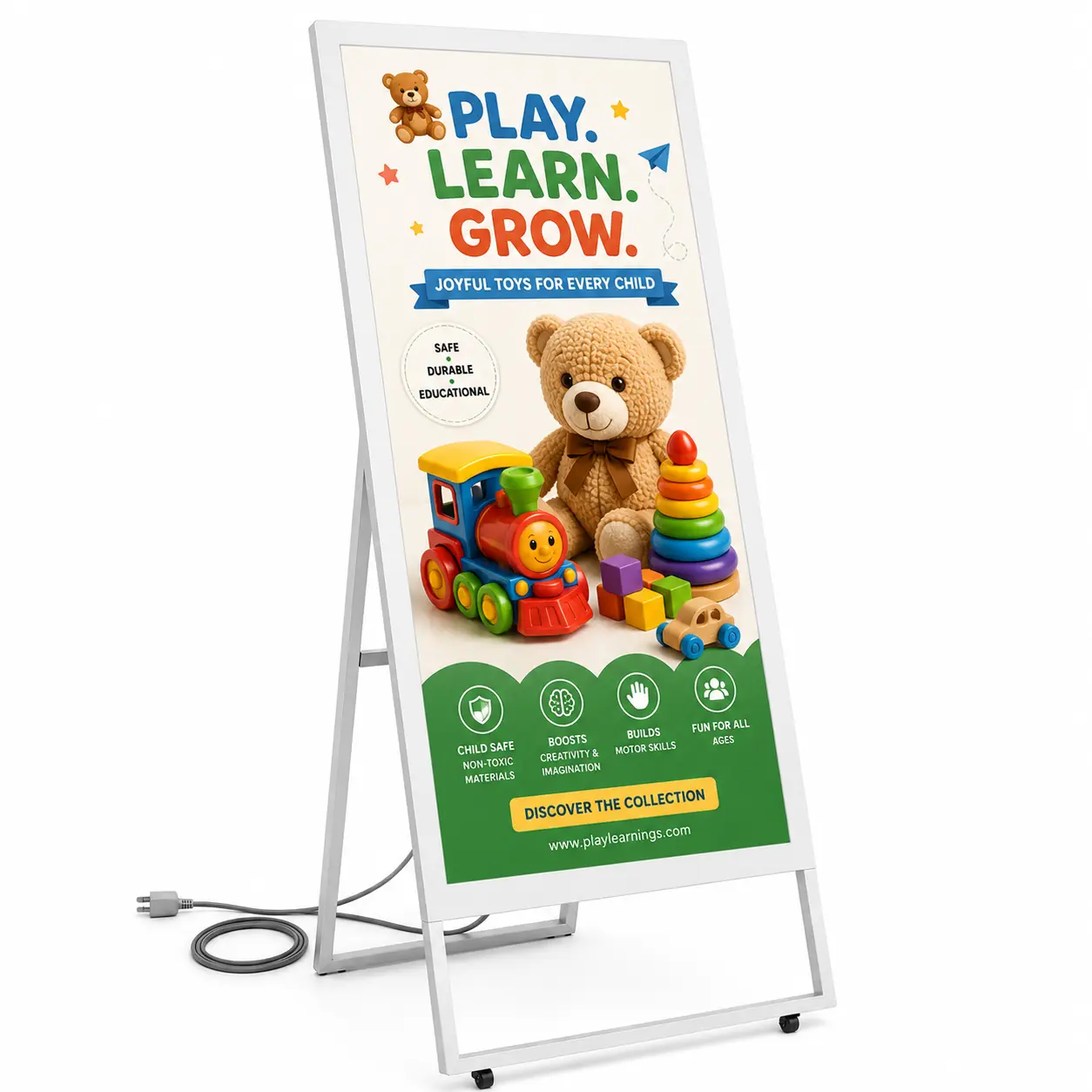
Elevate your messaging with the A-Type Digital Standee, featuring the vibrant and dependable Samsung QBR Commercial Signage Display. This sleek,...
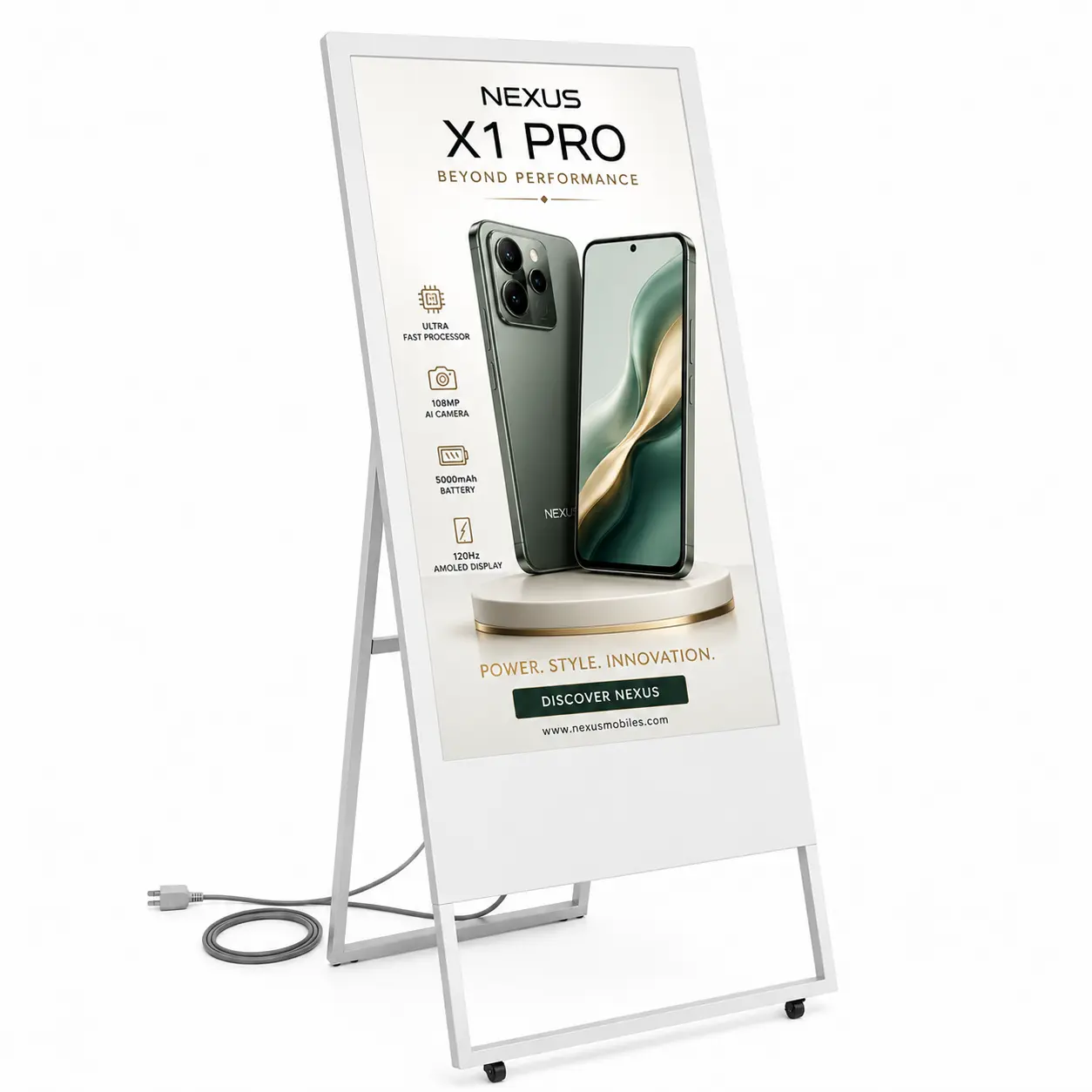
Elevate your messaging with the A-Type Digital Standee, featuring the vibrant and dependable Samsung QBR Commercial Signage Display. This sleek,...
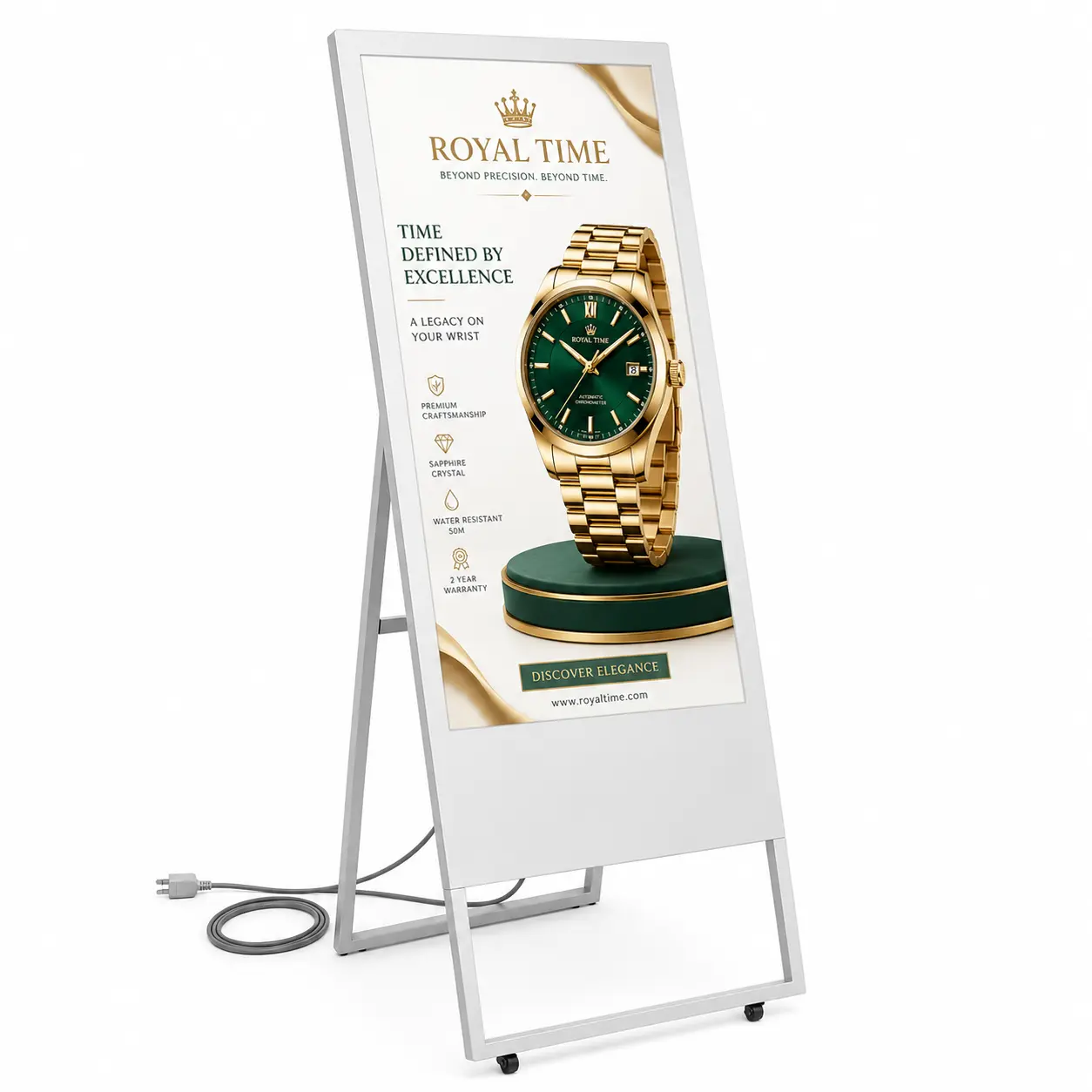
Elevate your messaging with the A-Type Digital Standee, featuring the vibrant and dependable Samsung QBR Commercial Signage Display. This sleek,...