September 02, 2026 Manisha Maurya
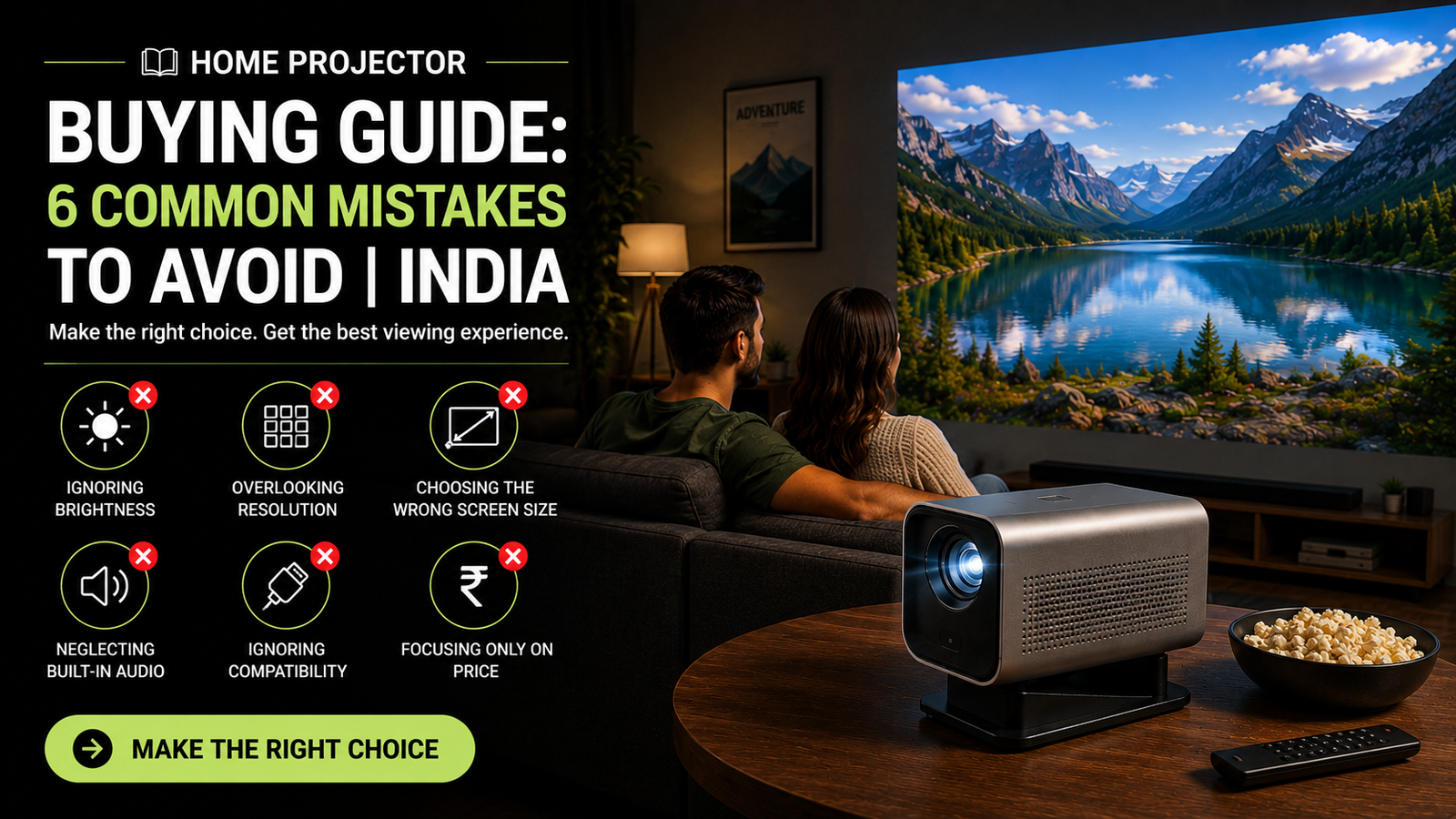
Buying a home projector often starts with a simple goal: replacing a standard television with a massive, cinematic display for sports, movies, and streaming. However, many buyers in India find the transition frustrating. A unit that looked crisp in an online promotional video can turn out washed out, noisy, or difficult to place in an ordinary living room.
Projector optics behave very differently from self-lit television panels. You cannot simply evaluate them by screen size and price tag. Room lighting, surface texture, distance from the wall, and heating considerations all dictate how well a projector performs.
This home projector buying guide breaks down the common mistakes buyers make, explains essential technical specifications in plain terms, and outlines how to choose a setup that fits your living space and budget.
The most frequent mistake is buying a low-brightness projector for a room with ambient daylight. Projectors do not emit dark pixels; ambient light washes out black levels, destroying contrast.
Other critical mistakes include:
Confusing "supported resolution" (e.g., 4K input) with "native resolution" (e.g., 720p hardware output).
Overlooking throw distance, resulting in an image that is either too large or too small for the intended wall.
Relying on raw wall paint instead of a dedicated projector screen.
Ignoring the projector's cooling noise, heat dissipation, and local service support in India.
A projector produces an image by casting light onto a surface. Any secondary light source in the room—such as unshaded windows or ceiling lights—competes directly with that projected beam.
Budget projector listings frequently advertise figures like "7,000 Lumens" or "9,500 Lux." These figures are typically uncalibrated measurements taken directly at the light source rather than the screen surface.
Always look for ANSI Lumens or ISO Lumens. These metrics follow standardised testing protocols that measure light output across several points on a projected white field. A unit advertising "8,000 marketing lumens" often measures below 300 ANSI Lumens in reality, leaving the picture unwatchable unless the room is pitch black.
Projector specifications list two distinct resolution figures: Native Resolution and Supported Resolution.
Native Resolution: The physical pixel density of the internal display chip (such as an LCD panel or DLP DMD chip). A native 1080p projector contains 1920 x 1080 physical pixels.
Supported Resolution: The incoming video signal that the internal processor can accept and downscale.
A budget projector advertised as "4K Supported" frequently features a native resolution of only 1280 x 720 (720p) or 854 x 480 (standard definition). While it can accept a 4K video feed from a streaming stick, it downscales the signal to 720p before projecting it. When stretched across a 100-inch screen, the resulting picture appears soft and pixelated. Always verify that the physical, native hardware resolution matches your expectations.
Throw ratio determines how far the projector lens must sit from the screen to produce an image of a specific size. It is expressed as a ratio of distance to screen width (for example, 1.2:1).
Failing to measure your room before buying leads to awkward compromises:
Throw Ratio: Typically 1.2:1 to 1.5:1.
Placement: Needs roughly 2.5 to 3.5 metres of distance to produce a 100-inch image.
Use Case: Ceiling mounts or rear-shelf placements in mid-to-large rooms.
Throw Ratio: Typically 0.5:1 to 0.8:1.
Placement: Needs about 1 to 1.5 metres for a 100-inch display.
Use Case: Smaller bedrooms or apartments where people might walk in front of the beam.
Throw Ratio: Less than 0.4:1.
Placement: Sits on a credenza directly beneath the projection surface, requiring only 15 to 30 centimetres of wall clearance.
Use Case: Living rooms where ceiling mounting or running long cables is impractical.
Keystone correction squares an image when the projector sits at an angle. However, digital keystone achieves this by digitally compressing pixels and turning off edges of the display chip.
Overusing digital keystone reduces actual screen resolution, lowers light output, and creates visible light borders on the wall. Whenever possible, buy a projector with optical lens shift, which physically moves the internal glass elements to adjust image position without sacrificing pixel quality.
Many buyers spend their entire budget on the projector and project the image onto an ordinary painted wall. While this works for casual viewing, it compromises performance in several ways:
Surface Texture: Standard interior wall paints (especially textured or matte finishes) scatter light unevenly, blurring fine details and text.
Colour Shift: Off-white, beige, or cream walls reflect colour tints back into the image, distorting skin tones and colour accuracy.
Contrast Loss: White walls bounce projected light around the room, which reflects back onto the screen and washes out dark scenes.
For ultra-short throw models, an ALR screen is practically essential. Because UST projectors cast light upward at an extreme angle, standard pull-down screens with minor ripples will create severe, distracting wave distortions across the picture.
A projector houses a high-intensity light source and an internal power supply inside a compact enclosure. Managing heat is essential for longevity, particularly in Indian homes where ambient summer room temperatures often exceed 35°C.
Traditional UHP Lamps: Lowest initial cost, but bulbs degrade over time (typically lasting 3,000 to 5,000 hours). Replacements add recurring maintenance costs.
LED Sources: Solid-state, highly durable, and rated for 20,000 to 30,000 hours. They run cooler and turn on instantly, though they usually produce lower peak brightness than lamps or lasers.
Laser (Single or Triple Laser): Delivers high brightness, wide colour gamuts, and long lifespans (20,000+ hours). They carry a higher initial price tag but require minimal ongoing maintenance.
Small, inexpensive projectors must spin tiny internal fans at high speeds to keep components cool. This creates noticeable fan whine (often exceeding 35 dB), which easily overpowers dialogue during quiet movie scenes.
Furthermore, projectors operating in dusty environments require sealed optical engines. If a projector uses an open optical chamber, airborne dust settles directly onto internal LCD panels or lenses, leaving permanent dark spots ("dust blobs") on the projected image that are difficult to clean.
Projector manufacturers frequently advertise integrated smart operating systems and built-in speakers. While convenient, these components often come with practical limitations.
Software Certification: Many low-cost projectors run modified, uncertified versions of mobile Android rather than official Android TV or Google TV. As a result, major streaming platforms (such as Netflix or Prime Video) may fail to stream in full high definition or stop working entirely after software updates.
Audio Capabilities: Internal projector speakers generally range from 5W to 10W. They produce adequate dialogue clarity for a small bedroom but lack the low-end bass and soundstage required for a home cinema experience.
Port Selection: Verify physical connectivity. A functional home setup requires at least two HDMI ports (preferably one supporting HDMI eARC/ARC to pass multi-channel audio to an external soundbar or AV receiver).
Review this checklist before finalising a purchase:
Measure the Room: Confirm the exact distance between the intended projector mounting point and the screen surface.
Evaluate Ambient Lighting: Determine whether viewing will occur primarily at night or during the day with open curtains.
Verify True Native Resolution: Check the manufacturer's spec sheet for the physical display chip size and native resolution (1080p or 4K UHD via pixel-shifting).
Inspect Audio and Video Ports: Ensure the unit features HDMI 2.0 or 2.1 inputs and an optical or HDMI eARC audio output.
Check Service Availability in India: Check whether the brand operates official service centres in your city, or if repairs require shipping the projector abroad at your own expense.
Plan for Audio and Power Cables: If ceiling-mounting, map out how you will conceal long HDMI cables and power cords.
Projector pricing in India is influenced by display technology, light source, import tariffs, and local warranty coverage.
Entry-Level (₹25,000 – ₹45,000): Reputable native 1080p LED or basic lamp models. Suitable for dark bedrooms and controlled lighting. Lower brightness levels (typically 400 to 800 ANSI Lumens).
Mid-Range Home Entertainment (₹60,000 – ₹1,20,000): High-brightness DLP or 3LCD lamp/LED units (2,000 to 3,500 ANSI Lumens). These models handle modest ambient light well, offer low input lag for gaming, and feature better optical lenses.
Premium 4K and Ultra-Short Throw (₹1,50,000 – ₹3,50,000+): Pixel-shifting or native 4K laser projectors, including UST living-room models. Delivers high contrast, accurate colour profiles, and long lamp life.
Yes, provided you choose an ultra-short throw (UST) laser projector paired with an Ambient Light Rejecting (ALR) screen, or a standard projector delivering at least 3,000 ANSI Lumens. In bright living rooms with unshaded windows, a standard low-lumen projector cannot match the daytime brightness and contrast of a mid-range television.
For a completely darkened home cinema room, 1,500 ANSI Lumens provides sufficient brightness for a 100-inch to 120-inch screen. For living rooms with curtains drawn but partial ambient daylight, aim for at least 2,500 to 3,000 ANSI Lumens.
Native 4K projectors use an internal display chip with 3840 x 2160 individual physical pixels. Pixel-shifting projectors use a 1080p chip that shifts pixel positions rapidly (via optical actuators) to display four overlapping sub-frames, producing 8.3 million pixels on screen. True native 4K projectors are significantly more expensive, while modern pixel-shifting DLP projectors deliver comparable perceived sharpness at a lower cost.
Projecting onto a bedsheet is not recommended for home setups. Thin fabrics allow light to pass straight through, significantly reducing brightness and contrast. Additionally, wrinkles and fabric movement distort straight lines and blur fine focus.
Traditional high-pressure mercury lamps last between 3,000 and 5,000 hours before requiring replacement. Solid-state LED and laser light sources typically last 20,000 to 30,000 hours. At four hours of daily use, a laser light engine can operate for over a decade without light source maintenance.
A trapezoidal image occurs when the projector lens is not perpendicular to the screen surface. Tilting the projector up, down, or sideways causes the image to appear wider at one end. This is corrected mechanically using lens shift or digitally using keystone adjustments.
Many smart projectors support Bluetooth audio out, but wireless connections can introduce noticeable audio-video sync delays (latency). For home cinema setups, use a wired connection through HDMI eARC, HDMI ARC, or an optical digital audio cable to avoid lip-sync discrepancies.
Ensure the projector is sold with an official India warranty rather than an "international seller" warranty. Many imported models lack replacement lamps, mainboards, or service support within India, making simple repairs difficult or cost-prohibitive.




 Interactive flat Panel
Interactive flat Panel
Interactive flat Panel
 Interactive flat Panel
 Interactive flat Panel
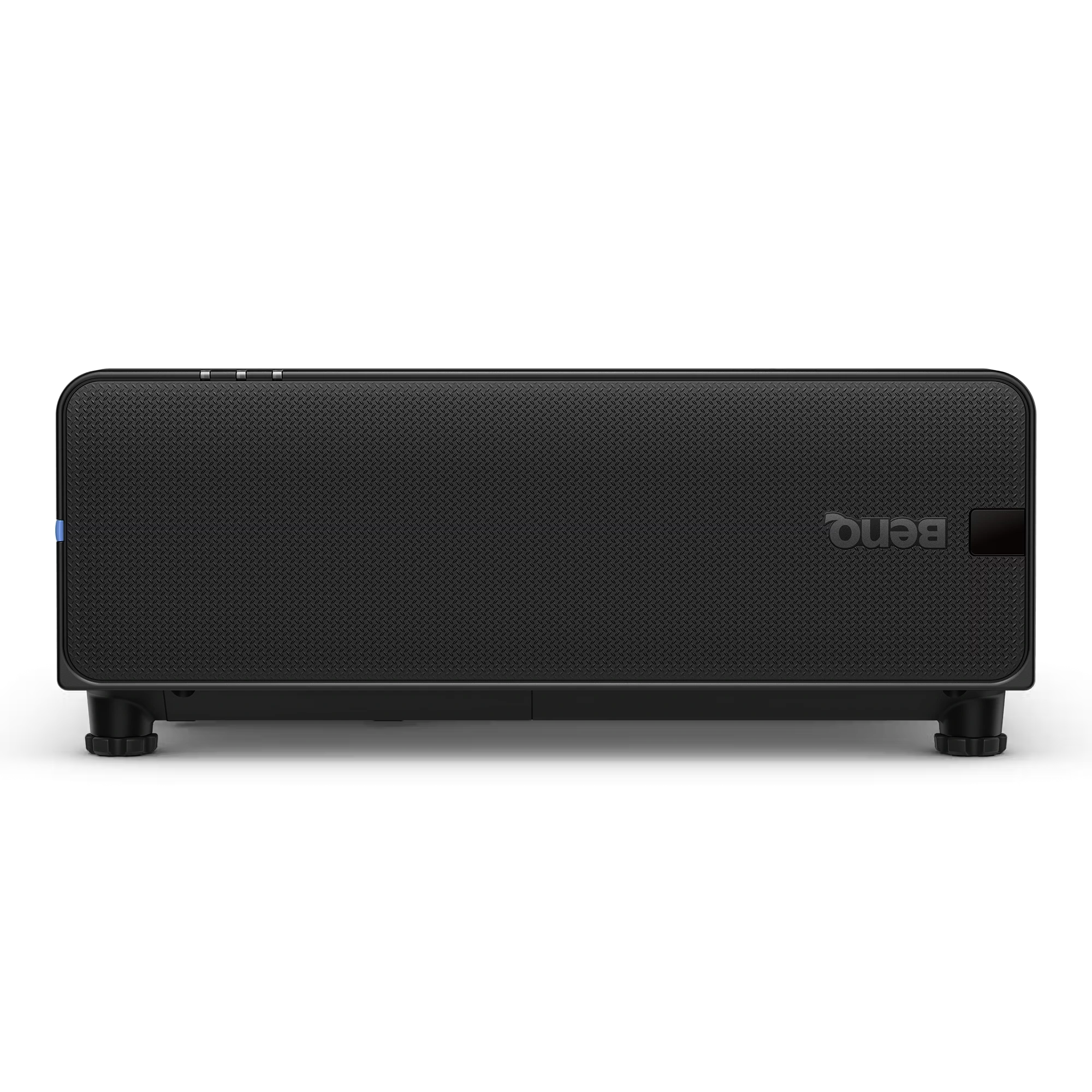
The BenQ LU895UST is a professional 5000 ANSI Lumen WUXGA laser simulation projector designed for immersive environments, museums, simulation centers,...
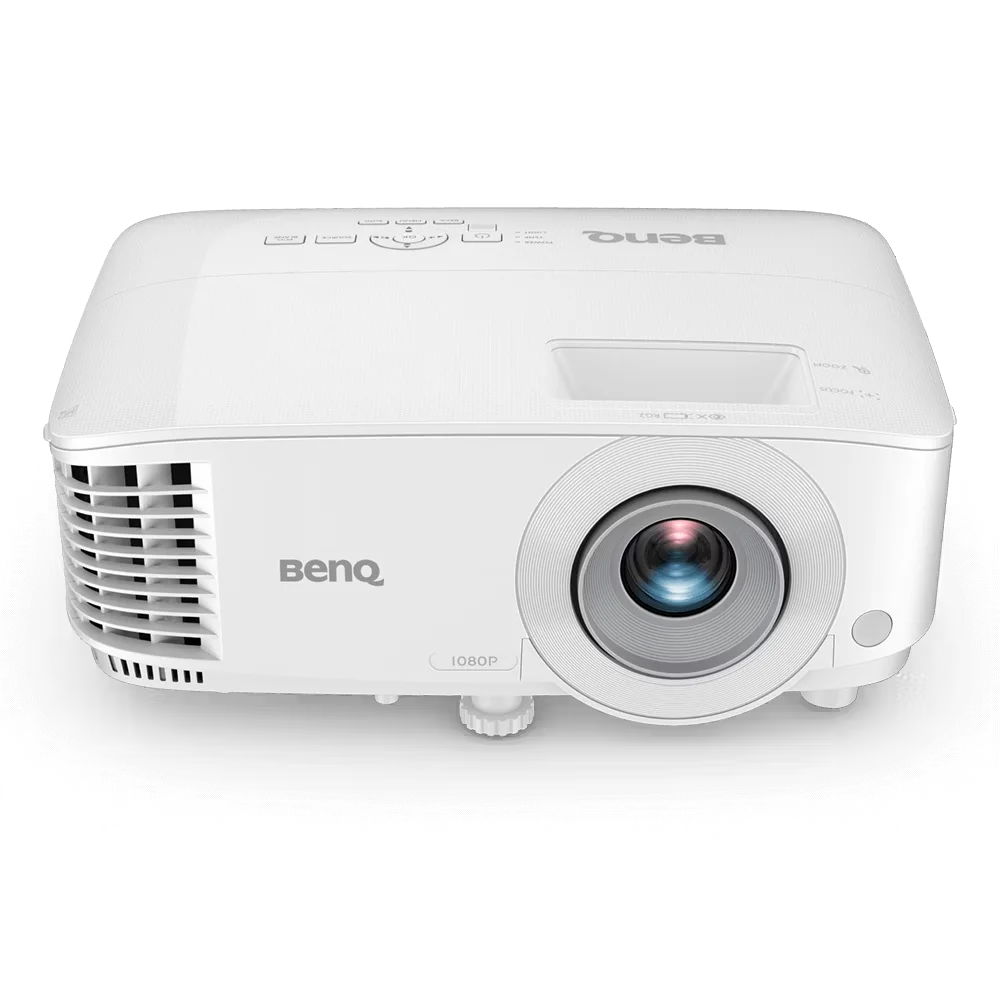
The BenQ MH560 is a Full HD 1080p business projector designed for meeting rooms, conference spaces, and classrooms. It delivers...
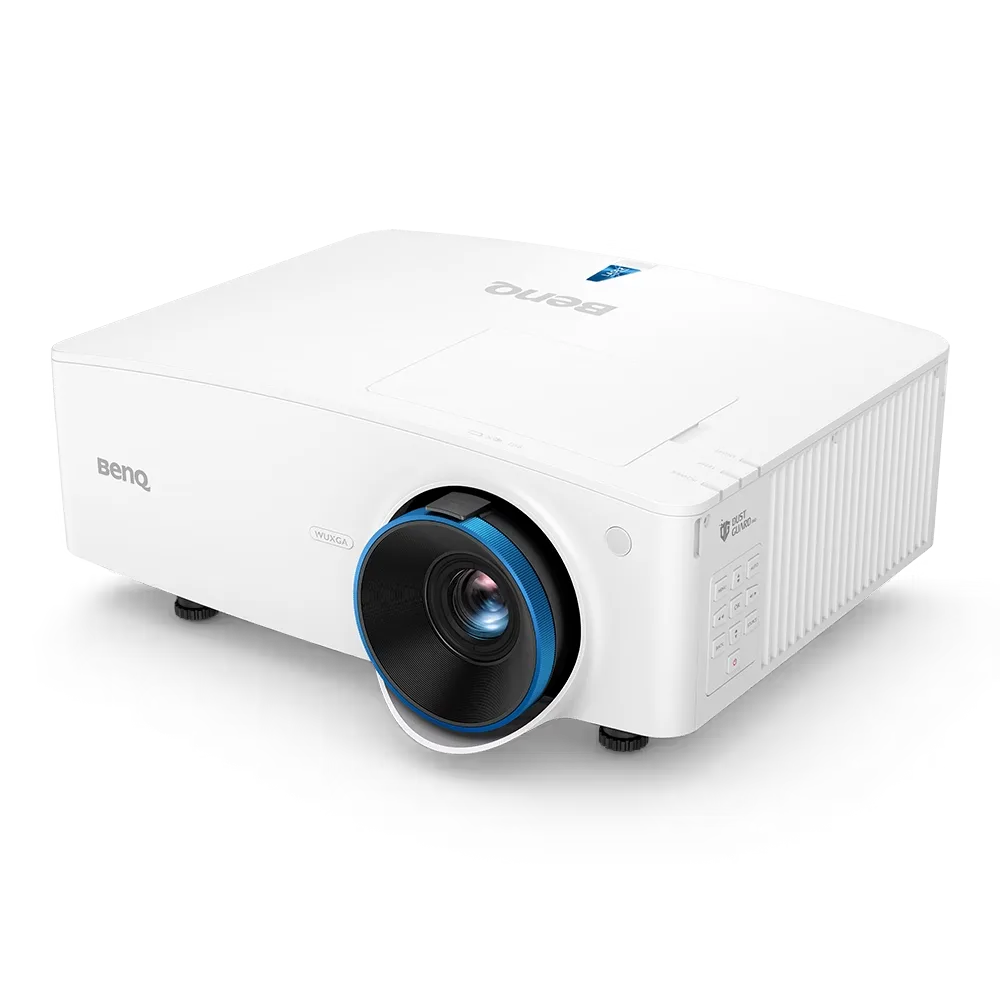
The BenQ LU935 is a professional-grade 6000 ANSI Lumens WUXGA laser projector designed for conference rooms, boardrooms, higher education, and...
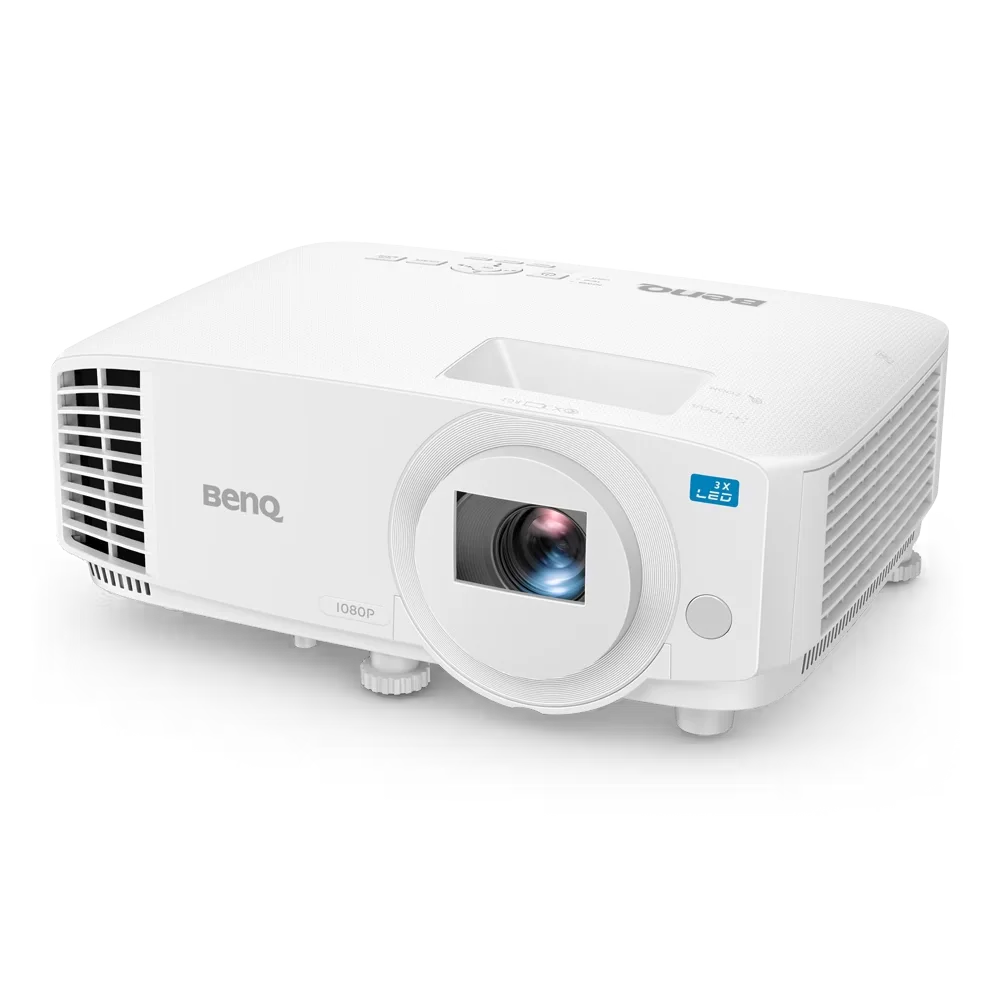
The BenQ LH500 is a Full HD LED meeting room projector designed for professional presentations and collaborative workspaces. It delivers...
