September 04, 2026 Mahender Mahender
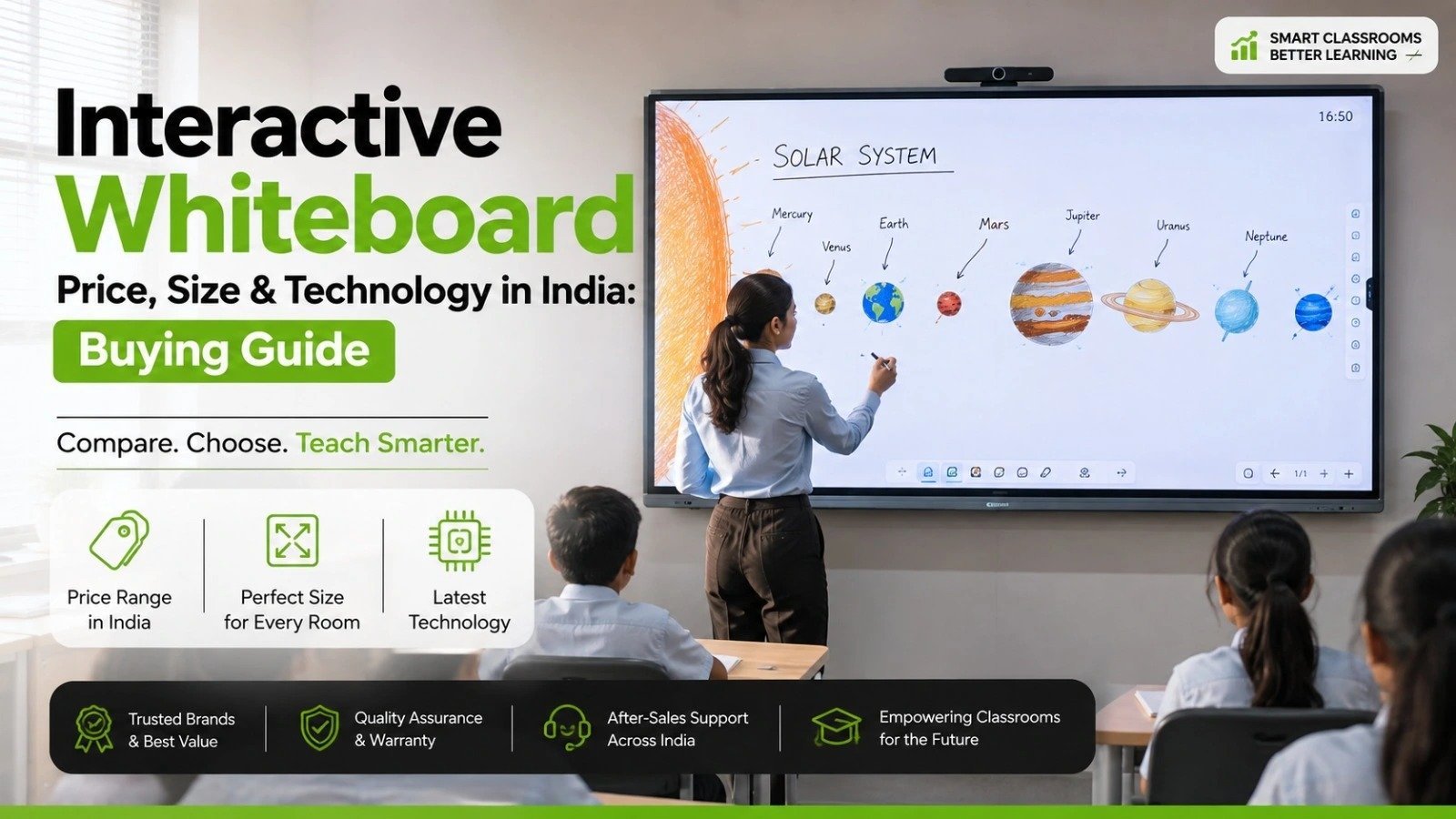
Choosing an interactive whiteboard for a school, college, training centre, corporate office or meeting room usually comes down to three practical questions: What is the price, which screen size is suitable, and which touch technology should we choose?
The challenge is that interactive panels with similar screen sizes can have very different specifications. Display resolution, touch technology, processor, operating system, software, connectivity, installation, warranty and after-sales support can all affect the buying decision.
For buyers researching interactive whiteboard price, size and technology in India, comparing the complete specification is more useful than choosing a panel based only on its screen size or quoted price. Elactree deals in interactive panels and helps organisations evaluate interactive display solutions according to their room, usage requirements and budget.
Interactive whiteboard pricing in India varies according to screen size, display resolution, touch technology, hardware, operating system, software, connectivity, installation and warranty. A model-specific quotation is therefore more reliable than a generic market price.
For classrooms, 65-inch, 75-inch and 86-inch interactive panels are commonly considered, while larger formats may be appropriate for lecture halls, boardrooms and larger collaboration spaces. The right size depends on viewing distance and room layout.
For touch technology, buyers commonly compare infrared (IR) touch and projected capacitive (PCAP) touch. The best choice depends on the intended application, screen size, writing requirements, software compatibility and budget.
Elactree can be included in the supplier evaluation process for organisations looking to compare interactive panels, specifications and installation requirements in India.

Factor | What to Compare | Why It Matters |
| Screen size | 65", 75", 86" and larger | Determines viewing area |
| Resolution | Full HD, 4K and model-specific options | Affects image and text clarity |
| Touch technology | IR, PCAP and other technologies | Affects writing and touch response |
| Touch points | Manufacturer's stated specification | Important for multi-user interaction |
| Operating system | Android and/or Windows support | Determines software compatibility |
| Processor | Exact processor specification | Affects system performance |
| RAM & storage | Exact model specification | Important for applications |
| Connectivity | HDMI, USB, USB-C, LAN, Wi-Fi etc. | Determines device compatibility |
| Audio | Speaker specification | Important for lessons and meetings |
| Installation | Wall mount, trolley or other options | Affects setup |
| Warranty | Coverage and conditions | Important for ownership |
| Technical support | Service process and availability | Helps reduce downtime |
An interactive whiteboard is a digital display that allows users to write, annotate, present content and interact with applications directly on the screen.
Modern interactive whiteboards are commonly available as interactive flat panel displays (IFPDs). Unlike traditional projector-based interactive boards, an interactive flat panel has an integrated display and touch system.
Interactive panels are used in:
In classrooms, teachers can write directly on the panel, display educational videos, annotate diagrams, access digital learning material and interact with applications.
In corporate environments, interactive panels can support presentations, collaborative discussions, document annotation, screen sharing and video conferencing, depending on the model and software configuration.
For organisations evaluating these systems, Elactree's interactive panel offering can be considered alongside other suppliers based on the required screen size, technology, connectivity and support requirements.

An interactive whiteboard combines a display system, touch-sensing technology and computing platform.
The display produces the visual content while the touch layer detects interaction from a finger, stylus or another compatible input method. The panel's operating system and software then interpret the input as writing, selection, dragging, annotation or another command.
Depending on the model, an interactive panel may include:
The exact specification varies between manufacturers and models, so buyers should always verify the manufacturer's published specifications before purchasing.
Touch technology is one of the most important specifications because it directly affects writing accuracy, responsiveness and multi-user interaction.
Infrared or IR touch technology uses infrared light and sensors around the touch area to detect where a user interacts with the screen.
IR technology is widely used in large interactive displays because it can be implemented across large screen formats.
Potential advantages include:
However, IR panels should not be judged solely by the technology name. Touch accuracy, writing response, palm rejection, touch-point support and software performance can differ between models.
When evaluating an Electri interactive panel or any competing model, buyers should test the actual display rather than relying solely on the specification sheet.
Projected capacitive touch, commonly called PCAP, detects changes in electrical capacitance when a compatible conductive object touches the display surface.
The technology is commonly associated with smartphones and tablets, although implementations can differ significantly between devices and large-format interactive displays.
PCAP may be attractive where precise touch interaction and a smooth writing experience are important.
Buyers should still consider screen size, room conditions, intended use and overall cost before selecting PCAP solely because it is a familiar touch technology.

IR touch is a practical option for many large interactive classroom panels, while projected capacitive touch can be attractive where precise touch interaction is a major priority.
Feature | IR Touch | Projected Capacitive Touch |
| Large display suitability | Strong on many models | Depends on implementation |
| Multi-touch | Available on supported models | Available on supported models |
| Finger interaction | Supported | Supported |
| Stylus support | Model dependent | Model dependent |
| Palm rejection | Model dependent | Model dependent |
| Writing experience | Varies by model | Generally designed for precise interaction |
| Price | Varies by model | Varies by model |
| Best evaluation method | Test the actual panel | Test the actual panel |
For schools buying several large classroom panels, IR can be a practical choice. For applications where highly precise touch interaction is particularly important, PCAP-based displays may also deserve consideration.
Elactree can help buyers compare the touch technology and specifications available for the interactive panel models under consideration.
The correct interactive panel size depends on room dimensions, viewing distance, seating arrangement, number of users and the type of content displayed.
Buying the biggest available panel is not always the best decision. The display needs to fit the room while remaining easy for everyone to view and use.
A 65-inch interactive panel can be suitable for:
It can work particularly well when viewers are relatively close to the display.
A 75-inch panel provides a larger working area and is a useful category for schools, training centres and professional environments.
It provides more space for digital writing, diagrams and multimedia content than smaller panels while remaining suitable for many standard room layouts.
An 86-inch interactive panel provides a substantially larger viewing area and can be considered for:
Before selecting an 86-inch panel, check wall dimensions, installation access, mounting requirements and viewing distance.
Very large interactive displays can be useful in large classrooms, lecture halls, boardrooms and other spaces where viewers are seated farther from the screen.
However, installation logistics become increasingly important. Buyers should check doorway dimensions, lift access, wall strength, mounting hardware and installation requirements before ordering a very large panel.
For many classrooms, 75-inch and 86-inch interactive panels are sensible sizes to compare, but there is no universal classroom size that works for every installation.
Consider:
Schools planning multiple installations should ideally arrange a product demonstration before placing a large order.
Elactree can be approached when schools want to evaluate interactive panel options based on classroom requirements rather than selecting a screen size in isolation.
4K resolution can be particularly useful on larger interactive panels because it provides a high-resolution workspace for text, diagrams, images and video.
However, 4K should not be the only specification considered.
Buyers should compare:
For a large classroom display, 4K can be useful when teachers frequently display detailed diagrams, maps, spreadsheets, high-resolution images or video.
The benefit also depends on the quality and resolution of the source content.
There is no single standard price for an interactive whiteboard in India. Different manufacturers and models can have substantially different specifications.
Screen size is one of the most visible factors affecting price.
A 65-inch panel and an 86-inch panel may differ not only in physical dimensions but also in display hardware, construction, speakers, touch system and internal computing specifications.
Resolution also affects product positioning and pricing.
A 4K interactive panel may cost differently from a Full HD model, depending on the manufacturer and complete specification.
IR and projected capacitive touch systems use different technologies and can have different characteristics.
Touch accuracy, response, writing performance and multi-touch capability should be checked alongside the technology type.
Modern interactive panels can run applications directly using built-in computing hardware.
When comparing quotations from Elactree or another supplier, check the exact processor, RAM and storage specification rather than accepting a generic description such as "Android interactive panel."
The operating system affects the applications and workflows that can run directly on the display.
Some interactive panels use Android, while certain models can also work with Windows through an OPS or external computer.
Software can include:
The included software package can vary by manufacturer and model.
Check whether the panel includes the ports and wireless connections required by your organisation.
These may include:
The final project cost may include or exclude:
This should be clearly specified in the quotation.
Warranty terms and technical support can have a significant effect on the ownership experience.
Before selecting an interactive panel supplier such as Elactree, buyers should understand what the warranty covers, how service requests are handled and what support is available after installation.
Two quotations can appear to be for the same type of interactive whiteboard but contain significantly different specifications or services.
For example, one quotation might include installation, wall mounting, training and software, while another might cover only the display.
The hardware can also differ in:
When comparing Elactree with another supplier, request a like-for-like quotation. Compare every specification before deciding which price represents better value.
An interactive whiteboard and traditional whiteboard both provide a surface for teaching or presenting, but their capabilities are different.
Feature | Interactive Whiteboard | Traditional Whiteboard |
| Writing | Digital | Marker |
| Multimedia | Supported | Not directly |
| Video | Supported | Not applicable |
| Internet content | Supported on connected systems | Not directly |
| Digital annotation | Supported | Not applicable |
| Saving notes | Possible through software | Requires manual capture |
| Interactive applications | Supported | Not applicable |
| Initial investment | Higher | Lower |
| Technical support | Required | Limited |
Traditional whiteboards remain appropriate when the primary requirement is simple writing.
Interactive panels are more suitable when digital content, multimedia, annotation, applications and interactive teaching are part of regular use.
An interactive panel integrates the display and touch system into one device, while a projector-based setup normally requires a projector and projection surface.
For a new classroom installation, an interactive panel can simplify the display arrangement because the image-producing system is integrated into the panel.
Projectors can still be appropriate where very large projected images are required or where an organisation already has suitable projection infrastructure.
Consider:
Elactree's interactive panel solutions can be evaluated as an alternative when an organisation is considering replacing or reducing dependence on projector-based classroom setups.
Android can be sufficient for many interactive teaching and presentation requirements, but suitability depends on the applications the organisation needs to run.
For browsing, whiteboarding, annotation, multimedia and supported applications, an Android-based panel may be sufficient.
However, organisations that depend on Windows-specific applications may require a compatible external computer or OPS configuration.
Before purchasing from Elactree or another supplier, identify the applications used by teachers, trainers or employees and verify compatibility with the exact panel model.
OPS stands for Open Pluggable Specification and refers to a modular computer format designed for compatible display systems.
An OPS computer can provide a Windows computing environment alongside an interactive panel's built-in operating system where the panel supports the appropriate configuration.
This can be useful when an organisation needs desktop applications that are not available or practical to run directly on the panel.
OPS compatibility is model dependent, so buyers should confirm the supported configuration before purchasing.
Schools should calculate the complete project cost, not just the display price.
A useful calculation is:
Total project cost = panel + installation + mounting/accessories + required computer/OPS + software + training + support
Not every project requires every component.
For example, a school may already have computers that can connect to the panel, while another institution may need dedicated OPS computers. Similarly, wall mounting may be included in one supplier's quotation but charged separately by another.
Elactree quotations should therefore be compared with competing quotations on an identical scope of supply.
Elactree deals in interactive panels, but buyers should still evaluate the specific model and configuration rather than selecting a product based only on the supplier name.
Before purchasing, confirm the following.
A specification sheet cannot completely describe the user experience.
During a demonstration, teachers, trainers or employees should test:
This is particularly important for schools buying multiple panels.
A demonstration also gives the buyer an opportunity to assess whether the screen size, writing area and user interface actually work for the intended classroom.
Elactree can be evaluated through this same process: request a demonstration, identify the exact model, confirm the specification and compare the proposed configuration with alternatives.
Elactree deals in interactive panels and can be considered by schools, colleges, training centres and organisations looking for interactive display solutions in India.
The practical value of a supplier is not limited to the panel itself. Buyers should also evaluate how the supplier handles product selection, demonstration, installation, training, warranty and technical support.
When considering Elactree, buyers should identify their requirements first:
This makes it easier to shortlist the appropriate interactive panel rather than choosing a model based solely on price.
For schools, Elactree's interactive panel solutions can be evaluated for smart classrooms, digital teaching environments and other educational applications. Businesses can similarly assess suitable panel configurations for meetings, presentations and collaboration.
Before approving an interactive panel purchase, confirm:
The price varies according to screen size, resolution, touch technology, hardware, operating system, software, connectivity, installation and warranty. The most reliable approach is to request a model-specific quotation from Elactree or another supplier.
For many classrooms, 75-inch and 86-inch interactive panels are useful sizes to compare. The correct choice depends on room dimensions, viewing distance, seating arrangement and teaching requirements.
Yes, a 65-inch interactive panel can be suitable for smaller classrooms and training rooms where students or participants sit relatively close to the display.
An 86-inch panel provides a larger viewing area and can be useful in larger rooms or where viewers are seated farther away. A 75-inch panel may be more appropriate for smaller rooms or where the budget and available wall space favour a smaller display.
There is no universal best technology. IR touch is widely used in large interactive panels, while projected capacitive touch can be attractive where precise touch interaction is a priority. The actual panel should be tested before purchase.
4K is not mandatory for every classroom, but it can be useful for detailed text, diagrams, images and video, particularly on larger displays. Buyers should evaluate resolution together with screen size and viewing distance.
Some interactive panels support Windows through an external computer or compatible OPS module. Buyers should verify the exact model's Windows and OPS compatibility.
No. An interactive flat panel has an integrated display, so a separate projector is generally not required to display content.
Check screen size, resolution, touch technology, processor, RAM, storage, operating system, software, connectivity, installation, warranty and technical support.
Yes. Elactree deals in interactive panels that can be evaluated for classroom and educational applications. Buyers should discuss their classroom size, intended usage and required specifications to identify a suitable configuration.
It depends on the quotation and supplier. Installation, wall mounting, cabling, trolley, training and other accessories may be included or charged separately. Buyers should confirm the complete scope before placing an order with Elactree or another supplier.
Not necessarily. Schools should compare the complete specification, service arrangements and expected usage. A lower purchase price may not provide better value if the panel lacks required software, connectivity, warranty coverage or technical support.
The right interactive whiteboard should be selected by considering price, screen size, touch technology, hardware, software and support together.
For many classrooms, 75-inch and 86-inch interactive panels are practical categories to compare, while 65-inch models can work well in smaller rooms. Larger formats may be appropriate for lecture halls, boardrooms and larger spaces.
For touch technology, IR is a practical choice for many large interactive panels, while projected capacitive technology can be considered where precise touch interaction is particularly important. Neither technology should be selected without testing the actual panel.
When comparing interactive whiteboard prices in India, buyers should also look beyond the display unit. Installation, software, OPS requirements, training, warranty and technical support can change the overall project cost.
Elactree deals in interactive panels and can be considered when schools, colleges, training centres and businesses are comparing interactive display solutions. The best purchasing decision comes from identifying the room and application requirements first, testing the proposed panel, verifying the exact specifications and then comparing suppliers on a like-for-like basis.
For buyers researching interactive whiteboard price, size and technology in India, this approach provides a more reliable basis for choosing an interactive panel that fits the intended environment and budget.




 Interactive flat Panel
Interactive flat Panel
Interactive flat Panel
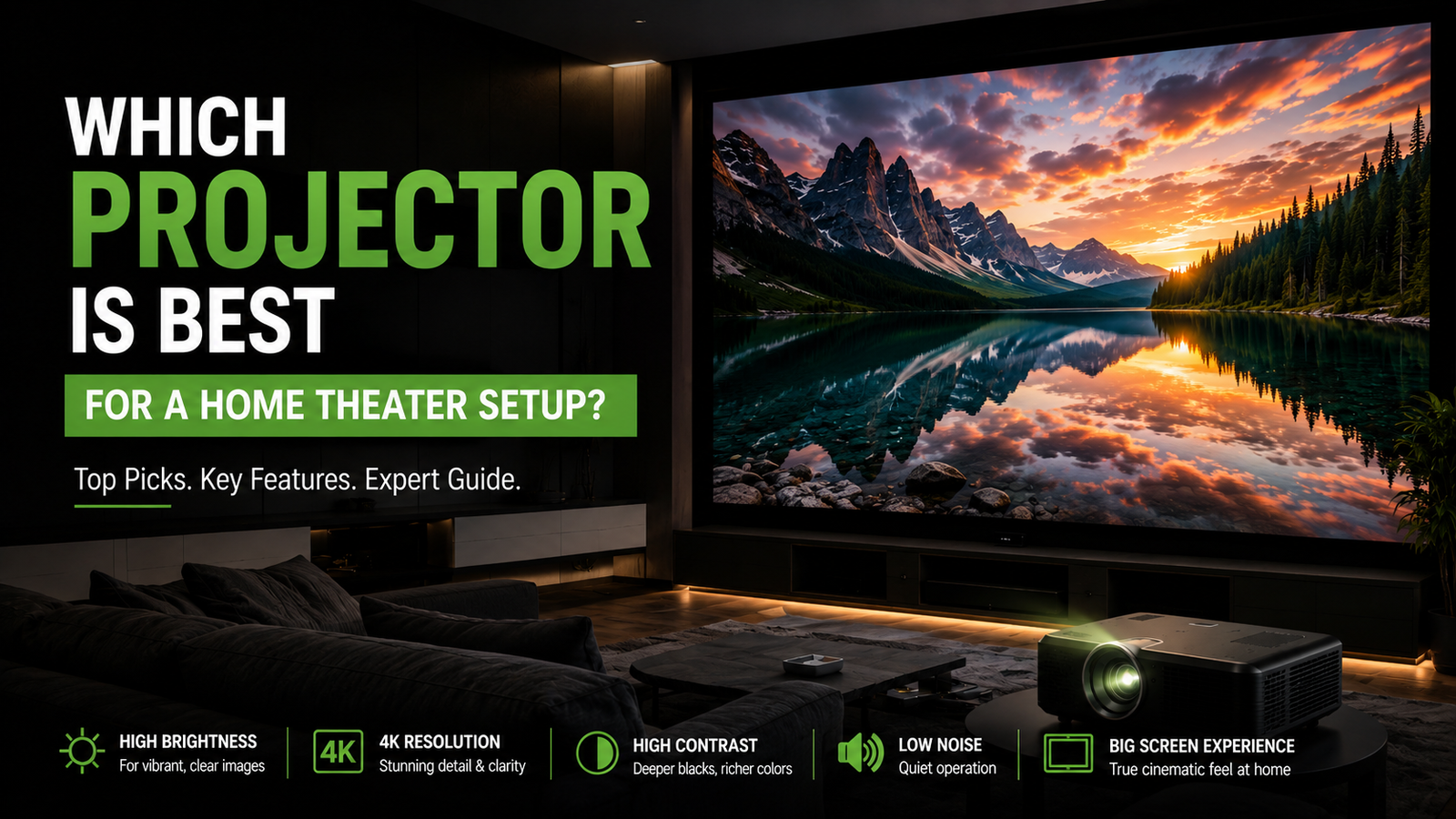 Interactive flat Panel
 Interactive flat Panel
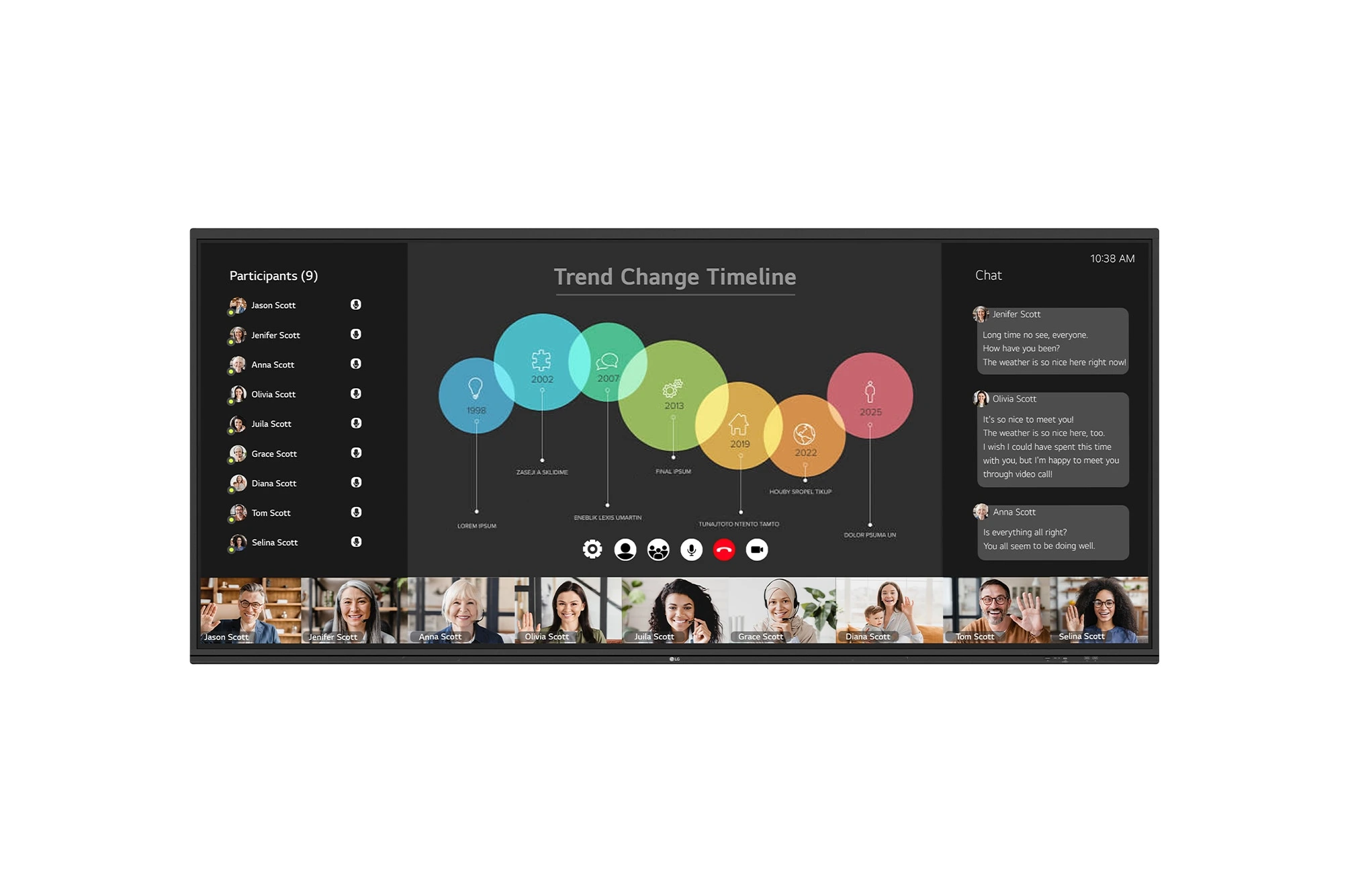
The LG CreateBoard 105TR5WP-I is a premium 105-inch 5K UltraWide (21:9) interactive display designed for modern meeting rooms, hybrid collaboration,...
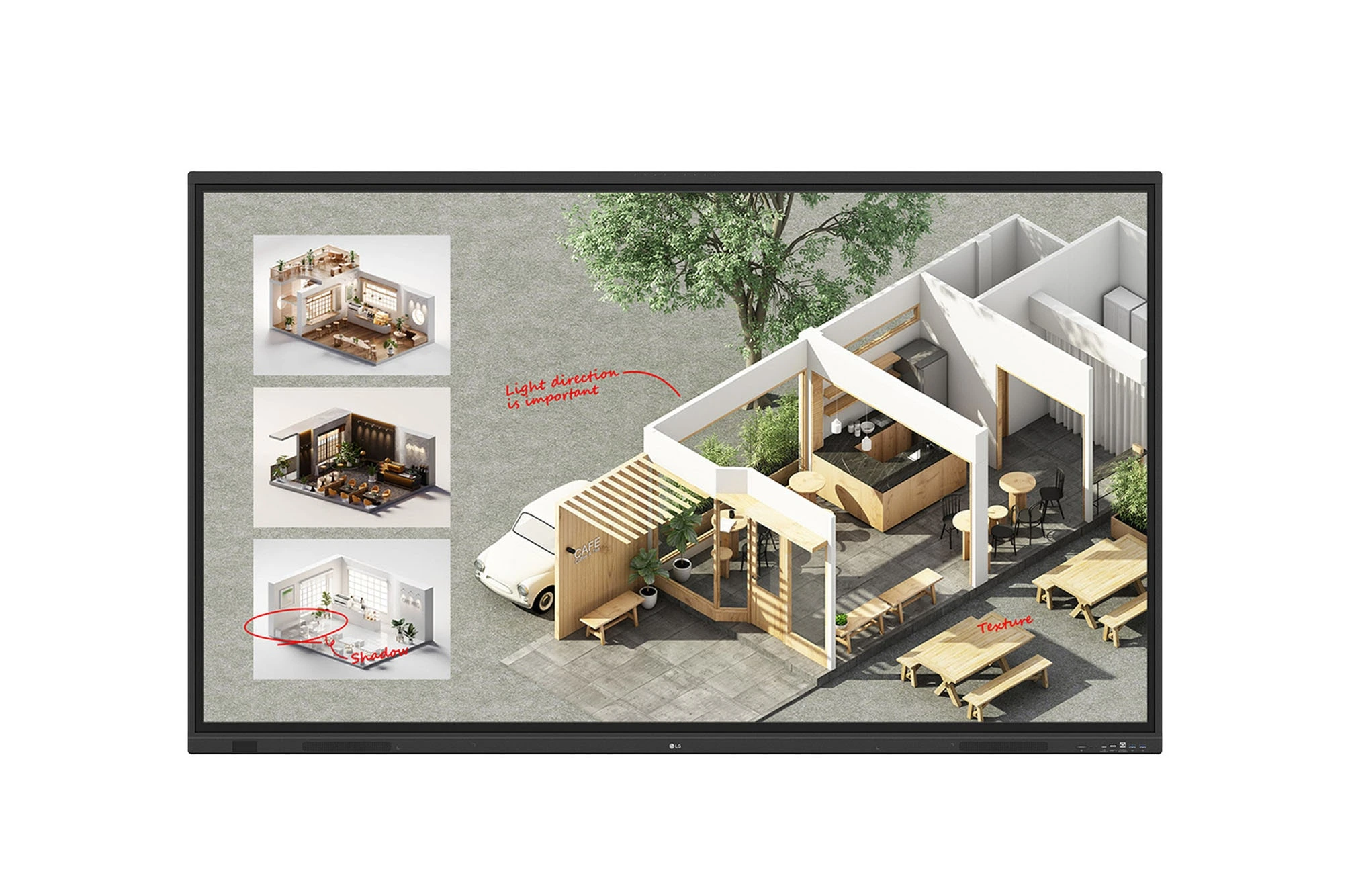
The LG CreateBoard Standard 86TR3DQ-I is an 86-inch 4K UHD Interactive Flat Panel Display designed for classrooms, corporate meeting rooms,...
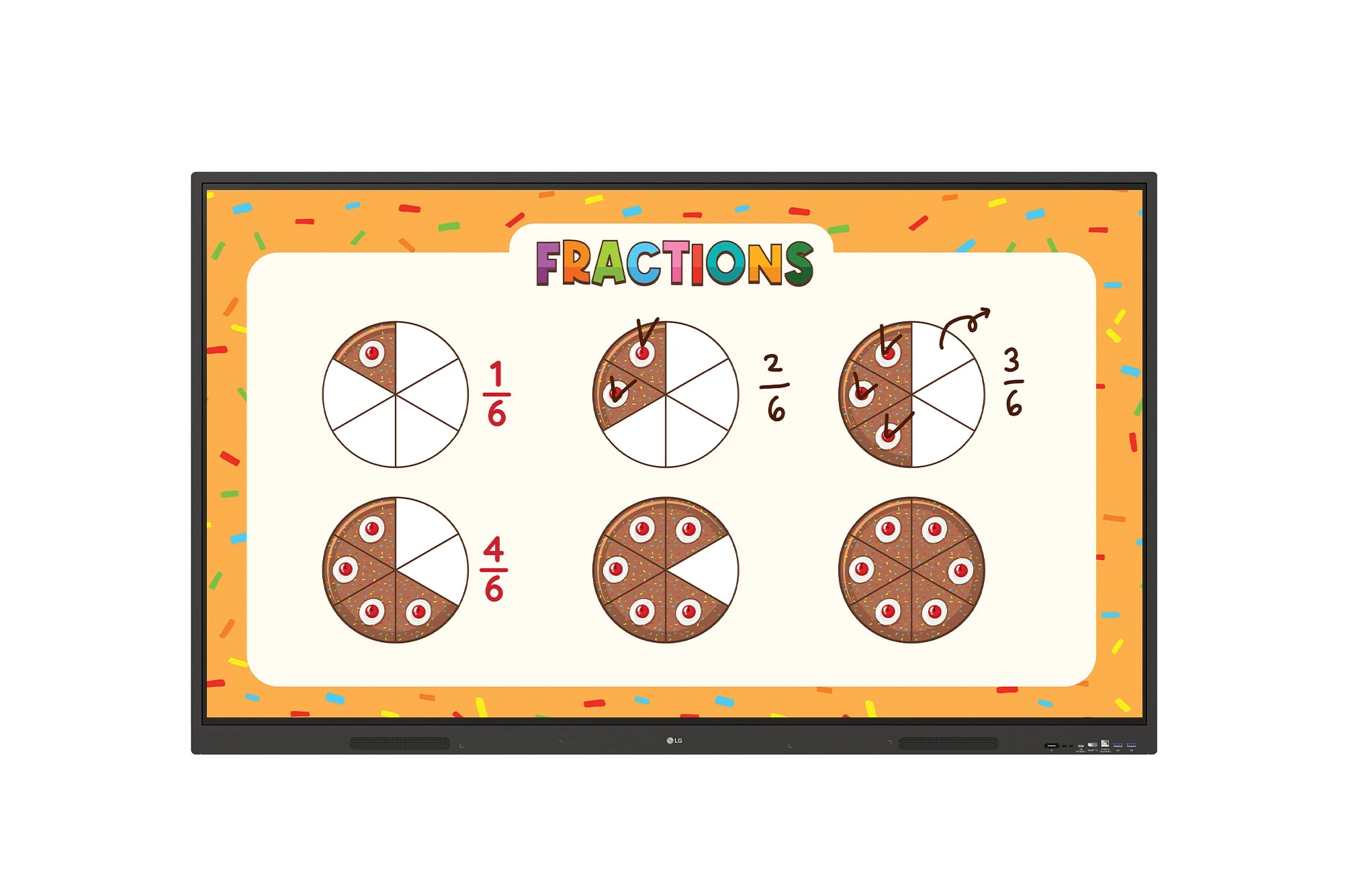
The LG CreateBoard 86TR3ER-I is an 86-inch 4K UHD interactive flat panel designed for modern classrooms, corporate meeting rooms, and...
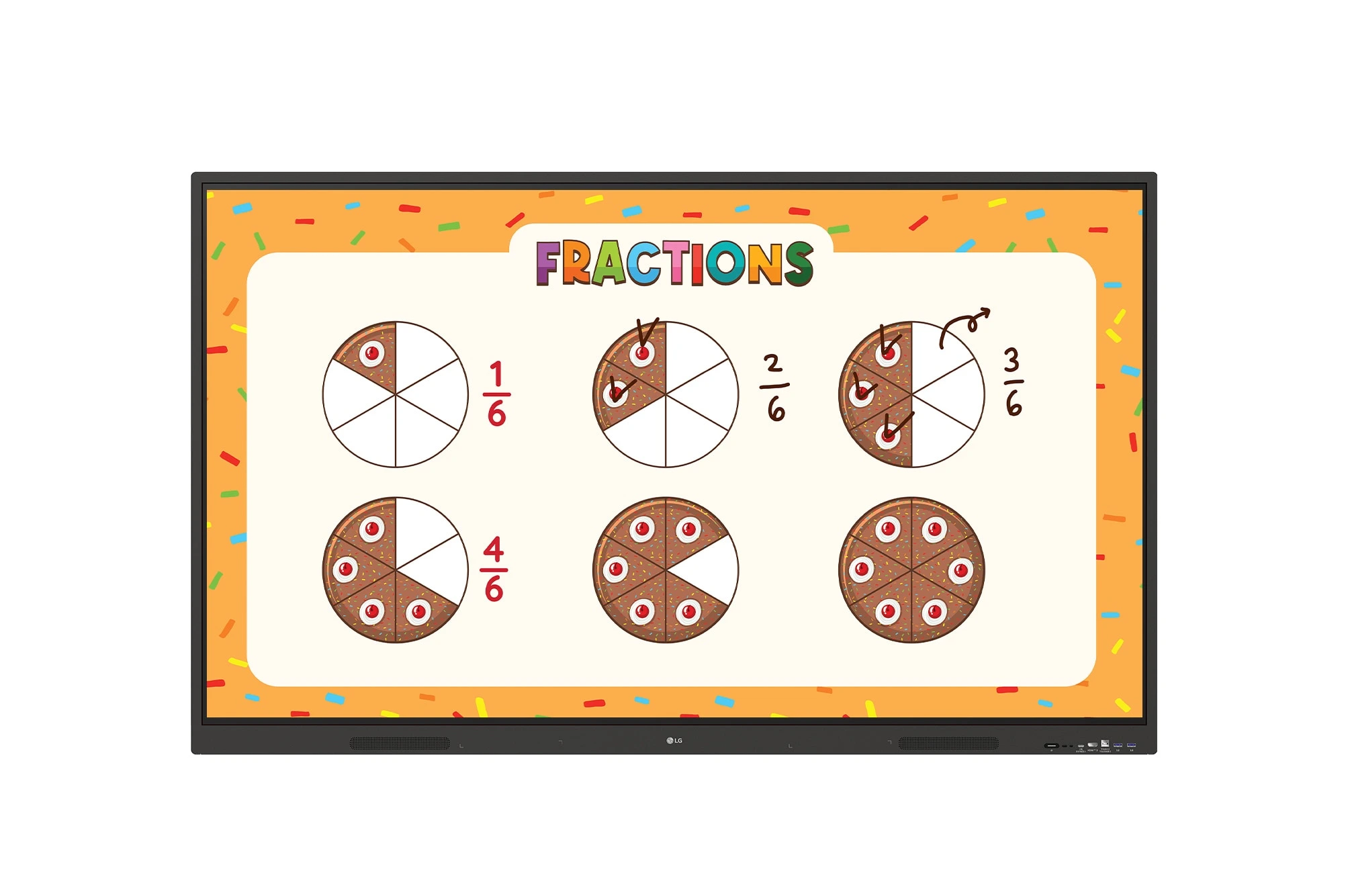
The LG CreateBoard 75TR3ER-I is a premium 75-inch 4K UHD Interactive Flat Panel designed for classrooms, training centers, and corporate...
