August 19, 2026 Mahender Mahender
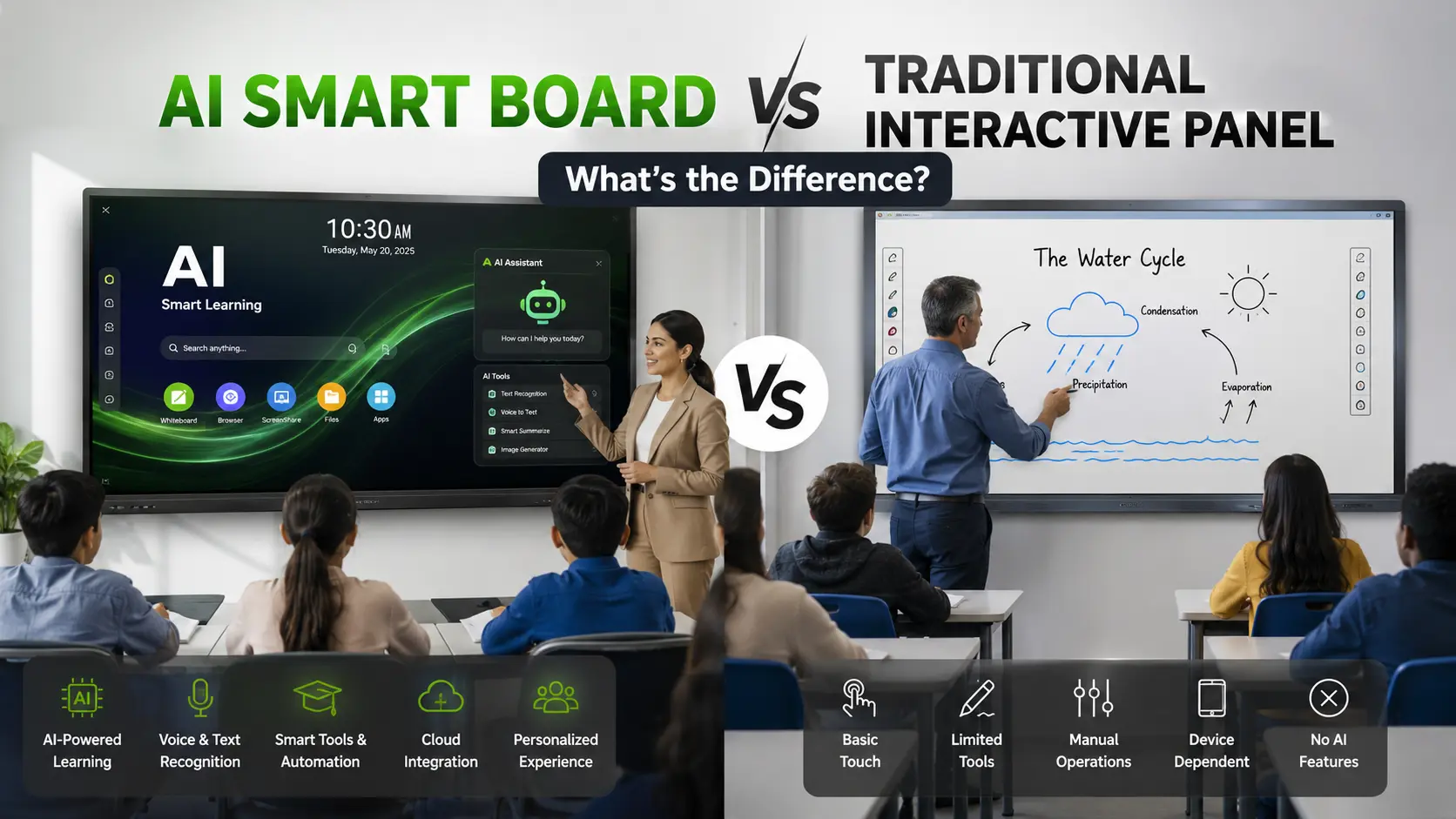
Choosing an interactive display for a school, college, coaching centre, or training room is no longer simply a question of screen size and touch technology. Buyers now see terms such as AI Smart Board, AI-enabled interactive display, smart board, and interactive flat panel used across product brochures and websites.
The confusion is understandable because an AI Smart Board and a traditional interactive panel can look almost identical from the outside. Both may offer a large touchscreen, digital writing, Android or Windows support, screen sharing, speakers, and classroom software.
The important difference is what the software and computing system can actually do. A traditional interactive panel is primarily designed to display, annotate, run applications, and support collaboration. An AI Smart Board adds AI-based functions that can assist with tasks such as content generation, question answering, transcription, visual recognition, lesson support, or other classroom workflows, depending on the model.
An AI Smart Board is an interactive display that includes AI-based capabilities in addition to standard touchscreen, display, annotation, and classroom functions. A traditional interactive panel generally focuses on displaying and interacting with digital content without having AI deeply integrated into its core workflow.
For a school buying a new panel in 2026, AI can be useful when teachers will actually use features such as AI-assisted lesson preparation, quiz generation, handwriting recognition, translation, transcription, visual search, or content creation.
However, an AI label alone does not guarantee useful AI functionality. Buyers should check which AI tools are built into the panel, whether they run locally or require internet access, whether subscriptions are required, and whether the features are available in the exact model being quoted.
The exact capabilities vary by manufacturer and model. For example, current interactive displays from manufacturers such as BenQ, Samsung and ViewSonic demonstrate different approaches to integrated AI, including AI-assisted teaching, visual search, transcription, handwriting recognition and content tools.

An AI Smart Board is an interactive digital display that combines touchscreen interaction with software or hardware designed to provide AI-based assistance.
The display still performs the familiar functions of an interactive panel: teachers can write on a digital whiteboard, open presentations, play videos, annotate documents, browse websites, run applications, and connect external devices.
The AI layer adds another category of functionality. Depending on the model, this can include:
AI-assisted lesson planning
Automatic quiz or question generation
Conversational AI for explanations and questions
Handwriting recognition
OCR, or converting text in images into editable text
Translation
Speech-to-text or live transcription
AI-assisted visual search
Image or diagram generation
Mind-map creation
Gesture-based controls
AI-assisted camera functions
These capabilities are not universal. Some panels use AI primarily through cloud services, while others include dedicated processing hardware that can run certain AI functions directly on the device.
For example, BenQ's 2026 RP05 series describes a dedicated NPU for on-device AI processing and includes tools such as AI lesson and quiz creation, Ask AI, visual search and AI-assisted artwork.

A traditional interactive panel is a large touchscreen display designed for digital teaching, presentations, annotation and collaboration.
It typically combines a display, touch layer, speakers, computing platform and connectivity options in one unit. Depending on the model, it may run Android, support Windows through an OPS computer, or work with an external computer.
A traditional interactive panel can be used to:
Write and draw on a digital canvas
Display PowerPoint presentations
Play educational videos
Open PDFs and documents
Browse the internet
Run compatible educational applications
Share content from laptops and mobile devices
Conduct video meetings when suitable hardware is connected
Annotate webpages and documents
Save digital notes
A panel does not need AI to be useful. For many classrooms, reliable touch performance, good writing quality, appropriate brightness, connectivity, software compatibility and dependable after-sales support are more important than having a long list of AI features.
Not exactly. An AI Smart Board is a type of interactive display with additional AI capabilities, while a traditional interactive panel may provide interactive display functionality without integrated AI tools.
There is considerable overlap between the two categories.
An AI Smart Board still needs the basic components of an interactive panel. The difference is the software and computing layer added on top of those core functions.
It is therefore more useful to think of AI as an additional capability rather than a completely different type of display.
This is the biggest difference.
A traditional interactive panel primarily responds to user input. The teacher taps, writes, opens an application, plays content or shares a screen.
An AI Smart Board can go further by interpreting information and assisting with specific tasks.
For example, an AI-enabled panel may allow a teacher to:
Generate questions from a lesson topic
Ask for an explanation of a concept
Convert handwriting into digital text
Translate content
Summarise selected information
Create a mind map
Search for information using selected visual content
Samsung's current WAF-P interactive display, for example, includes an embedded AI Write & Search function that can recognise handwritten notes and use selected content for search.
The important point is that AI capability is model-specific. Buyers should never assume that every product marketed as an AI board includes the same functions.
A traditional interactive panel is mainly a teaching surface and digital content platform.
The teacher prepares the material separately, opens it on the panel and teaches from it.
An AI Smart Board can potentially support parts of that workflow directly on the display.
For example, a teacher preparing a lesson about the water cycle could use an AI tool, if supported by the panel, to generate questions or create a basic lesson structure. Some current products specifically advertise AI-assisted lesson plans and quizzes.
This can reduce the number of times a teacher needs to move between devices or applications.
Traditional panels generally display content created elsewhere.
AI-enabled models may provide tools for creating or modifying content directly on the board.
Depending on the software, this can include:
Questions
Lesson outlines
Explanations
Mind maps
Illustrations
Summaries
Practice exercises
The value depends heavily on how well these tools fit the teacher's workflow. A school should test the functions during a product demonstration rather than judging them from a brochure alone.
Both traditional and AI-enabled panels can support handwriting-related features, but AI-based recognition can add another layer of interaction.
For example, handwriting recognition can convert handwritten content into digital text. OCR can extract text from a photograph, scanned page or document.
These functions can be particularly useful when teachers frequently write on the board and later need to save, edit or reuse the material.
Some interactive displays also combine handwriting recognition with visual search. Samsung's WAF-P series is one current example.
AI is not limited to text generation.
Some modern interactive displays include cameras and microphone arrays that can support features such as:
Auto framing
Speaker tracking
Voice capture
Video conferencing
Gesture control
Transcription
Samsung's WAF-P series, for example, combines an integrated camera, microphone and speakers for video communication, while BenQ's RP05 includes an integrated microphone array and camera-related interaction features.
These capabilities matter more for hybrid classrooms and collaborative teaching environments than for a classroom that only uses the display for writing and presentations.
An AI Smart Board may require more processing capability than a basic interactive display, particularly when AI functions run locally.
Some current models include dedicated neural processing hardware. BenQ states that its RP05 uses a 10 TOPS NPU for on-device AI processing.
This is an important distinction for buyers because "AI support" can mean different things.
A panel may:
Run AI directly on its hardware.
Use cloud-based AI services.
Provide an interface that connects to external AI applications.
Combine local and cloud processing.
Ask the supplier which model applies to the specific panel being purchased.
A traditional interactive panel can operate for many basic tasks without internet access, although online applications obviously require connectivity.
AI functionality varies more widely.
Some AI features require an internet connection because the processing happens through a cloud service. Others can run locally on the panel.
For schools with unreliable internet connections or strict data policies, this distinction is important.
A buyer should ask:
Which AI features work offline?
Which features require internet access?
Where is the data processed?
Are teacher or student inputs sent to external services?
Is an account required?
Are there usage limits?
These questions are more useful than simply asking whether the product is "AI-enabled."
For a school buying new interactive displays in 2026, an AI Smart Board is generally the more suitable choice if teachers have a clear use case for integrated AI tools and the additional cost is justified. A traditional interactive panel remains a sensible choice when the main requirement is reliable digital writing, presentation, collaboration and classroom display.
Choose an AI Smart Board when:
Teachers want AI-assisted lesson preparation.
The school wants integrated quiz or question-generation tools.
AI-based transcription or translation is useful.
Teachers frequently create content during lessons.
The school wants AI functions without depending entirely on external devices.
The panel will be used for hybrid teaching and collaboration.
The selected model has AI functions that teachers will actually use.
Choose a traditional interactive panel when:
The primary requirement is digital writing and presentation.
Teachers already have suitable external software.
AI features are not a priority.
The school wants to control the initial equipment budget.
Simplicity and familiar classroom workflows are more important than integrated AI.
The wrong reason to buy an AI Smart Board is simply that the product specification says "AI."
No. An AI Smart Board does not replace the basic interactive panel; it adds AI-based functions to the interactive display experience.
Teachers still need a high-quality display, responsive touch, good writing performance, suitable connectivity and reliable software.
If those fundamentals are poor, AI features will not compensate for them.
For a classroom, the order of evaluation should therefore be practical:
Display quality → touch and writing → software → connectivity → reliability → AI functionality → support and service.
AI should be evaluated as part of the complete product rather than as the only buying criterion.
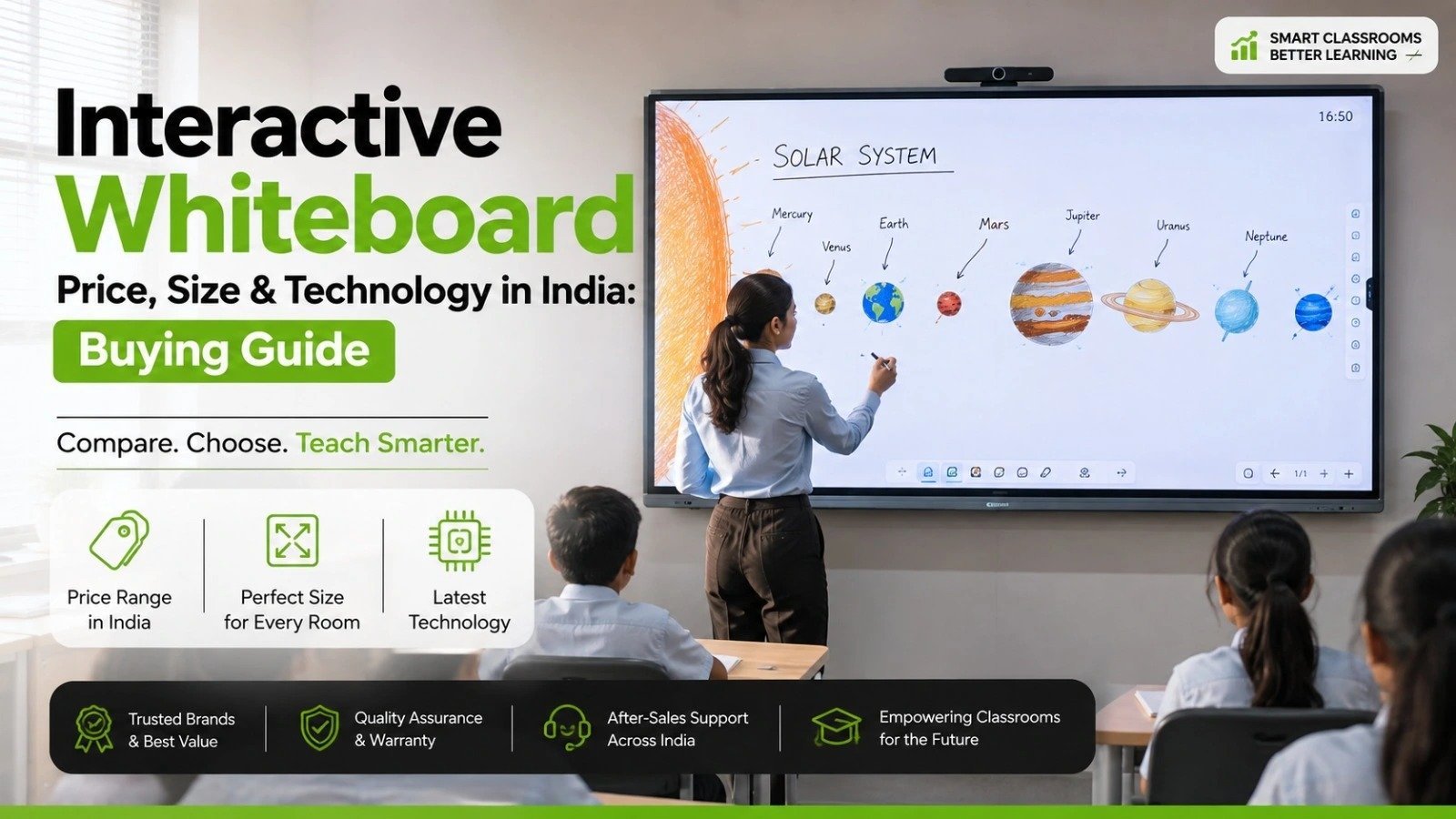
There is no single standard price for an AI Smart Board in India because pricing varies by manufacturer, screen size, hardware configuration, operating system, software package, AI capabilities, accessories, warranty and supplier.
A quotation can also change depending on whether the package includes installation, wall mounting, an OPS PC, camera, microphone, training, extended warranty or other services.
Before comparing two quotations, check whether both packages contain the same:
Screen size
Resolution
Touch technology
Operating system
RAM and internal storage
Processor
Connectivity
Camera and microphone
AI software
Google or other app ecosystem support
OPS compatibility
Warranty
Installation
Teacher training
After-sales service
A cheaper panel may not actually be cheaper if important accessories or services are excluded.
A demonstration is one of the most useful steps before purchasing.
Instead of asking the supplier to show only the attractive features, ask them to demonstrate a complete teaching session.
Check:
Touch responsiveness
Pen accuracy
Palm rejection
Writing latency
Multi-touch performance
Erasing
Handwriting recognition
Ask the teacher who will actually use the panel to test it.
Do not accept "AI-enabled" as a sufficient specification.
Ask the supplier to demonstrate the exact AI features included with the quoted model.
For example:
Ask the AI a subject-related question.
Generate a short quiz.
Convert handwriting into text.
Translate a piece of content.
Summarise material where supported.
Test image or visual recognition.
Check whether AI tools work offline.
The objective is to determine whether the AI is genuinely useful in a classroom.
Confirm the exact OS version supplied with the product.
Also check:
App compatibility
Google services availability where required
Play Store support
Browser compatibility
Windows/OPS support
Software update policy
Some current interactive displays use Android 15 or newer platforms, while other products use different operating systems.
Ask whether classroom software and AI features are:
Included permanently
Included for a limited period
Subscription-based
Dependent on a third-party account
Restricted by usage credits
A feature that appears free during a demonstration may have different commercial terms after deployment.
For schools, service support matters because a classroom display is a working asset rather than an occasional-use device.
Ask about:
Warranty duration
On-site service
Response process
Spare parts availability
Installation
Preventive maintenance
Software support
Firmware updates
Training for teachers and administrators
Service availability can vary by manufacturer, supplier and location, so obtain the terms in writing.
AI features can involve student questions, teacher content, audio, images or documents.
Ask:
Does the AI process data locally?
Is cloud processing used?
What information is transmitted?
Can accounts be managed centrally?
Can the camera be physically covered or disabled?
What privacy controls are available?
This becomes particularly important when cameras, microphones and cloud AI services are integrated into the display.
AI assistance is available directly within the interactive display workflow.
Teachers may create questions and lesson material more quickly.
Some models can recognise handwriting or extract text.
Selected models support AI-based translation and transcription.
AI can reduce the need to switch between multiple applications.
Some models include local AI processing.
AI capabilities differ significantly between models.
Some features may require internet access.
Some AI services may require subscriptions or accounts.
AI-generated information can still require teacher verification.
More advanced hardware and software can increase purchase cost.
Teachers may need training to use the additional tools effectively.
Suitable for digital writing and classroom presentations.
Straightforward for schools that mainly need display and annotation functions.
Can work with existing computers and classroom software.
Usually provides a simpler technology workflow.
May have a lower initial cost than a comparable AI-focused configuration.
AI assistance may not be integrated.
Teachers may need separate applications for AI-related tasks.
Content creation may require an external computer or software.
AI-based transcription, translation or visual tools may not be available natively.
Before placing an order, ask the supplier these questions:
Which AI features are included in the exact model being quoted?
Which AI functions work without an internet connection?
Are any AI tools subscription-based?
What operating system and version does the panel use?
Does the panel support Google services and the applications our teachers already use?
Is an OPS PC supported if Windows applications are required?
What installation, training and warranty services are included?
What happens if the AI software or internal hardware develops a problem after installation?
A good supplier should be able to answer these questions with the product documentation rather than relying only on a sales presentation.
An AI Smart Board is particularly relevant for:
CBSE and other K–12 schools
Colleges and universities
Coaching institutes
Teacher-training centres
Digital learning centres
Hybrid classrooms
Corporate training rooms
It is most useful where teachers regularly create, explain, annotate or adapt content during live sessions.
A school that only needs a large touchscreen for PowerPoint presentations may not gain enough value from paying extra for AI functionality.
An AI Smart Board is an interactive touchscreen display that combines standard digital-board functions with AI-based capabilities such as content assistance, question generation, handwriting recognition, translation, transcription or visual search, depending on the model.
No. An AI Smart Board is an interactive panel or display with additional AI capabilities. A conventional interactive panel can provide touchscreen writing, presentation, annotation and collaboration without integrated AI functions.
Yes, when its AI tools match actual teaching requirements. AI can assist with tasks such as creating quizzes, explaining concepts, recognising handwriting, translating content or generating teaching material on supported models.
Some can, but not every AI feature will necessarily work offline. Local AI processing is available on some models, while other AI functions depend on cloud services. Buyers should check the offline capabilities of the exact model.
Not always. Many interactive panels have an integrated operating system and computing hardware. A Windows OPS PC or external computer may still be useful when schools need Windows-specific applications.
AI can be more useful when teachers need integrated content creation, question generation, transcription, translation or other AI assistance. A traditional interactive panel can be the better-value option when the main requirement is digital writing, presentations and annotation.
No. AI tools can assist with specific teaching and preparation tasks, but teachers remain responsible for instruction, context, accuracy, classroom management and evaluating whether AI-generated content is appropriate.
No. Commercial terms vary by manufacturer and model. Some AI functions may be built into the software, while others may require an account, subscription, internet connection or usage limits.
The appropriate size depends on classroom dimensions, viewing distance, seating arrangement and content requirements. Common interactive-display sizes include 65, 75 and 86 inches, but schools should assess the room before selecting a size.
For most classrooms, the basic display and interactive experience should come first. A panel should have suitable image quality, responsive touch, reliable software, appropriate connectivity and good service support before AI features are considered.
Compare the exact model specifications, AI functions, operating system, touch performance, software licensing, offline capabilities, connectivity, warranty, installation, training and after-sales support. A live demonstration is strongly recommended before purchase.
The main difference between an AI Smart Board and a traditional interactive panel is not the touchscreen itself; it is the intelligence and software layer built into the display.
A traditional interactive panel is primarily a digital teaching and presentation platform. An AI Smart Board adds AI-assisted functions that can help teachers create content, answer questions, recognise information, translate or transcribe material, and perform other tasks depending on the model.
For schools planning a new installation, an AI Smart Board is worth considering when its AI tools solve real teaching problems. If the requirement is mainly digital writing, presentations, annotation and screen sharing, a well-specified traditional interactive panel may be the more practical purchase.
The best buying decision is therefore not "AI or no AI?" It is "Which functions will our teachers actually use, and does this specific panel deliver them reliably at the total cost we are prepared to pay?"
That question leads to a more useful comparison—and usually a better long-term purchase.




 Interactive flat Panel
Interactive flat Panel
Interactive flat Panel
 Interactive flat Panel
 Interactive flat Panel
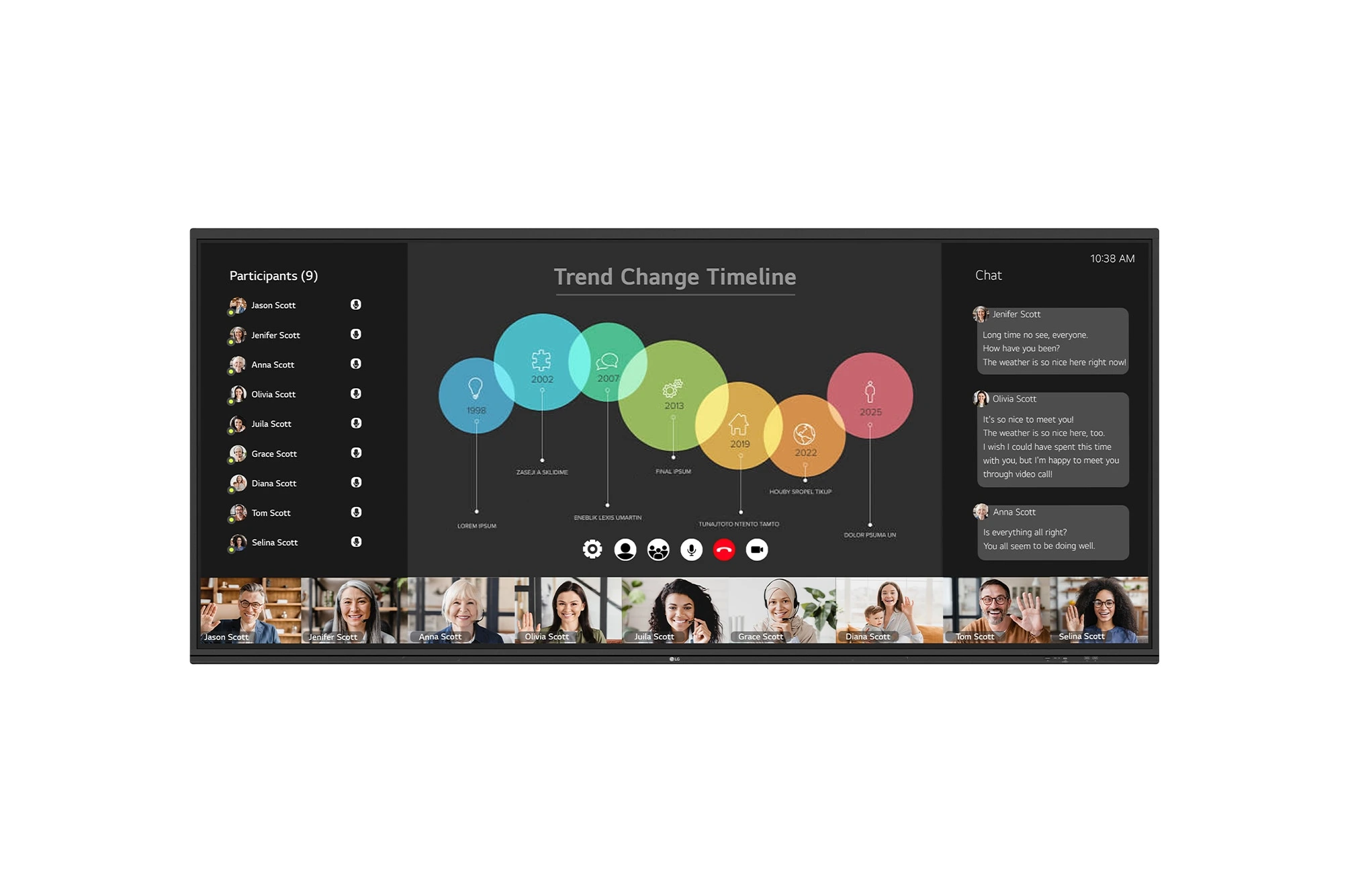
The LG CreateBoard 105TR5WP-I is a premium 105-inch 5K UltraWide (21:9) interactive display designed for modern meeting rooms, hybrid collaboration,...
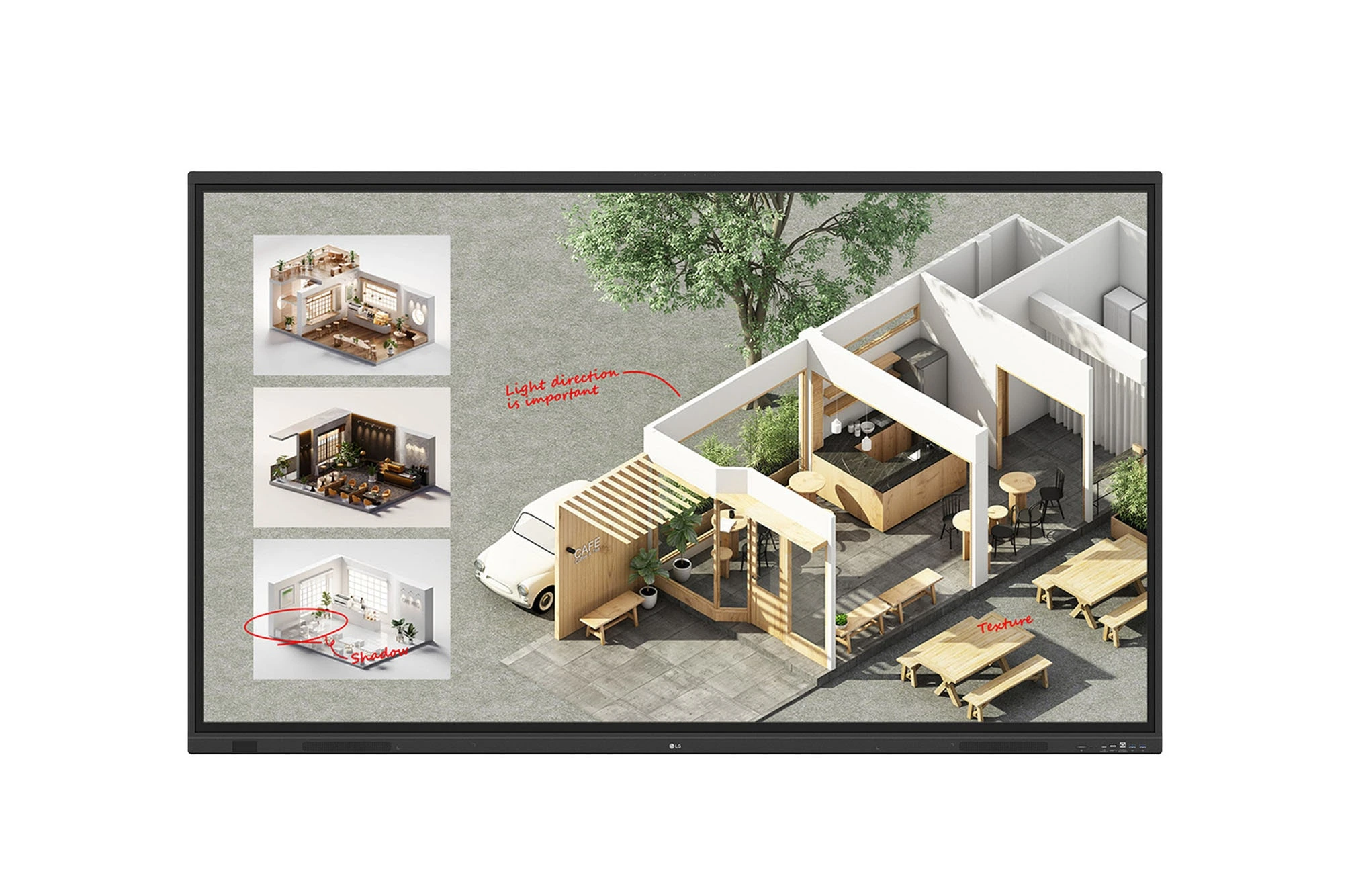
The LG CreateBoard Standard 86TR3DQ-I is an 86-inch 4K UHD Interactive Flat Panel Display designed for classrooms, corporate meeting rooms,...
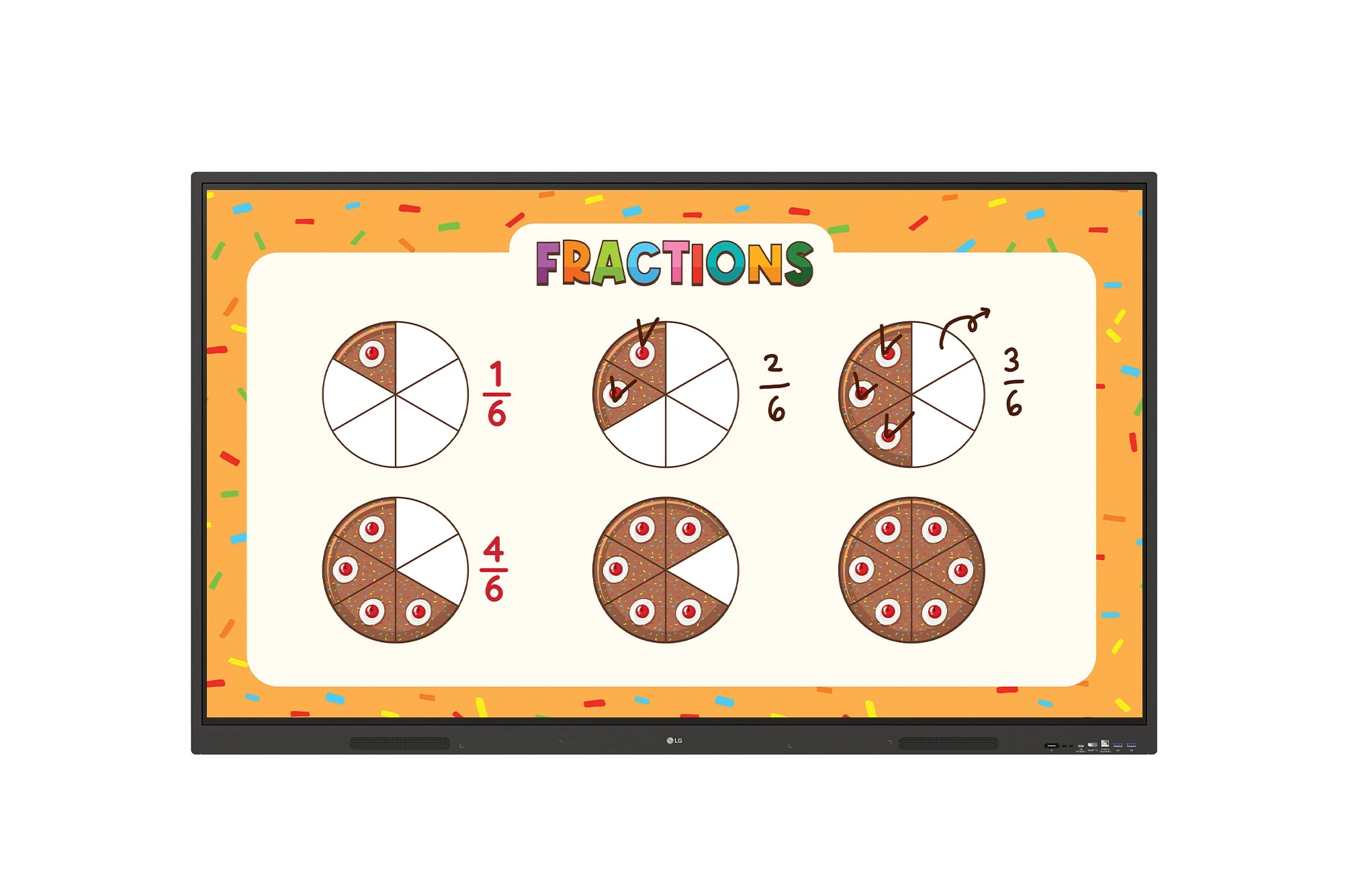
The LG CreateBoard 86TR3ER-I is an 86-inch 4K UHD interactive flat panel designed for modern classrooms, corporate meeting rooms, and...
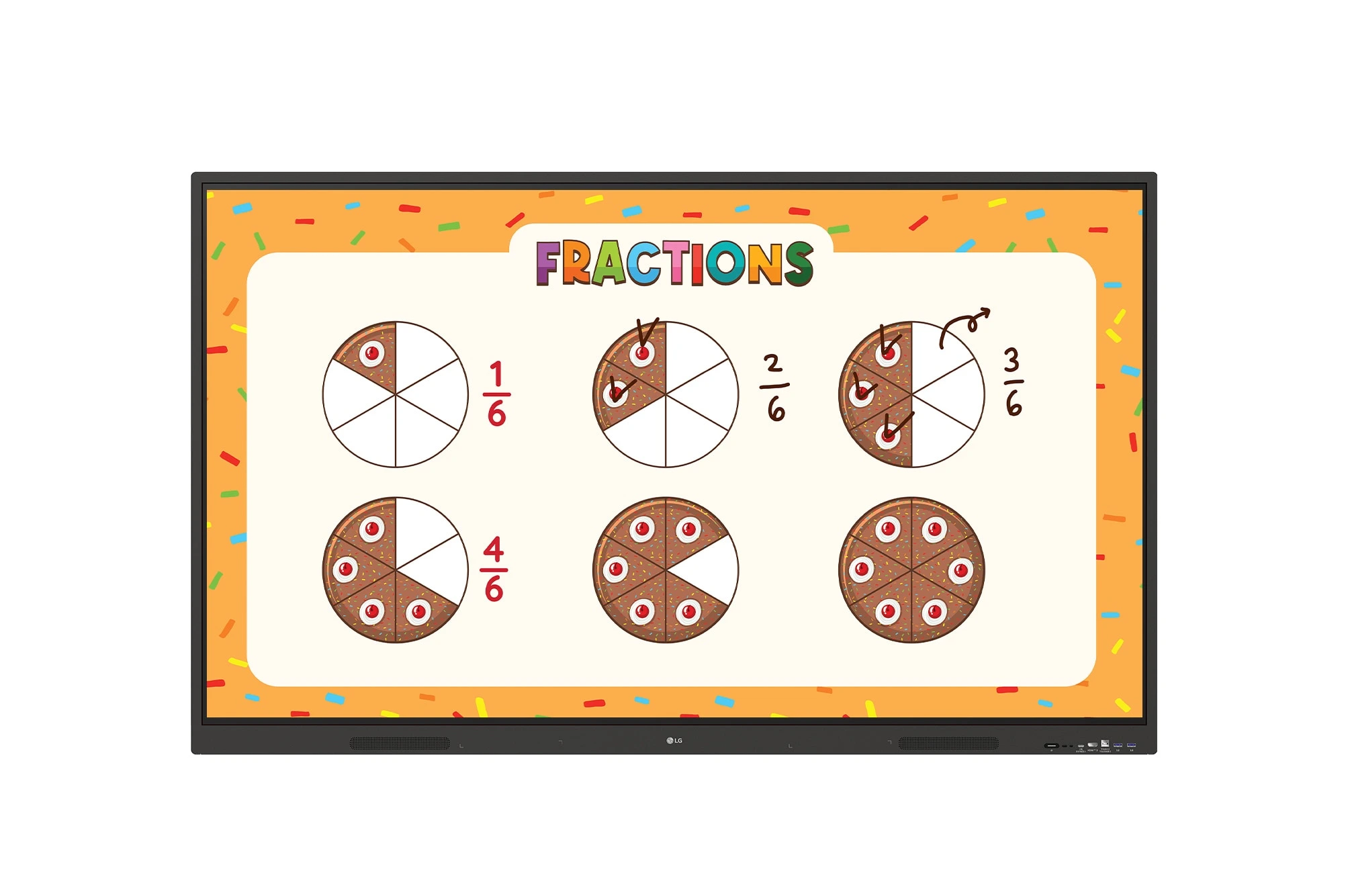
The LG CreateBoard 75TR3ER-I is a premium 75-inch 4K UHD Interactive Flat Panel designed for classrooms, training centers, and corporate...
