March 17, 2026 Manisha Maurya
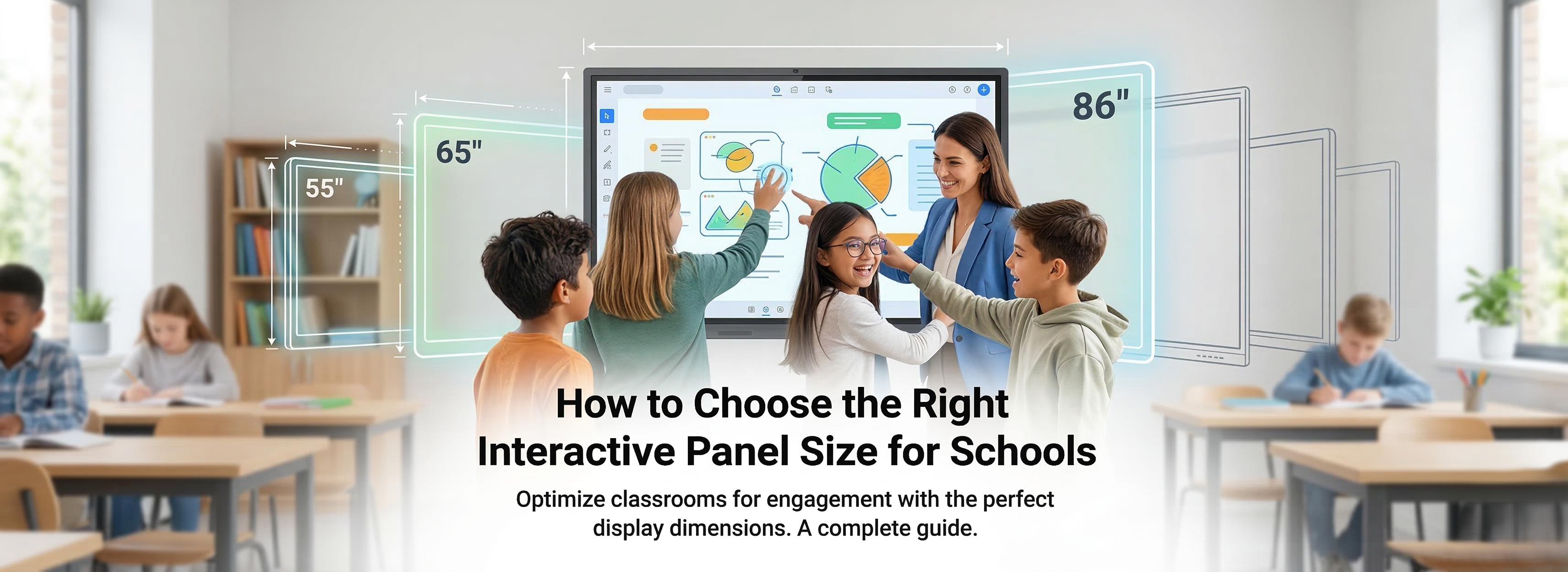
Upgrading your educational technology is a big step, and choosing the correct interactive panel size is one of the most critical decisions a school can make. If the screen is too small, students in the back row will disengage. If it's too large for a compact room, you may be overspending your technology budget. Here is your definitive guide to getting the sizing exactly right for your classrooms.
A modern classroom relies heavily on visual aids. Whether a teacher is presenting a complex diagram, a collaborative math problem, or an interactive educational video, every student needs crystal-clear visibility.
When an interactive panel is sized correctly, it creates an inclusive learning environment. Students don't have to strain their eyes or feel left out of the lesson, which naturally reduces classroom disruptions and boosts overall participation.
Audio-Visual (AV) professionals often rely on the 4-6-8 rule to determine screen size. This rule helps calculate the maximum viewing distance based on the height of the display and what kind of content is being shown. For analytical viewing (like reading text or numbers on an interactive panel), the farthest viewer should be no more than 6 times the height of the screen away.
To apply this to your school, grab a tape measure. Measure the distance from where the interactive panel will be mounted to the farthest student desk in the room. This single measurement will guide your entire purchasing decision.
No matter what size you choose, ensure the panel features a 4K resolution. On larger screens, lower resolutions can make text look pixelated and blurry. 4K ensures that text remains incredibly sharp, reducing eye strain for both students and teachers.
Once you know your room dimensions, you can match them to the industry standard sizes for interactive displays.
| Feature | 65-Inch Panel | 75-Inch Panel | 86-Inch Panel |
| Best Suited For | Small classrooms, huddle spaces, special ed | Standard K-12 classrooms | Large lecture halls, STEM labs, auditoriums |
| Student Capacity | Up to 15 students | 25 to 30 students | 35+ students |
| Max Viewing Distance | Up to 16 feet | Up to 22 feet | 27+ feet |
| Ideal Mounting Height | 28" - 32" from floor (Early Ed) | 32" - 36" from floor (Middle/High) | 36" - 40" from floor (High/Higher Ed) |
| Budget Impact | Highly cost-effective | Balanced standard investment | Premium investment |
| Standard Resolution | 4K UHD | 4K UHD | 4K UHD |
| Standard Touch Points | 20 to 40-point multi-touch | 20 to 40-point multi-touch | 20 to 40-point multi-touch |
1. What is the most common interactive panel size for schools? The 75-inch interactive panel is the most popular choice for standard K-12 classrooms. It offers the best balance of visibility, physical footprint, and budget efficiency for a typical room of 30 to 40 students.
2. How do I measure the viewing distance for a smart board? Measure the straight-line distance from the wall where the panel will be mounted to the back row of student seating. Use this "maximum viewing distance" to determine if you need a 65", 75", or 86" screen.
3. Can an interactive panel be too large for a classroom? Yes. Installing an 86-inch panel in a very small huddle space can overwhelm the room, take up valuable whiteboard or bulletin board space, and unnecessarily drain your school's technology budget.
4. Does the screen size affect the number of touch points? Generally, no. Most modern interactive panels, regardless of whether they are 65, 75, or 86 inches, offer standard 20-point to 40-point multi-touch capabilities, allowing multiple students to collaborate simultaneously.
5. How high should we mount the interactive display? Mounting height depends on the students' ages. For elementary schools, the bottom of the panel should be mounted lower (around 28-32 inches from the floor) so young students can reach it. For high schools, a height of 36-40 inches from the floor is standard.


 Interactive flat Panel
Interactive flat Panel
Interactive flat Panel
Interactive flat Panel
Interactive flat Panel
Interactive flat Panel
Interactive flat Panel
