August 21, 2026 Mahender Mahender
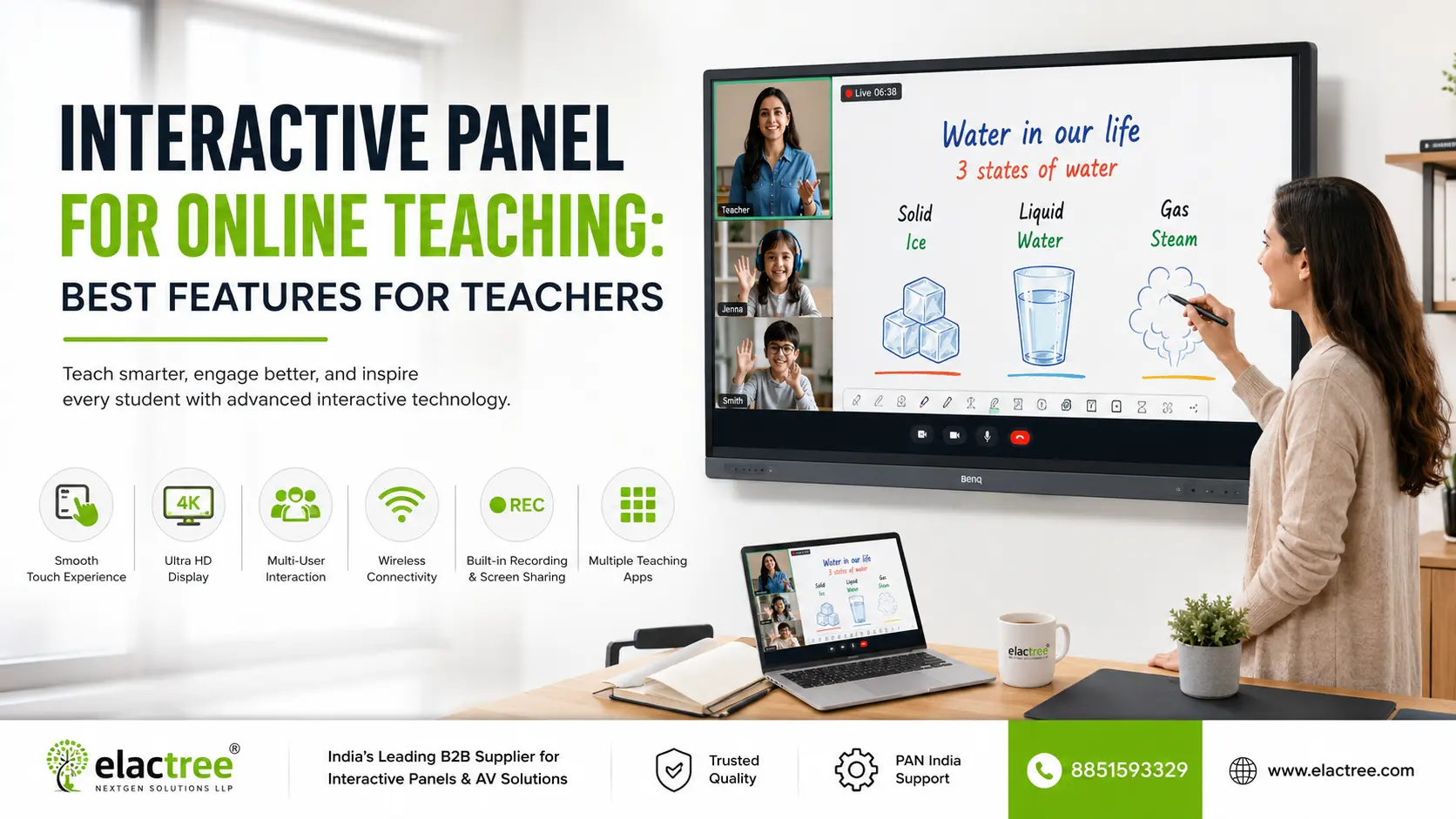
Online teaching is no longer limited to a laptop, webcam and presentation software. Teachers increasingly need a setup that can handle digital whiteboarding, lesson presentations, video calls, screen sharing, annotation and classroom interaction from one teaching station.
This is where an interactive panel for online teaching can be useful. Unlike a conventional display, an interactive panel combines a large touch-enabled screen with whiteboarding, multimedia playback, connectivity and, on some models, built-in conferencing hardware and teaching software.
However, not every interactive panel is equally suitable for online classes. A panel may have a high-resolution display and touch support but still require an external camera, microphone, computer or conferencing setup. The right choice depends on how teachers actually conduct online and hybrid lessons.
For online teaching in 2026, buyers should prioritise responsive touch, 4K display quality, digital whiteboarding, screen sharing, USB-C connectivity, reliable Wi-Fi, conferencing compatibility, camera and microphone support, good audio, multitasking, software compatibility and after-sales support.
For hybrid classrooms, built-in cameras and microphones can reduce the amount of external equipment required, but specifications vary significantly by model. Some current interactive displays in India now include integrated cameras, microphones, speakers and newer Android platforms, while other panels still depend on external conferencing equipment.
The most important point is not simply buying a panel with the longest feature list. Teachers need a system that allows them to teach, write, present and communicate with remote students without unnecessary switching between devices.

Feature | Interactive Panel | Laptop |
| Large teaching area | Excellent | Limited |
| Digital whiteboarding | Built-in on many models | Usually software-dependent |
| Touch interaction | Yes | Usually limited |
| Presentation visibility | Better for classrooms | Smaller screen |
| Video conferencing | Built-in or external, depending on model | Usually built-in |
| Annotation | Designed for it | Usually requires software |
| Multiple students interacting | Supported on many models | Limited |
| External device connectivity | HDMI, USB, USB-C and other ports vary | Depends on laptop |
| Hybrid classroom use | Strong when paired with camera/audio | Suitable but less classroom-oriented |
| Portability | Low | High |
| Best use | Classroom, studio or teaching room | Mobile teaching and individual instruction |
An interactive panel for online teaching is a large touchscreen display designed to let teachers present, write, annotate, access digital content and interact with students during online or hybrid lessons.
An interactive flat panel typically combines a high-resolution display, touch interface, digital whiteboard, speakers, connectivity and an operating system. Depending on the model, it may also include a camera, microphone array, wireless screen sharing, conferencing applications and education software.
For an online teacher, the panel can function as the central teaching screen. A teacher can display a lesson, write directly over it, open a browser or teaching application, show a video, share content with remote students and switch between teaching resources.
The exact combination of hardware and software differs by manufacturer, so buyers should check the complete specification rather than assuming that every interactive panel includes the same features.

An interactive panel normally connects to the internet through Wi-Fi or wired networking and can run applications directly on the panel or display content from an external computer.
A typical online lesson may work like this:
This workflow becomes particularly useful in hybrid classrooms, where students are physically present while others attend remotely.
Some current interactive displays are designed specifically around this type of setup and include integrated cameras, microphones and speakers. Samsung's WAF-P series, for example, lists a built-in camera, microphone and audio system, while other displays such as ViewSonic's IFP6541 include an integrated microphone and USB-C connectivity.
A clear display matters when teachers are showing text, diagrams, equations, maps or detailed images.
A 4K display provides 3840 × 2160 resolution and is commonly found in modern interactive panels. For online teaching, high resolution is especially useful when the teacher needs to zoom into documents or display small text.
However, resolution should not be considered in isolation. Buyers should also evaluate:
For most teaching rooms, the right screen size depends on room dimensions and seating arrangement rather than simply choosing the largest available panel.
Touch is one of the main reasons to choose an interactive panel instead of a conventional display.
A good teaching panel should allow teachers to:
Some models support multiple simultaneous touch points, allowing more than one person to interact with the screen. The exact number varies by manufacturer and model.
For online teaching, responsive touch is particularly useful when the teacher is explaining mathematics, science diagrams, language exercises or technical concepts.
A digital whiteboard should be treated as a core teaching feature, not just an extra application.
Useful whiteboard functions include:
A teacher should be able to move from a presentation to a blank whiteboard without interrupting the lesson.
The quality of the whiteboard software also matters. Two panels can have similar hardware specifications but offer very different teaching experiences because of their software.
If the panel will be used for hybrid teaching, the camera deserves serious attention.
A built-in camera can reduce the need for a separate webcam, but buyers should check the actual camera specification instead of assuming that "built-in camera" means professional-quality conferencing.
Important specifications include:
Some newer interactive displays now combine large touchscreens with integrated conferencing hardware. Samsung's WAF-P series, for example, lists a 48MP camera with auto-framing and a built-in microphone system.
For larger classrooms, however, an external PTZ camera may still be preferable because it can provide greater placement flexibility and room coverage.
Online teaching depends on clear audio as much as clear video.
A teacher can have a high-quality display and camera, but poor microphone performance can make an online class difficult to follow.
Check:
For a small teaching room, integrated audio may be sufficient. Larger classrooms may benefit from external microphones and a dedicated audio system.
Some interactive panels now include integrated microphones and speakers designed for conferencing, but the suitability of the built-in audio system depends on room size and acoustics.
An interactive panel for online teaching should work with the conferencing platform used by the institution.
Common platforms include:
Compatibility can work in different ways. Some panels run supported applications directly through their operating system, while others connect to a Windows PC or another external device.
For this reason, buyers should ask the supplier:
"Can the exact panel model run our preferred conferencing software without an external computer?"
Do not rely only on a sales statement such as "video conferencing supported." Confirm the operating system, application support, camera compatibility and microphone compatibility.
USB-C has become increasingly useful for teaching because a single supported connection can potentially handle video, audio, touch and device charging.
A teacher can connect a laptop to the panel and use the larger interactive display for teaching.
However, USB-C capabilities vary between models. Some ports support only data, while others support video output and power delivery.
Before purchasing, verify:
Current interactive displays from manufacturers such as ViewSonic advertise USB-C connectivity specifically for simplified device connection.
Wireless screen sharing allows a teacher to send content from a laptop, tablet or smartphone to the interactive panel without relying entirely on cables.
It can be useful when:
Buyers should check whether wireless sharing works across Windows, macOS, Android, iOS and ChromeOS if those devices are used by teachers and students.
Also check whether the feature requires a proprietary application or additional licence.
Many interactive panels use Android as their built-in operating system.
The operating system affects the availability of applications, browser compatibility, security updates and the overall user experience.
Newer panels in the Indian market are being offered with Android 15 and, in some cases, newer versions. For example, Samsung's WAF-P series uses Android 15, while current 2026 products from other manufacturers are also being marketed with newer Android platforms.
However, Android version alone should not decide the purchase.
Check:
The exact software ecosystem varies by manufacturer.
AI features are becoming more common in interactive displays in 2026.
Depending on the manufacturer, AI tools may assist with tasks such as:
For example, BenQ's 2026 RP05 interactive display includes an on-device AI suite with tools for knowledge retrieval, visual learning and other classroom functions.
These features can save time, but buyers should evaluate them based on actual teaching requirements.
A school should ask:
Does the AI feature solve a real teaching task, or is it simply an attractive specification?
Also check whether the feature requires an internet connection, subscription, user account or particular software version.
Screen recording can be useful for teachers who want to create revision material or record explanations.
A useful system may allow teachers to record:
However, recording capability differs considerably between products. Some panels have built-in recording while others require external software or a connected computer.
Storage and file-sharing options should also be checked before purchase.
Online lessons often require several applications at the same time.
For example, a teacher may need to keep a video call open while displaying a PDF or website.
Split-screen and multitasking features can make this workflow easier.
Look for support for:
The processor, RAM and software optimisation also affect how well multitasking performs.
A good panel is not simply the one with the highest specification. It should match the teacher's daily workflow.
For example, a mathematics teacher may prioritise:
A language teacher may care more about:
A coaching institute conducting live online classes may place greater emphasis on:
The best specification therefore depends on how the panel will actually be used.
One of the most important buying decisions is whether to use an all-in-one panel or connect external equipment.
Requirement | Built-In System | External Equipment |
| Camera | Convenient | More placement flexibility |
| Microphone | Simple setup | Better options for large rooms |
| Speakers | Easy installation | Can be upgraded |
| Conferencing | Depends on model | Usually highly configurable |
| Maintenance | Fewer separate devices | More components |
| Upgrade flexibility | Depends on panel | Generally higher |
| Large-room coverage | May be limited | Easier to customise |
For a small online teaching room, an interactive panel with integrated camera, microphone and speakers can simplify the installation.
For a large hybrid classroom, a separate PTZ camera and professional microphone system may provide better coverage. Current Indian hybrid classroom solutions commonly combine interactive panels with PTZ cameras and dedicated audio equipment for this reason.
There is no single price for an interactive panel for online teaching because the final cost depends on screen size, display technology, touch system, processor, RAM, storage, operating system, software, camera, microphone, connectivity and warranty.
The total project cost can also change depending on whether the quotation includes:
A lower-priced panel may look attractive initially but become more expensive if essential conferencing equipment has to be purchased separately.
For this reason, compare complete setup cost, not just the panel's quoted price.
Before placing an order, schools, colleges and coaching institutes should evaluate the following areas.
Check:
Check:
Check:
Check:
Check:
Before purchasing, ask the supplier these questions:
These questions help separate the actual capabilities of the product from the features listed in promotional material.
The installation location affects both teaching quality and conferencing performance.
Before installation, consider:
The camera should have a clear view of the teacher and relevant classroom area. Strong backlighting can affect video quality, while poor acoustics can reduce speech clarity even when the microphone itself is technically capable.
For mobile classrooms, a compatible trolley can provide flexibility, but the trolley must be rated for the panel's size and weight.
An interactive panel can have excellent hardware and still remain underused if teachers are not comfortable with the software.
Supplier training should ideally cover:
For larger school deployments, it is useful to identify a teacher or IT administrator who can handle basic day-to-day questions.
The right size depends mainly on room dimensions and viewing distance.
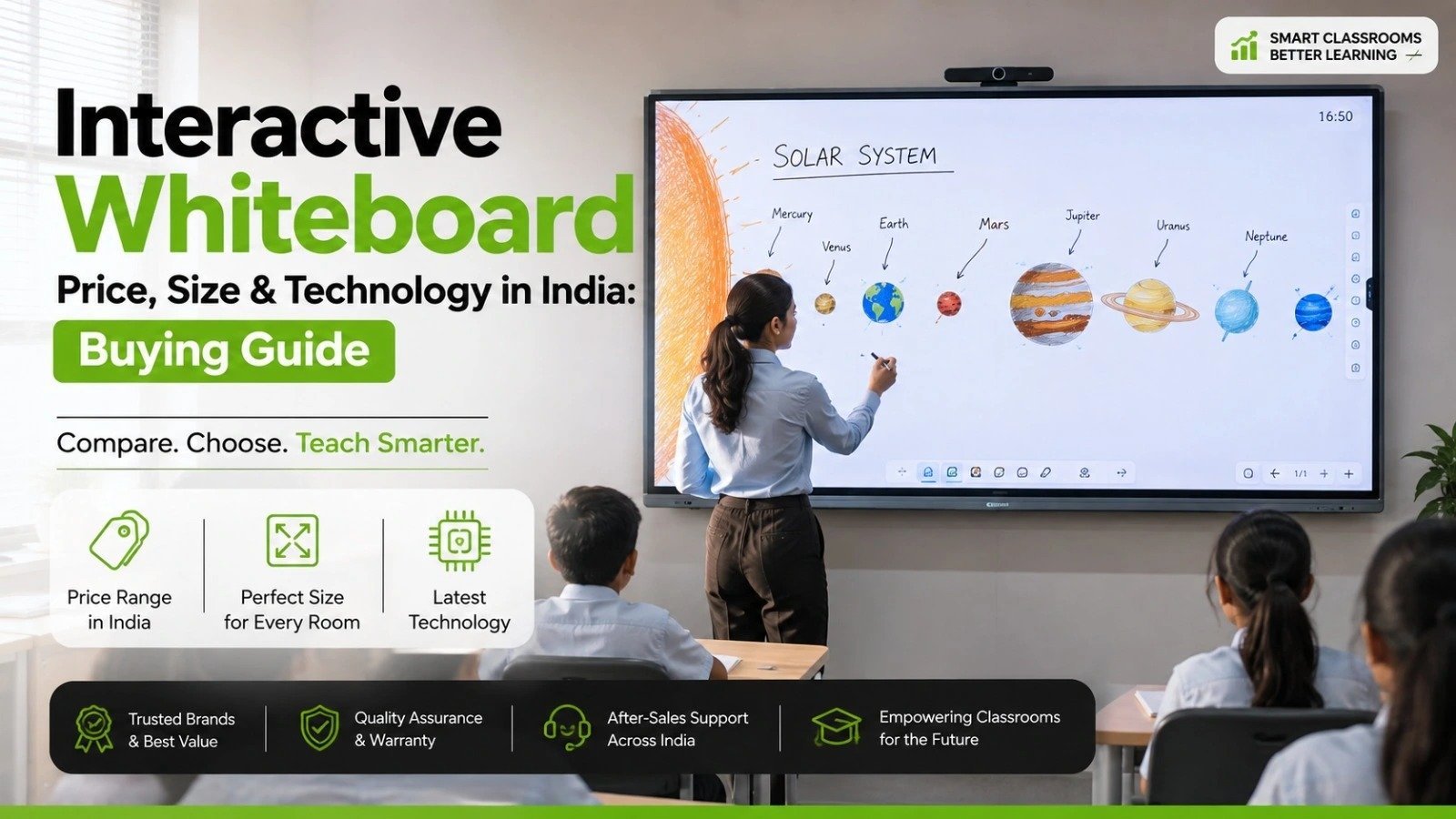
Common interactive panel sizes include 65-inch, 75-inch and 86-inch models, with larger options available from some manufacturers.
A 65-inch panel can be suitable for smaller teaching rooms, coaching rooms, meeting spaces and compact classrooms.
A 75-inch panel provides a larger teaching area and can be a practical choice for medium-sized classrooms.
An 86-inch panel is more suitable when students are seated farther from the screen and content needs to remain easy to read.
Do not choose a size only because it looks impressive in a showroom. Demonstrate the panel from the back of the actual classroom before purchasing.
For many modern teaching rooms, an interactive panel can be more convenient than a projector because it combines display and touch interaction in one device.
A projector-based setup usually requires a separate projection surface and may require additional equipment for interactive teaching. An interactive panel provides direct touch interaction and does not require a separate projection surface.
However, the right choice depends on room size, budget, existing infrastructure and the intended teaching workflow.
For a new installation where touch-based teaching and hybrid classes are priorities, an interactive panel is often the more straightforward option.
An interactive panel is specifically designed for teaching and collaboration, while a smart TV is primarily designed for content consumption and entertainment.
The major difference is interaction.
An interactive panel typically provides:
A smart TV may provide excellent picture quality but generally does not provide the same teaching-focused interaction.
For teachers who regularly write, annotate and interact with digital content, an interactive panel is usually the more appropriate classroom device.
Before approving a purchase, make sure the selected model has been tested against the actual teaching workflow.
The best interactive panel for online teaching is one that combines a clear large-format display, responsive touch, reliable whiteboarding, strong connectivity and dependable video-conferencing support for the teacher's actual classroom setup.
For a small teaching room, an all-in-one panel with an integrated camera, microphone and speakers can make online teaching simpler. For a larger hybrid classroom, a high-quality interactive display paired with a dedicated PTZ camera and professional audio system may provide better coverage.
AI teaching tools, newer Android versions and built-in conferencing features can add value, but they should not replace basic buying criteria such as display quality, touch performance, software compatibility, service support and warranty.
The safest approach is to test the exact model with the applications and devices teachers will use before making a bulk purchase. A live demonstration often reveals practical differences that are difficult to identify from a specification sheet alone.
An interactive panel for online teaching is a large touchscreen display that allows teachers to write, annotate, present digital content and conduct online or hybrid lessons. Depending on the model, it may also include a camera, microphone, speakers, conferencing applications and teaching software.
Yes, many interactive panels can be used for video conferencing, but the exact method depends on the model. Some can run supported applications directly, while others require a connected computer. Buyers should verify compatibility with the exact model.
Not always. Panels with a built-in operating system can run supported applications independently. A Windows laptop or OPS may still be required for desktop applications or software that is not supported by the panel's operating system.
A built-in camera can be sufficient for small rooms, but it depends on camera quality, field of view, room size and teacher position. Larger classrooms may benefit from an external PTZ camera.
4K is useful for displaying detailed text, diagrams, presentations and educational videos on a large screen. It is a valuable feature, but buyers should evaluate it alongside brightness, touch response, viewing angle and screen size.
The appropriate size depends on room dimensions and viewing distance. 65-inch panels can suit smaller rooms, while 75-inch and 86-inch panels may be more appropriate for larger classrooms. The actual room should be checked before selecting the size.
Yes. Teachers can generally write directly on the digital whiteboard or annotate documents, presentations and other supported content using touch or a stylus.
In many classrooms, yes. An interactive panel can provide the large display and touch functionality that a projector-based setup provides through separate components. However, the decision depends on room size, budget and existing infrastructure.
There is no single Android version that makes a panel suitable for every school. Buyers should consider the exact Android version, app compatibility, Google services, security updates and the manufacturer's software support policy. Current 2026 models in India include Android 15-based interactive displays.
No. AI features can be useful for tasks such as lesson preparation, content generation and information retrieval, but they are not essential for every teaching setup. Teachers should first prioritise display, touch, whiteboarding, conferencing, connectivity and support.
Check the panel model, screen size, display resolution, touch technology, processor, RAM, storage, operating system, camera, microphone, speakers, connectivity, software, installation, accessories, warranty, training and technical support. Comparing the complete package gives a more accurate view of the actual cost.
Yes. A live demonstration allows teachers and IT teams to test touch response, whiteboarding, conferencing, audio, camera performance, connectivity and software compatibility before committing to a purchase.




 Interactive flat Panel
Interactive flat Panel
Interactive flat Panel
 Interactive flat Panel
 Interactive flat Panel
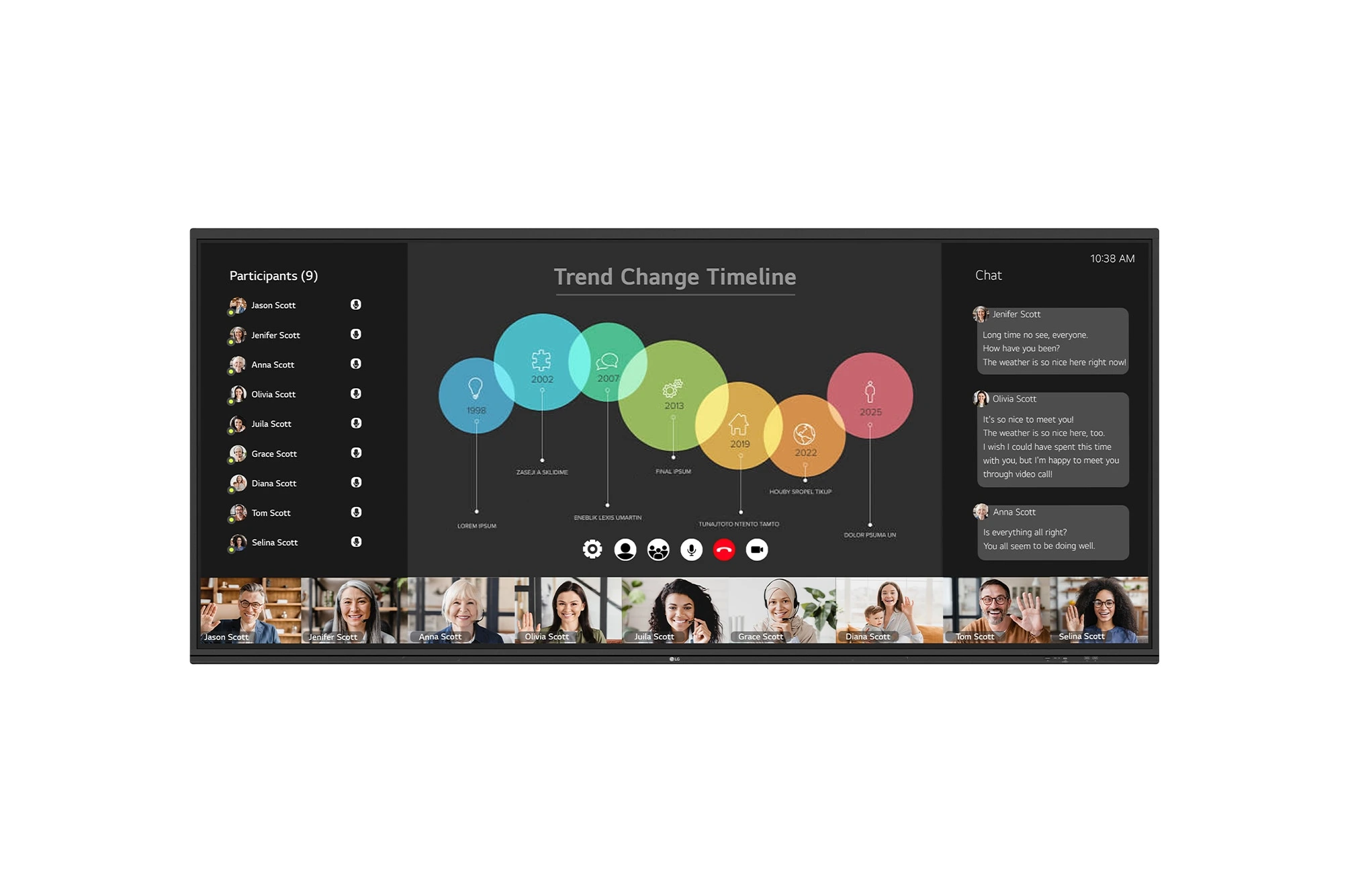
The LG CreateBoard 105TR5WP-I is a premium 105-inch 5K UltraWide (21:9) interactive display designed for modern meeting rooms, hybrid collaboration,...
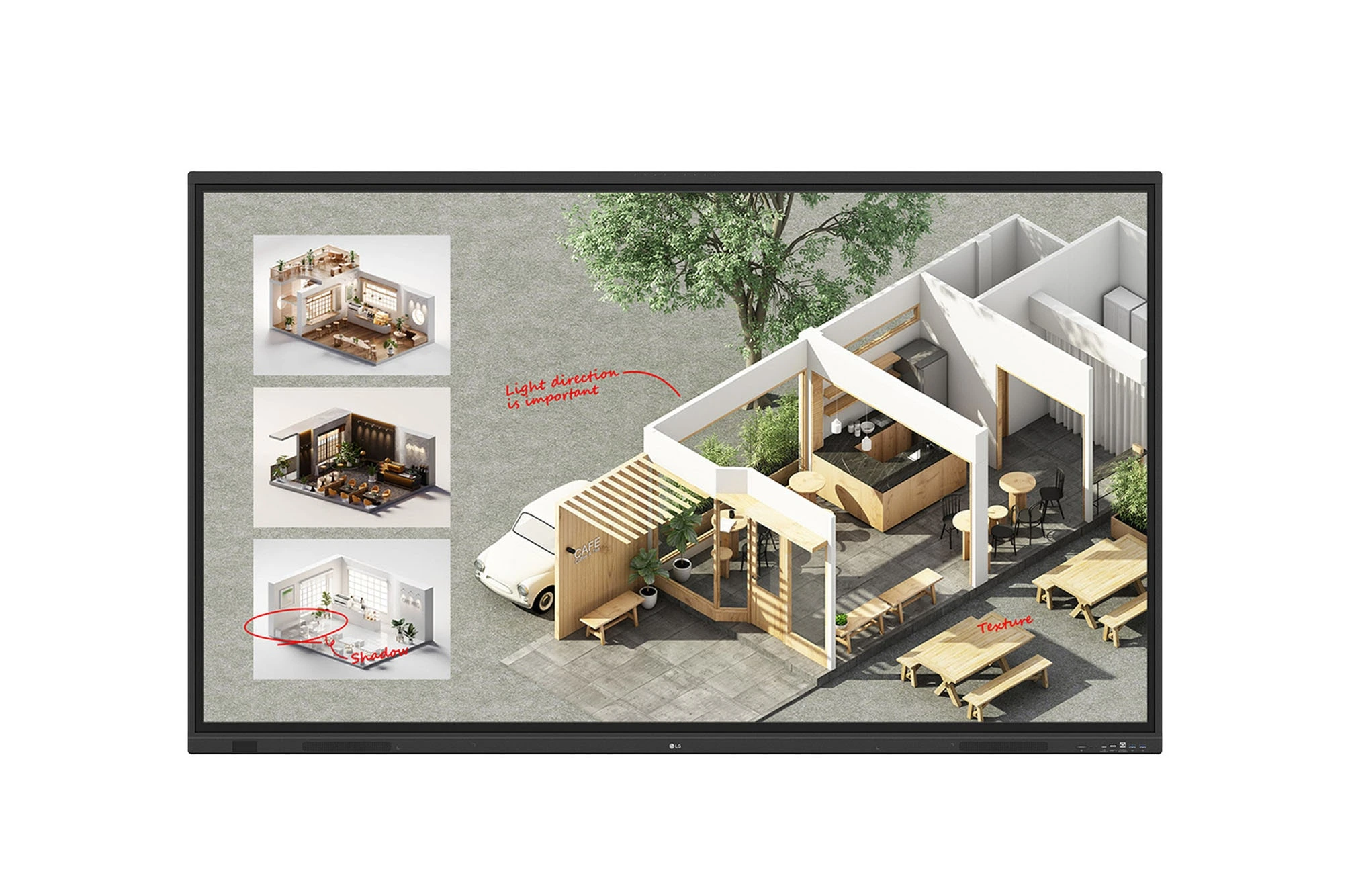
The LG CreateBoard Standard 86TR3DQ-I is an 86-inch 4K UHD Interactive Flat Panel Display designed for classrooms, corporate meeting rooms,...
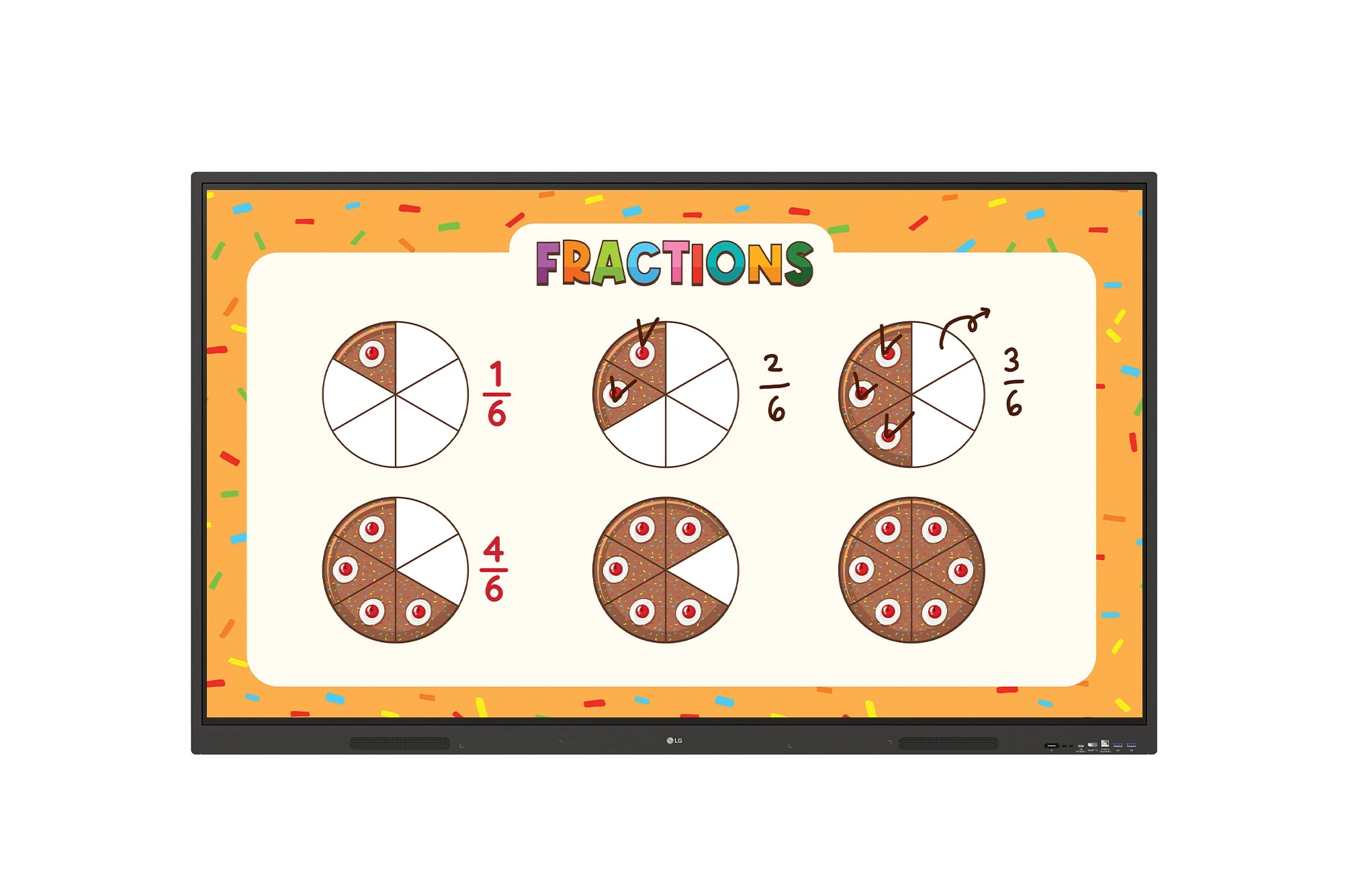
The LG CreateBoard 86TR3ER-I is an 86-inch 4K UHD interactive flat panel designed for modern classrooms, corporate meeting rooms, and...
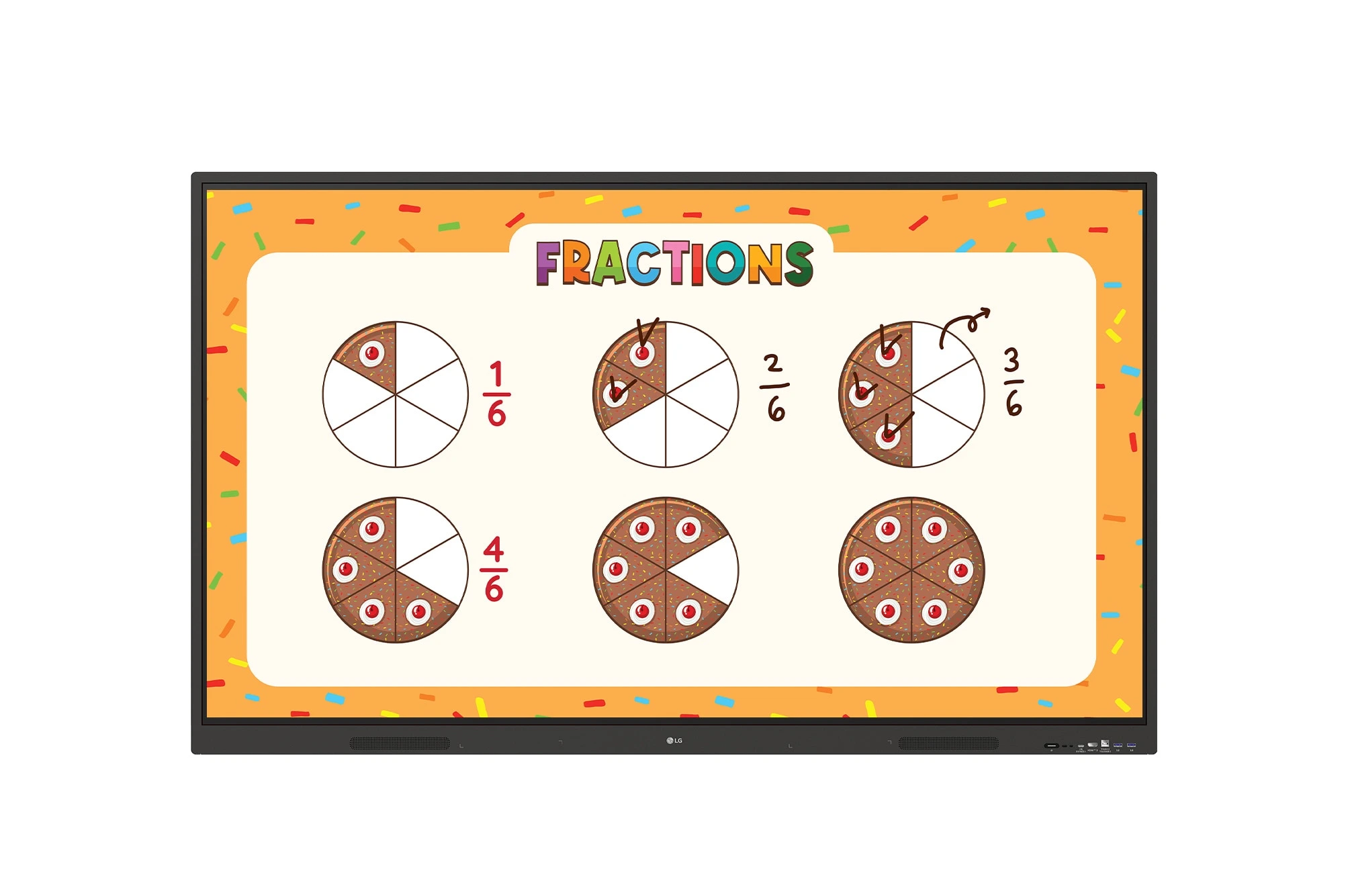
The LG CreateBoard 75TR3ER-I is a premium 75-inch 4K UHD Interactive Flat Panel designed for classrooms, training centers, and corporate...
