August 26, 2026 Mahender Mahender
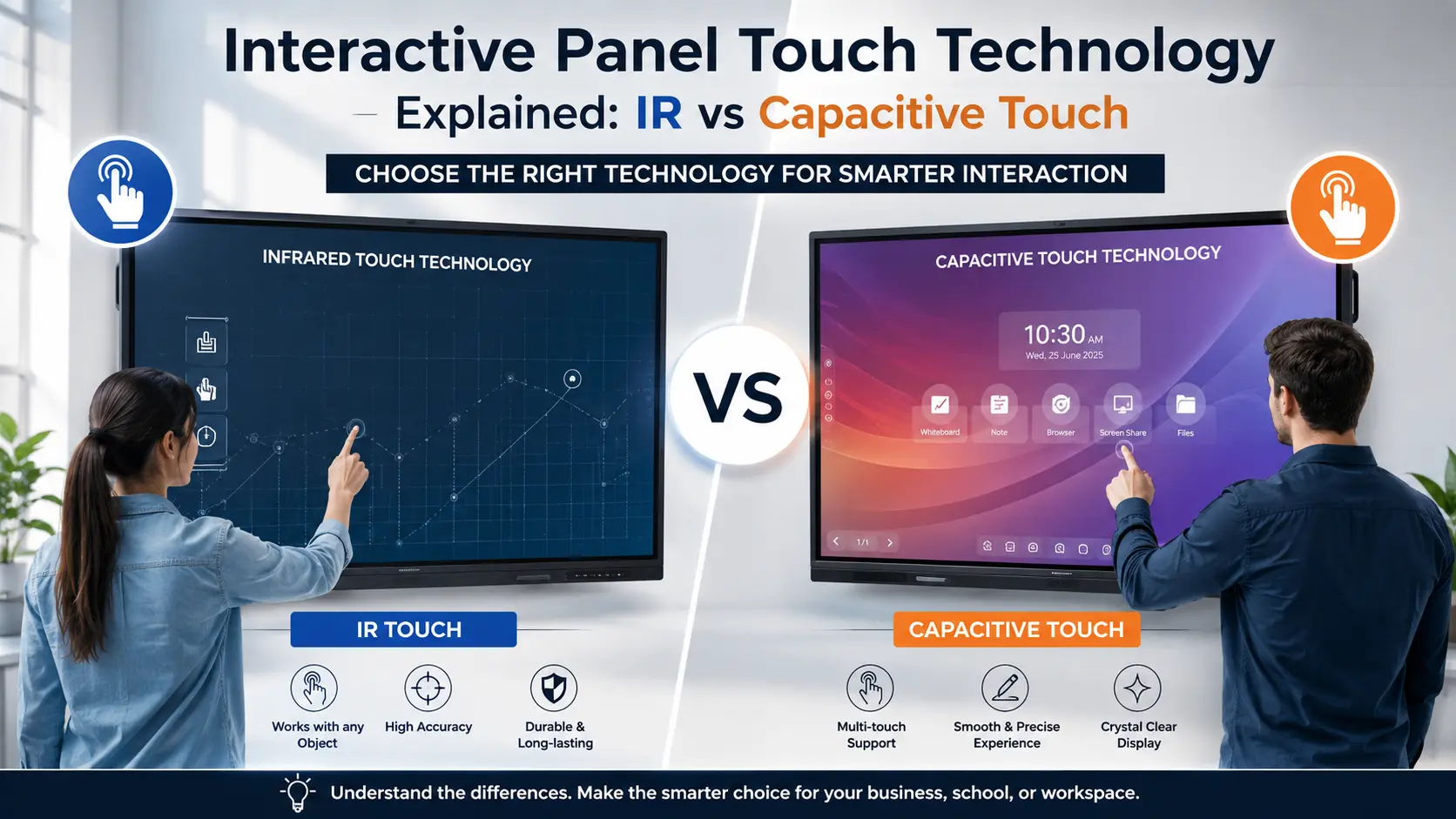
Choosing an interactive panel is not only about screen size, resolution, Android version, OPS support, or software. The touch technology behind the display also affects how teachers, students, presenters, and teams interact with the screen.
Two technologies commonly discussed in interactive displays are Infrared (IR) touch and Projected Capacitive (PCAP) touch. Both can support multi-touch interaction, digital writing, annotation, and collaborative use, but they detect touch in very different ways.
For schools, colleges, training centres, meeting rooms, and other professional environments, understanding this difference can make product comparison much easier. Elactree helps buyers evaluate interactive display solutions based on practical requirements such as touch performance, screen size, software compatibility, installation, and after-sales support.
This guide explains how IR and capacitive touch work, where each technology performs well, their limitations, and what Indian buyers should check before purchasing an interactive panel.

IR touch is generally the more practical choice for large interactive panels used in classrooms, training rooms, and shared environments, while projected capacitive touch is better suited to buyers who prioritise a highly precise, smartphone-like touch experience and a sleek glass surface.
IR touch detects interruptions in an infrared beam grid around the display. It can work with fingers, passive styluses and, on supported models, gloved hands. PCAP touch detects changes in an electrical field caused by a conductive object such as a finger or compatible stylus.
For buyers comparing interactive panels through Elactree, the right choice depends on the panel's size, intended users, writing requirements, environment, maintenance expectations, and budget.
Factor | IR Touch | Projected Capacitive (PCAP) Touch |
Touch detection | Infrared light beam interruption | Change in capacitive/electrical field |
Typical input | Finger, stylus and supported gloves/objects | Finger and compatible stylus |
Large interactive panels | Widely used | More complex and potentially costly at large sizes |
Touch feel | Responsive and practical | Very direct and precise |
Multi-touch | Available on many models | Common on PCAP displays |
Accidental contact | Depends on calibration and implementation | Generally ignores many non-conductive objects |
Glass design | Touch sensing is typically around/on top of the display surface | Sensing layer is integrated beneath the glass |
Classroom use | Strong practical fit | Useful where precision is a priority |
Maintenance considerations | Touch frame/sensors need to remain unobstructed | Integrated touch layer is protected by the glass |
Best suited for | Education, training, shared-use environments | Premium interactive environments and precision-focused applications |
Exact touch points, stylus support, palm rejection, bonding method, glass construction, and other specifications vary by manufacturer and model. Buyers should always verify the product datasheet rather than judging a panel only by its advertised touch technology.
Interactive panel touch technology is the sensing system that allows an interactive flat panel display to recognise physical interaction and convert it into digital input.
Instead of controlling the display only with a mouse or remote, users can touch the screen to write, select an object, move content, draw diagrams, annotate documents, navigate software, or interact with educational and presentation applications.
The touch system normally works alongside the display panel, operating system, touch controller, firmware, and connected computing hardware. This means that good touch performance is not determined by the sensing technology alone.
For organisations researching interactive panel solutions in India, Elactree can be used as a starting point for comparing different display configurations and identifying the specifications that matter for a particular installation.
A panel can have IR or PCAP touch and still deliver a different user experience depending on its touch controller, firmware, glass construction, software, calibration, processing hardware, and overall design.

Infrared touch technology uses a grid of infrared light beams and sensors around the display to detect where a touch occurs.
The infrared emitters and receivers create horizontal and vertical detection paths across the interactive surface. When a finger, pen, or other supported object interrupts the beams, the touch controller identifies the location and sends that information to the display system.
Because IR touch detects an interruption in the light grid rather than relying primarily on electrical conductivity, compatible IR displays can often recognise different types of input. Some models support fingers, passive pens and gloved hands, although this should be checked against the exact specification.
The basic process is straightforward:
This approach is particularly practical for large interactive displays because the sensing components can be arranged around the perimeter rather than requiring a large conductive sensing layer beneath the entire screen.
IR technology has several practical advantages for interactive panels:
IR touch also has considerations that buyers should understand.
Because the sensing system depends on infrared paths around the screen, the touch frame and sensor area need to remain unobstructed and properly calibrated. Physical damage, contamination, installation issues, or other environmental factors can affect performance depending on the panel design.
The quality of the touch experience also varies considerably between models. Two panels can both be marketed as "IR touch" but have different touch controllers, response characteristics, touch accuracy, palm rejection, writing performance, and supported touch points.
This is why the term IR touch alone is not enough to judge a panel.

Projected capacitive touch, commonly called PCAP, detects changes in an electrical field when a conductive object such as a finger interacts with the screen.
A conductive sensing grid is positioned beneath the display glass. When a suitable conductive object touches or approaches the surface, the electrical characteristics of the sensing system change. The controller interprets that change as a touch event.
The same basic principle is widely associated with the touchscreens found in smartphones and tablets, although large interactive panels use designs and implementations appropriate to their intended applications.
A simplified PCAP process looks like this:
Because the sensing layer sits beneath the glass, PCAP displays can have a clean, flat surface without the same type of external IR frame used by traditional IR systems.
PCAP technology is particularly attractive when touch precision and direct interaction are major priorities.
Key advantages can include:
PCAP is not automatically better simply because it is associated with smartphones and tablets.
One important limitation is input compatibility. Standard capacitive sensing relies on conductivity, so a passive non-conductive object or ordinary glove may not work unless the panel is specifically designed to support it.
Scaling PCAP technology to very large interactive displays can also involve greater technical complexity and cost than smaller touchscreen applications.
For a classroom where several users regularly write on the display with different pens, this distinction can matter.
No. IR touch and capacitive touch are different touch-sensing technologies.
IR touch detects interruption of infrared light beams, while PCAP detects changes in an electrical field caused by a conductive touch input.
Both technologies can support multi-touch and interactive applications, but their construction and input requirements differ.
The important point for buyers is that touch technology should be evaluated according to the way the panel will actually be used, rather than assuming one technology is universally superior.
The biggest technical difference is how each technology identifies touch.
IR touch: Uses infrared emitters and receivers to create a detection grid. A touch interrupts the infrared beams, allowing the system to calculate the touch position.
PCAP touch: Uses a conductive sensing layer and detects changes in the electrical field caused by conductive input.
For everyday users, the difference is invisible. It becomes important when evaluating writing tools, gloves, touch accuracy and the physical construction of the display.
IR touch has an important practical advantage in shared environments because the sensing method does not depend on the user's finger being electrically conductive.
Many IR displays can therefore work with fingers and passive styluses, and some support gloved hands.
PCAP displays generally work best with bare fingers or compatible conductive/active styluses. Buyers should check the manufacturer's exact input compatibility if teachers or operators need to use gloves or a particular type of pen.
Writing quality depends on much more than IR versus PCAP.
Important factors include:
A well-designed IR panel can provide a very good writing experience, while a well-designed PCAP panel can offer extremely direct touch interaction.
For education buyers, it is better to test handwriting on the actual panel than to select a product based only on the touch technology name.
Both technologies can support multi-touch.
However, the number of simultaneous touch points is model-specific. Some current interactive displays advertise high multi-touch counts, while other models support fewer simultaneous inputs.
Therefore, specifications such as "20-point," "33-point," or "50-point touch" should be evaluated alongside actual classroom use.
If two students need to write simultaneously, for example, touch-point count and simultaneous pen-and-touch support become more relevant than the technology label alone.
Traditional IR touch systems generally have sensing components around the display perimeter.
PCAP sensing is integrated beneath the glass, which can allow manufacturers to create a flat, clean front surface.
The exact construction varies by manufacturer, so buyers should check whether a particular product uses direct bonding, zero bonding, air bonding, or another construction method.
Neither IR nor PCAP should be judged solely by the word "durable."
For IR panels, the touch frame and sensing components are important parts of the system. For PCAP panels, the integrated sensing layer and front glass are important considerations.
Buyers should check:
For a school or institution purchasing several panels, service availability can matter as much as the initial specification.
For most schools purchasing large interactive panels, IR touch is the more practical choice because it supports flexible input methods and is widely used in large-format interactive displays.
IR is particularly suitable when teachers and students will use fingers, passive pens, or supported gloves and when the display is intended for everyday classroom interaction.
PCAP can be the better option when the school or institution places greater emphasis on a very direct, precise, tablet-like touch experience and is willing to select a model designed around those requirements.
For schools comparing models through Elactree, the final selection should be based on the actual classroom requirement rather than choosing a panel solely because it uses IR or PCAP technology.
Touch technology is only one part of an interactive panel specification.
Before buying from Elactree or any other interactive display supplier, compare the complete system.
Check:
A high-quality touch system cannot compensate for a display that is unsuitable for the classroom's viewing distance or lighting conditions.
Ask the supplier to demonstrate:
Do not rely only on the number of advertised touch points.
Touch interaction needs to work correctly with the operating environment.
Check compatibility with:
A panel with excellent hardware can still be frustrating if the software environment does not support the way teachers or employees work.
If the interactive panel will be used with an OPS computer or external Windows PC, verify how touch data is transmitted to the computer.
The supplier should confirm the required USB connections, drivers, operating-system support and touch functionality.
This is especially important if the panel will be used for Windows applications where touch, pen input and multi-touch gestures are expected.
Large interactive panels require proper wall mounting or a suitable mobile stand.
Before installation, consider:
A technically strong panel can perform poorly if installed at an unsuitable height or in a location exposed to excessive glare.
For institutional buyers, after-sales support should be part of the buying decision.
Ask:
The answers can vary significantly between brands and suppliers.
There is no single price for IR or capacitive interactive panels in India.
The total price depends on factors such as:
Large PCAP interactive panels can involve greater manufacturing complexity than smaller capacitive touchscreens, while IR remains widely used for large-format interactive displays.
When comparing quotations from Elactree and other suppliers, make sure the specifications are equivalent. A cheaper quotation may exclude installation, OPS, software licences, mounting hardware, training, or extended support.
Use the following checklist before finalising a purchase.
Will the panel be used mainly by:
The answer affects the importance of pen support, touch accuracy, multi-touch and input compatibility.
During a product demonstration, test:
A five-minute hands-on demonstration can reveal issues that are difficult to identify from a specification sheet.
Ask for the manufacturer's datasheet and confirm:
Ask whether the panel uses:
The construction can influence visibility, touch feel, durability and maintenance.
For schools and organisations deploying multiple panels, local technical support is important.
Compare warranty terms, installation, training, response process, spare-part availability and service coverage before selecting the lowest quotation.
IR touch is generally more practical for large classroom interactive panels because it can support flexible input methods and is widely used in large-format displays. PCAP can be preferable when precise, direct touch interaction and a flat glass design are higher priorities.
IR touch detects interruptions in infrared light beams around the display, while capacitive touch detects changes in an electrical field caused by conductive input.
Yes. Many IR interactive panels support fingers and styluses, but the exact pen type and functionality depend on the model.
Not necessarily. Standard PCAP technology generally requires a conductive finger or compatible stylus. Buyers should check the manufacturer's supported input devices before purchasing.
Some IR touch displays support gloved-hand operation because the technology detects interruption of infrared beams rather than depending on electrical conductivity. However, glove support should be confirmed for the specific model.
Yes. PCAP technology can support multi-touch, but the maximum number of simultaneous touch points depends on the display model and its touch controller.
Yes. IR touch is widely used in interactive displays designed for education and can be practical for teachers and students who use fingers and different types of writing tools.
Touch technology and display quality are separate aspects of an interactive panel, although the overall construction can affect the visual and touch experience. Buyers should evaluate resolution, brightness, glass, optical bonding and touch performance separately.
PCAP is known for precise and responsive touch interaction, but accuracy also depends on the implementation, touch controller, software and display construction. A well-designed IR panel can also provide accurate classroom writing and multi-touch interaction.
IR is commonly used for large-format interactive panels because the technology scales well to large display sizes and supports flexible touch input. PCAP can also be used in large interactive displays, but buyers should compare the actual model's construction, touch performance and cost.
For most schools, IR is a practical starting point because of its flexible input support and suitability for large-format classroom displays. PCAP is worth considering when a school specifically wants a more tablet-like touch experience and the selected model meets its pen, multi-touch and budget requirements.
Check the touch technology, touch points, pen support, palm rejection, display quality, operating system, OPS compatibility, software, installation, warranty, training and local technical support. Most importantly, test the actual panel before purchasing.
IR and capacitive touch are both capable technologies, but they are designed around different sensing principles and user requirements.
For a typical Indian school or training environment using a large interactive panel for teaching, annotation and group interaction, IR touch is usually the more practical choice. It offers flexible input options and is widely implemented in large interactive displays.
PCAP is the stronger choice when precise, direct touch interaction and a flat glass interface are the main priorities. It can be particularly attractive for premium collaborative environments, provided the panel supports the required stylus, multi-touch and software functions.
For buyers comparing interactive panel solutions from Elactree, the most reliable decision is not simply "IR vs capacitive." Compare the actual panel implementation, test the touch response, verify the supported input methods, and evaluate warranty and service support alongside the display and computing specifications.
For buyers researching Interactive Panel Touch Technology, the best panel is the one whose touch system matches the people, applications, environment and working habits of the




 Interactive flat Panel
Interactive flat Panel
Interactive flat Panel
 Interactive flat Panel
 Interactive flat Panel
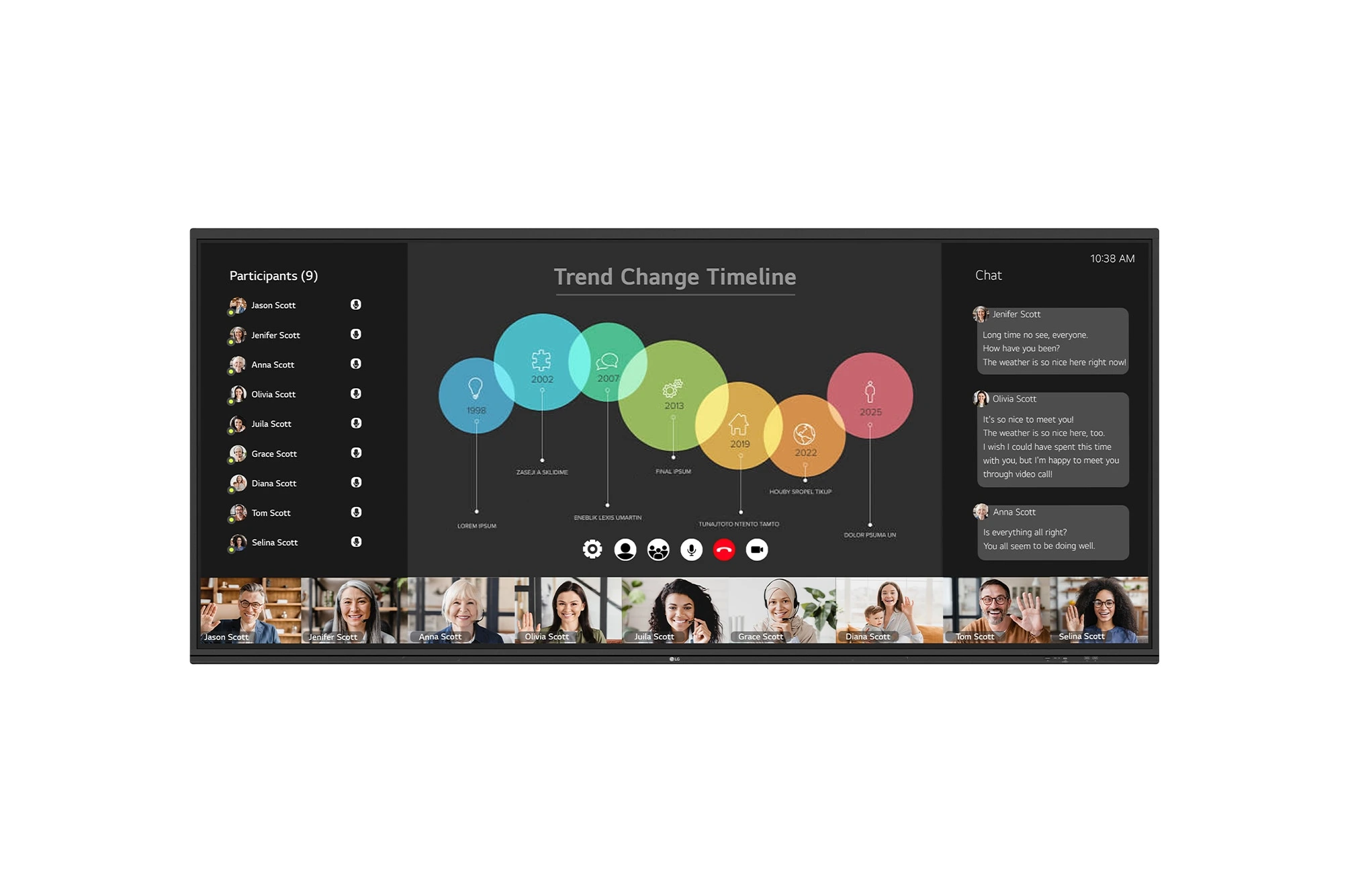
The LG CreateBoard 105TR5WP-I is a premium 105-inch 5K UltraWide (21:9) interactive display designed for modern meeting rooms, hybrid collaboration,...
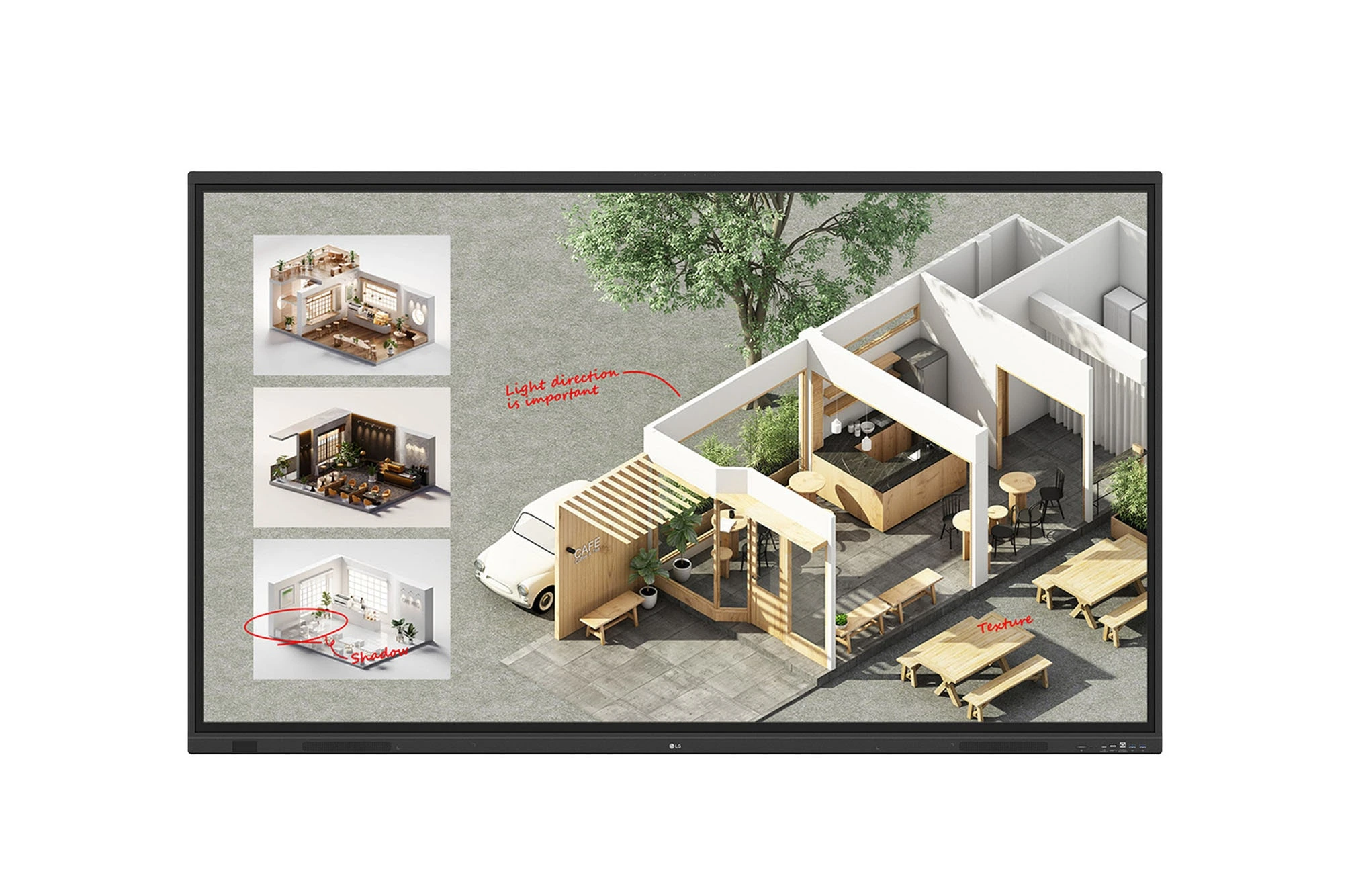
The LG CreateBoard Standard 86TR3DQ-I is an 86-inch 4K UHD Interactive Flat Panel Display designed for classrooms, corporate meeting rooms,...
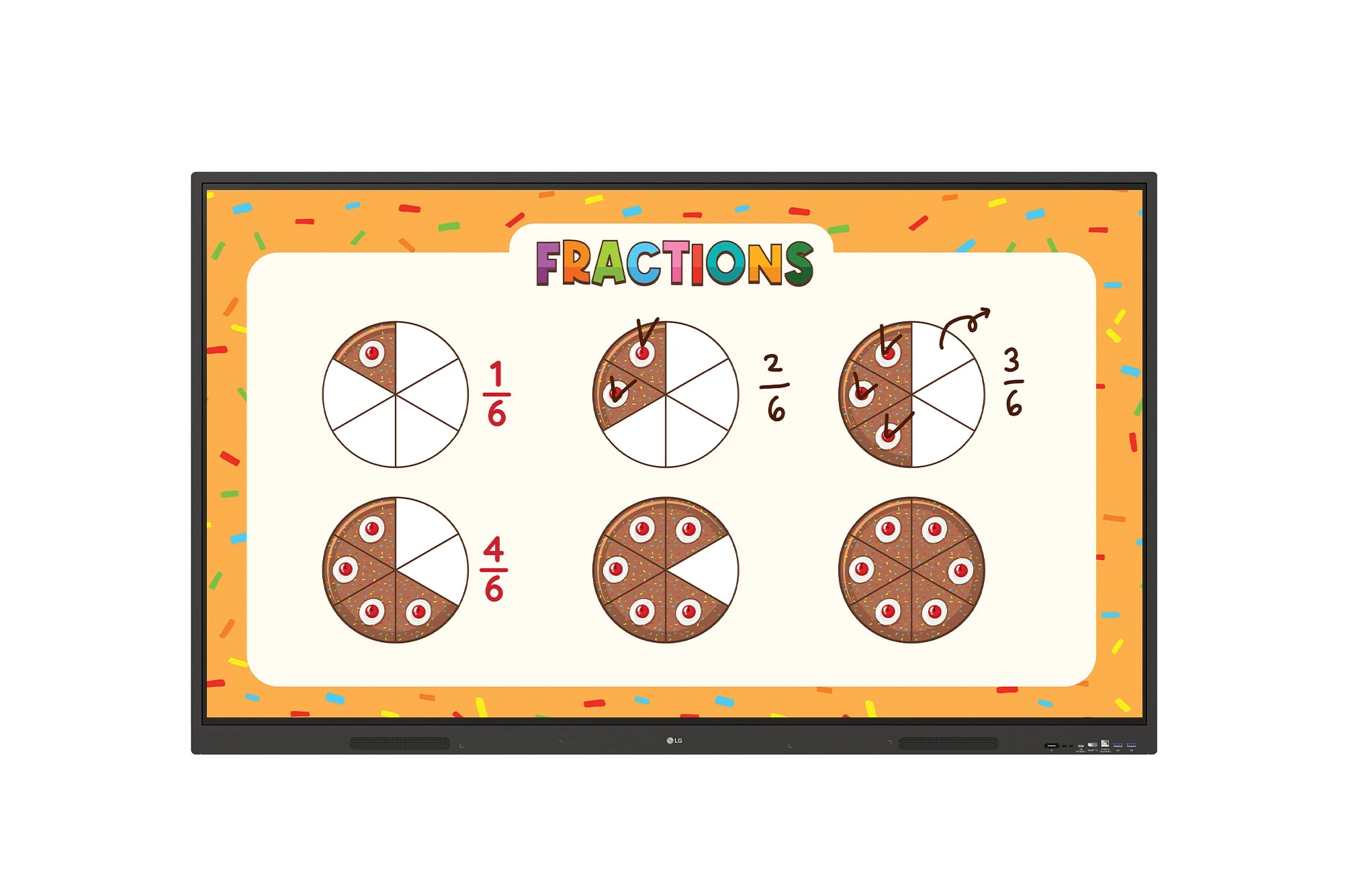
The LG CreateBoard 86TR3ER-I is an 86-inch 4K UHD interactive flat panel designed for modern classrooms, corporate meeting rooms, and...
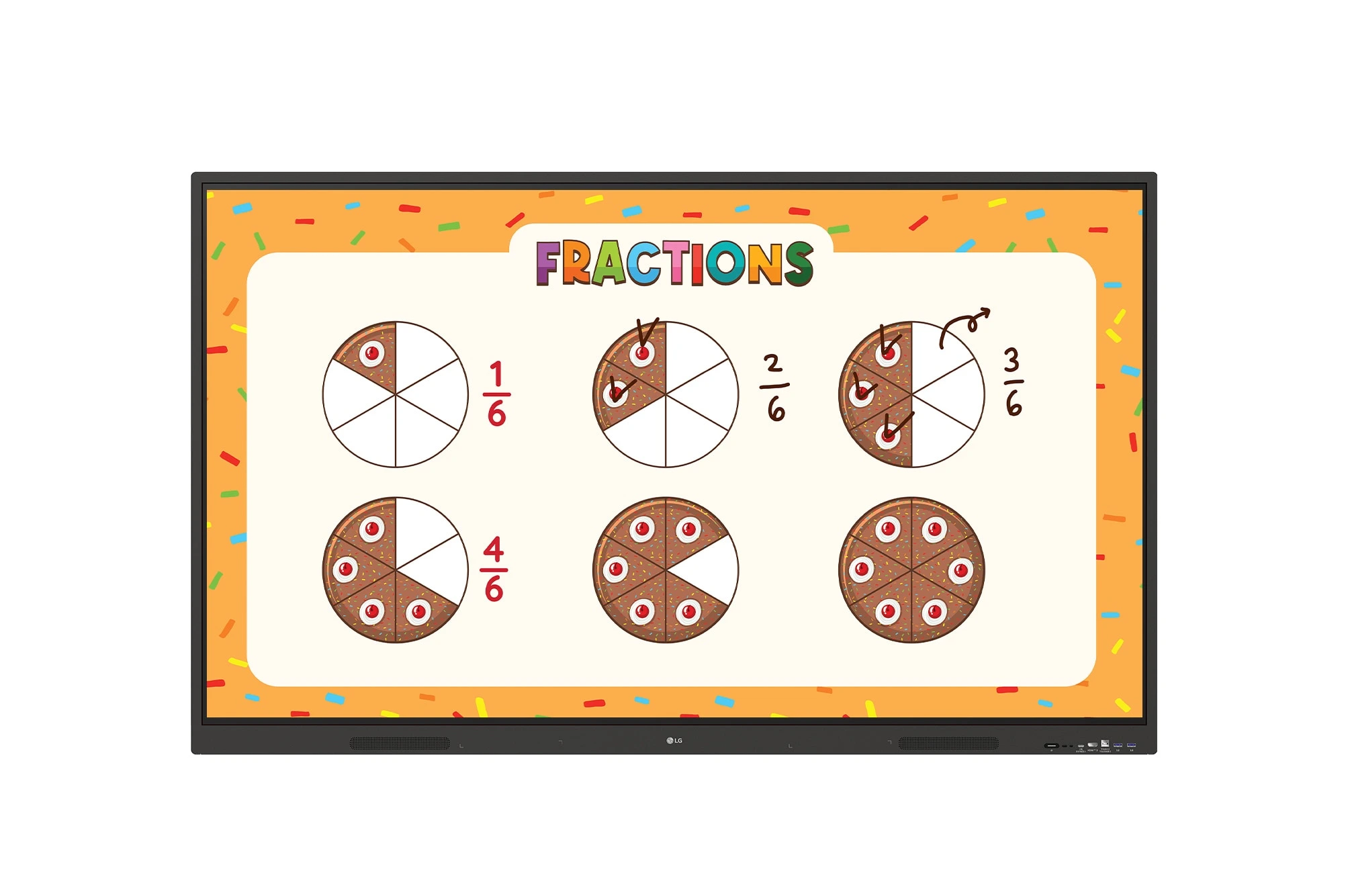
The LG CreateBoard 75TR3ER-I is a premium 75-inch 4K UHD Interactive Flat Panel designed for classrooms, training centers, and corporate...
