April 14, 2026 Manisha Maurya
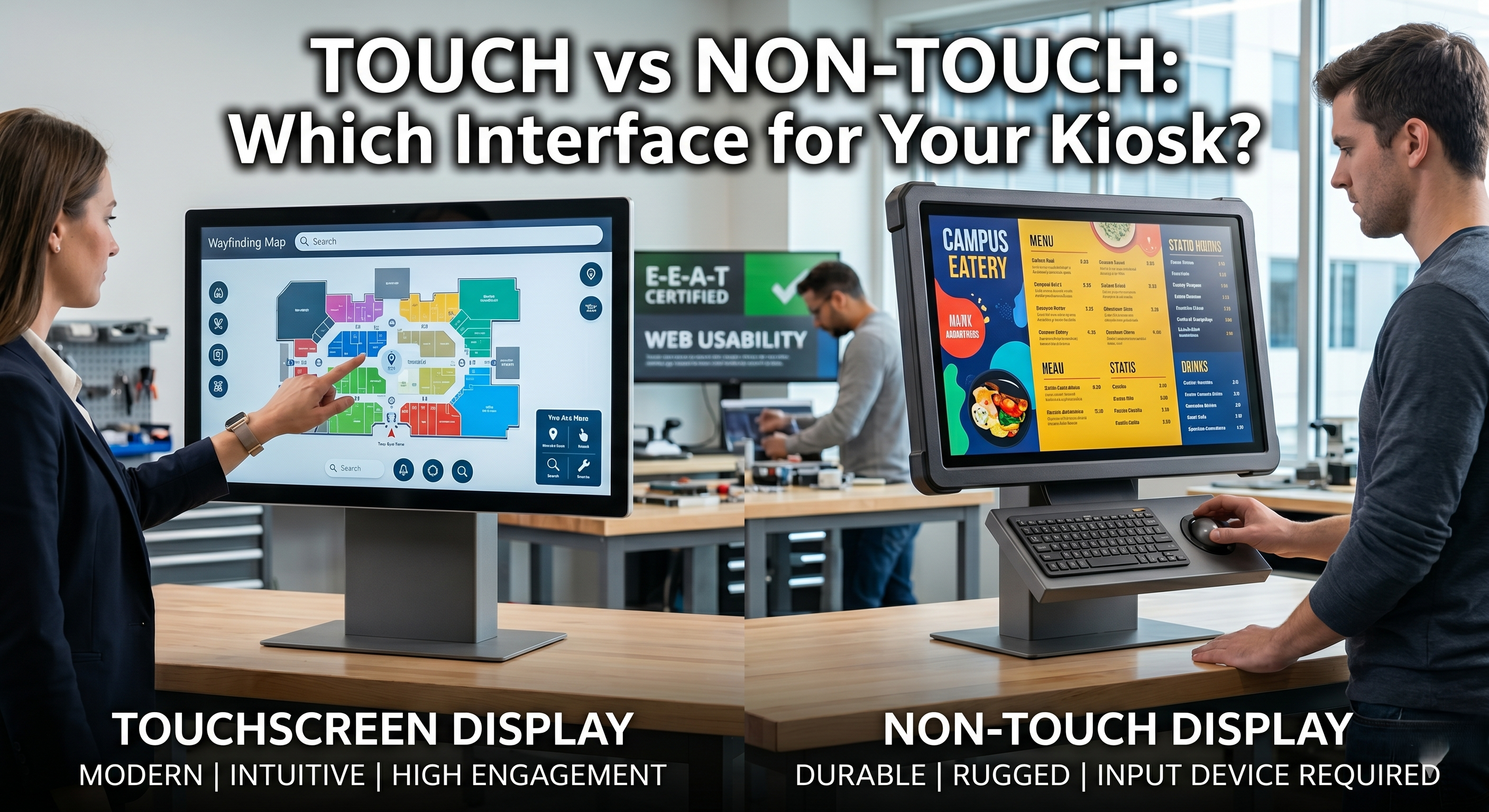
In the rapidly evolving world of B2B hardware, the interface you choose for your kiosk is the literal "handshake" between your brand and the customer. In 2026, as AI-integrated displays become the norm, the debate between Touchscreen and Non-Touch interfaces has shifted from "what looks better" to "what performs better" under specific environmental and psychological conditions.
When a user approaches a kiosk, their intent dictates their preference.
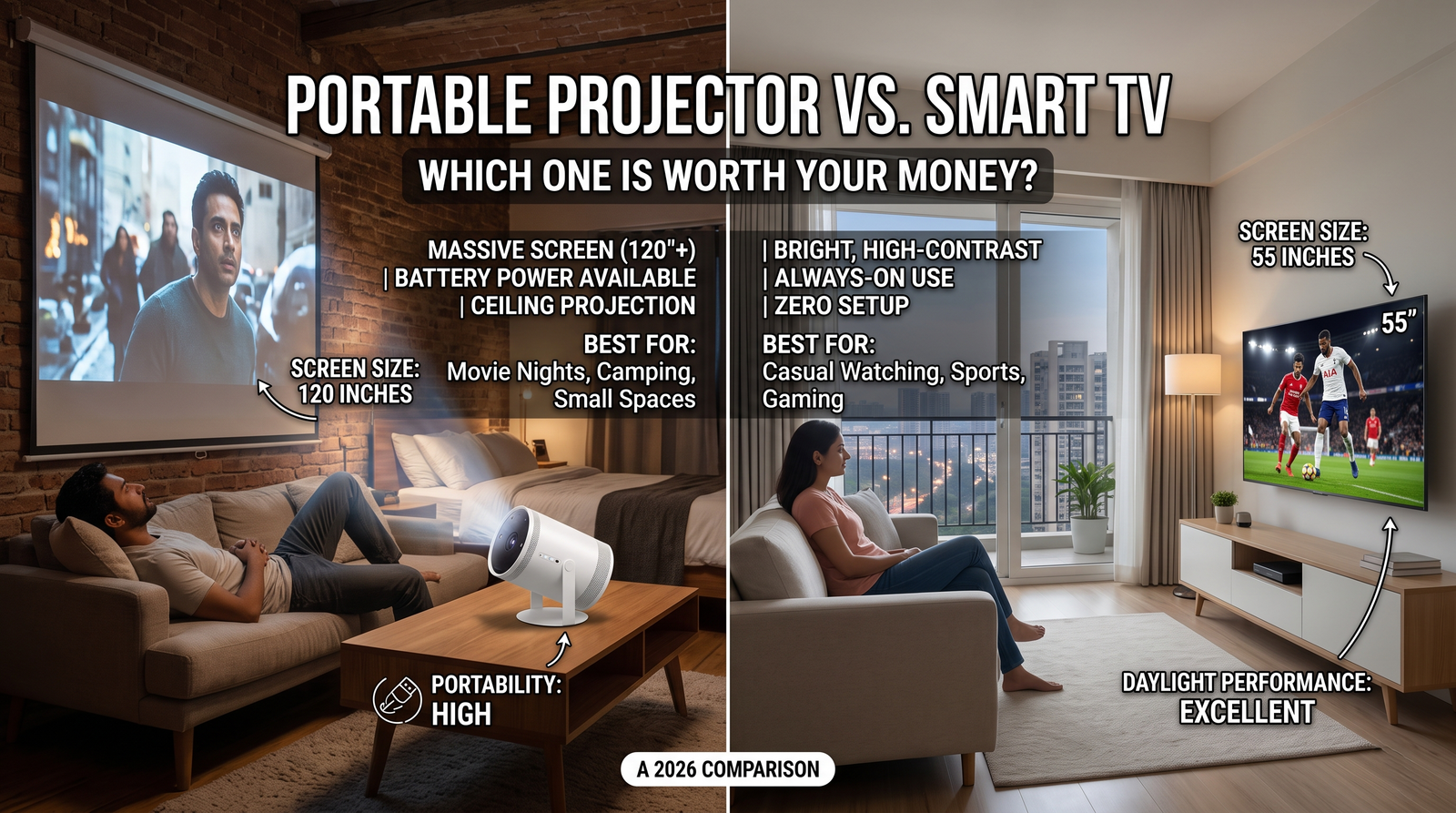
Touchscreen displays are synonymous with High-Intent Interaction. If the user needs to input data—such as searching a directory or customizing a food order—touch is the fastest path to completion.
Non-Touch Displays are built for Lean-Back Consumption. These are best for advertising, digital menu boards, or high-traffic "passive" information hubs where the user doesn't want to physically engage with the hardware.
| Feature | Touchscreen (PCAP/IR) | Non-Touch Display |
| User Engagement | High (Two-way interaction) | Low (Passive viewing) |
| Durability | Moderate (Surface wear) | High (Protective glass focus) |
| Maintenance | Frequent cleaning required | Minimal cleaning |
| Input Method | Finger/Stylus | External (Keypad, Motion, QR) |
| Ideal Use Case | Wayfinding, Self-Checkout | Digital Posters, Flight Info |
For industrial or outdoor settings, a non-touch display is often the smarter investment. By removing the touch layer, you can use IK10-rated vandal-proof glass that is significantly thicker than what a capacitive touch sensor can penetrate.
Conversely, if you choose a touchscreen for a high-traffic retail environment, ensure you are using Projected Capacitive (PCAP) glass. Unlike older resistive screens, PCAP is scratch-resistant and supports the multi-touch gestures (pinch-to-zoom) that users expect from their smartphones.
1. Which interface is more cost-effective for large-scale deployments?
Non-touch displays are generally 20% to 35% more cost-effective than touchscreens of the same size. This price gap widens as the screen size increases, making non-touch the preferred choice for large-format digital signage where interaction isn't required.
2. Can I turn a non-touch display into a touchscreen later?
Yes, you can retroactively add touch functionality using an Infrared (IR) touch frame. These frames bolt onto the exterior of an existing monitor, though they may lack the sleek, flush-glass look of a native PCAP touchscreen.
3. Does sunlight affect touchscreen performance?
Direct sunlight can interfere with Infrared (IR) touchscreens but typically does not affect Projected Capacitive (PCAP) screens. For outdoor kiosks, PCAP combined with a high-brightness (1500+ nits) panel is the industry standard for visibility and functionality.
The Elactree Team | Electronic Display & SEO Specialists
The Elactree team specializes in electronic display solutions and SEO-driven content strategy for the hardware industry. With a focus on helping businesses bridge the gap between physical storefronts and digital optimization, the team provides deep-dive insights into the technical nuances of interactive kiosks. Elactree currently leads content initiatives focused on high-intent hardware solutions specifically designed for the education, retail, and industrial sectors.





 Buying guides
 Buying guides
 Buying guides
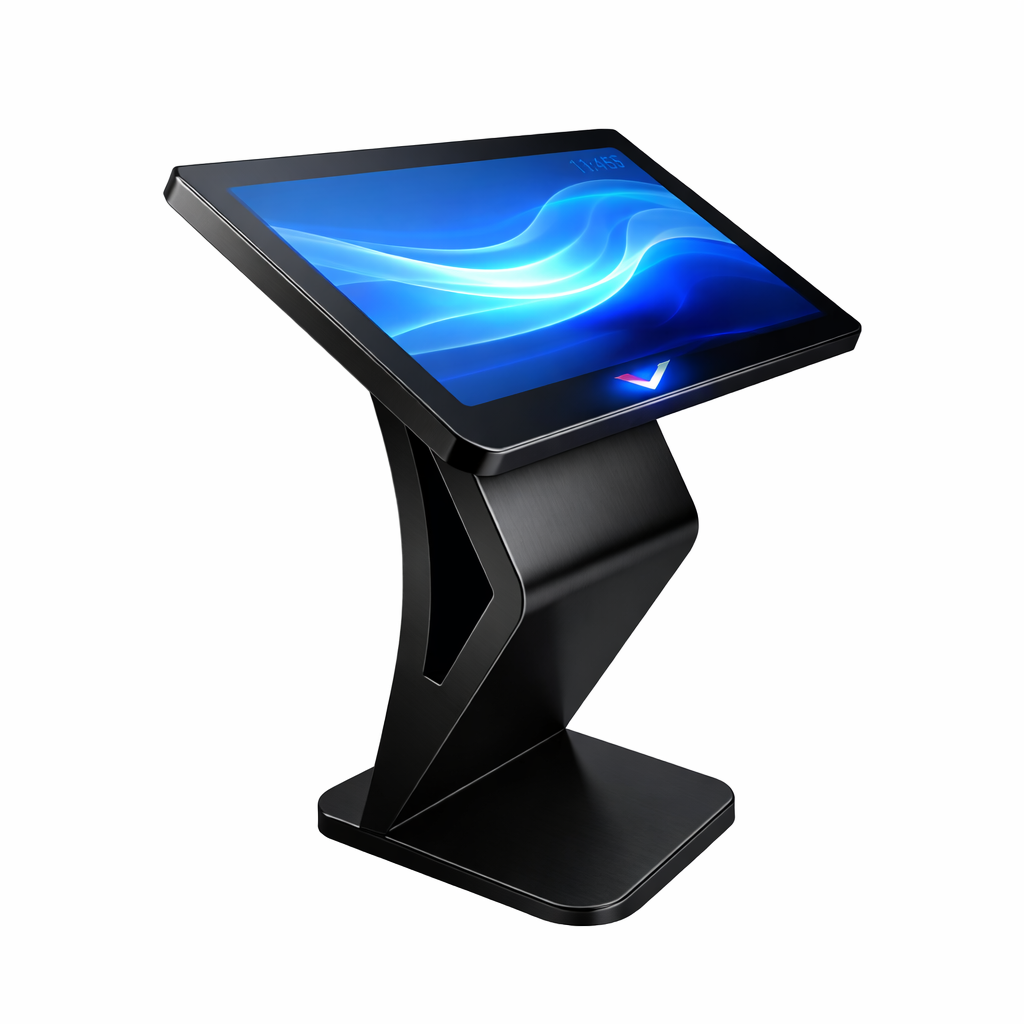
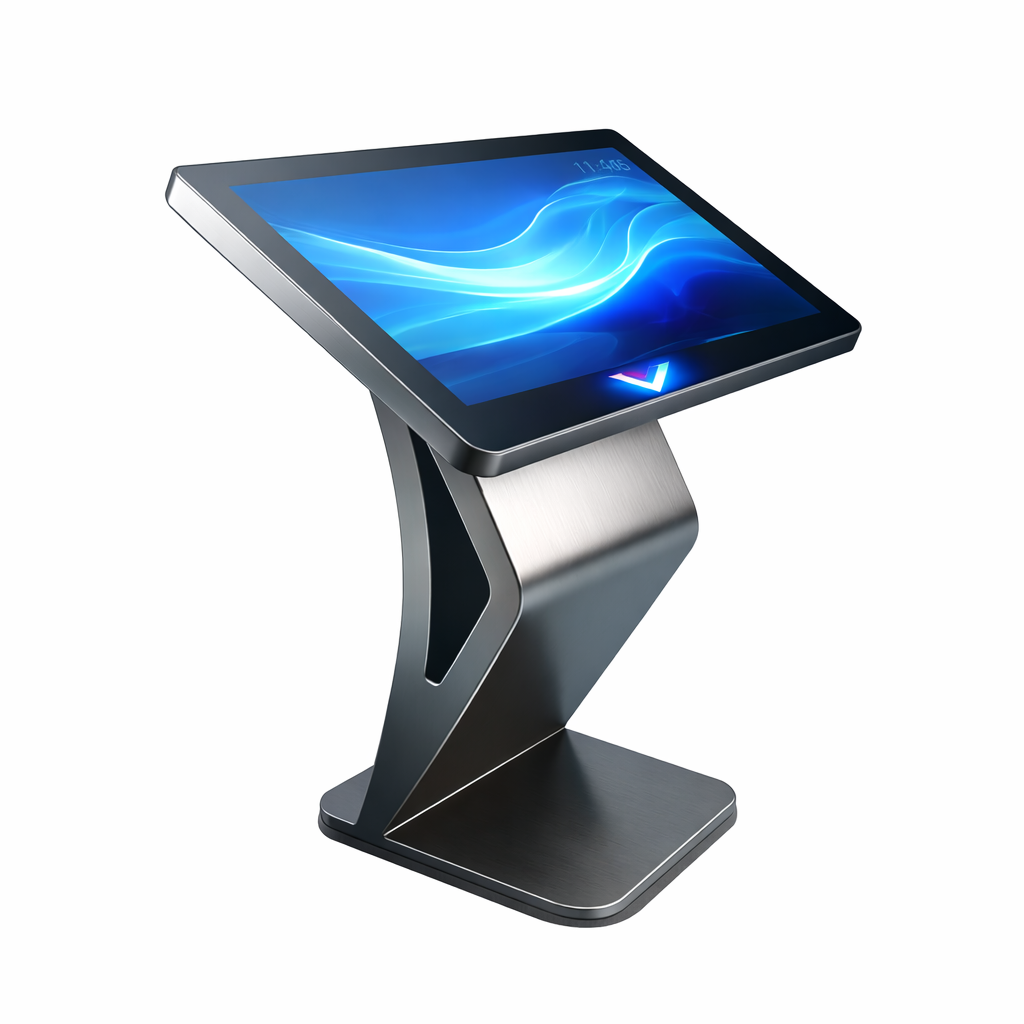
Elevate your space with the VISXP 43" freestanding digital display kiosk. Premium interactive pedestal for wayfinding, real estate, and corporate...
Streamline customer flow with the VISXP 32" Self-Service Pedestal Kiosk. The ultimate compact touchscreen stand for QSR ordering, retail, and...
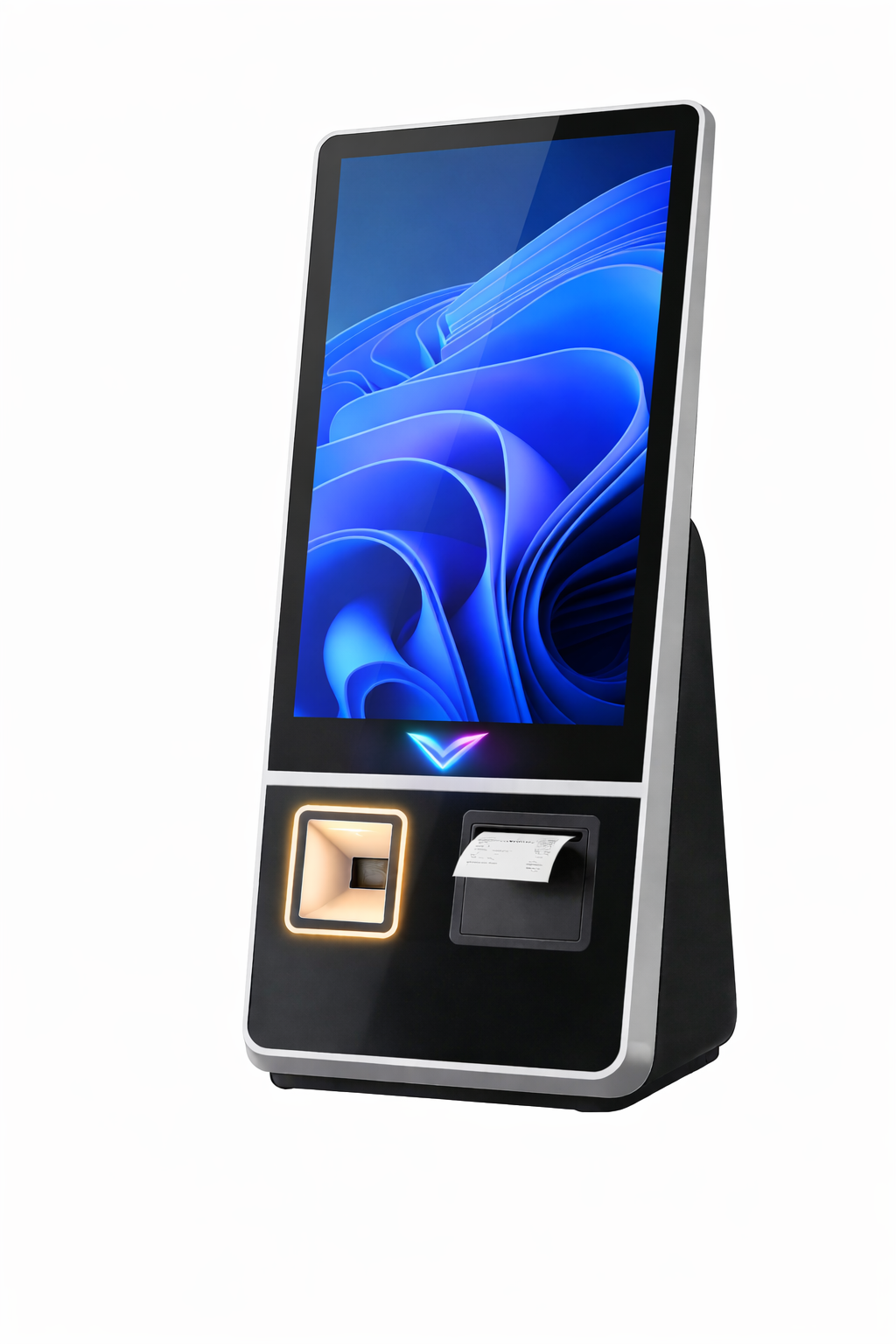
Automate omnichannel fulfillment and combat inventory shrink with the VISXP Omni-24. An enterprise-grade retail self-checkout kiosk with advanced POS API...

The Samsung LH24KMC3BGCXXL is a compact, all-in-one 24-inch Smart Kiosk designed for self-service and interactive digital transactions. It features a...