August 24, 2026 Manisha Maurya
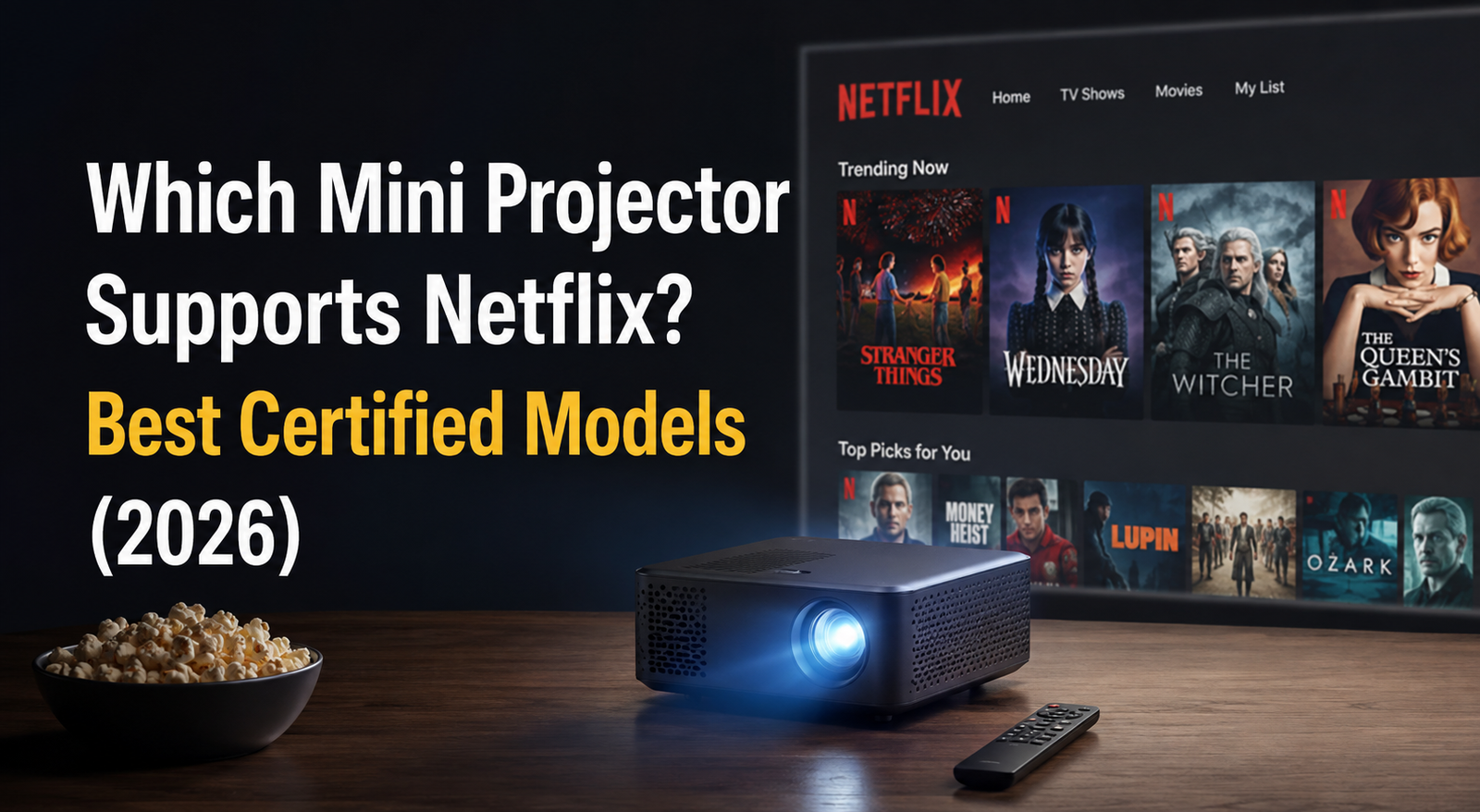
Many buyers purchase a compact smart projector expecting to stream movies immediately, only to be greeted by an error code or a black screen when launching Netflix. Even projectors running full Android or Google TV often fail to play Netflix content out of the box.
This happens because Netflix enforces strict hardware licensing, Widevine DRM (Digital Rights Management) certification, and dedicated software validation. Without official licensing, the Netflix app will either refuse to install, crash on playback, or limit resolution to standard definition (480p).
If you want a hassle-free streaming experience, you must choose a projector that carries official, built-in Netflix certification or use a certified external streaming device.
A mini projector supports Netflix natively only if it has official Netflix certification and Widevine L1 DRM hardware licensing built into its operating system.
Popular mini projectors that support Netflix natively in India include:
XGIMI MoGo 3 Pro & Halo+ (New Version)
Anker Nebula Capsule 3 (Google TV Version)
Portronics Beem 560 / 570 (Certified Series)
Wanbo TT & Wanbo Mozart 1
Toptro Power / Xgimi Elfin Flip
If a mini projector lacks this certification, you can still play Netflix in full HD by connecting an external streaming media player (such as an Amazon Fire TV Stick or Google Chromecast) to its HDMI port.
Model | Netflix Certification | Native Resolution | Operating System | Best Suited For |
|---|---|---|---|---|
XGIMI MoGo 3 Pro | Official (Built-in) | 1080p Full HD | Google TV | Premium portable outdoor & bedroom cinema |
Nebula Capsule 3 | Official (Built-in) | 1080p Full HD | Google TV | Ultra-compact travel with built-in battery |
Wanbo TT | Official (Built-in) | 1080p Full HD | Linux (Smart) | Budget-conscious native HD streaming |
Portronics Beem 570 | Official (Built-in) | 1080p Full HD | Smart OS | Mid-range indoor home entertainment |
Budget Generic Smart Projectors | No (Side-load only) | 720p to 1080p | Open Android (AOSP) | Users pairing a separate Fire TV Stick |
Understanding why compatibility issues occur helps buyers avoid misleading marketing terms like "Android-enabled" or “App Support.”
To prevent digital piracy, major streaming platforms use Google Widevine DRM. There are two main levels found in display devices:
Widevine L1: The device processes video entirely inside a trusted hardware execution environment. This is mandatory for playing Netflix, Prime Video, and Disney+ Hotstar in 1080p or 4K.
Widevine L3: The device lacks full hardware-level cryptography. Netflix restricts playback on L3 devices to standard definition (SD 480p) or blocks video rendering entirely.
Unlike open Android apps, Netflix requires manufacturers to submit hardware for individual testing and platform approval. The company evaluates remote control layout, video decoding stability, and DRM compliance before authorizing its app on that specific firmware. Budget projector manufacturers often skip this licensing step to reduce production costs.
The main difference between an officially certified Netflix projector and an uncertified projector is how video authorization and application updates are handled.
Provide direct access to the standard TV version of Netflix through the remote control.
Deliver native 1080p streaming with full HDR/Dolby Audio support (depending on the model).
Receive official security and application updates directly through Google Play or system firmware.
Require side-loaded mobile APKs or secondary launch tools (such as Desktop Launcher or Kodi add-ons).
Require an air mouse or external pointer because the mobile interface is not optimized for standard remote navigation.
Often stop working without warning whenever Netflix updates its security protocols.
Choosing the best mini projector depends on your travel requirements, brightness demands, and budget.
If you require an all-in-one setup without carrying cables or TV sticks, choose a compact battery-powered model such as the XGIMI MoGo 3 Pro or Anker Nebula Capsule 3. These models feature official Google TV integration, built-in speakers, and auto-focus alignment, making them suitable for camping or hotel rooms.
If your projector will remain near a power outlet, the Wanbo TT, XGIMI Elfin Flip, or Portronics Beem 570 provides higher lumen output for ambient-lit rooms at a more accessible price point. Because they draw AC power, they deliver better sustained brightness than battery-operated units.
If you already own an Amazon Fire TV Stick, purchase a reputable non-certified projector with a sharp native 1080p optical engine, then plug your streaming stick into the HDMI port. This gives you full-resolution streaming while keeping hardware costs down.
Mini projector prices in India vary based on optical technology (DLP vs. LCD), brightness, and official software certification.
Budget Segment (₹8,000 – ₹18,000): Most options in this bracket use single-panel LCD light engines. While models like the Wanbo TT offer native Netflix licensing, many generic models in this range require an external streaming stick.
Mid-Range Segment (₹19,000 – ₹40,000): Features brighter LCD and entry-level DLP projectors with native 1080p, auto-keystone correction, official Google TV, and dual speakers.
Premium Portable Segment (₹45,000 – ₹85,000+): Dominated by compact DLP projectors from brands like XGIMI and Anker Nebula. These include built-in batteries, premium audio tuning (e.g., Harman Kardon), intelligent obstacle avoidance, and Widevine L1 Netflix certification.
Before finalizing a portable projector for streaming, verify these technical specifications:
Netflix License Verification: Look for the phrase "Officially Licensed Netflix" or "Netflix Certified" in the product documentation. Avoid listings that mention “Netflix supported via third-party app.”
Native vs. Supported Resolution: Confirm the Native Resolution is 1080p (1920x1080). "4K Supported" only means the projector accepts a 4K signal; it will downscale the video to its physical panel resolution.
ANSI Lumens vs. Peak Lumens: Verify the brightness in ANSI Lumens or ISO Lumens. Unbranded marketing ratings like "10,000 Lumens" often refer to raw LED source luminance, not the actual projected light on screen.
HDMI Ports with HDCP Support: Ensure the projector has at least one HDMI port that supports HDCP 2.2 for external streaming sticks.
Audio Output: Check for ARC support via HDMI or Bluetooth audio out if you plan to connect an external soundbar.
Advantages:
Single Remote Operation: Control navigation, volume, and playback without extra remotes.
Cable-Free Experience: No external streaming dongles, power splitters, or dangling HDMI cables.
Guaranteed Playback Stability: Official updates ensure playback continues to work across app version releases.
Limitations:
Higher Initial Cost: Certified units generally carry a price premium over generic Android models.
Firmware Dependency: If the manufacturer ends OS updates in future years, apps may eventually lose support.
For buyers who want an all-in-one, portable projector with built-in Netflix support, the XGIMI MoGo 3 Pro, Wanbo TT, and Nebula Capsule 3 stand out as dependable, certified choices. They eliminate login glitches, mouse-cursor workarounds, and low-resolution restrictions.
If you prefer a budget-friendly projector that lacks official certification, do not rely on side-loaded apps. Instead, budget ₹2,500 to ₹4,000 for an Amazon Fire TV Stick or Google TV streaming stick to achieve reliable, high-definition Netflix streaming over HDMI.
This occurs due to High-bandwidth Digital Content Protection (HDCP) and DRM restrictions. When an uncertified projector attempts to decode copy-protected video streams without Widevine L1 compliance, the app blocks the visual feed while playing audio only.
Usually, no. Netflix blocks wireless screen mirroring (Miracast and standard AirPlay) on uncertified devices to prevent unauthorized recording. To mirror Netflix wirelessly, both the sending device and receiving projector must support certified Chromecast protocols.
Recent models such as the XGIMI MoGo 3 Pro, XGIMI Elfin Flip, and the updated Halo+ come with native, certified Netflix support integrated into their operating systems. Older versions required side-loading workarounds or streaming sticks.
Connect an Amazon Fire TV Stick, Google Chromecast, or Apple TV to the projector’s HDMI port. The external device handles the DRM decoding and outputs a direct, certified video feed to the projector.
You can install mobile APKs, but they usually limit playback quality to standard definition (480p) and require an external USB mouse to navigate the touch-screen interface. They may also stop working when Netflix updates its backend security.
Yes. Projectors carrying Widevine L1 certification for Netflix also stream content at full HD and 4K resolutions on Amazon Prime Video, Disney+ Hotstar, and YouTube.
While a 720p projector will display video, a native 1080p projector produces significantly sharper text, subtitle clarity, and background detail when watching full HD streams on screen sizes above 80 inches.
Yes, battery-powered portable projectors like the Nebula Capsule series or XGIMI MoGo series can stream Netflix on battery power. However, playback time on battery is typically between 1.5 to 2.5 hours depending on screen brightness settings.




 Interactive flat Panel
Interactive flat Panel
Interactive flat Panel
 Interactive flat Panel
 Interactive flat Panel
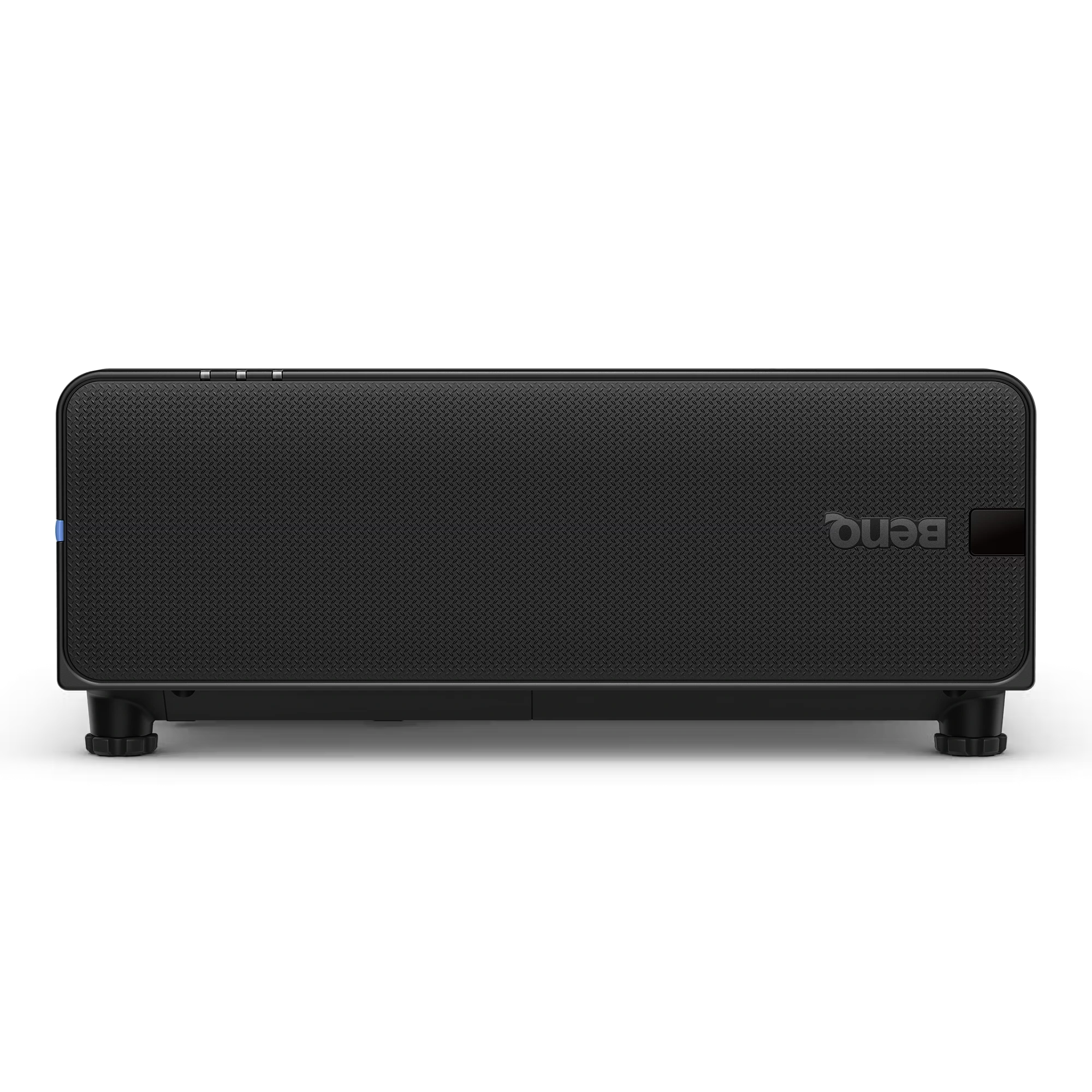
The BenQ LU895UST is a professional 5000 ANSI Lumen WUXGA laser simulation projector designed for immersive environments, museums, simulation centers,...
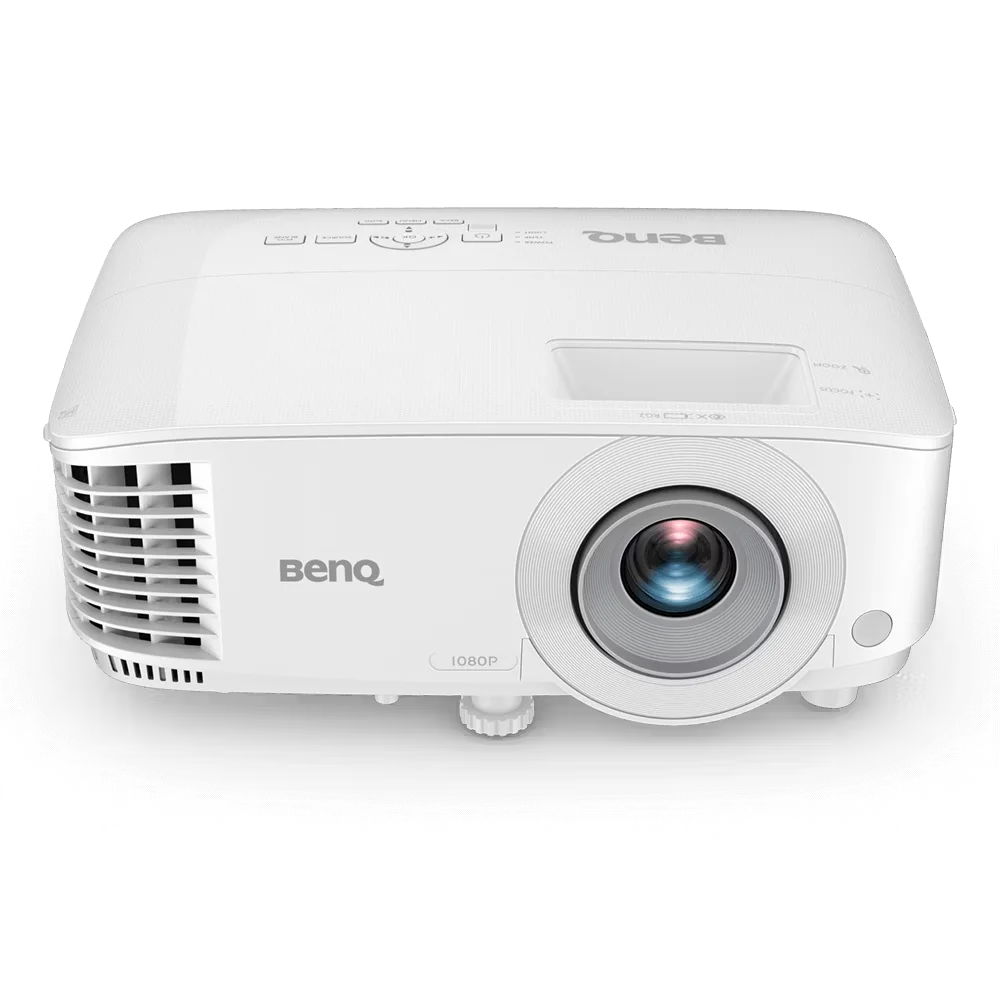
The BenQ MH560 is a Full HD 1080p business projector designed for meeting rooms, conference spaces, and classrooms. It delivers...
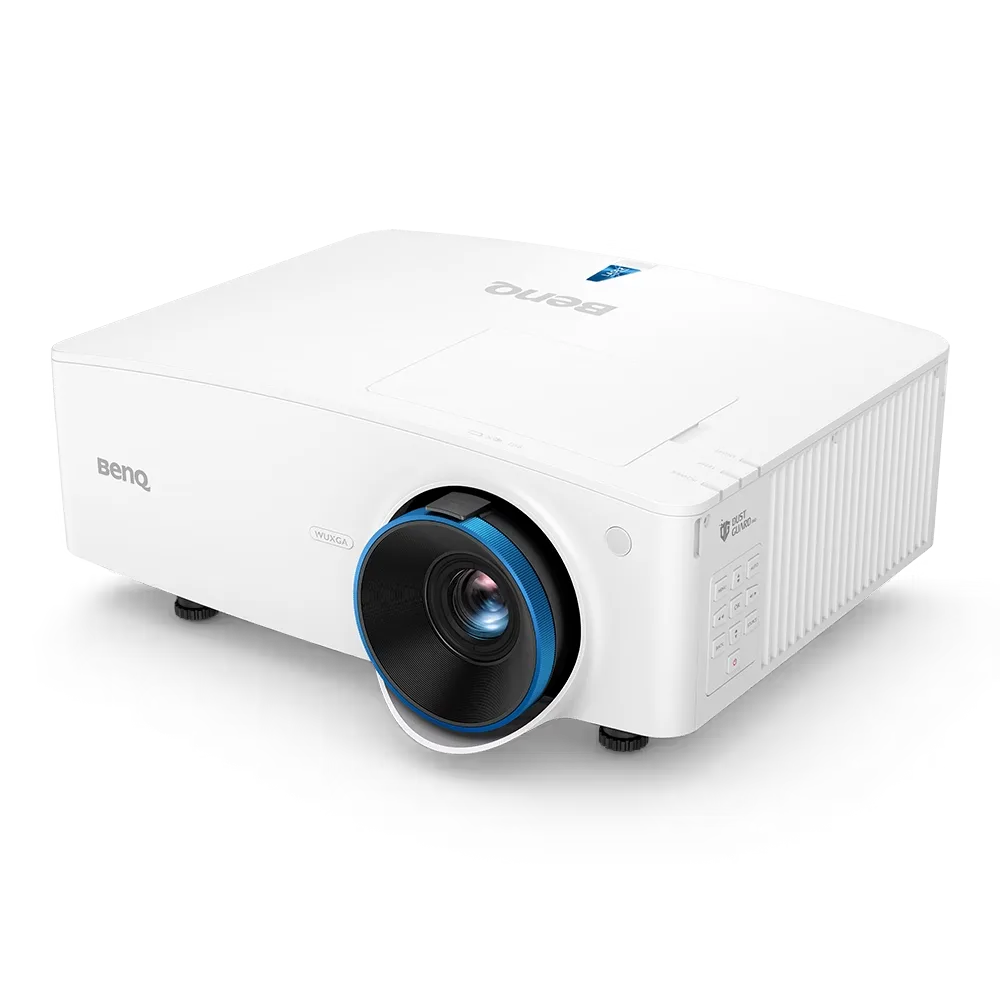
The BenQ LU935 is a professional-grade 6000 ANSI Lumens WUXGA laser projector designed for conference rooms, boardrooms, higher education, and...
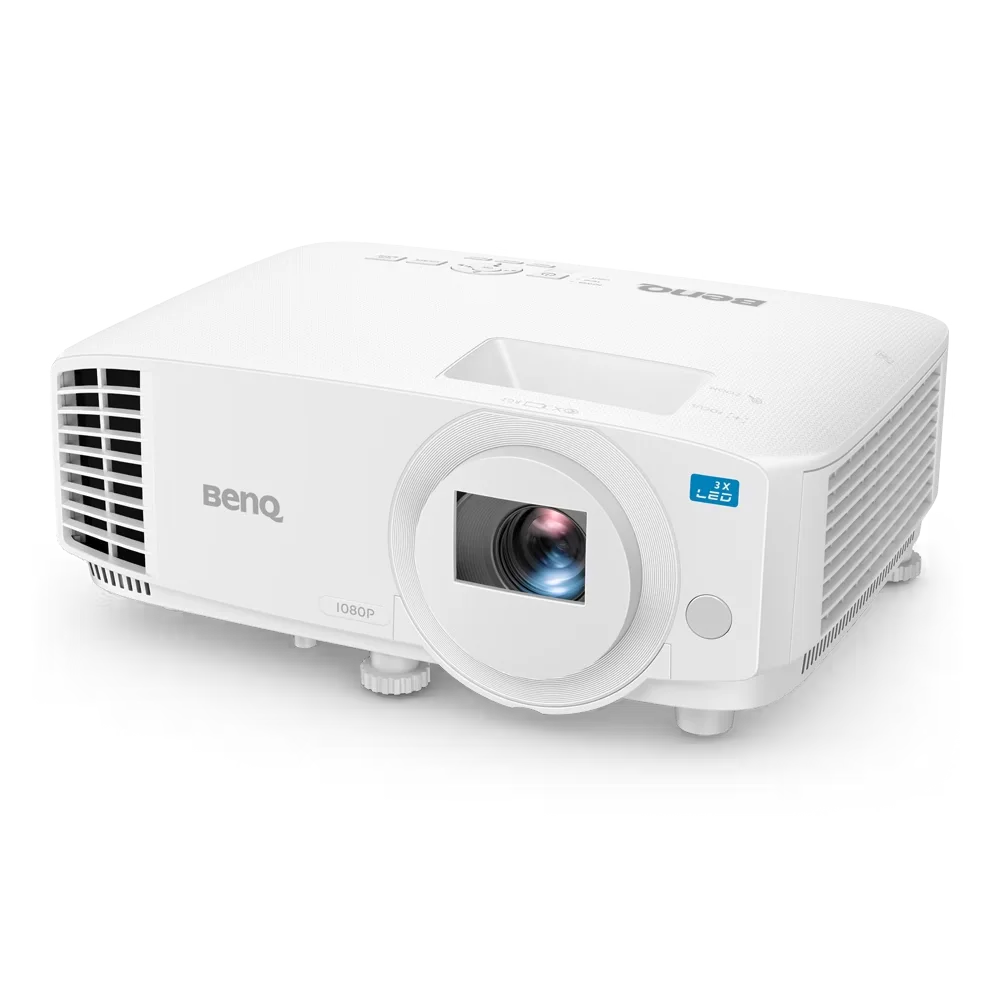
The BenQ LH500 is a Full HD LED meeting room projector designed for professional presentations and collaborative workspaces. It delivers...
