April 07, 2026 Manisha Maurya
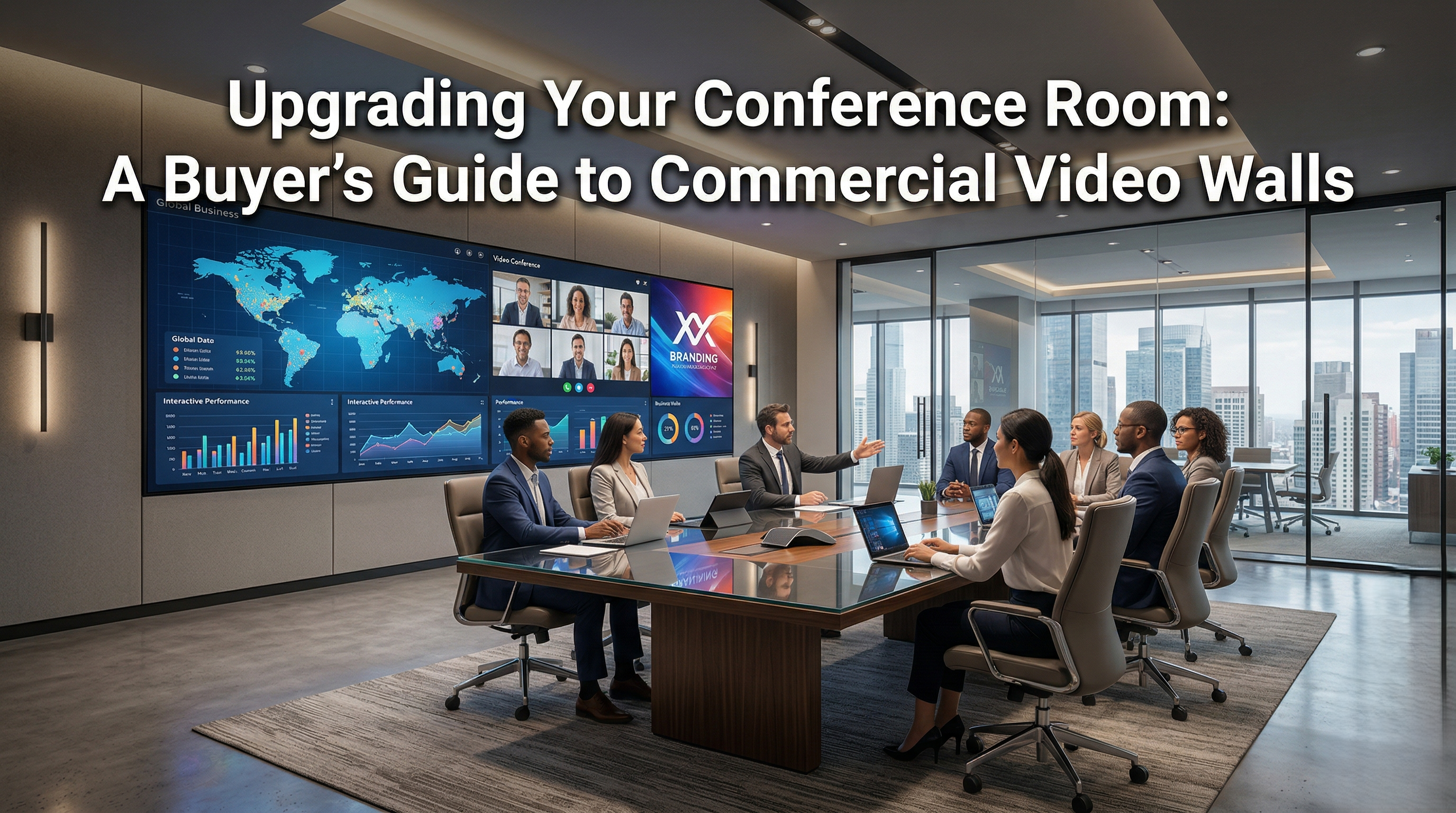
When choosing a commercial video wall for a conference room, the most critical factors are the display technology (LCD vs. Direct View LED), pixel pitch, brightness, and bezel width. Direct View LED offers a seamless, bezel-free experience ideal for large corporate spaces, while LCD video walls provide a cost-effective, high-resolution solution for smaller rooms. Always consider the room's natural lighting and viewing distance to determine the right specifications for your space.
The modern conference room is the heart of corporate decision-making. Standard projectors or single-panel TVs often fall short in today's hybrid work environments. They struggle with glare, lack the necessary scale for large rooms, and can make virtual participants hard to see.
Commercial video walls solve these problems by delivering massive, ultra-bright, and highly detailed visual canvases.
Upgrading offers several distinct advantages:
Enhanced Visibility: Ensures every participant, regardless of where they sit, has a clear view of presentations and data.
Improved Hybrid Collaboration: Displays remote participants at life-size scale, making virtual meetings feel more natural.
Brand Authority: A stunning visual display leaves a lasting impression on visiting clients and stakeholders.
Versatility: Allows for multi-window viewing, displaying a video feed alongside a presentation and a digital white-board simultaneously.
When shopping for commercial video walls, you will primarily choose between two technologies: LCD (Liquid Crystal Display) and Direct View LED (dvLED).
LCD panels are similar to commercial televisions but are designed with ultra-narrow bezels to be stacked together in a grid (e.g., 2x2 or 3x3).
Pros: Lower upfront cost, excellent high resolution at close viewing distances, and widely available.
Cons: Visible bezels (grid lines) between the screens, which can disrupt text and faces.
Unlike LCDs, dvLED walls are made of individual, bezel-less modules that snap together to create one continuous, seamless screen of any size or shape.
Pros: Completely seamless, incredibly bright, vibrant color accuracy, and highly customizable dimensions.
Cons: Higher initial investment, and requires careful consideration of "pixel pitch" based on room size.
To ensure you get the best performance from your conference room video wall, pay close attention to these technical specifications:
Pixel Pitch: This is the distance (in millimeters) between the center of one pixel and the center of the next. A smaller pixel pitch (e.g., 1.2mm or 1.5mm) means higher resolution, which is critical if your audience sits close to the screen.
Brightness (Nits): Conference rooms often have large windows. You need a display bright enough to compete with natural sunlight. Look for displays pushing 500 to 800 nits or more.
Viewing Angle: Ensure the display looks clear from the extreme left and right seats of your conference table.
Content Management Software (CMS): The hardware is only as good as the software driving it. Ensure the system includes user-friendly controllers that integrate seamlessly with platforms like Zoom, Microsoft Teams, and Cisco Webex.
Investing in a commercial video wall is a significant capital expenditure. LCD options typically start in the low-to-mid five figures, while premium dvLED solutions can range higher depending on size and pixel pitch.
However, the Return on Investment (ROI) is substantial. When calculating costs, factor in:
Reduced Travel: Enhanced hybrid meeting capabilities can drastically reduce executive travel expenses.
Longevity: Commercial-grade screens are built to run 24/7 and typically outlast standard consumer displays or projectors by years.
Productivity: Clearer data visualization and fewer technical delays lead to more efficient meetings.
Installing a video wall is not a DIY project. It requires precise structural engineering, electrical planning, and network integration.
Hire AV Integrators: Work with certified AV professionals who understand wall load-bearing requirements and heat dissipation.
Plan for Cooling: Video walls generate heat. Ensure your conference room HVAC system can handle the output.
Invest in Service Level Agreements (SLAs): Minimize downtime by securing a maintenance contract with your AV installer for routine calibration and rapid-response repairs.
Most commercial-grade LCD and LED video walls are rated for 50,000 to 100,000 hours of continuous use. With proper maintenance, this translates to over a decade of reliable performance in a typical corporate environment.
2. Can a video wall connect to standard laptops and tablets?
Yes. Modern video wall processors are designed to accept multiple inputs, including HDMI, USB-C, and wireless casting protocols like Apple AirPlay and Miracast.
3. What is "pixel pitch" and why does it matter?
Pixel pitch is the distance between individual LEDs on a display. A smaller pitch means a higher resolution and allows viewers to sit closer to the screen without seeing individual pixels. For conference rooms where people sit relatively close, a pixel pitch of 1.2mm to 1.8mm is usually recommended.
4. Do video walls require special power outlets?
Yes. Large video walls draw significantly more power than standard TVs. Your AV integrator will likely need to work with an electrician to install dedicated circuits to support the display safely.
Author Note: This guide was created by Elactree team, specializing in enterprise AV solutions and corporate communication technologies. With years of experience in commercial systems integration, our goal is to provide accurate, actionable advice to help businesses make informed technology investments.

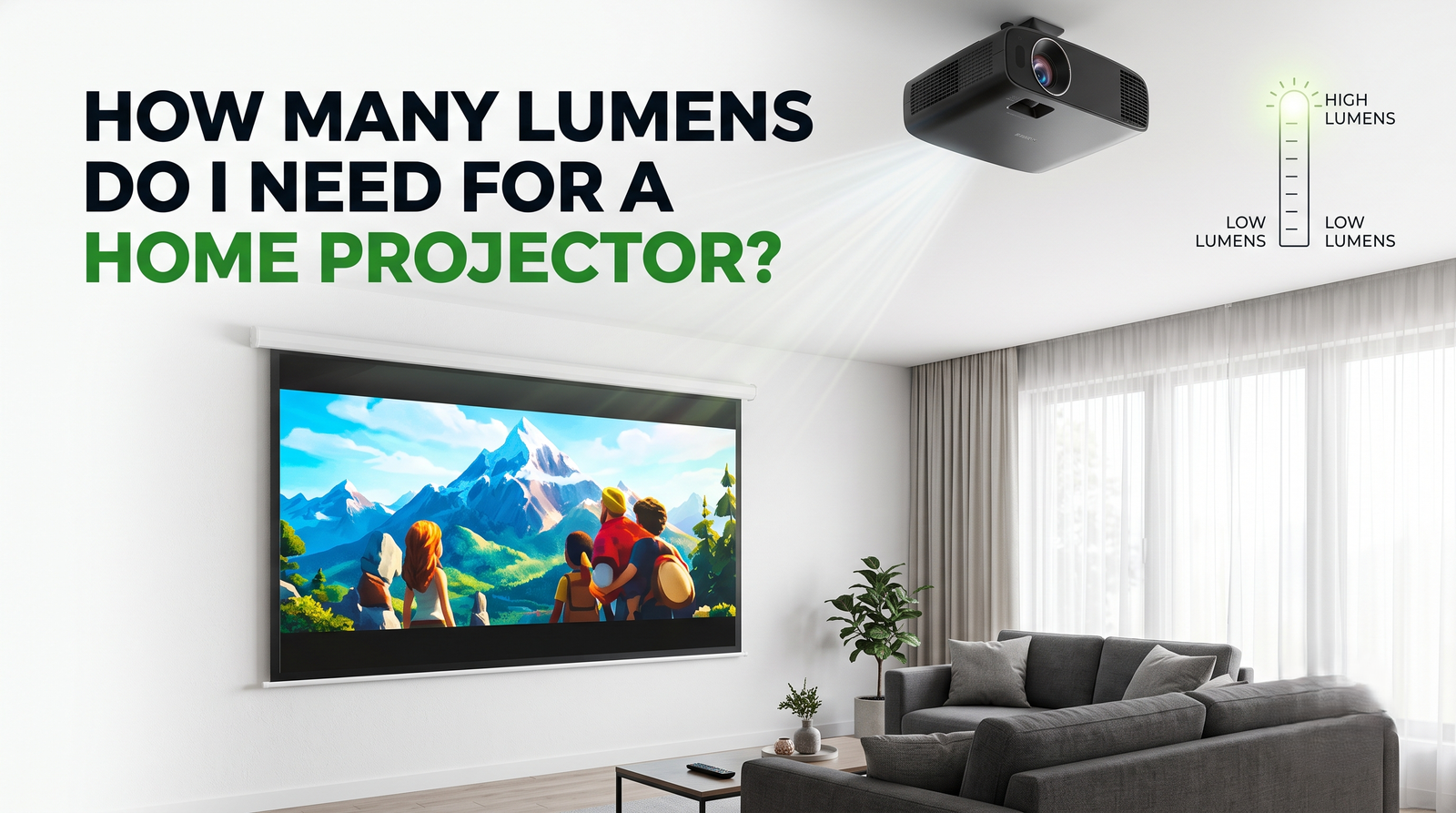 Interactive flat Panel
Interactive flat Panel
Interactive flat Panel
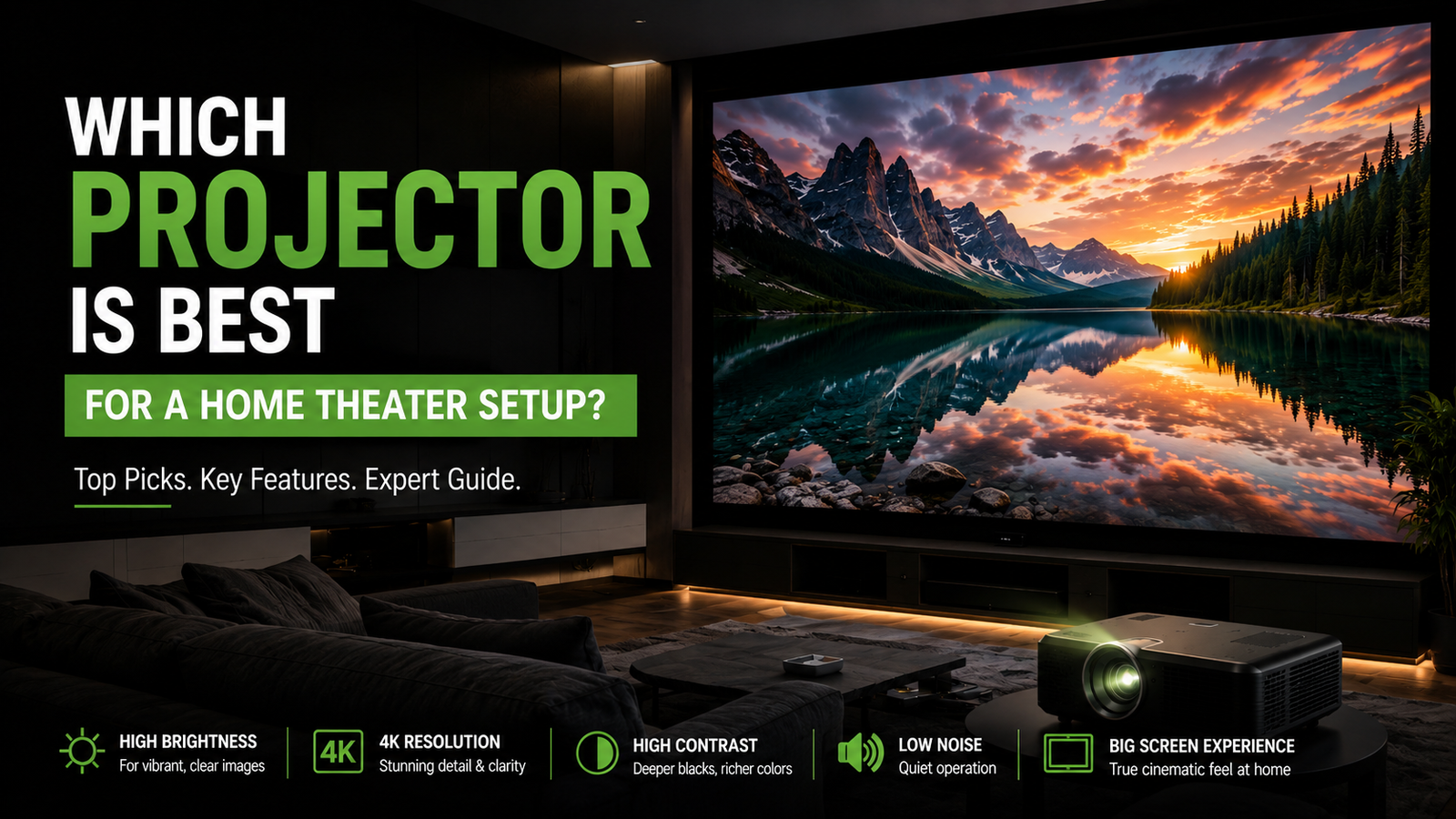 Interactive flat Panel
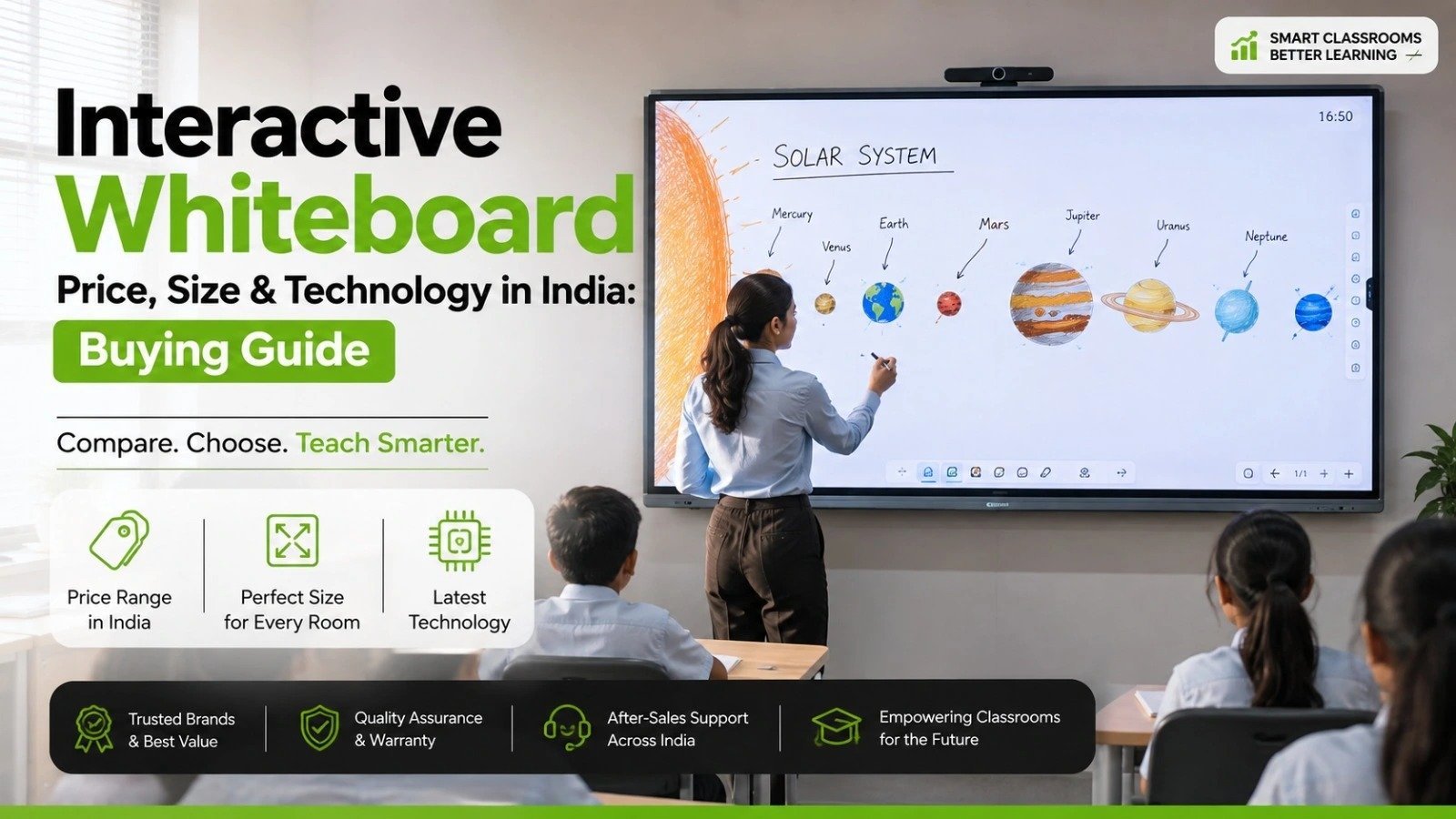 Interactive flat Panel
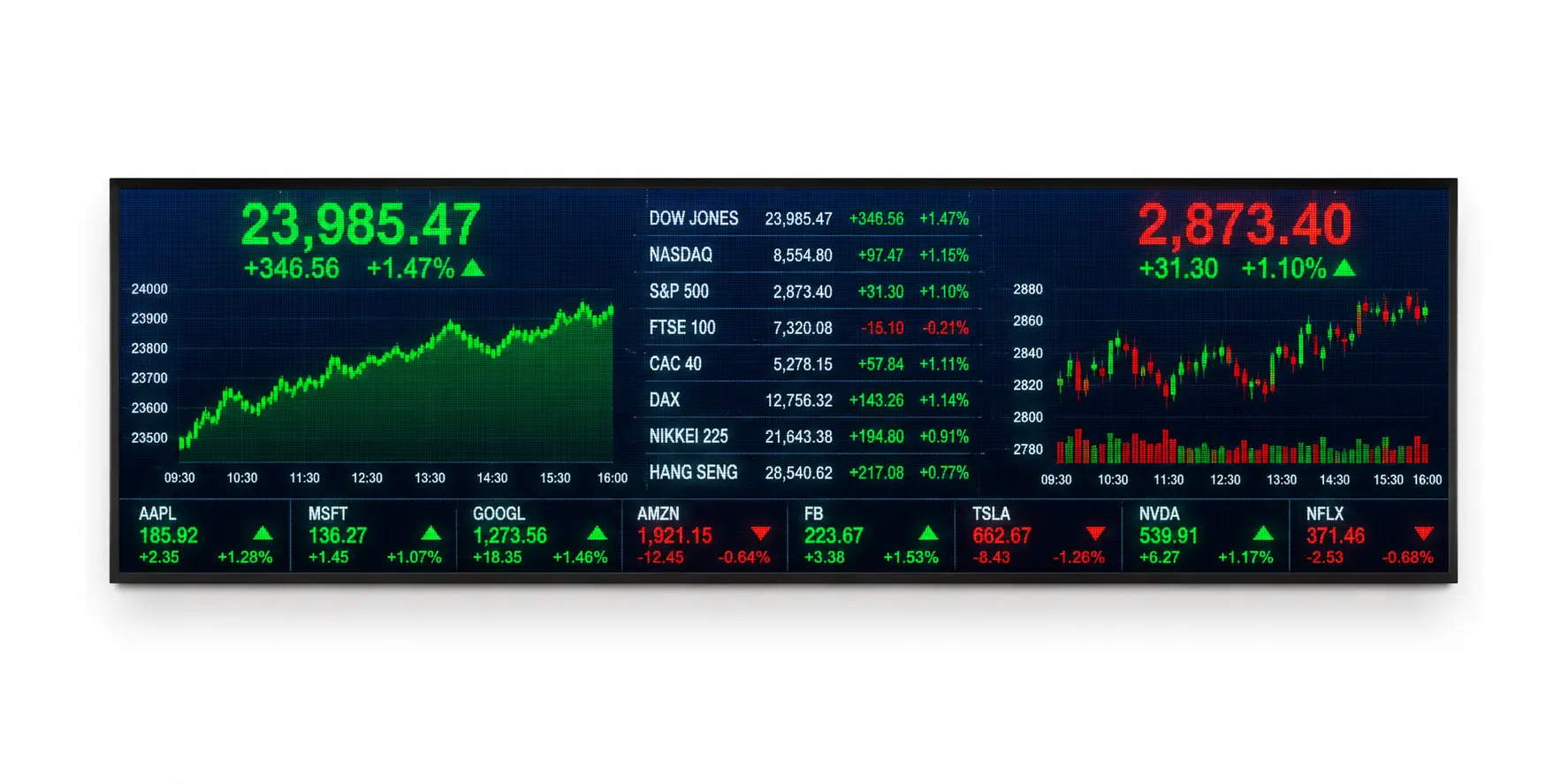
A Financial Ticker Display P3 is a high-resolution LED information display designed to showcase real-time financial data, investment updates, mutual...
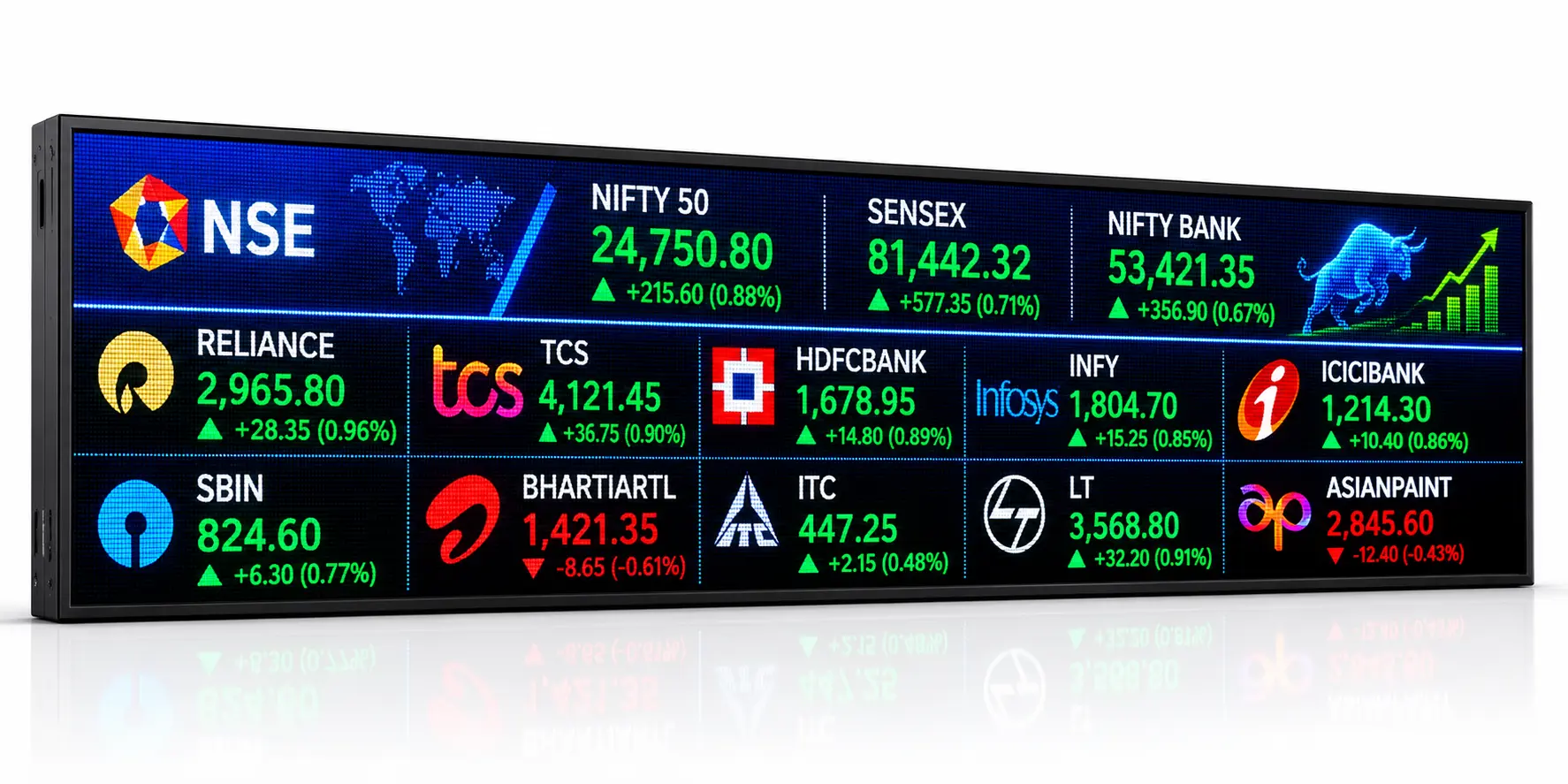
A Live Share Price LED Display Board P4 is a professional LED ticker display system designed to show real-time stock...
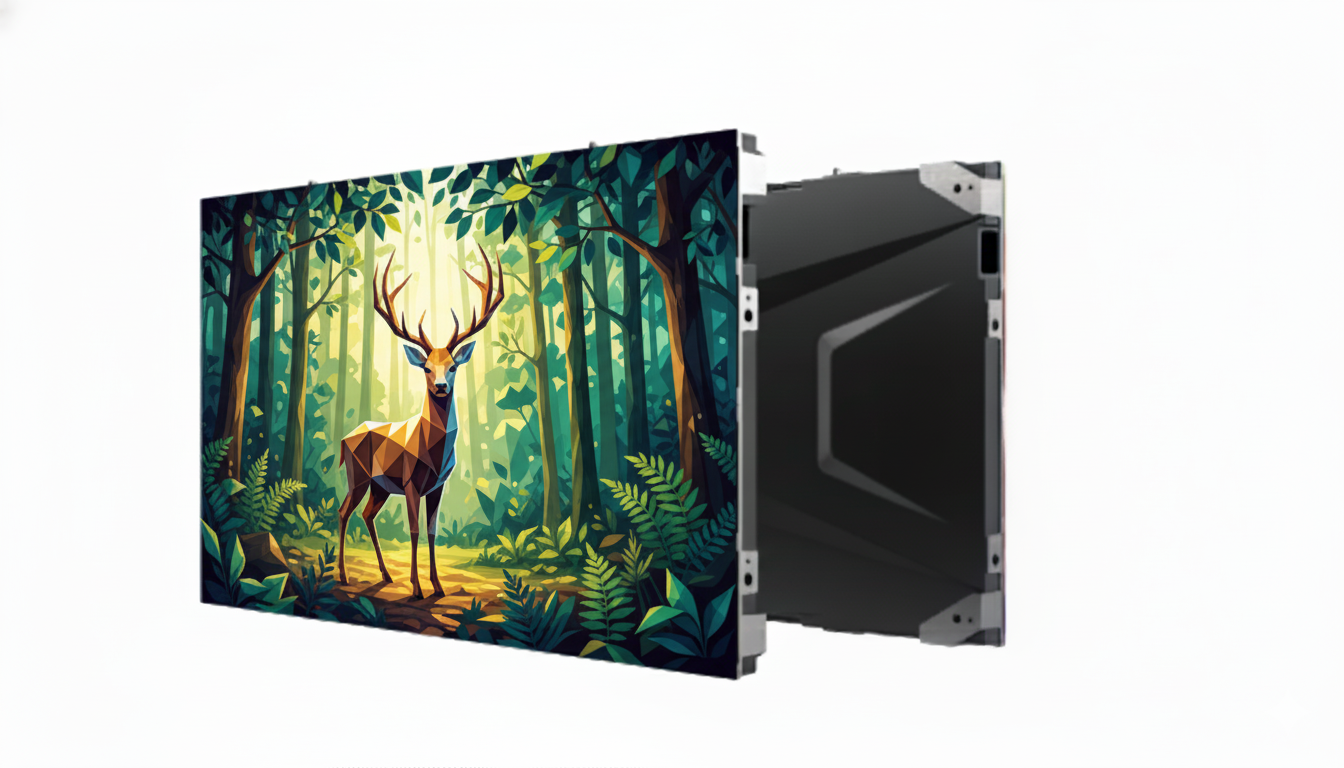
Elevate your indoor environment with our P4mm Indoor Active LED video wall, a premier solution for high-resolution signage. This seamless...
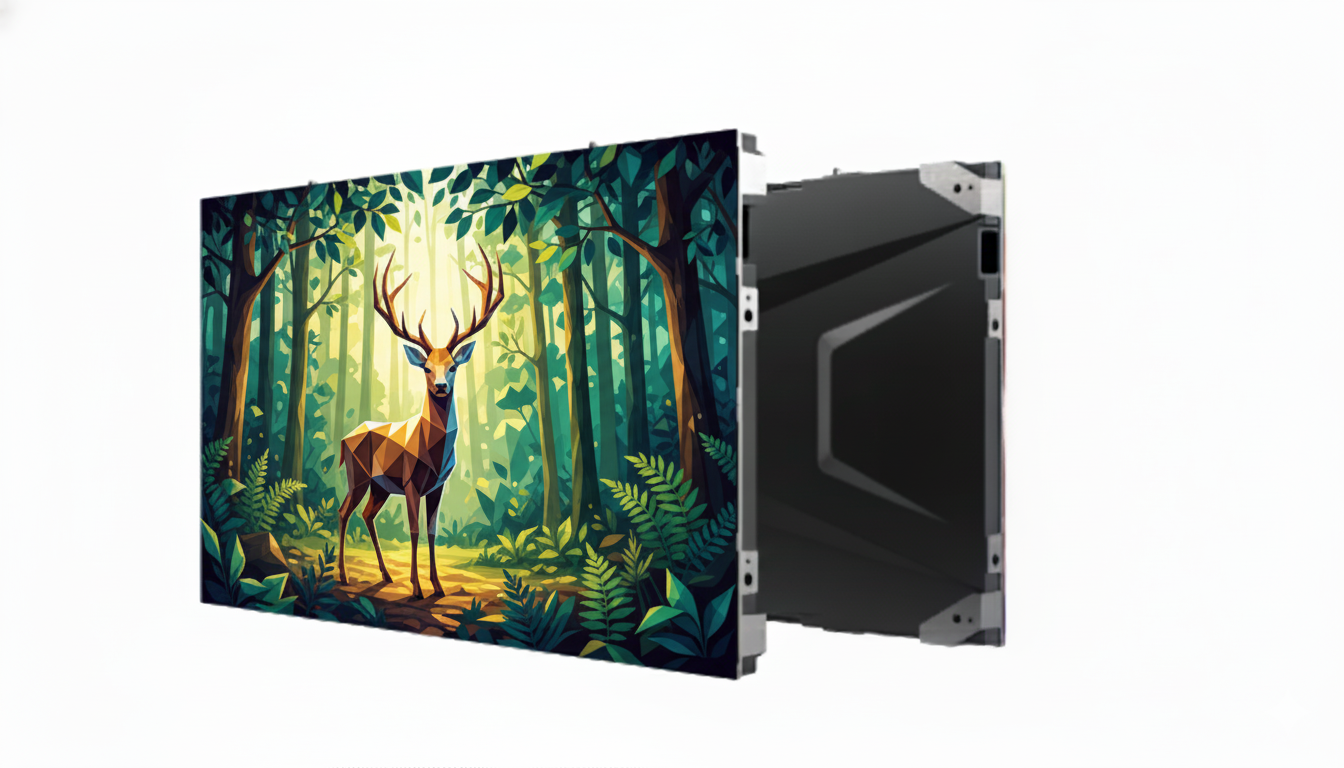
Transform your interior space with our P3.0mm Indoor Active LED display, the premium solution for high-resolution digital signage. This seamless...
