July 21, 2026 Manisha Maurya
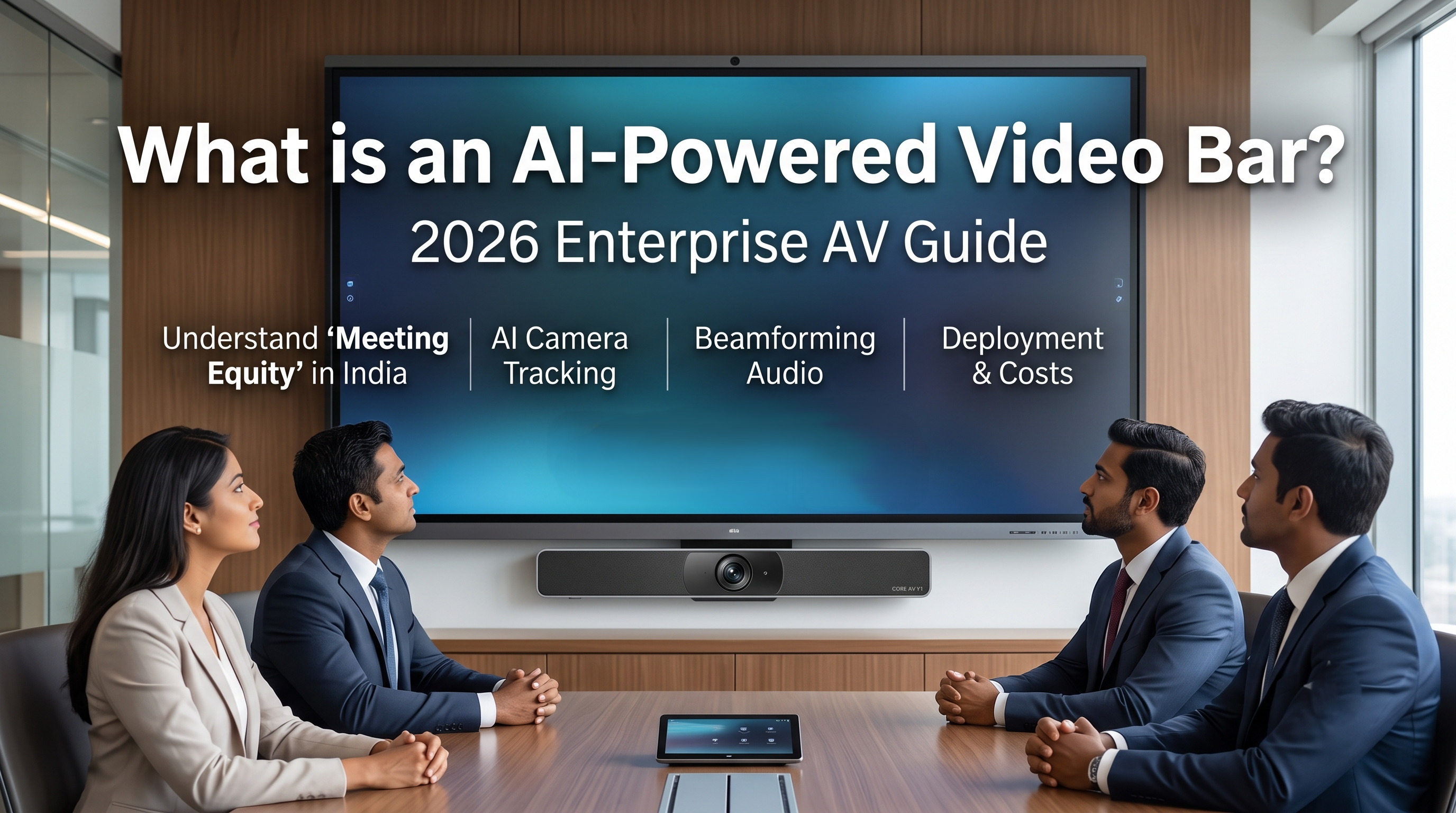
Hybrid meetings frequently suffer from logistical friction. Remote participants struggle to hear individuals sitting far from the microphone, while in-room attendees often look like distant figures at the end of a long boardroom table. Traditional component-based audiovisual (AV) setups—requiring separate cameras, microphones, speakers, and complex wiring switches—often complicate troubleshooting for IT departments.
An AI-powered video bar addresses these specific operational challenges by consolidation. It integrates an ultra-high-definition camera, multi-microphone arrays, speakers, and dedicated processing chipsets into a single hardware unit mounted above or below a display.
If you are evaluating hardware upgrades for corporate meeting spaces, huddle rooms, or executive boardrooms in India, this guide covers the underlying technology, deployment practicalities, and core purchasing considerations.
An AI-powered video bar is an all-in-one video bar for a conference room that combines a camera, microphone array, speakers, and an internal processor running machine-learning algorithms.
Its primary purpose is to automate camera framing and audio processing without manual remote control management. It is designed for corporate meeting rooms, training spaces, and huddle rooms to connect local participants with remote workers via platforms like Microsoft Teams, Zoom, and Google Meet.
An AI powered video bar represents a category of all in one collaboration display hardware designed to simplify hardware deployment. Instead of mounting separate hardware pieces around a room, a single device handles all media input and output.
The "AI" designation refers to the dedicated onboard system-on-chip (SoC) processor. This internal processor runs specialized computer vision and audio algorithms directly on the device, independent of the connected laptop or room computer. The device continuously analyzes the room’s visual and acoustic environment to adjust its feed in real time.
To understand why these devices differ from standard webcams or basic soundbars, it helps to break down the automated processes happening inside the unit during a live session.
Standard wide-angle cameras capture the entire room, leaving significant empty space and making individual faces small on remote screens. A smart video conferencing bar uses computer vision to identify human forms and faces within its field of view. It executes two main framing modes:
Group Framing: The camera automatically expands or tightens its field of view to frame every occupant in the room perfectly. If someone walks into the room late or leaves early, the camera adjusts the frame smoothly without human intervention.
Speaker Tracking: The hardware uses a combination of visual identification and microphone audio triangulation to locate the person speaking. It then shifts focus or crops the frame onto the active speaker, allowing remote viewers to follow the flow of conversation naturally.
Advanced models go beyond simple panning and zooming. They support multi-stream gallery views (often integrated natively with Zoom Rooms Smart Gallery or Microsoft Teams IntelliFrame). The video bar digitally slices the wide-angle room view, removes empty space like walls and tables, and places each local participant into an individual square tile on the remote screen. This ensures in-room employees have the exact same visual presence as remote workers.
The audio performance relies heavily on an array of multiple physical microphones working alongside digital signal processors (DSPs).
Beamforming Microphones: Instead of listening globally, the mic array creates directional "beams" aimed precisely at the person talking. This isolates the speaker's voice from ambient room noise.
Machine-Learning Noise Suppression: The internal algorithms are trained to differentiate human speech from distracting sounds. The system filters out background hums from air conditioning units, paper rustling, laptop typing, and footsteps, preventing these noises from broadcasting to remote participants.
When deploying an all-in-one video bar, organizations generally choose between two operational architectures.
┌──────────────────────────────────────────────────────────────────────────┐
│                          OPERATIONAL MODES                               │
└──────────────────────────────────────────────────────────────────────────┘
                                     │
            ┌────────────────────────┴────────────────────────┐
            ▼                                                 ▼
   [ APPLIANCE MODE ]                                  [ BYOD MODE ]
  • Internal OS (Android/Windows)                     • External laptop connection
  • Runs native Teams/Zoom apps                       • Uses laptop's CPU/software
  • Functions without external PC                     • Highly flexible for any app
In this configuration, the video bar runs its own built-in operating system (commonly Android or dedicated Windows IoT software). It runs video conferencing applications like Microsoft Teams Rooms or Zoom Rooms natively directly from the bar itself.
How it works: The room operates via a dedicated touch controller on the table. Users walk in, tap a calendar invite on the controller, and the meeting starts without connecting a personal computer.
Limitation: The room is typically locked into that chosen platform ecosystem unless guest-join features are enabled.
BYOD mode treats the video bar as an external USB peripheral.
How it works: A user connects their personal laptop to the video bar via a single USB-C or HDMI/USB cable. The laptop utilizes its own web browser or installed application to run the meeting, while leveraging the high-end camera, microphones, and speakers of the bar.
Limitation: It relies heavily on the user having the correct drivers, stable laptop performance, and physical cable connections.
The choice of hardware depends extensively on room size, architectural acoustics, and platform preferences. The table below outlines prominent enterprise options frequently specified by AV integrators in India for various room dynamics.
| Manufacturer & Model | Optimal Room Size | Supported Architecture | Key Differentiating Hardware Feature |
| Logitech Rally Bar | Medium to Large | Appliance & BYOD | Dual-camera system with an optical zoom lens alongside a digital viewfinder lens. |
| Poly Studio X52 | Medium | Appliance & BYOD | NoiseBlockAI and Acoustic Fence technology designed for glass-walled rooms. |
| Neat Bar Gen 2 | Small to Medium | Appliance & BYOD | High-resolution image sensor designed to track subtle facial expressions across deep spaces. |
| Cisco Room Bar | Small to Medium | Native Webex / Multi-platform | Advanced codec capabilities with dual-screen output support out of the box. |
| Jabra PanaCast 50 | Small / Huddle Room | BYOD & Room System | 180-degree panoramic field of view using three stitched camera sensors to cover wall-to-wall seating. |
Investing in enterprise-grade AV hardware involves distinct cost brackets based on capability, build quality, and system licensing. While precise project estimates vary by system integrator and volume discounts, the market generally reflects the following pricing structures in India:
Huddle Rooms and Small Spaces (Up to 6 seats): Premium entry-level video bars cost between ₹75,000 to ₹1,500,000. These devices generally offer digital zoom ranges and focus entirely on wide-angle lenses to capture participants sitting close to the screen.
Medium Boardrooms (Up to 12 seats): Mid-tier solutions range from ₹1,50,000 to ₹3,00,000. Systems in this bracket feature larger speaker drivers, wider beamforming microphone ranges (typically up to 4.5 or 6 meters), and more advanced AI tracking processors.
Large Executive Boardrooms (12+ seats): High-end setups range from ₹3,00,000 to ₹6,00,000+. These configurations often bundle the core video bar with external tabletop microphone pods, touch control panels, and dual-display capabilities.
When evaluating quotations from Indian AV vendors, ensure you check what is included beyond the physical hardware. Discrepancies in pricing usually stem from:
Mounting Hardware: Standard wall mounts are often included, but specialized TV cart mounts or custom display brackets add to the cost.
Touch Controllers: Including a dedicated tabletop touch interface console can add ₹50,000 to ₹90,000 to the baseline hardware cost.
Cabling Infrastructure: High-quality, active optical USB cables designed to run safely through under-floor conduits without signal degradation are significantly more expensive than standard consumer-grade patches.
Annual Maintenance Contracts (AMC): Post-warranty software updates, hardware replacements, and on-site technical support add ongoing service fees.
Procuring commercial video bars requires balancing space limitations with long-term network security and software plans. Use this checklist during your planning phases:
Room Dimensions and Field of View (FoV): For shallow, wide huddle rooms where users sit close to the display, select a bar with at least a 120-degree or 180-degree horizontal FoV. For long, narrow rooms, focus on optical zoom capabilities rather than pure digital zoom.
Audio Pickup Range: Verify the certified microphone range against your actual room depth. If your table extends beyond 5 meters, verify if the model supports external daisy-chained extension microphones.
Platform Compatibility: Ensure the unit holds official certification for the specific platform your enterprise uses (e.g., Certified for Microsoft Teams Rooms or Zoom Rooms Certified) to guarantee firmware stability.
Network Management Tools: Confirm that the IT team can monitor, update, and reboot the devices remotely across multiple office branches using central management platforms like Logitech Sync or Poly Lens.
Power over Ethernet (PoE) Support: Check if peripherals like touch panels require dedicated wall power sockets or can run cleanly over standard network data cabling using PoE switches.
Simplified Installation: Minimizing individual hardware parts reduces points of failure and dramatically cuts down room setup times.
Reduced Cable Clutter: System inputs typically require only a power cable, a network cable, and display outputs, eliminating loose table wiring.
Improved User Experience: Automatic tracking removes the need for remote controls, ensuring meetings start quickly without manual adjustments.
Consistent Aesthetics: The compact design sits flush against walls or displays, complementing modern office interiors.
Fixed Upgrades: Because the camera, microphones, and speakers are housed together, you cannot upgrade a single component. If the camera sensor becomes outdated, the entire unit must be replaced.
Acoustic Limitations in Large Spaces: Since the speakers are located at the front of the room under the display, audio clarity can drop off significantly at the far end of deep boardrooms unless extra ceiling or table mics are integrated.
Architectural Reliance: Rooms with highly reflective surfaces like glass walls or hard floors can experience audio echo if the device lacks advanced acoustic fence algorithms.
The final choice between legacy component setups and all-in-one hardware depends on your specific room topology and IT workflow preferences.
For huddle spaces, small meeting rooms, and standard medium boardrooms, an AI-powered video bar is highly practical. It delivers clean cable organization, fast deployments, and essential smart tracking features at an appropriate price point.
For custom training auditoriums, large multi-tiered lecture rooms, or complex divisible spaces, traditional discrete components (separate PTZ tracking cameras, DSPs, and ceiling microphone arrays) remain necessary to handle complex acoustic and visual requirements.
Yes, most models function in BYOD mode by plugging in a USB cable, making them compatible with any software running on your laptop. However, for standalone operation in Appliance Mode, the hardware must be explicitly certified to run that specific application natively.
A traditional soundbar only outputs audio. An AI video bar is a complete collaboration system containing audio output speakers, voice-tracking microphone arrays, a high-definition camera, and a built-in computer processor that automates room framing.
Depending on the specific manufacturer and target room size, devices generally house an array of 3 to 8 beamforming microphones. These elements work together to triangulate sound sources and isolate speech from background noise.
Not if you operate the device in Appliance Mode. In this configuration, the video bar runs platforms like Zoom Rooms or Microsoft Teams natively using its own built-in operating system. A separate PC is only required if you choose a BYOD setup.
No, the vast majority of enterprise video bars process computer vision, auto-framing, and audio noise cancellation locally on their internal hardware chipsets. Visual and acoustic data does not leave the device or upload to external cloud servers for processing.
Yes, most mid-to-high-tier enterprise video bars feature multiple HDMI output ports, allowing you to show remote video participants on one screen and presentation slides on the second display simultaneously.
Cheaper tracking systems can occasionally be triggered by movement behind glass panels. Enterprise-grade models allow IT administrators to set defined "zones" or visual boundaries, instructing the camera to ignore faces outside the physical meeting room footprint.
Basic firmware updates that patch bugs and improve stability are generally provided free by major manufacturers via their management platforms. However, advanced management portal features or extended support packages may require active software subscriptions.





 Buying guides
 Buying guides
 Buying guides
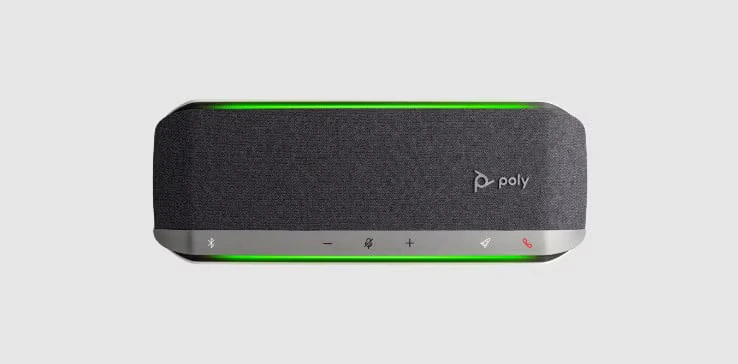
Bring Big, Crystal-Clear Sound to Every Meeting Room The Poly Sync 60 USB/Bluetooth Smart Speakerphone is engineered specifically for...
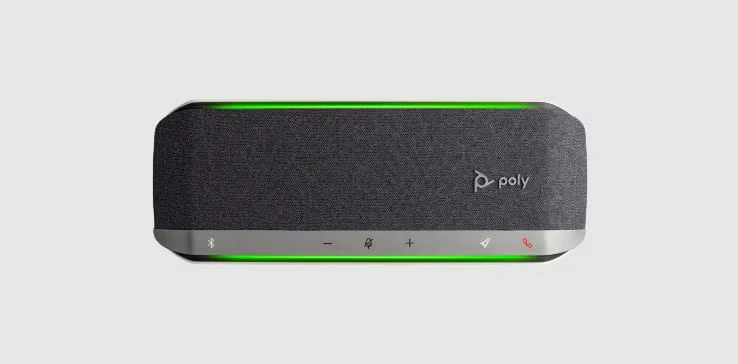
The Poly Sync 40 USB/Bluetooth® smart speakerphone is engineered for flexible workspaces and huddle rooms up to 5 meters x...
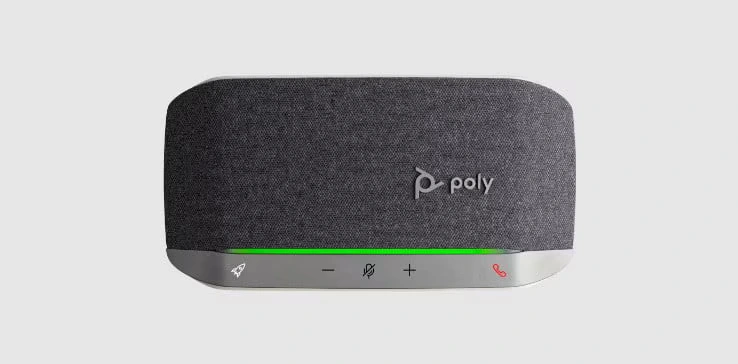
The Poly Sync 20 is a portable, personal smart speakerphone engineered to bridge the gap between high-ticket workspace productivity and...
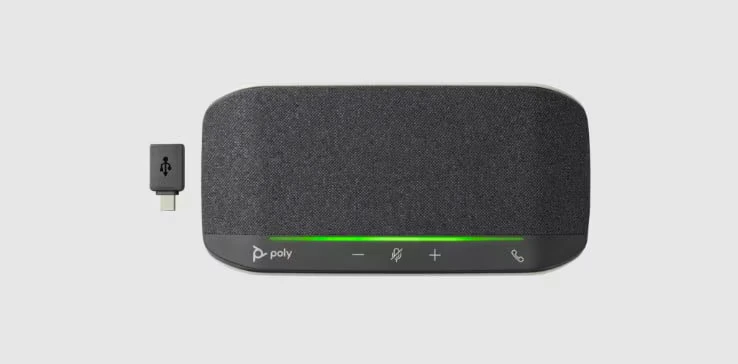
Turn any remote workspace or small home office into an enterprise-grade conference room with the Poly Sync 10 All-in-One USB...