Avilable
& Installations
|
Specifications
|
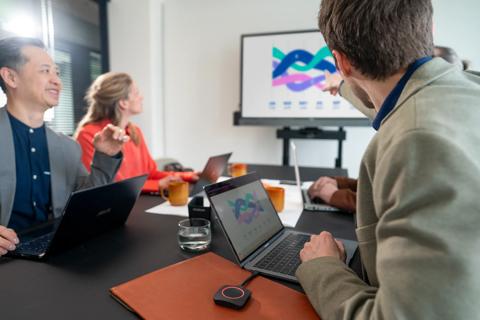
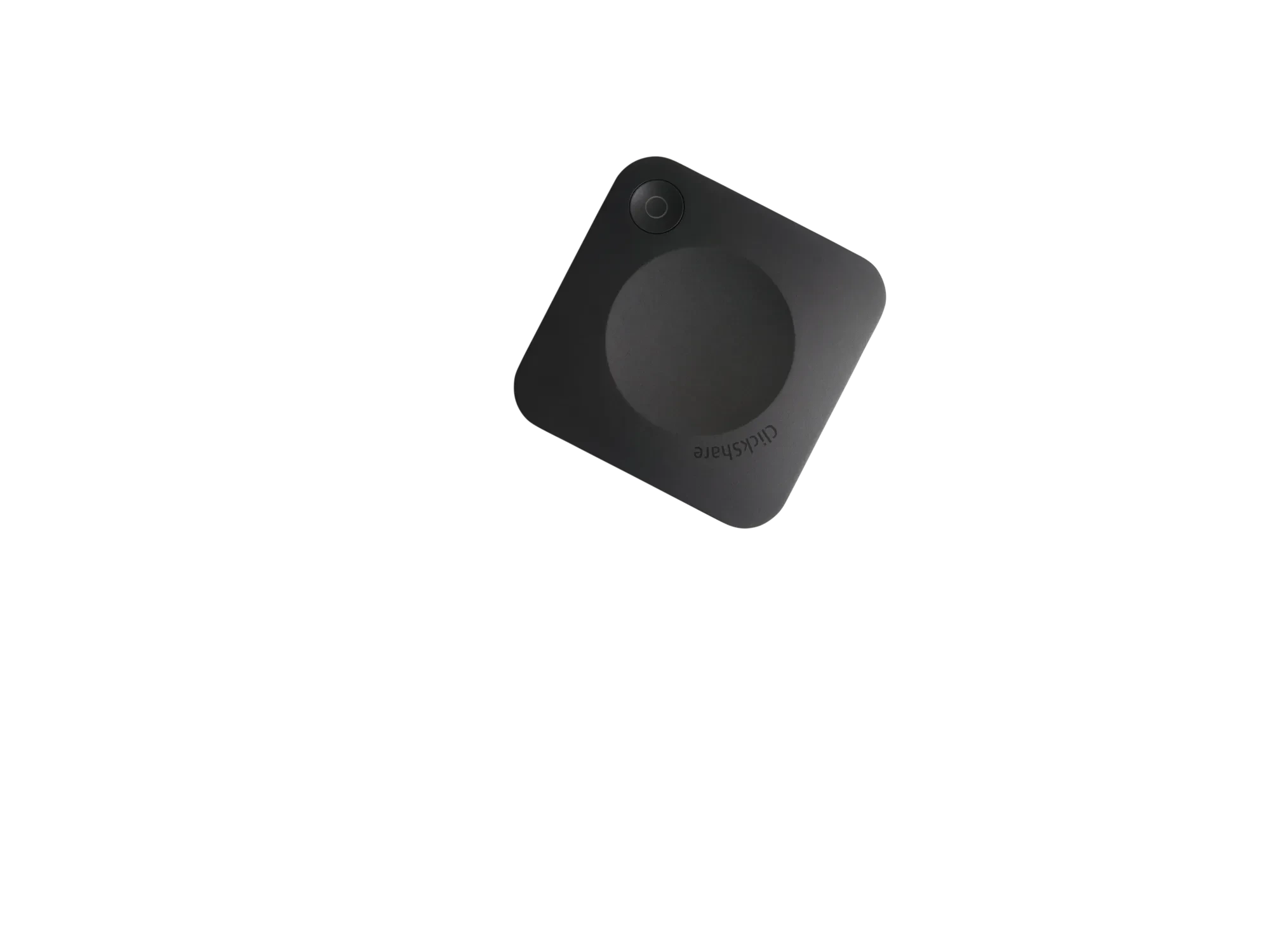
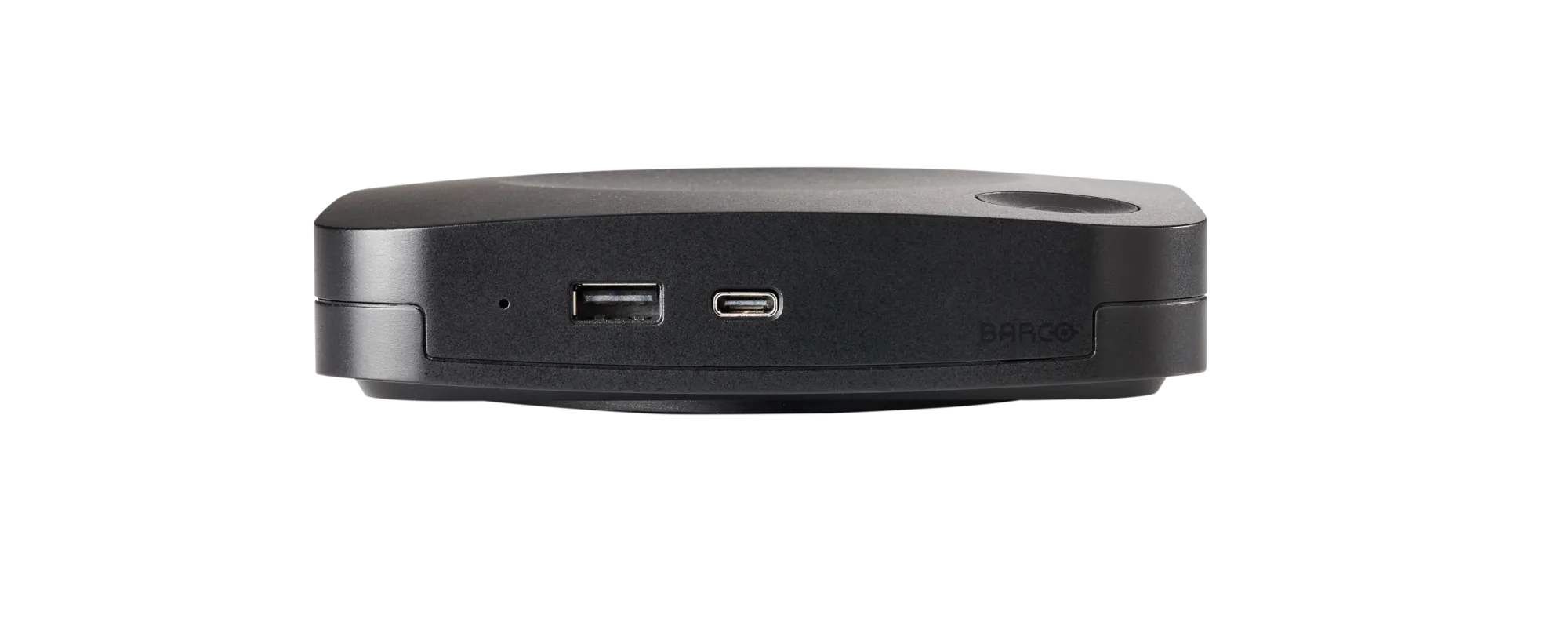
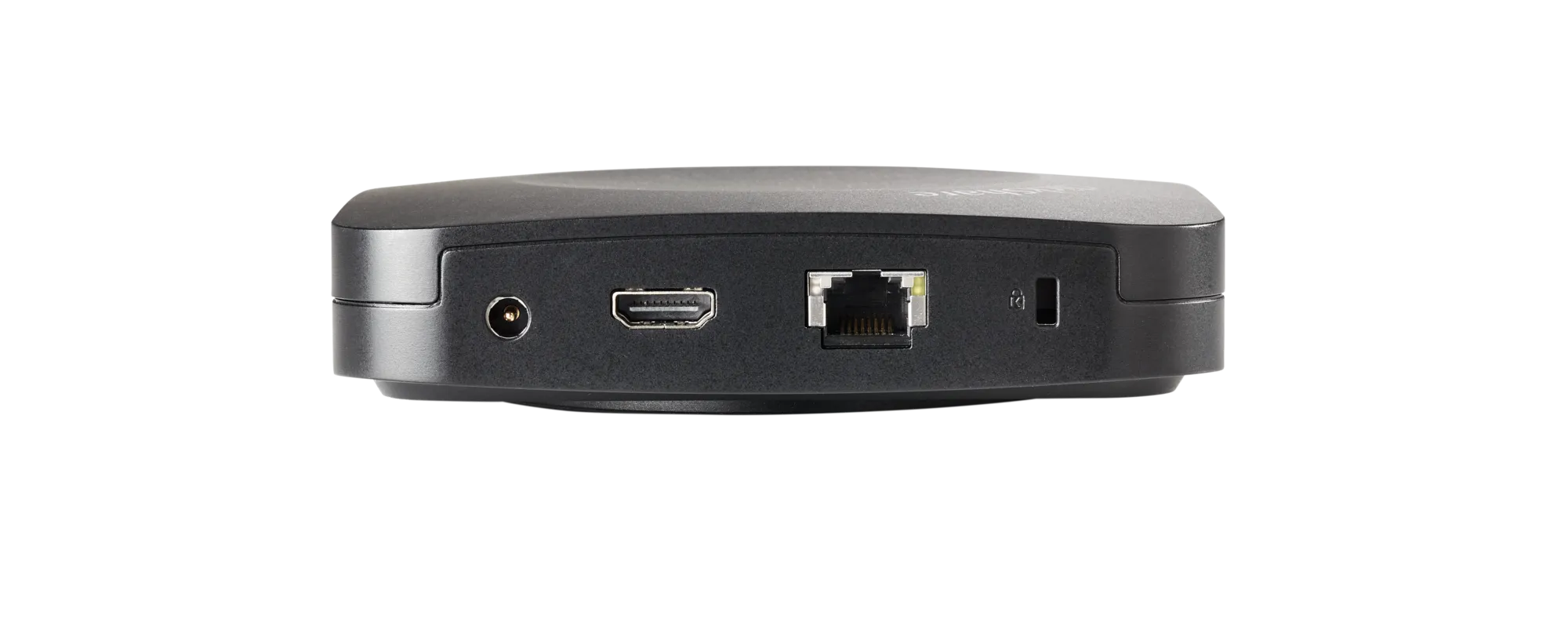
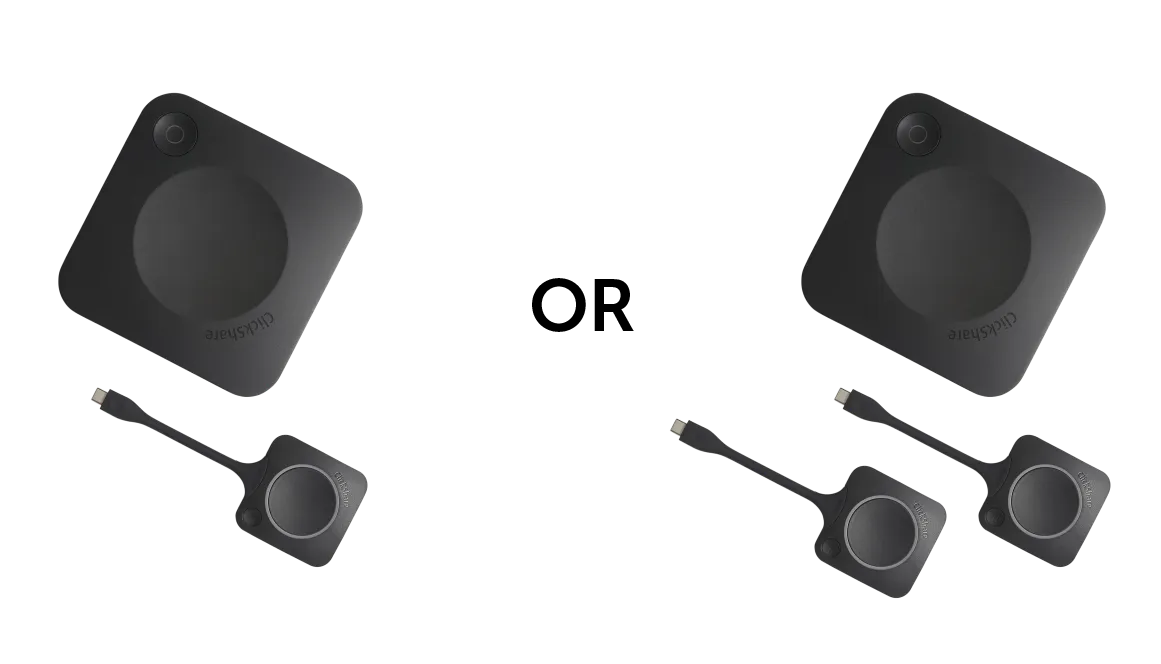
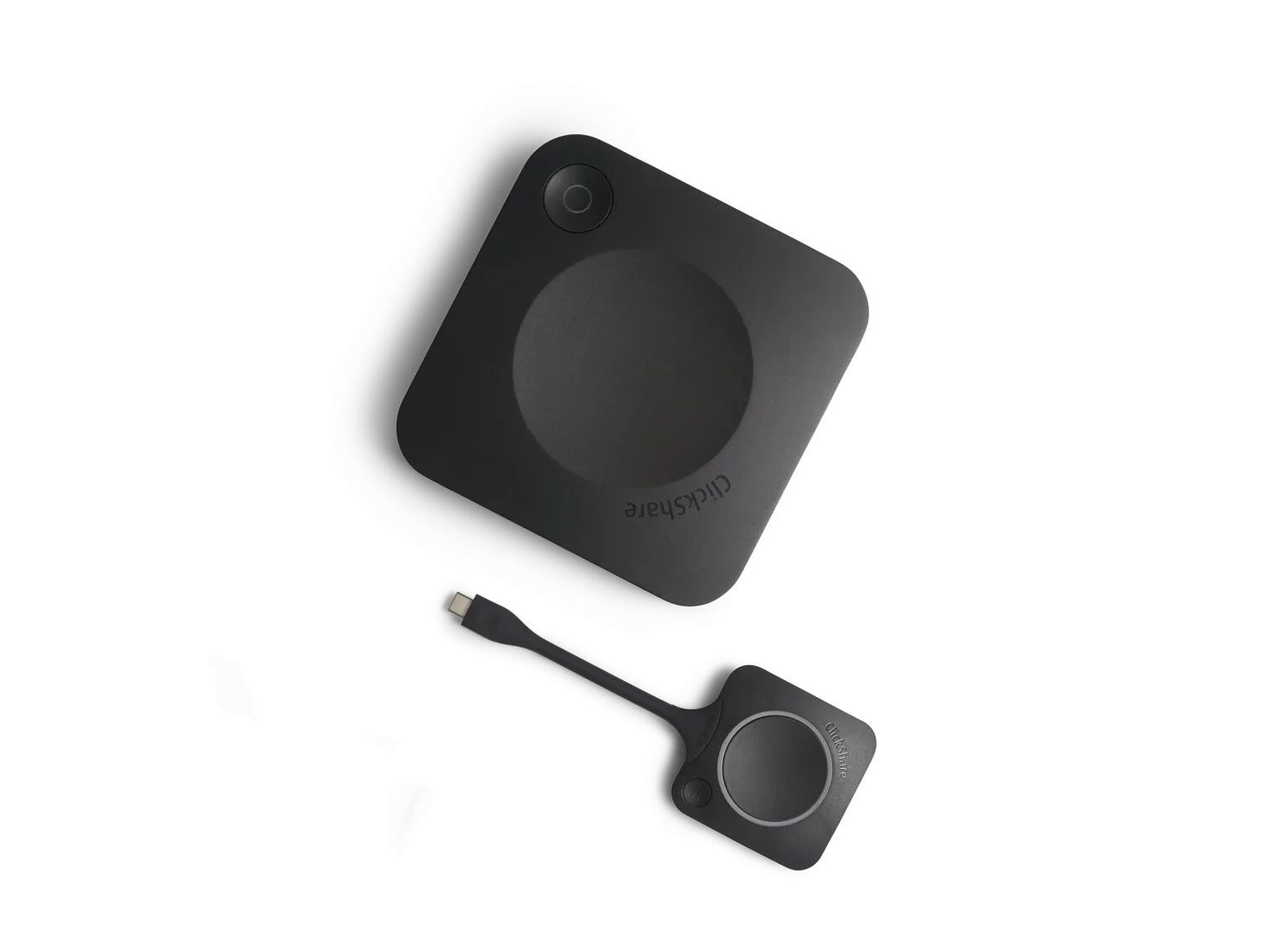
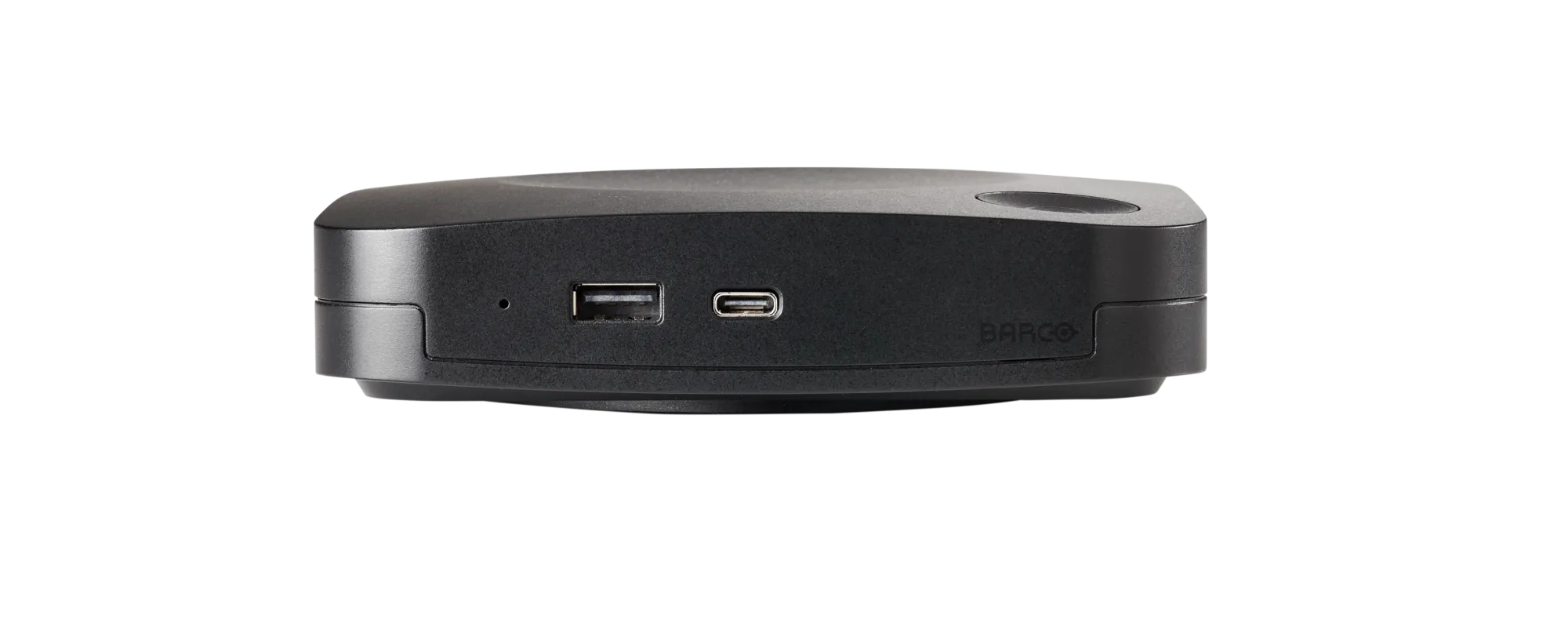
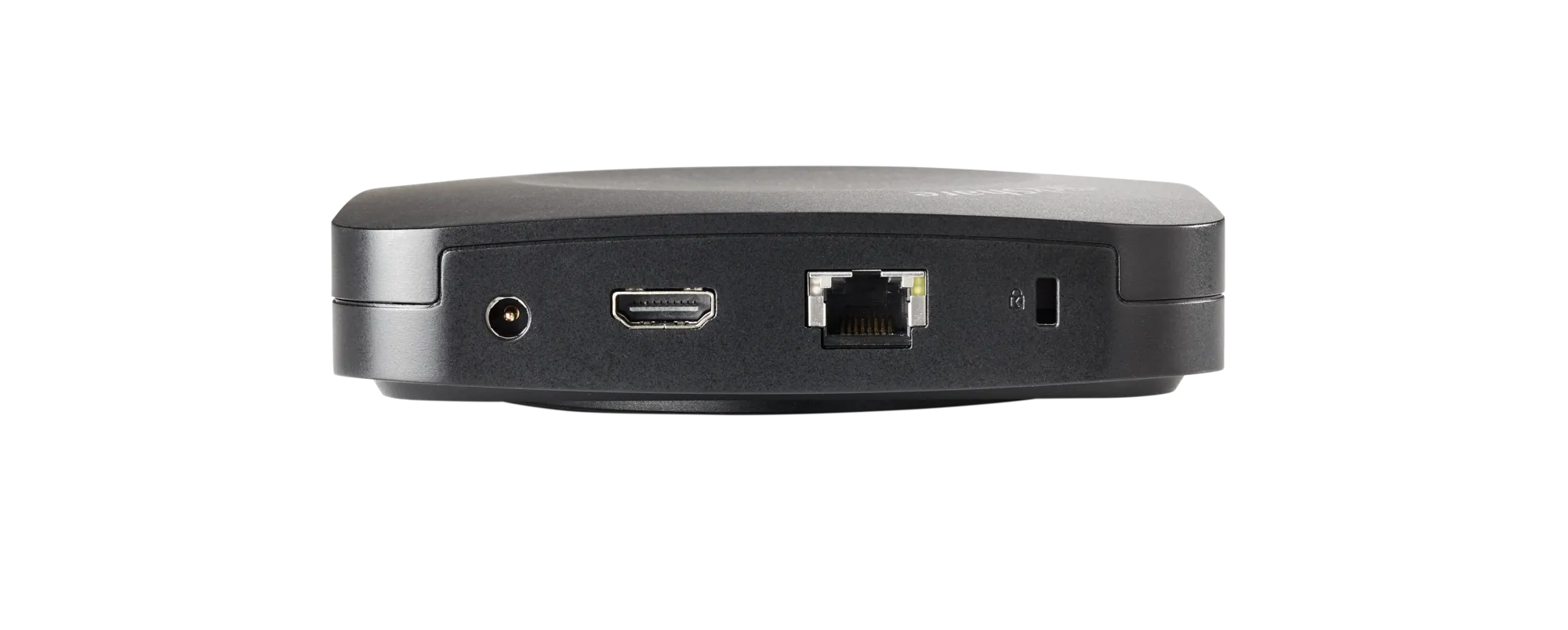
The Barco ClickShare C-5 is a wireless presentation solution designed for huddle spaces and small meeting rooms. It allows users to share content instantly from laptops, smartphones, and tablets to a meeting room display without connecting HDMI cables. Supporting AirPlay, Google Cast, Miracast, and the ClickShare App, the system enables seamless Bring Your Own Device (BYOD) collaboration. The C-5 helps organizations simplify presentations, improve meeting efficiency, and support hybrid work environments with secure wireless content sharing and centralized cloud management.
The price of the Barco ClickShare C-5 in India may vary depending on the reseller, project requirements, warranty options, and deployment scale. Businesses often choose the C-5 because it provides enterprise-grade wireless presentation capabilities at an affordable entry-level investment. The solution eliminates the need for multiple adapters, cables, and room-specific connectivity devices, making it a cost-effective choice for small meeting rooms and huddle spaces. Contact an authorized Barco partner for the latest pricing, promotions, and installation packages.
The ClickShare C-5 streamlines collaboration by allowing participants to wirelessly share presentations, documents, videos, and applications from their own devices. Instead of searching for cables or adapters, users can instantly present using AirPlay, Google Cast, Miracast, or the ClickShare App. This reduces meeting setup time and encourages more interactive discussions. The system is particularly valuable in hybrid work environments where employees and guests use different devices and operating systems. Faster content sharing helps teams focus on productivity rather than technical issues.
Yes, the Barco ClickShare C-5 is fully compatible with both Windows and macOS devices. Users can share content wirelessly through the ClickShare App or native wireless presentation technologies supported by their devices. This cross-platform compatibility makes the solution ideal for organizations with mixed IT environments. Whether employees use Windows notebooks or Apple MacBooks, they can connect quickly and present without installing complex software or carrying additional cables. The result is a smoother meeting experience and greater user convenience.
Yes, the ClickShare C-5 supports wireless content sharing from Android smartphones, tablets, iPhones, and iPads. Apple users can utilize AirPlay for instant screen sharing, while Android users can connect through Google Cast, Miracast, or the ClickShare App, depending on device compatibility. This flexibility supports modern BYOD workplaces where participants bring different devices into meetings. Users can display presentations, documents, images, and business applications directly on the room display without needing cables or external adapters.
Yes, the Barco ClickShare C-5 supports Apple AirPlay, allowing iPhone, iPad, and Mac users to wirelessly mirror their screens to the meeting room display. AirPlay support eliminates the need for physical connections and makes it easy for Apple users to start presentations instantly. This feature is especially useful in organizations that rely heavily on Apple devices. Employees and guests can collaborate more efficiently while maintaining a clean and cable-free meeting room environment that promotes productivity and professionalism.
Yes, Google Cast is supported on the Barco ClickShare C-5. Users can wirelessly share content from compatible Android devices, Chromebooks, and Chrome browsers directly to the room display. This native compatibility reduces dependency on additional hardware and simplifies content sharing during meetings. Google Cast support is particularly beneficial for organizations using Google Workspace and ChromeOS devices. Participants can instantly present reports, dashboards, presentations, and online content without interrupting meeting flow.
Yes, the ClickShare C-5 includes Miracast support, enabling wireless screen sharing from compatible Windows laptops and Android devices. Miracast allows users to mirror their screens without installing additional software, making presentations quick and convenient. This feature enhances compatibility across various device brands and operating systems. For businesses looking to implement a flexible BYOD meeting room solution, Miracast support helps ensure that participants can connect using their preferred devices while maintaining a smooth and professional presentation experience.
Yes, the Barco ClickShare C-5 supports high-quality 4K UHD wireless presentation for compatible displays and content sources. This capability ensures sharp text, detailed graphics, and vibrant visuals during presentations, making it suitable for professional business environments. Whether sharing spreadsheets, marketing content, product demonstrations, or business reports, users benefit from excellent image quality without physical connections. The combination of wireless convenience and 4K visual performance helps organizations create modern and engaging meeting experiences.
The Barco ClickShare C-5 is designed with enterprise-grade security features to protect corporate networks and meeting room environments. It includes encrypted communication, secure authentication methods, network protection mechanisms, and regular firmware updates. These security measures help prevent unauthorized access while maintaining a seamless user experience. Organizations concerned about data privacy and compliance can confidently deploy the system in professional environments. The security-focused architecture makes the ClickShare C-5 suitable for corporate offices, educational institutions, and government facilities.
Our commitment is backed by a verified 99% on-time arrival rate for all domestic shipments within India.
Purchase with confidence. We guarantee genuine, brand-new electronics directly from certified manufacturers.
Your personal data is protected with advanced encryption. We strictly adhere to Indian data privacy laws.
Barco ClickShare C-10 is a premium wireless presentation and collaboration system designed for meeting rooms, conference spaces, boardrooms, classrooms, and corporate environments. With a single…