
Avilable
& Installations

|
Specifications
|
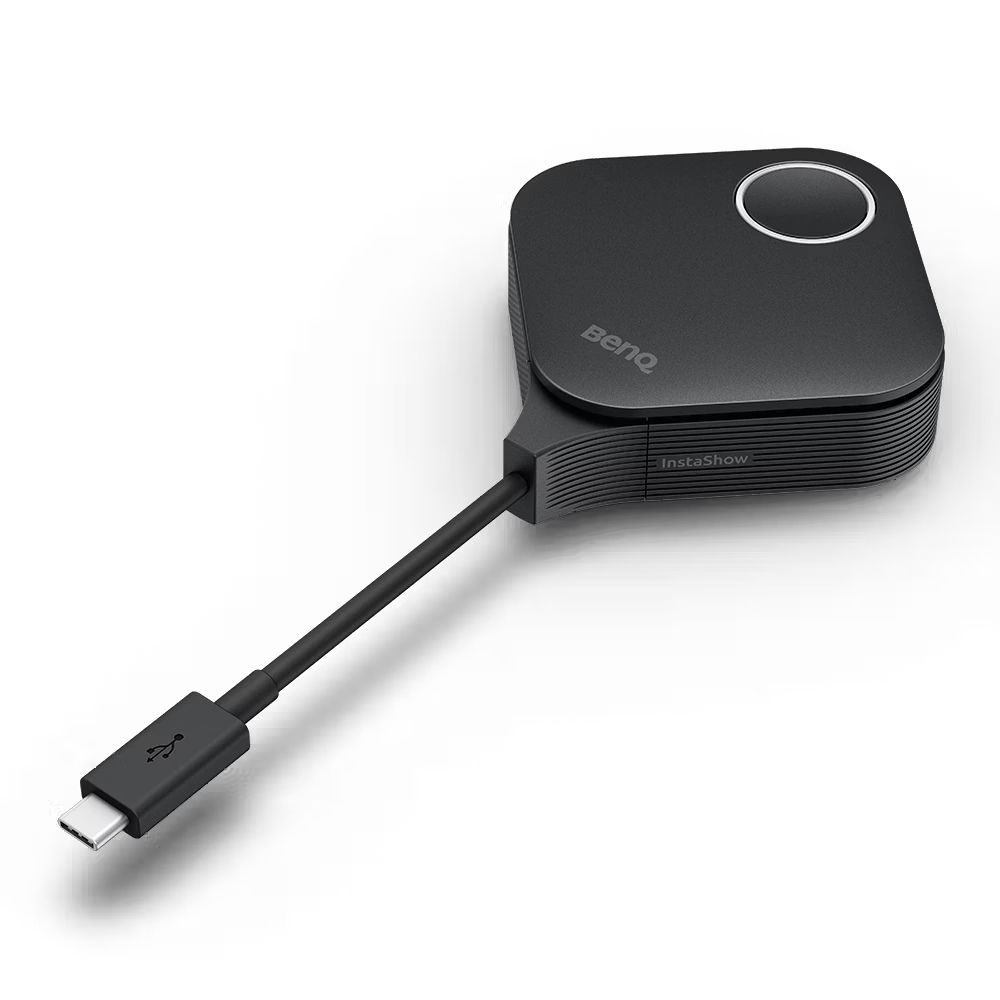
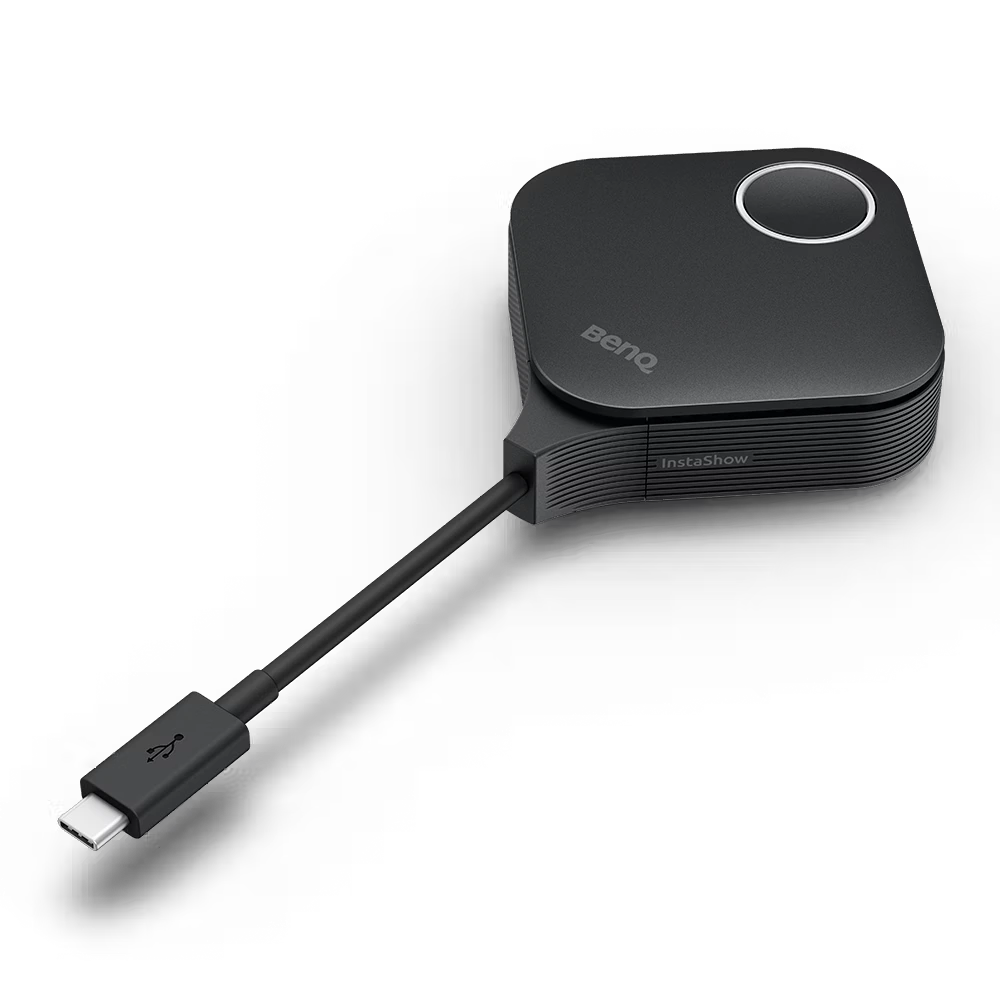
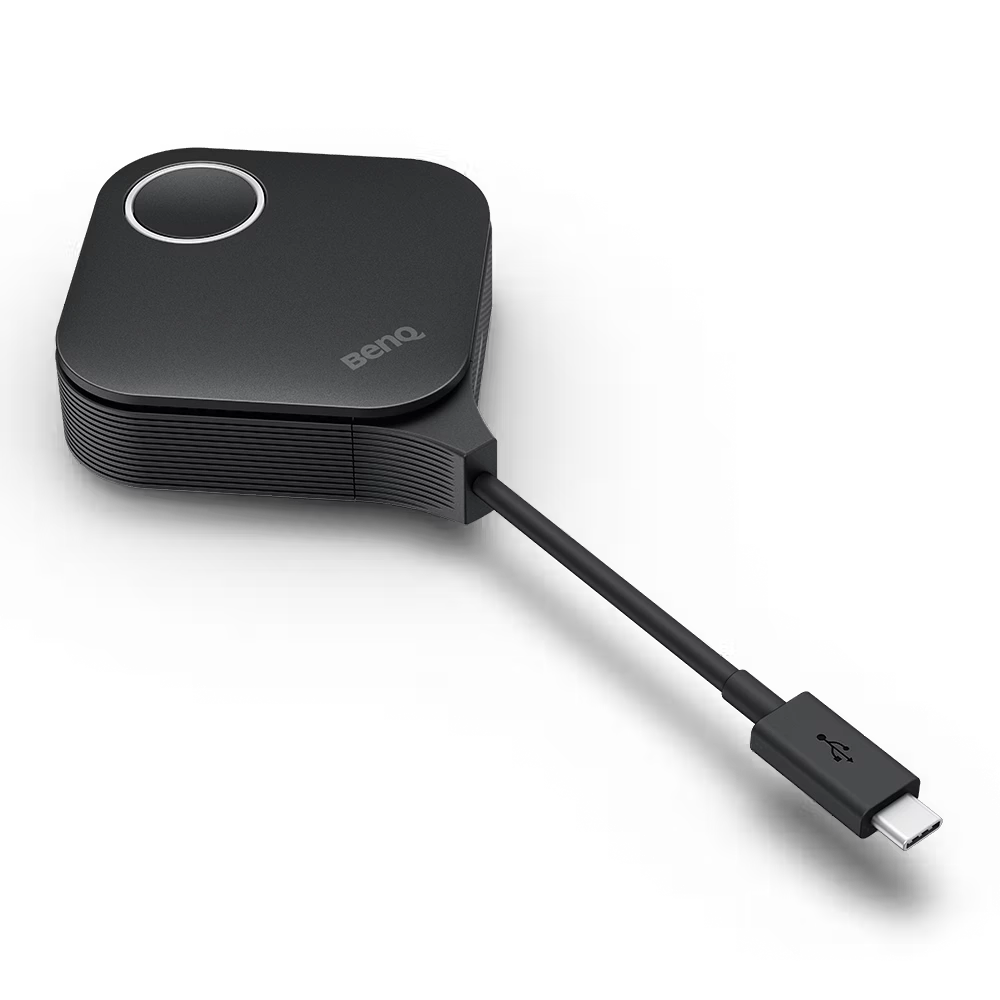
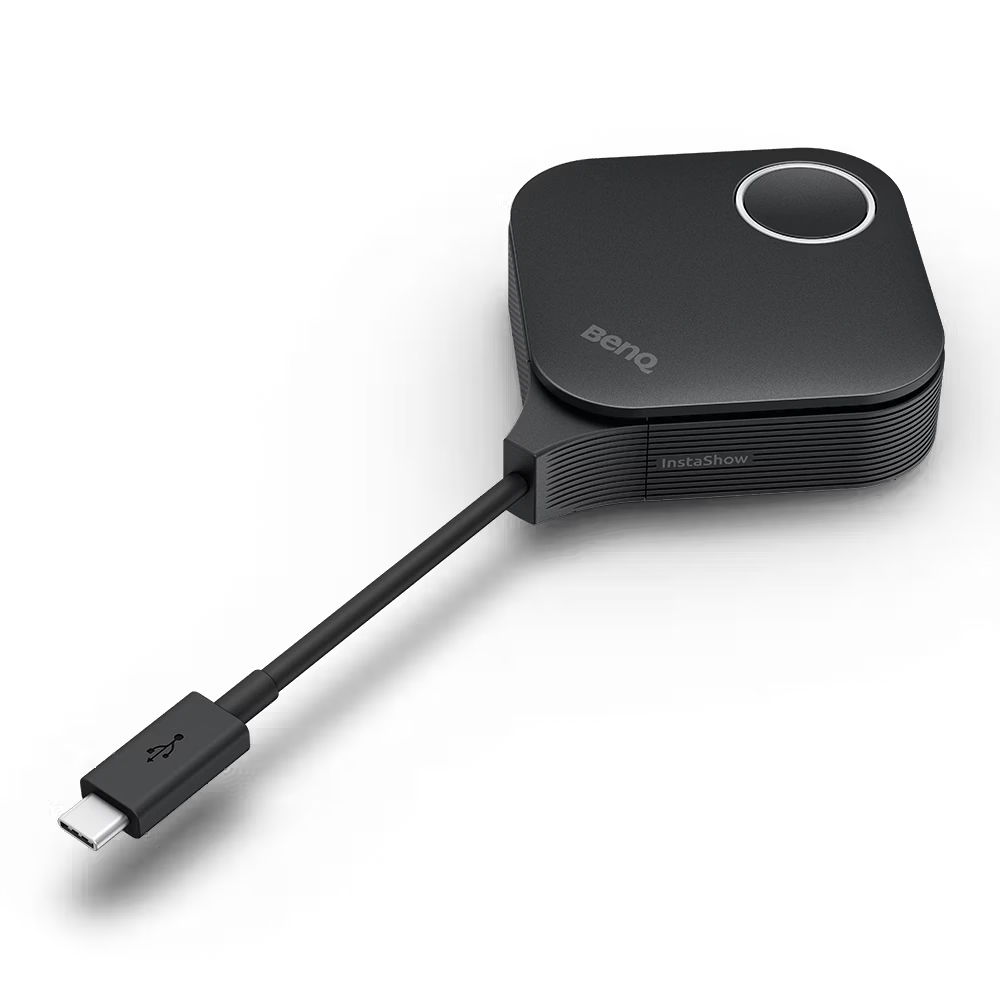
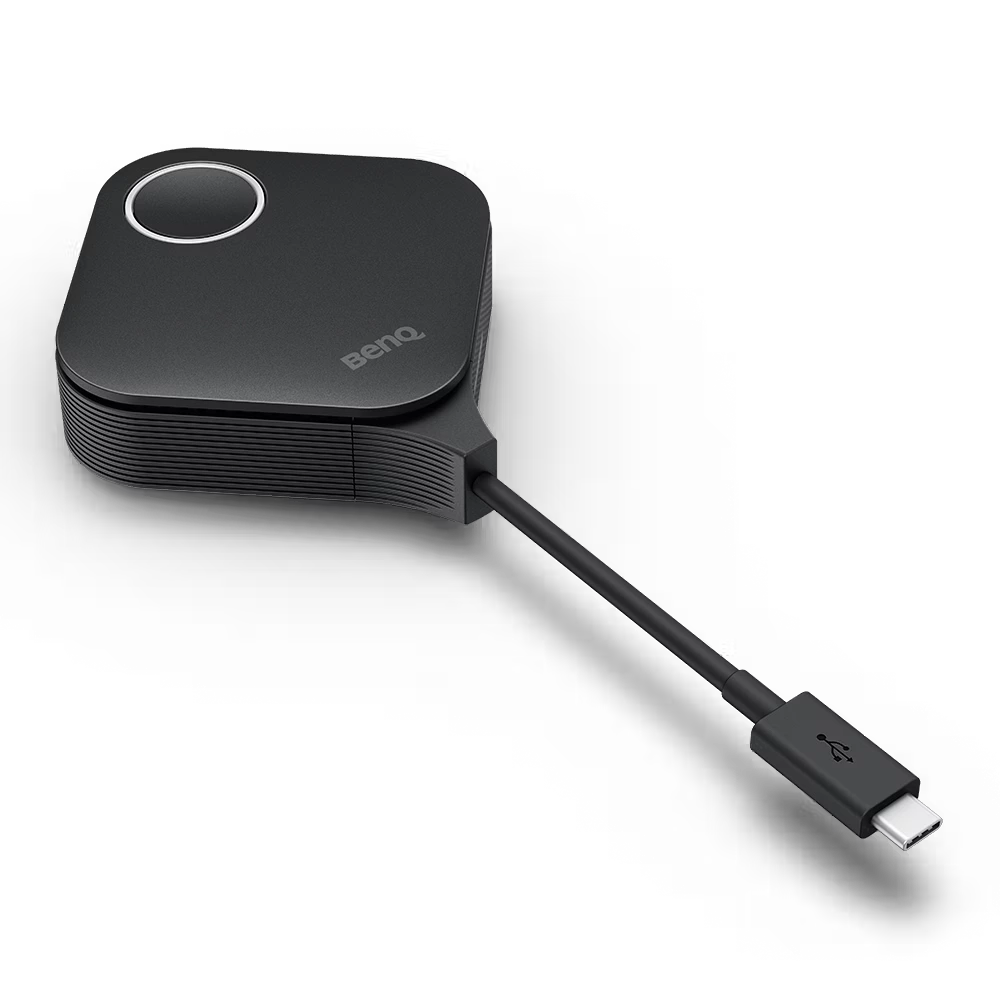
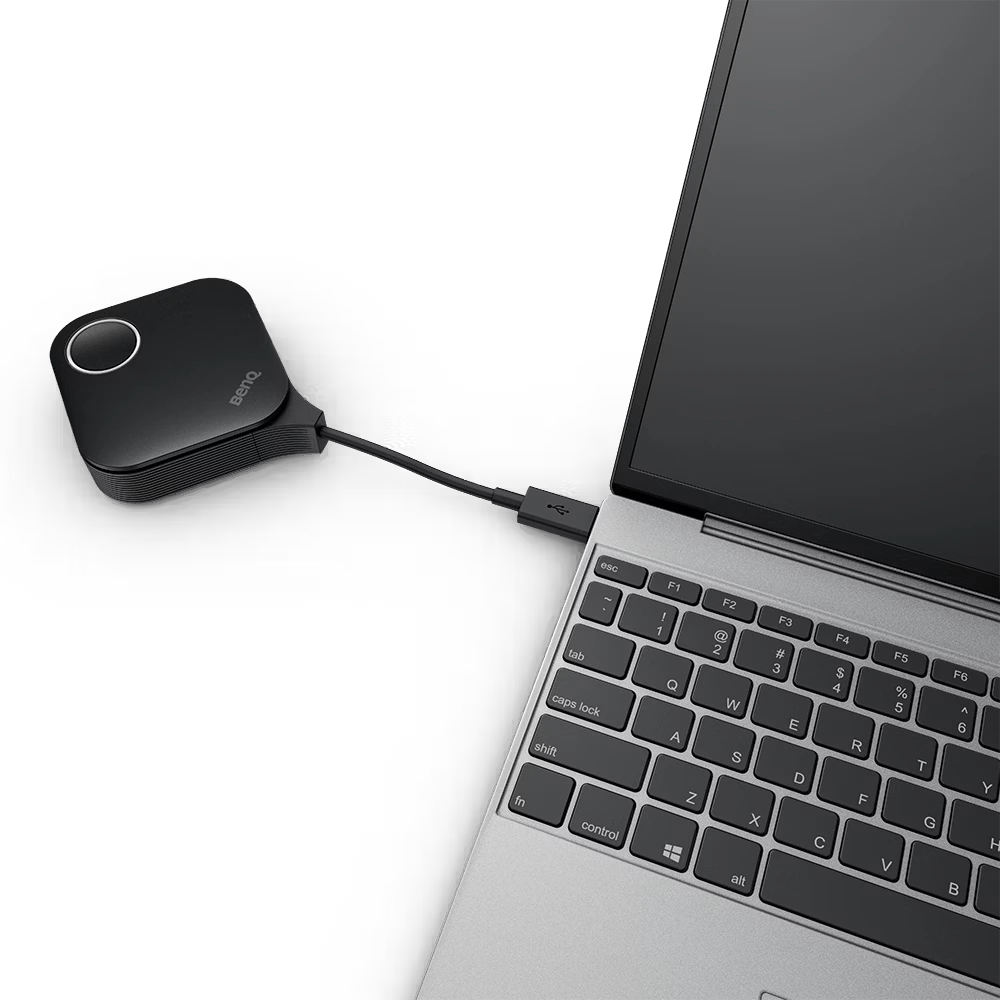
The BenQ InstaShow® WDC15 Button Kit is a plug-and-play wireless presentation transmitter that enables users to share content from their laptops to a compatible BenQ InstaShow receiver without installing software, drivers, or applications. Designed for meeting rooms, classrooms, training centers, and collaboration spaces, it supports both USB-C (default) and HDMI (switchable) connections. The WDC15 Button delivers wireless presentations in up to 4K UHD (3840 × 2160 @ 30Hz) with low latency, making it suitable for presentations, video playback, and collaborative discussions while maintaining enterprise-grade security with WPA3 and AES encryption.
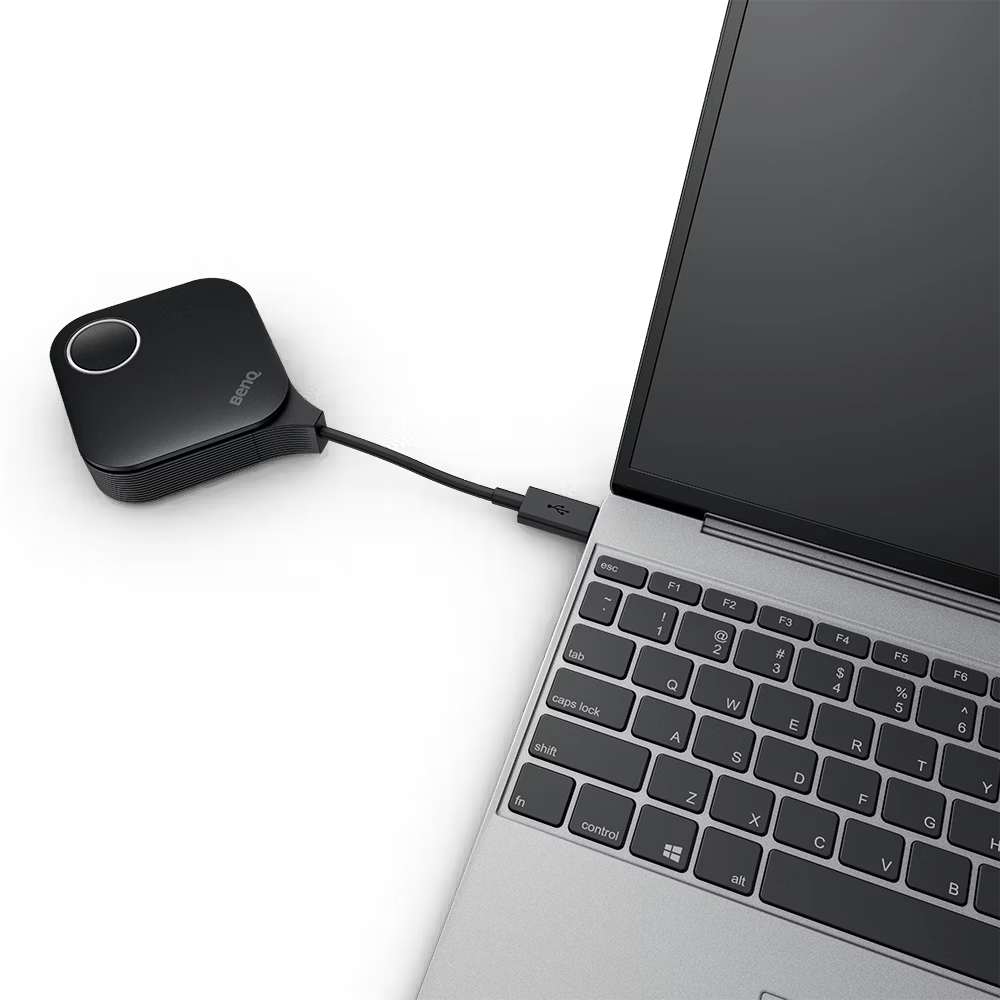
The BenQ InstaShow WDC15 Button works by wirelessly transmitting your laptop's screen to a compatible BenQ InstaShow receiver. Simply connect the button to your laptop using the supported USB-C or HDMI interface and press the button to begin presenting. No software installation, driver downloads, or network configuration is required. The system establishes a secure peer-to-peer wireless connection, allowing users to start screen sharing within seconds while maintaining smooth video, audio, and presentation quality.
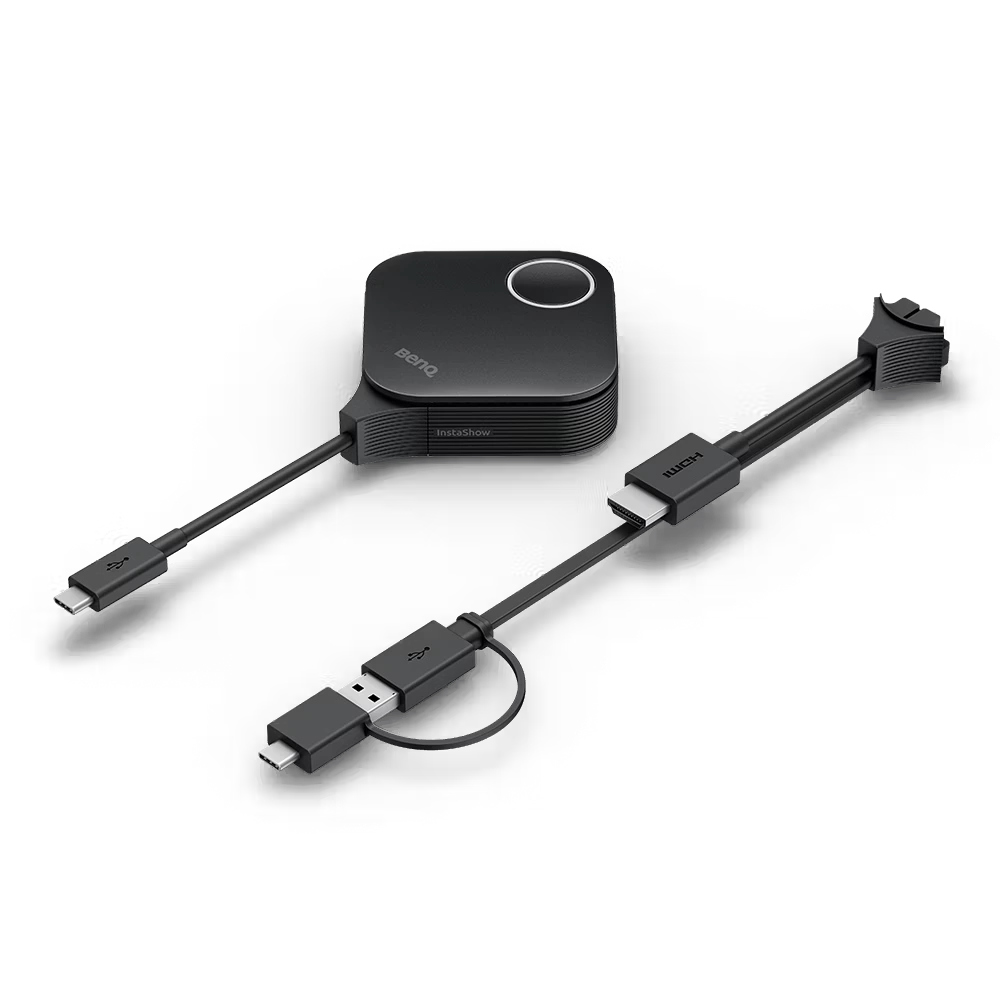
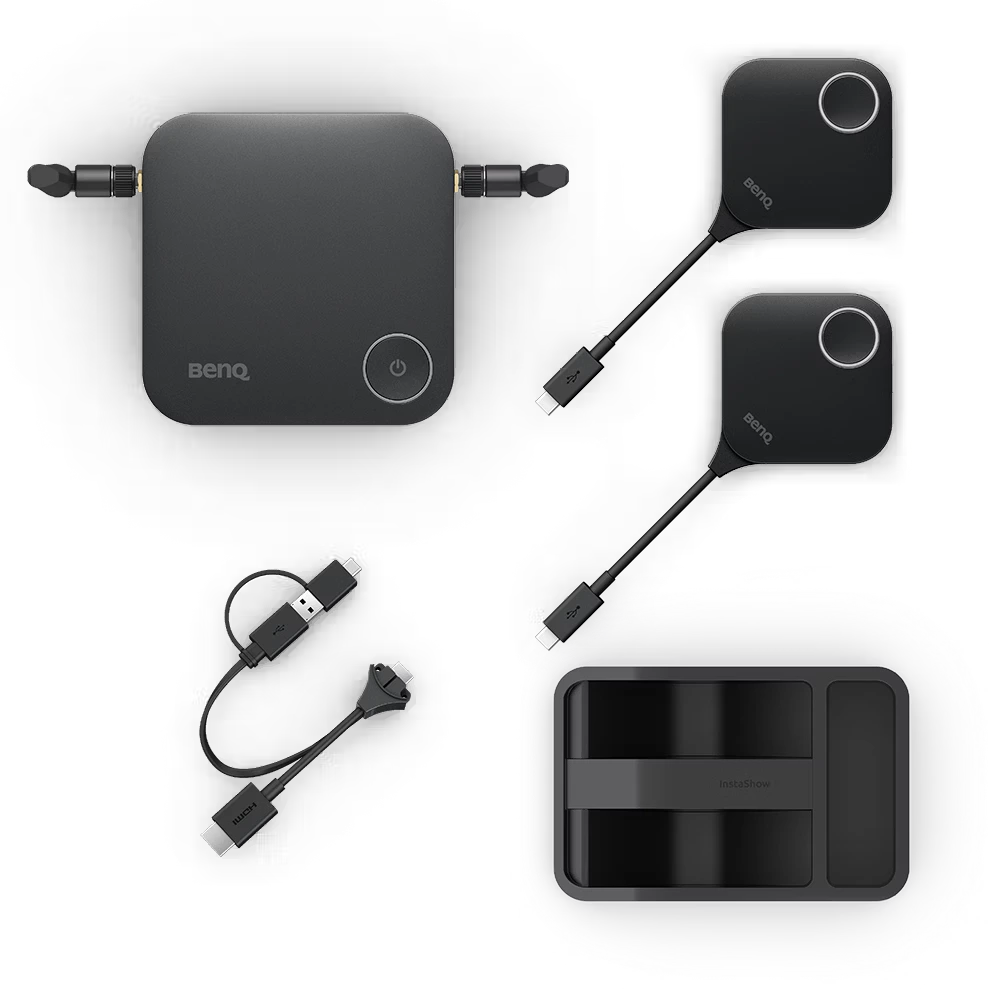
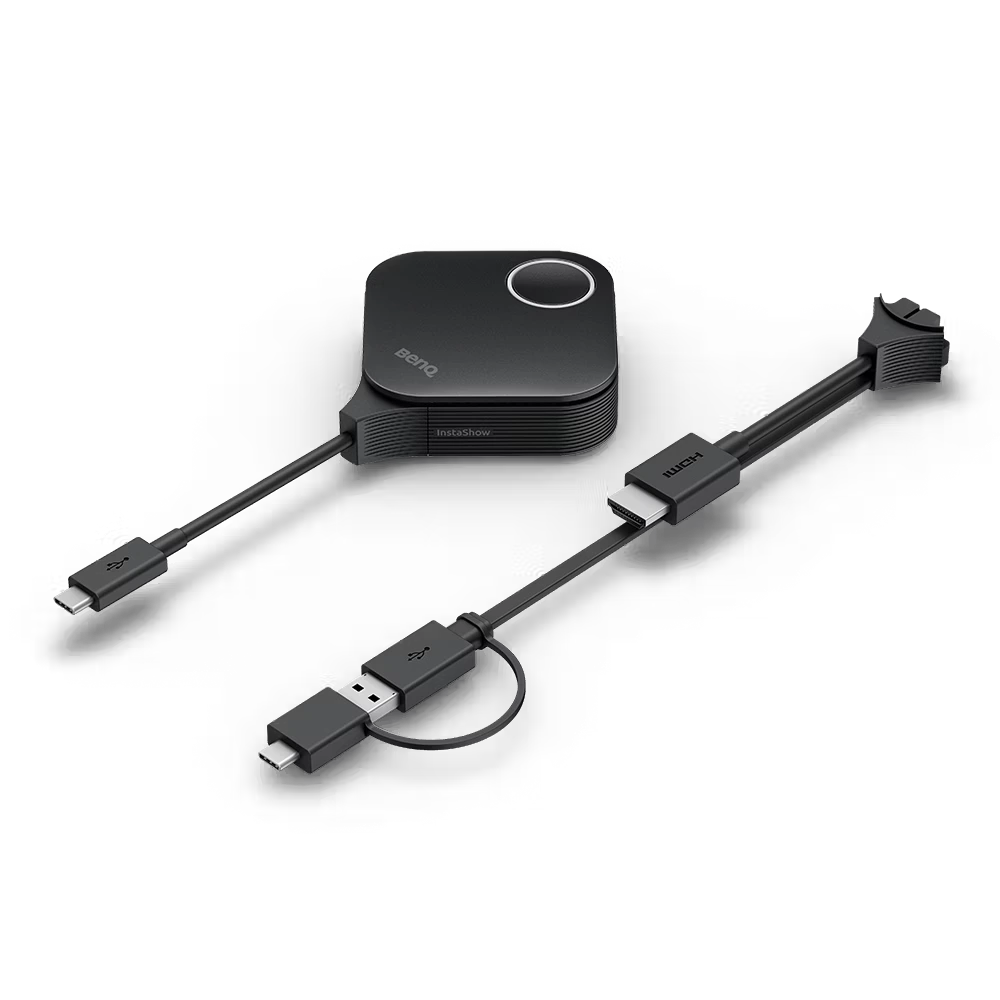
The BenQ InstaShow WDC15 Button Kit typically includes a wireless presentation button designed to pair with a compatible BenQ InstaShow WDC15 receiver. The button supports USB-C connectivity by default and can be switched to HDMI mode when required. Depending on the purchased package, accessories such as connection cables or documentation may also be included. It is intended as an additional or replacement transmitter for organizations that need multiple presenters to share content during meetings or collaborative sessions.
The BenQ InstaShow WDC15 Button is ideal for businesses, educational institutions, government offices, training centers, and conference facilities that require secure, wireless screen sharing. It is particularly useful for organizations where multiple presenters need to switch between laptops quickly without connecting cables or installing software. Teams conducting hybrid meetings, classroom lessons, client presentations, or collaborative workshops can benefit from its plug-and-play functionality, low-latency performance, and enterprise-grade security features.
Yes. The BenQ InstaShow WDC15 Button is compatible with Windows laptops that support the required USB-C or HDMI connection. Since the system is designed for driver-free operation, users can begin wireless presentations without installing additional software or applications. This simplifies deployment in corporate and educational environments where administrative permissions may restrict software installations. Compatibility may vary depending on the laptop's hardware configuration and available ports.
Yes. The BenQ InstaShow WDC15 supports compatible macOS laptops equipped with the required USB-C or HDMI connection. Its plug-and-play design eliminates the need for software installation, allowing Mac users to share presentations quickly. This makes it suitable for mixed-device workplaces and classrooms where both Windows and macOS devices are used. Users should ensure their MacBook or Mac supports the necessary video output through the selected connection type.
Yes. The BenQ InstaShow WDC15 Button supports USB-C as the default connection and can be switched to HDMI mode when required. This flexibility allows organizations to support both modern USB-C laptops and legacy HDMI-equipped devices without changing the presentation workflow. The dual-interface capability helps maintain compatibility across a wide range of business and educational devices while preserving the system's plug-and-play functionality.
No. One of the primary advantages of the BenQ InstaShow WDC15 Button is its completely driver-free operation. Users simply connect the button to their laptop and press it to begin wireless screen sharing. There is no need to install software, download applications, configure networks, or request administrator permissions. This reduces setup time and minimizes IT support requirements, making the device suitable for shared meeting rooms and corporate environments.
Yes. The BenQ InstaShow WDC15 establishes a secure peer-to-peer wireless connection between the presentation button and the receiver, so it does not require an existing Wi-Fi network or an active Internet connection for screen sharing. This makes it suitable for secure meeting rooms, training facilities, and environments with restricted network access. Users can present wirelessly while keeping corporate networks isolated from presentation traffic.
The BenQ InstaShow® WDC15 Button Kit does not have a fixed Maximum Retail Price (MRP) in India, as pricing varies based on the reseller, order quantity, GST, warranty, and enterprise procurement agreements. As of 2026, the complete BenQ InstaShow WDC15 Wireless Presentation System is typically available in the range of ₹1.15 lakh to ₹1.30 lakh (inclusive of GST) from authorized dealers and enterprise AV solution providers. Individual replacement or additional WDC15 Buttons may be priced separately. For the latest quotation, bulk pricing, and availability, it is recommended to contact an authorized BenQ partner or request a customized business quote. (tanotis.com)
Our commitment is backed by a verified 99% on-time arrival rate for all domestic shipments within India.
Purchase with confidence. We guarantee genuine, brand-new electronics directly from certified manufacturers.
Your personal data is protected with advanced encryption. We strictly adhere to Indian data privacy laws.
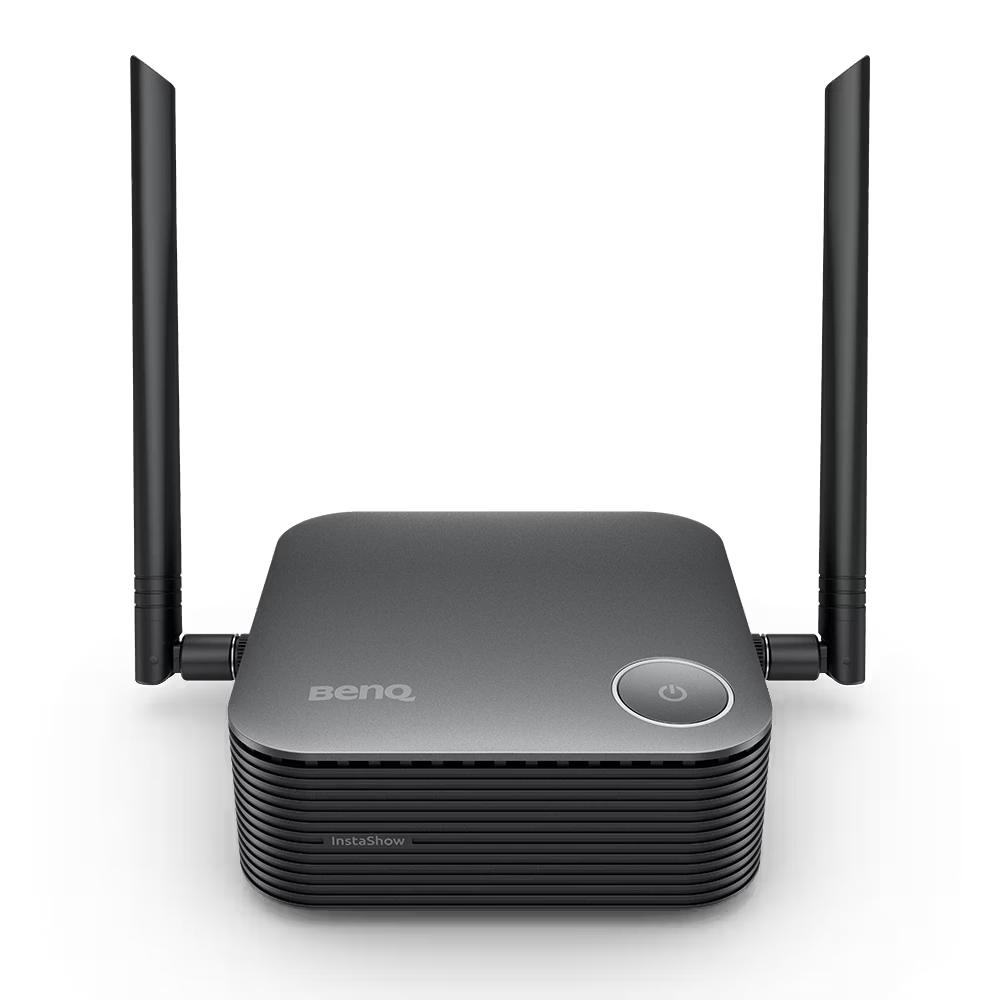
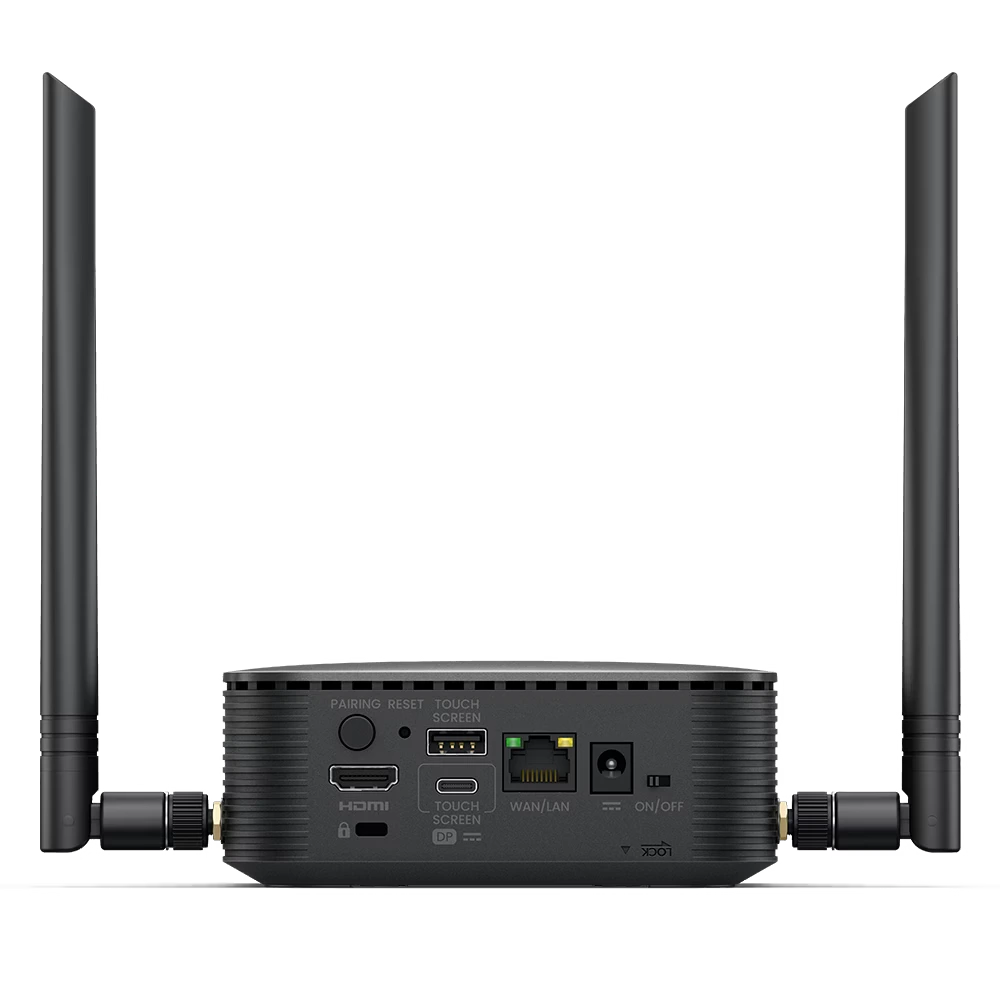
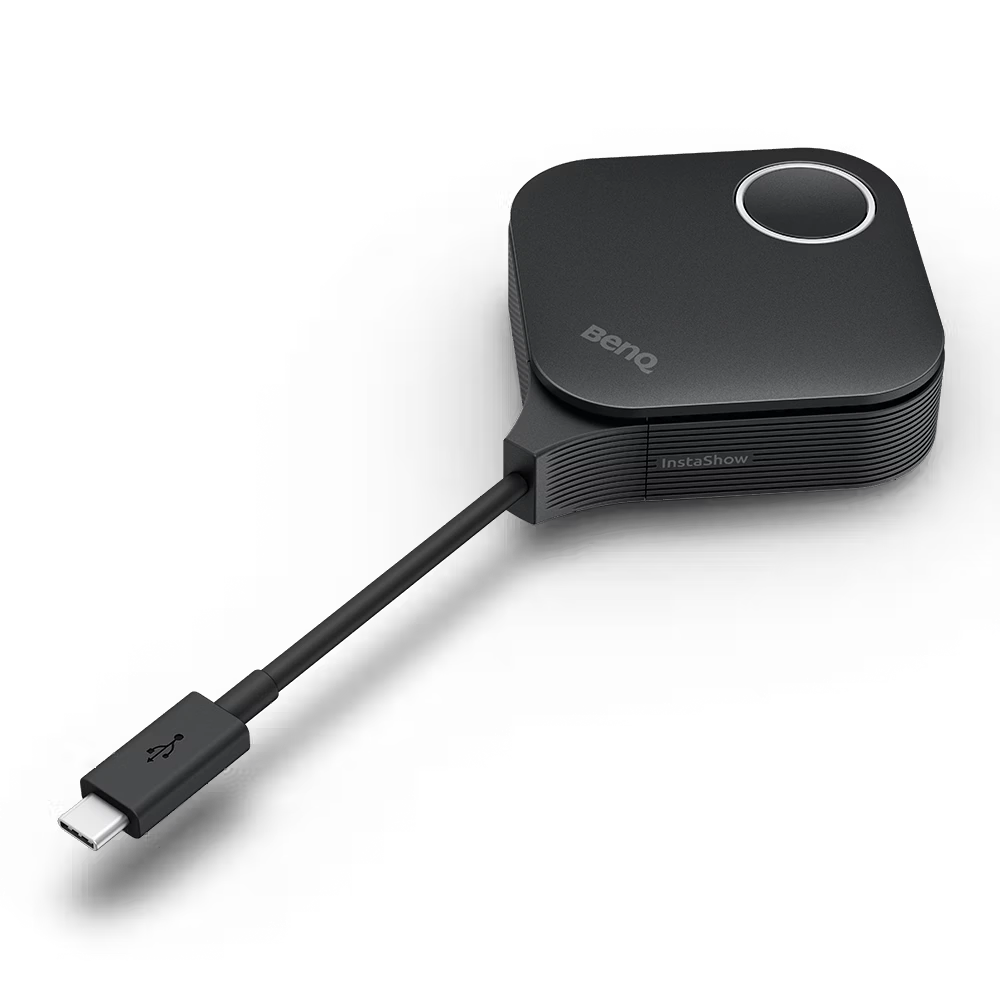
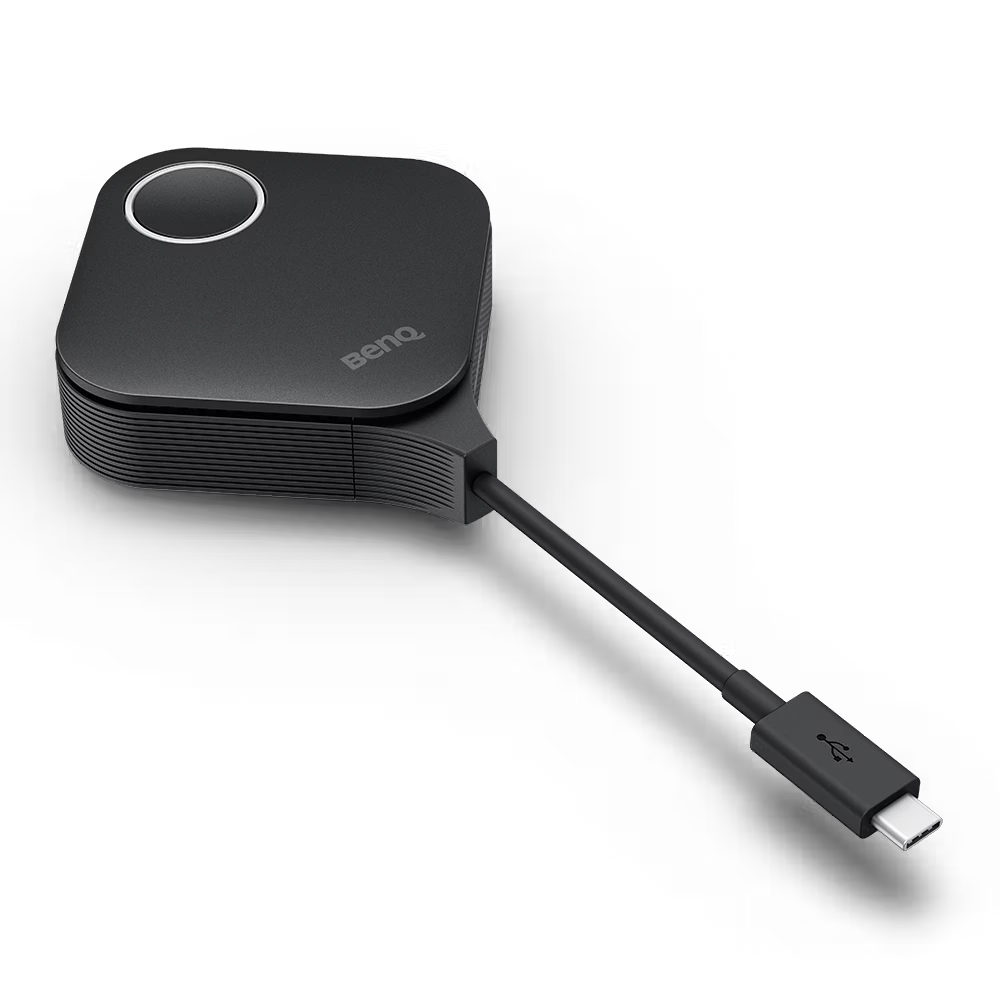
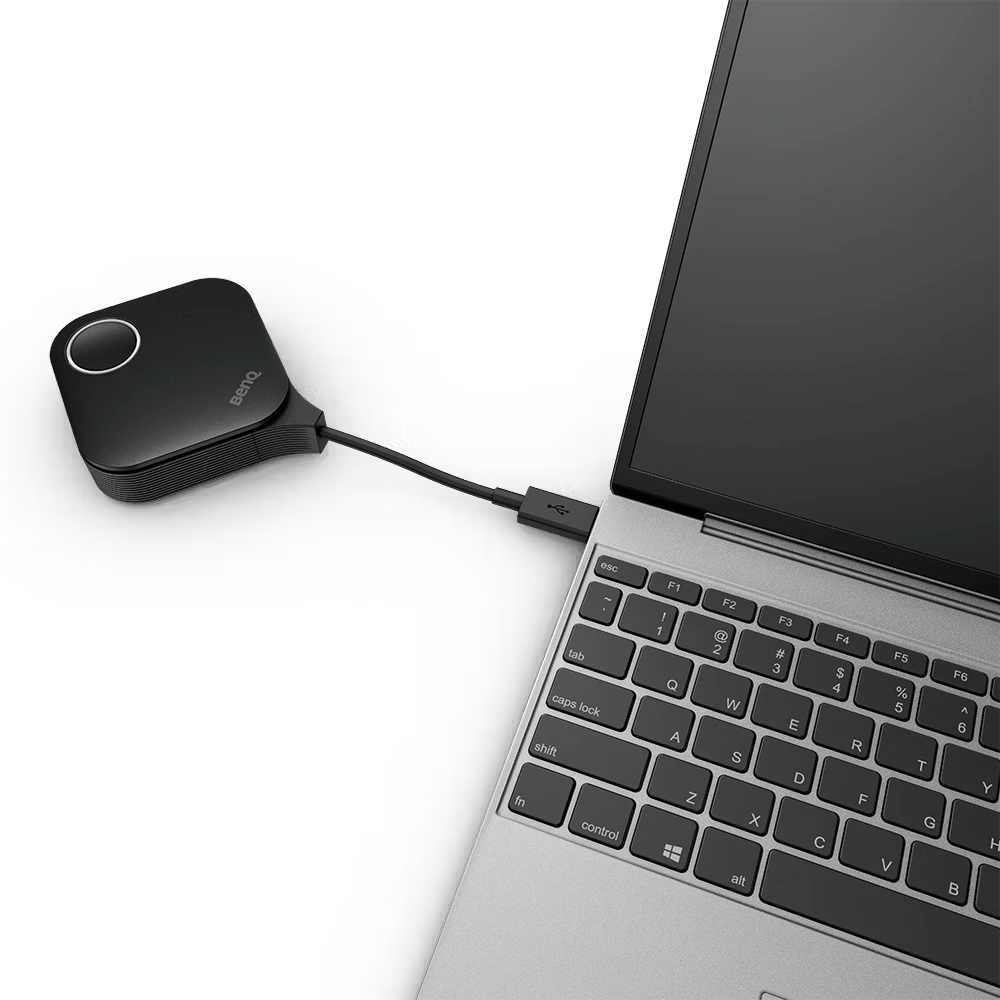
The BenQ InstaShow® WDC25 is a premium plug-and-play wireless presentation system designed for seamless multi-device collaboration in meeting rooms, classrooms, and enterprise environments. It enables…
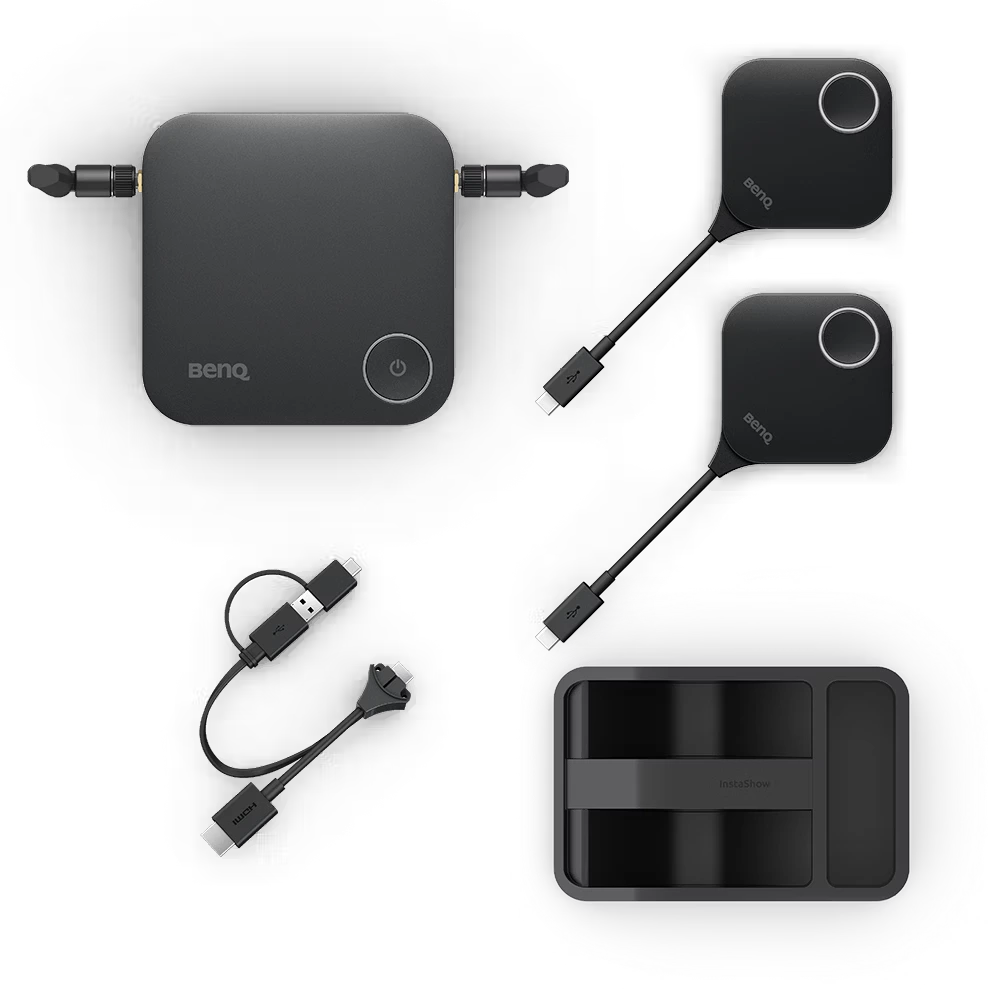
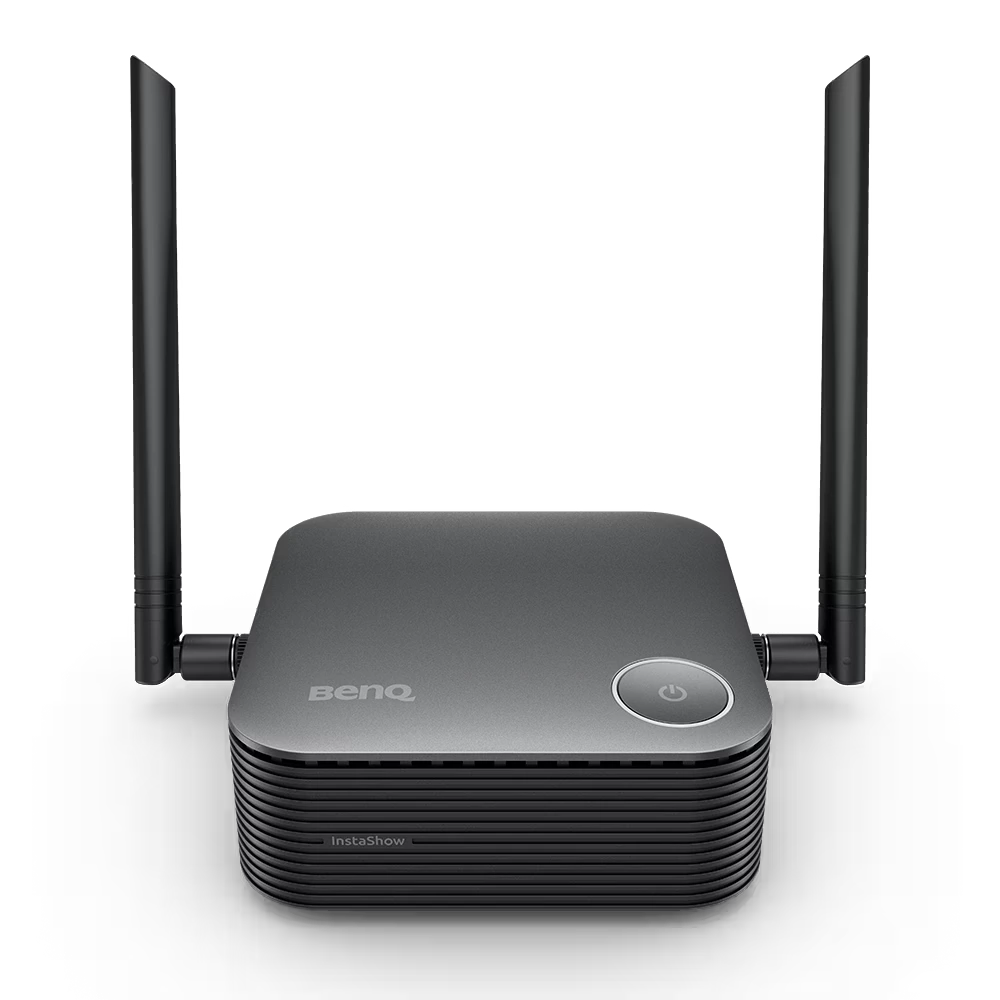
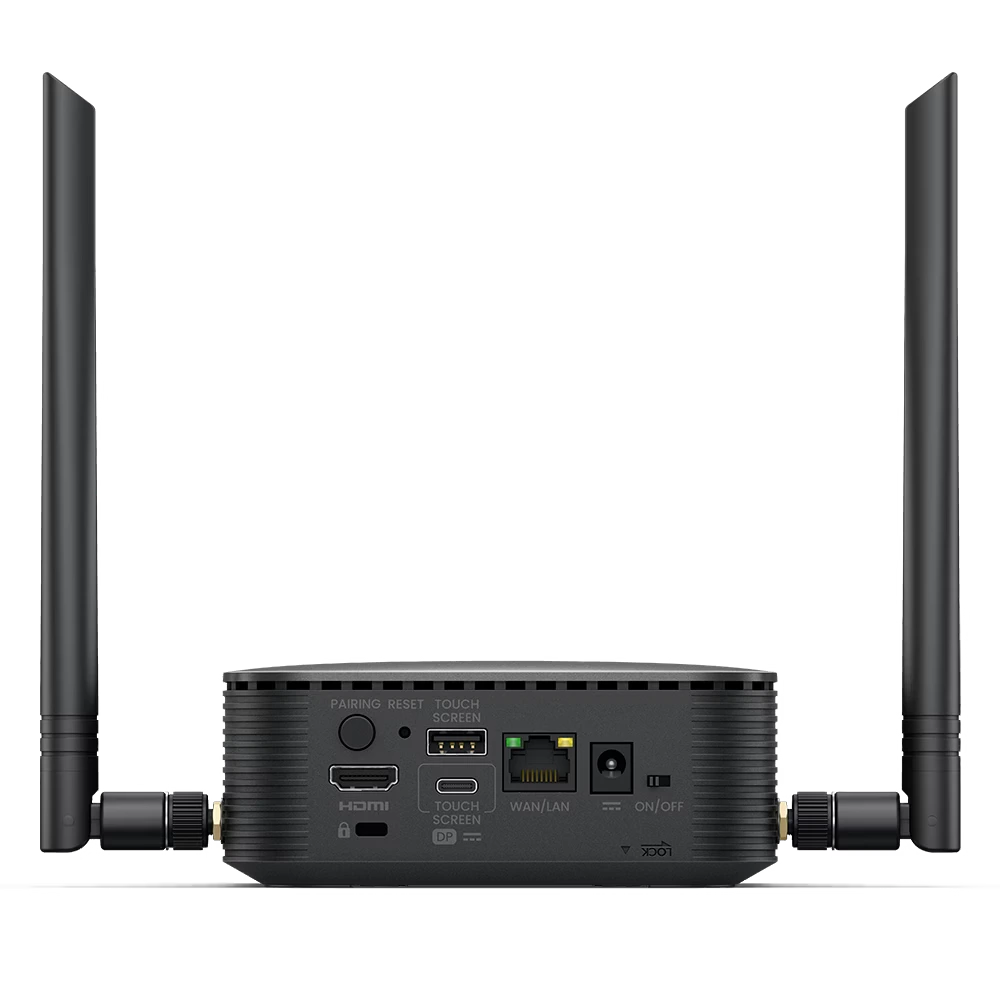
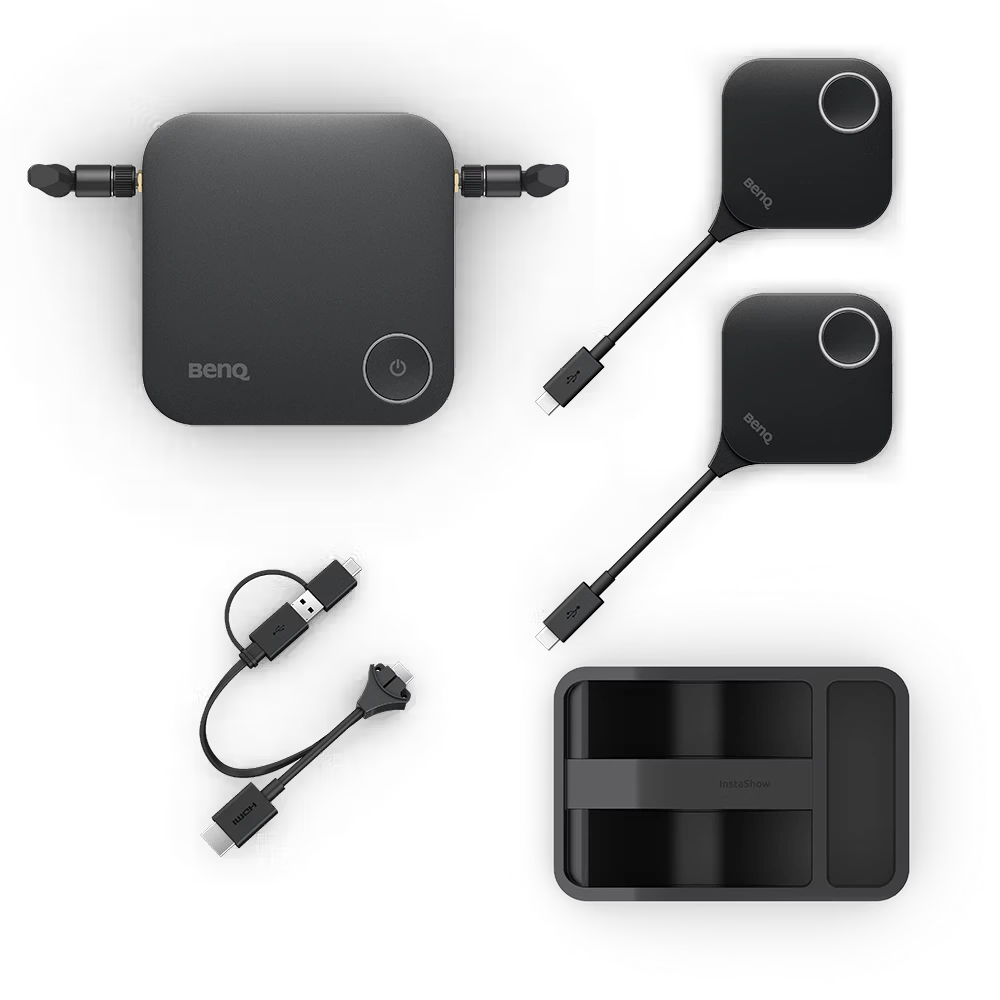
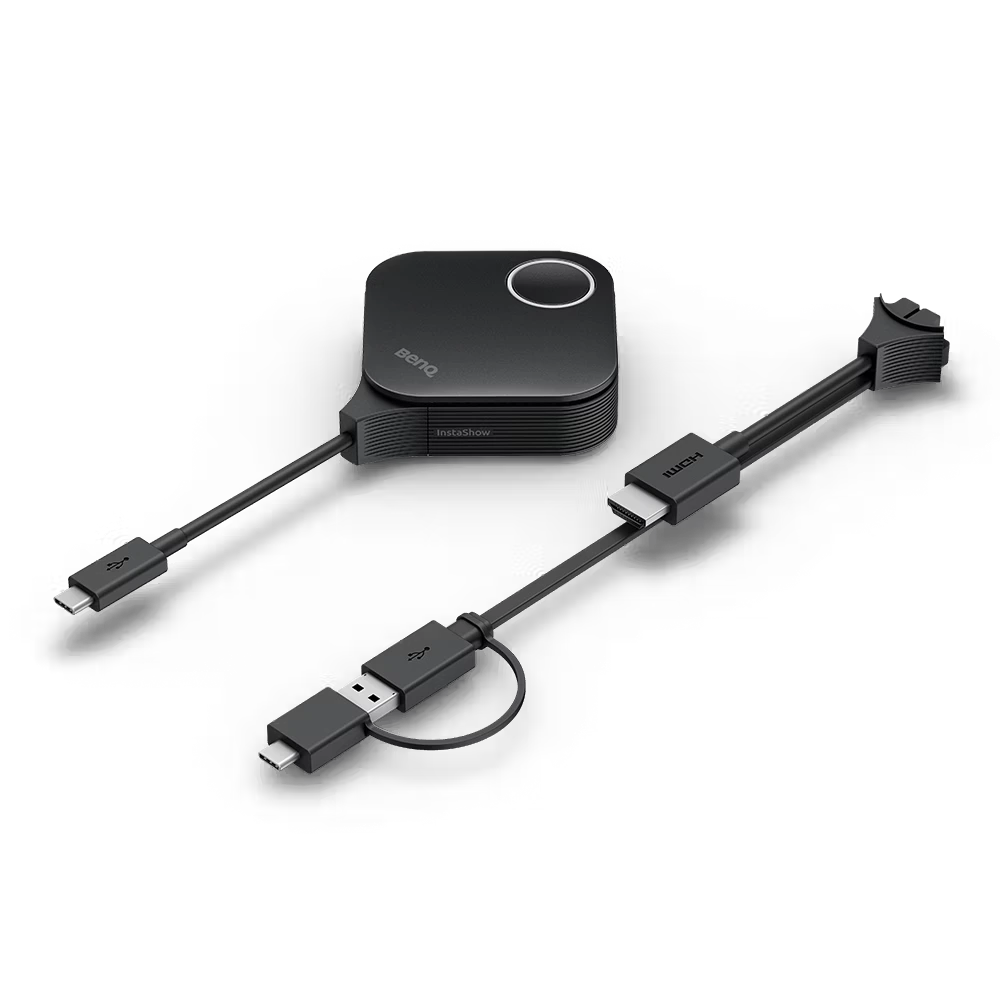
The BenQ InstaShow® WDC15 is a premium 4K UHD wireless presentation system designed for modern huddle rooms, classrooms, and corporate meeting spaces. It enables instant…


