August 17, 2026 Manisha Maurya
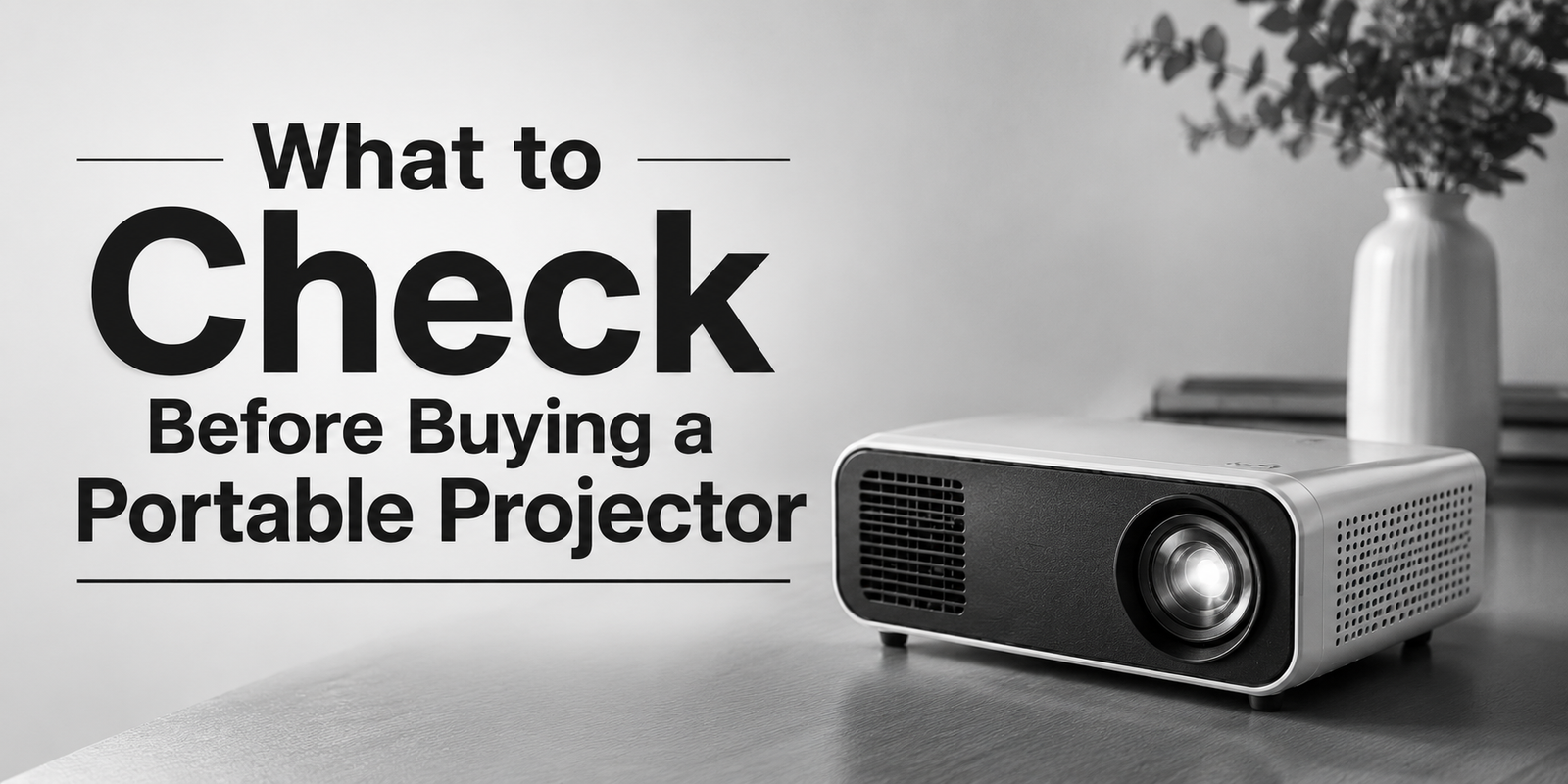
Buying a portable projector is not simply about choosing the model with the highest brightness or resolution. A projector that works well in a dark bedroom may not perform the same way in a living room, office, classroom, or outdoor setting.
Before buying, check the brightness, resolution, projection size, throw distance, battery life, connectivity, built-in operating system, speaker quality, portability, warranty, and after-sales support. The right combination depends on where and how often you plan to use the projector.
This portable projector buying guide explains the specifications and practical factors worth checking before you make a purchase in India.
The most important point is to match the projector's specifications with your intended use, rather than choosing based on one specification alone.
A portable projector is a compact projection device designed to be moved and installed more easily than a conventional fixed projector. Depending on the model, it may include a built-in battery, speakers, wireless connectivity, smart features, or an integrated stand.
Portable projectors can be used for:
Not every compact projector is battery-powered. Some portable models still require continuous AC power, so buyers should check the exact power configuration before purchasing.
The best way to choose a portable projector is to start with your use case and installation environment. A model intended for occasional movie viewing does not necessarily need the same specifications as one used for presentations or gaming.
Consider these questions first:
Once these requirements are clear, comparing specifications becomes much easier.
Brightness determines how visible the projected image can be under different lighting conditions.
However, buyers should pay attention to how brightness is measured. Projector specifications may use different brightness standards, and figures should not be compared without checking the measurement method.
For a dark room, extremely high brightness may not be necessary. A room with windows, ceiling lights, or other ambient light generally requires a projector capable of producing a sufficiently visible image.
Buying tip: Check the manufacturer's stated brightness specification and understand the measurement standard before comparing different models.
Resolution affects the amount of detail visible in the projected image.
Common projector resolutions include:
For movie and streaming use, Full HD can provide a good balance between image detail and hardware requirements. Higher-resolution models can be useful when image detail is a priority, but buyers should check whether the projector has native 4K resolution or supports a 4K input signal through another processing method.
Do not assume that a projector described as "4K supported" necessarily has a native 4K display panel.
Throw distance is the distance between the projector and the projection surface required to create a particular image size.
A portable projector with a short-throw design can be useful in smaller rooms because it can produce a larger image from a shorter distance.
Before purchasing, check:
This is especially important if you already know where the projector will be placed.
Keystone correction helps correct an image that appears distorted when the projector is not positioned directly perpendicular to the screen.
Some portable projectors also provide:
These features can make temporary setups more convenient.
However, digital correction may alter how the projected image is processed. For the best image geometry, physically positioning the projector correctly is still preferable where practical.
If you specifically want a battery-powered portable projector, battery capacity and runtime become important specifications.
Check:
Battery runtime can vary depending on brightness, audio volume, wireless connectivity, and other settings.
Therefore, do not select a model solely because it has a built-in battery. Check how the battery performs under the type of usage you expect.
Connectivity determines how easily you can use the projector with your existing devices.
Depending on the model, useful connections may include:
Before buying, make a list of the devices you intend to connect, such as a laptop, gaming console, smartphone, streaming device, or media player.
Then verify that the projector supports the required connection and signal format.
Some portable projectors include an integrated smart operating system, allowing users to access supported applications and streaming services without connecting a separate media device.
But smart functionality varies considerably between manufacturers and models.
Check:
Do not assume that every Android-based projector supports every application or streaming platform.
Built-in speakers are useful when portability and quick setup are priorities.
For a small room, the built-in audio may be sufficient depending on the projector. For larger spaces or more immersive movie viewing, an external speaker or sound system may provide better results.
If audio matters to you, check:
Portable projectors use internal cooling systems, and the fan can produce audible noise during operation.
This may be less noticeable during presentations but can become more distracting during quiet movie scenes.
If you are sensitive to fan noise, check the manufacturer's noise specification where available and look for independent testing or a product demonstration before purchasing.
Portability is more than simply having a small body.
Consider:
A slightly larger projector may be more practical if it provides substantially better connectivity, battery performance, speakers, or image quality.
The best portable projector features depend on the intended use, but these are generally worth considering:
| Feature | Why it matters |
|---|---|
| Adequate brightness | Helps maintain image visibility in the intended environment |
| Full HD or higher resolution | Provides greater image detail |
| Automatic focus | Makes temporary setup easier |
| Keystone correction | Helps correct angled projection |
| Built-in battery | Useful for locations without convenient power |
| Wi-Fi | Enables supported wireless functions |
| HDMI | Useful for laptops, consoles and media devices |
| Bluetooth | Useful for compatible audio devices |
| Built-in speakers | Convenient for basic viewing |
| Smart OS | Can reduce dependence on external streaming devices |
| Compact design | Makes transportation easier |
| Low fan noise | Helps reduce distraction during viewing |
Yes, a portable projector can work well for movies when its brightness, resolution, audio, and projection environment are appropriate.
For home movie viewing, pay particular attention to:
A darker room generally makes it easier to achieve a satisfactory projected image. If the room has substantial ambient light, brightness becomes more important.
A portable projector can be suitable for casual gaming, but serious gamers should check specifications beyond resolution and brightness.
Look for:
A projector can have high resolution but still be unsuitable for a particular gaming setup if its response characteristics do not meet the player's expectations.
A battery-powered projector is useful when you frequently move between locations or want to operate away from a power outlet.
It can be particularly convenient for:
However, battery-powered models may have limitations in runtime, brightness, charging time, or performance while running on battery.
If the projector will normally remain near a power outlet, a compact AC-powered model may offer a better balance of features and performance.
The projection surface has a direct effect on the viewing experience.
A clean, reasonably flat, light-coloured surface can work for casual use. For a more controlled setup, a suitable projector screen can provide more consistent image appearance.
Before buying a projector, consider:
A high-quality projector cannot completely compensate for an unsuitable projection environment.
One advantage of portable projectors is that they can usually be moved and set up without permanent installation. However, buyers should still consider how the projector will be positioned.
Check whether the model supports:
If you are buying a projector for business or institutional use, ask the supplier whether installation support is available and whether any additional accessories are required.
Warranty and support matter because a projector is an electronic device that may require troubleshooting, software support, or service during its useful life.
Before purchasing, verify:
For business, education, or regular professional use, local technical support can be more important than choosing a model based solely on its specifications.
Before placing an order, ask the supplier these practical questions:
A product demonstration can be particularly useful when image quality, fan noise, focus, or connectivity is important to your purchase decision.
Before buying, use this quick checklist:
A simple way to narrow down your options is to match the projector with your main use:
| Your requirement | What to prioritise |
|---|---|
| Movies at home | Resolution, image quality, brightness, audio, streaming |
| Travel | Weight, battery, compact size, quick setup |
| Presentations | Brightness, connectivity, portability, compatibility |
| Gaming | Input response, resolution, refresh-rate support, HDMI |
| Outdoor viewing | Battery, brightness, audio, portability |
| Business use | Reliability, connectivity, warranty and technical support |
The final choice should be based on the environment and devices you will actually use rather than the number of features listed on the product page.
The most important things to check before buying a portable projector are brightness, native resolution, projection distance, image size, battery performance, connectivity, smart features, audio, portability, warranty, and after-sales support.
For occasional home entertainment, prioritise image quality, easy setup, connectivity, and noise. For travel, battery life and weight become more important. For business presentations, brightness, compatibility, reliability, and technical support should receive greater attention.
Most importantly, check the exact specifications of the model you are considering. Portable projectors can differ significantly even when they have similar sizes or are marketed for the same purpose.
Check brightness, native resolution, throw distance, projection size, connectivity, battery life, smart features, audio, portability, warranty, and after-sales support. Match these specifications with your intended use and room conditions.
For home use, consider resolution, brightness, image quality, projection size, noise, audio, streaming compatibility, and HDMI connectivity. A darker room can make it easier to achieve a good image.
There is no single brightness level that is suitable for every portable projector application. The required brightness depends on room lighting, projection size, screen distance, and the projector's brightness measurement standard.
A native 1080p projector can provide detailed Full HD images and is suitable for many home entertainment and presentation applications. Buyers should distinguish between native resolution and support for a higher-resolution input signal.
A built-in battery is useful when the projector will be used away from a convenient power outlet. If the projector will normally be used near mains power, battery operation may be less important than image quality, connectivity, or other features.
Portable projectors can operate in rooms with ambient light, but image visibility generally becomes more challenging as the room gets brighter. For daytime use, check brightness carefully and consider controlling the amount of ambient light.
No. A projector can display an image on a suitable wall or other flat surface. However, a proper projection screen can provide a more consistent surface and may improve the overall viewing experience.
A portable projector can be suitable for casual gaming. Gamers should check input response, supported refresh rates, native resolution, HDMI compatibility, and any available gaming mode before purchasing.
The right connectivity depends on your devices. HDMI is useful for laptops, consoles, and media players, while Wi-Fi and Bluetooth can support wireless functions on compatible models. USB and USB-C may also be useful depending on the intended setup.
Built-in speakers can be convenient for small-room viewing and presentations. For larger rooms or more immersive entertainment, an external speaker or sound system may be preferable.
Neither specification should be considered in isolation. Brightness affects visibility in the viewing environment, while resolution affects image detail. The correct balance depends on the room, screen size, content, and intended use.
A demonstration can be useful when you want to evaluate image quality, focus, fan noise, connectivity, or suitability for a particular room. For larger purchases or professional installations, buyers should also confirm warranty and technical support arrangements.




 Interactive flat Panel
Interactive flat Panel
Interactive flat Panel
 Interactive flat Panel
 Interactive flat Panel
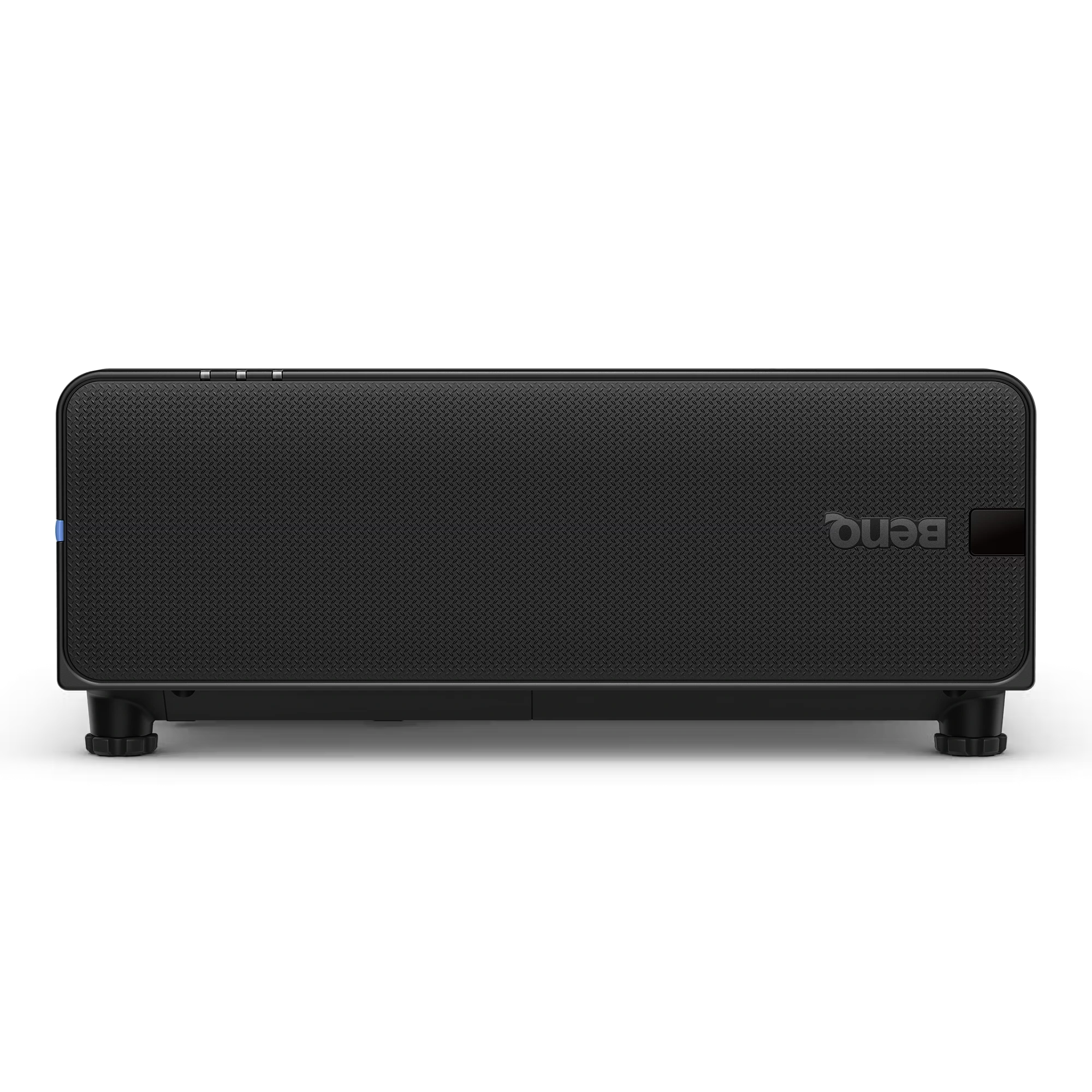
The BenQ LU895UST is a professional 5000 ANSI Lumen WUXGA laser simulation projector designed for immersive environments, museums, simulation centers,...
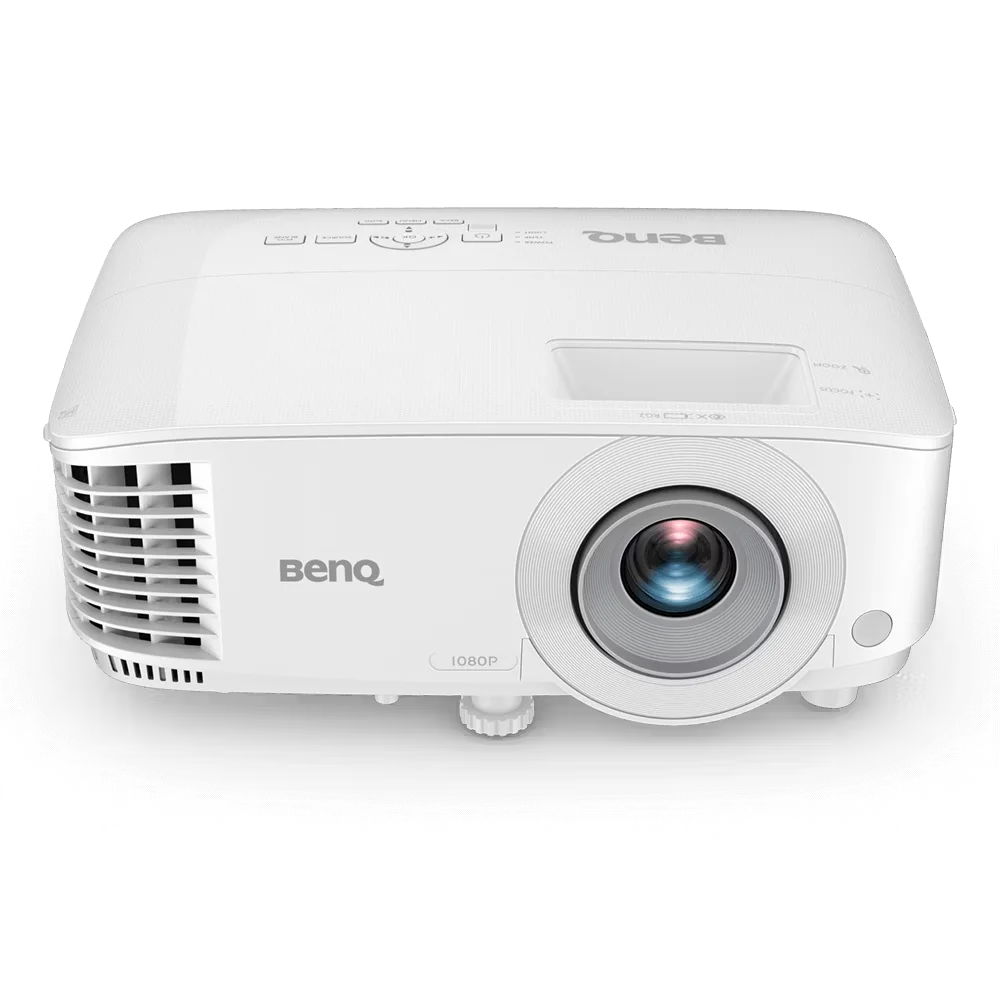
The BenQ MH560 is a Full HD 1080p business projector designed for meeting rooms, conference spaces, and classrooms. It delivers...
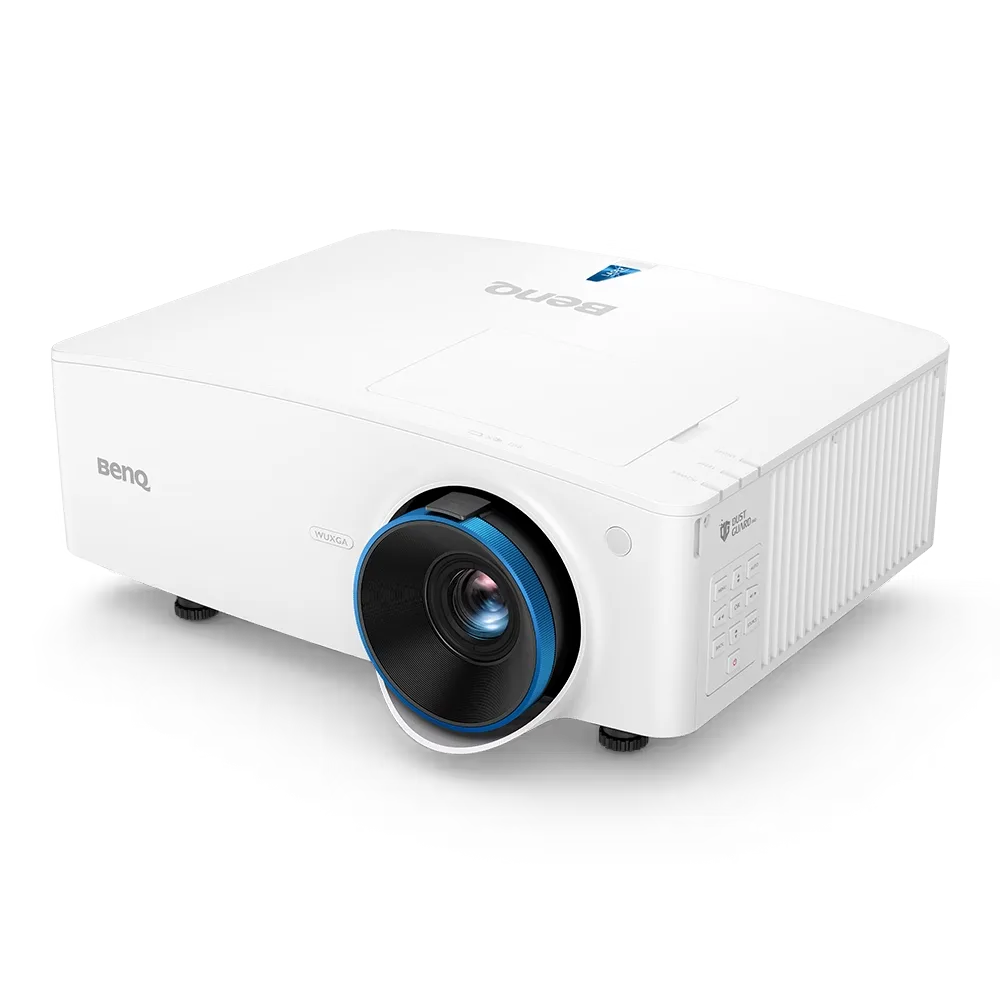
The BenQ LU935 is a professional-grade 6000 ANSI Lumens WUXGA laser projector designed for conference rooms, boardrooms, higher education, and...
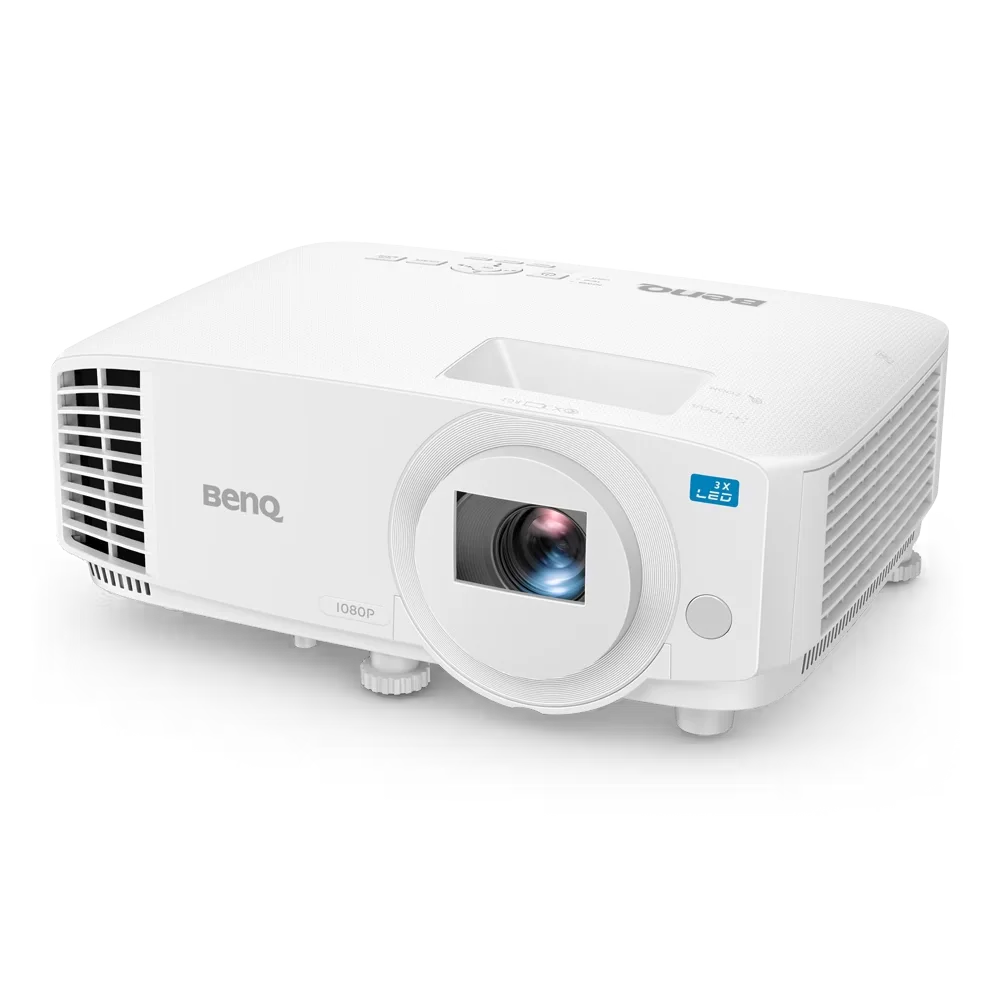
The BenQ LH500 is a Full HD LED meeting room projector designed for professional presentations and collaborative workspaces. It delivers...
