
Avilable
& Installations
Sustainability in every sceneWith growing demand for ever larger display screens, there is also the risk of greater resource and energy use. However, Sony’s sustainability commitments are realizing efficiency gains from product development right through to customers’ viewing screens. |
Wireless screen mirroringEasily mirror content wirelessly from handheld device onto BRAVIA with in-built support for Apple AirPlay and Google Chromecast. |
Signage made simpleBuilt-in support for HTML5 makes it easy to display interactive signage content on BRAVIA without the need for a dedicated set-top box, media player or PC. The on-board BRAVIA Signage Free (BSF) 2.0 app automatically plays out HTML content including videos and photos from the display’s internal 16GB storage, or when a USB stick memory is slipped into BRAVIA. |
Networked controlRemotely control and monitor BRAVIA display functions – like power on/off, input source and volume – over IP networks or using familiar RS-232C protocols. |
Quick, easy setupSimple Pro Settings allows customisation of BRAVIA to suit the demands of any business or retail environment. Schedule power on/off times, select input source on switch on, wake up the display when an input signal’s detected – and more. |
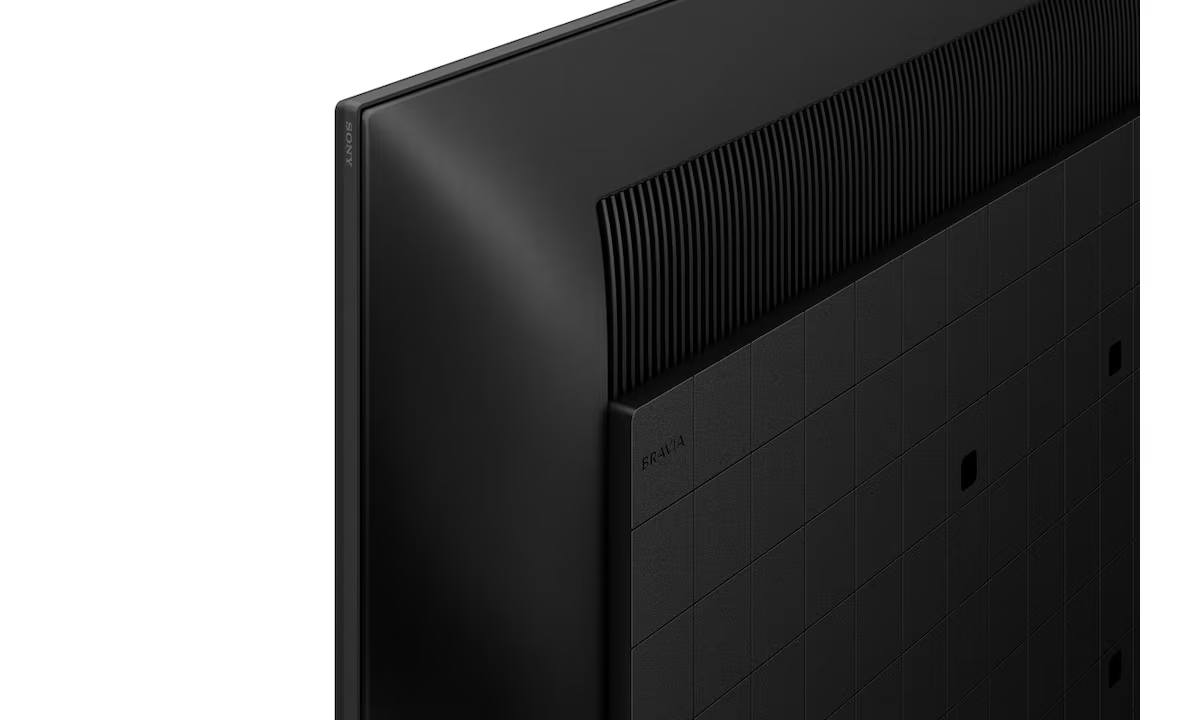
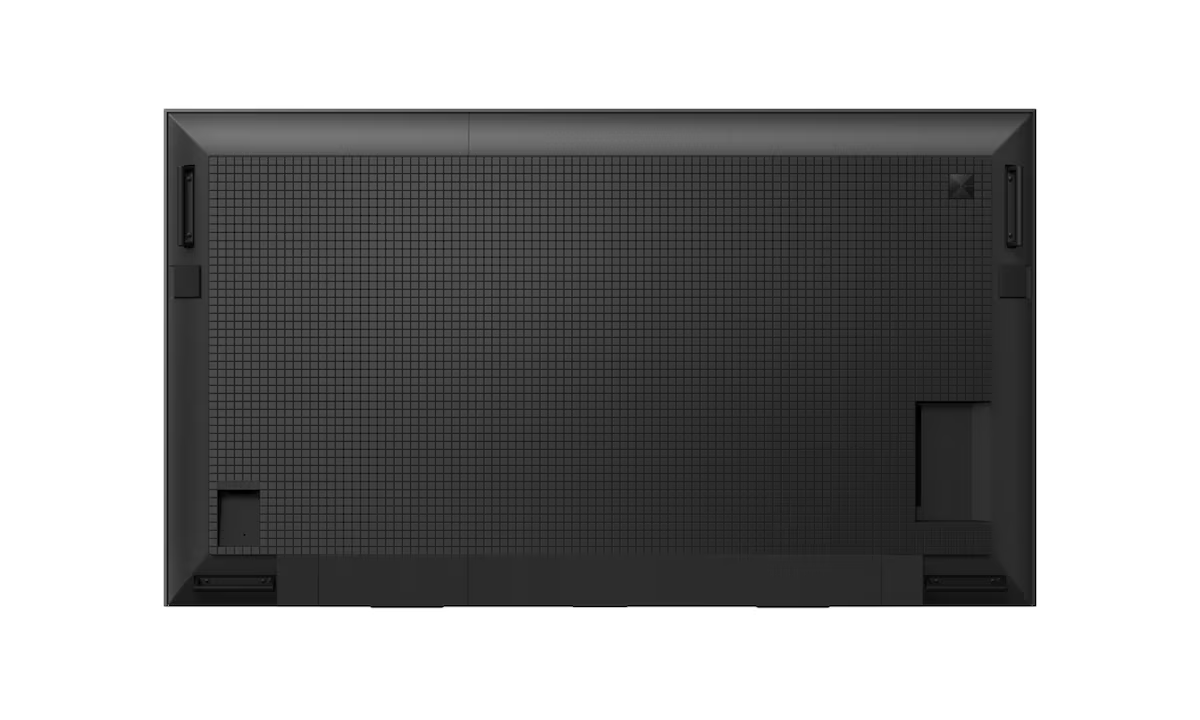
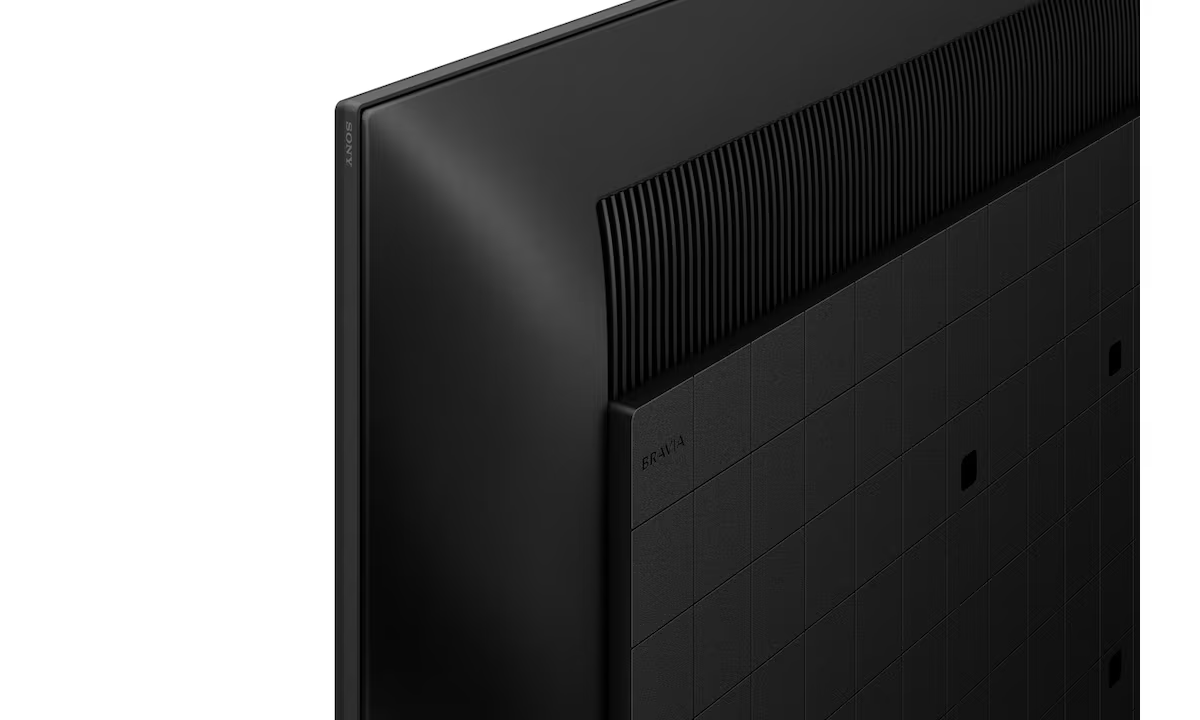
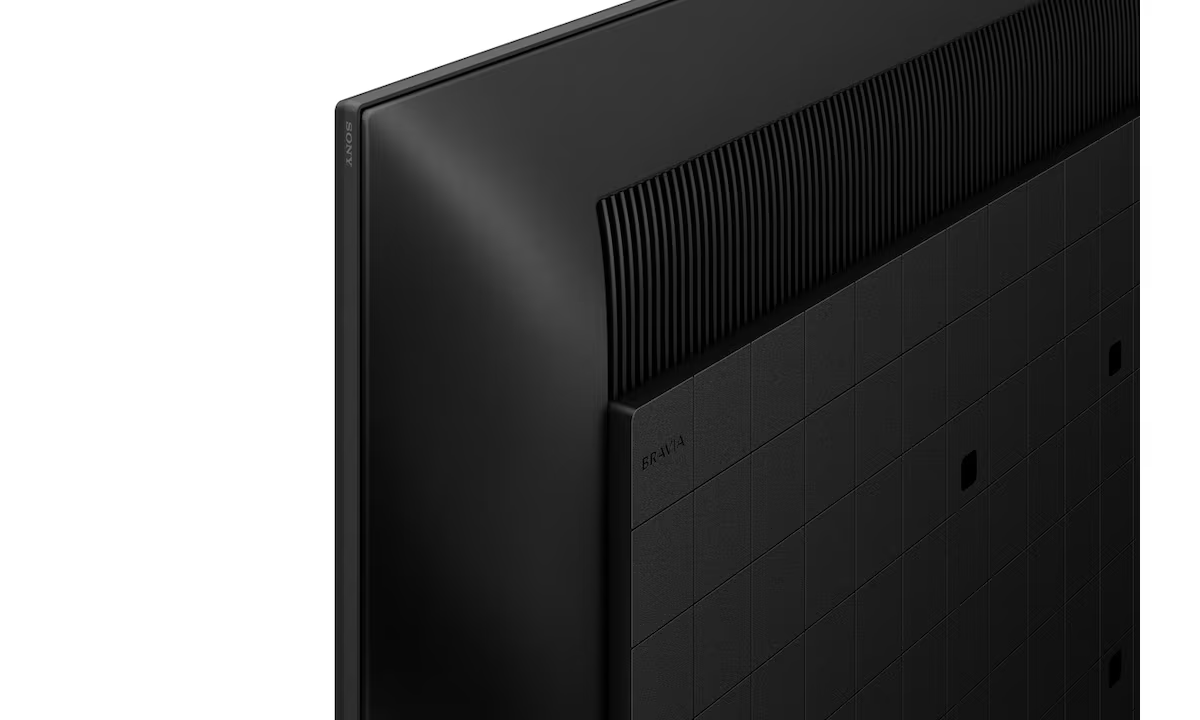
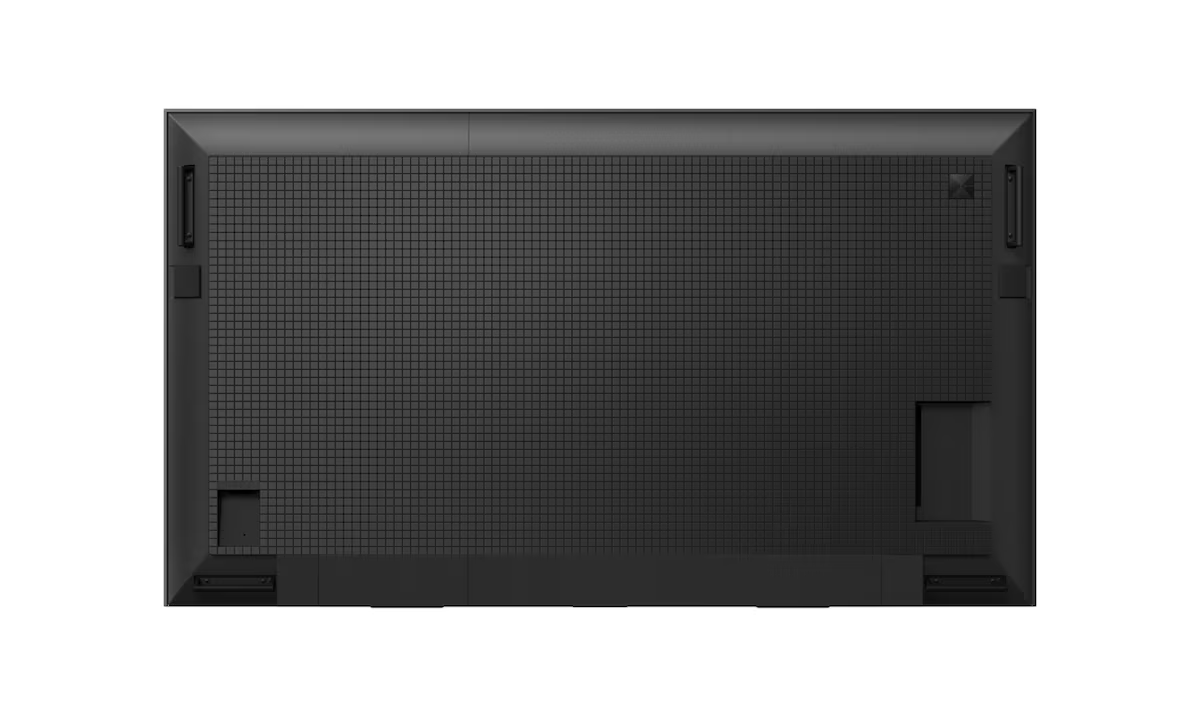
Easy access side-mounted connectionsSignal connections, networking and other interfaces are conveniently side mounted for easy installation and access when the display’s in portrait position. |
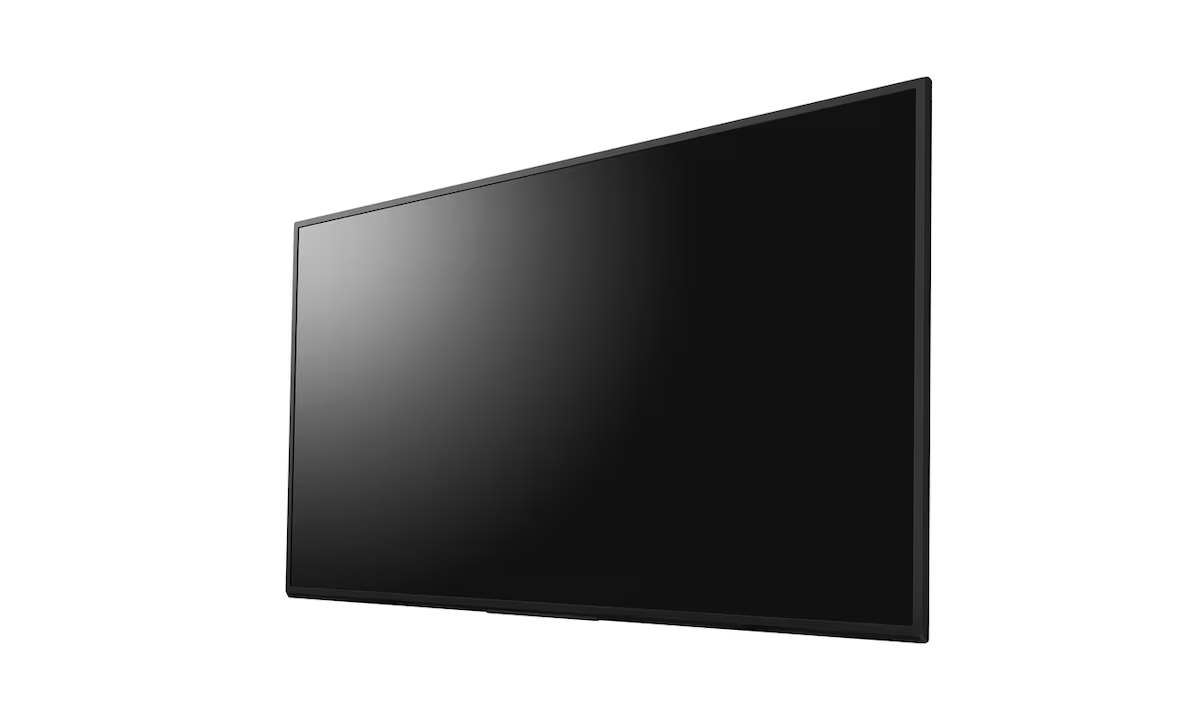
Portrait or landscape installationInstall BRAVIA in portrait or landscape orientation to suit any corporate space. |
Great pictures deserve brilliant soundThe slim design of FW-50EZ20L incorporates an X-Balanced Speaker™, offering clear voice quality to enhance video conferences and digital signage. |
Smooth on-screen movementMotionflow XR ensures smoother, more natural reproduction of rapidly-moving on-screen images. |
Vivid, natural colourLive Color technology brings images alive with a brilliant palette of vibrant, natural colours. |
Enjoy finer detail4K X-Reality PRO upscales pictures closer to true 4K quality. Images are sharpened and refined in real time, revealing extra detail from lower-resolution content. |
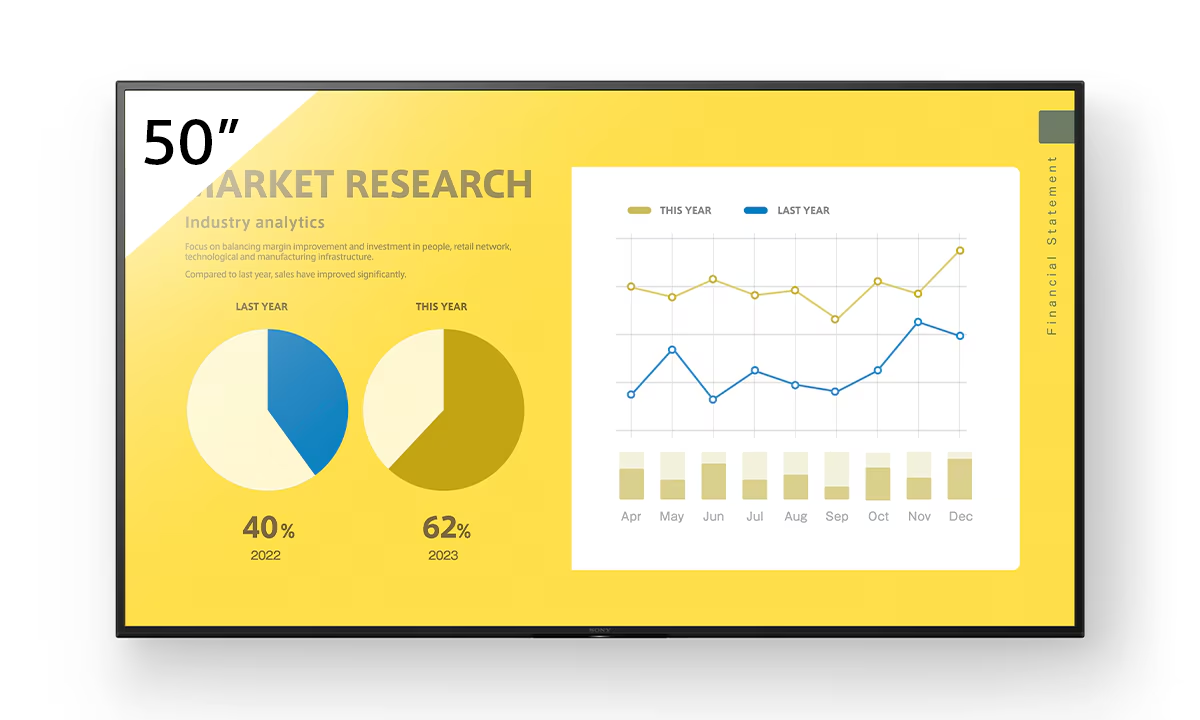
FeaturesBrilliant 4K image quality that’s seen by everyoneAdvanced Sony picture processing technologies ensure your content looks its best, while 350 nit panel brightness ensures clear visibility in indoor environments. |
Specifications
|
The primary difference is the duty cycle and brightness. The FW-50EZ20L (EZ series) is rated for 16/7 operation (16 hours a day, 7 days a week) with 350 nits of brightness.1 In contrast, the BZ30L series is rated for 24/7 operation and offers higher brightness (440 nits).2 The EZ20L is the "Essential" choice for retail shops and offices with standard business hours, while the BZ series is built for around-the-clock signage.
Yes. Unlike many consumer TVs that can suffer from heat-pooling when flipped, the FW-50EZ20L is specifically designed to support Portrait, Landscape, and Tilt installations.3 It features side-mounted connections, ensuring that cables are easily accessible even when the display is mounted vertically for digital menu boards or lobby directories.
No, the FW-50EZ20L is a tunerless professional display. It does not have a coaxial input for an antenna or cable. This allows businesses to avoid "tuner taxes" and provides a cleaner interface. It is intended for use with HDMI sources, networked digital signage, or internal media players via the Android TV OS.
The FW-50EZ20L comes with the BRAVIA Signage Free (BSF) 2.0 app pre-installed.6 This software allows you to play 4K videos, photos, and HTML5 content directly from a USB flash drive or the display’s 16GB of internal storage.7 You can set up simple, high-impact digital signage without needing to purchase an external media player or a monthly software subscription.
Yes. The display includes built-in support for Apple AirPlay and Google Chromecast.9 This allows users in a conference room or classroom to wirelessly mirror their screens from an iPhone, Android device, or laptop to the 50-inch 4K screen instantly, eliminating the need for messy cables on the table.
Simple Pro Settings is a streamlined menu for business owners to customize the display’s behavior.11 You can set the screen to automatically wake up when an HDMI signal is detected (Auto-Wake), schedule specific power on/off times to save energy after hours, and lock the remote control or physical buttons to prevent unauthorized changes in public spaces.
Our commitment is backed by a verified 99% on-time arrival rate for all domestic shipments within India.
Purchase with confidence. We guarantee genuine, brand-new electronics directly from certified manufacturers.
Your personal data is protected with advanced encryption. We strictly adhere to Indian data privacy laws.
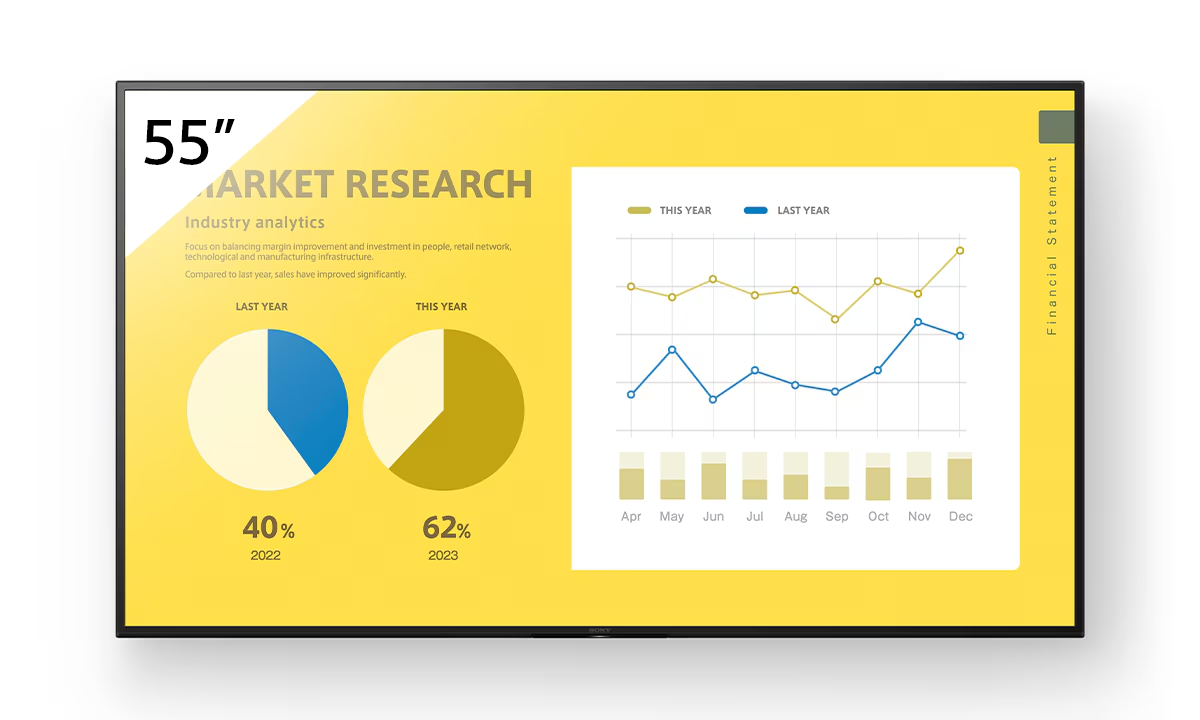
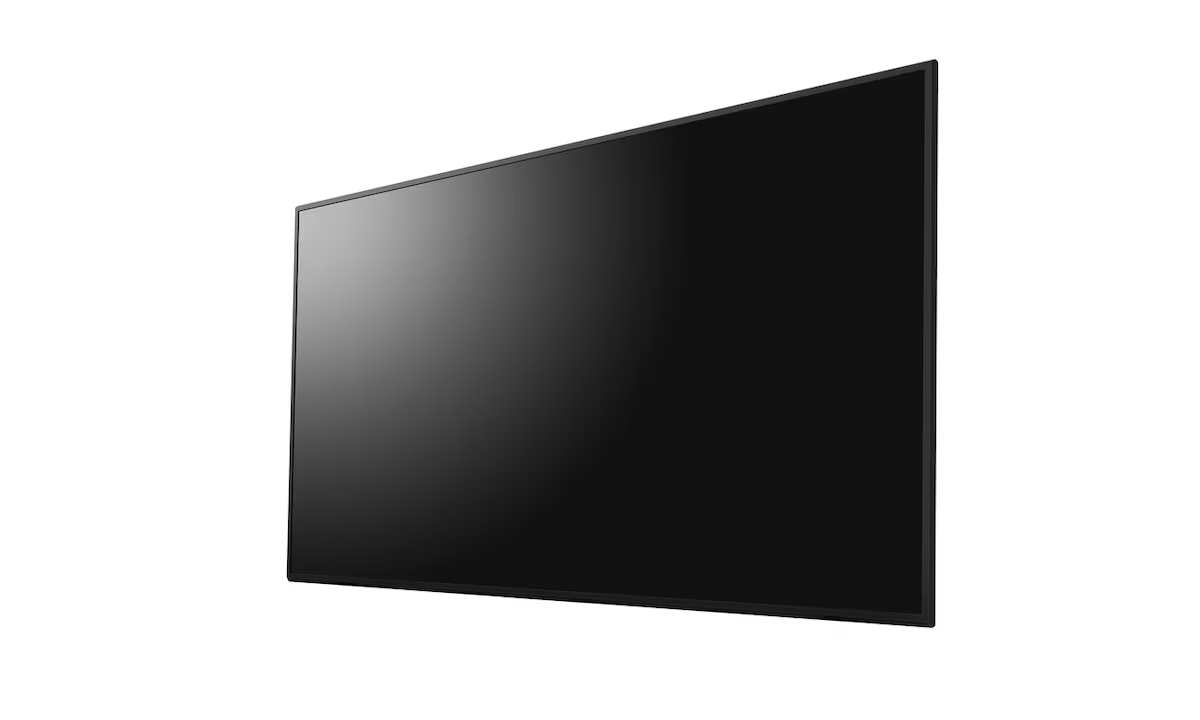
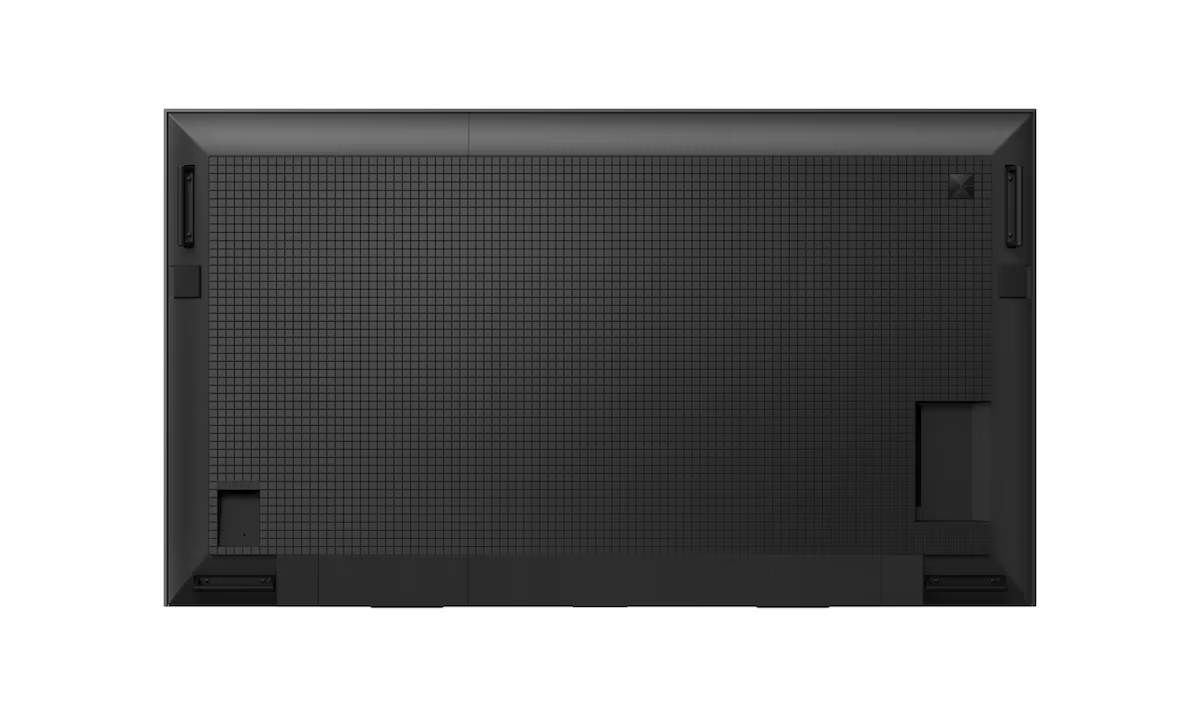
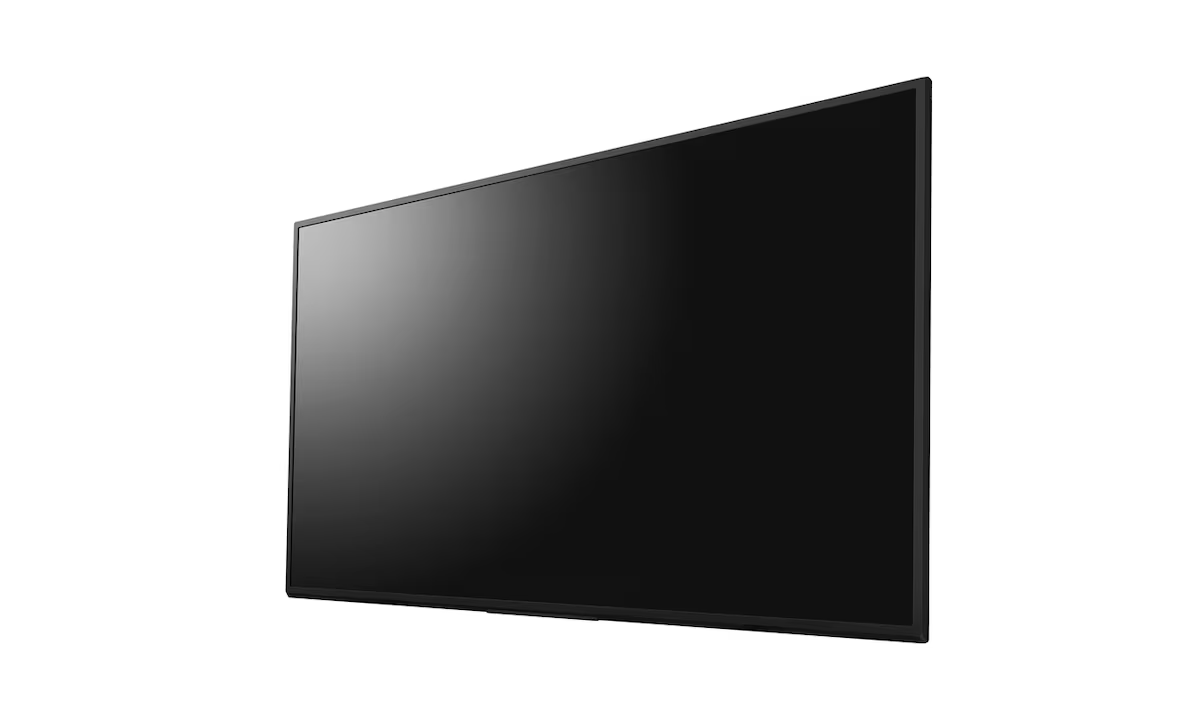
The Sony Bravia FW-55EZ20L 55" Commercial Display delivers stunning 4K HDR visuals, enhanced by Sony's 4K X-Reality PRO and Live Color technologies for sharp detail…
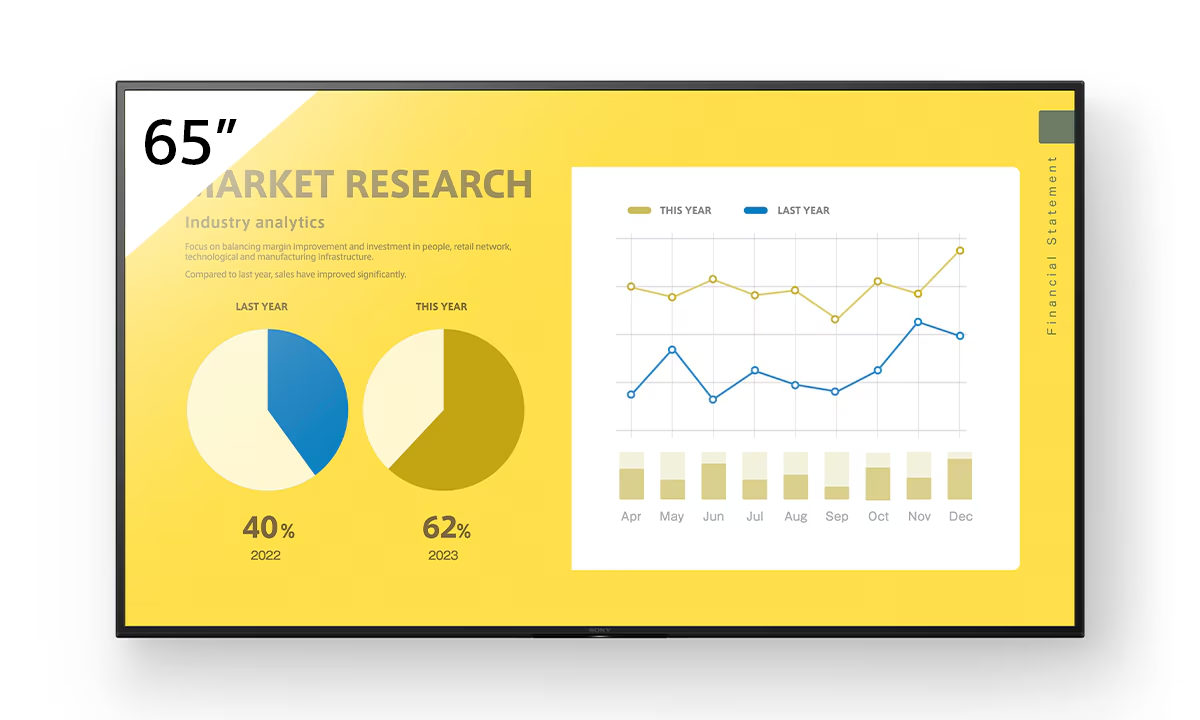
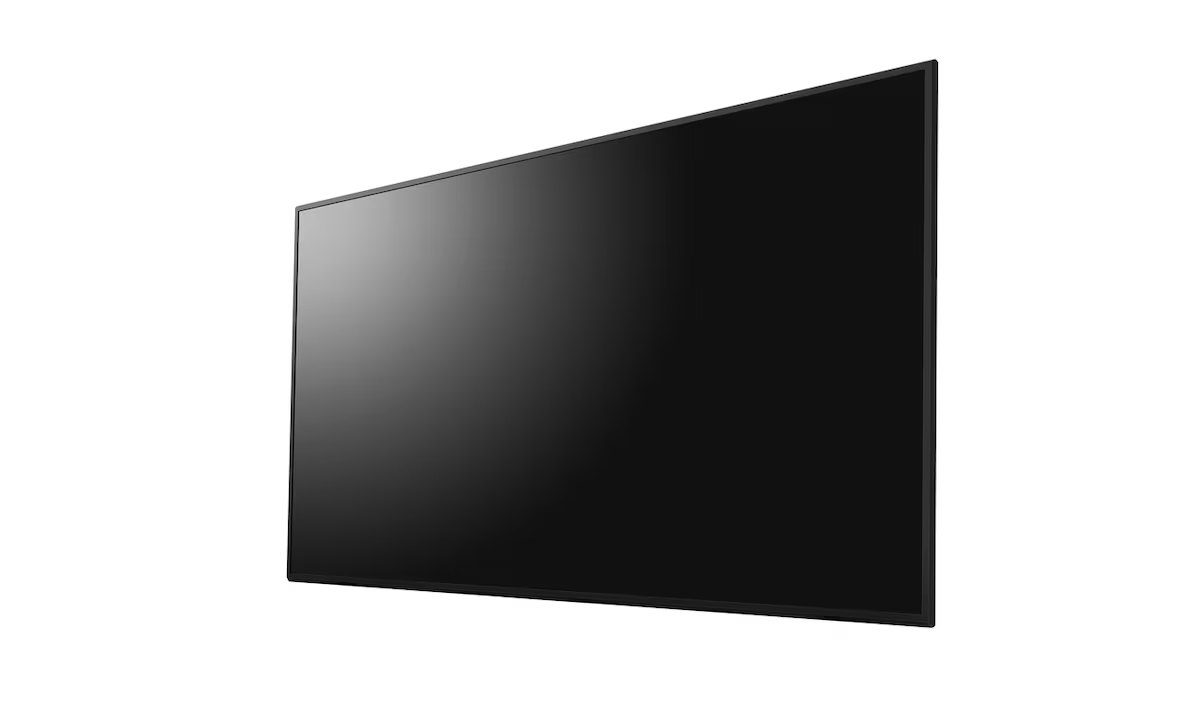
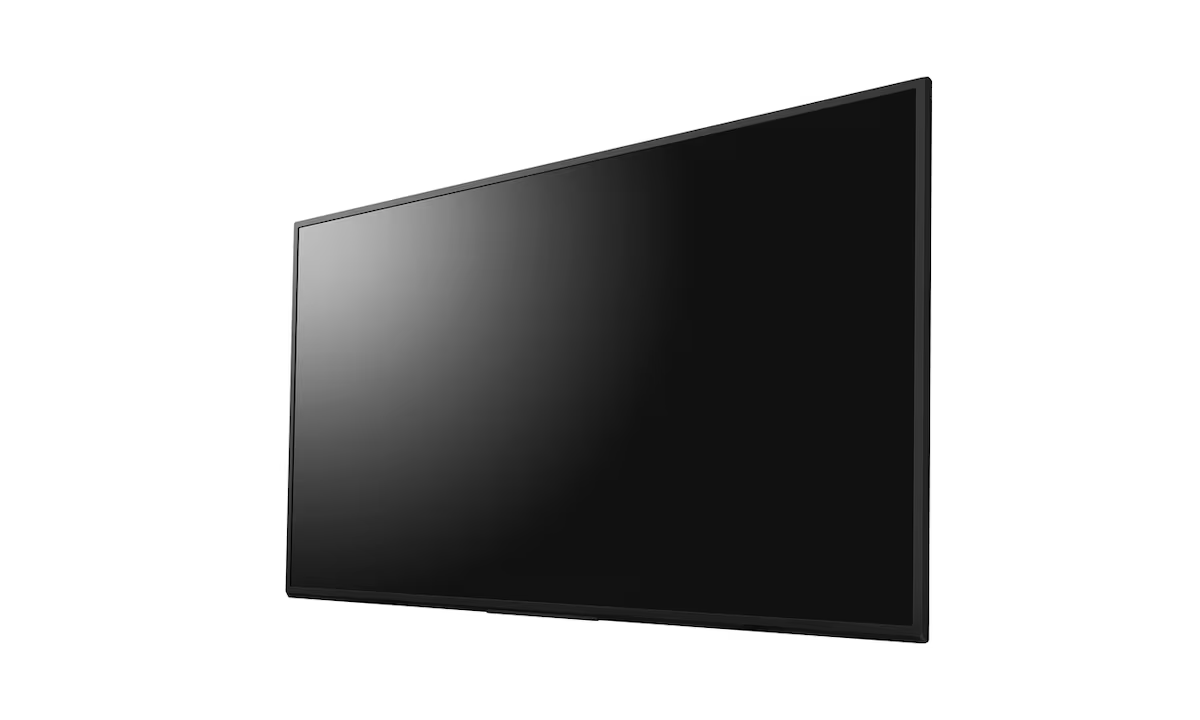
The Sony FW-65EZ20L (BZ30L Series) is a slim, easy-to-use 65-inch 4K HDR Professional Display designed for dynamic digital signage and corporate applications. It delivers brilliant…
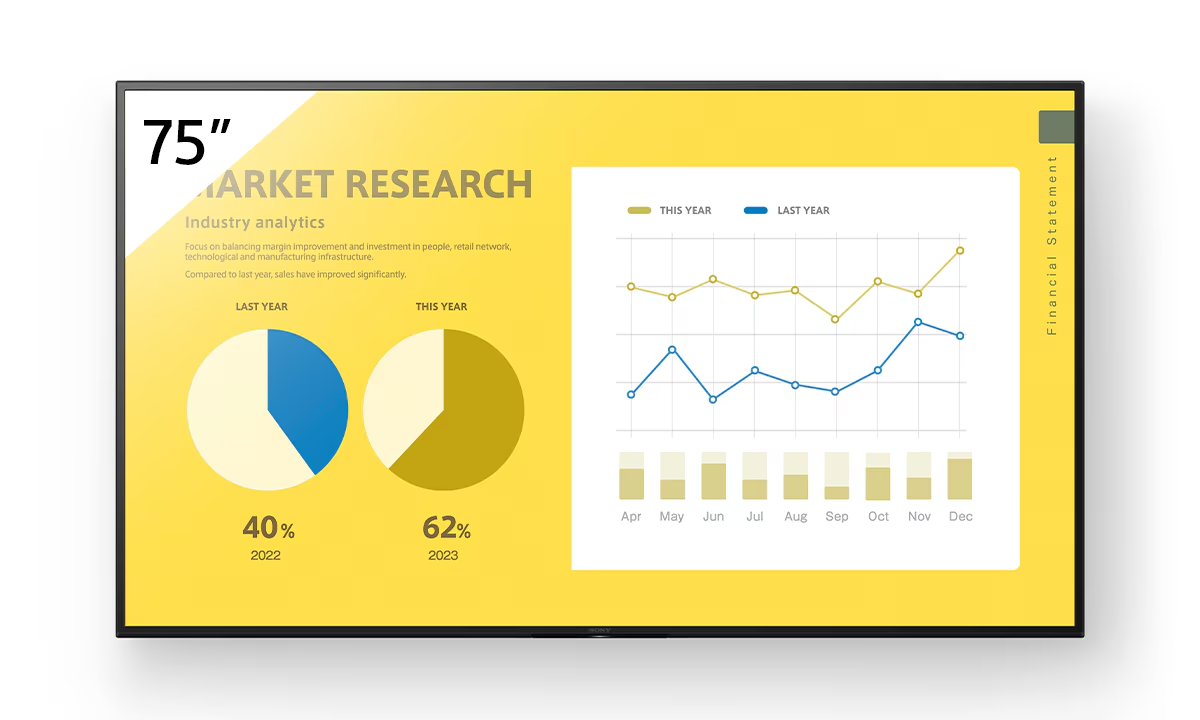
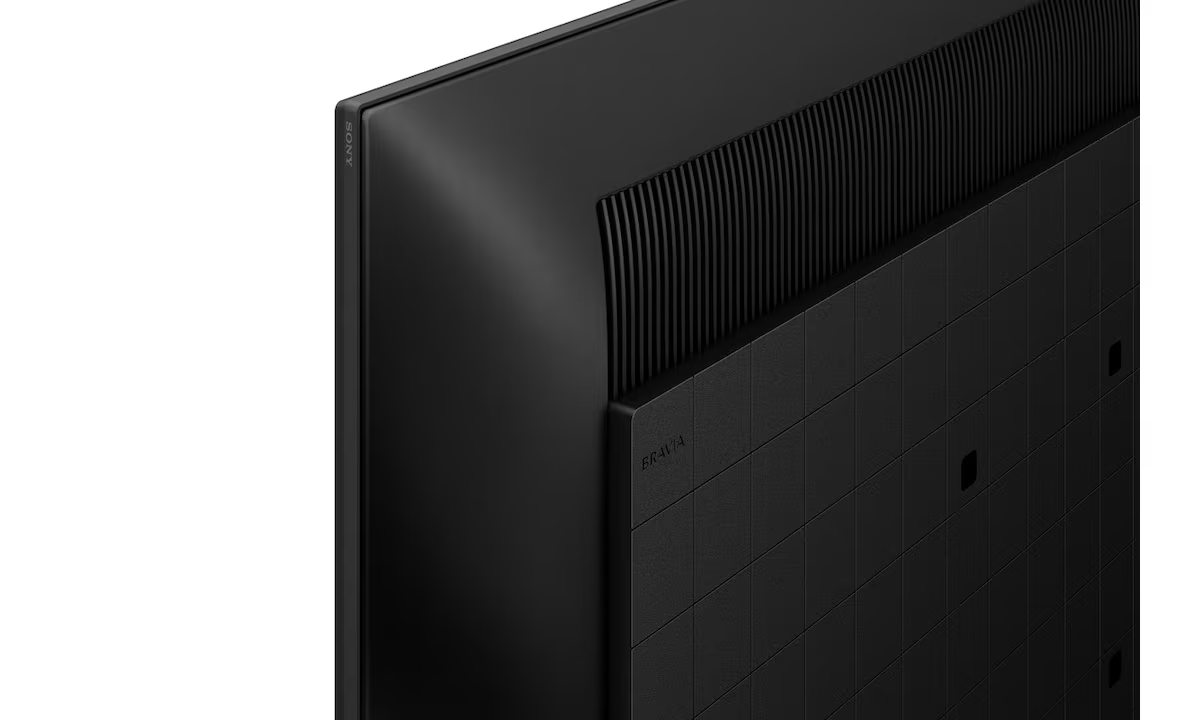
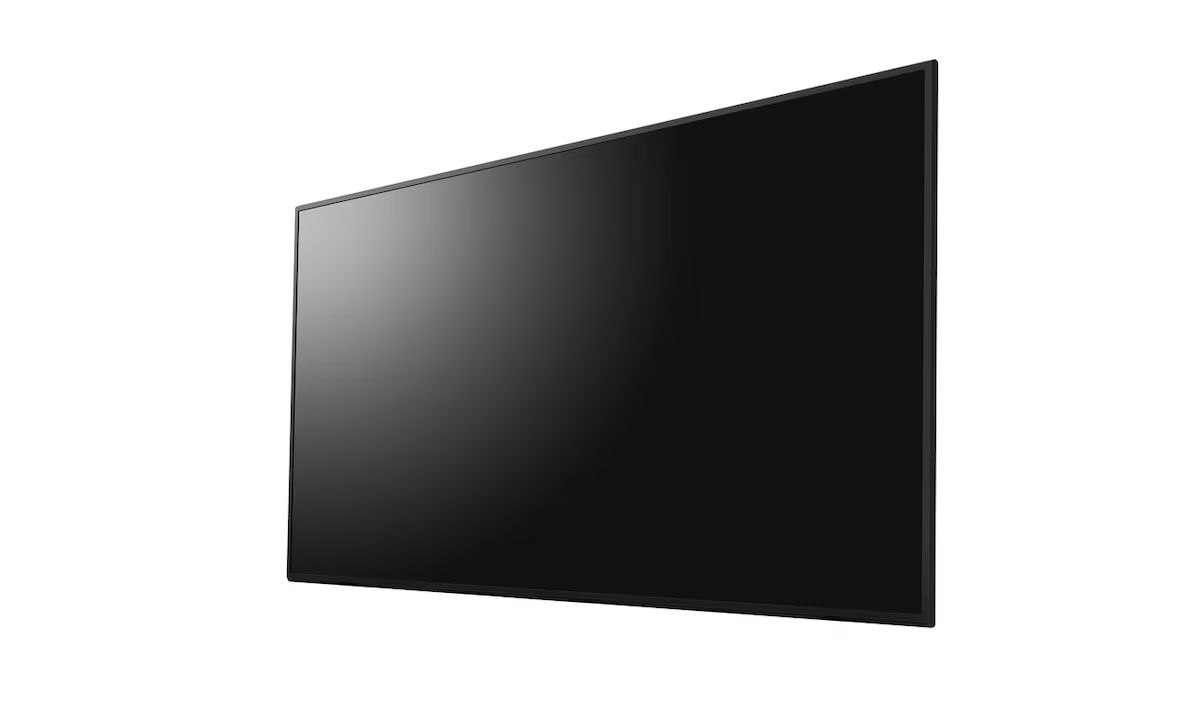
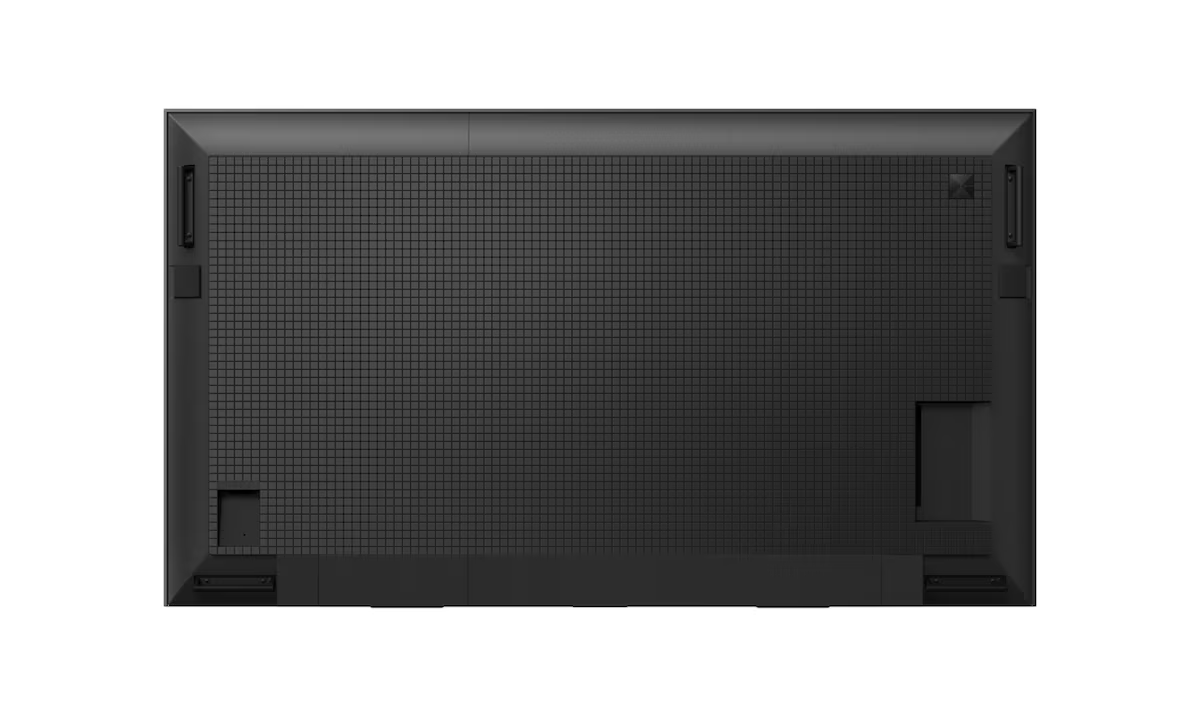
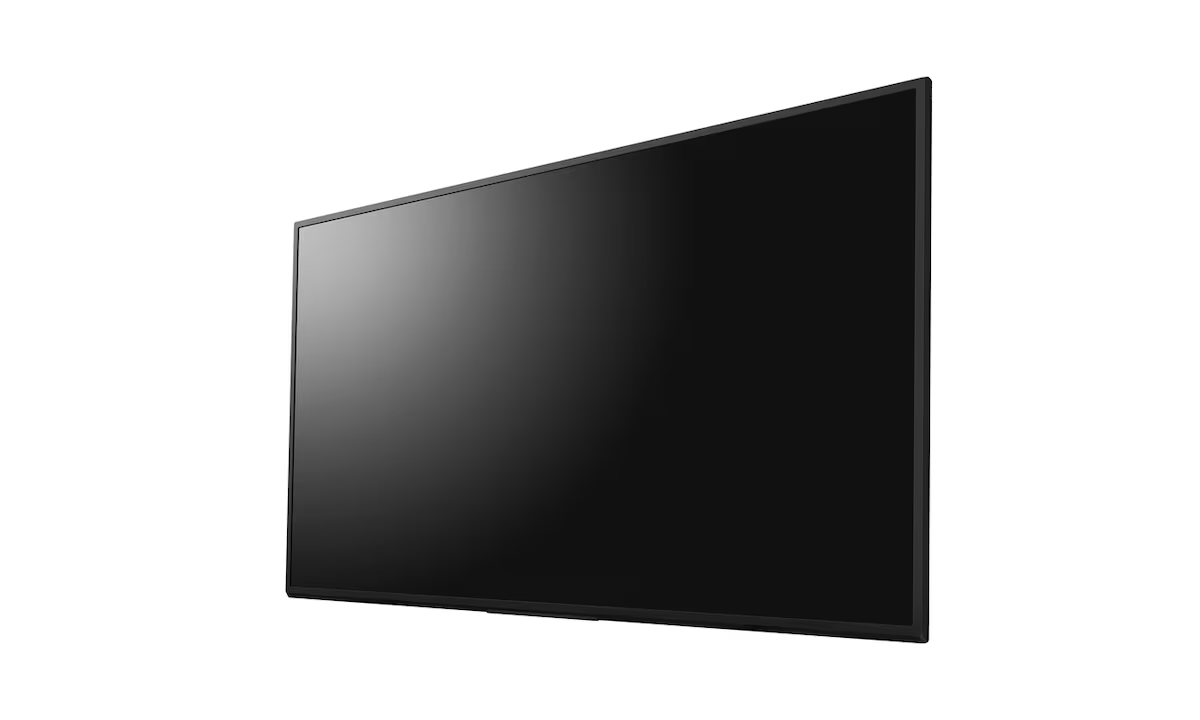
The Sony BRAVIA FW-75BZ30L is a 75-inch 4K HDR Professional Display engineered for high-impact commercial digital signage and corporate use. It delivers superb visual quality…
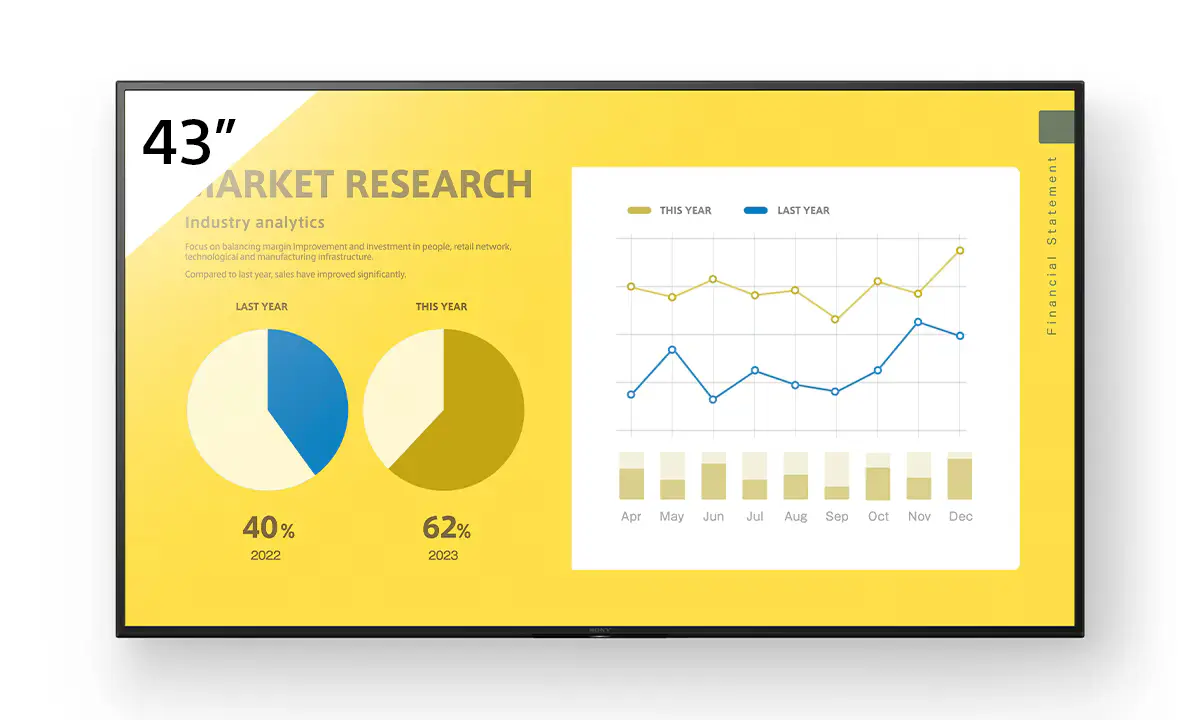
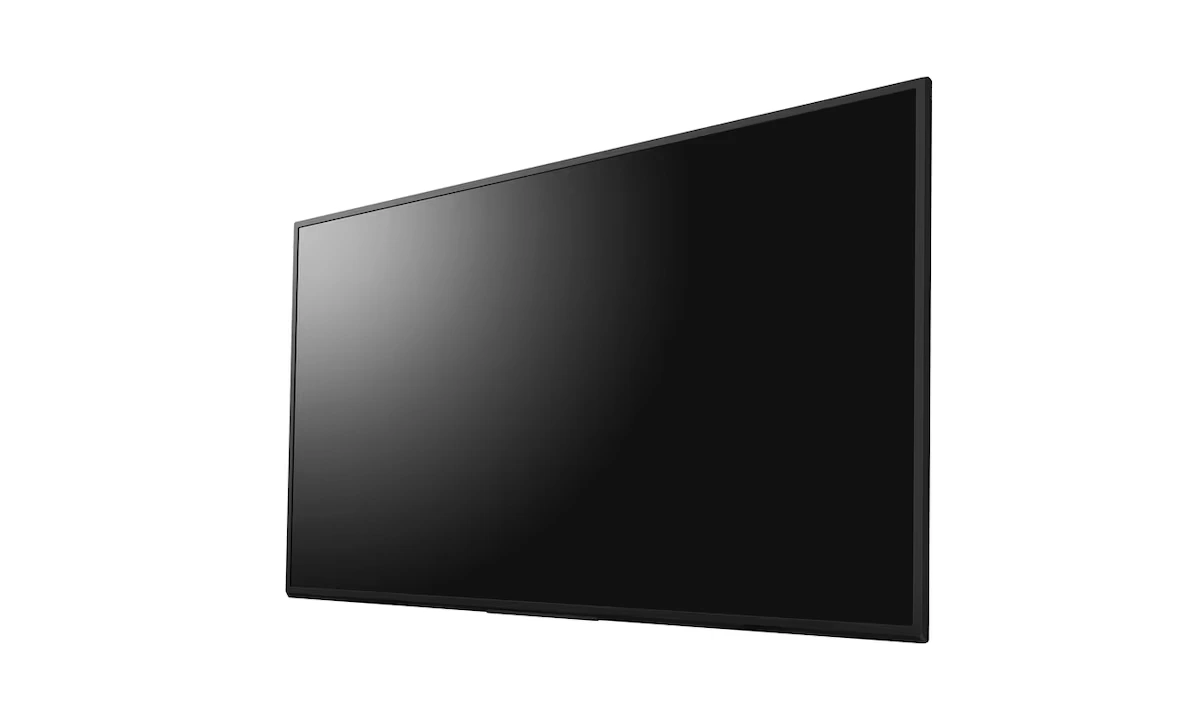
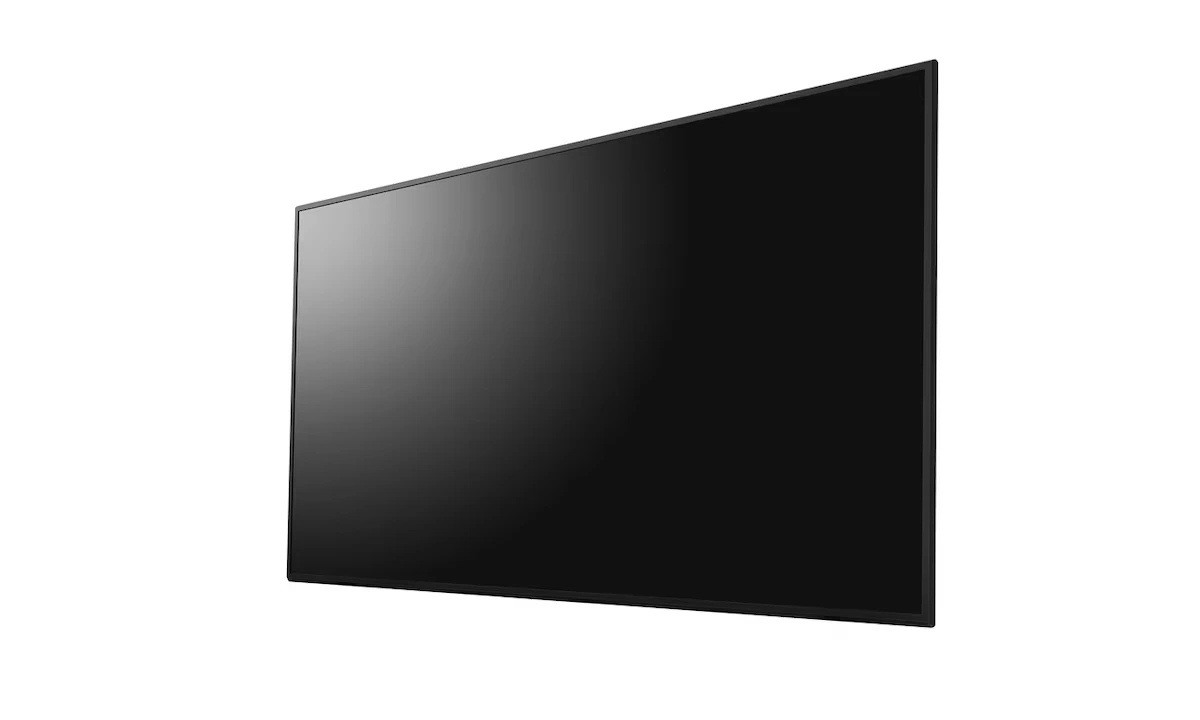
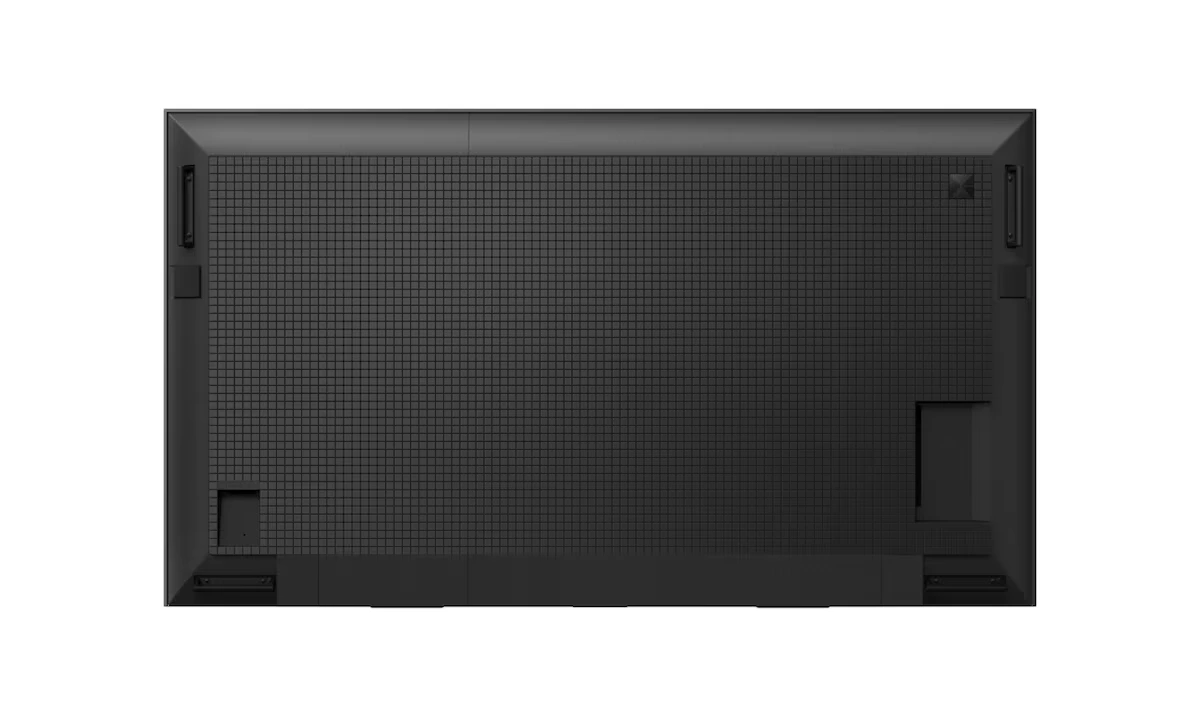
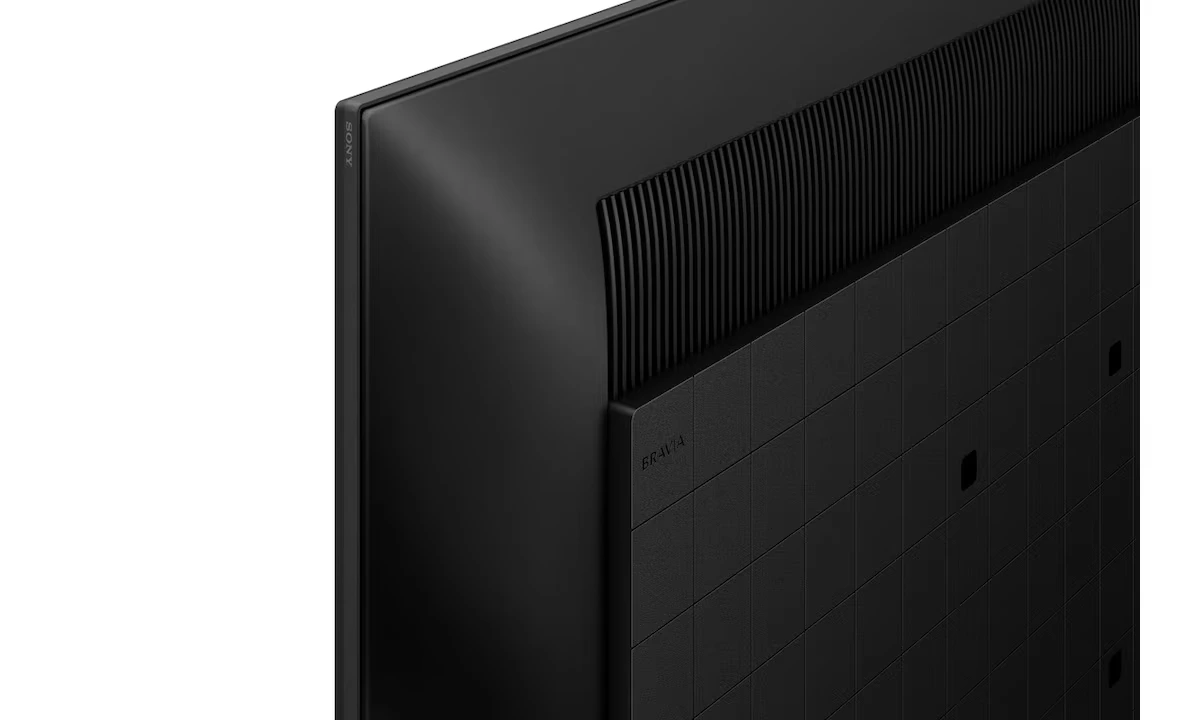
The Sony FW-43EZ20L is a 43-inch 4K UHD professional display designed for digital signage, meeting rooms, retail, education, and corporate environments. Rated for 16/7 continuous…