
Avilable
& Installations
With BRAVIA, sustainability in every sceneWith growing demand for ever larger display screens, there is also the risk of greater resource and energy use. However, Sony’s sustainability commitments are realizing efficiency gains from product development right through to customers viewing screens. |
Meet more easilyGet Google Meet from Google Play Store, and pair BRAVIA with a compatible webcam for easy video meetings. |
Wireless screen mirroringEasily mirror content wirelessly from handheld device onto BRAVIA with in-built support for Apple AirPlay and Google Chromecast. |
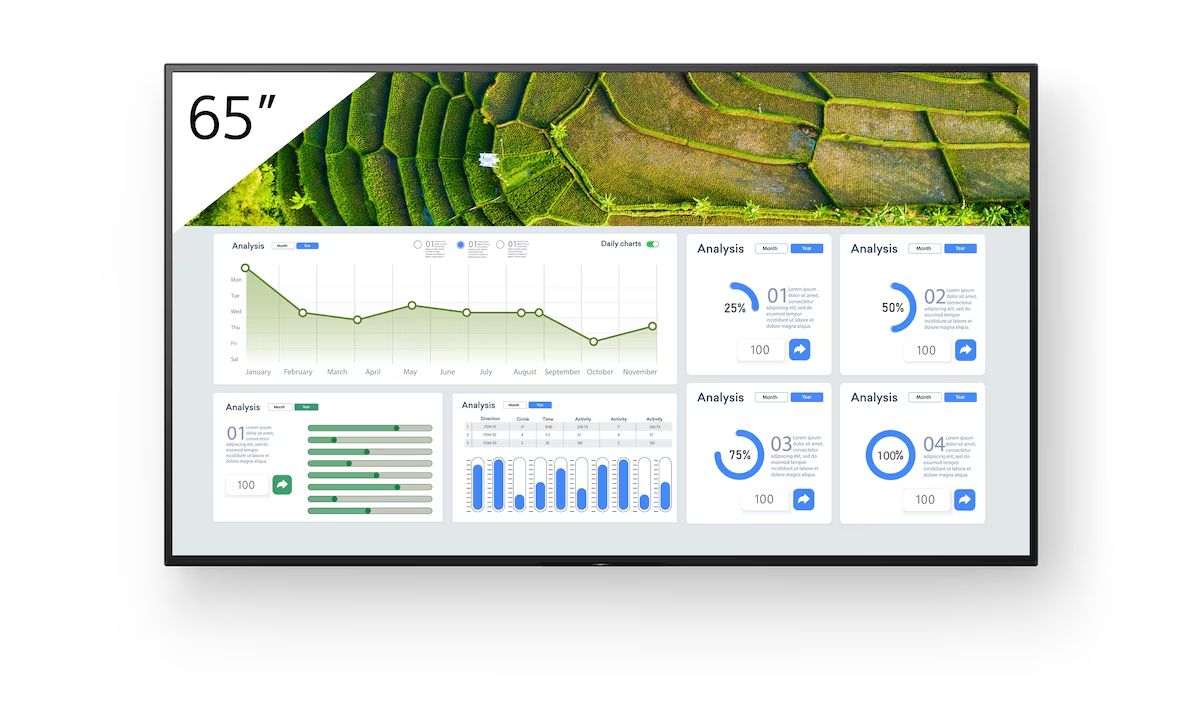
Signage made simpleInforming and guiding visitors with digital signage in retail stores and corporate spaces has never been simpler. Built-in support for HTML5 makes it easy to display interactive signage content on BRAVIA without the need for a dedicated set-top box, media player or PC. On-board BRAVIA Signage Free (BSF) software automatically plays out HTML content, video and photos when a USB stick memory is slipped into BRAVIA. It’s that simple. |
Easy integrationFW-65BZ30L is made for today’s connected world. There’s seamless support for today’s leading automation and control platforms, while open APIs simplify integration with other vendor solutions. |
Easy multi-screen setupConfiguring multiple screens for large display applications is easier than ever. The Multi Display Setting (MDS) app helps you create stunning video walls with multiple BRAVIA displays ‘tiled’ together. |
Get great pictures fastForget fiddling with display settings. One Step Setting offers presets tuned to your environment including meeting room, vivid signage, natural signage and graphics. Just pick a preset: BRAVIA instantly configures picture mode, input, control settings and more. |
Special settings for professional usePro Settings mode makes doing business even easier, allowing you to customise BRAVIA settings and operating modes to suit the demands of corporate or retail environments. Disable input or remote control functions, schedule on/off times, remove labels and block buttons to avoid tampering when the screen’s being used in public spaces. Customise and store display settings, then copy them easily from display to display via USB flash memory. |
Round the clock reliabilityBusiness never sleeps: BRAVIA is engineered for dependable 24/7 operation in the most challenging corporate and commercial environments. |
Landscape, Portrait and Tilt
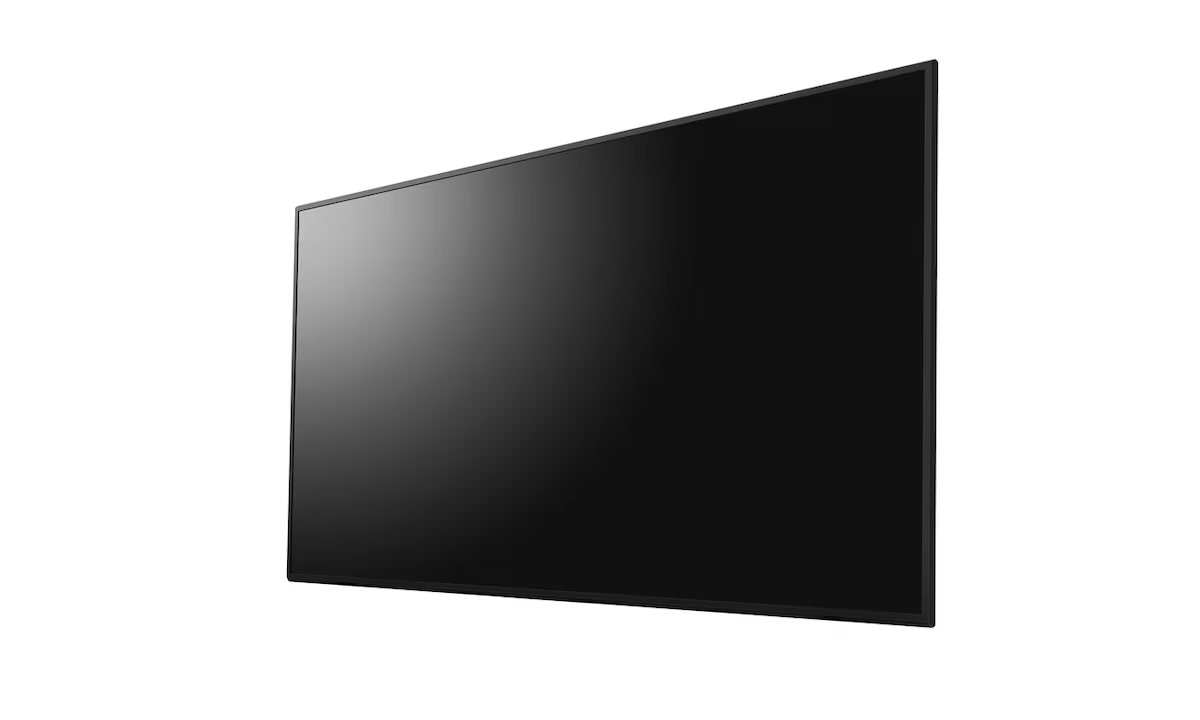
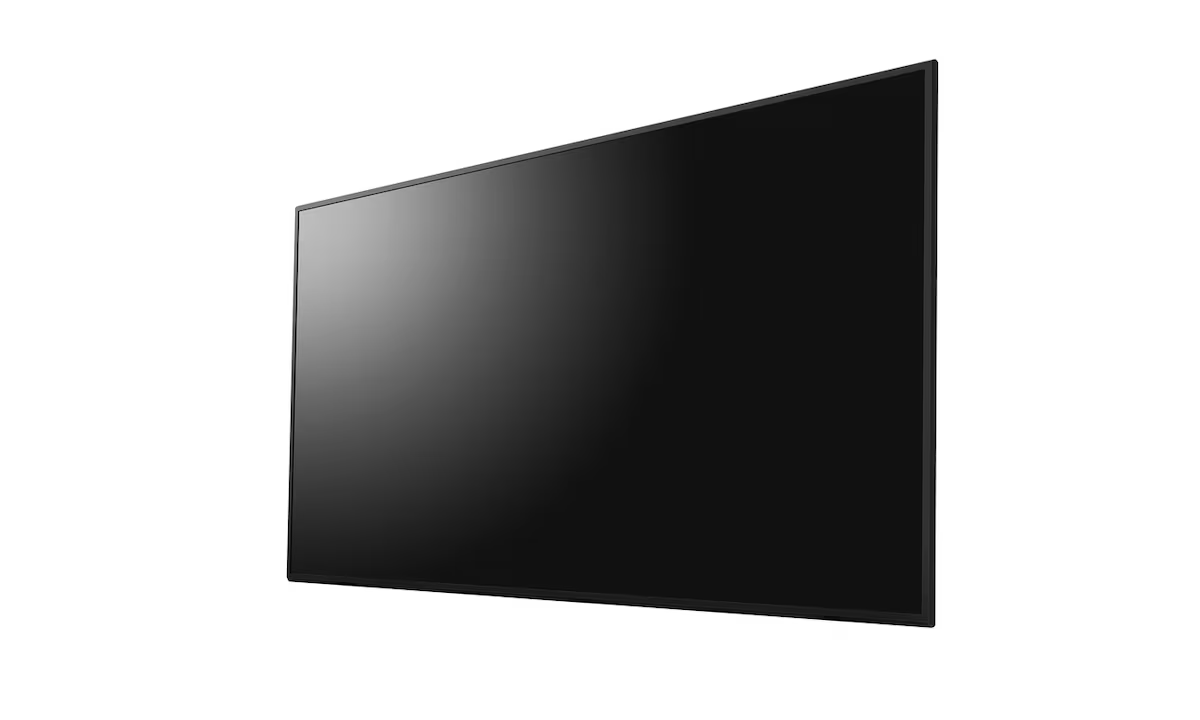
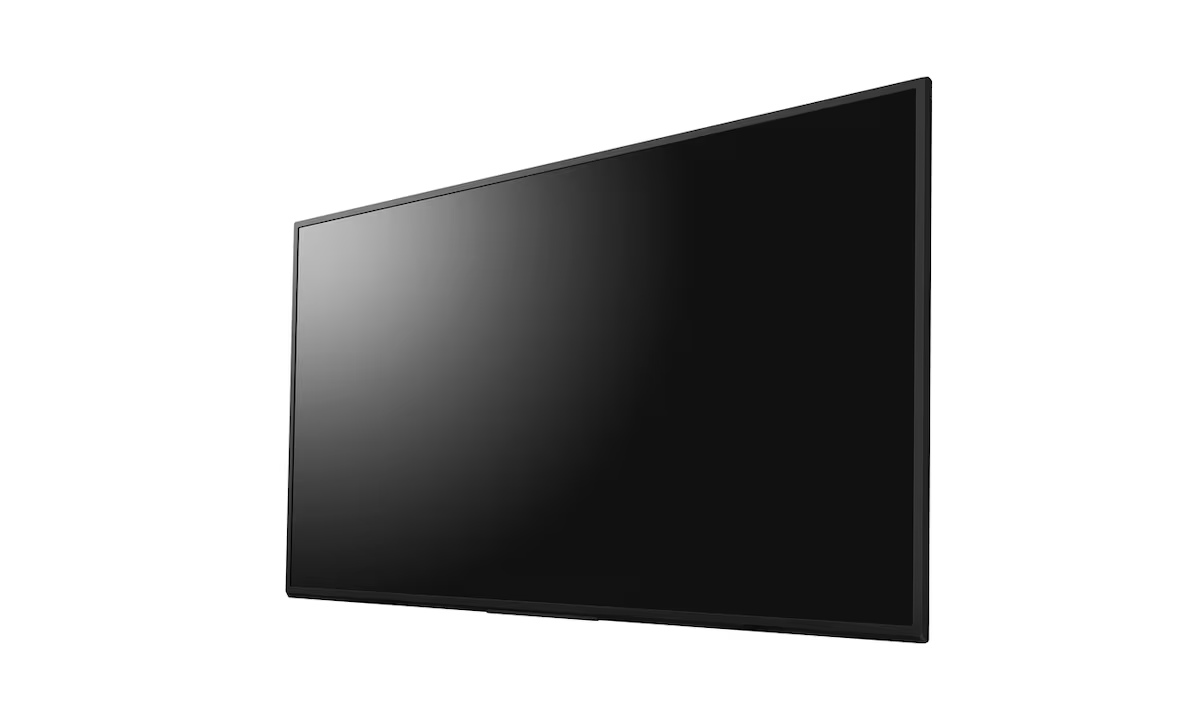
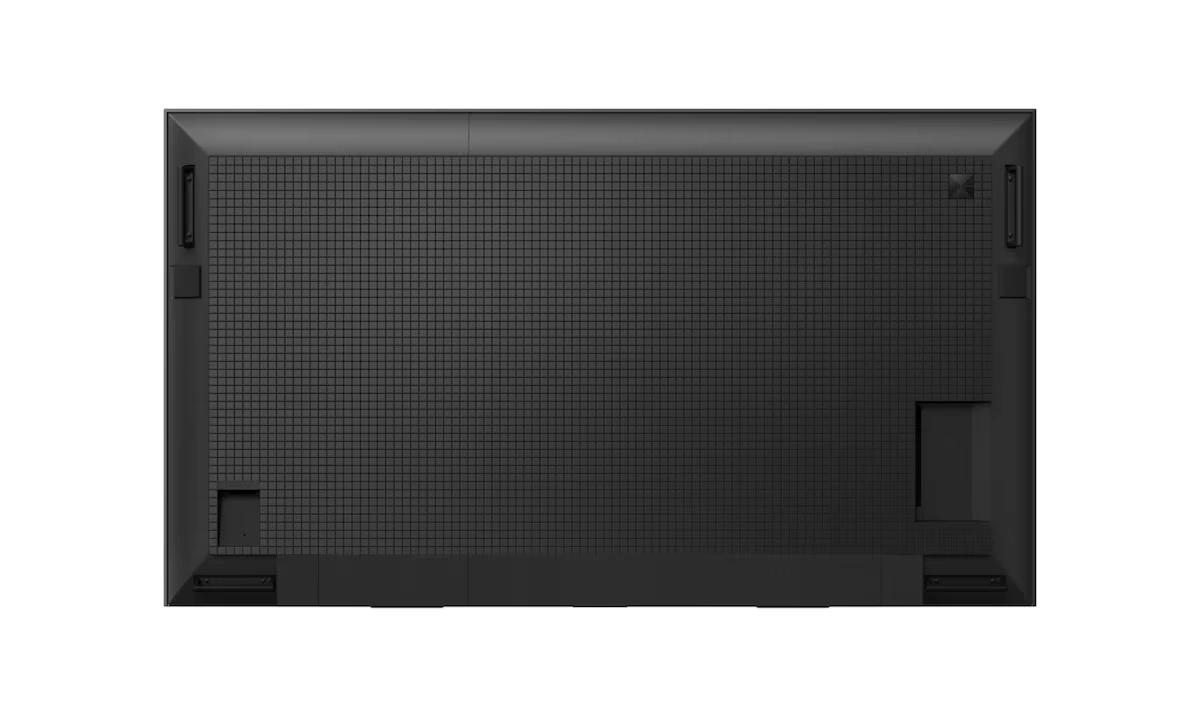
Install BRAVIA in portrait or landscape orientation to suit any corporate or retail space. The display can also be tilted at an angle for even greater flexibility |
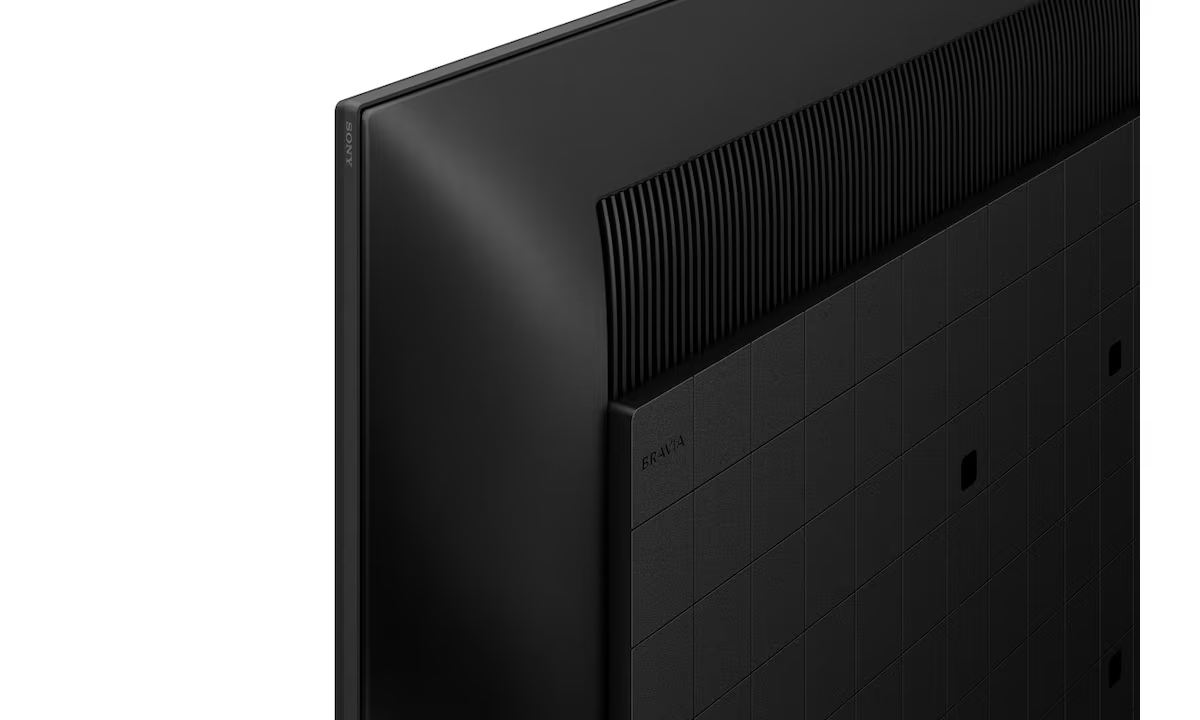
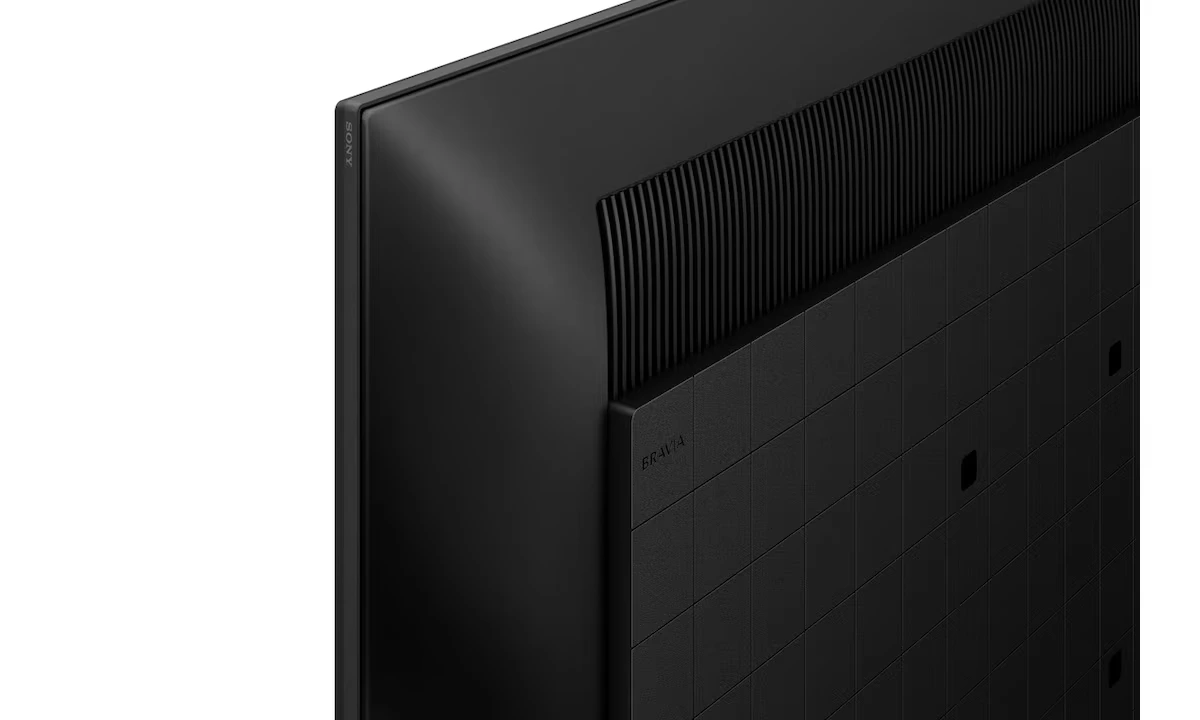
Discreet logo
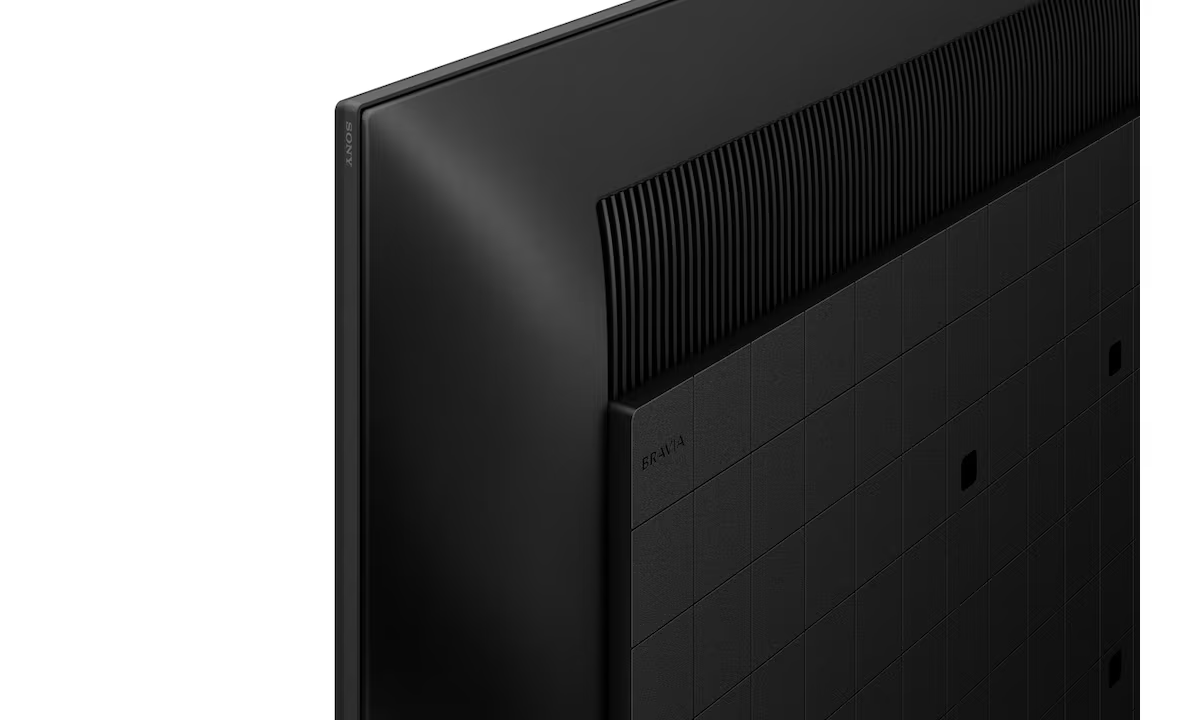
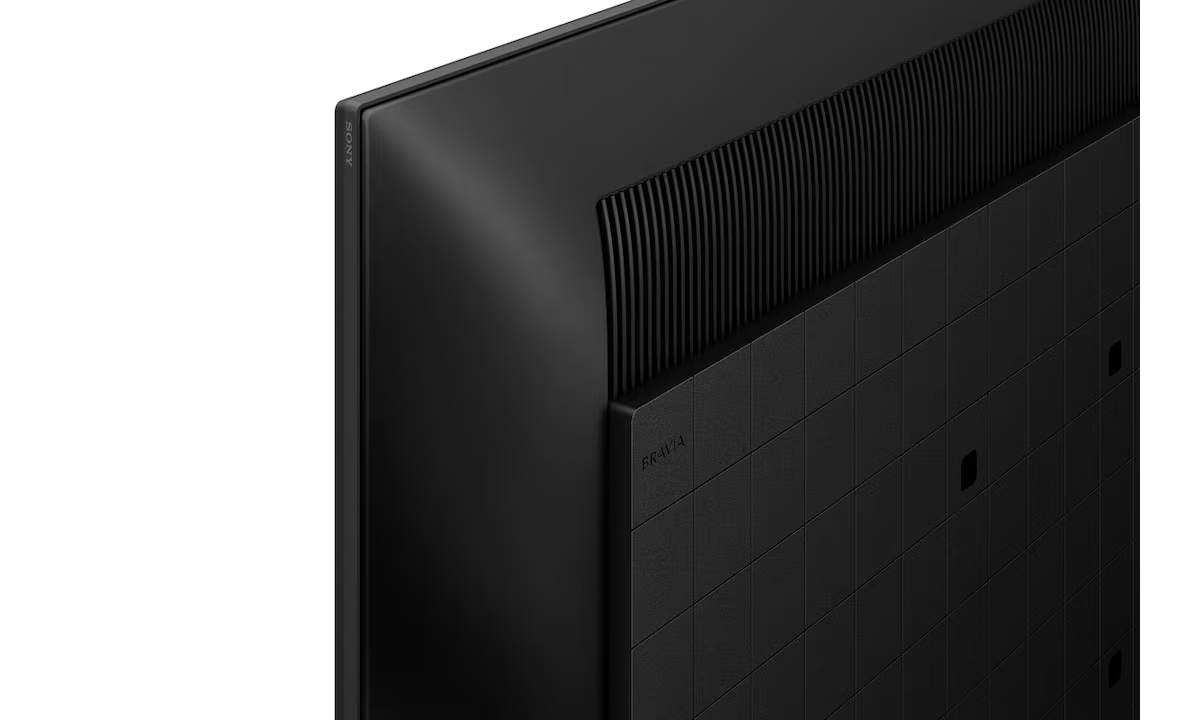
The Sony logo is discreetly positioned on the edge of the display’s bezel – with nothing distracting your audience from immersive images |
. |
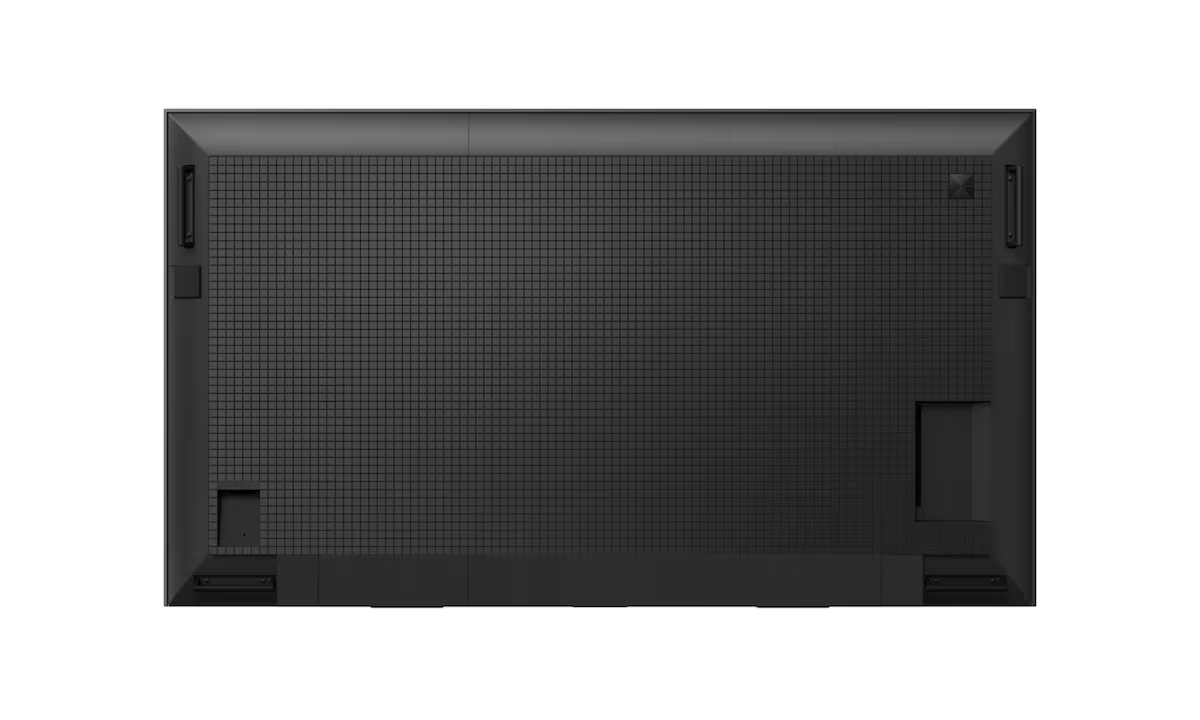
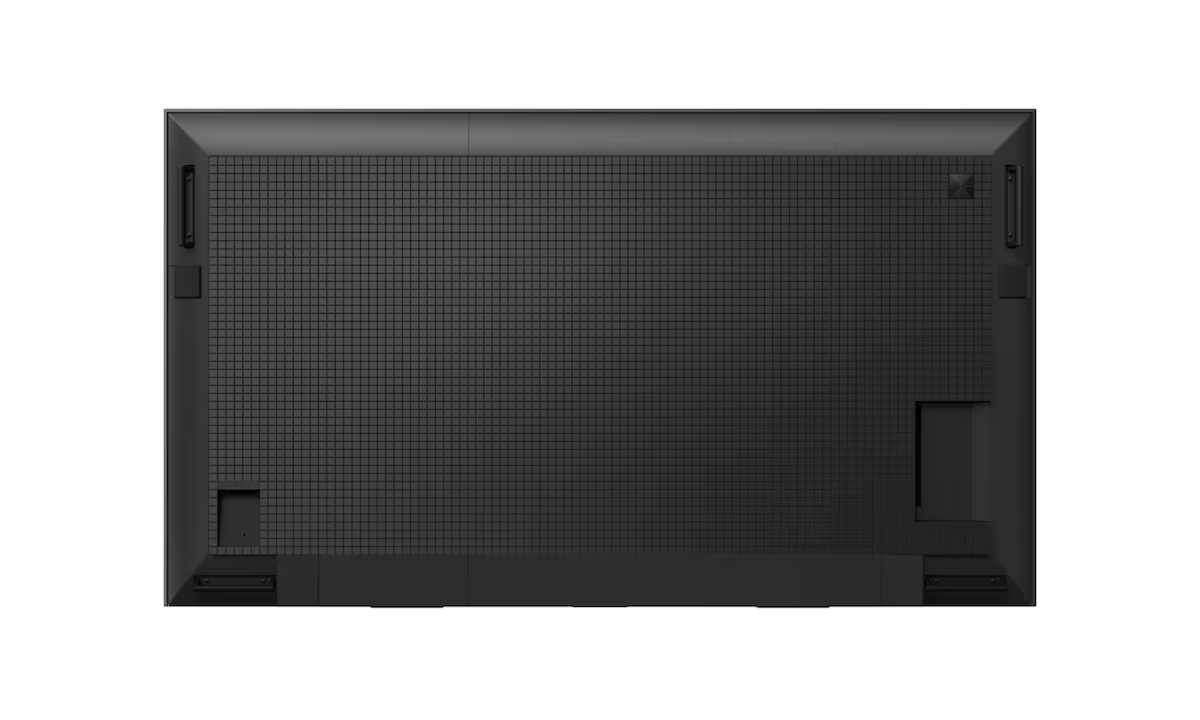
Side mounted interfacesSignal connections, networking and other interfaces are conveniently side mounted for easy installation and access when the display’s in portrait position. |
Wall-Mount AdjusterBRAVIA comes supplied with a Wall-Mount Adjuster, giving extra flexibility for mounting the display centrally in portrait or landscape orientation. |
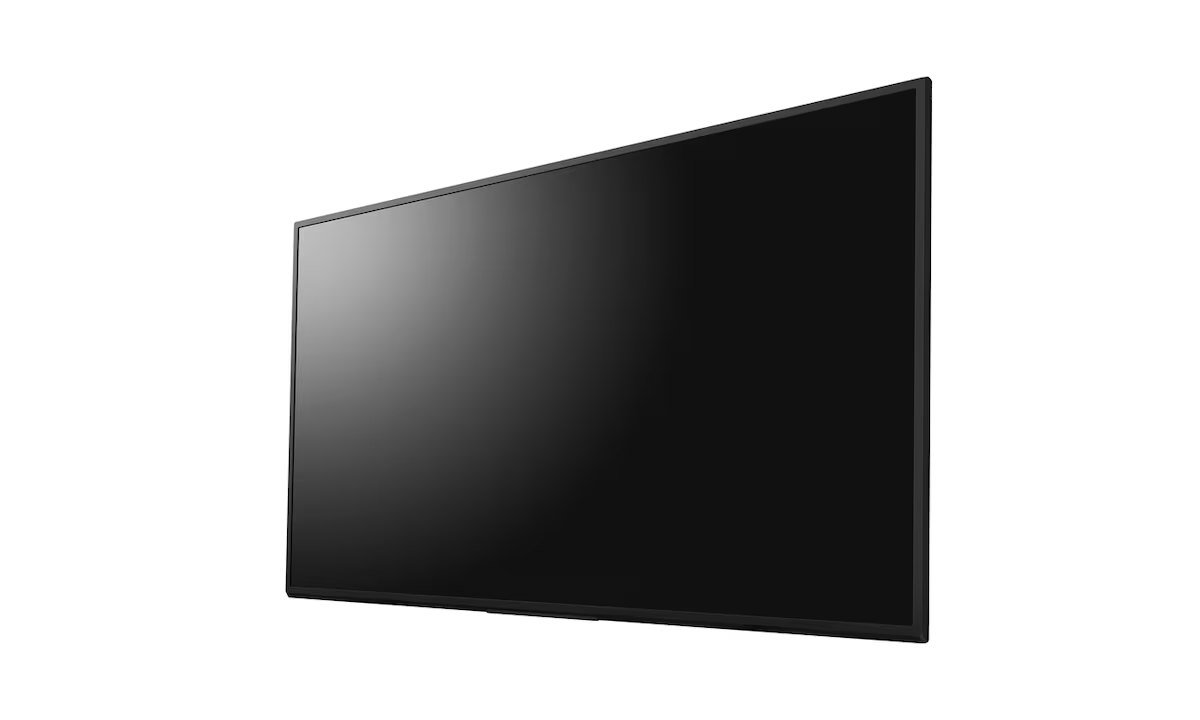
Installation flexibility to suit every environmentThe sleek, minimal design of the FW-65BZ30L brings impeccable style to any business environment. The display’s elegant lines are further enhanced by practical touches for seamless integration in retail stores, colleges and corporate workspaces. |
Smoother movementMotionflow XR ensures smoother, more natural reproduction of rapidly-moving on-screen images. |
Finer detail4K X-Reality PRO processing upscales pictures closer to true 4K quality. Images are sharpened and refined in real time, revealing extra detail from lower-resolution picture sources. |
FeaturesRicher, more natural colour
Sony’s power-packed 4K HDR Processor X1 and TRILUMINOS Pro technology faithfully reproduces a phenomenal range of rich, true-to-life colours. |
Specifications
|
Yes. Unlike standard consumer TVs, the Sony FW-65BZ30L is specifically engineered for 24/7 continuous operation.1 It features professional-grade thermal management and components designed to withstand the rigors of always-on commercial environments like retail stores, airports, and corporate lobbies.
The main differences are brightness and storage. The BZ30L (including the FW-65BZ30L) features a brightness of 440 nits and 16GB of internal storage.3 In contrast, the BZ35L series is brighter (550 nits) and offers 32GB of storage.4 The BZ30L is typically chosen for standard indoor offices, while the BZ35L is better for higher-glare environments.
No, this is a tunerless professional display.5 By removing the tuner hardware, Sony simplifies the interface for business use and avoids the "tuner tax" in certain regions. It is designed to display content via HDMI, the built-in Android OS, or network-based digital signage platforms rather than traditional cable/antenna signals.
Yes. The FW-65BZ30L is highly flexible and supports Portrait, Landscape, and Tilt installations.7 It even comes with a side-mounted Sony logo and side-positioned interfaces to ensure that cables are easy to access and the branding remains discreet when the screen is flipped vertically for signage.
Pro Mode is a specialized menu that allows you to customize the display for specific professional tasks.9 You can set a "One Step" configuration for meeting rooms or signage, disable the physical buttons and remote control to prevent tampering in public areas, and set the screen to automatically wake up when an HDMI signal is detected.
Yes.11 The display has Apple AirPlay and Chromecast built-in.12 This allows meeting participants to wirelessly cast 4K content from their smartphones, tablets, or laptops directly to the 65-inch screen without needing external hardware or third-party apps.
Our commitment is backed by a verified 99% on-time arrival rate for all domestic shipments within India.
Purchase with confidence. We guarantee genuine, brand-new electronics directly from certified manufacturers.
Your personal data is protected with advanced encryption. We strictly adhere to Indian data privacy laws.
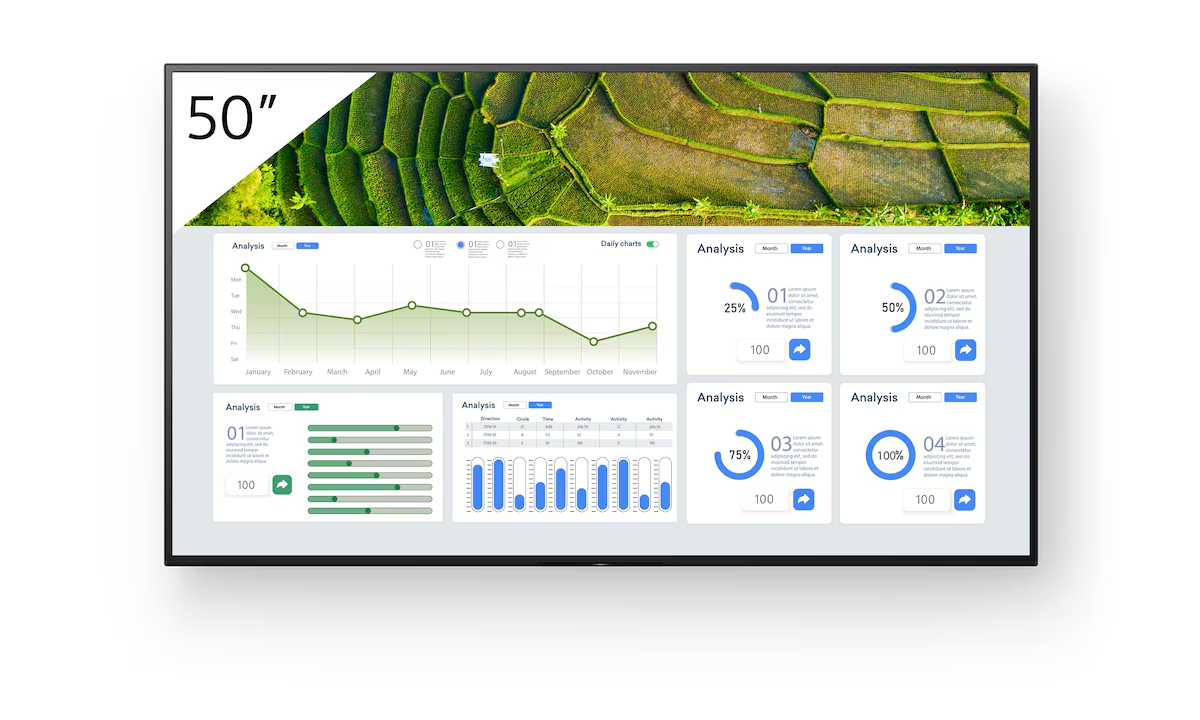
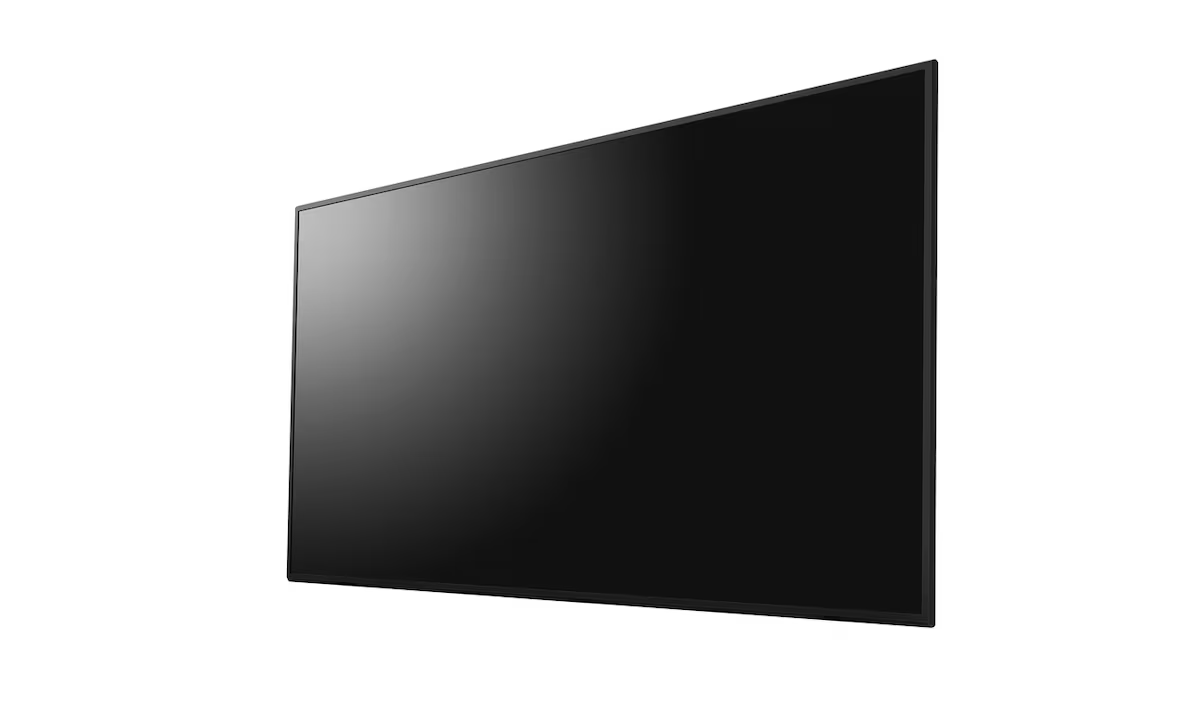
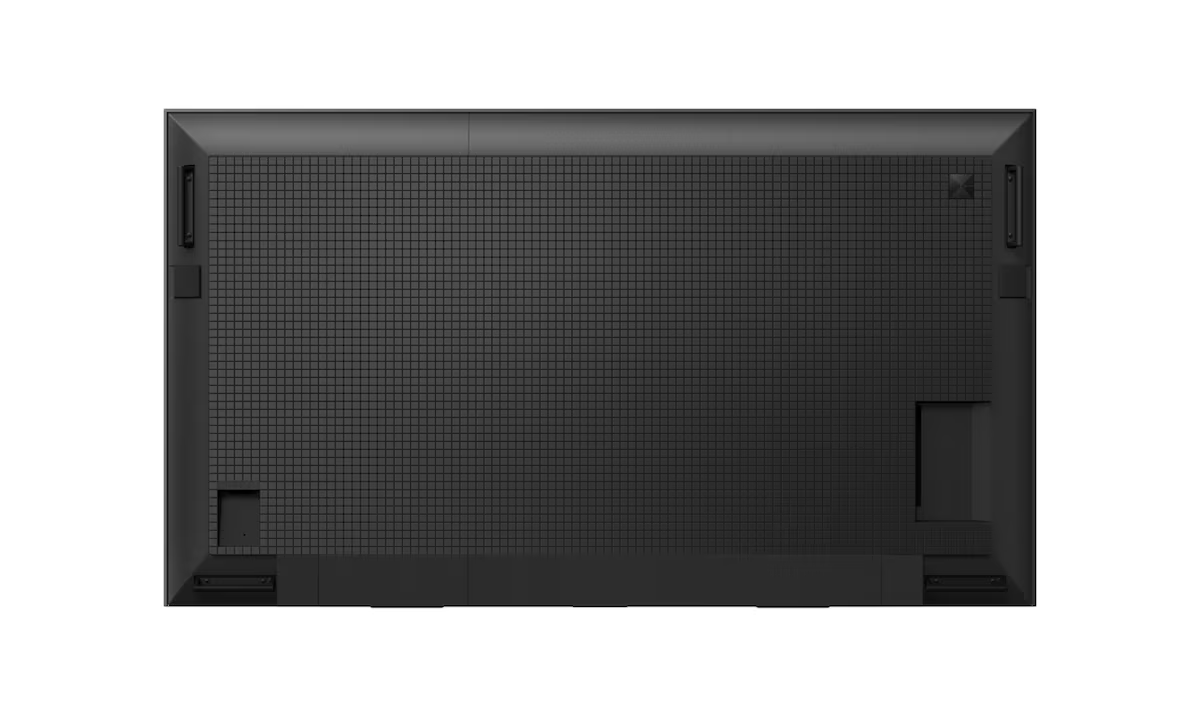
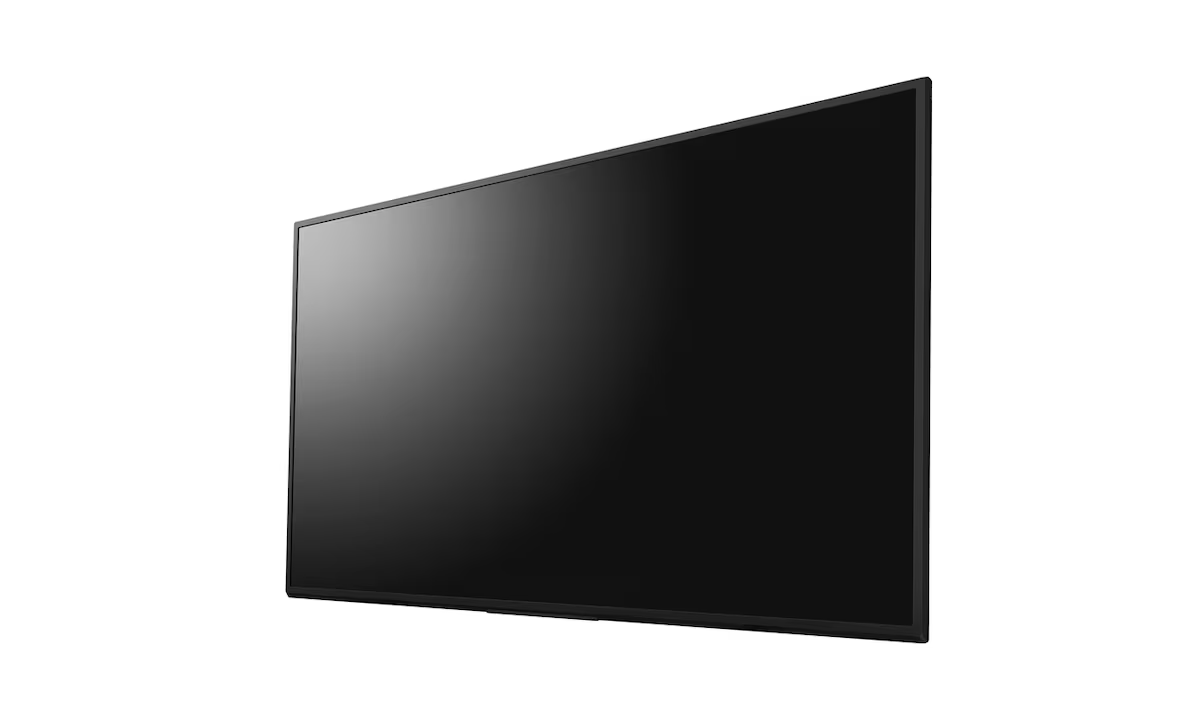
The Sony FW-50BZ30L is a 50-inch 4K UHD professional digital signage display from the BZ30L Series, designed for corporate, retail, and educational environments. It delivers…
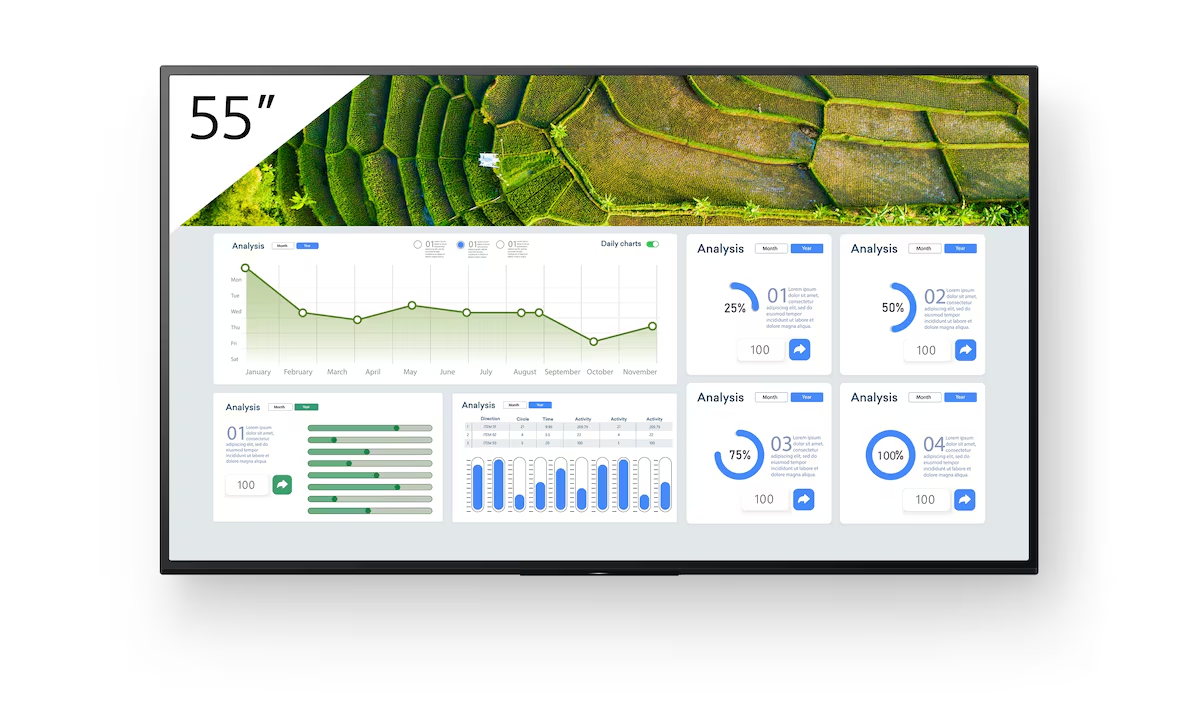
The Sony FW-55BZ30L is a 55-inch BRAVIA 4K HDR Professional Display engineered for commercial digital signage and corporate use, featuring a reliable 24/7 operation capability.…
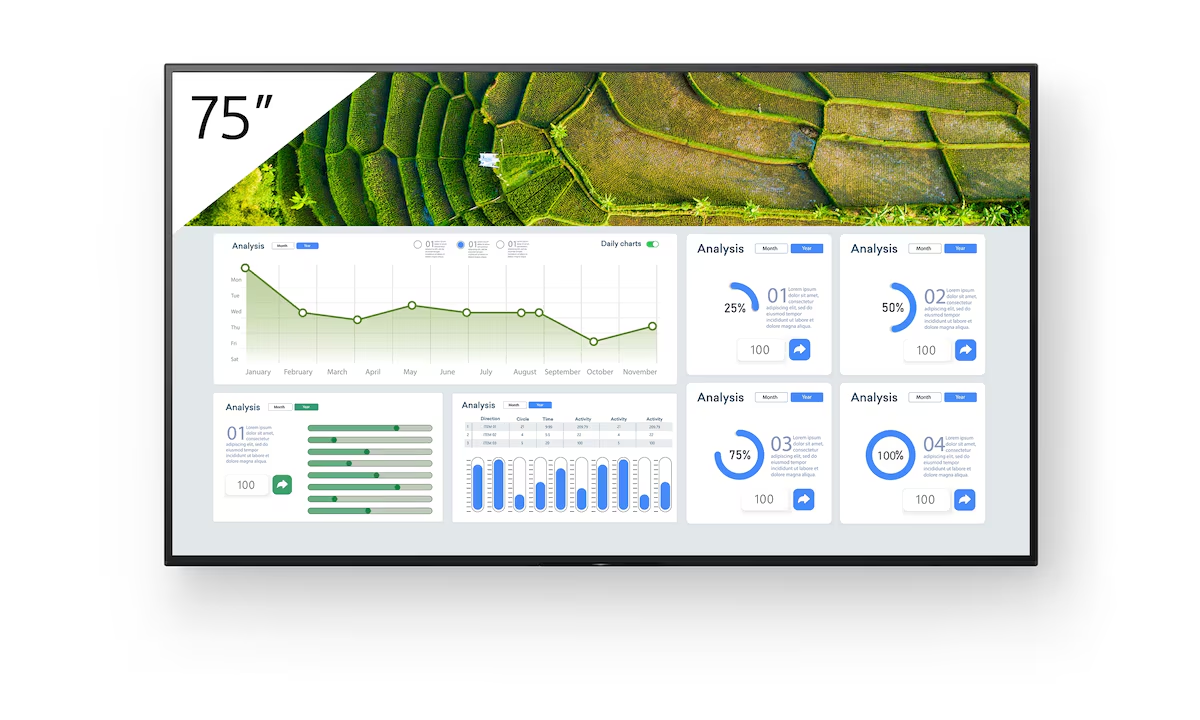
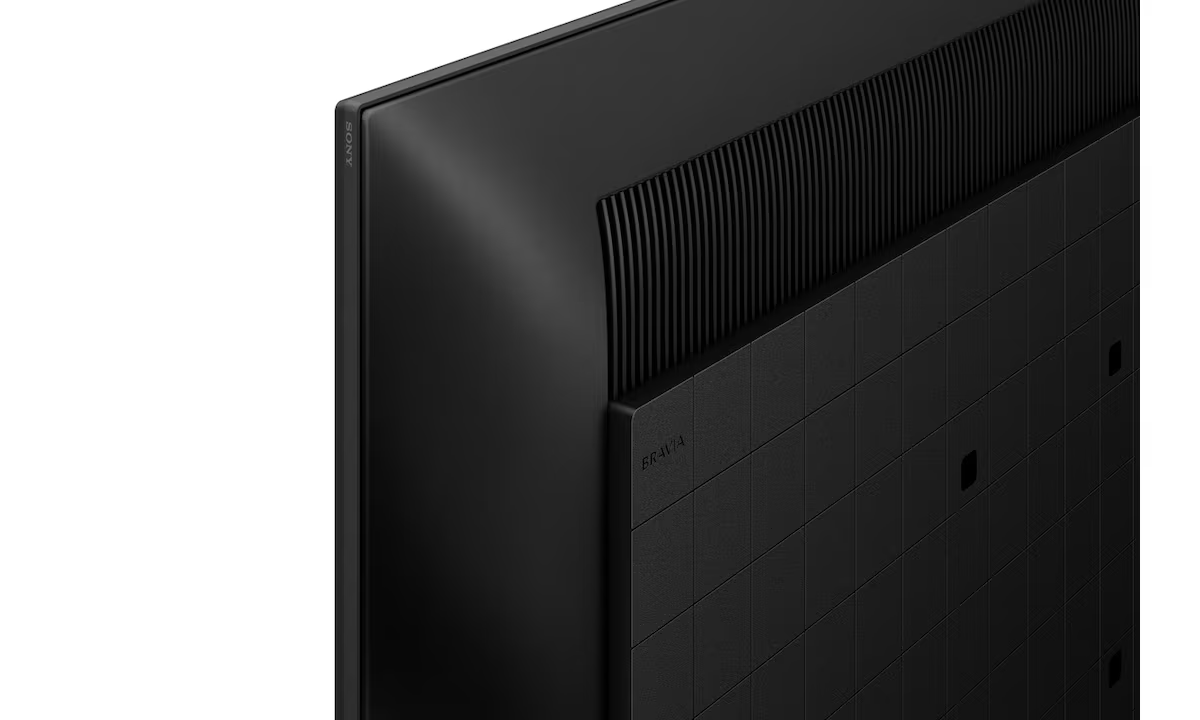
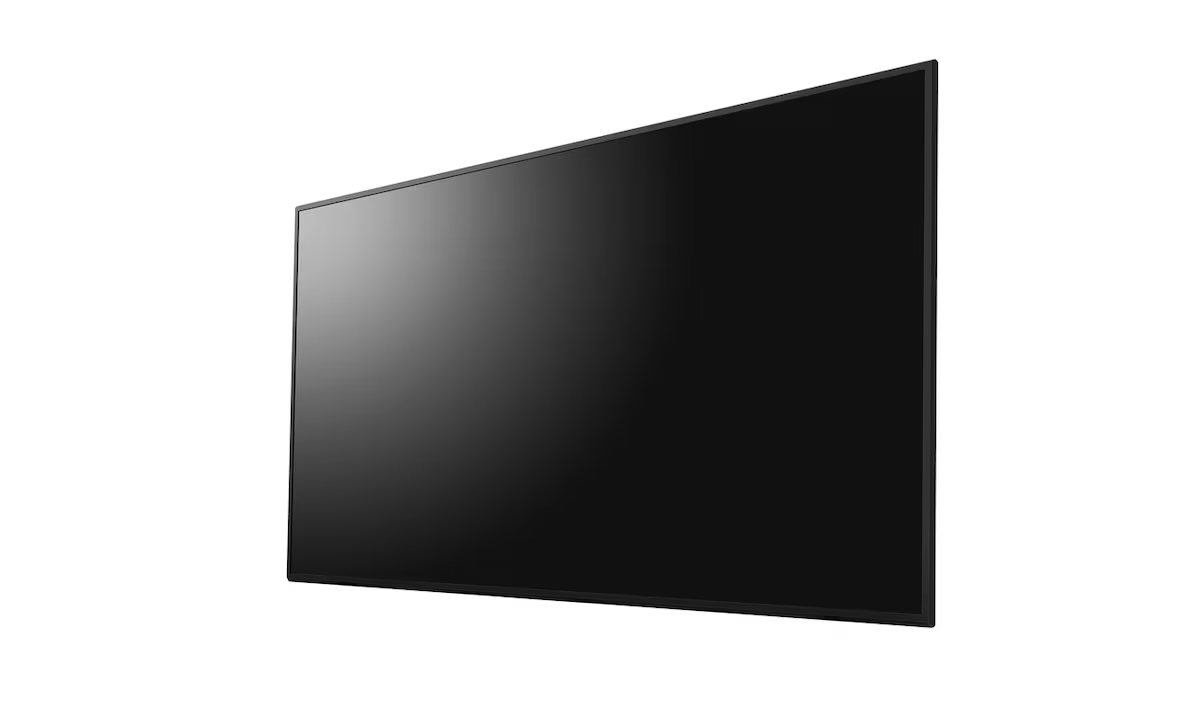
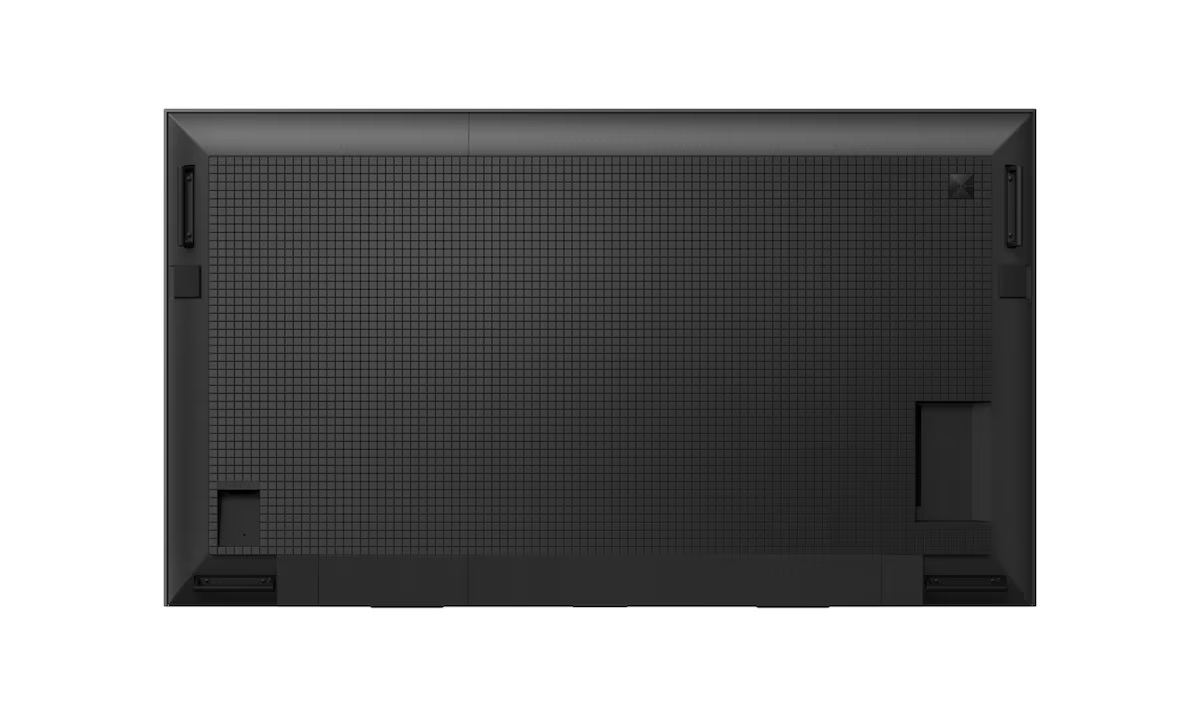
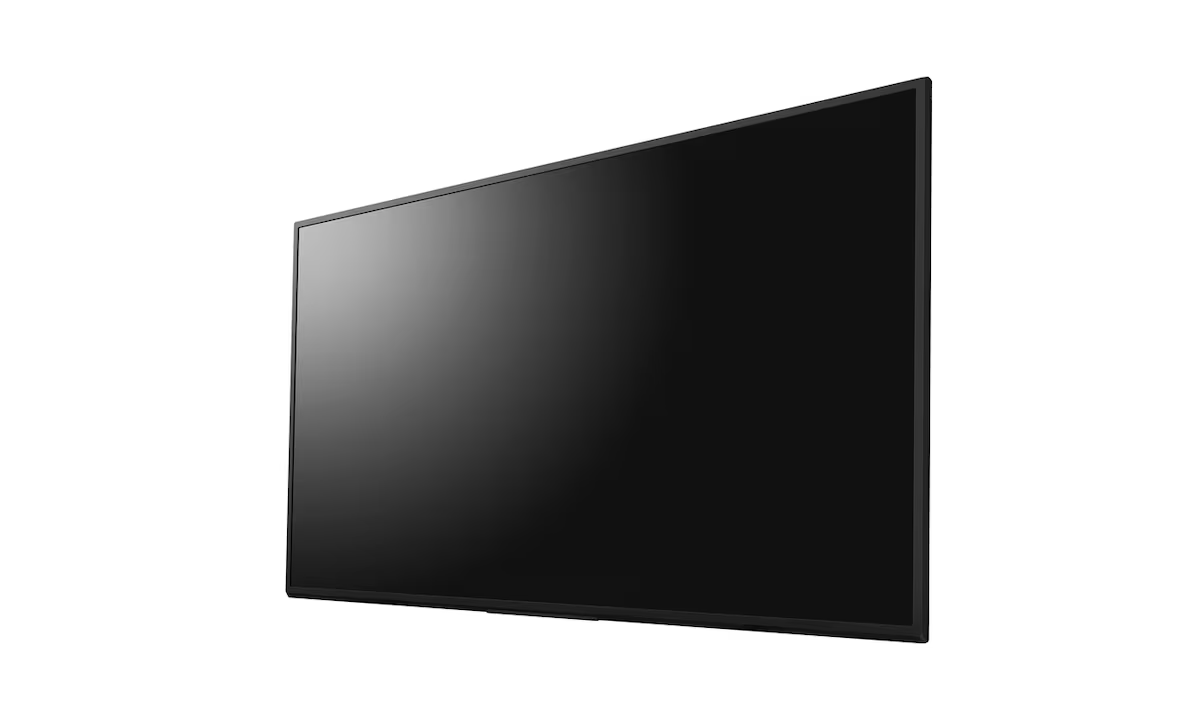
The Sony FW-75BZ30L is a high-performance 75-inch 4K HDR professional display engineered for corporate, retail, and education digital signage environments, offering dependable 24/7 operation. It…
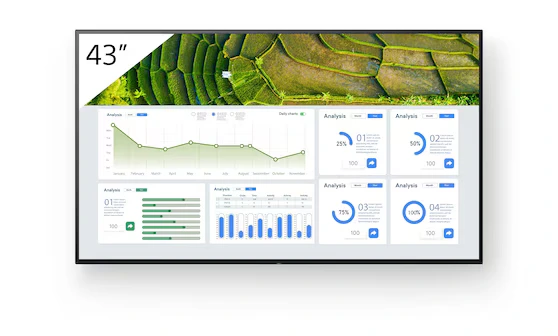
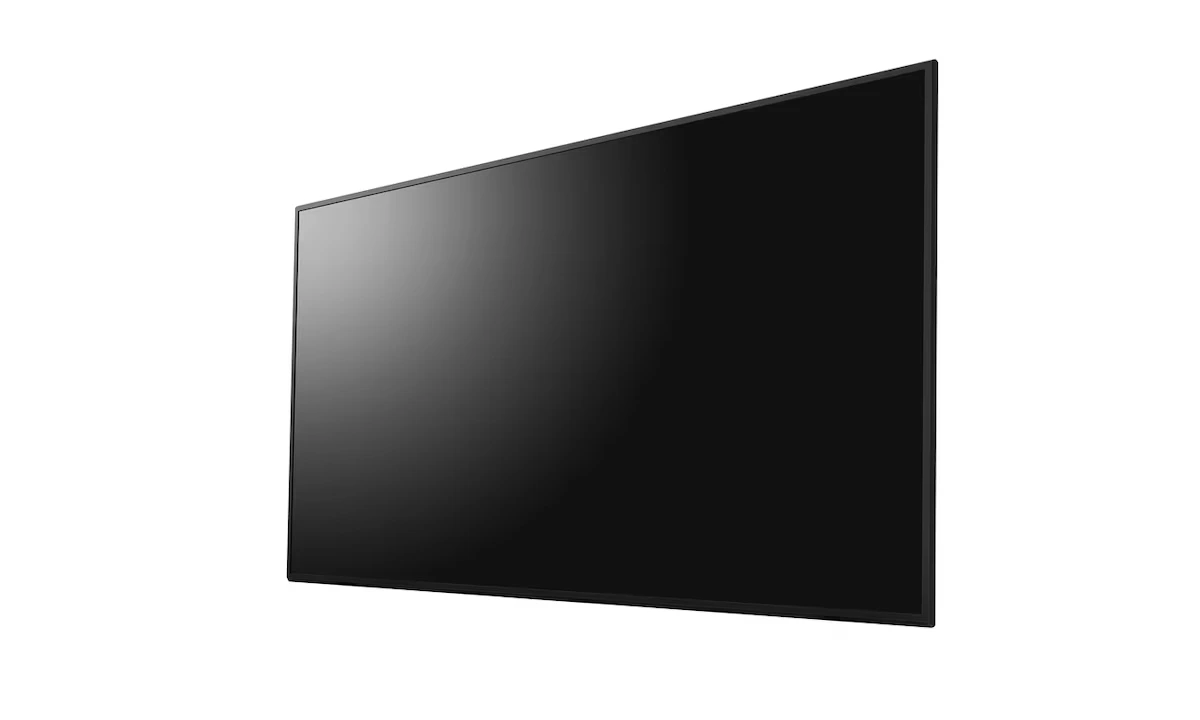
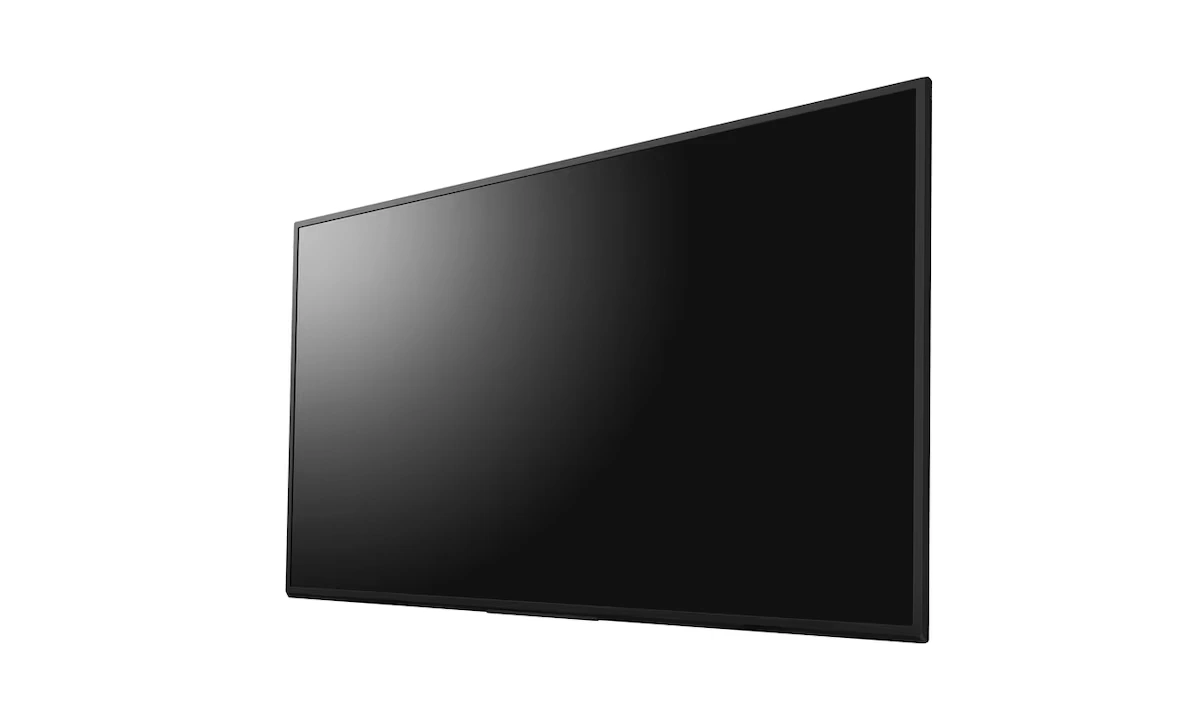
The Sony FW-43BZ30L is a 43-inch 4K HDR professional BRAVIA display designed for continuous 24/7 commercial operation. Featuring a bright 440-nit panel, Sony's 4K HDR…