
Avilable
& Installations

|
Specifications
|
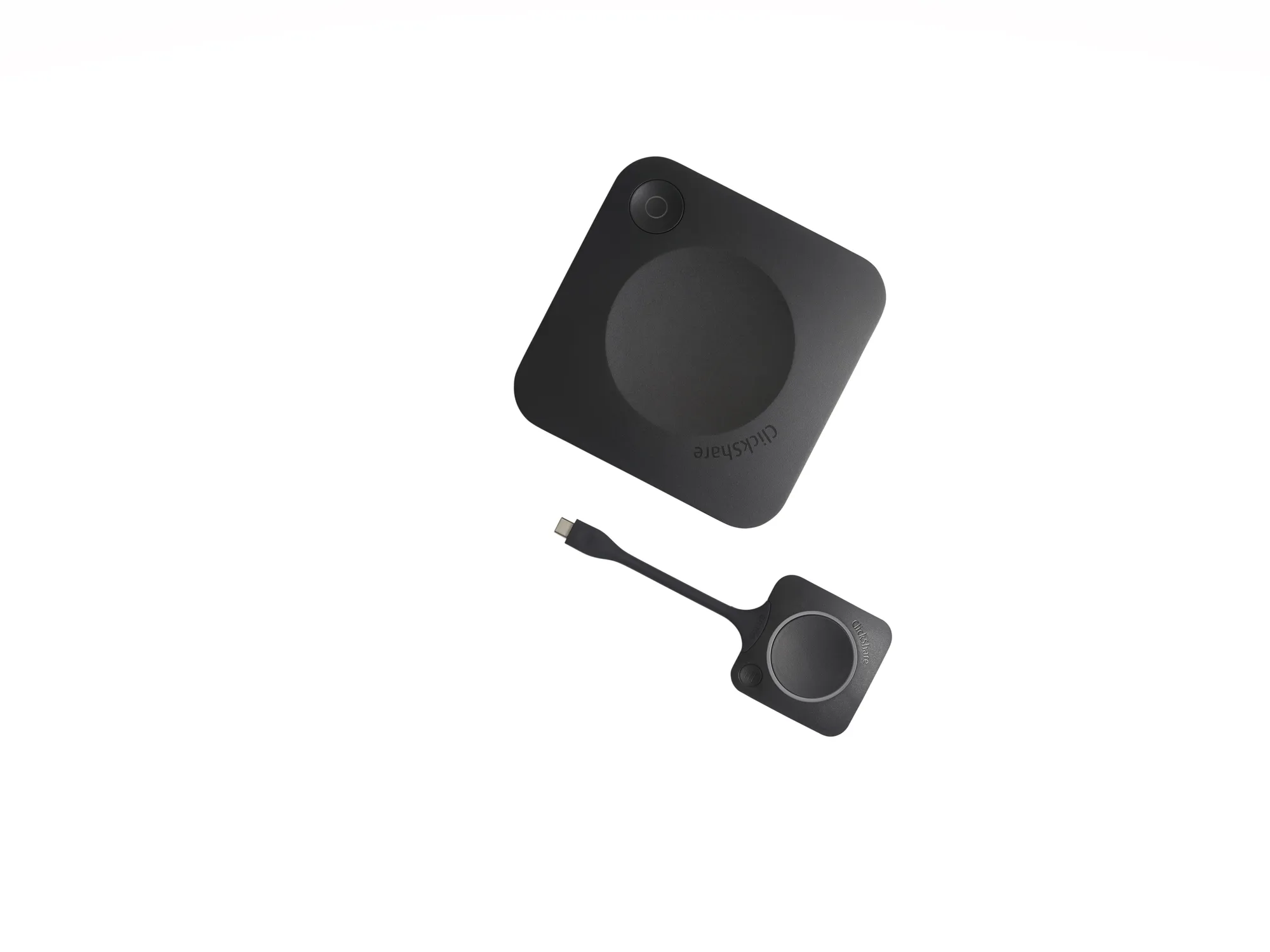
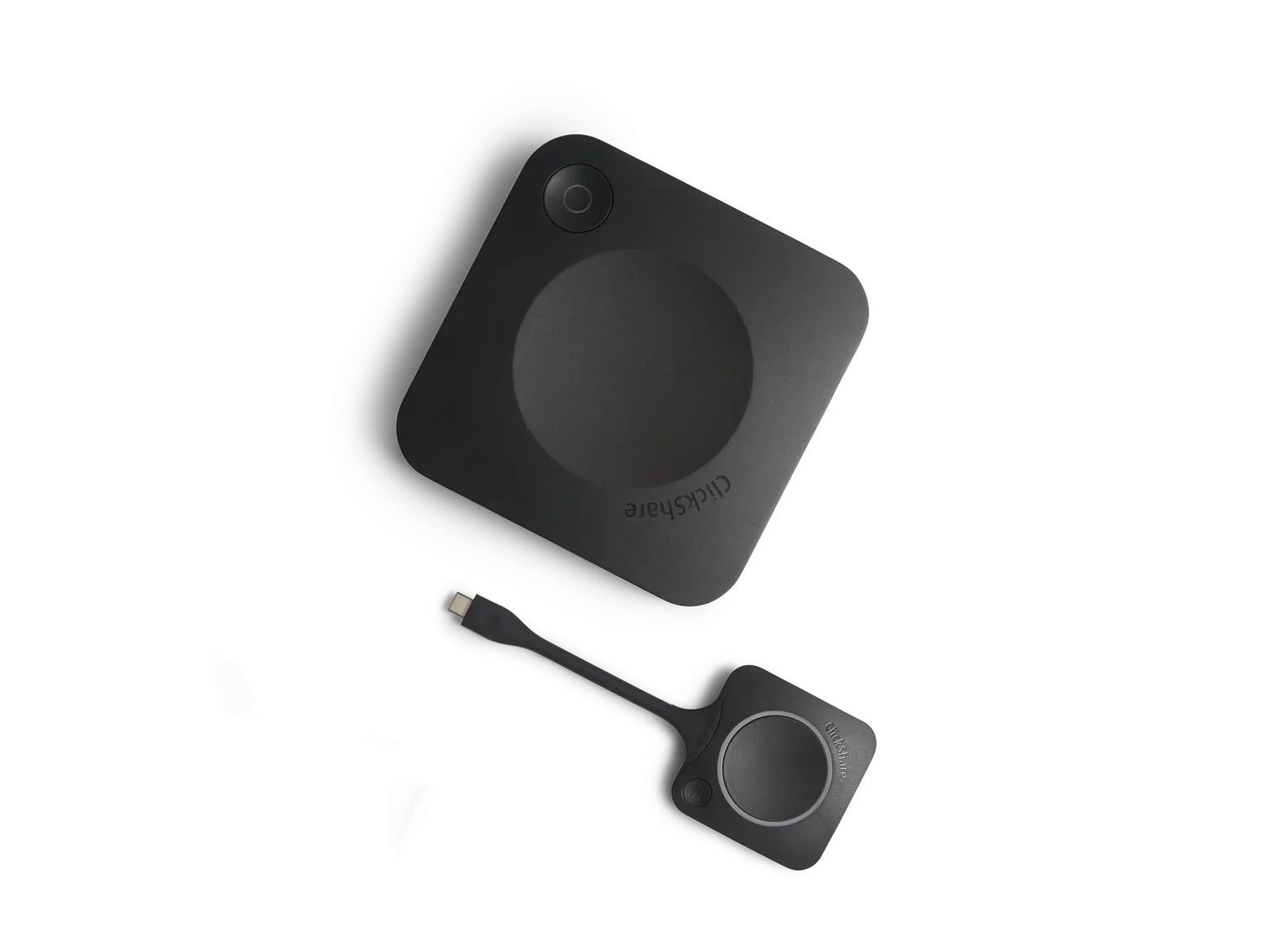
Barco ClickShare CX-20 is a wireless conferencing system designed for small meeting rooms and huddle spaces. It allows users to start video meetings from their laptops and wirelessly connect to room cameras, microphones, speakers, soundbars, and displays. The system supports major conferencing platforms such as Microsoft Teams, Zoom, Google Meet, and Webex. With a single click on the ClickShare Button or through the ClickShare App, users can collaborate instantly without cables or complex setup procedures. Its BYOD (Bring Your Own Device) approach simplifies hybrid meetings and enhances productivity in modern workplaces.
The Barco ClickShare CX-20 features wireless conferencing, 4K UHD content sharing, BYOD compatibility, enterprise-grade security, cloud-based management, and support for AirPlay, Google Cast, and Miracast. It enables seamless integration with room peripherals, allowing users to use professional cameras, microphones, and speakers during meetings. The included ClickShare Button offers one-click meeting access, while the ClickShare App provides additional flexibility. These features make it an effective hybrid meeting solution for organizations seeking reliable and user-friendly wireless collaboration technology.
The Barco ClickShare CX-20 price in India may vary depending on the supplier, warranty coverage, installation requirements, and bundled accessories. Businesses should consider not only the initial purchase cost but also the value gained from simplified collaboration, reduced cable clutter, and improved meeting efficiency. Additional factors such as professional installation, support services, and integration with existing meeting room equipment can influence the final price. Contacting an authorized reseller is the best way to obtain current pricing and customized solutions for specific business requirements.
Several factors influence the ClickShare CX-20 price, including warranty options, deployment scale, installation services, room configuration requirements, and integration with existing conferencing hardware. Organizations purchasing multiple units for enterprise-wide deployment may receive volume-based pricing benefits. Additional accessories, support contracts, and cloud management services can also impact the total investment. Understanding these factors helps businesses accurately budget for a wireless conferencing system while ensuring the solution meets their collaboration and productivity objectives.
Yes, many organizations consider the Barco ClickShare CX-20 a valuable investment because it simplifies meeting room collaboration and reduces technical challenges. Employees can join meetings quickly without searching for adapters or cables. The system supports popular conferencing platforms and enables wireless access to professional room devices. Its enterprise-grade security, centralized management, and BYOD functionality contribute to long-term operational efficiency. For businesses focused on improving hybrid collaboration, the productivity gains often justify the investment.
Yes, the Barco ClickShare CX-20 is fully compatible with Microsoft Teams. Users can launch Teams meetings from their laptops while wirelessly connecting to room cameras, microphones, speakers, and displays. This creates a professional meeting experience without requiring dedicated room computers. The system supports the BYOD conferencing model, allowing employees to use their preferred devices while leveraging room technology. This flexibility makes the CX-20 an excellent solution for organizations that rely heavily on Microsoft Teams for daily communication and collaboration.
Yes, ClickShare CX-20 supports Zoom, Google Meet, Webex, and many other video conferencing platforms. The system is platform-agnostic, enabling users to join meetings using their preferred conferencing application. Instead of being locked into a single ecosystem, organizations can support multiple collaboration tools across departments. This flexibility is particularly beneficial for businesses working with external clients, partners, and remote teams who may use different conferencing platforms. The result is a consistent and user-friendly meeting experience.
Yes, the Barco ClickShare CX-20 can serve as an effective wireless Zoom room solution for small meeting spaces. Users can start Zoom meetings from their laptops while accessing room audio and video equipment wirelessly. This eliminates the need for multiple cables and simplifies the meeting workflow. The solution supports high-quality content sharing and professional-grade room peripherals, helping organizations create efficient hybrid meeting environments. It is especially useful for companies seeking flexible Zoom-enabled collaboration without complicated room setups.
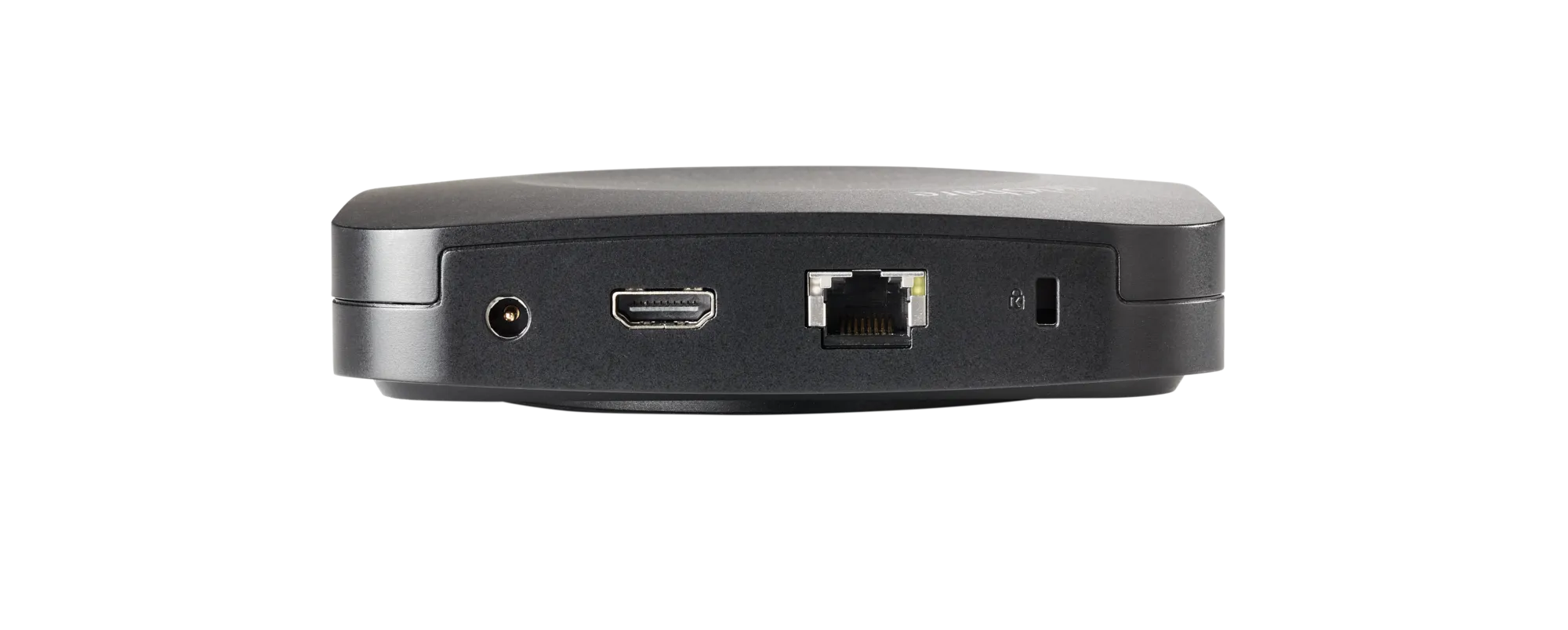
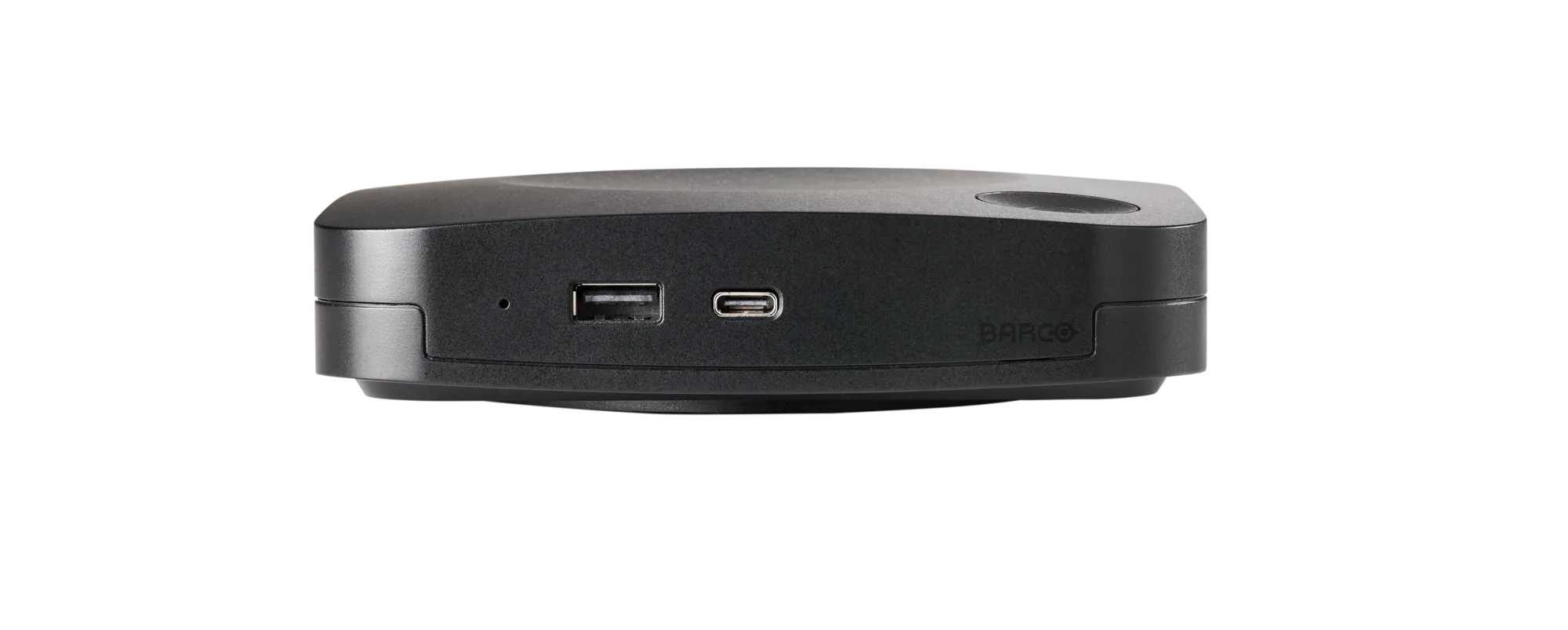
The Barco ClickShare CX-20 is designed for straightforward installation and deployment. The base unit connects to the room display and peripherals, while users connect instantly through the ClickShare Button or application. Most installations require minimal technical expertise compared to traditional conferencing systems. Organizations can integrate existing cameras, microphones, and speakers without major infrastructure changes. This ease of deployment reduces setup time, minimizes disruption, and helps businesses quickly transform standard meeting rooms into modern collaboration spaces.
The ClickShare CX-20 can be used with the ClickShare Button for instant wireless conferencing or through the ClickShare App for enhanced functionality. The system is designed to minimize technical barriers and simplify the user experience. Employees can quickly share content and connect to room peripherals without complicated configurations. Because it supports multiple wireless protocols and operating systems, organizations can deploy the solution across diverse workplace environments while maintaining a consistent collaboration experience.
Our commitment is backed by a verified 99% on-time arrival rate for all domestic shipments within India.
Purchase with confidence. We guarantee genuine, brand-new electronics directly from certified manufacturers.
Your personal data is protected with advanced encryption. We strictly adhere to Indian data privacy laws.
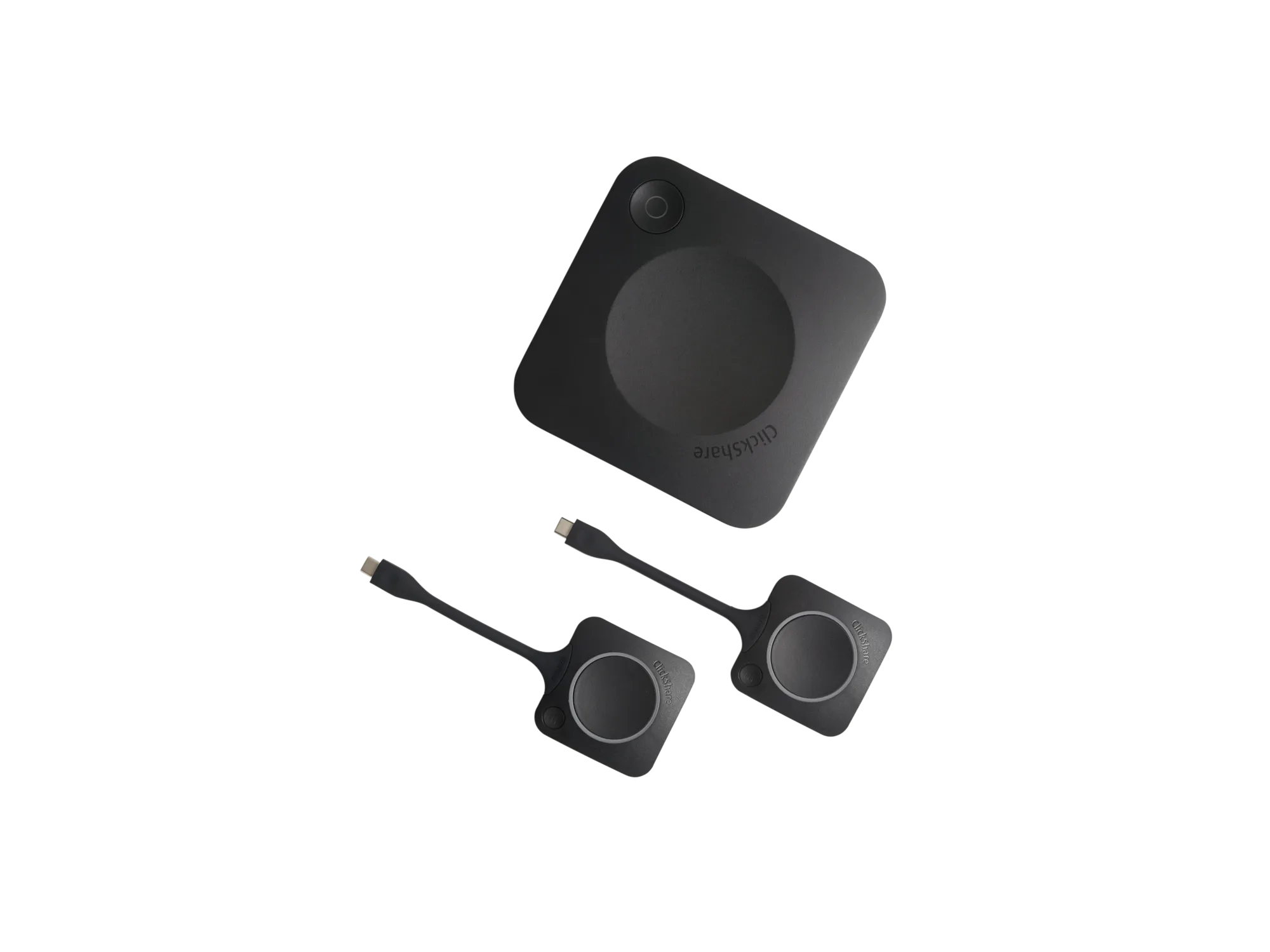
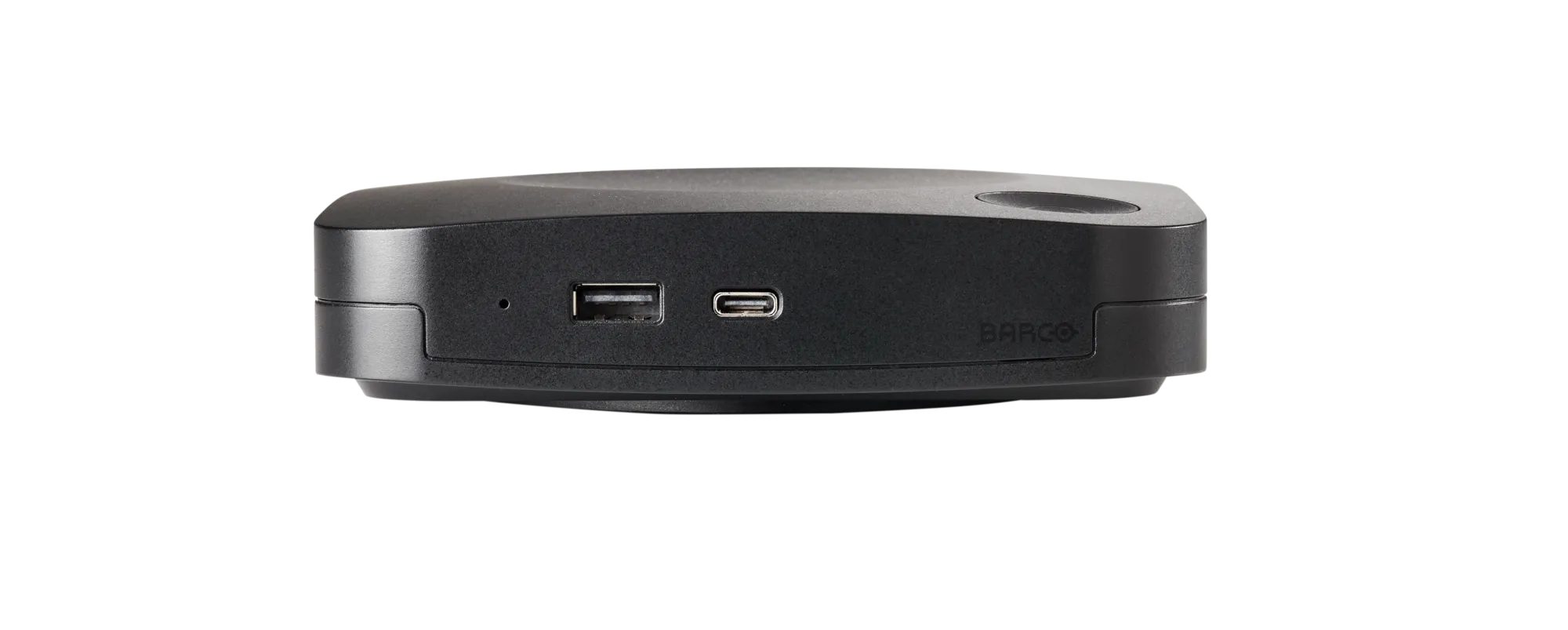
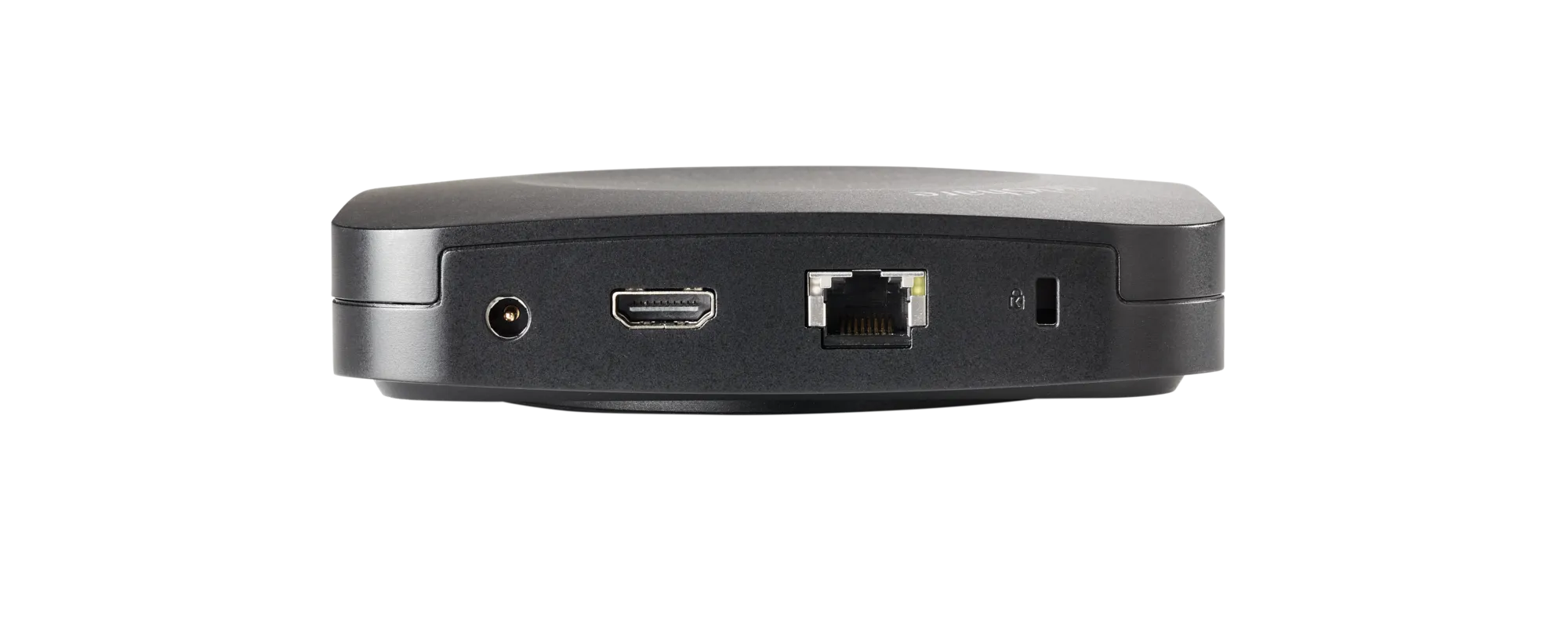
Barco ClickShare CX-30 is a premium wireless conferencing and collaboration system designed for small to medium-sized meeting rooms. It enables users to start Microsoft Teams,…
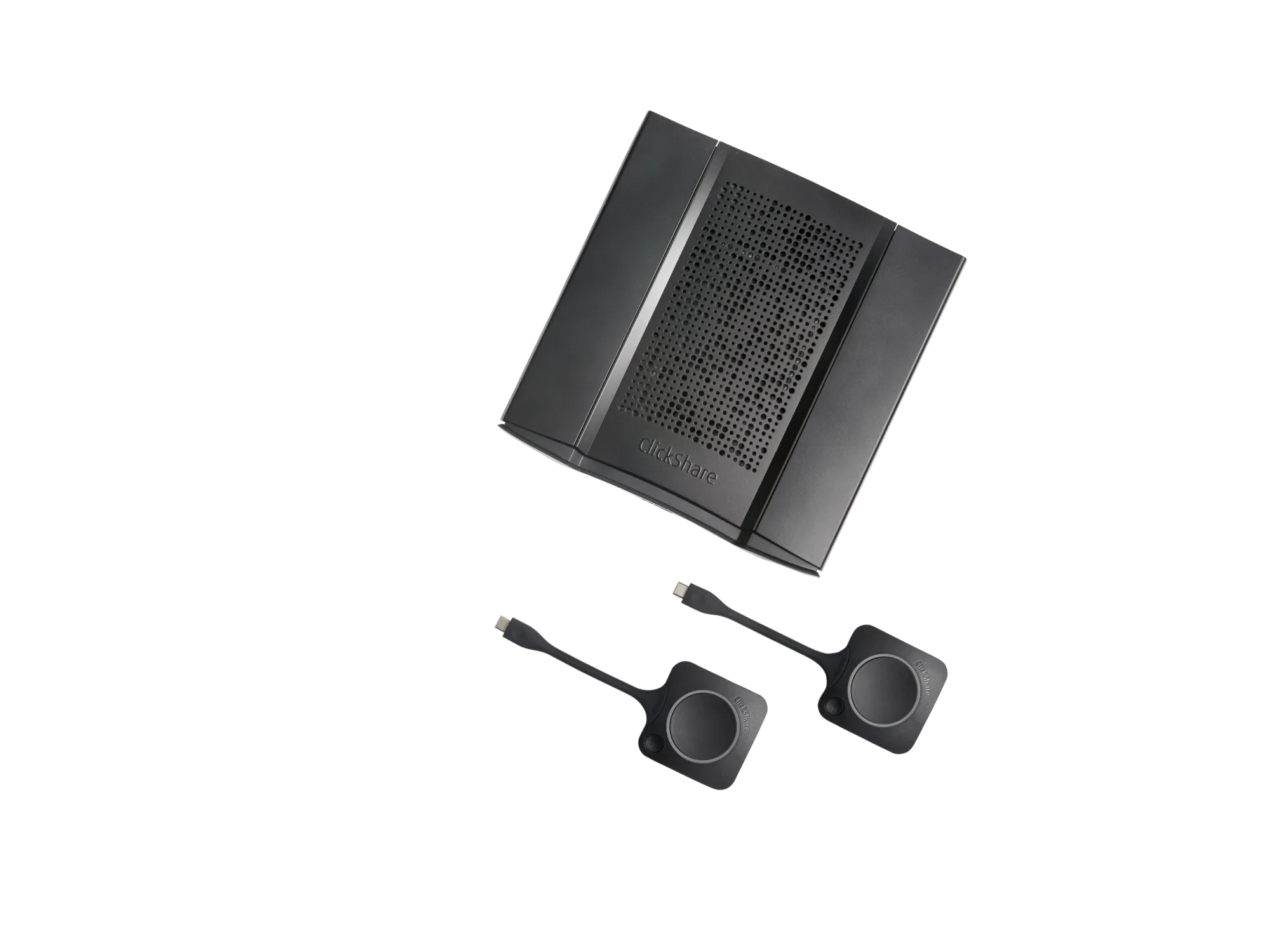
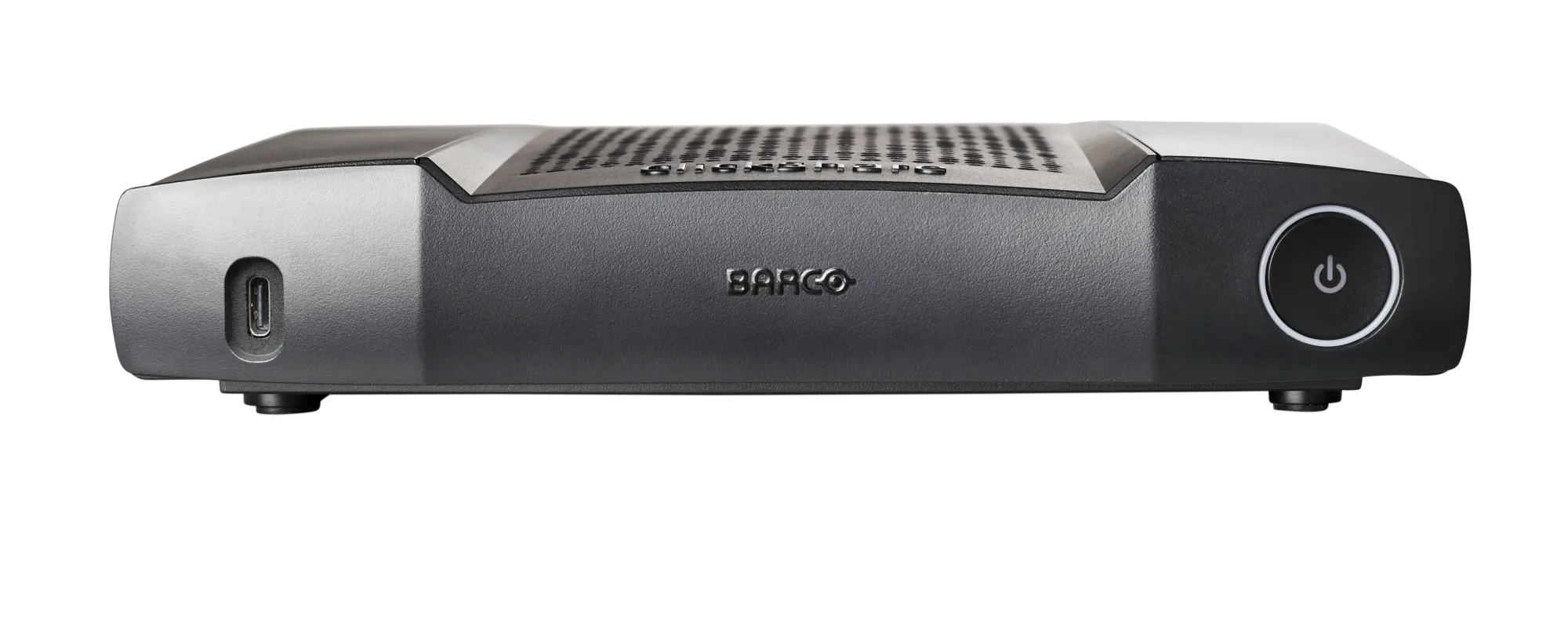
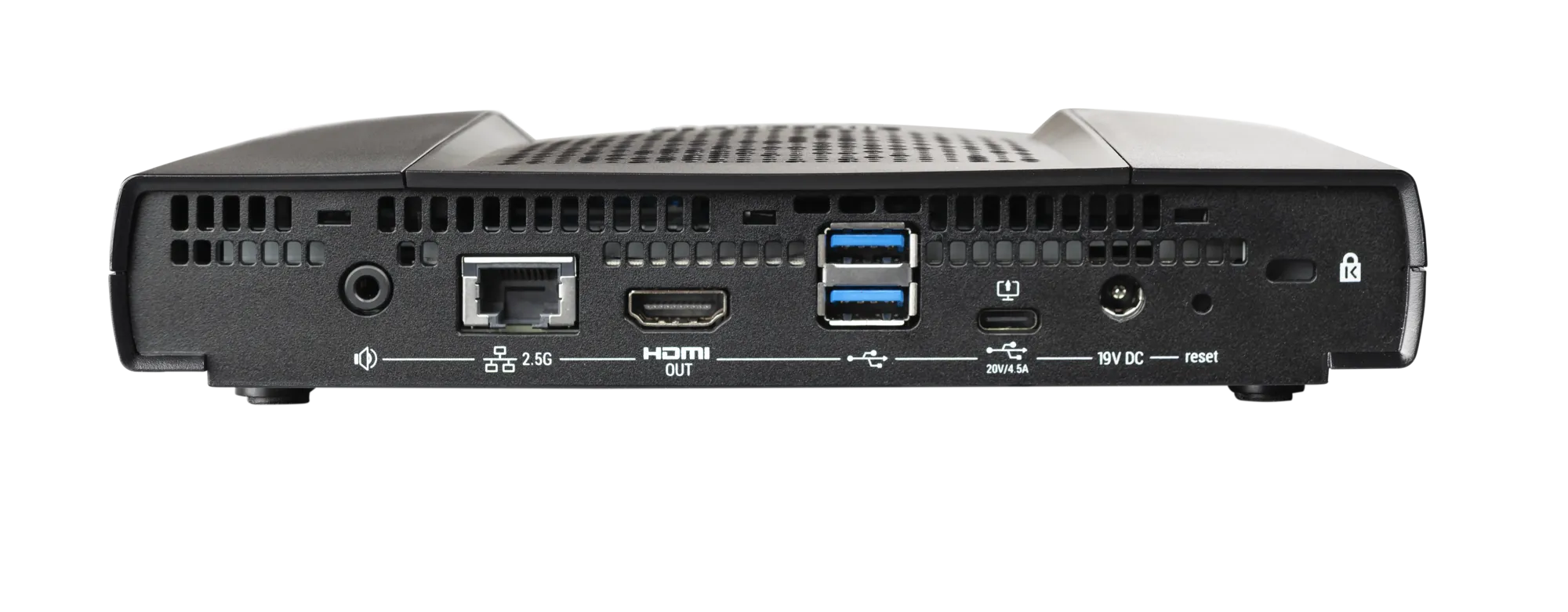
The Barco ClickShare CX-50 2nd Generation is a premium wireless conferencing and collaboration system designed for boardrooms, executive meeting spaces, training rooms, and high-impact collaboration…