B
Wireless Conferencing Systems

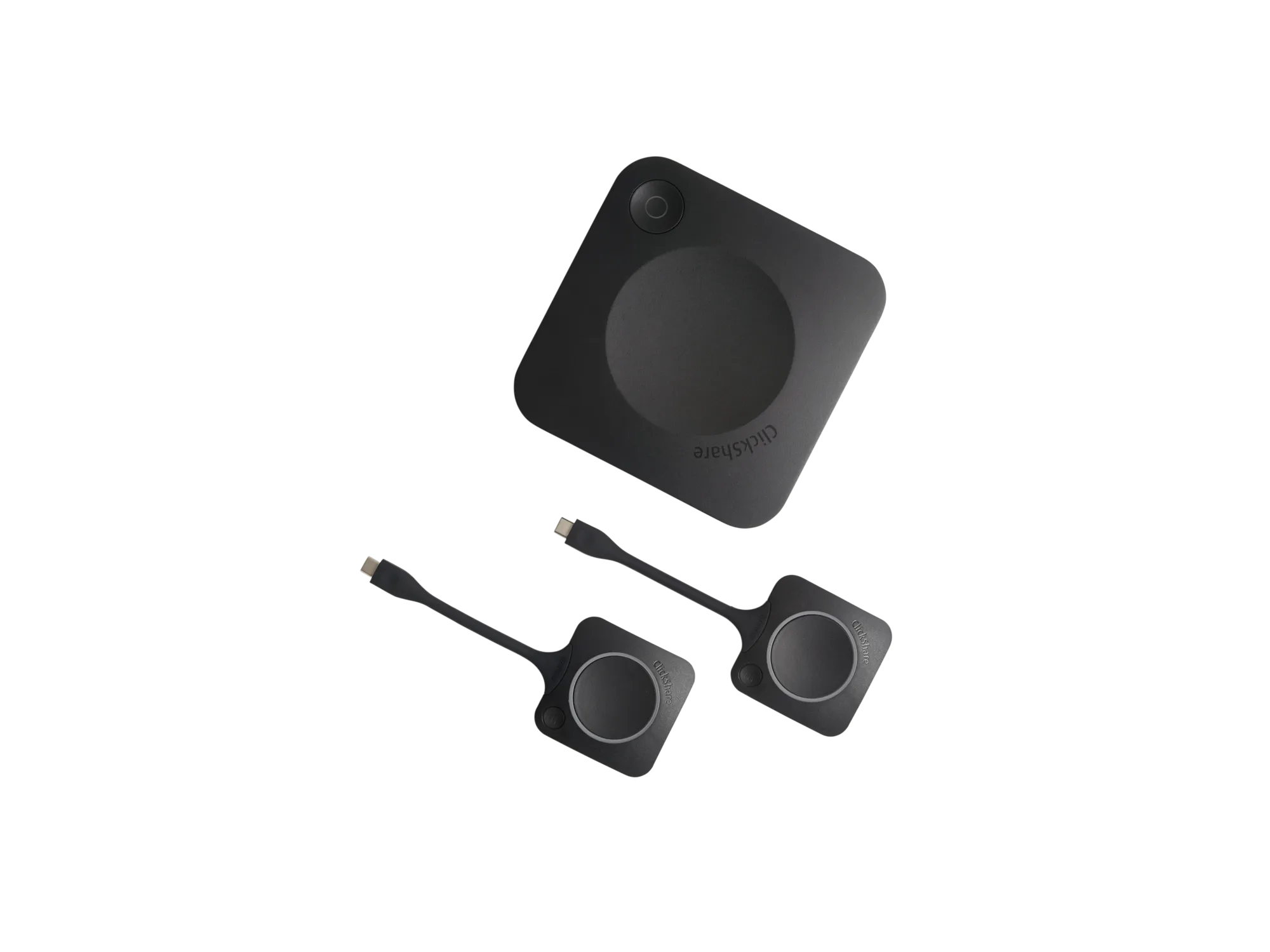
Barco ClickShare CX-30 Wireless Conferencing System

SKU: ClickShare-CX‑30
In Stock
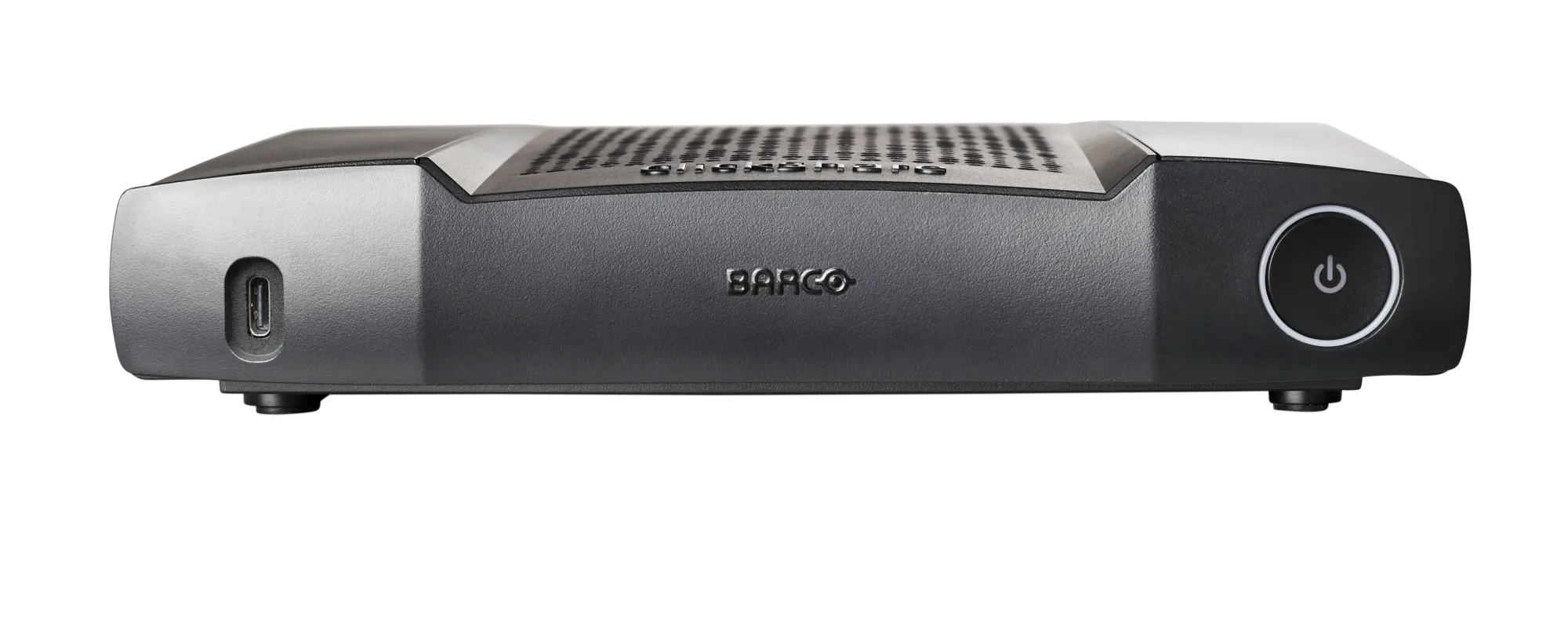
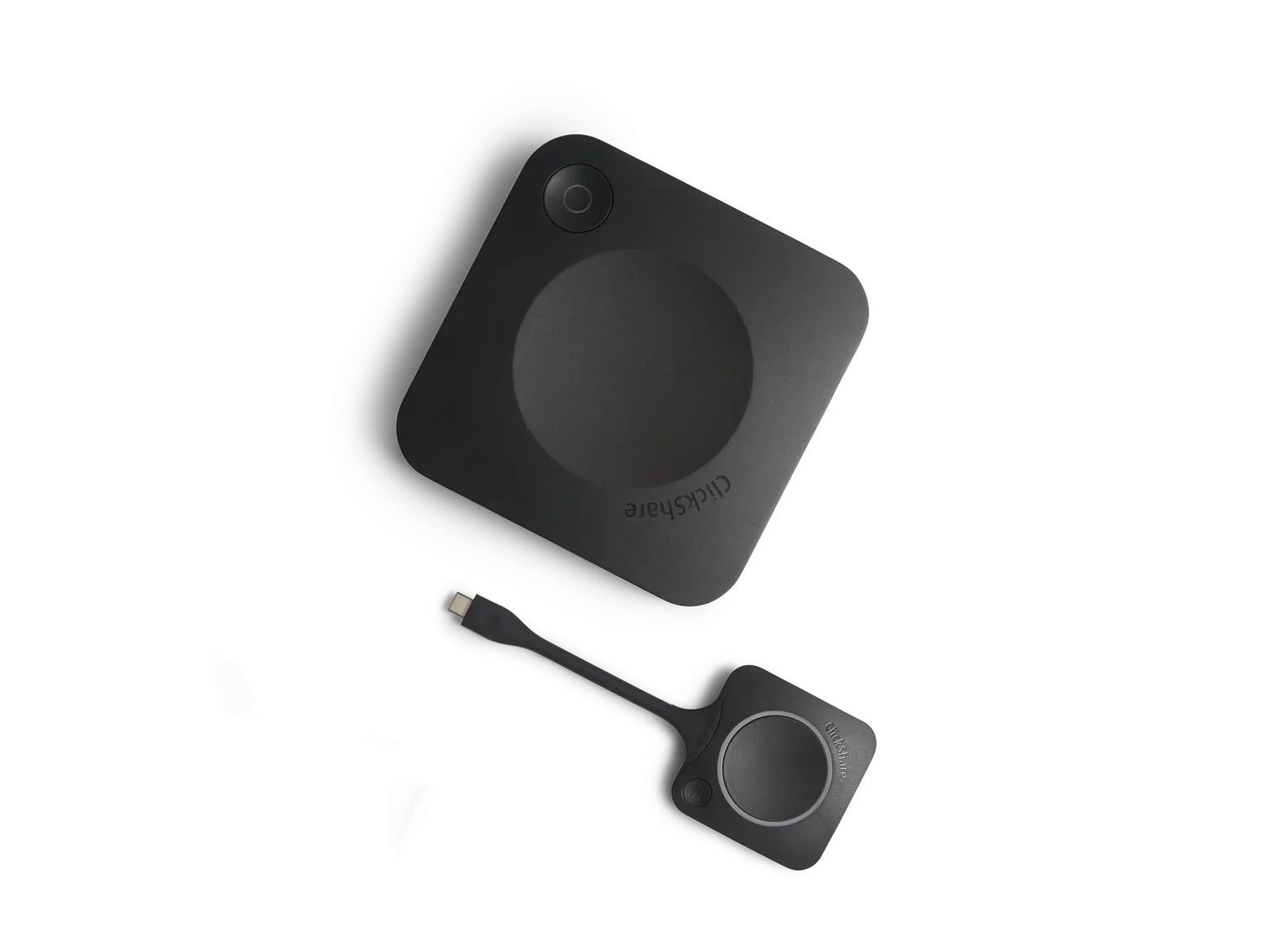
Barco ClickShare CX-30 is a premium wireless conferencing and collaboration system designed for small to medium-sized meeting rooms. It enables users to start Microsoft Teams, Zoom, Google Meet, Webex, and other video meetings wirelessly from their laptops while automatically connecting to room cameras, microphones, speakers, soundbars, and displays. The CX-30 supports dual-screen content sharing, interactive touchback, annotation, blackboarding, AirPlay, Google Cast, Miracast, and secure cloud-based management, delivering a seamless hybrid meeting experience.
Video Output 4K UHD (3840 × 2160) @ 30Hz
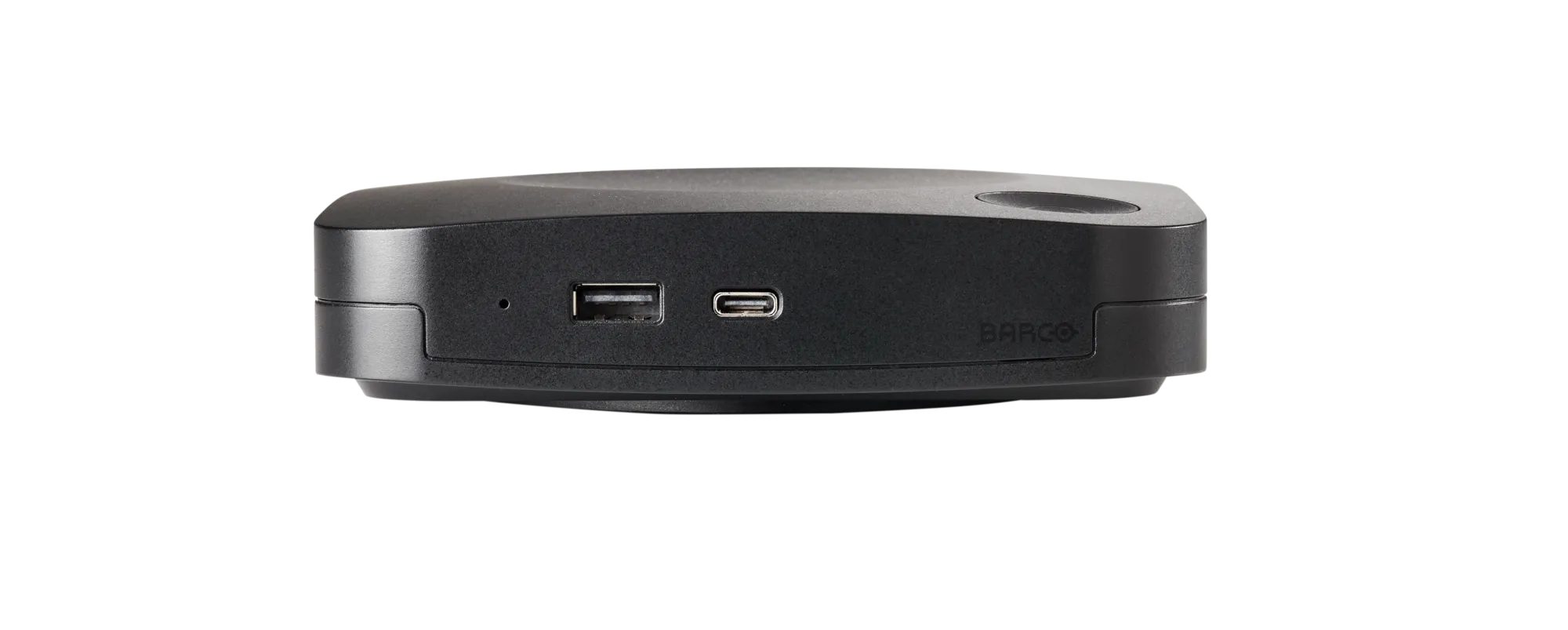
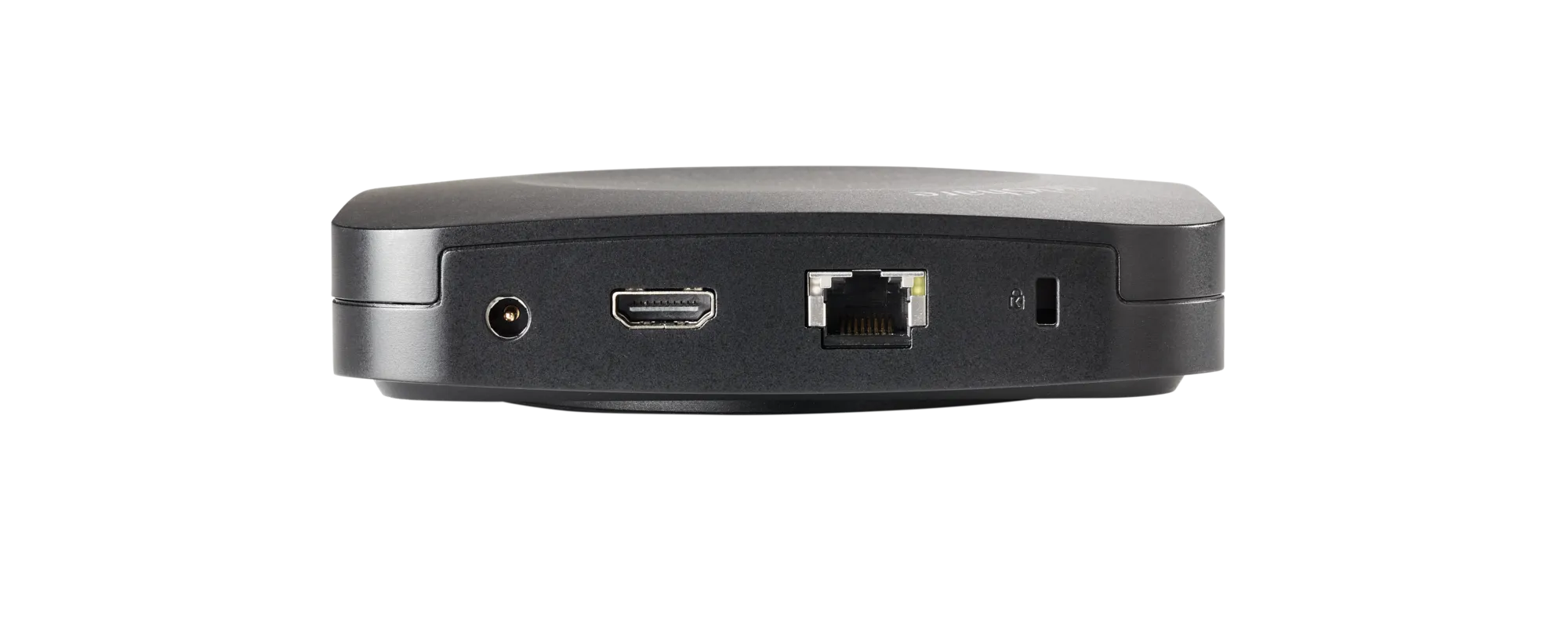
Video Connections HDMI 1.4b, USB-C DisplayPort 1.2 (Gen 2)
Audio Output USB, HDMI
Wireless Protocols AirPlay, Google Cast, Miracast

Easy Payments & Easy Returns

Payment Methods
100% Original

Genuine Products

Secure Payment

SSL Encrypted Protection

Buyer Protection

Full Warranty Coverage

Pan India Shipping

Fast & Reliable Delivery

ClickShare CX‑30

ClickShare CX-30 enables wireless conferencing in medium-sized meeting spaces. When you walk into the meeting room, ClickShare automatically connects you to room devices like cameras, mics, speakers, sound bars and displays.

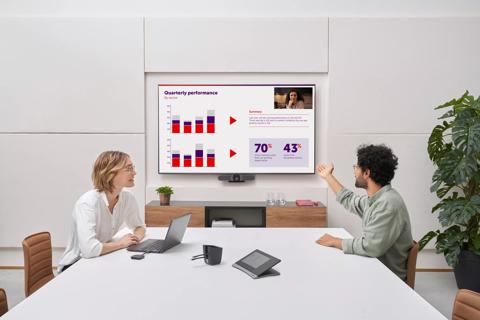
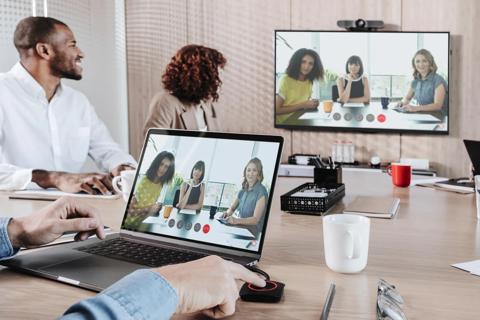
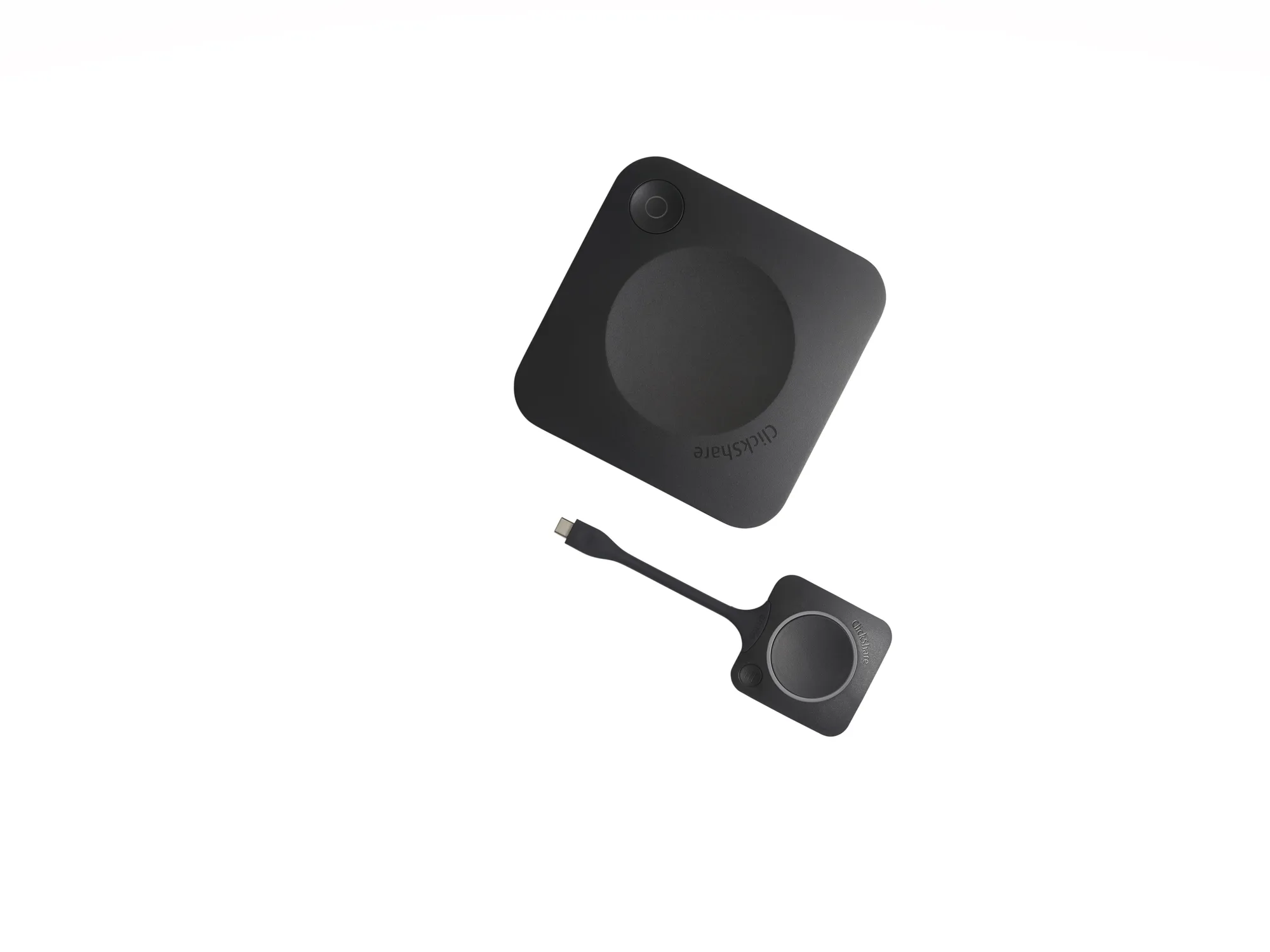
Start a meeting from your laptop within seconds, using your preferred video conferencing platform. Make hybrid meetings easy, with just one click on the ClickShare Button or the ClickShare App, both for employees and guests. 

More engaging video collaboration

  • Allows up to 2 users, including guests, to share content simultaneously to the room display
  • Interactive features like annotation, blackboarding and touchback function on a 4K canvas
  • Automated start and advanced sharing options for more intuitive meetings

A user-friendly experience and enhanced security

  • Designed for enterprise rollouts, it offers enhanced security and the widest range of network and AV integrations
  • Works seamlessly with a large selection of peripherals and digital signage solutions  
  • Use it as a standalone product or integrated into any  meeting room, including Microsoft Teams Room or Zoom Room


Specifications

Operating system

System requirements

  • Windows 10 and higher macOS 11 (BigSur) and higher Android v11 and higher (ClickShare App) iOS 14 and higher (ClickShare App)
  • For a smooth experience with Microsoft Teams or Zoom Minimum: Windows processor Intel Core i3 or AMD Ryzen 5/macOS: Intel Core i3 or Apple Silicon M1; RAM 8GB; OS version: Windows 10 20H2/macOS 11 Big Sur Recommended: Windows processor Intel Core i5/Ultra 5 or AMD Ryzen 7/macOS: Apple Silicon M3; RAM 8GB; OS version: Windows 11 latest build/macOS latest build
     

Video outputs

Audio output

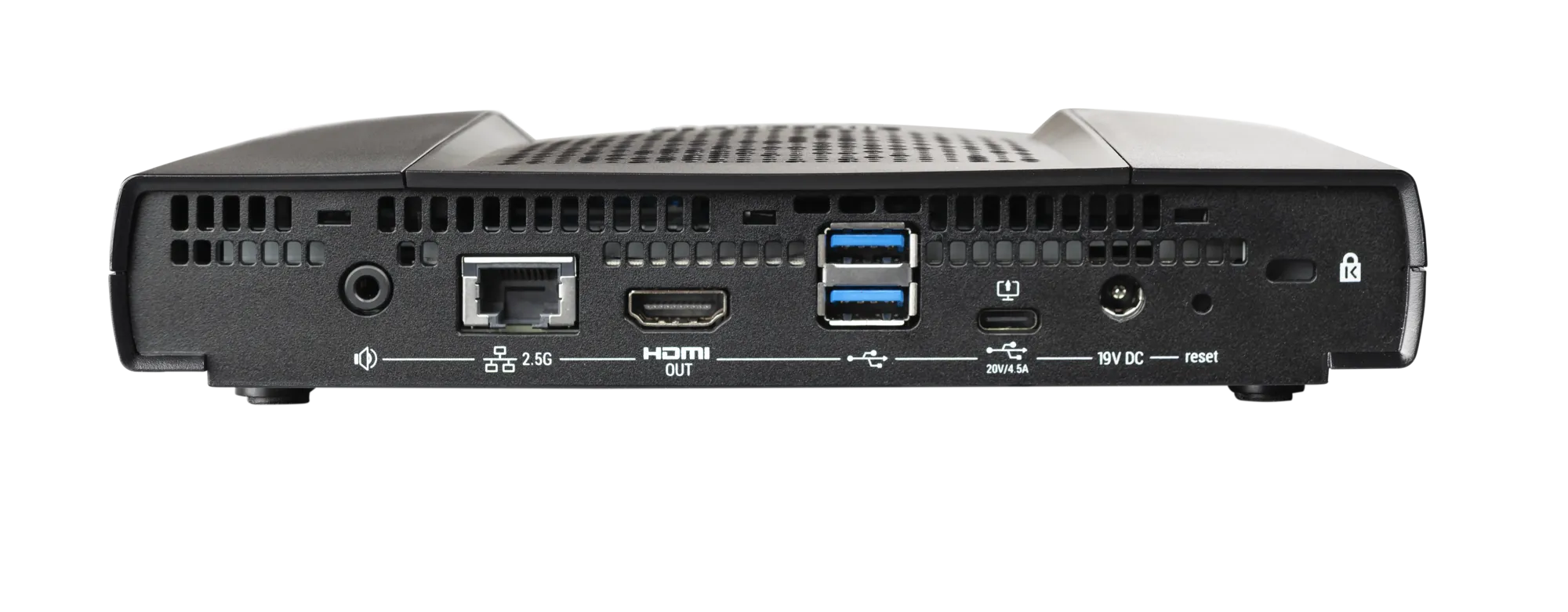
  • 4K UHD (3840*2160) @ 30Hz. HDMI™ 1.4b or USB-C DisplayPort 1.2 (only Gen2)
  • USB, HDMI
     

USB

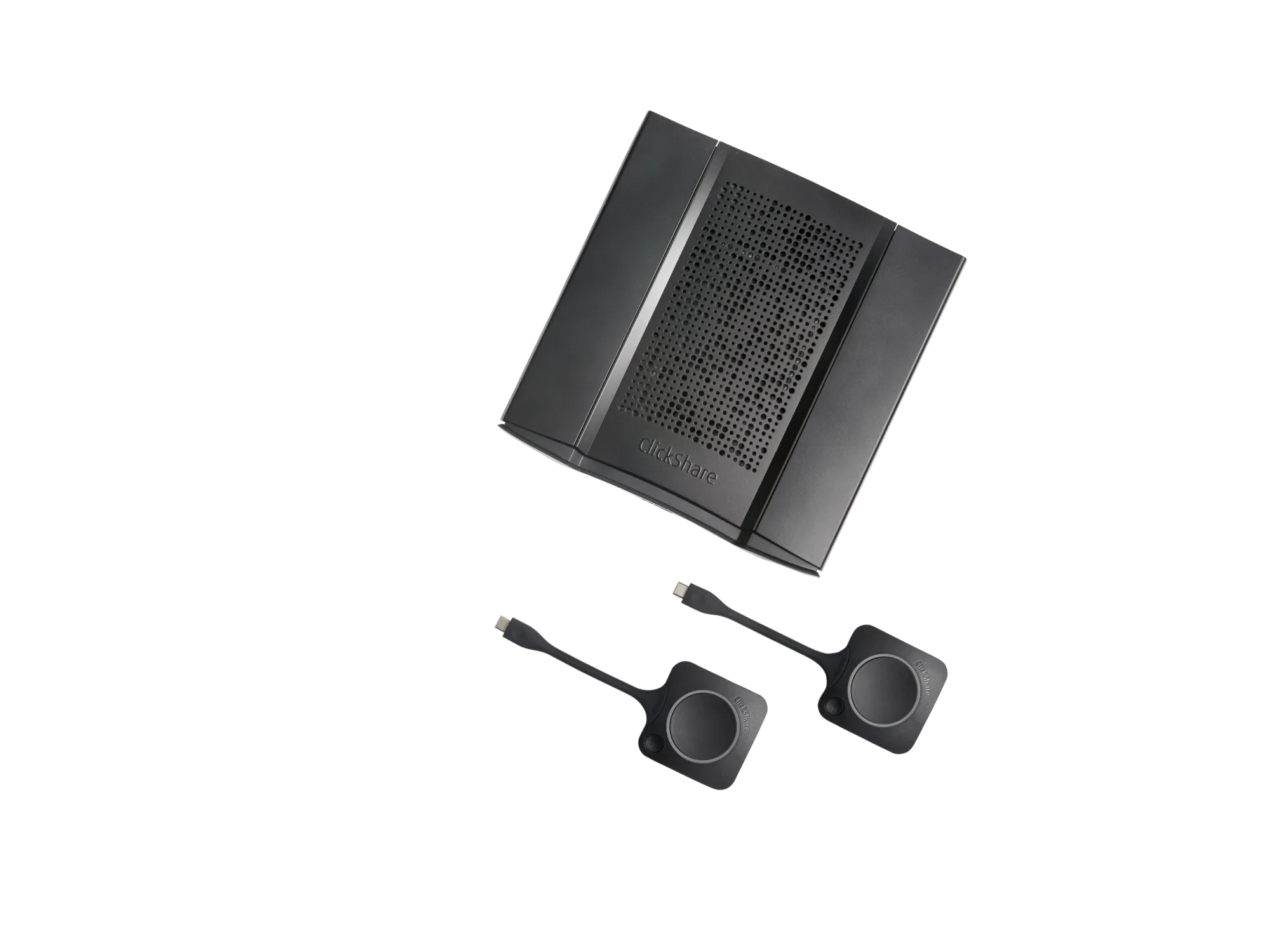
ClickShare Buttons

  • 1 X USB-A, 1 X USB-C
  • 2

ClickShare App

Native protocols

  • Desktop & Mobile
  • Airplay, Google Cast, Miracast

Maximum sources simultaneously on screen

Noise Level

  • 2
  • Max. 25dBA @ 0-30°C Max. 30dBA @ 30-40°C

Authentication protocol

Wireless transmission protocol

  • WPA2-PSK in stand alone mode WPA2-PSK or IEEE 802.1X using the ClickShare Button in network integration mode
  • IEEE 802.11 a/g/n/ac and IEEE 802.15.1

Reach

Frequency band

  • Max. 30m (100 ft) between ClickShare Button and ClickShare Base Unit Frequency band 2.4 GHZ and 5 GHz (DFS)
  • 2.4 GHZ and 5 GHz (DFS channels supported in select number of countries)

Connections

Temperature range

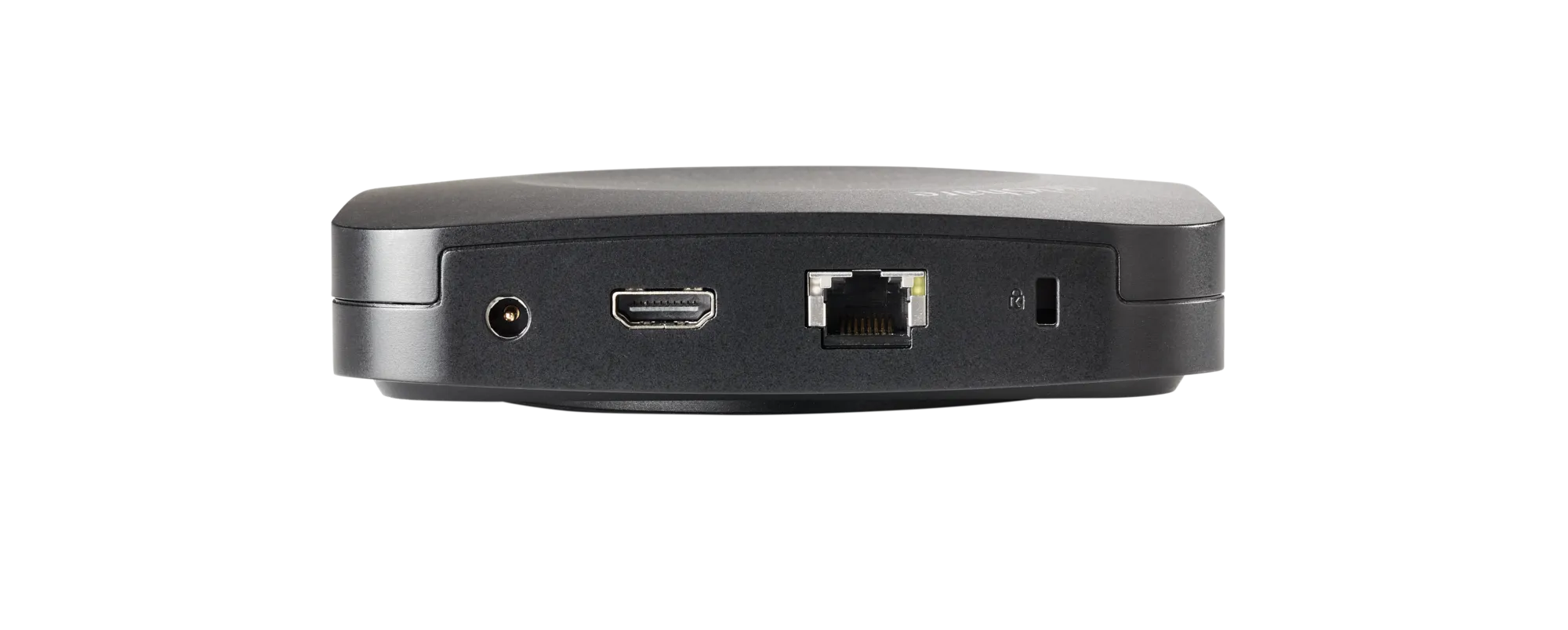
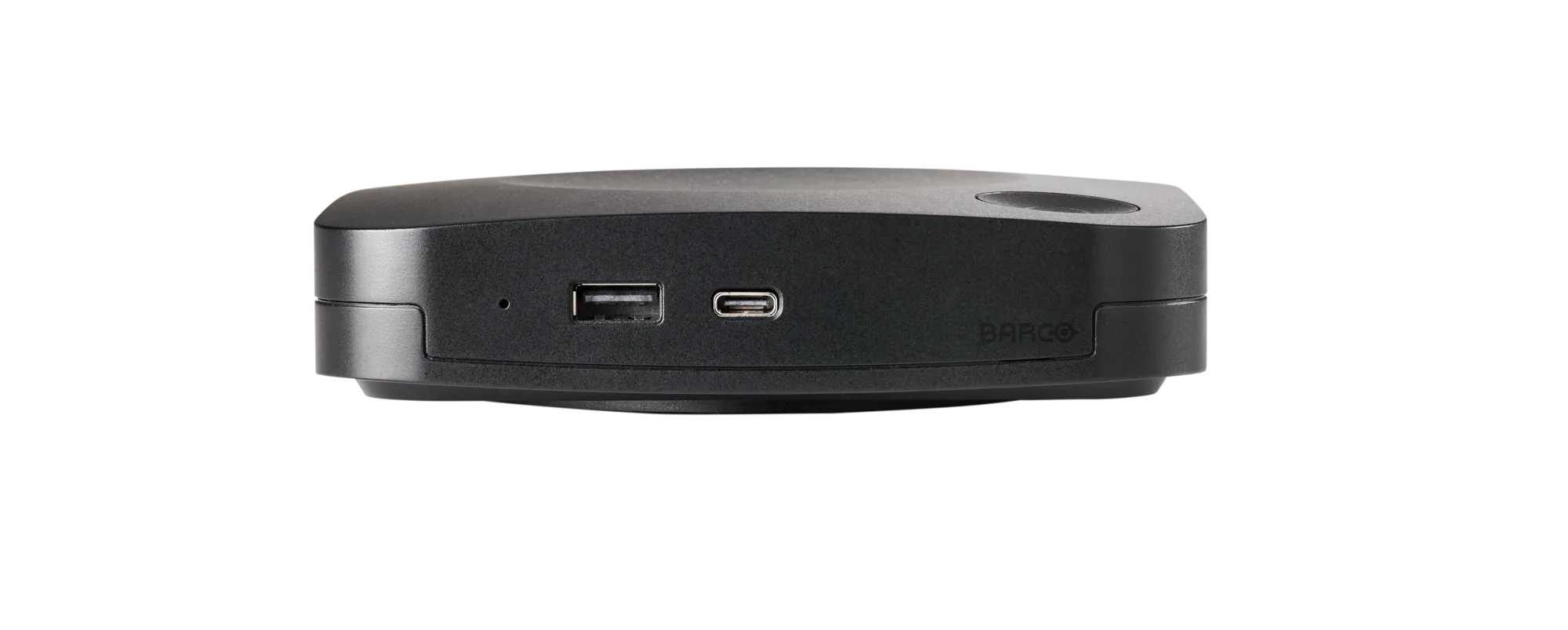
  • 1x Ethernet LAN 1Gbit 1x USB-C 2.0 (front); 1x USB-A 2.0 (front) -only Gen2: 1x USB-C 3.0 (front); 1x USB-A 3.0 (front)
  • Operating: 0°C to +40°C (+32°F to +104°F) Max: 35°C (95°F) at 3000m Storage: -20°C to +60°C (-4°F to +140°F)

Humidity

Anti-theft system

  • Storage: 0 to 90% relative humidity, non-condensing Operation: 0 to 85% relative humidity, non-condensing
  • Kensington lock

Certifications

Touch screen support & Interactivity

  • FCC/CE
  • Yes

Wireless conferencing

Local view

  • via App or Button
  • Yes

Network connection

Management and reporting

  • LAN & WiFi
  • Yes

Warranty

Dimensions (HxWxD)

  • 1 year standard. 5 years coverage upon registering via SmartCare
  • 34 mm x 135 mm x 135 mm

Power consumption

Power supply

  • Operational: 5-10W, 24W Max
  • Standard 110/220 V AC plug or USB-C (only Gen2)

Weight

 
  • 900 gr


FAQs


1. What is the Barco ClickShare CX-30 Wireless Conferencing System?

 Barco ClickShare CX-30 is a wireless conferencing solution for small and medium meeting rooms. It enables users to start Microsoft Teams, Zoom, Google Meet, and Webex meetings from their laptops while wirelessly connecting to room cameras, microphones, speakers, and displays.

2.What are the key features of the Barco ClickShare CX-30?

Key Barco ClickShare CX-30 features include wireless conferencing, dual-screen content sharing, touchback, annotation, blackboarding, AirPlay, Google Cast, Miracast support, and XMS Cloud management.

3.Is the Barco ClickShare CX-30 compatible with Microsoft Teams and Zoom?

Yes. The Barco ClickShare CX-30 Wireless Conferencing System works seamlessly with Microsoft Teams, Zoom, Google Meet, Cisco Webex, and other popular video conferencing platforms.

4.What room size is the CX-30 designed for?

The CX-30 is ideal for small to medium-sized meeting rooms, boardrooms, collaboration spaces, training rooms, and hybrid work environments.

5.What is BYOD conferencing in the Barco ClickShare CX-30?

BYOD (Bring Your Own Device) conferencing allows users to join meetings using their own laptops while accessing room cameras, microphones, speakers, and displays wirelessly.

6.What is XMS Cloud Management?

XMS Cloud is Barco’s remote management platform that allows IT teams to monitor, update, and manage ClickShare devices from a centralized dashboard.

7.What is the difference between ClickShare CX-20 and CX-30?

The CX-30 offers advanced collaboration features such as dual-screen sharing, enhanced interactivity, and greater flexibility for medium-sized meeting rooms compared to the CX-20.

8.Is the Barco ClickShare CX-30 worth the investment?

Yes. The CX-30 helps reduce meeting setup time, improves collaboration, supports hybrid work, and maximizes existing AV equipment, delivering strong long-term ROI for businesses.

9.How does the CX-30 improve hybrid meetings?

The CX-30 creates a seamless hybrid meeting solution by connecting in-room and remote participants through wireless access to professional AV equipment.

10.What is the Barco ClickShare CX-30 price in India?

The Barco ClickShare CX-30 Wireless Conferencing System price in India typically ranges from ₹2.2 lakh to ₹3 lakh + GST, depending on the reseller, warranty, and installation requirements. For the latest quote and offers, contact an authorized Barco partner.


Fast & Reliable Delivery Across India
Why Shop with elactree.com?
Guaranteed On-Time

Our commitment is backed by a verified 99% on-time arrival rate for all domestic shipments within India.

100% Original Products

Purchase with confidence. We guarantee genuine, brand-new electronics directly from certified manufacturers.

Secure & Private

Your personal data is protected with advanced encryption. We strictly adhere to Indian data privacy laws.
Delivery FAQs

Fast & free delivery at your doorstep. Please proceed to the cart for an exact quote.

We partner with reliable logistics providers across India, including Delhivery, Bluedart, Xpressbees, and DTDC to ensure prompt and secure delivery.