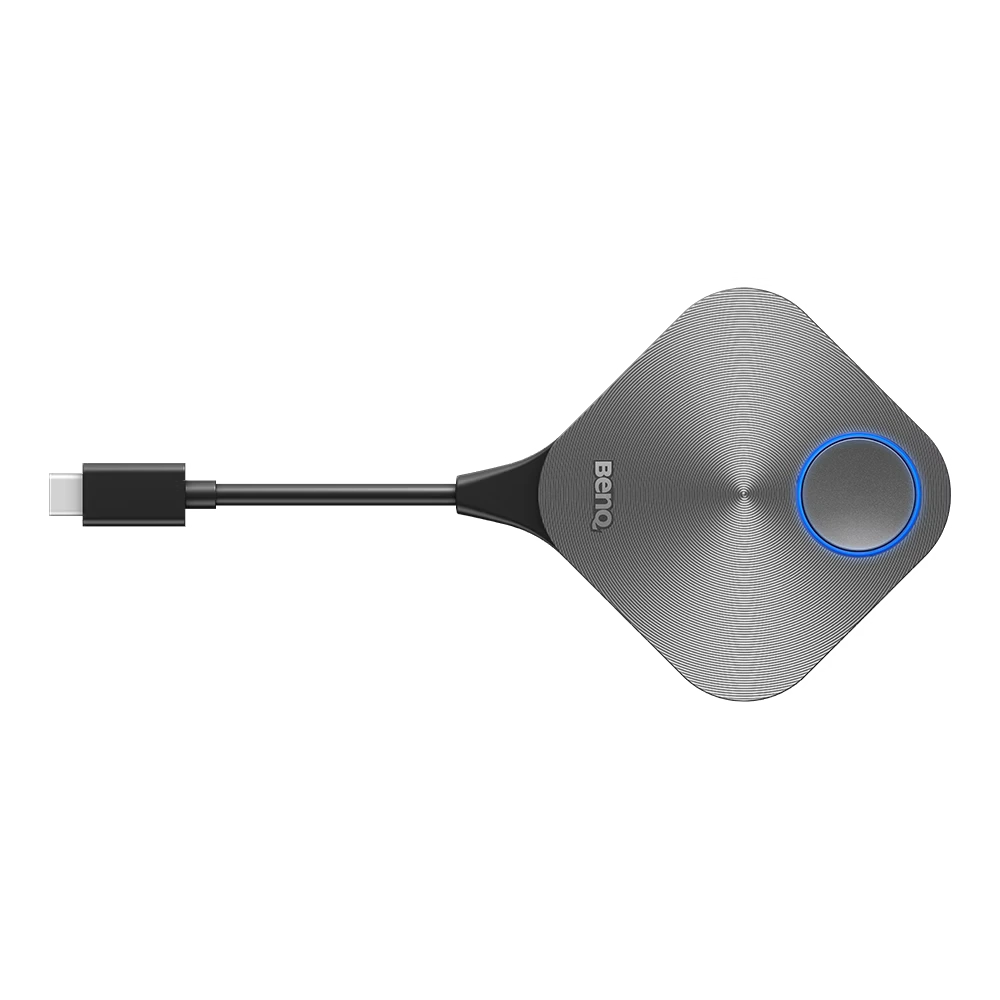
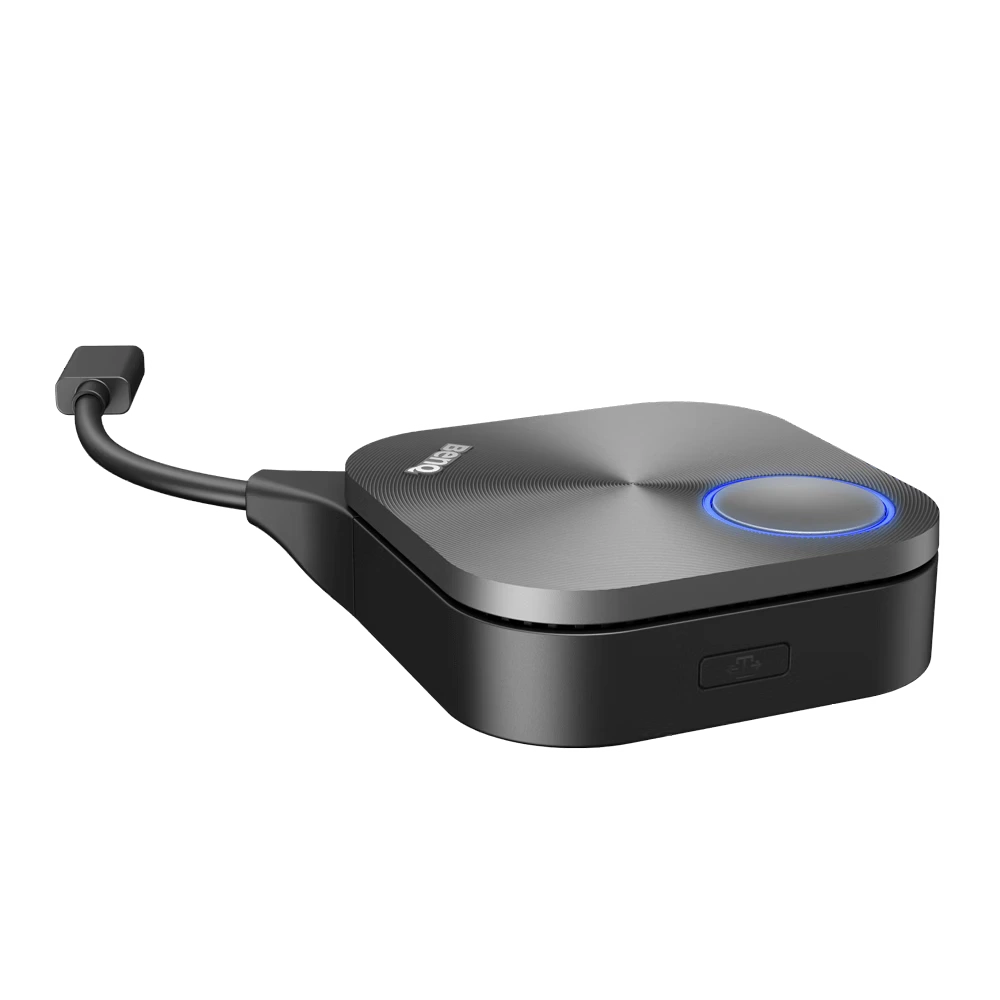
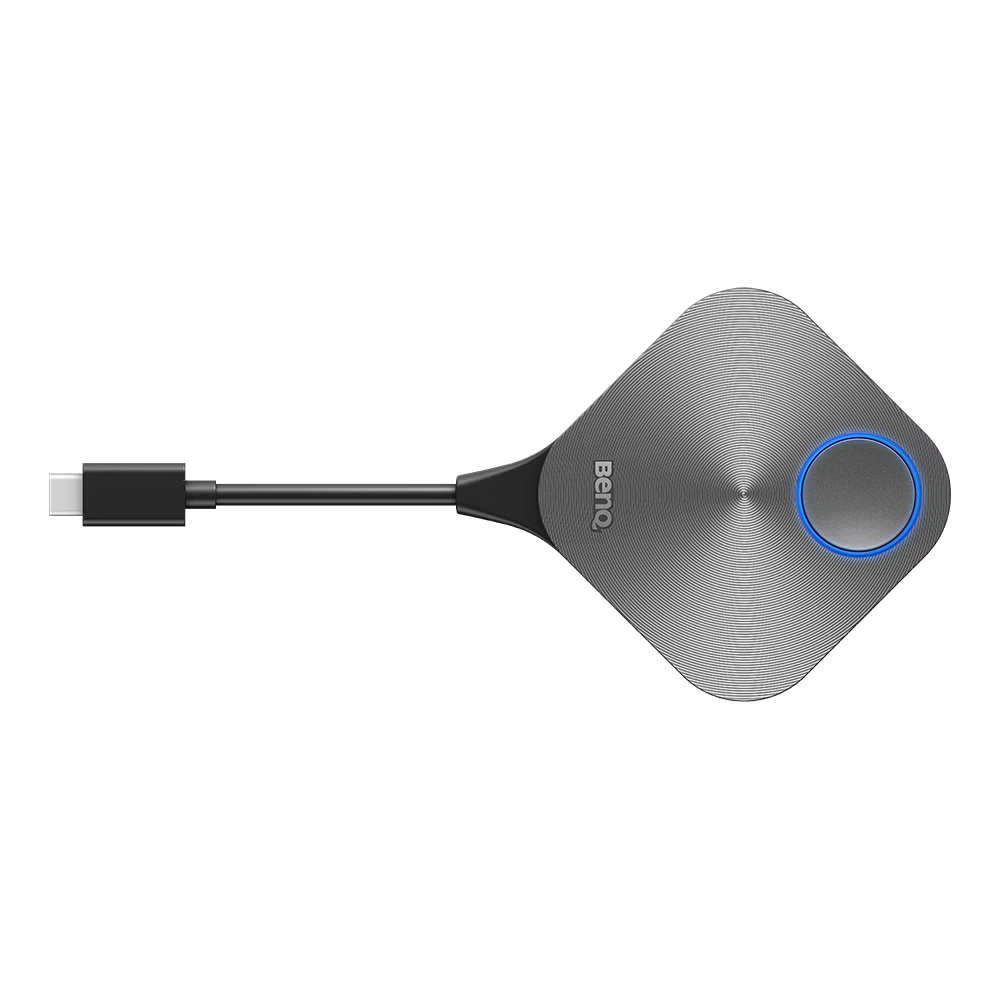
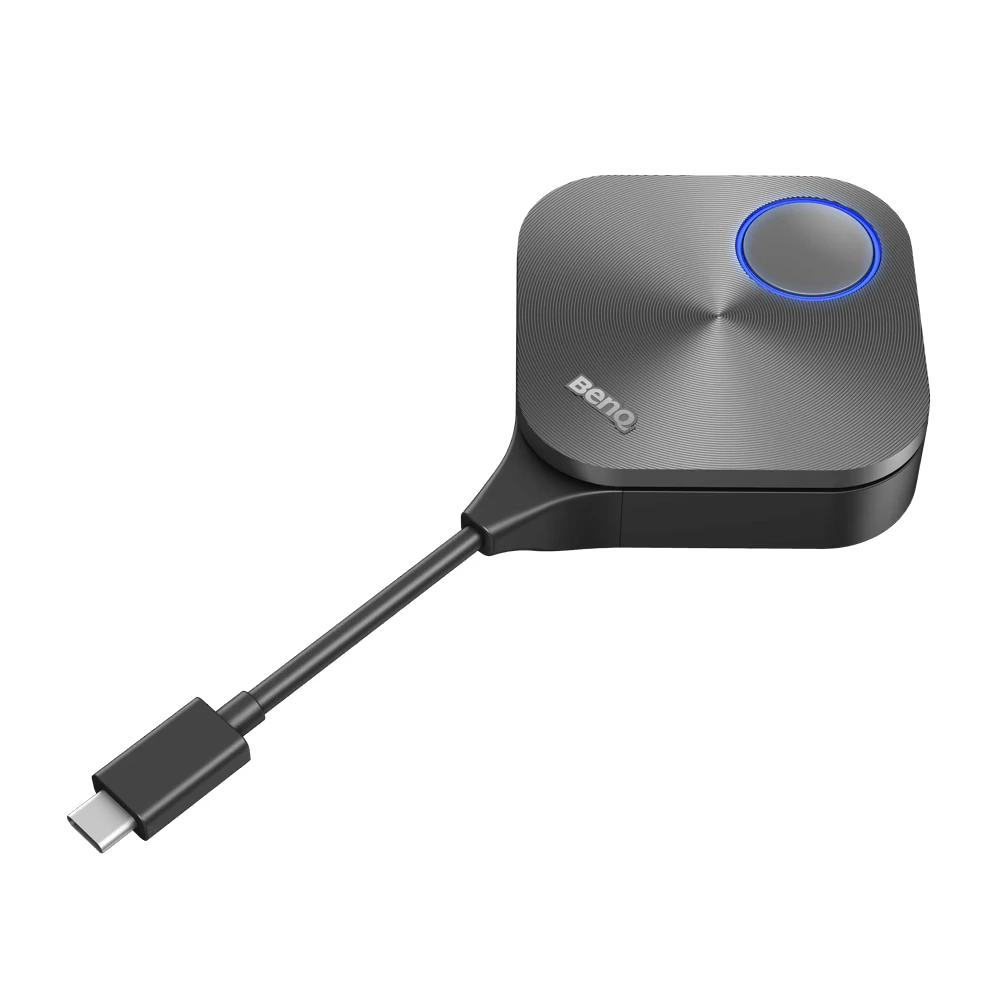
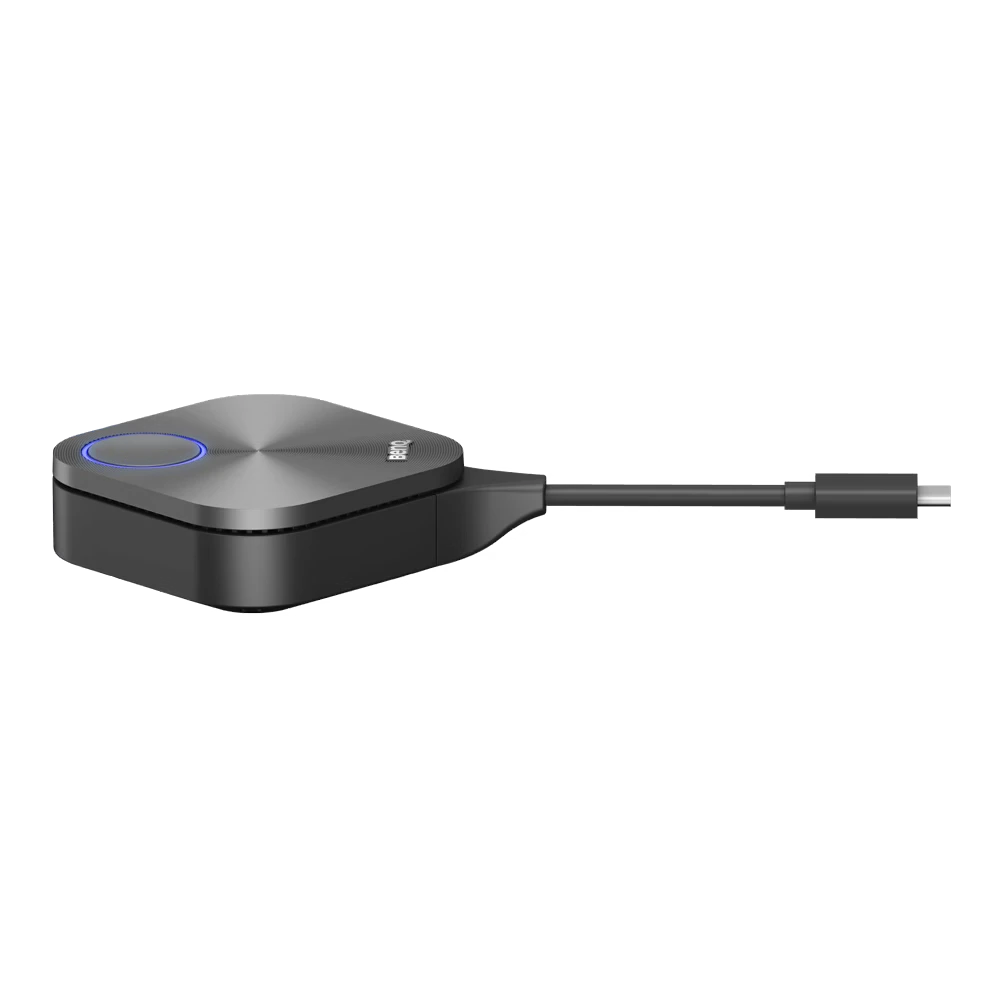
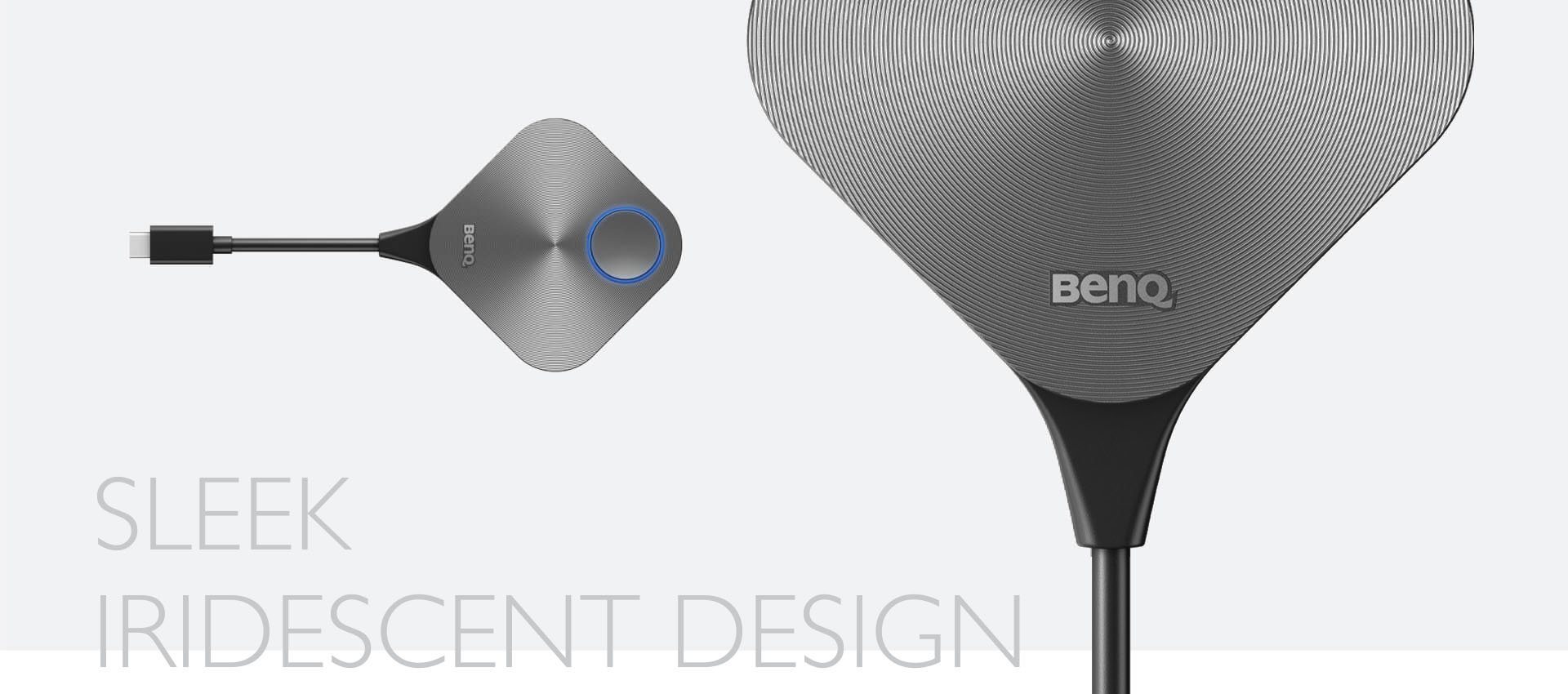
The BenQ TWY31 InstaShare Button is a USB-C wireless presentation device that enables instant, cable-free screen sharing with a single click. Designed for BenQ Interactive Flat Panels, it eliminates software installation and supports smooth Full HD and 4K wireless presentations. Featuring dual-band 5GHz Wi-Fi, WPA2/WPA3 security, and up to 15-meter wireless coverage, the TWY31 is ideal for meeting rooms, classrooms, training centers, and corporate collaboration. Users can instantly share content, collaborate through split-screen presentations, and enjoy a reliable, low-latency wireless experience.
Share your screen with a single click on BenQ displays
Sharing content without limits while sitting anywhere in the room is only a click away. Designed to enable wireless screen sharing without needing to download software on your notebook, the InstaShare Button eliminates the fuss of passing around cables so everyone can fully focus on the discussion.
Seamless content sharing for all notebooks
Wirelessly share content with everyone in the room no matter what notebook you’re using. The InstaShare Button Solution is compatible with Windows, macOS, and Chrome OS laptops.
Convenient connectivity
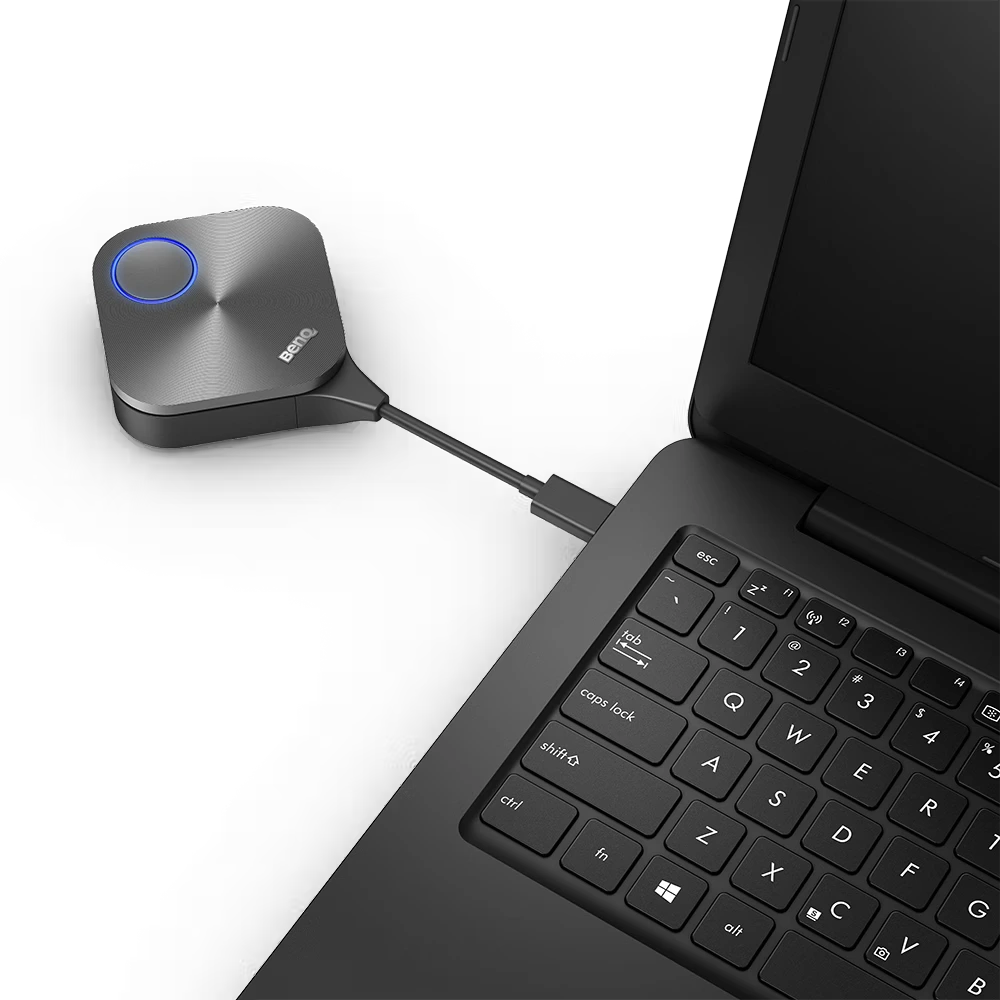
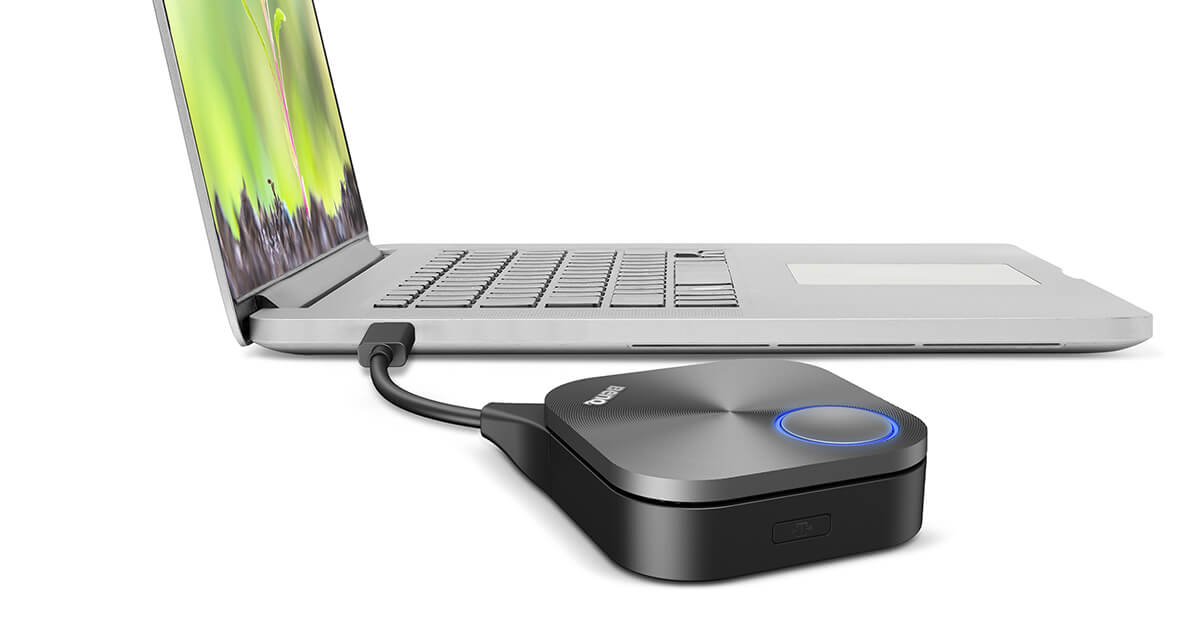
The USB Type-C connector enables a one-cable plug-and-play solution that works seamlessly with Windows notebooks, MacBooks, and Chromebooks. Just plug the InstaShare Button in and start sharing content with a single click.
Industry-leading connection quality
Enjoy smooth discussions and presentations without disruptions. The InstaShare Button Solution features industry-leading connection quality to ensure stable screen sharing for everyone in the room.
Specifications
Physical
Software
Dimensions (W x H x D):67 x 67 x 23.2 mm (26.4 × 26.4 × 9.1 inch)
Wireless screen sharing:InstaShare 2
Environment
InstaShare Button
Operating temperature:0°C ~ 40°C
Storage temperature:-10°C ~ 60°C
Storage humidity:10% ~ 80% RH Non-Condensing
Operating humidity:5% ~ 90% RH Non-Condensing
Color:Silver
Wireless Transmission Frame Rate:Up to 60 fps depending on environment (1080P60/4K30P)
TX Button Input resolution:Up to 4K30P
Audio Rate:Stereo, Radio quality 16bits 48KHz
Wi-Fi Standard:IEEE 802.11ac 5GHz, 2T2R MIMO
Authentication protocol:Wi-Fi Standard
Wireless Security (Encryption):WPA2/3 Personal/WPA2 Enterprise Support AES-256
Wireless Coverage Reach:Max. 15 m (Between Button and IFP)
Cable:USB Type C
Power Supply:DC 5V±10%, Minimum 0.9A
Power Consumption:Max 4.5W Full Loading
Dimension (WxHxD):67mm x 67mm x23.2mm
Temperature range:Operating: 0°C to +40°C (+32°F to +104°F) Storage: -10°C to +60°C (+14°F to +140°F)
Humidity range:Operating: 10% to 80% relative humidity Storage: 5% to 90% relative humidity (non-condensing)
Compatibility Casting: RP03 v1, RP03, RM03, RM03A-pair with TDY31 Wi-Fi dongle, RP04, RM04, RE03A, RE03N1, RE03N2-pair with WD02AT Wi-Fi dongle BYOM: RP03 v1, RP03, RM03, RM03A-pair with TDY31 Wi-Fi dongle, RP04, RM04-pair with WD02AT Wi-Fi dongle
FAQs
1.What is the BenQ TWY31 InstaShare Button used for?
The BenQ TWY31 InstaShare Button is a wireless presentation accessory that lets users instantly share their laptop screen to compatible BenQ displays with a single button press. It simplifies meetings by removing the need for HDMI cables and reducing setup time.
Best for:
Corporate meeting rooms
Conference halls
Training centers
Classrooms
Hybrid collaboration spaces
Elactree supplies genuine BenQ collaboration solutions across India and plants one tree with every successful order.
2.How does the BenQ TWY31 InstaShare Button work?
The BenQ TWY31 InstaShare Button connects to a compatible BenQ wireless presentation system, allowing presenters to start screen sharing by simply pressing the button after pairing. This creates a quick and user-friendly presentation experience.
Workflow:
Connect the button to your laptop.
Pair it with the compatible BenQ receiver.
Press the button.
Your screen is shared wirelessly.
3.Which BenQ devices are compatible with the TWY31 InstaShare Button?
The TWY31 InstaShare Button is designed for selected BenQ wireless presentation and collaboration solutions. Compatibility depends on the receiver or display model.
Specification
Details
Brand
BenQ
Product Type
Wireless Presentation Button
Use Case
Screen Sharing
Compatibility
Selected BenQ presentation systems
Deployment
Meeting rooms & classrooms
Always verify compatibility before purchasing.
4.Does the BenQ TWY31 InstaShare Button require software installation?
For most compatible BenQ presentation systems, the TWY31 InstaShare Button is designed for quick deployment with minimal setup. Depending on the host device and system configuration, initial software or driver installation may be required.
Benefits include:
Fast setup
Easy operation
Reduced IT support
Convenient guest presentations
5.How much does the BenQ TWY31 InstaShare Button cost in India?
BenQ does not publish a fixed official retail price for the TWY31 InstaShare Button. Pricing varies based on region, project quantity, and authorized distributor quotations.
Price may depend on:
Quantity ordered
Project requirements
Business pricing
Current manufacturer offers
Contact Elactree for the latest authorized quotation.
6.What are the key features of the BenQ TWY31 InstaShare Button?
The BenQ TWY31 InstaShare Button is built to make wireless presentations simple, secure, and efficient for professional environments.
Key features:
One-touch wireless presentation
Plug-and-present operation
Cable-free meeting experience
Compatible with supported BenQ systems
Designed for business collaboration
7.Is the BenQ TWY31 InstaShare Button suitable for large conference rooms?
Yes. The BenQ TWY31 InstaShare Button is ideal for conference rooms, boardrooms, and training spaces where presenters frequently switch devices. It helps improve meeting efficiency while reducing cable clutter.
Common applications:
Board meetings
Client presentations
Employee training
University lecture rooms
Seminar halls
8.Can multiple users share content using the BenQ TWY31 InstaShare Button?
Yes. Supported BenQ collaboration systems allow multiple participants to connect and take turns presenting, making meetings more interactive and organized. The exact number of supported presenters depends on the compatible BenQ receiver or display.
Typical advantages:
Faster presenter switching
Better collaboration
Organized discussions
Improved productivity
9.Why should I buy the BenQ TWY31 InstaShare Button from Elactree?
Buying from Elactree ensures you receive a genuine BenQ product backed by professional consultation, compatibility guidance, and after-sales support. Elactree specializes in enterprise and education AV solutions throughout India.
Why choose Elactree?
Genuine BenQ products
Expert product consultation
PAN India support
Business deployment assistance
One tree planted with every successful order
10.Where can I buy the BenQ TWY31 InstaShare Button in India?
You can purchase the BenQ TWY31 InstaShare Button from Elactree, a trusted distributor of professional audio-visual and collaboration solutions in India. Purchasing through an authorized supplier ensures product authenticity, warranty support, and expert assistance.
Purchase benefits:
Genuine manufacturer warranty
Compatibility verification
Technical support
Bulk order assistance
Nationwide delivery across India
Fast & Reliable Delivery Across India
Why Shop with elactree.com?
Guaranteed On-Time
Our commitment is backed by a verified 99% on-time arrival rate for all domestic shipments within India.
100% Original Products
Purchase with confidence. We guarantee genuine, brand-new electronics directly from certified manufacturers.
Secure & Private
Your personal data is protected with advanced encryption. We strictly adhere to Indian data privacy laws.
Delivery FAQs
Fast & free delivery at your doorstep. Please proceed to the cart for an exact quote.
We partner with reliable logistics providers across India, including Delhivery, Bluedart, Xpressbees, and DTDC to ensure prompt and secure delivery.