65
Interactive flat Panel

MAXHUB Evolve E3 Series 1.65 m (65") 4K UHD Interactive Display (E6530)

SKU: E6530
In Stock
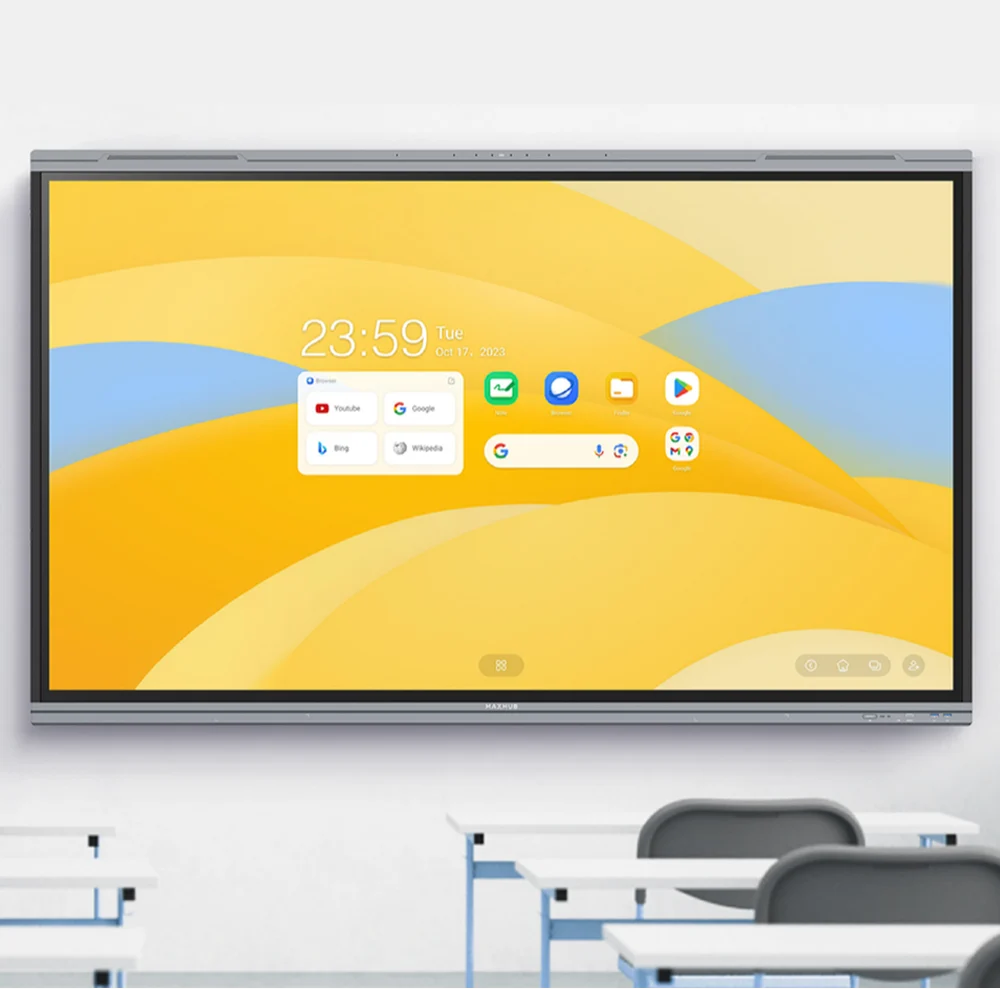
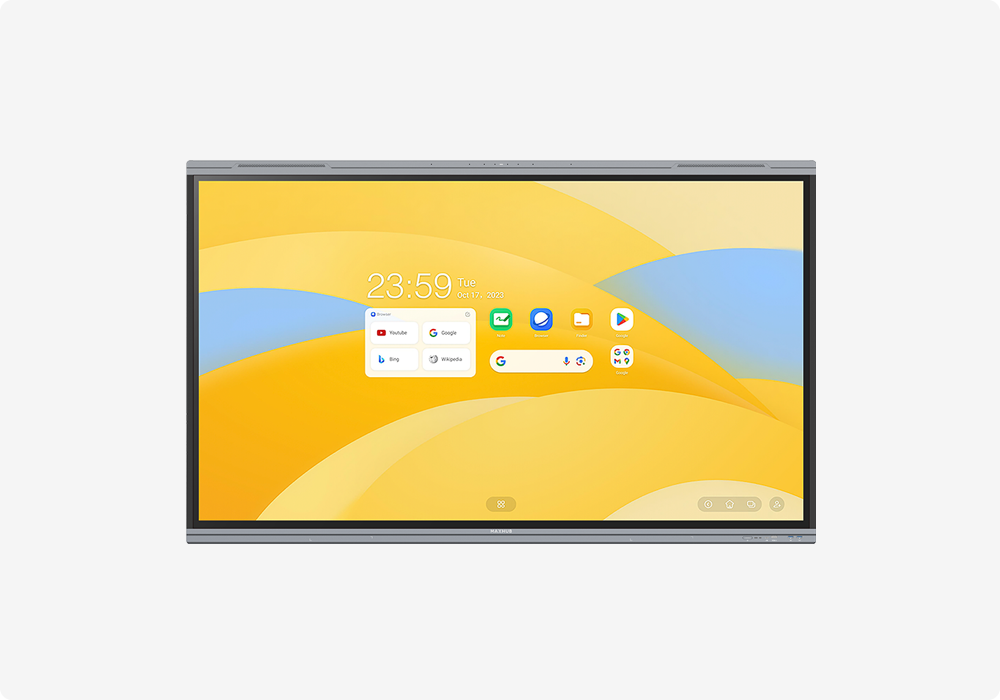
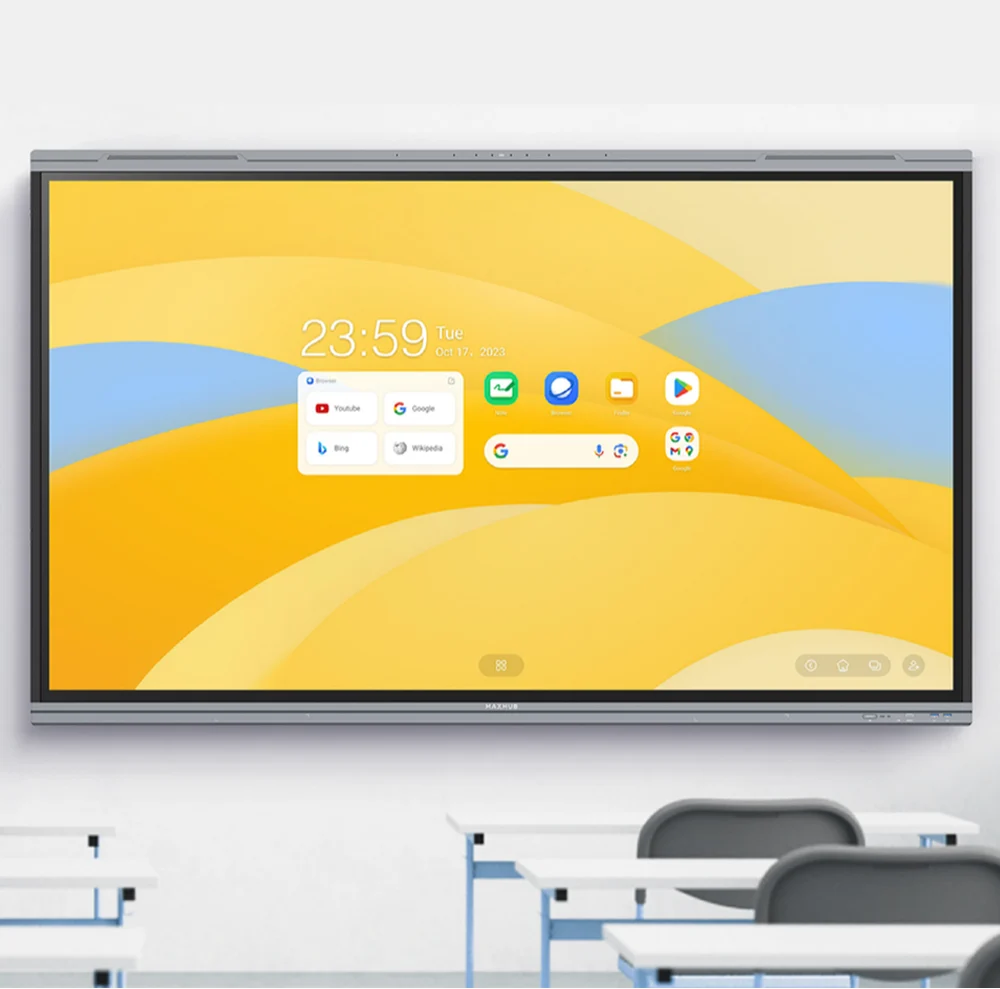
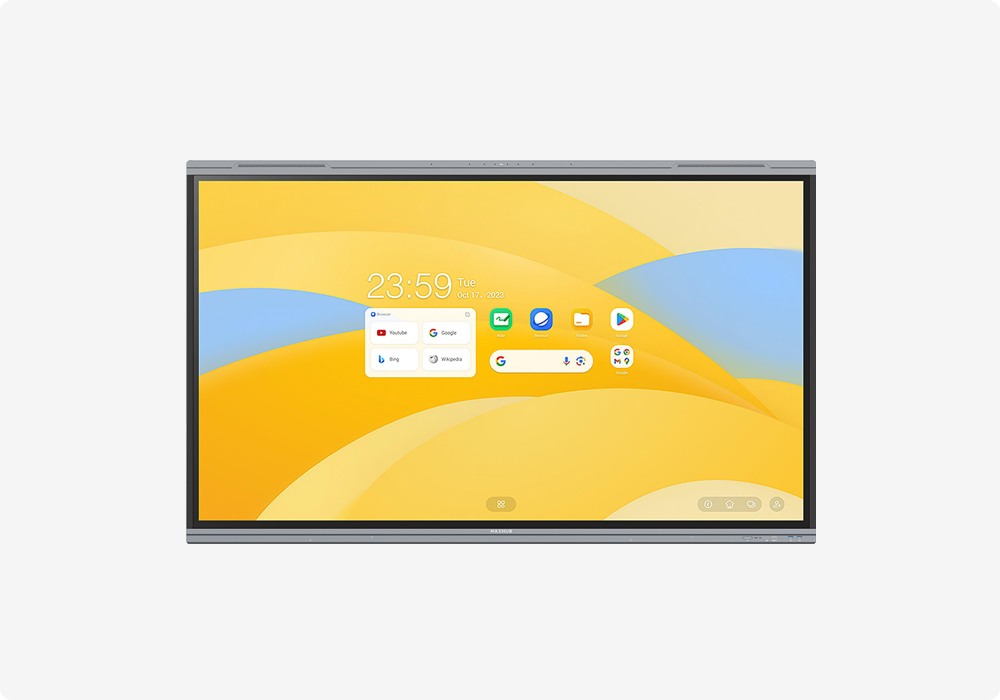
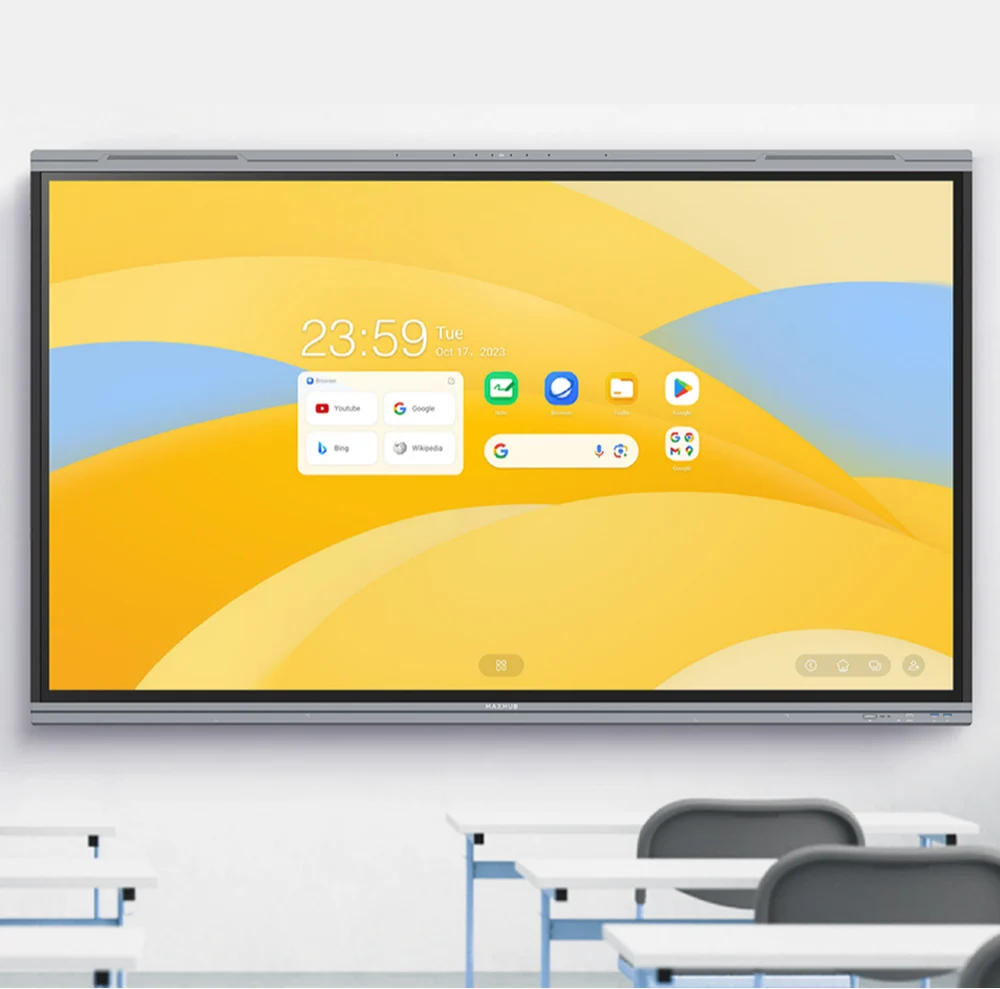
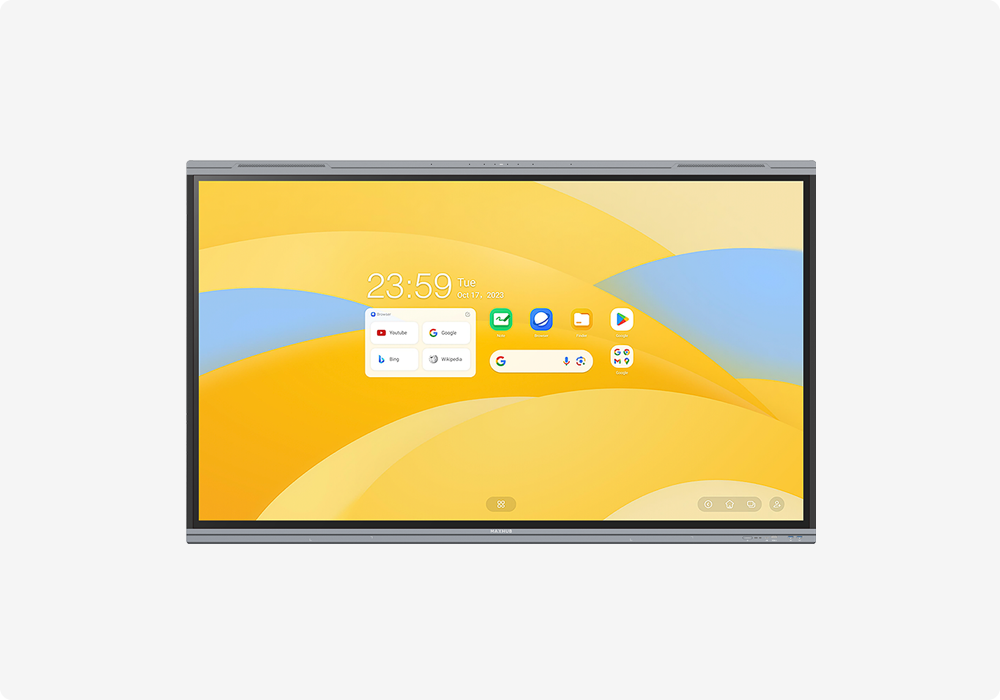
The MAXHUB E3 Series E6530 is a state-of-the-art 1.65 m (65-inch) interactive display specifically tailored for the evolving needs of modern education. As a Google EDLA-certified board running on Android 14, it provides teachers and students with secure, native access to the entire Google Play Store ecosystem, including essential tools like Google Classroom, Drive, and Meet. The display features a brilliant 4K UHD resolution with a zero-bonding design that eliminates the air gap between the glass and the panel, resulting in a more precise and lag-free writing experience with its 40-point multi-touch capability.
Diagonal Size (inch) 65
Resolution 3840(H)×2160(V)
Panel Brightness 400 nits (typ.) 450 nits (max.)
Response Time 6.5ms

Easy Payments & Easy Returns

Payment Methods
100% Original

Genuine Products

Secure Payment

SSL Encrypted Protection

Buyer Protection

Full Warranty Coverage

Pan India Shipping

Fast & Reliable Delivery

MAXHUB E3 SERIES

Evolve Learning, Redefine Possibilities

EVOLVE VISUAL WELLNESS

THE COMPLETE 4K SOLUTION
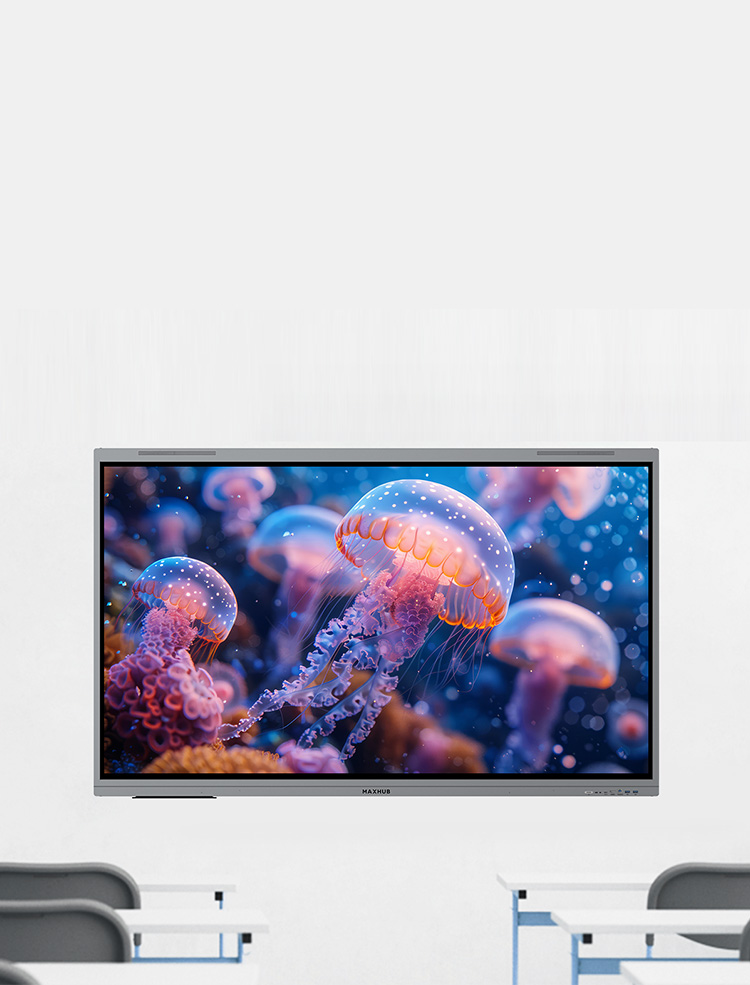
Immerse yourself in stunning 4K detail, including a 4K system UI and self-developed 4K applications, ensures a pristine visual experience from source to screen

BRILLIANT HUES, HEALTHY EYES

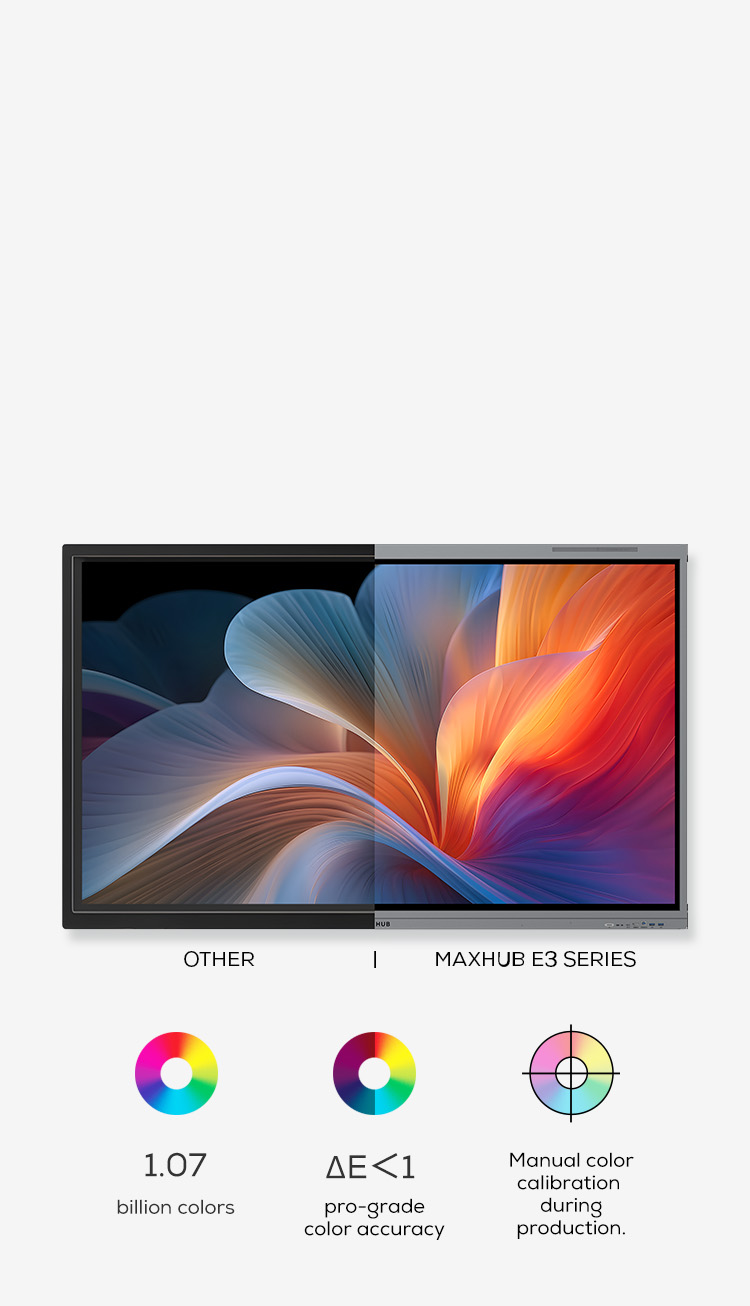
Experience the difference between ordinary screens and truly exceptional displays. We redefine comfort and clarity with a 98% sRGB wide color gamut and 1.07 billion colors(10-bit). A Delta E of less than 1 and meticulous hardware calibration ensure stunning precision and minimize eye strain, transforming how you see and interact with digital content.

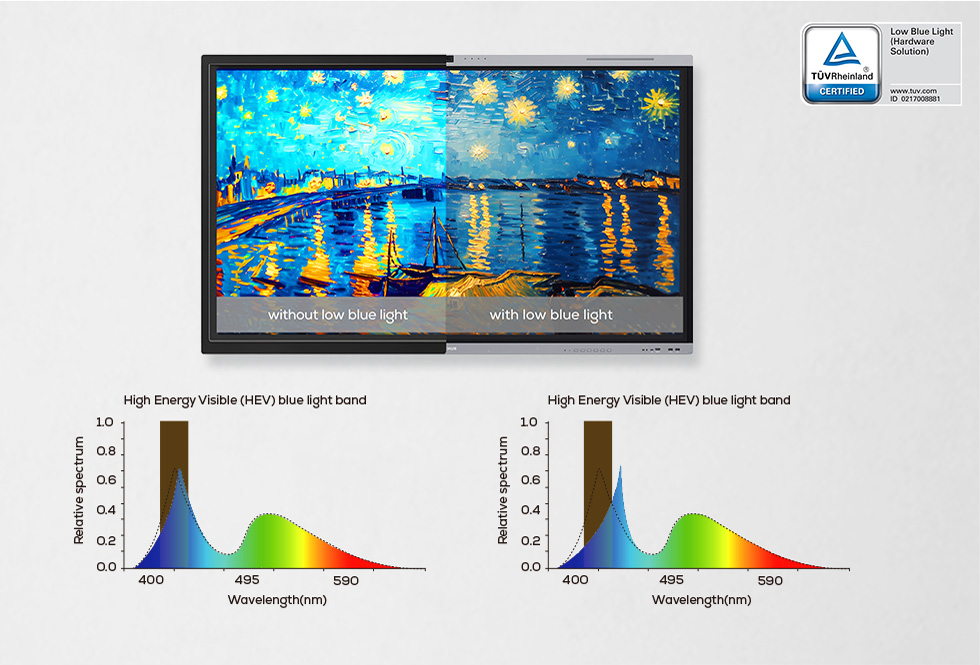
OUTSMART BLUE LIGHT

Engineered for eye comfort, this display takes a multi-faced approach to reducing eye strain. TÜV-certified for low blue light, it effectively filters harmful blue light (400-450nm). The ultra-low blue light irradiance ratio of 11.25% further minimizes eye strain

FLICKER-FREE, FUTURE-PROOF

Tired of flickering screens causing eye strain and headaches? Unlike PWM dimming, which uses rapid on/off cycles, DC dimming adjusts brightness directly, eliminating flicker and reducing eye strain. TÜV Flicker-Free certified for superior performance.

MAXHUB E3 Series – Interactive Flat Panel for Smart Education – Smart  Infovision | India's #1 Studio Setup Provider

EVOLVE INTO IMMERSIVE SOUND

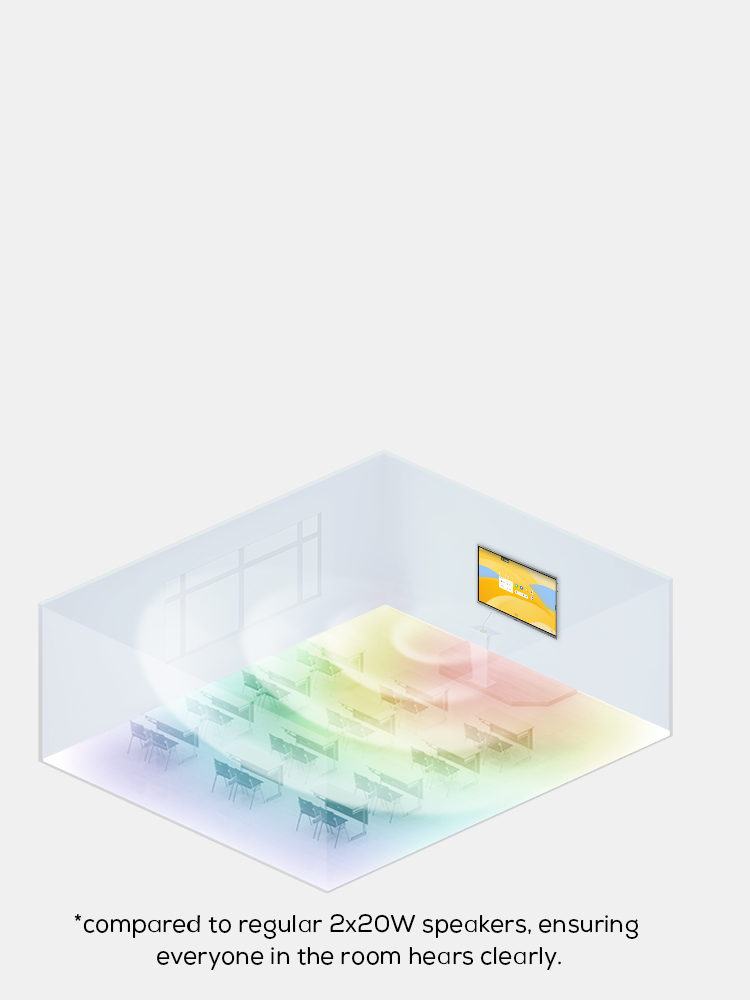
SUPERIOR SKYWAVE SOUND


Hear the difference with the MAXHUB Skywave Sound System. Enjoy clear, room-filling audio thanks to its powerful 2.2 channel setup and four speakers (2x12W + 2x25W). Plus, experience 4 times* the transmission distance

ENVOVLING TOUCH ABILITY

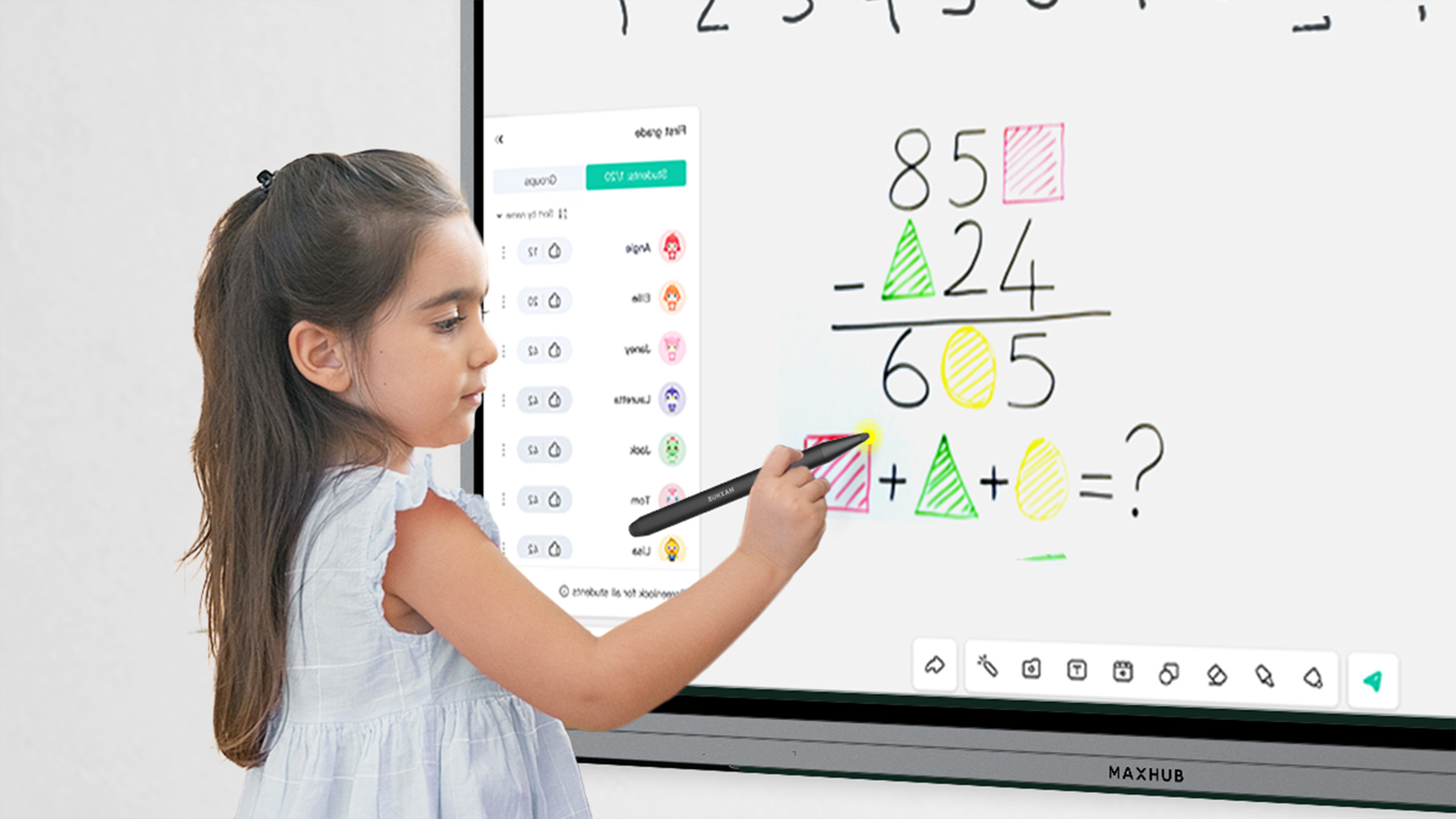
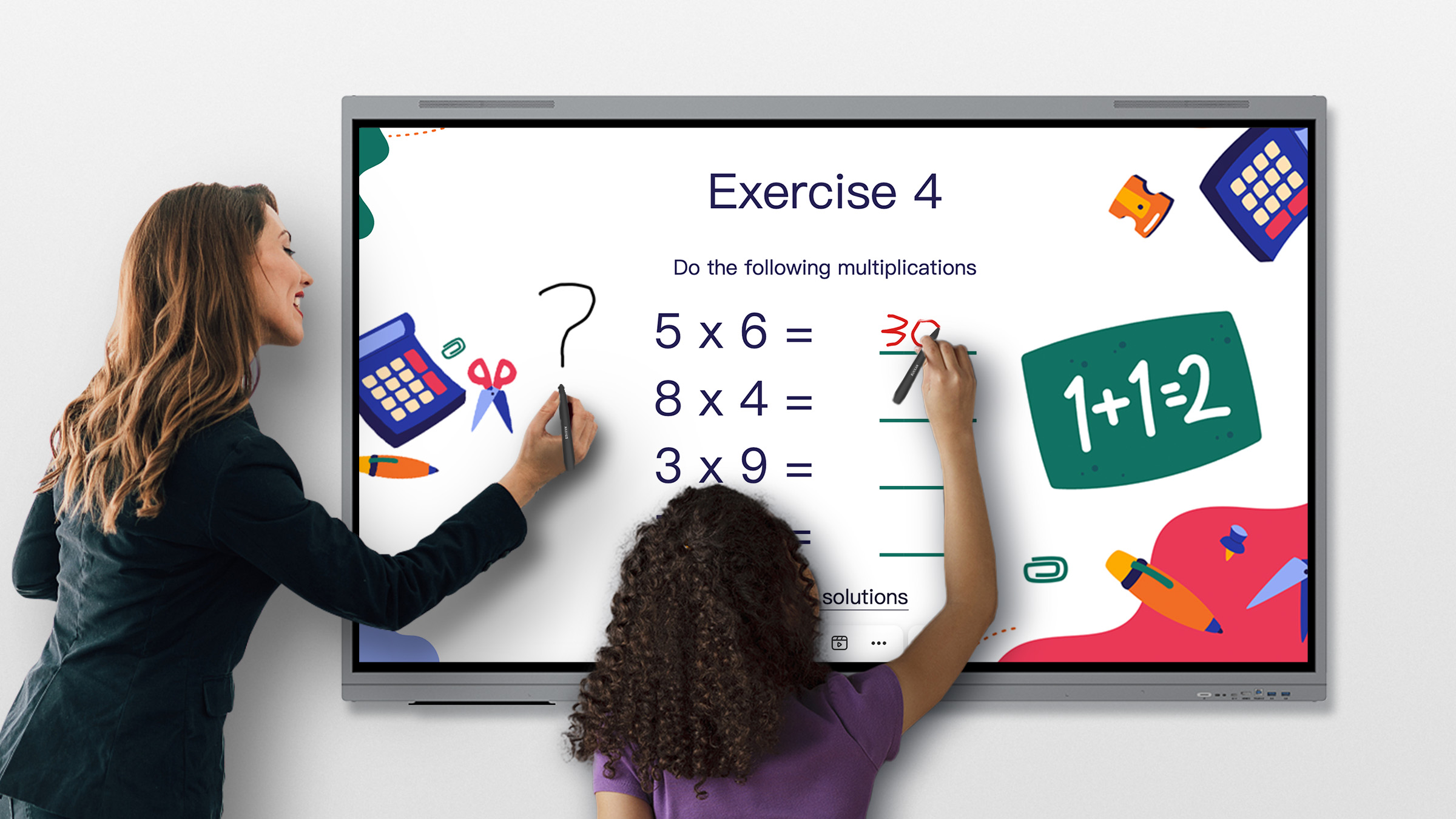
INSPIRE LEARNING THROUGH TOUCH

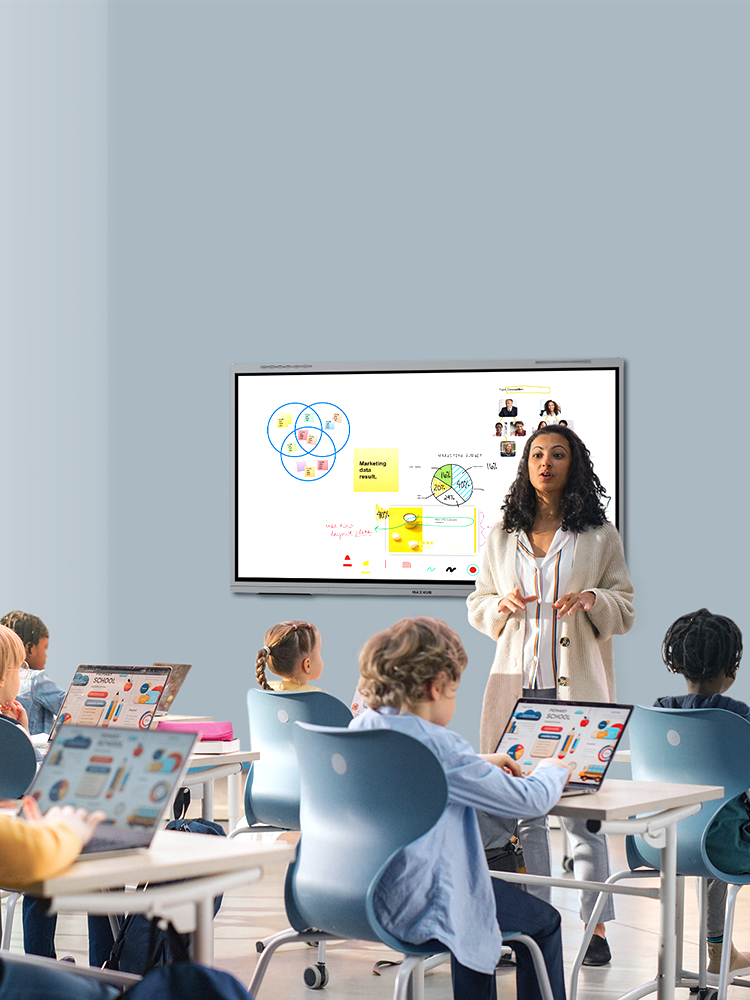
Create a truly engaging learning environment with our interactive touch display. With up to 40 simultaneous touch points, multiple students can engage with the screen at once, fostering collaboration and creativity

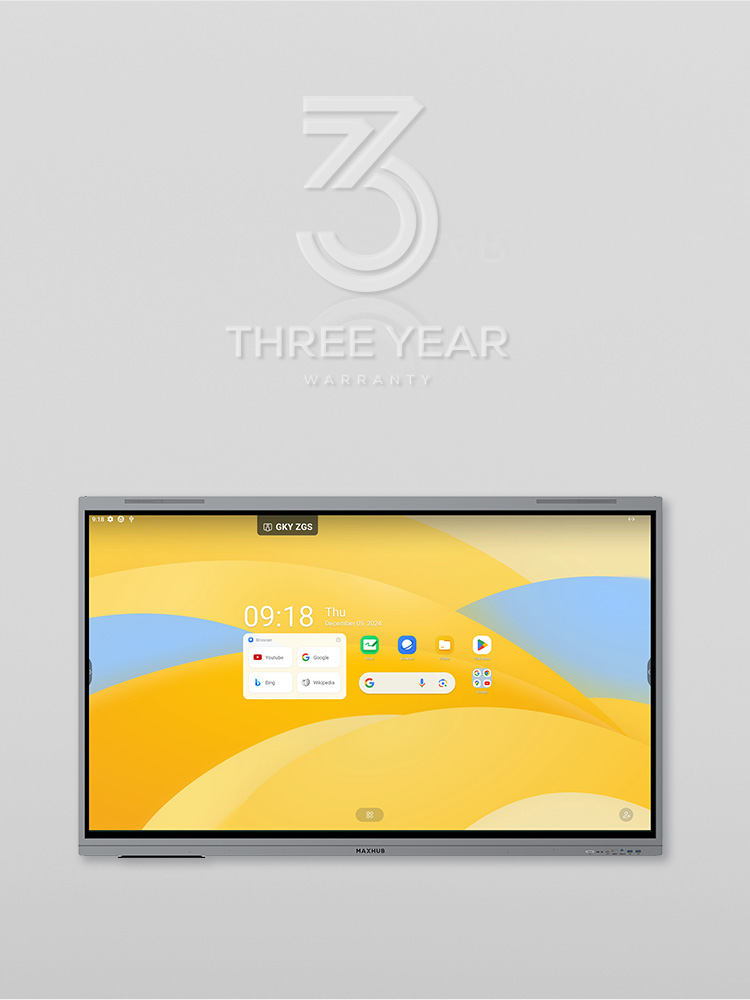
PEACE OF MIND, 3 YEAR GUARANTEED

Enjoy peace of mind knowing your technology is in good hands. MAXHUB's comprehensive support, including a 3-year advanced replacement warranty and local experts, ensures long-lasting performance and a seamless workflow.

SPECIFICATION

Product Model: E6530

Display

Touch System

  • Diagonal Size (inch):65    
  • Aspect Ratio:16:9    
  • Resolution:3840(H)×2160(V)    
  • Panel Brightness:400 nits (typ.),450 nits (max.)    
  • Contrast Ratio:5,000:1 (typ.),50,000:1 (dynamic)    
  • Color Depth:1.07B (10bit)    
  • Color Gamut (typ.):98% sRGB    
  • Color Accuracy:ΔE≤1    
  • Surface Technology:Anti-glare, 25% haze    
  • Eyes Care:TÜV Flicker Free,TÜV Low Blue Light    
  • Refresh Rate:60Hz    
  • Response Time:6.5ms    
  • Backlight Unit:DLED
  • Touch Technology: Infrared recognition    
  • Touch Point:40 points touch    
  • Accuracy:±1.5mm    
  • MAXHUB Think&Ink: Yes

Built-in System

Connectivity

  • Operating System: Android 14.0    
  • Certification: Google EDLA certification    
  • RAM:8GB    
  • ROM:128GB    
  • CPU:A72×4+A53×4 octa-core, 2.2GHz    
  • GPU: Mali G52 MC3
  • Input: HDMI IN × 3
               USB 2.0 × 1
               USB 3.0 × 4
               Touch × 2
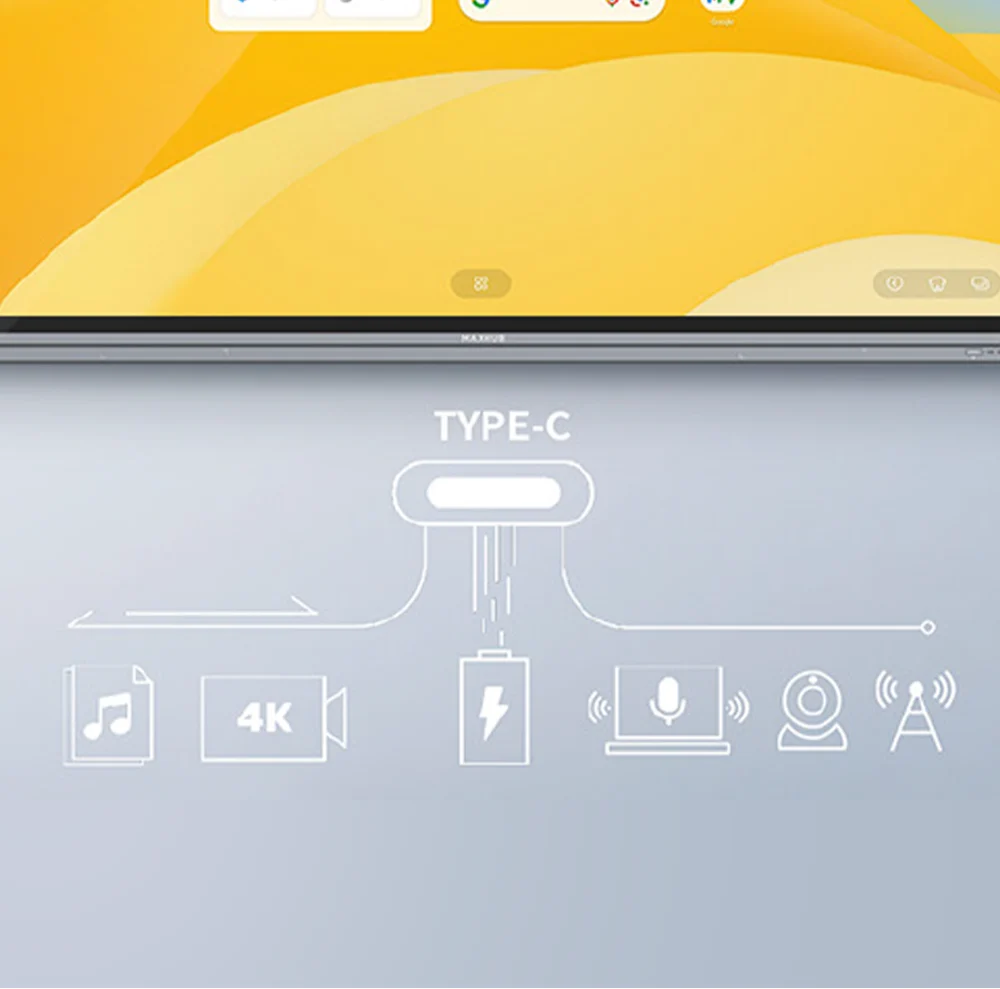
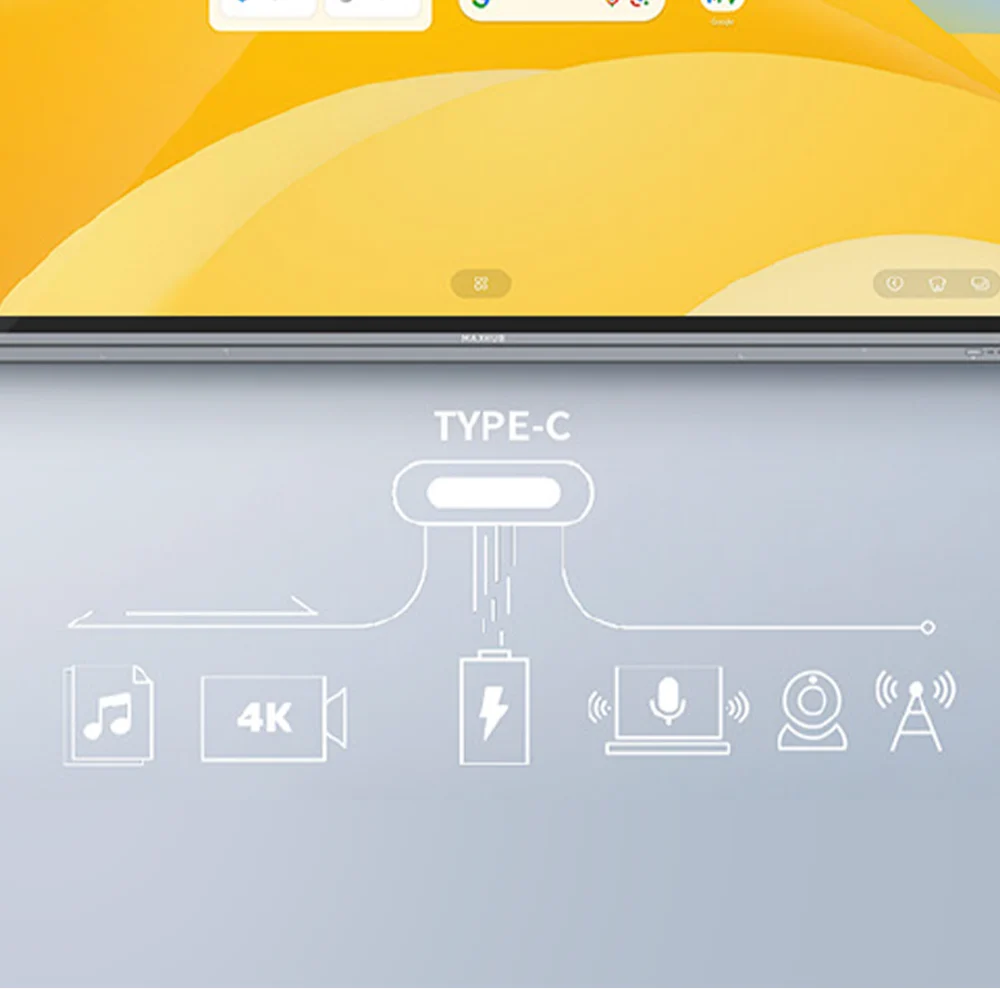
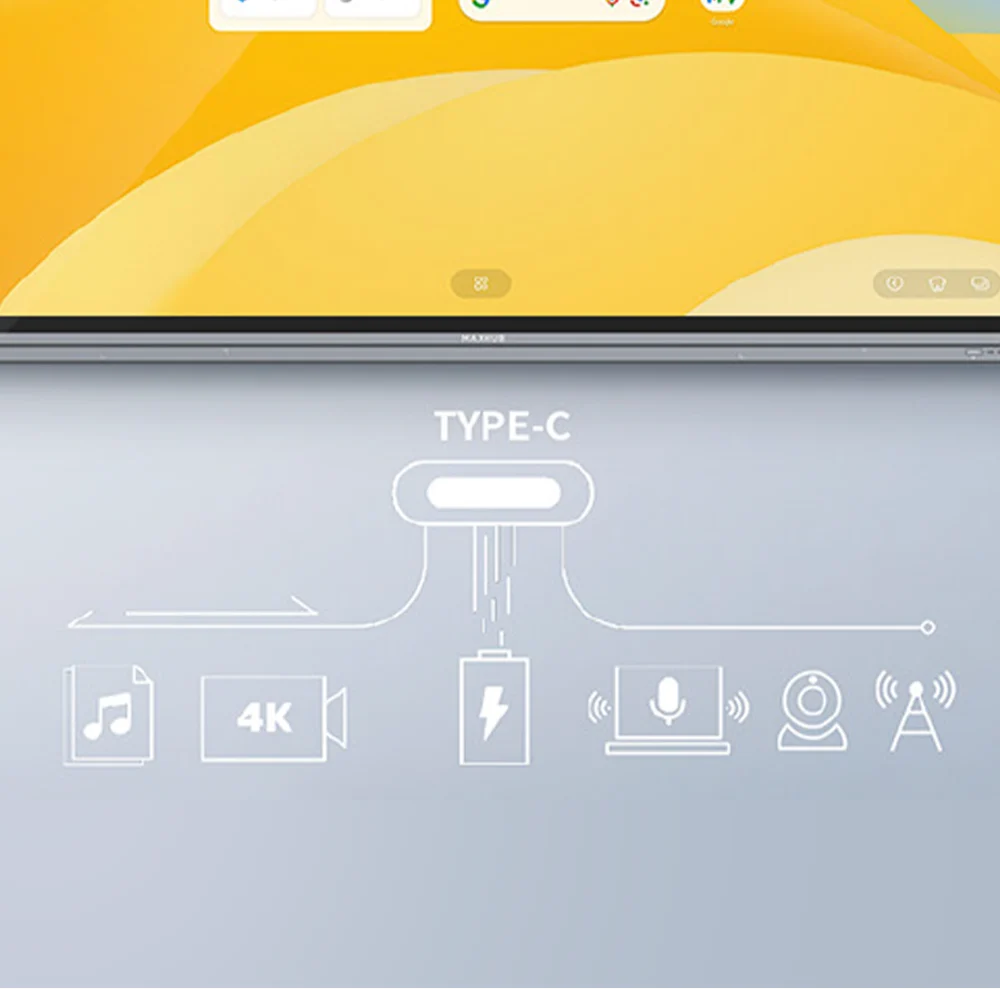
               USB Type-C × 2
               DP IN × 1
               AUDIO IN × 1
               VGA IN × 1
               RS232 × 1
               RJ45 IN × 1
               TF Card Port × 1
  • Output: HDMI OUT × 1
                 AUDIO OUT × 1
                 SPDIF × 1
                 RJ45 OUT × 1
  • OPS Slot: Module slot × 1    
  • Wi-Fi Module Slot: Module slot × 1
  • Wi-Fi Module (SI07B):Wi-Fi 6 supported 802.11ac/b/g/n/a/ax, 2.4GHz/5GHz
  • Bluetooth:5.2
     

Audio

Power

  • Audio System: SkyWave Sound System    
  • Sound Channel:2.2    
  • Speaker Power:2×8W+2×18W (output)
  • 2×12W+2×25W (maximum)    
  • Sound Pressure Level:88 dB (1W, 1m)
  • Power Supply:100-240V~ 50/60Hz 3.5A    
  • Power Consumption (standby):≤0.5W    
  • Power Consumption (typ.):130W    
  • Power Saving: Energy Star Certification

Optional Module

 
  • USB Camera:UC W31    
  • Video Bar:UC S07    
  • OPS Module:OPS62A/OPS72A    
  • Sensor Box:WL10C    
  • Mobile Stand:ST33M, ST23G, EST09
 

FAQs
 

Q1. What are the key features of the MAXHUB E3 Series E6530 Interactive Flat Panel?

The MAXHUB E3 Series E6530 features a 65-inch 4K UHD display, Android 14 operating system, Google EDLA Certification, zero-bonding technology, and 40-point multi-touch capability. It provides direct access to Google Classroom, Google Meet, Google Drive, and the Google Play Store. These features make it a powerful educational interactive display designed to enhance teaching, collaboration, and student engagement.

Q2. What are the benefits of Google EDLA Certification on the MAXHUB E6530?

Google EDLA Certification enables secure access to Google Workspace applications and the Google Play Store directly from the display. Teachers and students can seamlessly use Google Classroom, Google Meet, and Google Drive without relying on external devices. This certification improves security, simplifies device management, and creates a more efficient digital learning environment.

Q3. How does zero-bonding technology improve the writing experience on the MAXHUB E6530?

The zero-bonding design eliminates the air gap between the protective glass and display panel, creating a more accurate and responsive writing experience. This technology reduces parallax and improves touch precision, allowing users to write naturally and confidently. As a zero bonding interactive display, the MAXHUB E6530 delivers smoother interaction for note-taking, annotations, and classroom collaboration.

Q4. What is the advantage of the 40-point multi-touch capability?

The 40-point multi-touch technology allows multiple users to interact with the screen simultaneously. Students and educators can write, draw, annotate, and collaborate together in real time. This multi-touch interactive display feature encourages teamwork, increases classroom participation, and supports engaging group activities, making it an ideal smart board for schools and training environments.

Q5. Can the MAXHUB E6530 operate without an external PC?

Yes, the MAXHUB E6530 Interactive Flat Panel runs on Android 14 and can perform many daily tasks independently. Users can access educational applications, cloud storage, collaboration tools, and Google Workspace services directly from the display. This standalone functionality reduces hardware requirements and simplifies classroom and training room deployments.

Q6. What is the MAXHUB Interactive Flat Panel price for the E6530 model?

The MAXHUB Interactive Flat Panel price may vary depending on installation requirements, warranty options, project scope, and supplier location. Educational institutions and organizations seeking the latest MAXHUB Smart Board price should request a customized quotation from an authorized reseller. This helps ensure accurate pricing, professional installation support, and available education-sector purchasing benefits.

Q7. Is the MAXHUB 65 Inch Interactive Display suitable for classrooms and training centers?

Absolutely. The MAXHUB 65 Inch Interactive Display is designed specifically for educational environments, including schools, colleges, universities, and training centers. Its 4K UHD resolution, responsive touch technology, Google Classroom integration, and collaborative tools help create engaging learning experiences while improving communication between educators and students.

Q8. Is the MAXHUB E3 Series E6530 worth buying for educational institutions?

The MAXHUB E3 Series E6530 is an excellent investment for organizations looking to modernize teaching and collaboration. Its Android 14 platform, Google EDLA Certification, zero-bonding design, and 40-point multi-touch capabilities provide long-term value and usability. Whether used as a MAXHUB Digital Whiteboard or an interactive display for education, it supports higher engagement, productivity, and learning outcomes.

Fast & Reliable Delivery Across India
Why Shop with elactree.com?
Guaranteed On-Time

Our commitment is backed by a verified 99% on-time arrival rate for all domestic shipments within India.

100% Original Products

Purchase with confidence. We guarantee genuine, brand-new electronics directly from certified manufacturers.

Secure & Private

Your personal data is protected with advanced encryption. We strictly adhere to Indian data privacy laws.
Delivery FAQs

Fast & free delivery at your doorstep. Please proceed to the cart for an exact quote.

We partner with reliable logistics providers across India, including Delhivery, Bluedart, Xpressbees, and DTDC to ensure prompt and secure delivery.