Avilable
& Installations

|
Specification
|
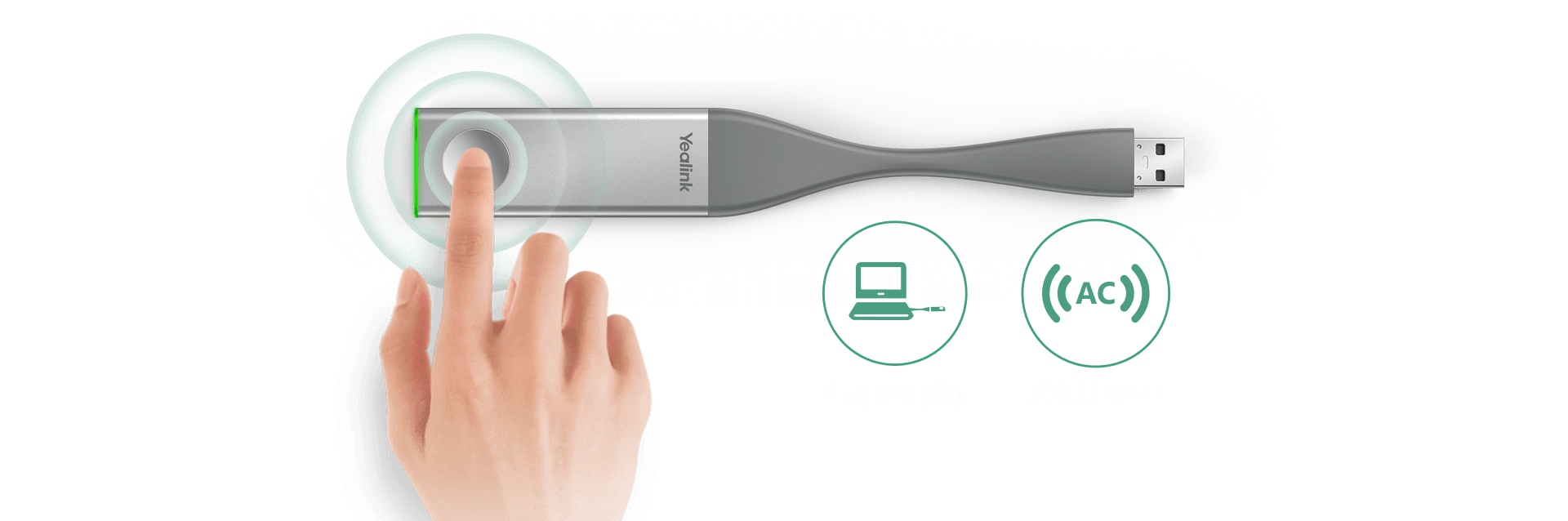
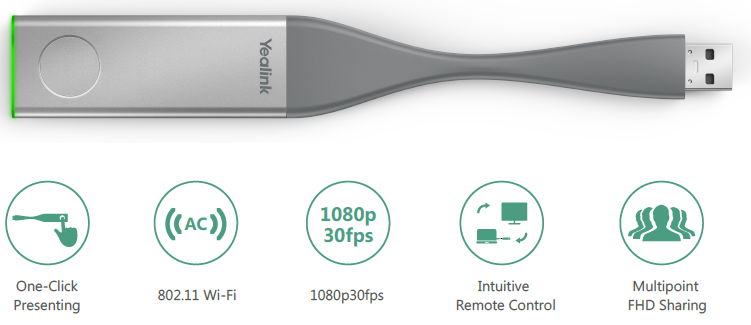
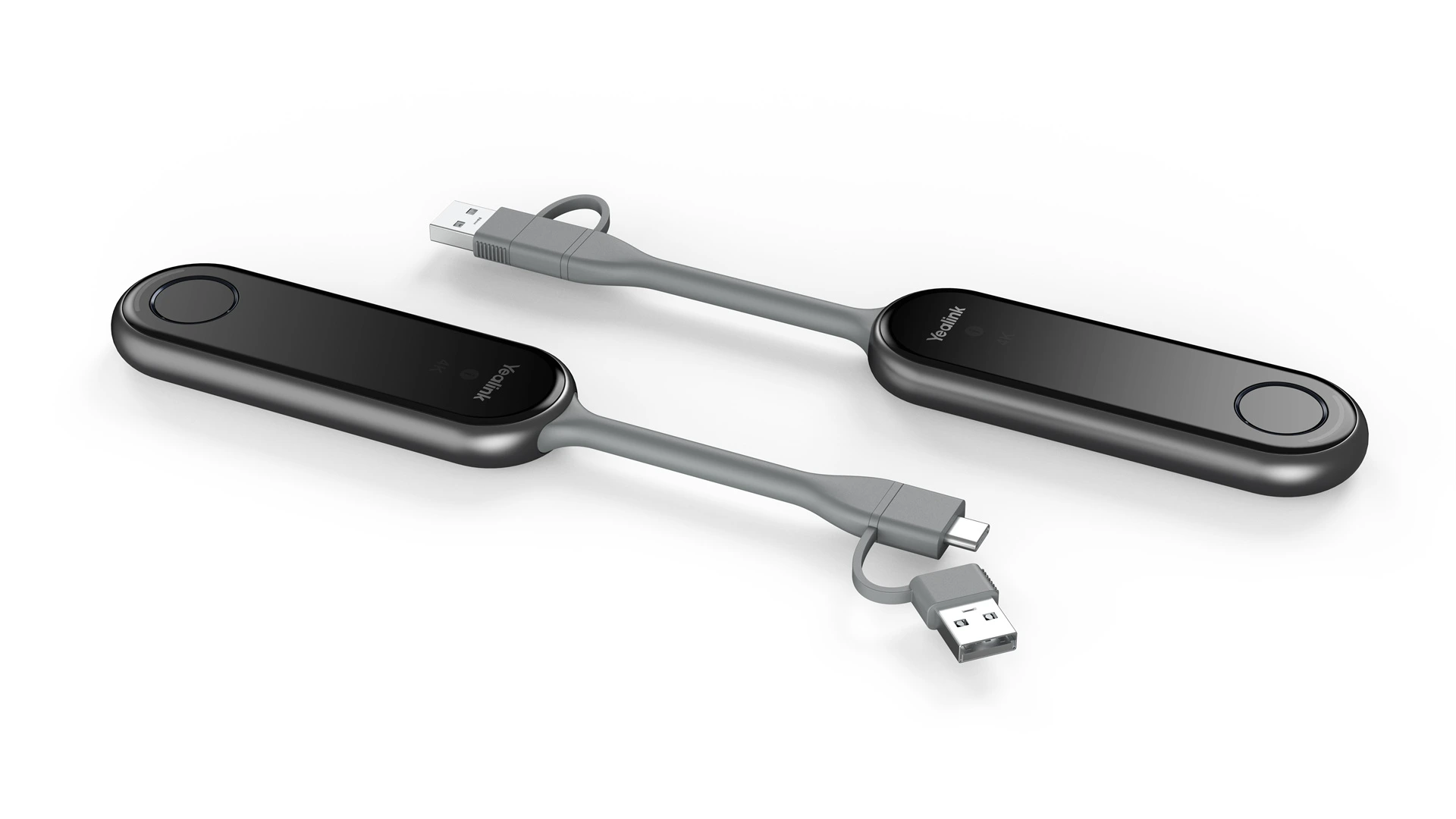
The Yealink WPP20 Wireless Presentation Pod is a plug-and-play USB presentation device designed for compatible Yealink video conferencing systems. It enables one-touch wireless screen sharing in Full HD 1080p resolution without the need for HDMI cables. The device supports dual-band Wi-Fi for stable performance and works with both Windows and macOS laptops. It is an ideal wireless collaboration device for meeting rooms, conference rooms, boardrooms, classrooms, and hybrid work environments where fast and reliable wireless content sharing is required.
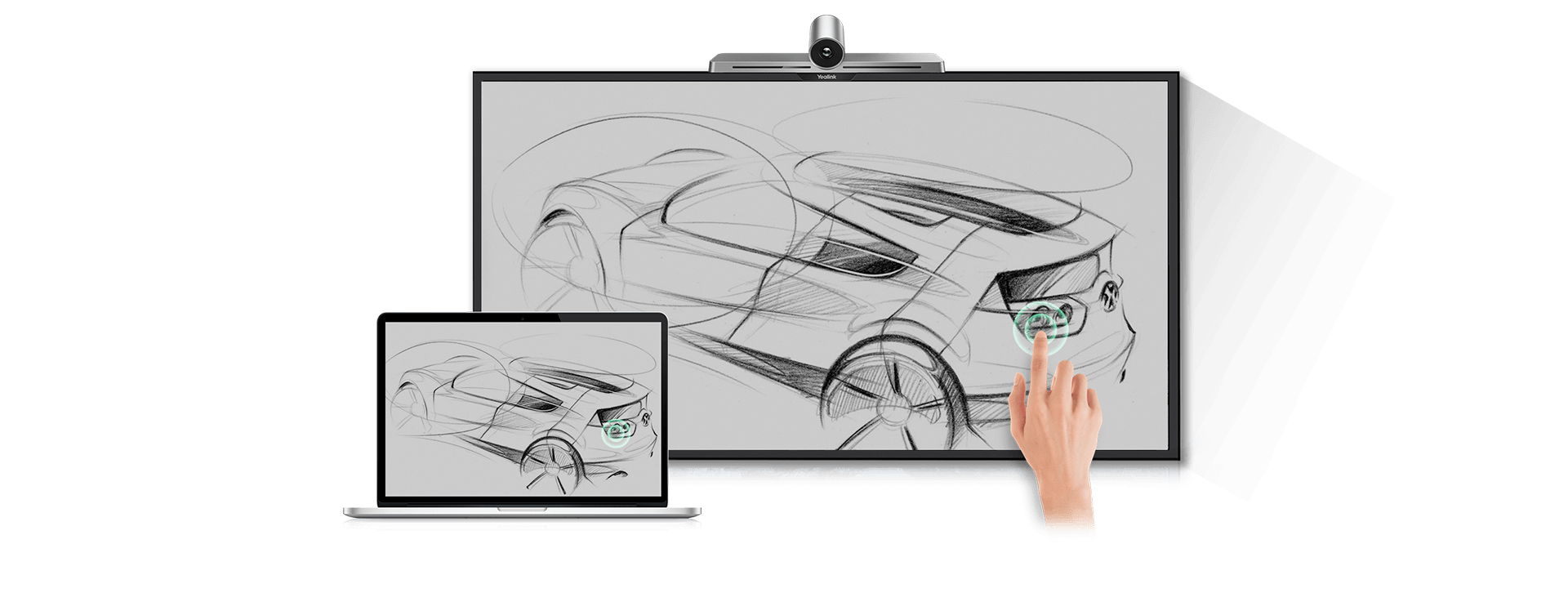
The Yealink WPP20 works by connecting the USB presentation button to your Windows or macOS laptop. Once paired with a compatible Yealink conferencing system, users can simply press the button to begin wireless screen sharing. The presentation pod transmits Full HD 1080p content with low latency over dual-band Wi-Fi, allowing presenters to share documents, presentations, videos, and applications quickly without complicated setup or additional cables.
Yes. The Yealink WPP20 is designed as a true plug-and-play wireless presentation pod. Simply connect the USB device to your compatible computer and press the presentation button to start sharing your screen. There is no complex configuration required for supported Yealink systems, making it an efficient solution for businesses, educational institutions, and meeting rooms where quick collaboration is essential.
The Yealink WPP20 is designed for simple deployment and generally does not require complicated software installation for supported Yealink video conferencing systems. Its plug-and-play functionality allows users to begin wireless screen sharing with minimal setup. This reduces IT support requirements while providing a smooth presentation experience for business meetings, training sessions, and collaborative discussions.
The Yealink WPP20 is designed to work with compatible Yealink video conferencing and collaboration systems that support the wireless presentation pod. Compatibility may vary depending on the Yealink device model and firmware version. Before purchasing, it is recommended to verify compatibility with your specific Yealink meeting room solution to ensure seamless wireless presentation and content sharing.
Yes. The Yealink WPP20 supports both Windows and macOS computers, making it a flexible wireless presentation solution for organizations using different operating systems. Users can easily share presentations, spreadsheets, videos, documents, and applications from compatible laptops during meetings without relying on physical display cables.
Yes. The Yealink WPP20 supports Full HD 1080p wireless screen sharing, allowing users to present clear and detailed content during meetings. High-definition presentation quality makes text, charts, images, and videos easier to view, improving collaboration in conference rooms, classrooms, boardrooms, and training environments.
The effective wireless transmission range of the Yealink WPP20 depends on environmental conditions, room layout, and network interference. Within supported meeting room environments, the device uses dual-band Wi-Fi to deliver stable wireless content sharing with low latency. For the best performance, it should be used according to Yealink's deployment recommendations.
The Yealink WPP20 supports up to eight connected devices, allowing multiple participants to be ready for wireless screen sharing during meetings. This feature improves collaboration by reducing waiting time when switching presenters and helps create a more productive meeting experience for businesses and educational institutions.
The price of the Yealink WPP20 Wireless Presentation Pod varies depending on the country, reseller, taxes, and available promotions. Since Yealink sells through authorized distributors and partners, there is no single global retail price. For the latest and most accurate pricing, request a quote from an authorized Yealink reseller or your preferred IT solutions provider.
Our commitment is backed by a verified 99% on-time arrival rate for all domestic shipments within India.
Purchase with confidence. We guarantee genuine, brand-new electronics directly from certified manufacturers.
Your personal data is protected with advanced encryption. We strictly adhere to Indian data privacy laws.
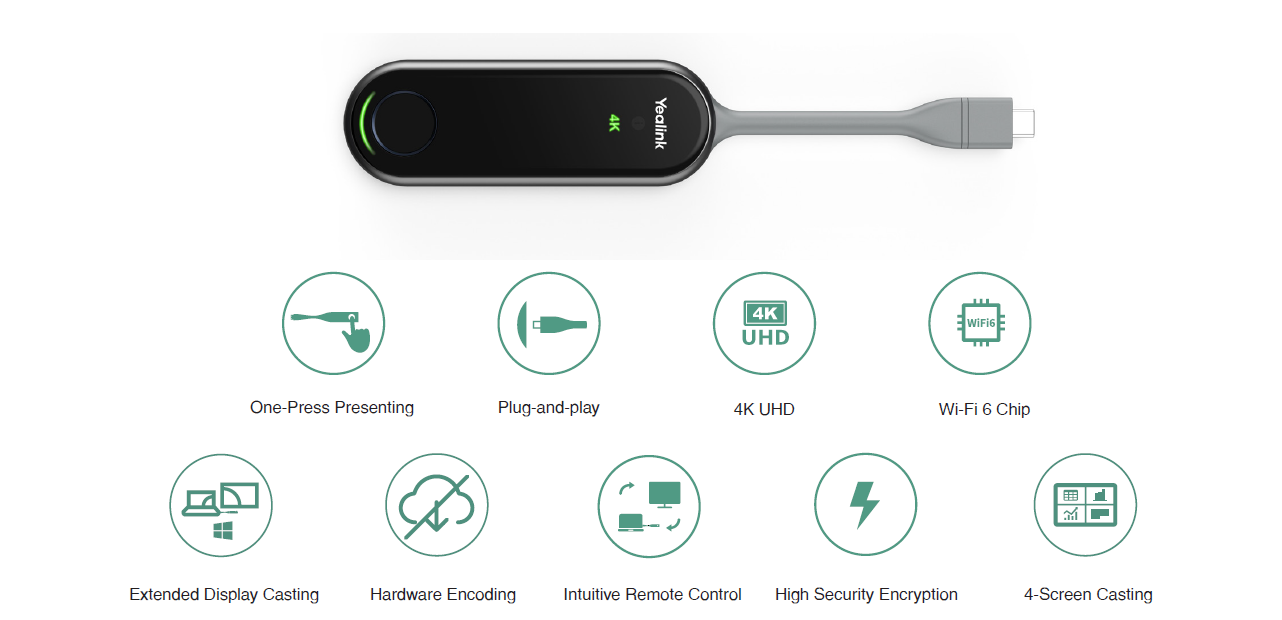
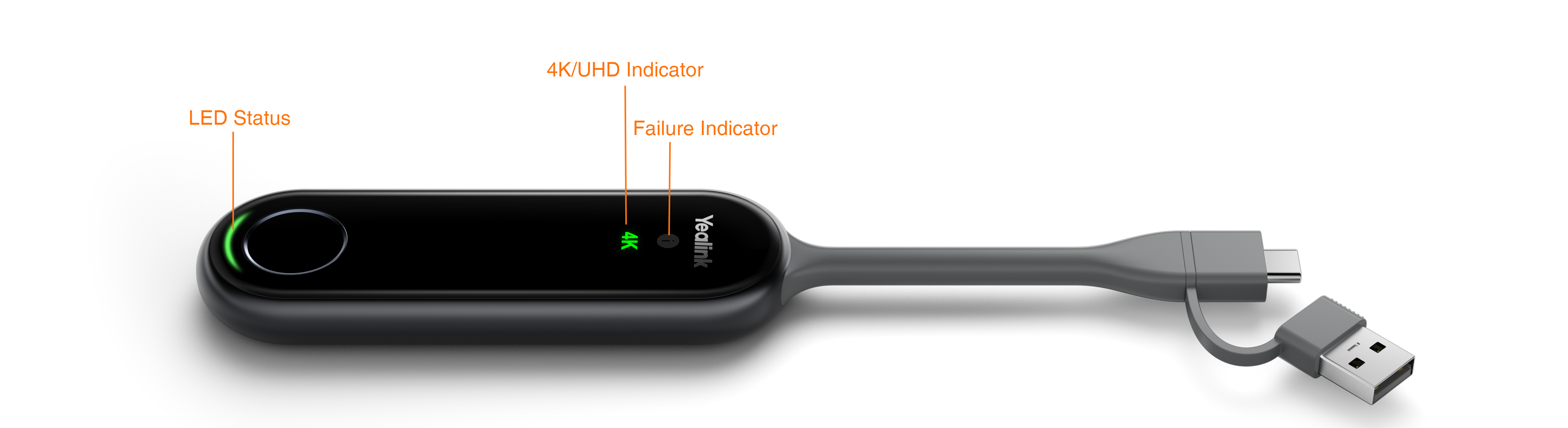
The Yealink WPP30 is a premium 4K Wireless Presentation Pod designed to deliver effortless screen sharing in modern meeting rooms, classrooms, and collaborative workspaces. Featuring…
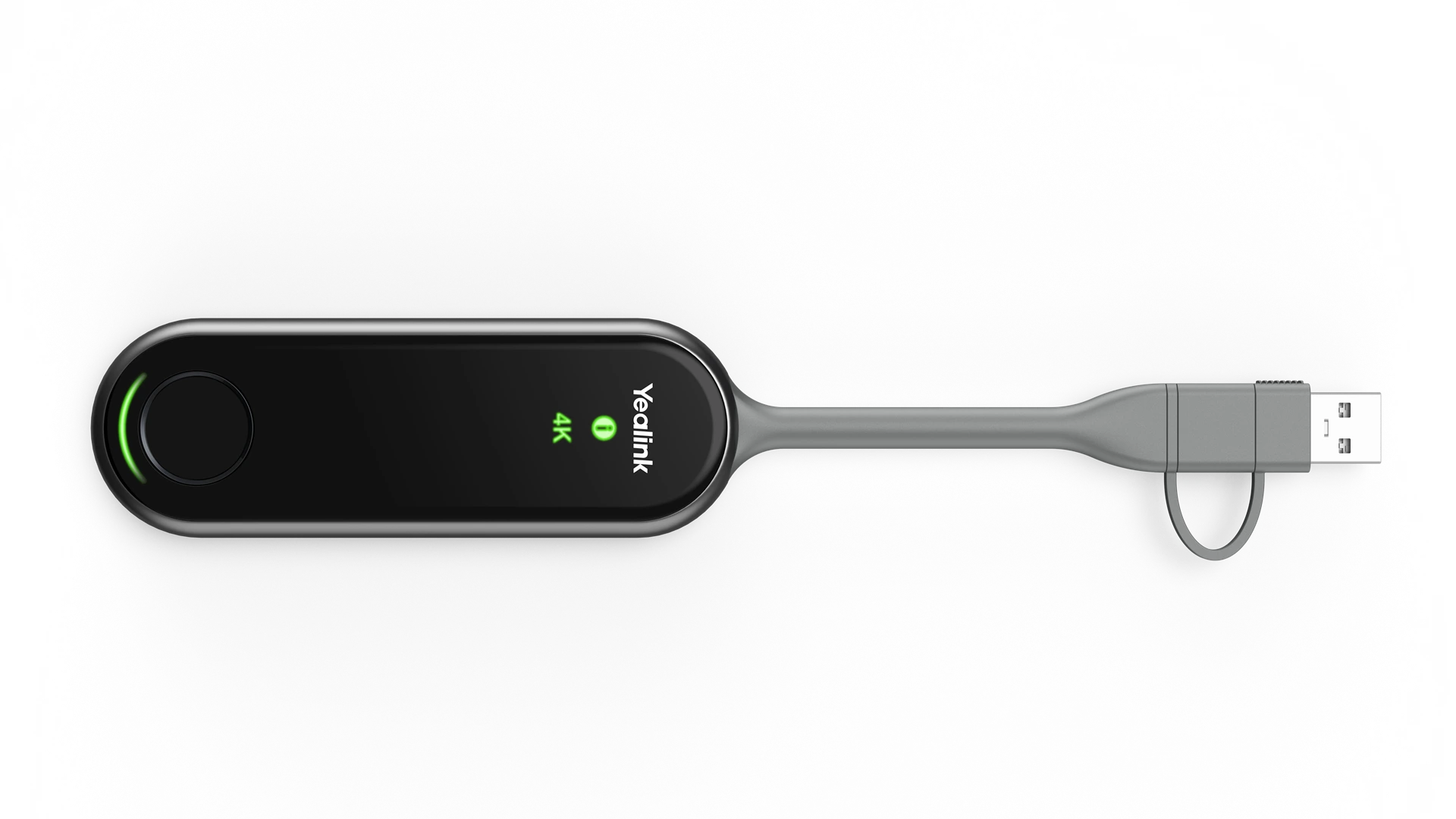
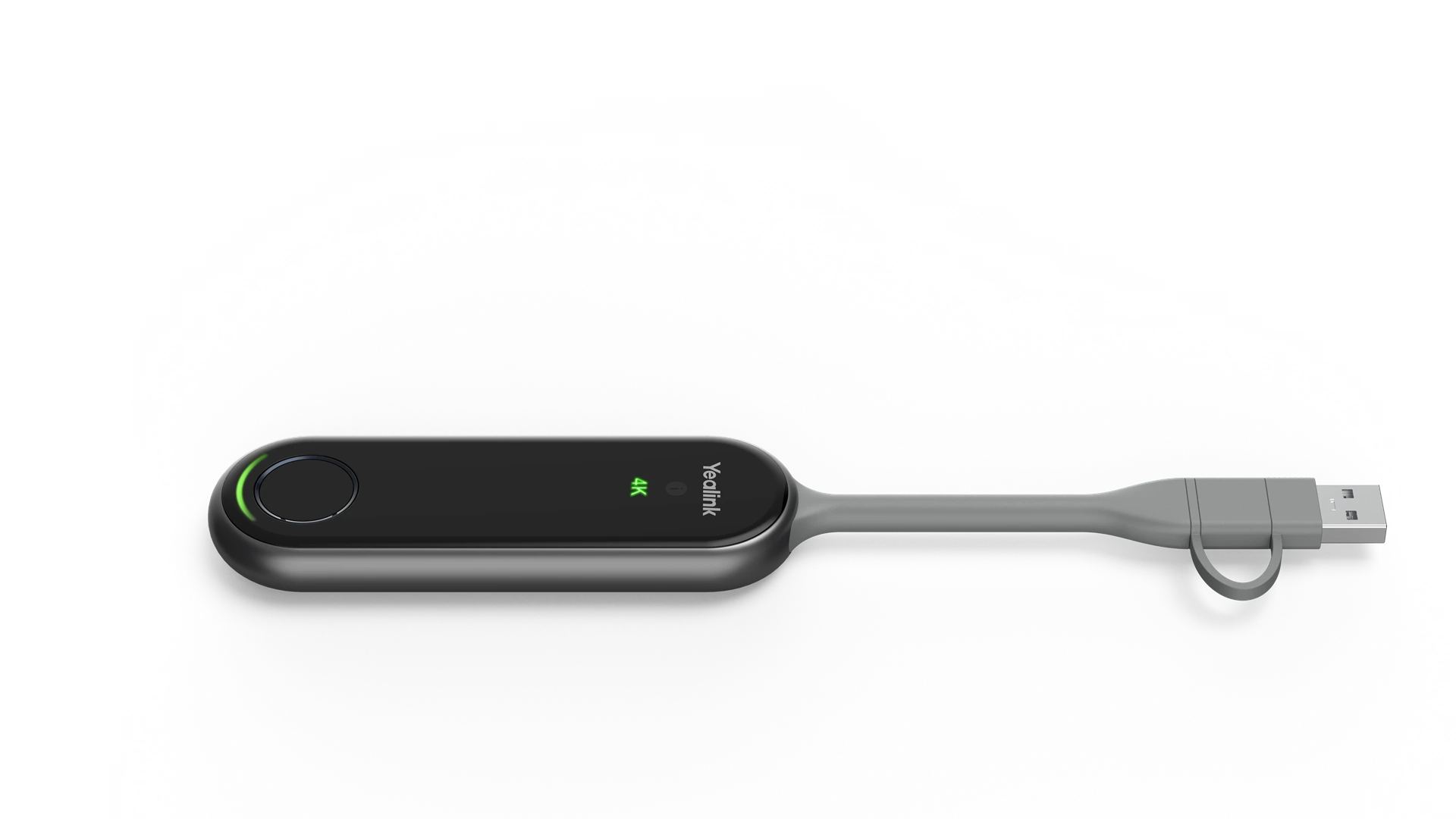
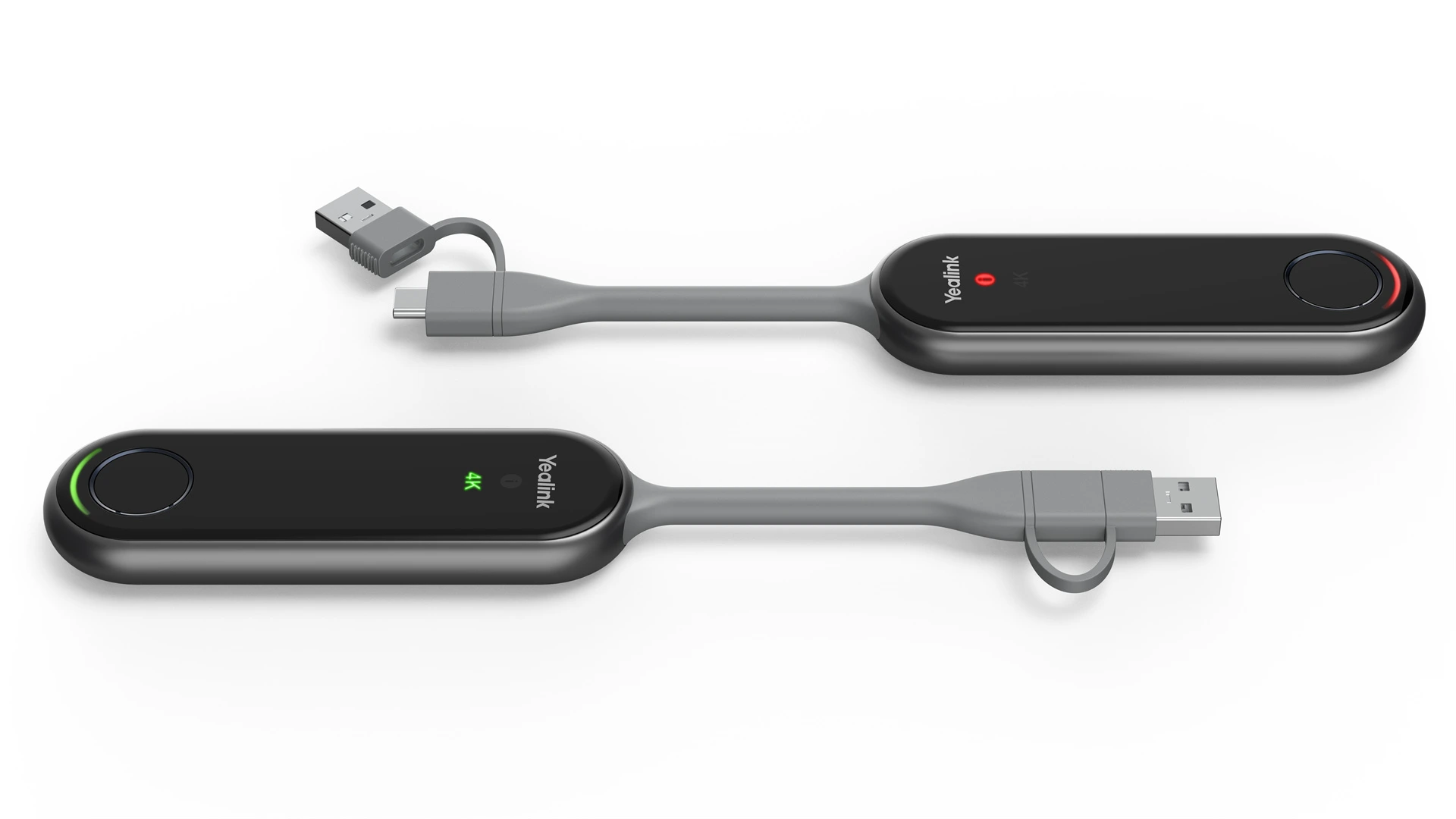
The Yealink PA20 One Press to Impress Content Sharing IP BYOD Device is a premium 4K wireless presentation solution designed for seamless screen sharing in…