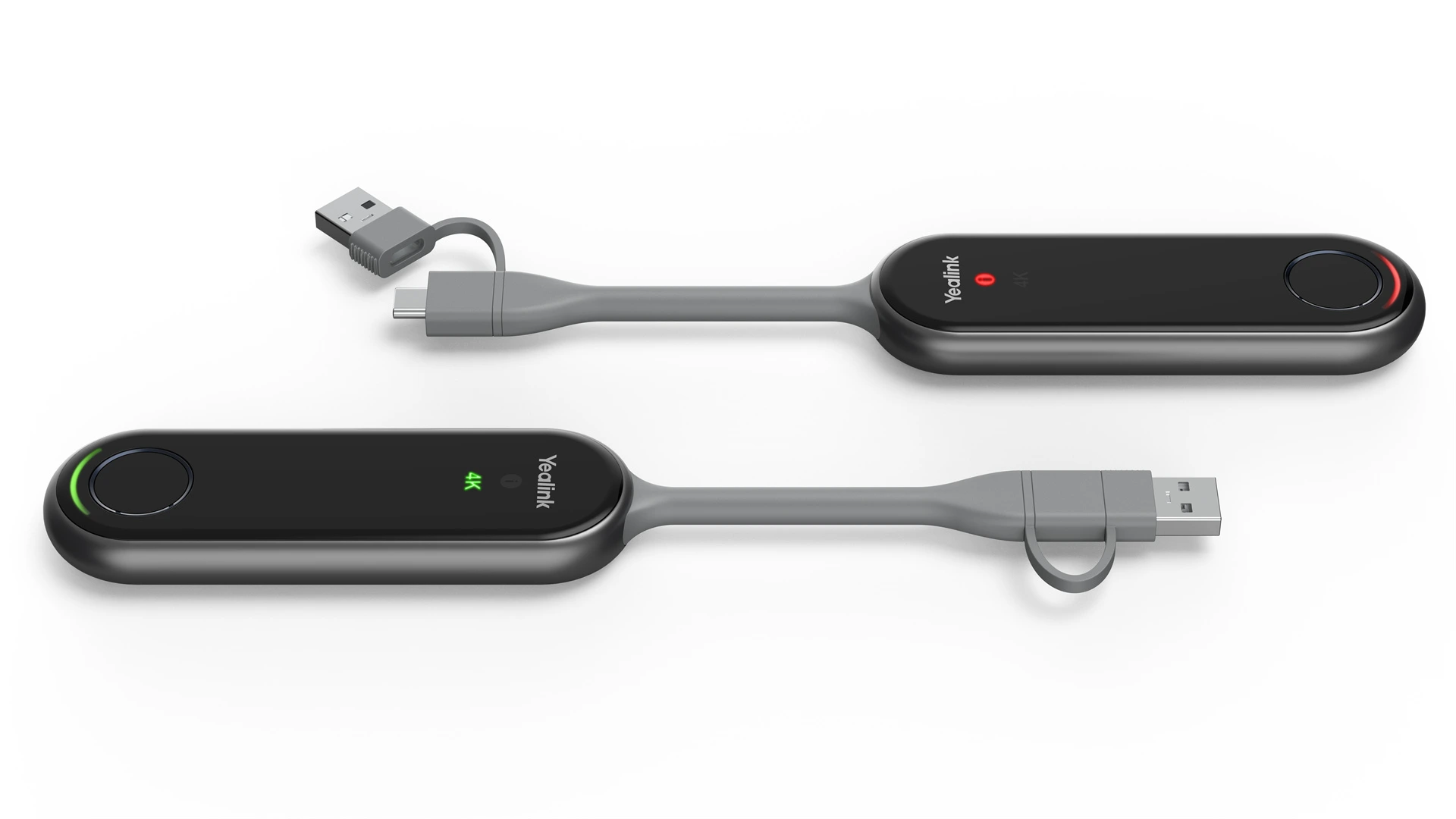
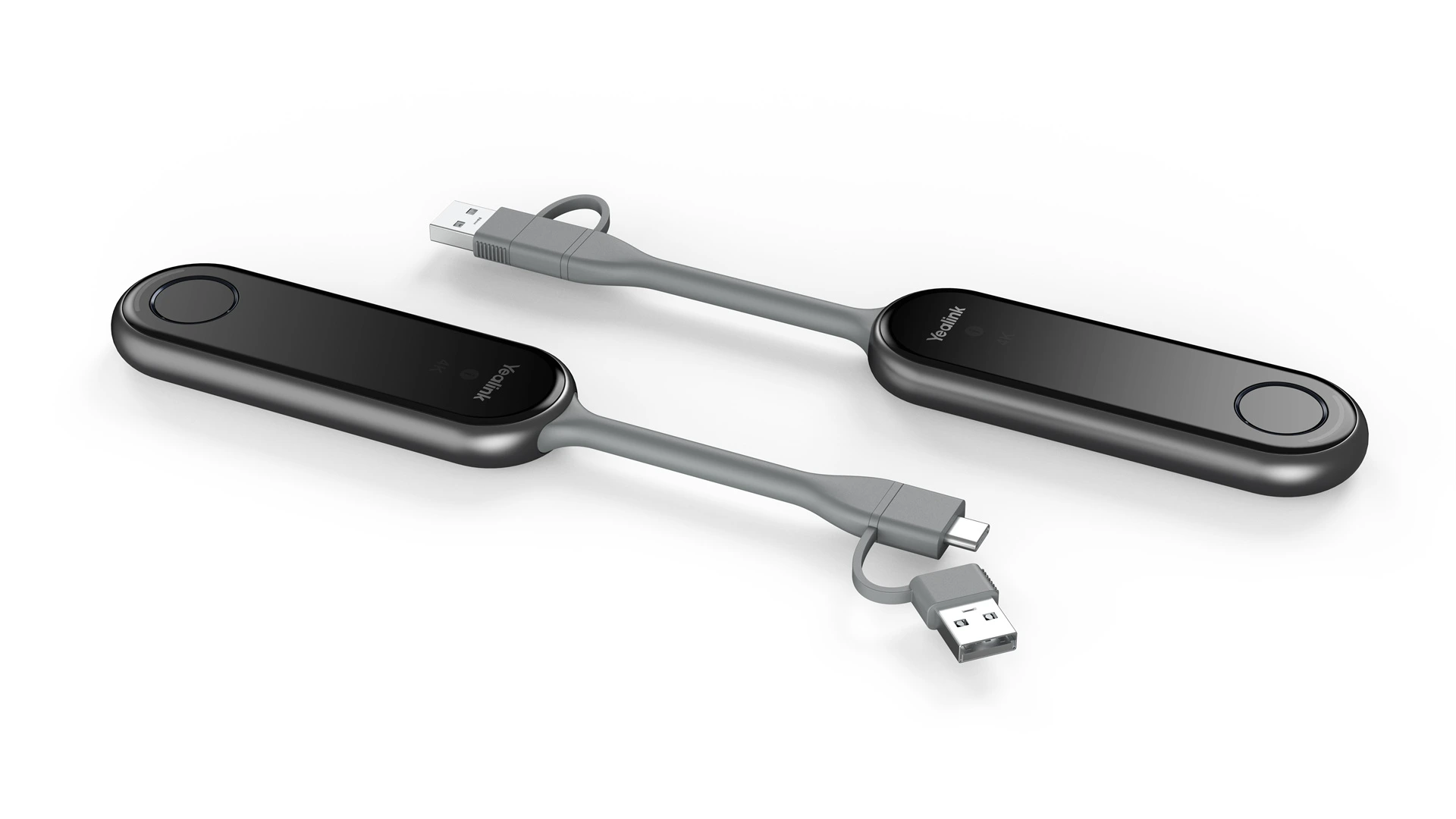
PA20 One Press to Impress Content Sharing IP BYOD Device
SKU: PA20
In Stock
The Yealink PA20 One Press to Impress Content Sharing IP BYOD Device is a premium 4K wireless presentation solution designed for seamless screen sharing in modern meeting rooms. Featuring Wi-Fi 6, plug-and-play connectivity, and hardware-based 4K/30fps encoding, the PA20 enables instant wireless content sharing without requiring software installation or drivers. Compatible with Windows and macOS devices through USB-C (with USB-A adapter included), it supports duplicate and extended desktop modes, AES/WPA encryption, annotation, remote control, and multi-screen collaboration, mak
Video Output 4K UHD (3840 ร 2160)
Video Connections USB Type-C
Audio Output Wireless audio with screen sharing
Wireless Protocols Wi-Fi 6 (2.4/5 GHz), Bluetooth 5.1, WPA2-AES
PA20 One Press to Impress Content Sharing IP BYOD Device
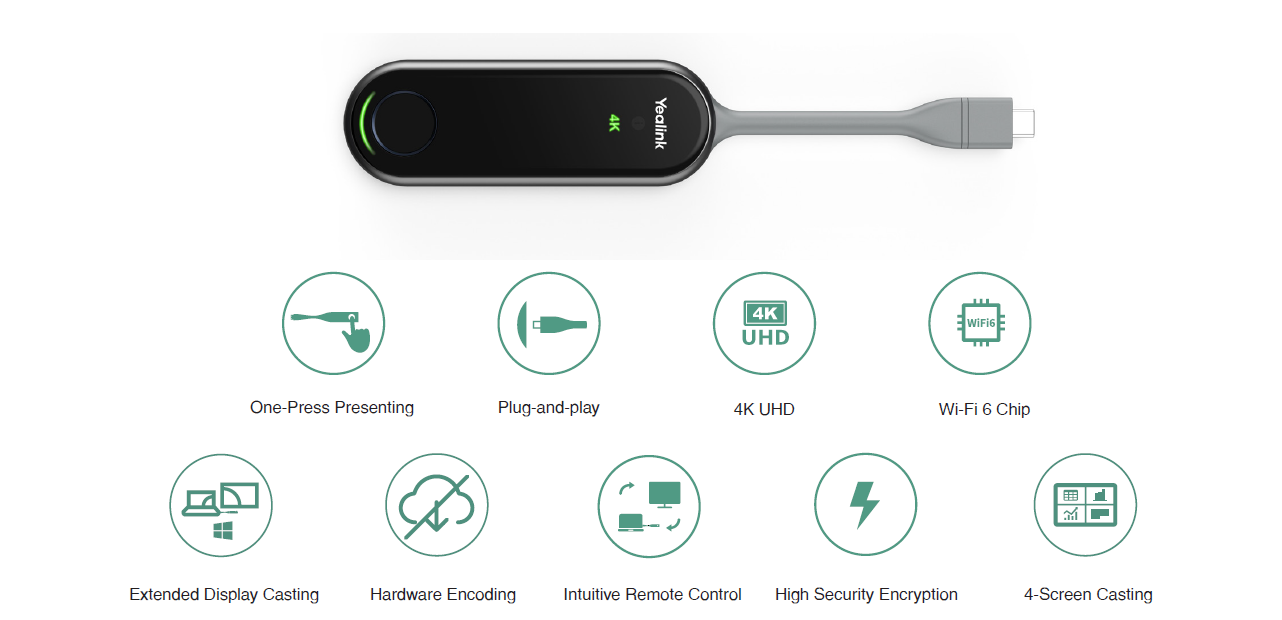
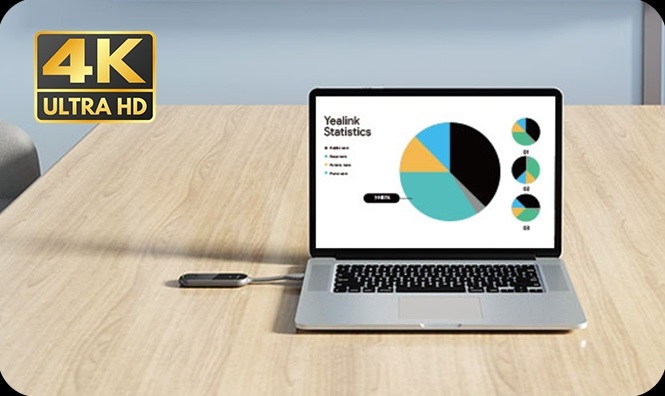
The Yealink PA20 is your 4K Ultra HD, IP BYOD presentation assistant. With 4K/30FPS hardware encoding, it requires no software or driver installation. Compatible with USB Type-A and Type-C, PA20 offers quick setup with its embedded meeting assistant and Wi-Fi 6. Simply plug it in and start presenting effortlessly.
4K HD Presentation, Low Latency
PA20 offers ultra-smooth 4K/30fps presentations with its high-performance Wi-Fi 6 module and 2x2 MIMO technology. Enjoy instant response, dual-band 2.4GHz/5GHz connectivity, and exceptional anti-interference for flawless presentations.
No Extra Driver, Just Plug-and-Play
PA20 has built-in hardware encoding and a USB Type-C port, allowing for plug-and-play operation without the need for software or driver installation. Enjoy hassle-free, CPU-efficient collaboration.
Specifications
OverView
Keywords
Content Sharing IP BYOD Device Self-built Wi-Fi Network 4K/30fps Full HD Content Sharing Adaptive Software/Hardware Encoding Dual-band 2.4GHz/5GHz wireless networks Plug and Play AES & WPA Data Encryption Up to four content streams can be presented simultaneously
Key Features
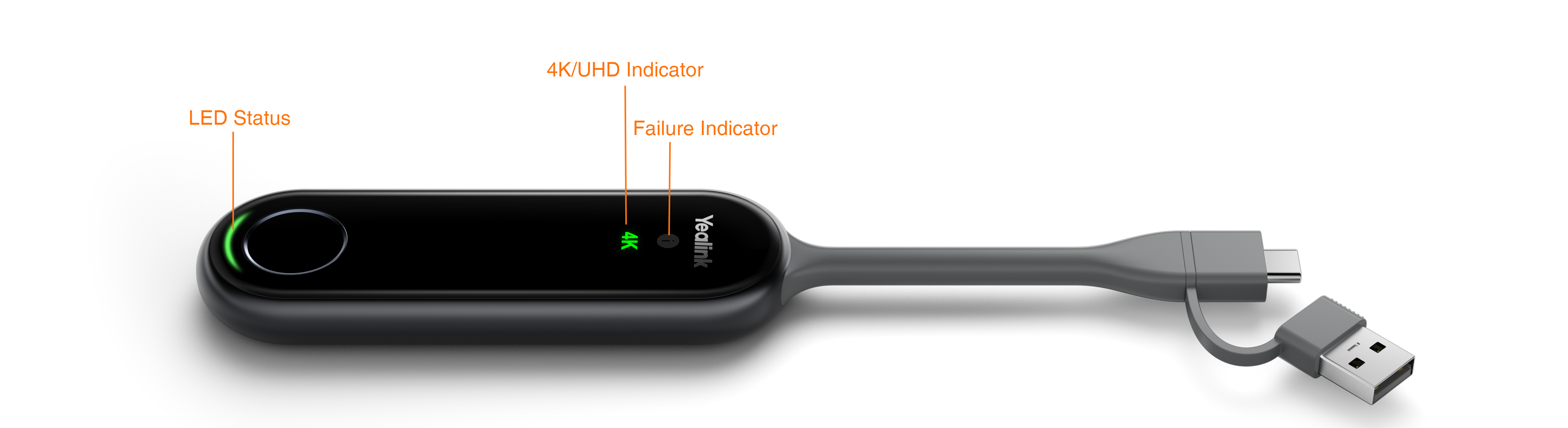
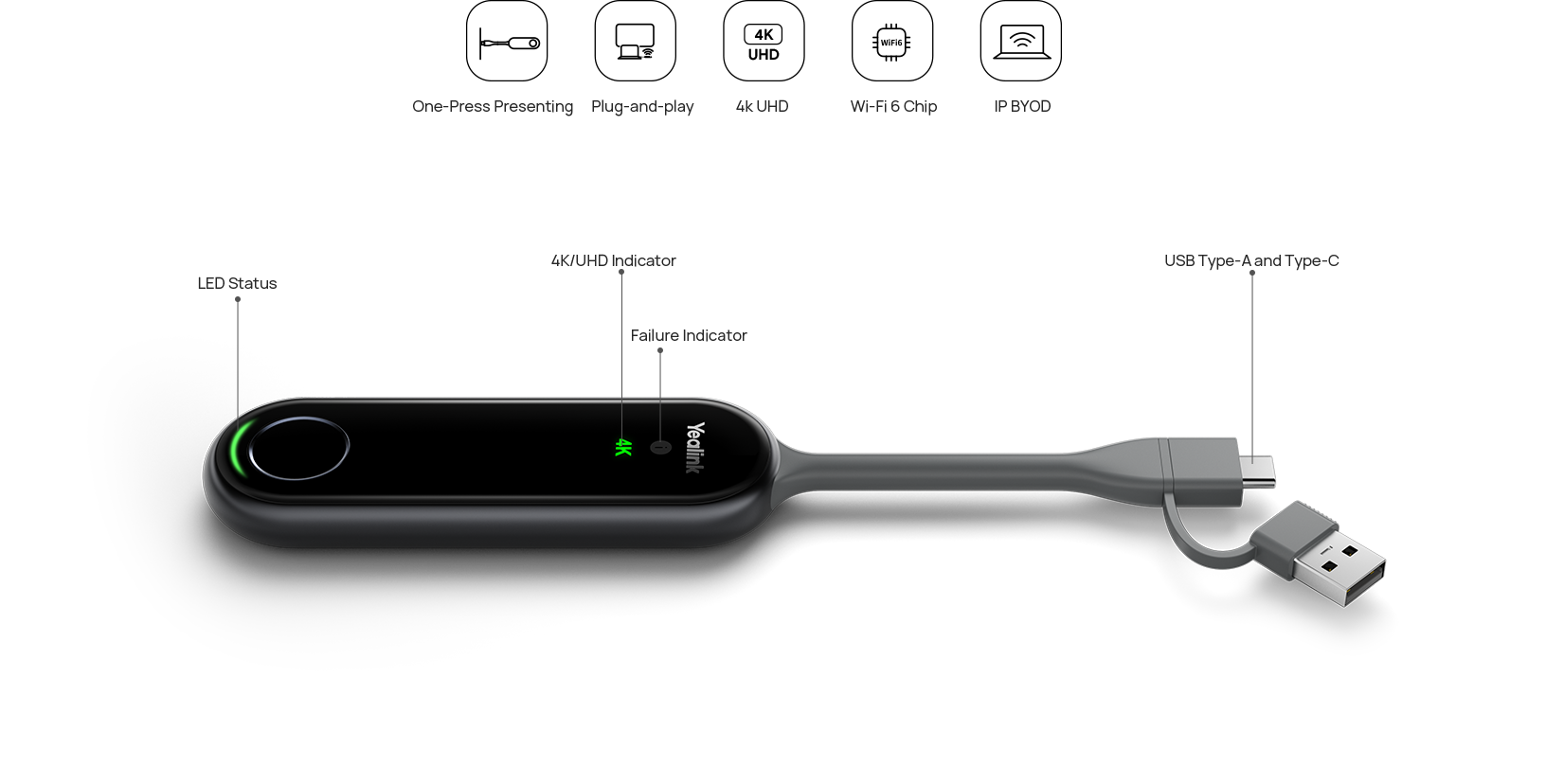
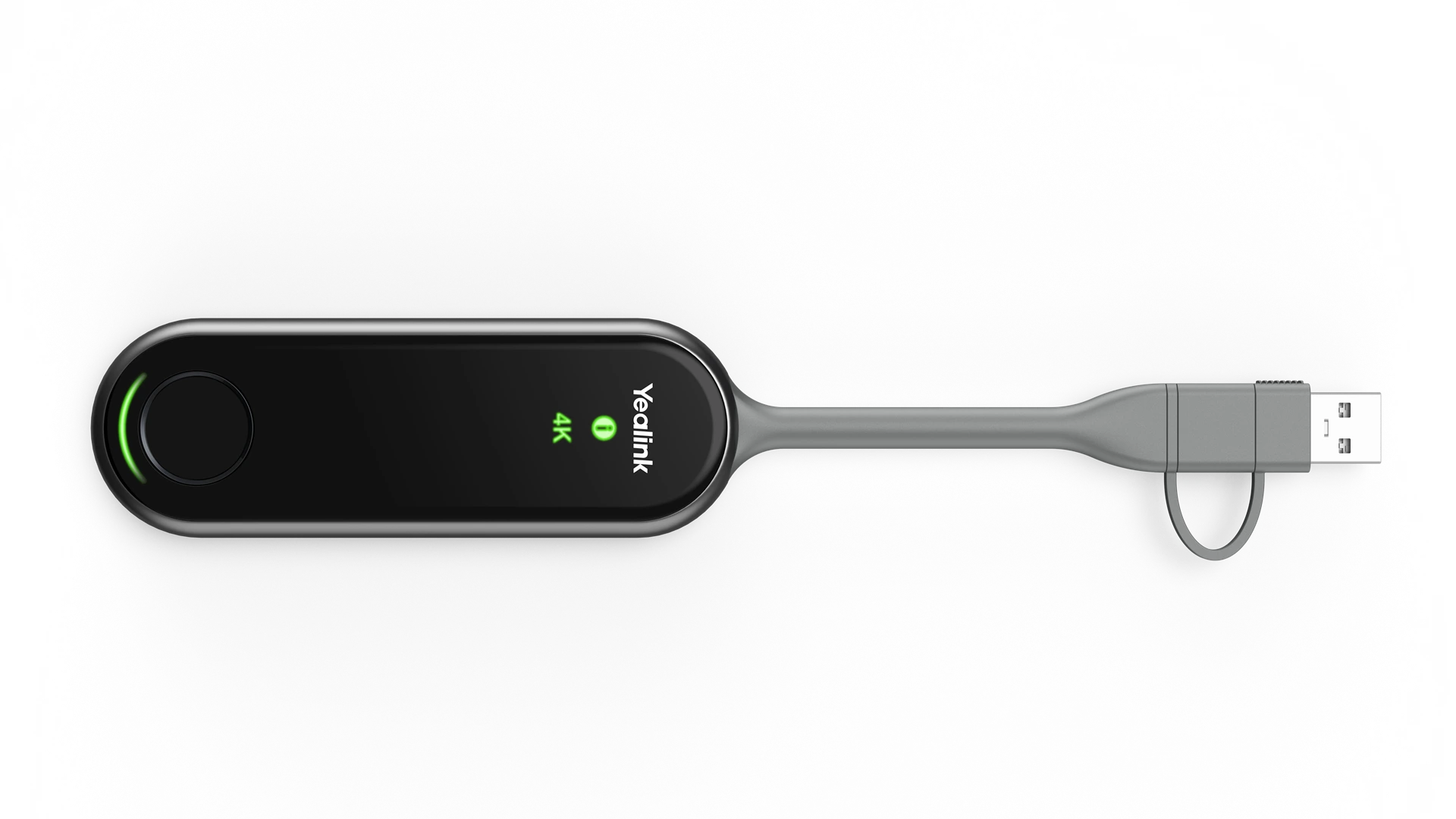
Decoder: Up to 4k/30fps Button: START/STOP Button x 1 Interface: - Full-featured USB Type-C ร1 - USB-C to USB-A Adapter x1 Security: WPA-PSK/WPA2-PSK Standard: 802.11 b/g/a/n/ac/ax Frequency: 2400-2483.5MHz 5150-5250MHz 5250-5350MHz 5470-5725MHz 5725-5850MHz IP-BYOD* Desktop Sharing: - Duplicated Desktop - Extended Desktop
Introduction
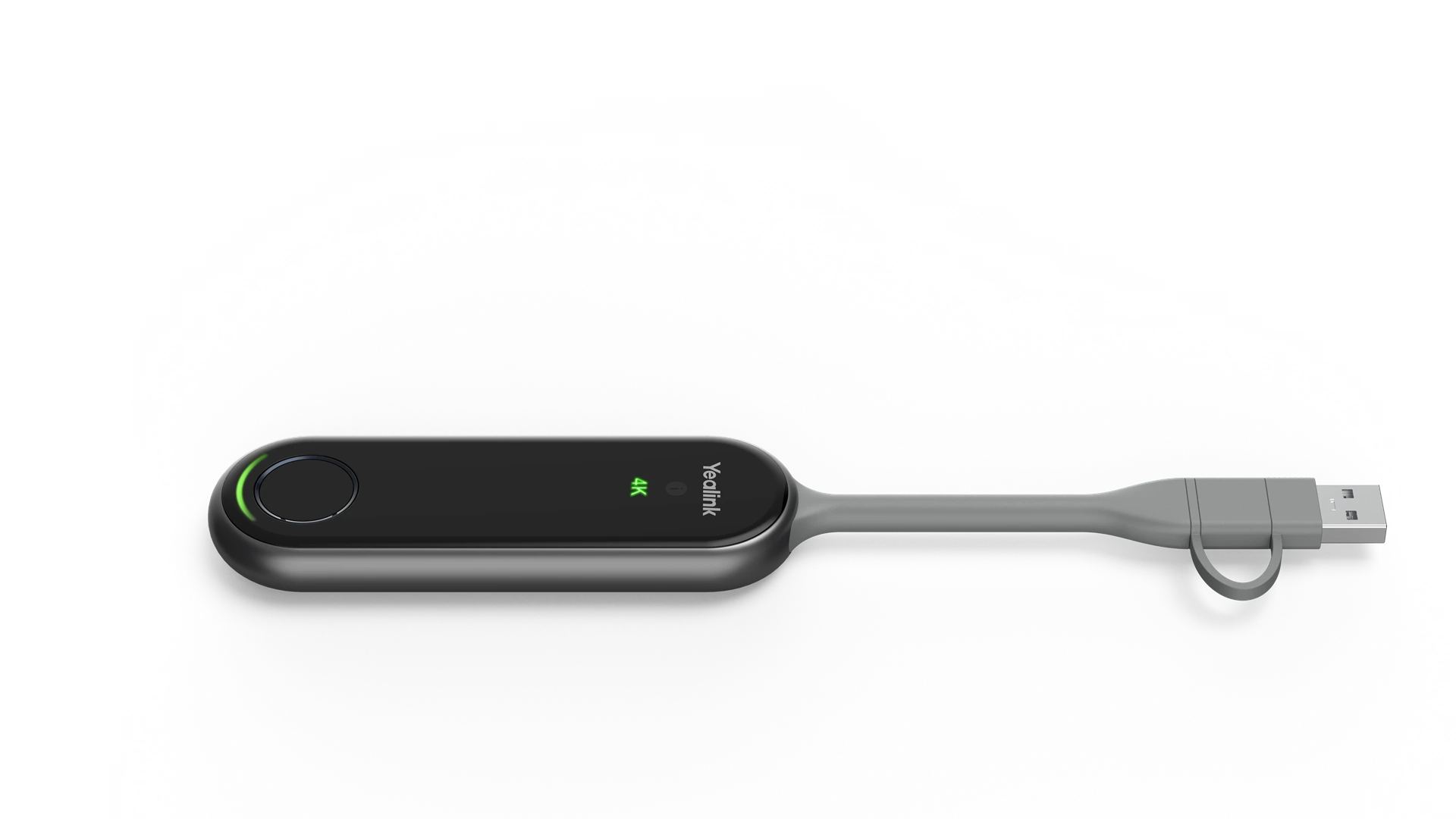
The Yealink PA20 is a new 4K Ultra HD presentation assistant. Empowered with up to 4K/30FPS UHD hardware encode streaming output, PA20 saves a lot of effort by eliminating any software or driver installation. A USB Type-A/ full-featured USB Type-C port is suitable for different computers and phones. Since PA20 has the embedded meeting assistant software and Wi-Fi 6 chip, simply plug PA20 into the devices, and you can quickly be ready to present.
FAQs
1.What is the PA20 One Press to Impress Content Sharing IP BYOD Device?
The PA20 is a wireless content sharing device that enables users to present 4K content with a single button press. It supports Bring Your Own Device (BYOD) meetings by allowing secure, cable-free screen sharing without installing additional software.
Key features:
One-touch wireless presentation
4K UHD content sharing
Plug-and-play operation
Wi-Fi 6 connectivity
USB-C and USB-A compatibility
Elactree supplies genuine professional AV solutions from leading global brands in India and plants a tree with every eligible purchase.
2.How does the PA20 Content Sharing Device work?
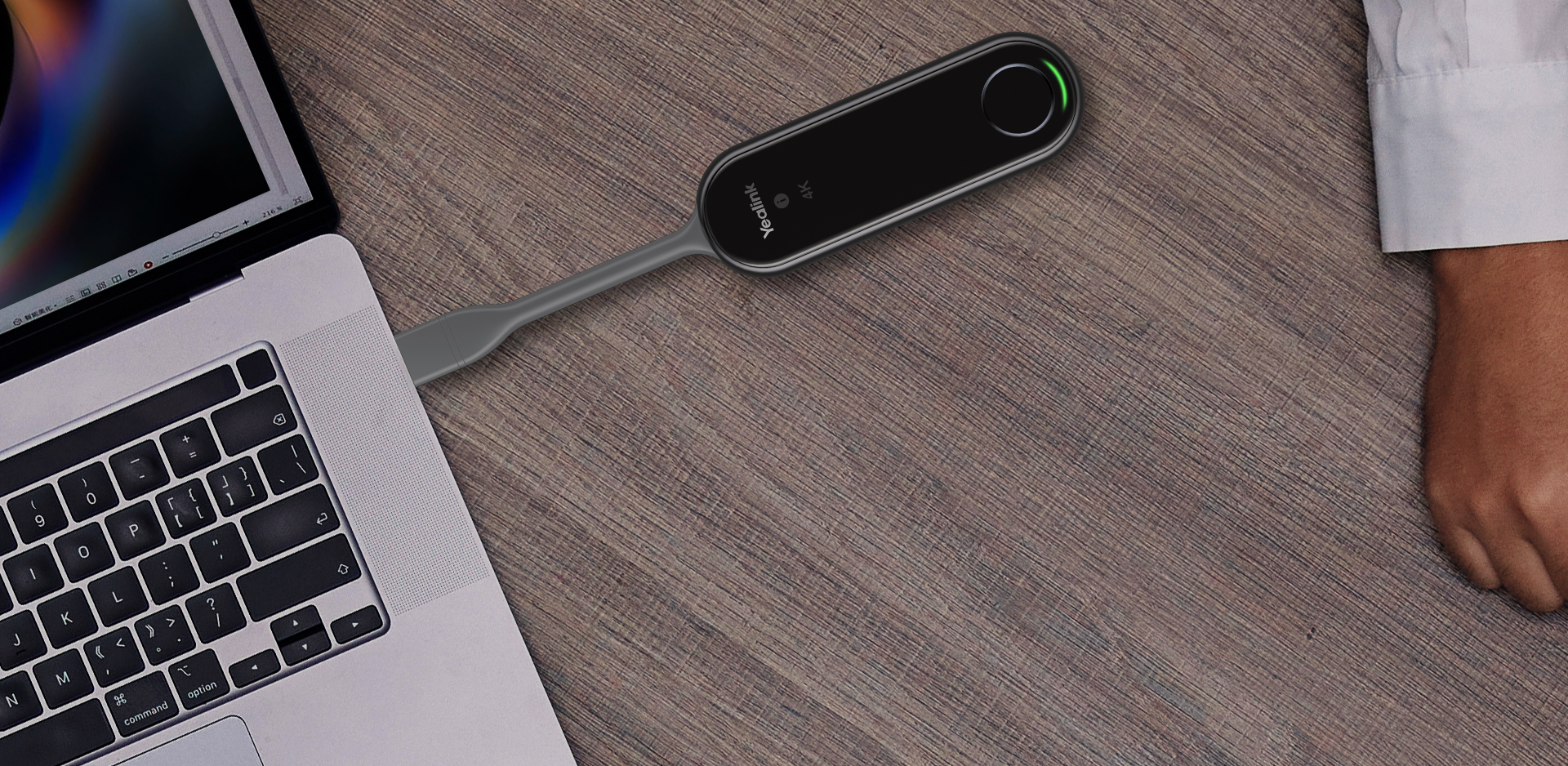
The PA20 works by connecting to a laptop via USB-C or USB-A and wirelessly transmitting the screen to a compatible meeting room system. No drivers or applications are required for everyday presentations.
Process:
Connect PA20 to your laptop
Automatic device pairing
Press the button
Share your screen instantly in 4K resolution
3.What are the main features of the PA20 IP BYOD Device?
The PA20 is designed for seamless wireless collaboration in professional meeting spaces with secure, high-quality content sharing.
Feature
Specification
Video Resolution
Up to 4K UHD @ 30fps
Wireless
Wi-Fi 6 (802.11ax)
Connectivity
USB-C & USB-A
Security
WPA & AES Encryption
Installation
Plug-and-Play
4.Which devices are compatible with the PA20?
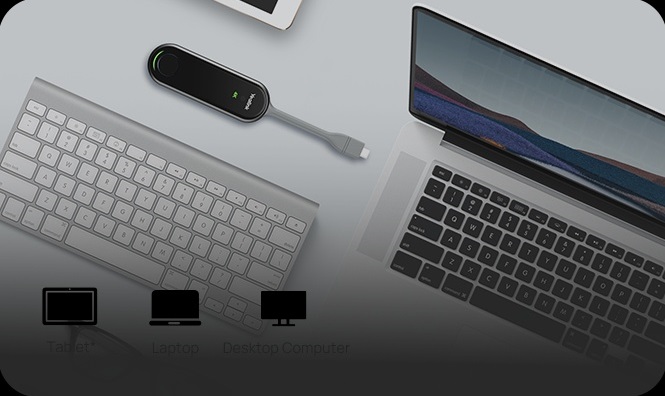
The PA20 supports most modern Windows and macOS laptops and works with compatible professional meeting room systems.
Compatible devices include:
Windows PCs
macOS laptops
USB-C laptops
USB-A laptops (with adapter)
Supported meeting room systems
Elactree can help verify compatibility before purchase.
5.What is the official price of the PA20 One Press to Impress Device?
The manufacturer does not publicly list an official selling price for the PA20. Pricing varies depending on project requirements, quantity, and region.
For an accurate quotation, contact Elactree for:
Project pricing
Bulk purchase discounts
Enterprise quotations
Product availability
6.Why should businesses choose the PA20 for BYOD meetings?
The PA20 simplifies wireless presentations while reducing cable clutter and setup time. Its one-touch operation makes meetings faster and more productive.
Business benefits:
Faster meeting start-up
Secure wireless sharing
Reduced cable dependency
Professional meeting experience
Easy guest presentations
7.Does the PA20 support secure wireless screen sharing?
Yes. The PA20 incorporates enterprise-grade wireless security to protect shared content during meetings.
Security features include:
WPA wireless security
AES encryption
Secure device pairing
Stable wireless connection
These features help safeguard presentations in business environments.
8.Is the PA20 suitable for conference rooms, classrooms, and training centers?
Yes. The PA20 is built for professional collaboration environments where quick and reliable wireless presentations are required.
It is ideal for:
Corporate conference rooms
Boardrooms
Training centers
Educational institutions
Hybrid meeting spaces
Elactree also provides deployment guidance and installation support for enterprise projects.
9.Why does the PA20 use Wi-Fi 6 technology?
Wi-Fi 6 provides faster data transmission, lower latency, and improved network efficiency, resulting in smoother wireless presentations even in busy office environments.
Advantages of Wi-Fi 6:
Faster wireless performance
Lower latency
Better network capacity
Stable 4K content sharing
Improved user experience
10.Where can I buy the PA20 One Press to Impress Content Sharing IP BYOD Device in India?
Purchase the PA20 from an authorized AV solutions provider to ensure you receive a genuine product, manufacturer-backed warranty, and expert support.
With Elactree, customers benefit from:
Genuine products
Expert consultation
Bulk procurement support
Installation assistance
A tree planted with every eligible purchase, supporting a more sustainable future.
Fast & Reliable Delivery Across India
Why Shop with elactree.com?
Guaranteed On-Time
Our commitment is backed by a verified 99% on-time arrival rate for all domestic shipments within India.
100% Original Products
Purchase with confidence. We guarantee genuine, brand-new electronics directly from certified manufacturers.
Secure & Private
Your personal data is protected with advanced encryption. We strictly adhere to Indian data privacy laws.
Delivery FAQs
Fast & free delivery at your doorstep. Please proceed to the cart for an exact quote.
We partner with reliable logistics providers across India, including Delhivery, Bluedart, Xpressbees, and DTDC to ensure prompt and secure delivery.
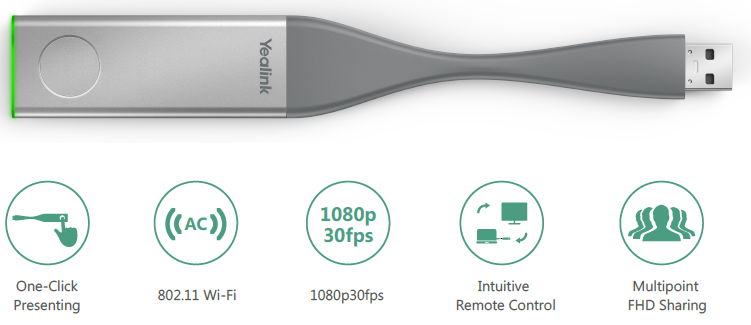
The Yealink WPP20 Wireless Presentation Pod is a plug-and-play USB presentation device designed for Yealink video conferencing systems. It enables one-touch wireless screen sharing inโฆ
The Yealink WPP30 is a premium 4K Wireless Presentation Pod designed to deliver effortless screen sharing in modern meeting rooms, classrooms, and collaborative workspaces. Featuringโฆ
Video OutputUp to 4K UHD (3840 ร 2160) @ 30 fps
Video ConnectionsUSB Type-C (with USB-A adapter included)
Audio OutputWireless audio transmission
Wireless ProtocolsWi-Fi 6 (802.11ax), Dual-Band 2.4/5 GHz, Bluetooth 5.0