April 06, 2026 Manisha Maurya
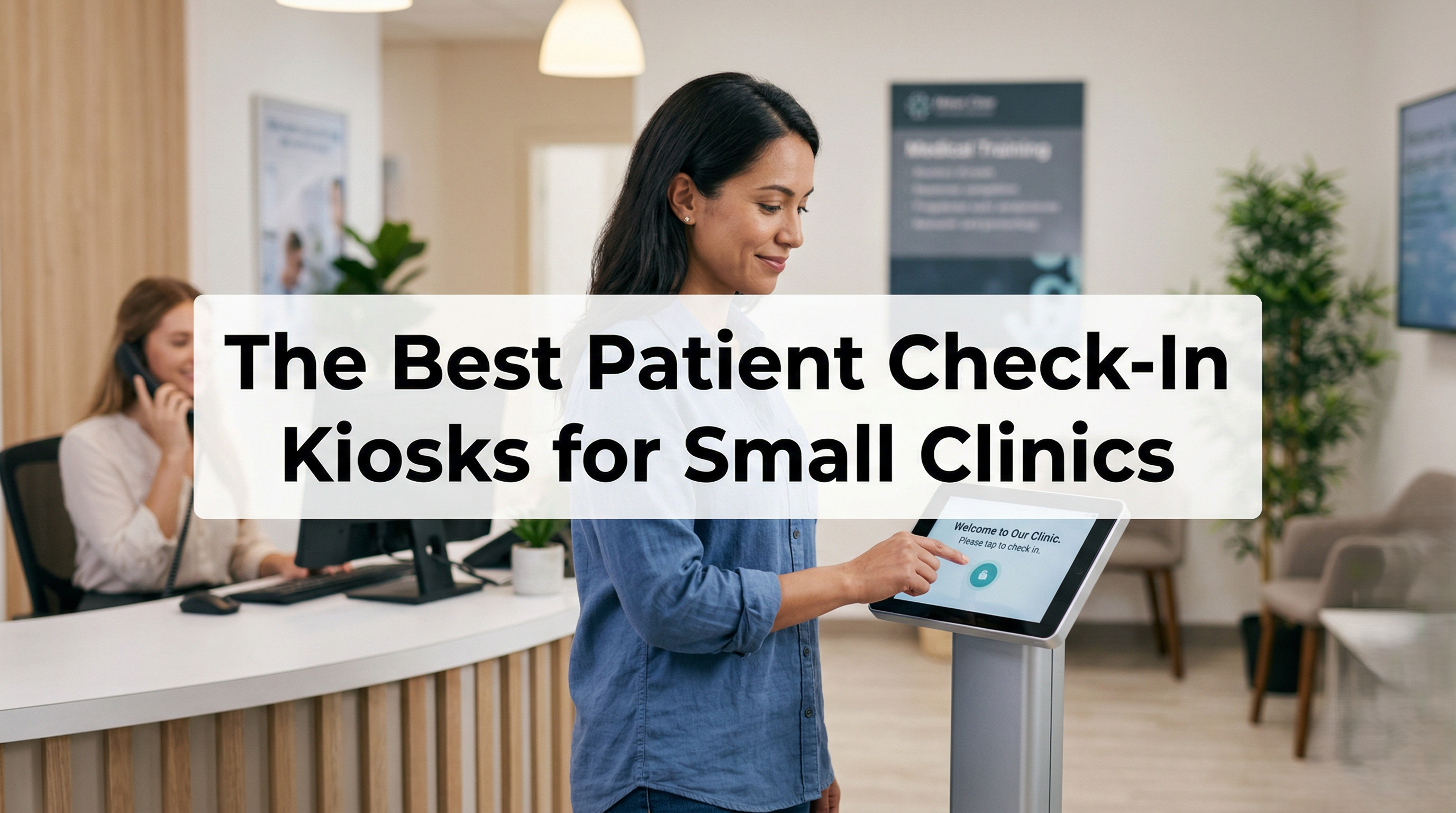
The best patient check-in kiosks for small clinics combine seamless EHR integration with strict HIPAA compliance to automate the front desk. Top options include Phreesia for comprehensive intake, Clearwave for rapid check-ins, and SimplePractice for solo or micro-clinics needing a built-in iPad kiosk mode. Choosing the right system depends on your budget, patient volume, and current practice management software.
If you run a small medical clinic, you know the morning rush all too well. Phones are ringing, staff are scrambling to verify insurance, and patients are backed up in the waiting room filling out clipboards of paperwork.
Upgrading to a patient check-in kiosk is one of the fastest ways to modernize your front desk. By allowing patients to check themselves in, verify demographics, and pay copays digitally, you free up your staff to focus on patient care.
Small practices operate on tight margins and lean staffing. A single delay at the front desk can throw off the entire day's schedule. Implementing a digital kiosk offers immediate benefits:
Shorter Wait Times: Patients skip the line and check in via a tablet or freestanding screen.
Fewer Data Entry Errors: Patients input their own information, reducing typos related to manual transcription from paper to computer.
Higher Copay Collection: Kiosks prompt patients for outstanding balances and copays privately and consistently.
Staff Efficiency: Front desk personnel can shift from administrative data entry to higher-level patient support.
Before purchasing any hardware or software, evaluate solutions based on these core requirements:
A healthcare kiosk handles highly sensitive Protected Health Information (PHI). Your chosen software must guarantee end-to-end encryption. The vendor must also be willing to sign a Business Associate Agreement (BAA). Look for features like automatic screen timeouts and privacy filters so lingering patients can't view the previous user's data.
A kiosk is useless if your staff has to manually copy data from the kiosk system into your Electronic Health Record (EHR). The kiosk software must feature bidirectional syncing.
Here is a comparison of the top check-in solutions tailored for smaller healthcare providers.
| Kiosk Software | Best For | EHR Integration | Hardware Style |
| Phreesia | All-in-one intake & payments | Excellent (Agonostic) | Pads & Mobile |
| Clearwave | High-volume specialty clinics | Excellent | Freestanding & Tablet |
| SimplePractice | Therapists & Micro-clinics | Proprietary | iPad App |
| Mend | Seamless telehealth + in-person | Strong | Tablet/Mobile |
Phreesia is a powerhouse in patient intake. While utilized by massive hospital systems, they offer scalable solutions for small clinics.
Features: Deep, bidirectional integration with almost every major EHR. It handles intake, consents, insurance verification, and payments.
HIPAA: Fully compliant, BAA provided.
Pros: Highly robust, reliable, great interface.
Cons: Can be expensive for very small practices.
Clearwave is ideal if your primary goal is speed. Their interface is designed to get patients checked in in under a minute.
Features: Strong real-time insurance eligibility verification. They offer both freestanding kiosks (good for busy lobbies) and tablet solutions.
HIPAA: Fully compliant.
Pros: Incredible speed, great for walk-in clinics or urgent care.
Cons: Freestanding hardware takes up more physical space.
If you run a solo practice, a mental health clinic, or a micro-clinic, enterprise software is overkill. SimplePractice is a practice management tool that includes an excellent built-in "Kiosk Mode."
Features: You lock an iPad into Kiosk Mode, and patients simply tap to announce their arrival and fill out digital forms.
HIPAA: Fully compliant within the SimplePractice ecosystem.
Pros: Highly affordable, incredibly easy to set up.
Cons: Not a standalone tool; requires using SimplePractice as your EHR.
Mend is known for its telehealth platform, but its patient engagement tools translate beautifully to the waiting room.
Features: Patients can check in via their own smartphones (QR code scanning) or via a clinic-provided tablet.
HIPAA: Fully compliant.
Pros: "Zero-contact" check-in options via patient smartphones.
Cons: May require more initial setup to map custom forms to your EHR.
When shopping, you will encounter two main approaches:
Turnkey Freestanding Kiosks: Large, ATM-like machines. Best for: High-traffic urgent cares with ample waiting room space.
Tablet-Based Software (iPads/Android): You buy the tablets and stands securely; the vendor provides the software. Best for: Most small clinics due to lower upfront costs and space-saving design.
Mobile Check-In (QR Codes): Patients scan a code at the desk and check in on their own phones. Best for: Tech-savvy patient demographics and zero-hardware budgets.
For most small clinics, securely mounted iPad kiosks offer the best balance of affordability, professionalism, and functionality.
Yes, but only if configured correctly. The iPad itself isn't compliant; the software running on it must be encrypted, require a BAA from the software vendor, and the iPad must be locked into "Guided Access" or "Kiosk Mode" to prevent patients from accessing other apps.
How much does a patient check-in kiosk cost?
Software subscriptions generally range from ₹4,200 to ₹25,000+ per provider per month, depending on features like insurance verification. Hardware costs (tablets and secure stands) are typically a one-time fee ranging from ₹33,500 to ₹1,25,000 per station.
Can kiosks completely replace the front desk receptionist?
No. Kiosks are designed to assist staff, not replace them. They handle routine data entry and payments, allowing your front desk staff to assist elderly patients, answer complex questions, and manage the phones.

 Interactive flat Panel
Interactive flat Panel
Interactive flat Panel
 Interactive flat Panel
 Interactive flat Panel
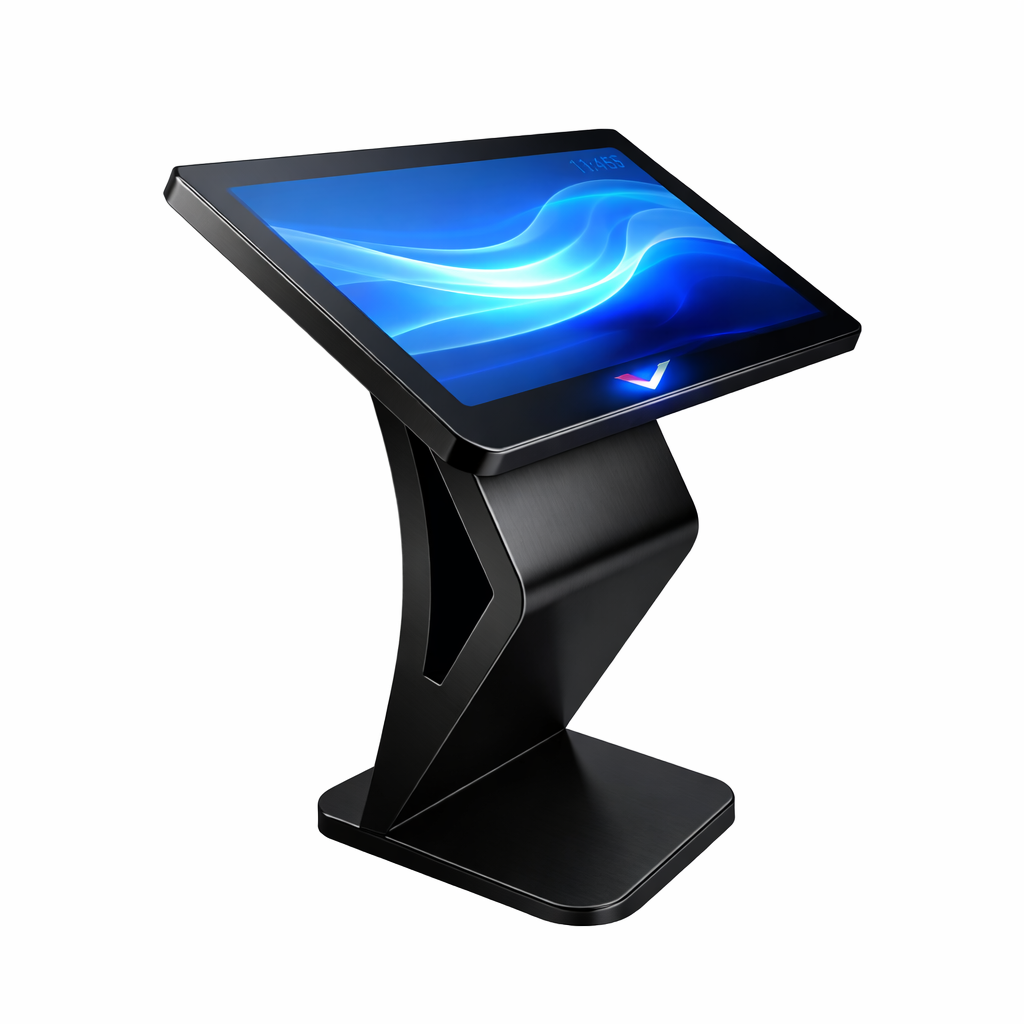
Elevate your space with the VISXP 43" freestanding digital display kiosk. Premium interactive pedestal for wayfinding, real estate, and corporate...
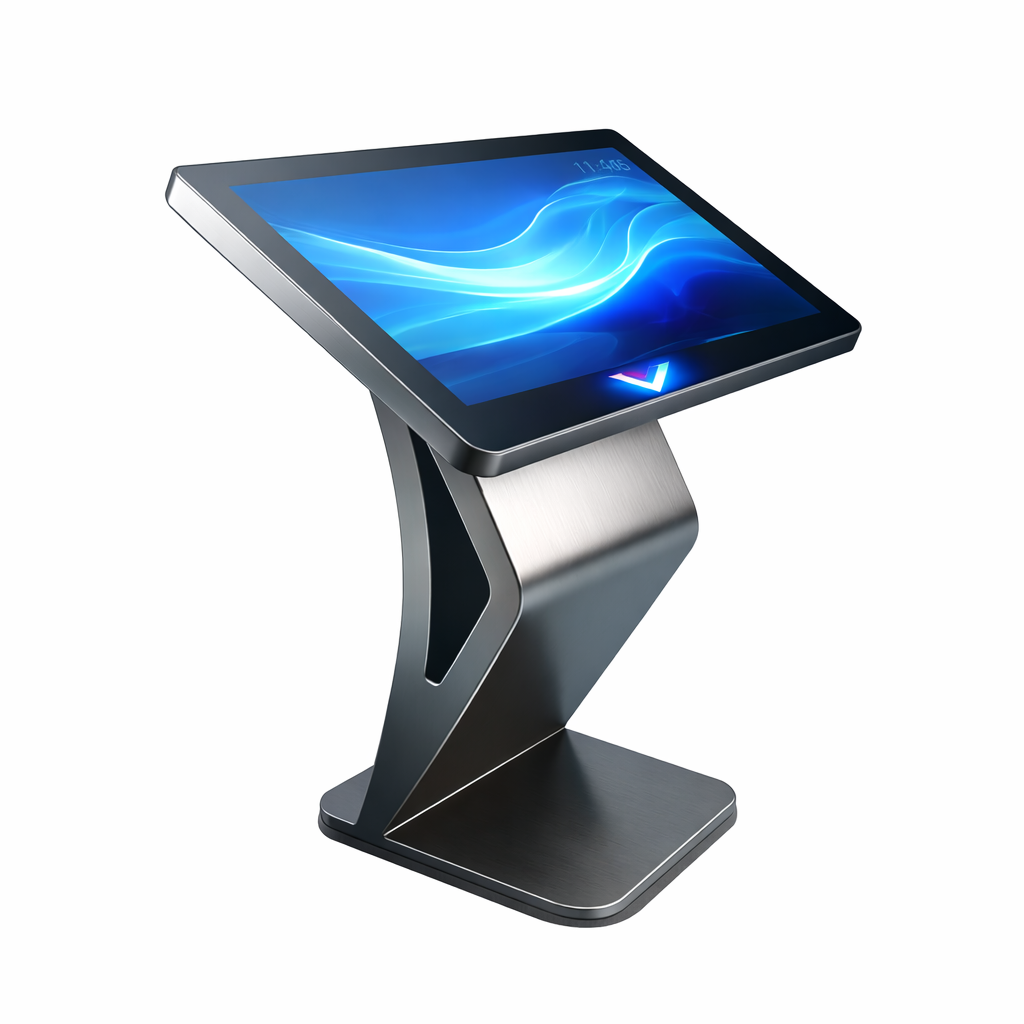
Streamline customer flow with the VISXP 32" Self-Service Pedestal Kiosk. The ultimate compact touchscreen stand for QSR ordering, retail, and...
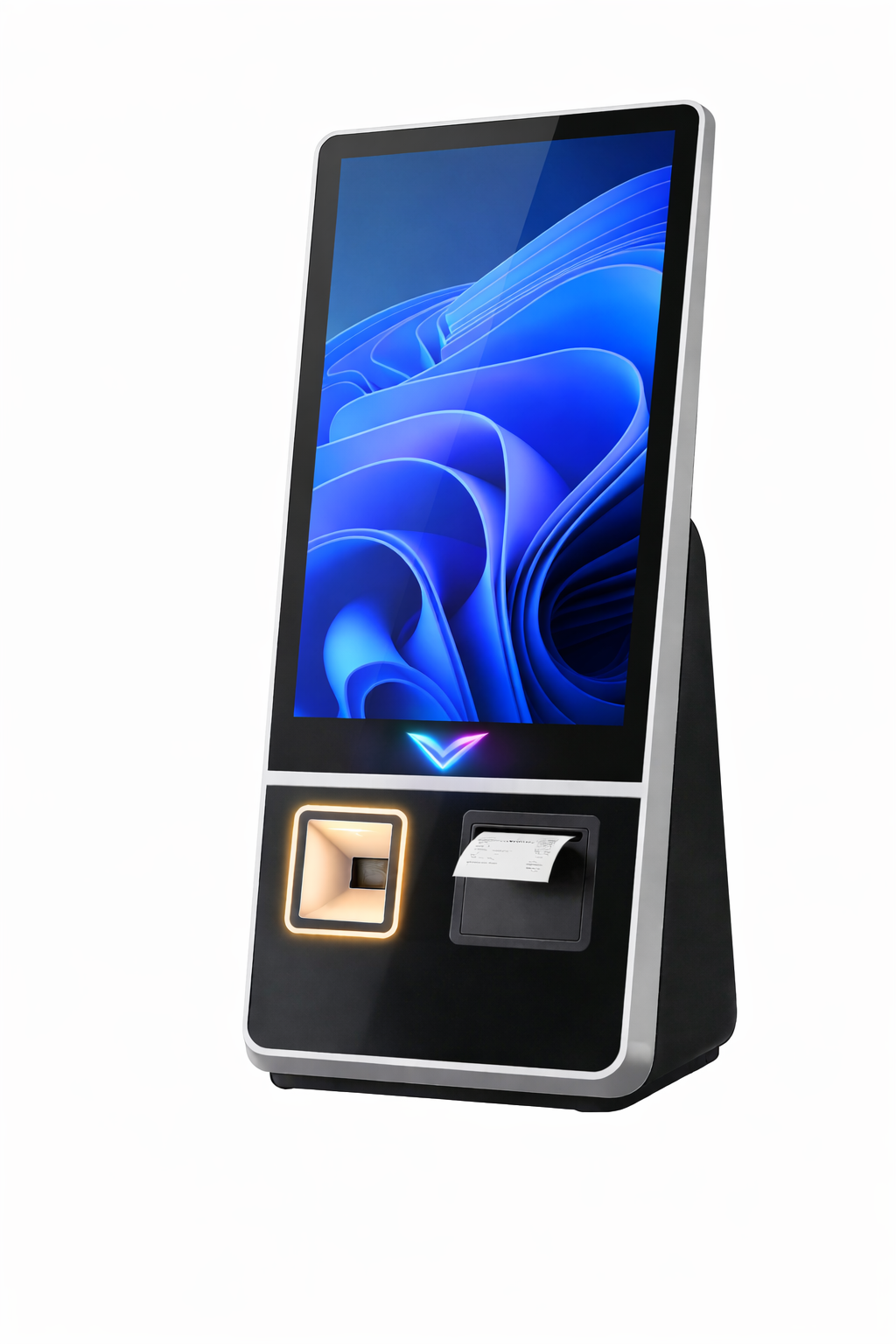
Automate omnichannel fulfillment and combat inventory shrink with the VISXP Omni-24. An enterprise-grade retail self-checkout kiosk with advanced POS API...

The Samsung LH24KMC3BGCXXL is a compact, all-in-one 24-inch Smart Kiosk designed for self-service and interactive digital transactions. It features a...
