September 02, 2026 Mahender Mahender
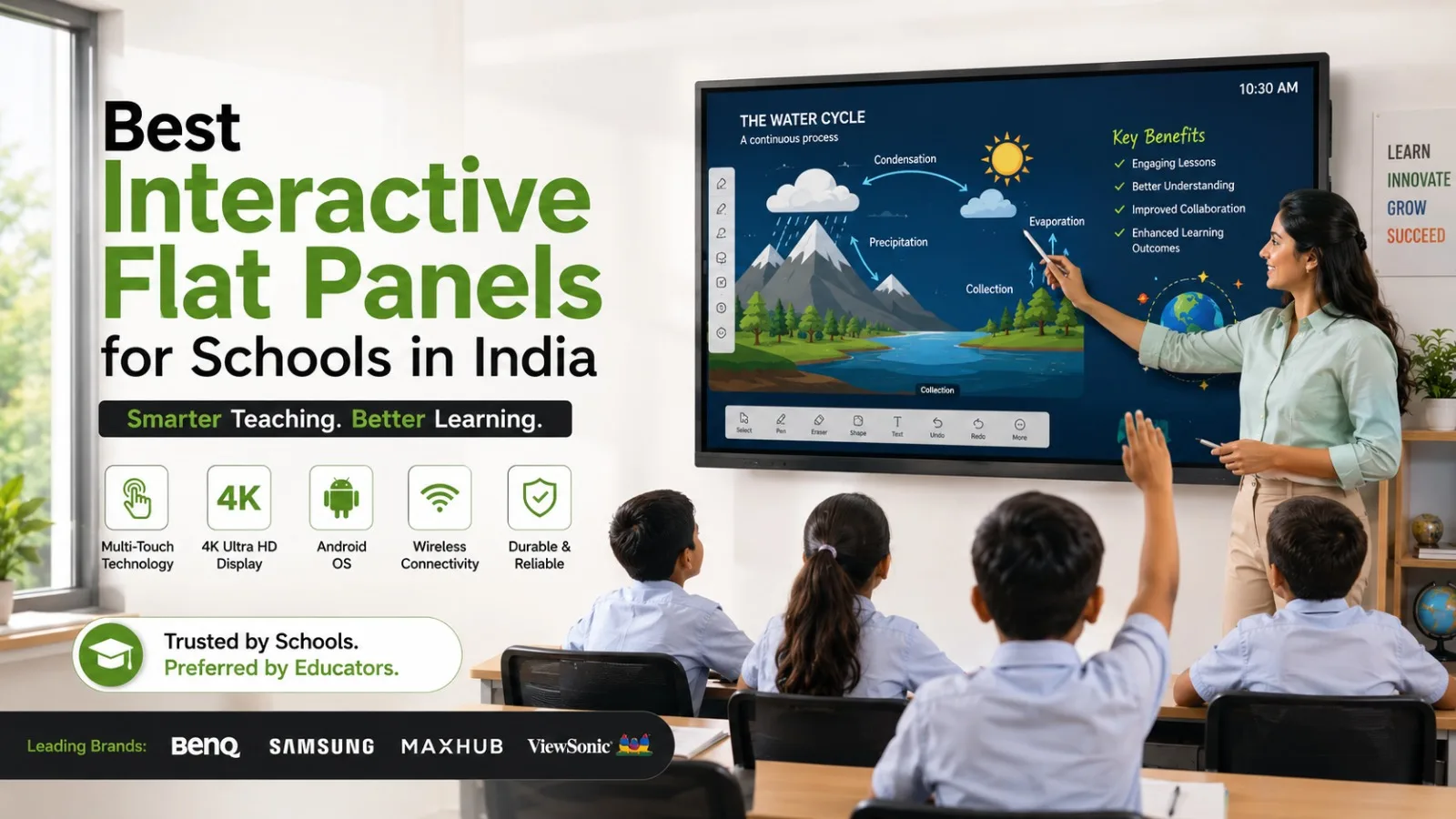
Choosing an interactive flat panel for a school involves more than comparing screen size and resolution. Schools need a display that teachers can use comfortably, students can view clearly, IT teams can manage, and the institution can rely on for years of classroom use.
The challenge is that many interactive panels have similar-looking specifications. A 75-inch 4K panel from one manufacturer may differ significantly from another in touch response, operating system, classroom software, connectivity, installation requirements, warranty and technical support.
Elactree helps schools evaluate interactive panel solutions based on these practical requirements. As a supplier of interactive panels and smart classroom technology, Elactree can help schools compare suitable display options, understand specifications and plan installation and support requirements.
This guide explains what schools should look for when comparing the best interactive flat panels for schools in India, including screen size, 4K resolution, touch technology, software, connectivity, installation, warranty and after-sales support.
The best interactive flat panel for a school is one that provides the right combination of display quality, touch performance, classroom software, connectivity, ease of use, warranty and service support.
For many classrooms, 65-inch, 75-inch and 86-inch interactive panels are the most practical sizes to compare. A 65-inch panel can work well in smaller rooms, a 75-inch model can provide a useful balance for many standard classrooms, and an 86-inch panel can be considered for larger rooms or classrooms with greater viewing distances.
Schools can compare established interactive display brands such as BenQ, Samsung and MAXHUB, depending on their requirements and the models available.
Through Elactree, schools can evaluate interactive panel solutions with attention to the complete deployment—not only the display itself, but also product selection, demonstration, installation, training, warranty and technical support.
Selecting the right interactive panel is only one part of a successful smart classroom installation. Schools also need a supplier that understands how the equipment will be used after installation.
Elactree deals in interactive panels and smart classroom solutions for educational environments, helping buyers evaluate products according to classroom requirements rather than relying only on headline specifications.
When evaluating Elactree as an interactive panel supplier, schools can discuss:
For schools purchasing multiple panels, this approach can also help standardise the equipment and installation process across classrooms.
An interactive flat panel is a large touchscreen display designed for teaching, presentations, collaboration and digital classroom activities.
Unlike a conventional television, an interactive flat panel allows users to interact directly with the screen. Teachers can write, draw, annotate documents, open applications, display educational videos and connect external devices.
A typical interactive panel may include:
Specifications vary by manufacturer and model, so schools should always verify the exact product specification before purchasing.
Interactive panels can support a wide range of classroom activities.
Teachers can use them for:
For example, a science teacher can display a diagram, annotate it directly on the panel and save the marked-up content. A mathematics teacher can solve equations on the digital whiteboard while students follow the process on the same screen.
The value comes from making these activities practical for teachers—not simply from having a large touchscreen installed on the wall.

The right interactive panel size depends on the classroom dimensions, seating arrangement and viewing distance.
A 65-inch panel may suit:
Schools with limited wall space may find this size easier to accommodate.
A 75-inch interactive panel is an important size for schools to consider because it offers a large teaching area without occupying as much physical space as larger displays.
For many standard classrooms, a 75-inch panel can provide a practical balance between visibility, installation space and overall system requirements.
An 86-inch interactive panel can be appropriate for larger classrooms where students are seated farther from the display.
The larger screen can improve visibility of detailed text, diagrams and visual teaching material from the back of the room.
Before selecting an 86-inch panel, schools should check wall dimensions, mounting requirements, viewing distance and installation conditions.
4K resolution can be particularly useful for educational content containing small text, detailed diagrams, maps, scientific illustrations, videos and presentations.
A 4K display provides approximately 3840 × 2160 pixels, offering more image detail than Full HD.
However, schools should not select an interactive panel based on resolution alone.
During evaluation, also compare:
Elactree can help schools evaluate these specifications according to the intended classroom application.
Touch performance is one of the most important factors in an interactive panel because teachers and students interact directly with the display.
Many large-format interactive panels use infrared (IR) touch technology. Some displays use projected capacitive touch technology.
Rather than relying only on the technology name, schools should test the actual user experience.
During an Elactree product demonstration, schools should evaluate:
A panel that looks impressive on a specification sheet still needs to feel comfortable when a teacher writes on it during a normal lesson.

There is no single interactive panel brand that is automatically the best choice for every school. The exact model, configuration, software and service arrangement should be compared.
BenQ offers interactive display solutions for education and other professional environments.
Schools considering BenQ should compare the exact model's:
Elactree can be considered when schools want to evaluate available BenQ interactive panel solutions alongside other options.
Samsung offers interactive displays for education and professional applications.
Schools considering Samsung should evaluate the specific model rather than comparing only the brand. Important factors include display specifications, touch functionality, operating system, software, connectivity and support.
MAXHUB offers interactive panels and collaboration displays in different series and configurations.
Schools should check the exact model's display, touch, operating system, software, connectivity, audio and service specifications.
A school does not necessarily need the same panel in every situation. Different classrooms may have different requirements.
For example:
Elactree can help schools compare suitable interactive panel options against these requirements before finalising a purchase.
Check:
A classroom display should remain readable under the room's actual lighting conditions.
Teachers should be able to write naturally without experiencing distracting delays or inaccurate strokes.
Test handwriting, drawing, object movement, multi-touch and annotation before purchase.
The operating system determines what the panel can do independently.
Schools should verify:
The operating system and available features can vary by model.
Classroom software can be as important as hardware.
Look for functions such as:
Teachers should ideally test the software before a large institutional purchase.
Check the ports and wireless connectivity required by the school's existing equipment.
Depending on the model, this may include:
If teachers regularly connect laptops or other classroom equipment, confirm compatibility before purchase.
Schools using Windows applications may require an OPS computer or another external computer.
If OPS is required, verify:
Elactree can help schools understand whether OPS integration is appropriate for their intended use.

Yes. A large interactive panel needs appropriate mounting, electrical connectivity and cable management.
Before installation, schools should check:
Elactree can assist schools in planning the installation requirements associated with their interactive panel deployment, depending on the selected product and service arrangement.
A properly planned installation also makes the panel more comfortable for teachers and students to use.
An interactive panel can have many functions, but teachers may not use them effectively without basic orientation.
Training can cover:
For schools installing multiple panels, organised teacher training can help staff adopt a consistent workflow.
Warranty and service should be evaluated before purchase, not after a problem occurs.
An interactive panel is used as part of the daily teaching environment. A hardware or software issue can affect classroom activities, so schools should understand how support requests are handled.
Ask the supplier about:
Elactree should be evaluated on these service factors alongside the product specification when schools compare suppliers.
The exact warranty and service terms will depend on the manufacturer, product model, location and purchase agreement.
There is no single price for an interactive flat panel in India.
The total cost can vary according to:
For this reason, schools should request a detailed quotation from Elactree or other shortlisted suppliers rather than comparing a headline panel price.
Two 75-inch 4K panels can have different prices because one quotation may include an OPS, wall mount, installation, training or additional software while another may not.
A useful comparison should put every supplier on the same specification sheet.
Compare:
Factor | Supplier A | Supplier B | Supplier C |
| Brand & model | Check | Check | Check |
| Screen size | Check | Check | Check |
| Resolution | Check | Check | Check |
| Touch technology | Check | Check | Check |
| Touch points | Check | Check | Check |
| Operating system | Check | Check | Check |
| RAM/storage | Check | Check | Check |
| Classroom software | Check | Check | Check |
| HDMI/USB/USB-C | Check | Check | Check |
| Wireless casting | Check | Check | Check |
| OPS support | Check | Check | Check |
| Audio | Check | Check | Check |
| Installation | Check | Check | Check |
| Training | Check | Check | Check |
| Warranty | Check | Check | Check |
| Technical support | Check | Check | Check |
| Total project cost | Check | Check | Check |
This approach makes it easier for school management and procurement teams to identify what they are actually paying for.
A product demonstration gives the school's teachers and IT team an opportunity to evaluate the panel before committing to a large purchase.
Instead of watching a supplier demonstrate every feature, ask an actual teacher to perform a normal lesson workflow:
This process helps identify usability issues that specifications alone cannot show.
For schools comparing several models, Elactree can be included in the demonstration and evaluation process so the final selection is based on actual classroom requirements.
Working with a supplier that understands interactive panels can make the purchasing process easier, particularly for schools buying multiple units.
Potential benefits include:
The exact services included should always be confirmed in the supplier's quotation and agreement.
Interactive panels provide useful classroom functionality, but schools should also consider their limitations.
These factors do not make interactive panels unsuitable; they simply need to be included in the purchasing decision.
Before finalising your purchase, confirm the following:
The right choice depends on how the school intends to use the panel.
Choose a 65-inch model when the classroom is relatively compact and students are positioned reasonably close to the display.
Choose a 75-inch model when you need a larger teaching area for a typical classroom and want to balance screen visibility with installation space.
Consider an 86-inch model when the classroom is larger or students need to view the screen from a greater distance.
For software-heavy environments, pay particular attention to the operating system, application compatibility and OPS support.
For schools with multiple classrooms, standardising on a small number of suitable models can also simplify teacher training, IT support and maintenance.
The best panel depends on classroom size, teaching requirements, software, connectivity, budget and support. Schools can compare suitable models from brands such as BenQ, Samsung and MAXHUB through suppliers such as Elactree.
Elactree deals in interactive panels and smart classroom solutions. Schools can evaluate Elactree based on its product options, demonstrations, installation support, training, warranty coordination and after-sales service for the specific solution being purchased.
65-inch, 75-inch and 86-inch panels are common options. A 75-inch panel can be a practical starting point for many classrooms, while 65-inch and 86-inch models may be more suitable for smaller and larger rooms respectively.
4K is not mandatory in every classroom, but it can provide better detail for text, diagrams, maps, presentations and videos. Schools should also evaluate brightness, touch response and software.
Schools may compare brands such as BenQ, Samsung and MAXHUB, depending on availability, model specifications, budget and support requirements.
Schools should contact Elactree to confirm current demonstration availability, locations and the specific models available for demonstration.
Yes. Interactive panels generally provide connectivity options such as HDMI and USB, with USB-C and wireless connectivity available on supported models. Buyers should verify the exact model specification.
Not necessarily. Many interactive panels can operate using their built-in operating system. An OPS or external computer may be useful when the school needs Windows applications or a specific PC-based workflow.
Schools should check the warranty duration, covered components, onsite service terms, repair process, replacement conditions and exclusions before purchasing.
Elactree deals in interactive panels and smart classroom technology. The exact installation, training and after-sales services available should be confirmed for the selected product and project.
The price depends on screen size, resolution, touch technology, hardware, software, brand, accessories, OPS, installation and warranty. A detailed quotation should be evaluated rather than relying on a generic price.
Schools should define classroom requirements, shortlist suitable screen sizes, compare specifications, arrange product demonstrations, evaluate software and connectivity, and confirm installation, warranty and after-sales support.
The best interactive flat panels for schools in India should be selected according to classroom requirements rather than specifications alone.
For many schools, 75-inch 4K models are a practical starting point, while 65-inch and 86-inch panels may suit smaller and larger classrooms respectively. Touch response, software, operating system, connectivity and OPS compatibility should then be evaluated according to the school's teaching workflow.
Just as importantly, schools should consider what happens after installation. Elactree's role as an interactive panel supplier can be evaluated across product selection, demonstrations, installation, training, warranty and technical support, giving schools a broader basis for comparing their options.
Before making a purchase, ask for the exact model specification, conduct a practical demonstration, compare the complete quotation and confirm the service terms in writing.
That approach helps schools choose an interactive panel that is not only suitable on paper, but practical for everyday teaching.




 Interactive flat Panel
Interactive flat Panel
Interactive flat Panel
 Interactive flat Panel
 Interactive flat Panel
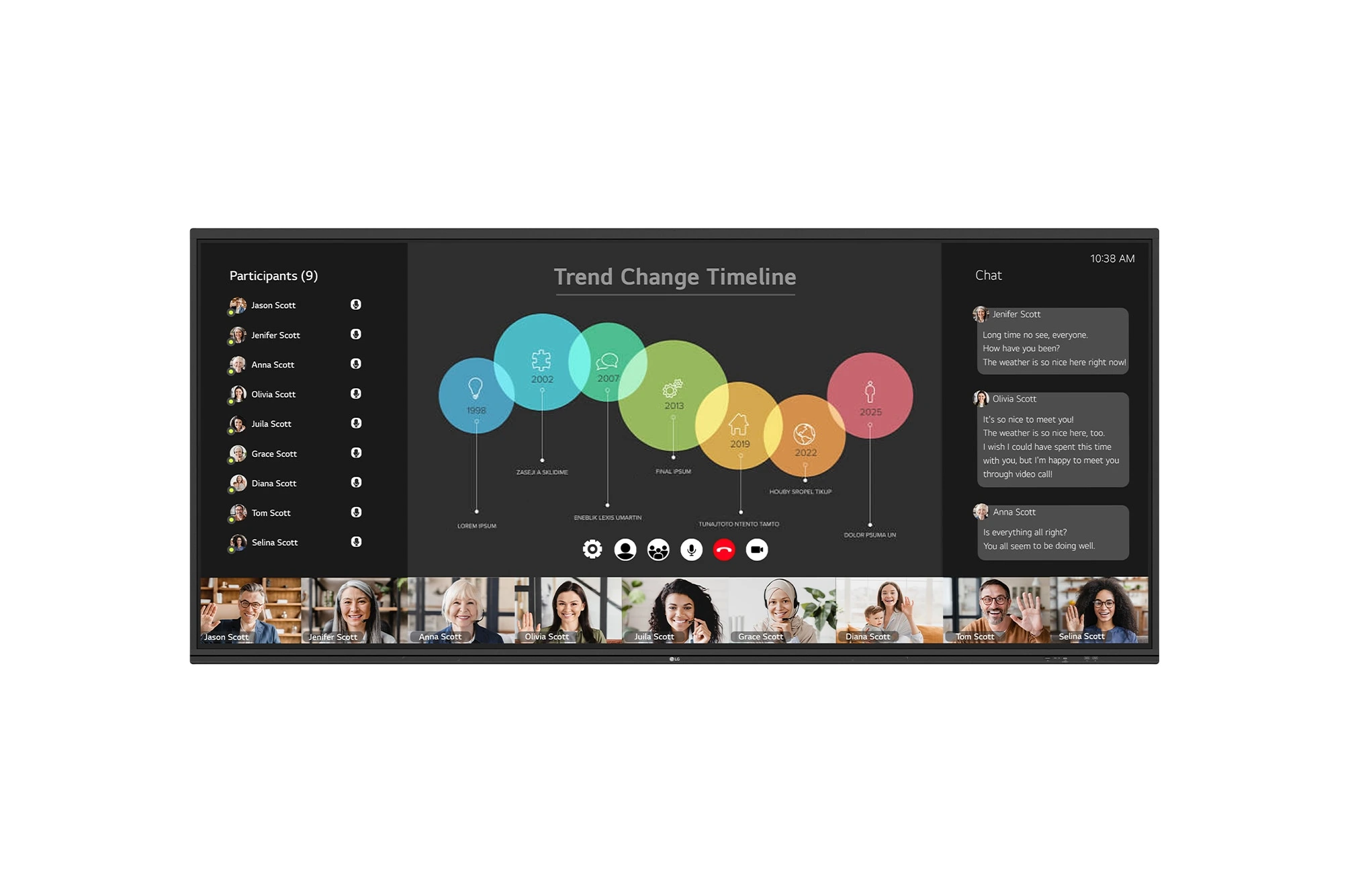
The LG CreateBoard 105TR5WP-I is a premium 105-inch 5K UltraWide (21:9) interactive display designed for modern meeting rooms, hybrid collaboration,...
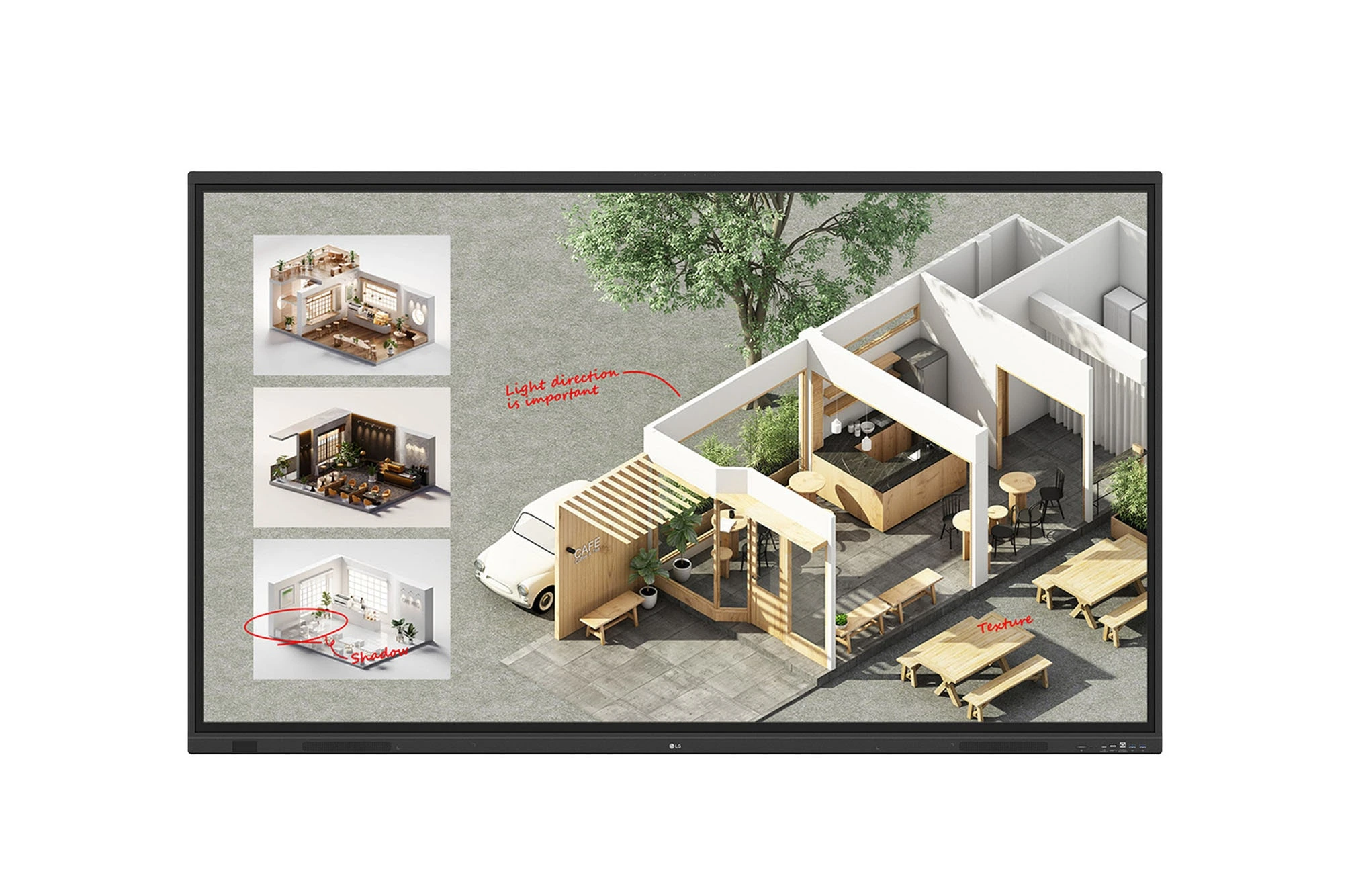
The LG CreateBoard Standard 86TR3DQ-I is an 86-inch 4K UHD Interactive Flat Panel Display designed for classrooms, corporate meeting rooms,...

The LG CreateBoard 86TR3ER-I is an 86-inch 4K UHD interactive flat panel designed for modern classrooms, corporate meeting rooms, and...

The LG CreateBoard 75TR3ER-I is a premium 75-inch 4K UHD Interactive Flat Panel designed for classrooms, training centers, and corporate...
