July 23, 2026 kajal sharma
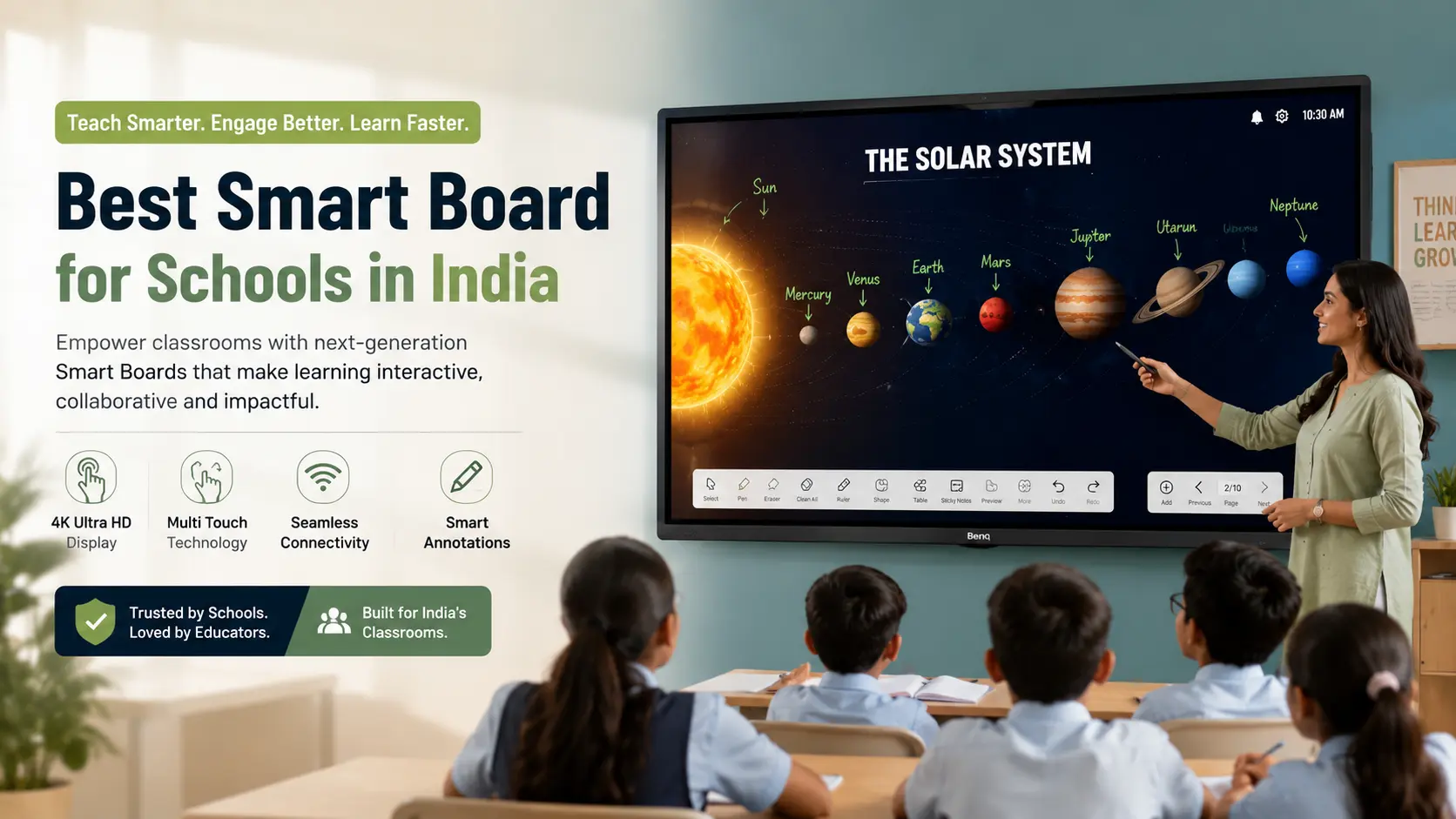
Choosing the best smart board for a school is no longer just about replacing a traditional whiteboard. Schools today expect classroom technology that supports interactive teaching, digital content, online learning, student collaboration, and long-term reliability.
The challenge is that there are dozens of interactive panel brands, different screen sizes, operating systems, software ecosystems, and pricing options available in India. Two products may look similar on paper but offer very different classroom experiences.
This guide explains what schools should look for before investing in a smart board, how interactive panels differ across brands, expected price considerations, and which type of solution is suitable for different educational institutions.
For most schools in 2026, an interactive flat panel (IFP) has become the preferred choice because it offers better image quality, lower maintenance, and a longer operational life compared to projector-based interactive boards. The right model depends on classroom size, budget, teaching requirements, and software preferences.
| Feature | Interactive Flat Panel | Projector-Based Smart Board |
|---|---|---|
| Display Quality | High-resolution 4K display | Depends on projector quality |
| Visibility | Excellent in bright classrooms | Can reduce in bright lighting |
| Maintenance | Low | Higher due to projector lamp maintenance |
| Writing Experience | Direct touch writing | Depends on projector calibration |
| Installation | Simple wall mounting | Requires projector alignment |
| Long-Term Cost | Usually lower maintenance | Lamp replacement increases ownership cost |
| Best For | Most modern schools | Existing projector classrooms |
A smart board is an interactive digital display that allows teachers to write, draw, annotate documents, display multimedia content, and interact directly with educational applications using touch.
Modern smart boards generally use interactive flat panel technology, replacing older projector-based systems. They function as a large touchscreen display that can connect to computers, educational software, document cameras, and video conferencing platforms.
Schools commonly use smart boards for:
Traditional whiteboards remain useful for basic writing, but they cannot display digital learning content.
Interactive smart boards allow teachers to:
This helps reduce switching between multiple teaching devices during a lesson.

Clear text and sharp images improve readability across the classroom.
For larger classrooms, a high-resolution display helps students sitting at the back read diagrams, charts, and presentations more comfortably.
Most modern interactive panels support multiple simultaneous touch points.
This enables:
The exact number of touch points varies by manufacturer.
A good smart board should provide:
These factors make classroom writing feel closer to using a traditional marker.
Many smart boards include an integrated Android operating system.
This allows teachers to:
without connecting an external computer.
Features and Android versions vary between brands.
Many schools install an OPS (Open Pluggable Specification) computer inside the panel.
This converts the smart board into a full Windows computer without external cables, making it easier to run school management software, Microsoft Office, or specialised educational applications.
Wireless casting allows teachers and students to display content from laptops, tablets, or smartphones directly on the smart board.
Support for Windows, Android, macOS, ChromeOS, or iOS depends on the specific model.
Teaching software often includes:
Schools should verify which software is included and whether future updates are available.
Integrated speakers reduce the need for separate classroom sound systems in many standard-sized classrooms.
Larger lecture halls may still require external audio equipment.
| Classroom Size | Recommended Screen Size |
|---|---|
| Small classroom | 65 inch |
| Standard classroom | 75 inch |
| Large classroom | 86 inch |
| Auditorium or training hall | 98 inch or LED display |
Choosing a larger display than necessary increases costs without improving learning outcomes, while a smaller display may reduce visibility for students seated farther away.
Several established manufacturers offer interactive panels suitable for educational institutions.
Popular brands include:
Each brand differs in areas such as software, warranty terms, education features, cloud integration, and service coverage. Buyers should compare the exact model rather than relying only on the brand name.

| Interactive Panel | Traditional Projector Smart Board |
|---|---|
| Integrated display | Uses projector |
| Better brightness | Depends on projector lamp |
| No shadow while writing | Teacher may block projection |
| Lower maintenance | Requires periodic lamp maintenance |
| Faster startup | Multiple devices required |
| Better touch accuracy | Calibration may be required |
For most new school installations in India, interactive flat panels are now the preferred option.

Important considerations include:
Schools often benefit from:
Useful features include:
Institutions may prioritise:
There is no single price for a smart board because costs depend on:
A quotation may also include wall mounting, installation, training, or extended support. Buyers should compare the complete package rather than the display price alone.
Before finalising a purchase, ask the supplier:
Before selecting the best smart board, confirm:
A smart board is suitable for:
Schools replacing ageing projector classrooms often find interactive flat panels easier to maintain over time.
The best smart board for schools in India is the one that fits the institution's teaching requirements, classroom size, and long-term technology plan rather than simply offering the largest display or the longest feature list.
For most new classroom installations in 2026, interactive flat panels provide a practical balance of image quality, touch performance, maintenance, and classroom usability. Before making a purchase, schools should compare software features, warranty terms, installation support, teacher training, and local service availability. Evaluating the complete solution—not just the hardware—helps ensure the investment remains useful for years to come.
The best smart board depends on classroom size, teaching needs, software compatibility, and after-sales support. Interactive flat panels are the preferred choice for most new school installations.
Not exactly. A smart board is a broad term for interactive teaching displays, while an interactive flat panel is a specific type of smart board with an integrated display.
A 75-inch panel suits many standard classrooms, while larger rooms may require an 86-inch or 98-inch display. The ideal size depends on viewing distance and classroom layout.
Yes, if the smart board is connected to a Windows PC or includes an OPS computer. Some models also support web-based Office applications.
Basic writing and display functions usually work without the internet. Online teaching tools, cloud storage, and web browsing require a network connection.
Yes. Most modern interactive panels support multi-touch input, allowing teachers and students to write directly on the screen.
The lifespan depends on usage, maintenance, and manufacturer specifications. Buyers should check the warranty and expected service support before purchasing.
Yes. Many schools use smart boards for hybrid teaching, online lessons, and video conferencing when paired with compatible cameras and microphones.
An OPS computer is a slot-in Windows PC that fits inside compatible interactive panels, reducing cable clutter and simplifying classroom setup.
Schools should compare installation services, warranty, software, training, technical support, service coverage, and the complete quotation rather than focusing only on the display price.




 Interactive flat Panel
Interactive flat Panel
Interactive flat Panel
 Interactive flat Panel
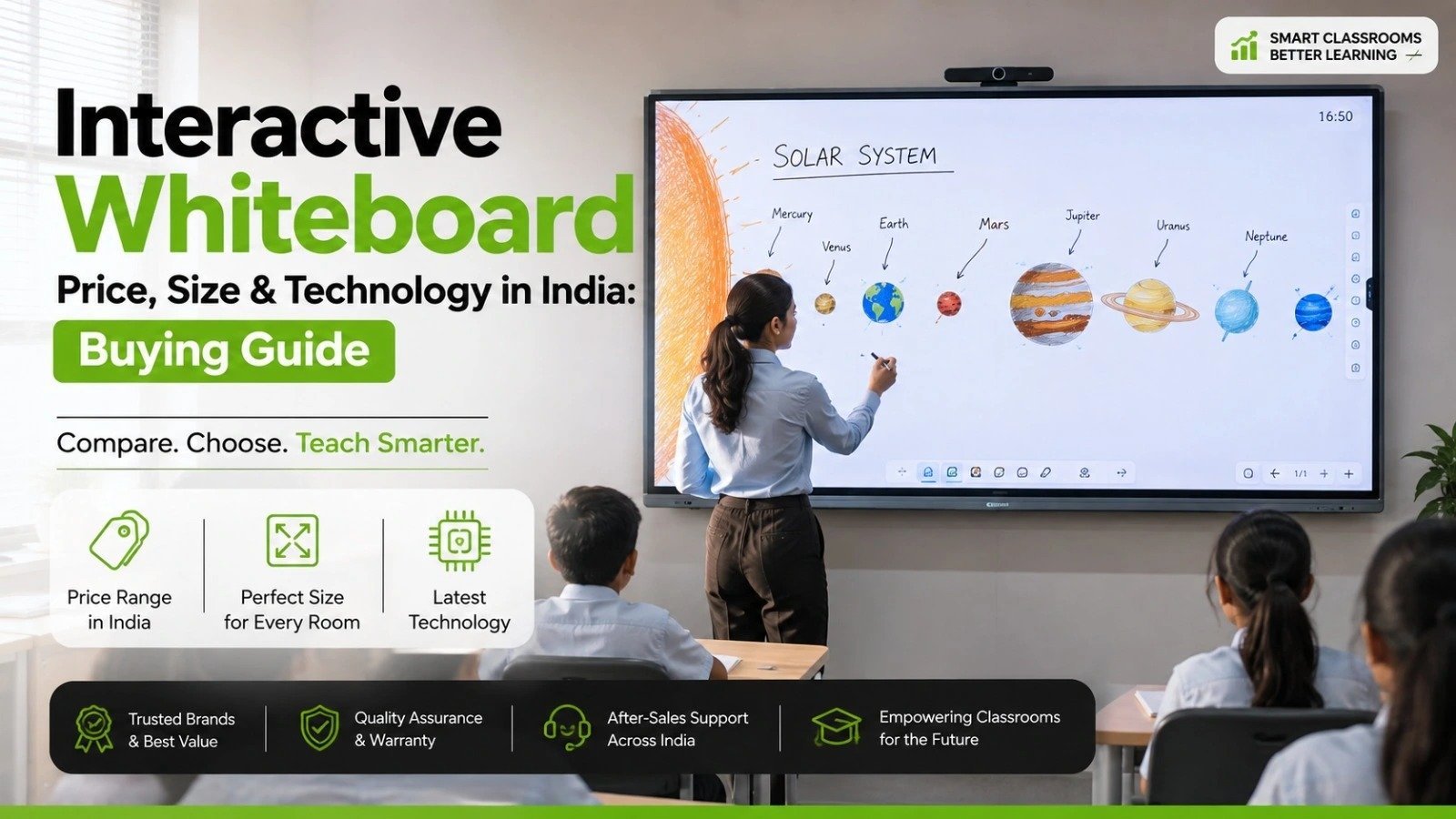 Interactive flat Panel
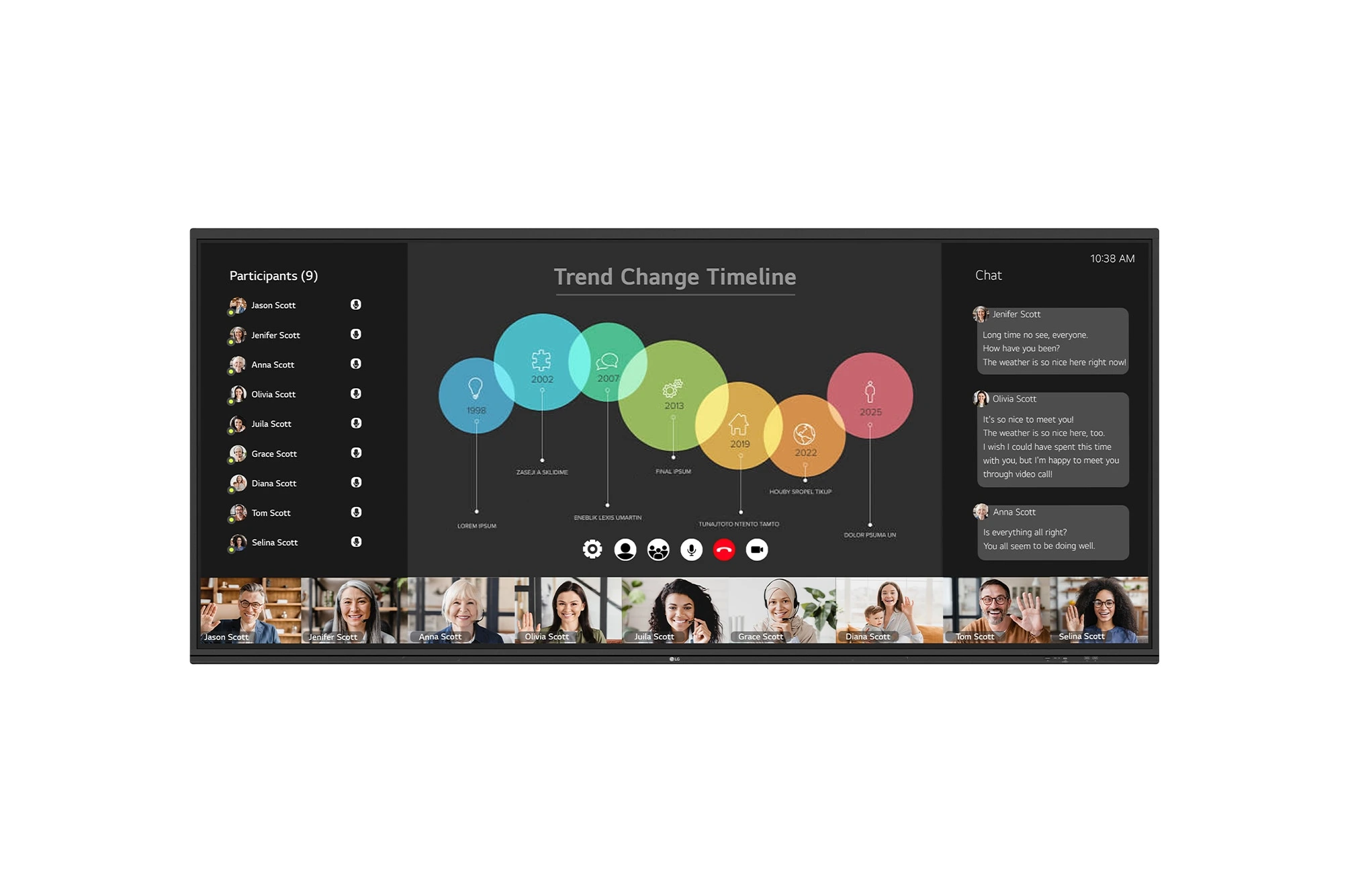
The LG CreateBoard 105TR5WP-I is a premium 105-inch 5K UltraWide (21:9) interactive display designed for modern meeting rooms, hybrid collaboration,...
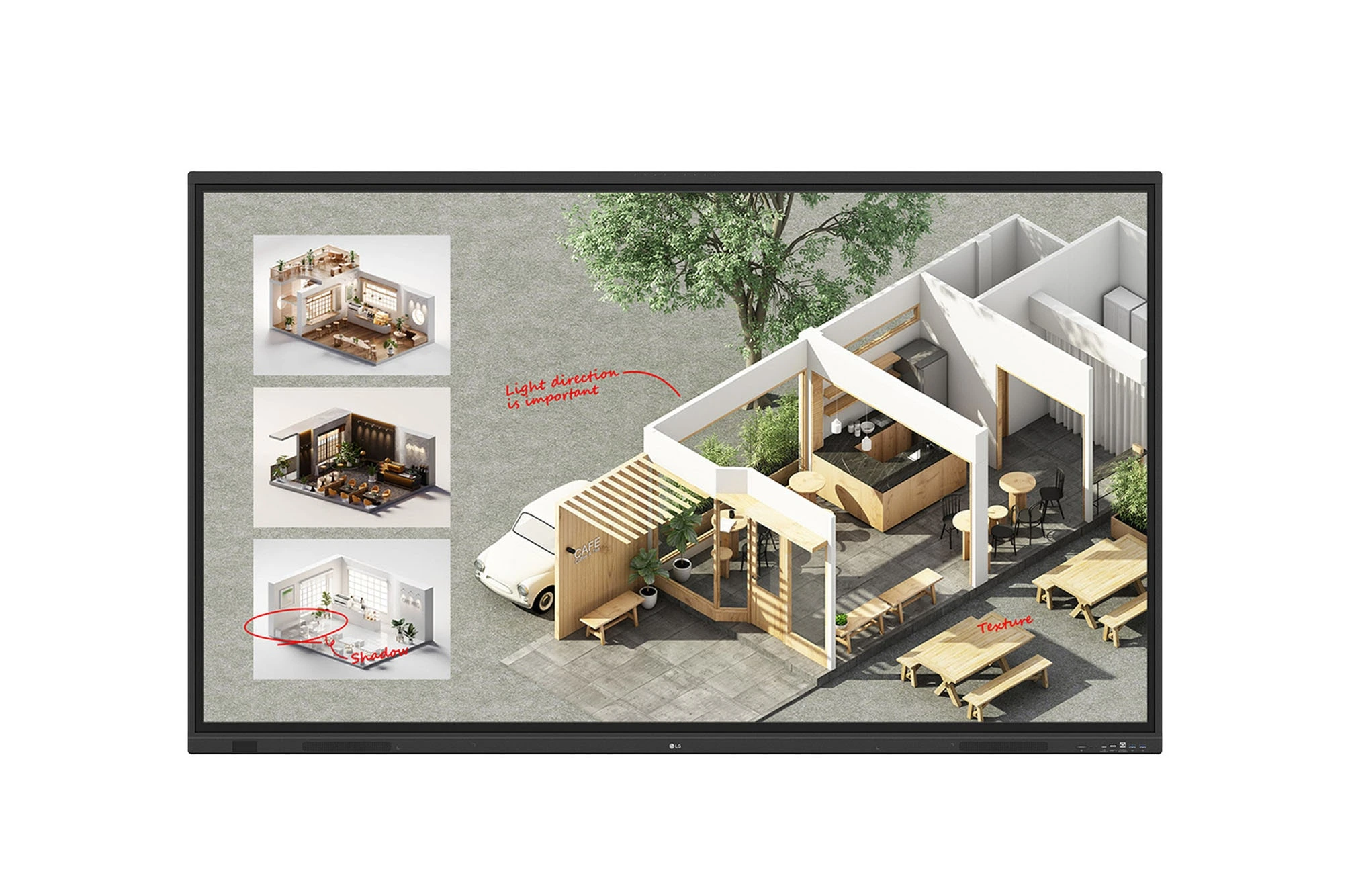
The LG CreateBoard Standard 86TR3DQ-I is an 86-inch 4K UHD Interactive Flat Panel Display designed for classrooms, corporate meeting rooms,...
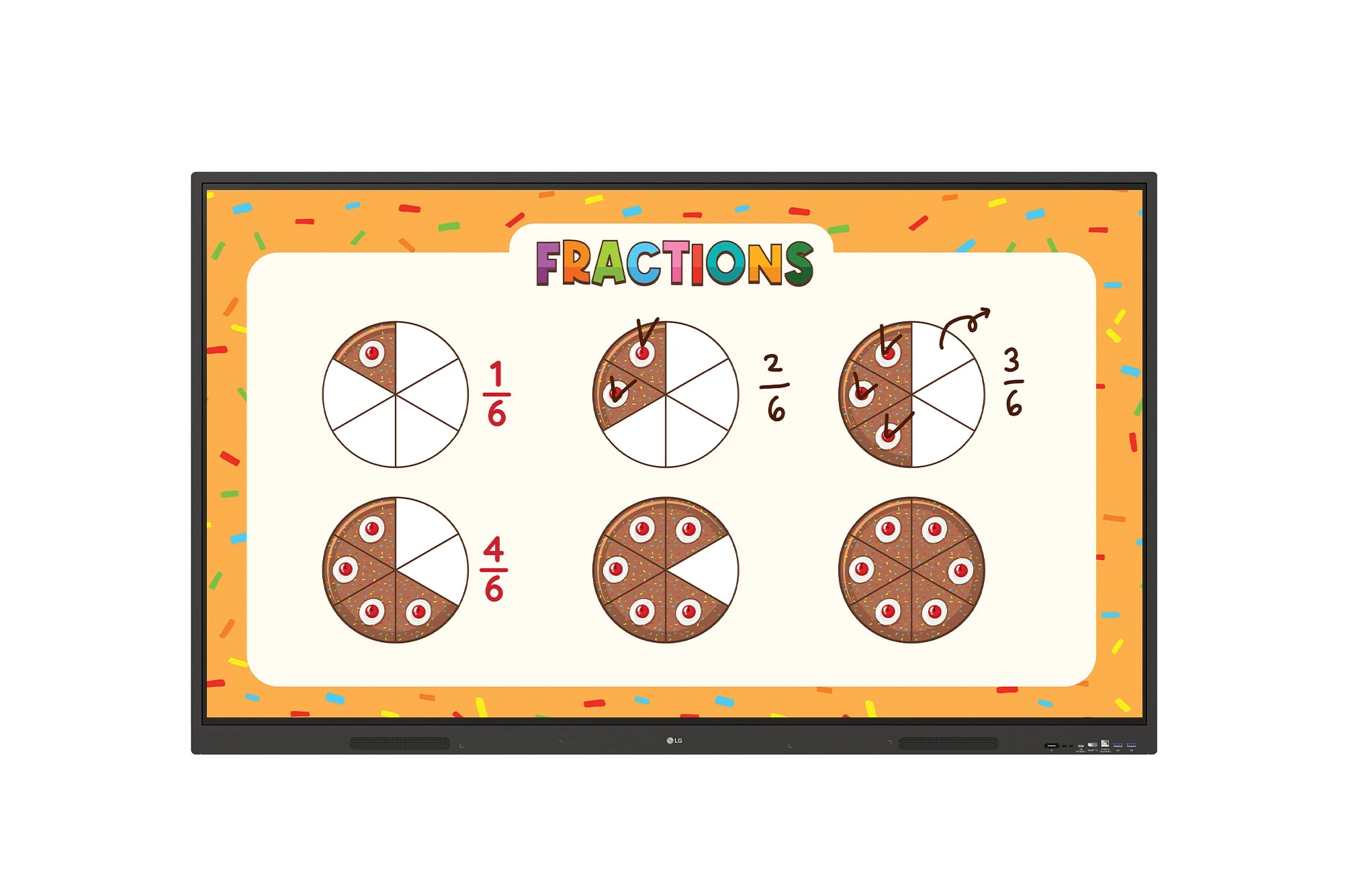
The LG CreateBoard 86TR3ER-I is an 86-inch 4K UHD interactive flat panel designed for modern classrooms, corporate meeting rooms, and...
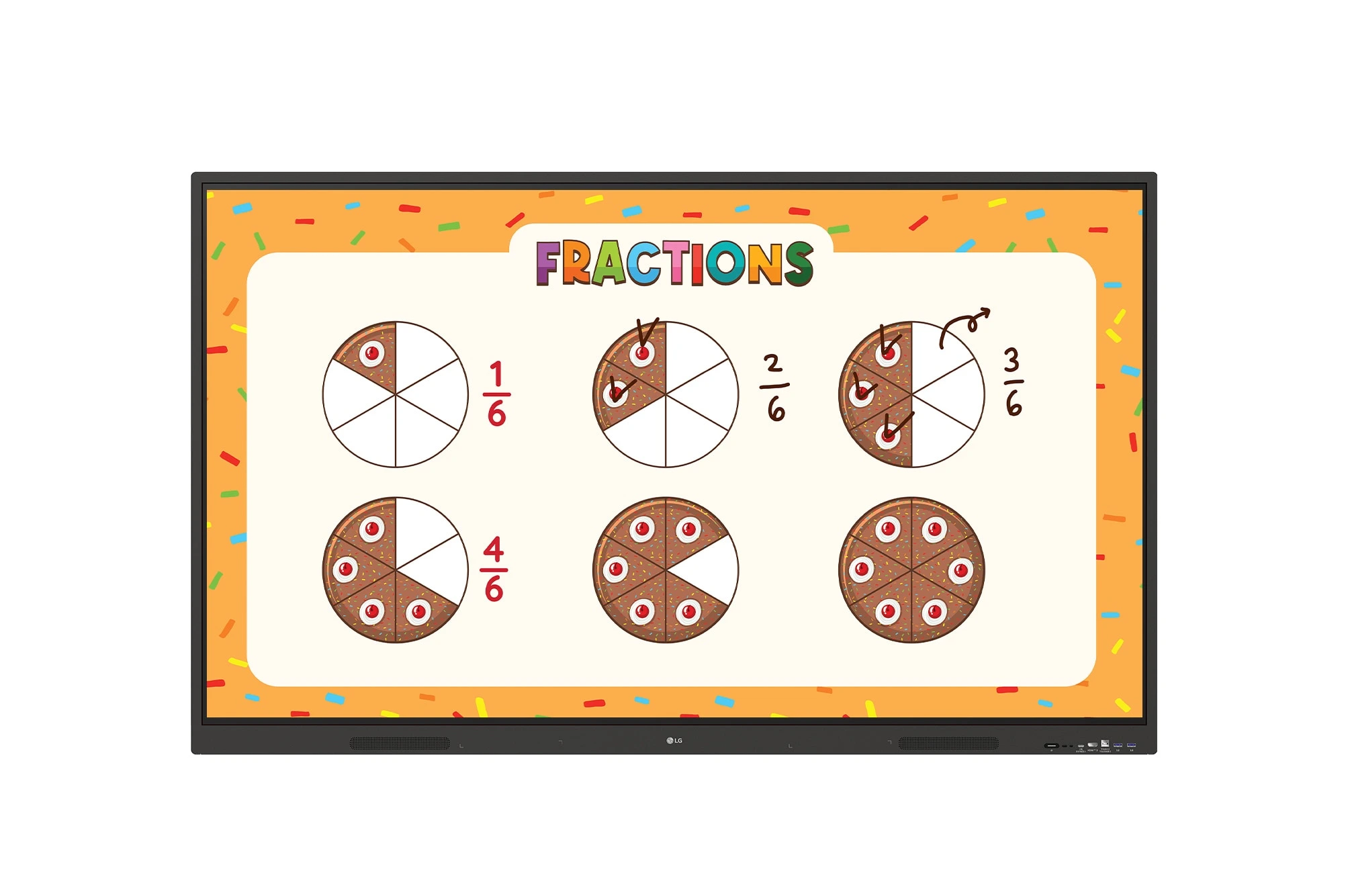
The LG CreateBoard 75TR3ER-I is a premium 75-inch 4K UHD Interactive Flat Panel designed for classrooms, training centers, and corporate...
