July 29, 2026 Mahender Mahender
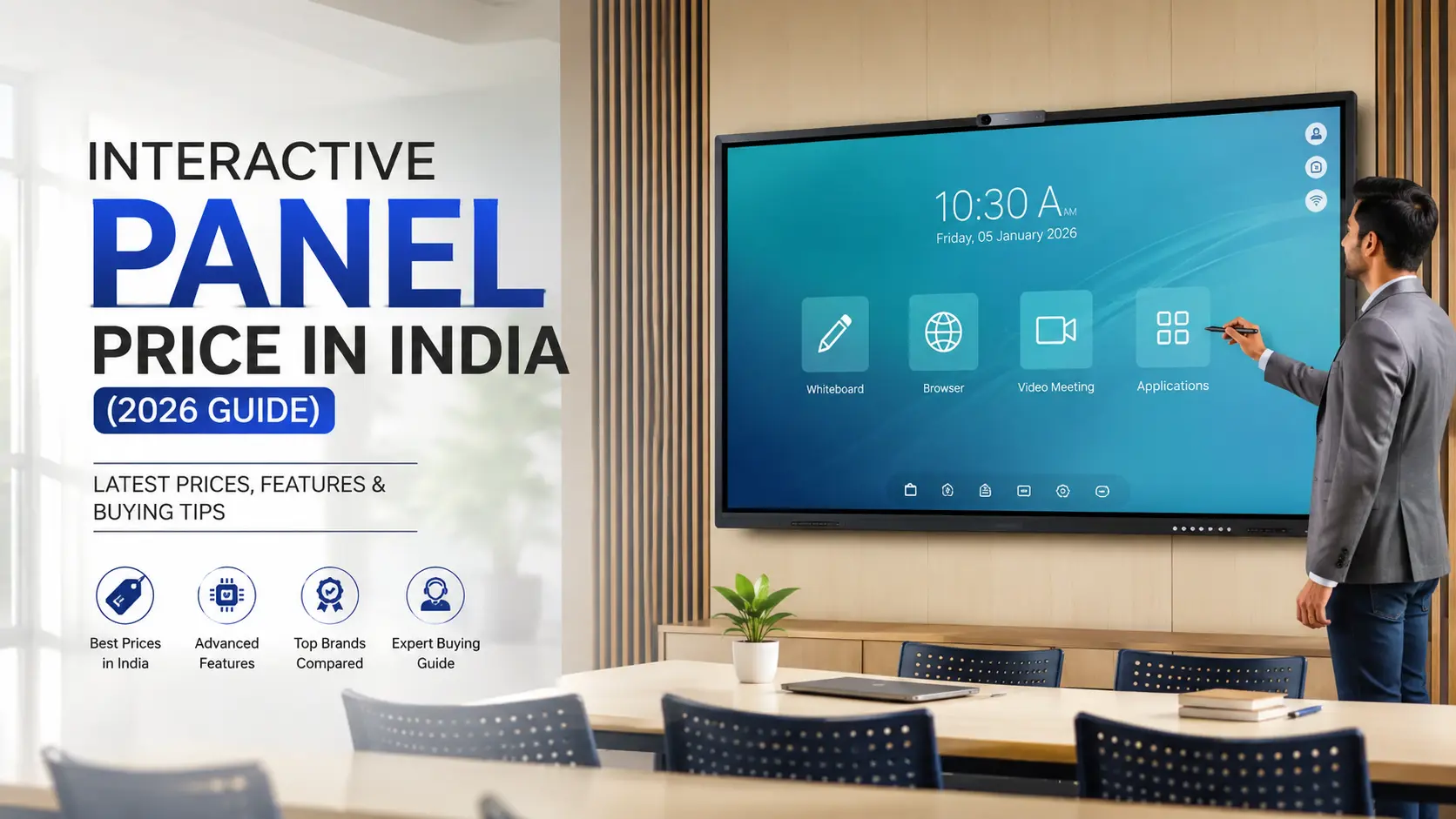
If you are planning to upgrade a classroom, coaching institute, college, training centre, meeting room or corporate boardroom, an Interactive Flat Panel (IFP) can replace several separate devices with one large touchscreen display.
But one question usually comes first: What is the interactive flat panel price in India in 2026?
The answer depends on more than screen size. Brand, 4K resolution, touch technology, Android version, RAM and storage, Google certification, built-in speakers, connectivity, software, warranty and installation can all change the final price.
In 2026, indicative Indian market pricing ranges from around ₹65,000–₹1,60,000 for many 55–65-inch models, while 75-inch and 86-inch panels commonly move into the ₹1.2 lakh–₹3 lakh+ range, with premium and enterprise models costing considerably more. Actual prices vary by model, configuration, dealer and institutional order quantity.
This guide explains interactive flat panel price in India, screen-size costs, important features, hidden expenses, brand considerations and how to choose the right panel for your requirement.
An Interactive Flat Panel Display (IFPD) is a large-format touchscreen display designed for teaching, presentations, collaboration and digital content.
Unlike a traditional projector-based smart classroom, an interactive panel combines the display, touch interface, speakers and smart operating system into one device.
A typical interactive panel includes:
4K UHD display
Multi-touch technology
Built-in Android operating system
Digital whiteboard software
Built-in speakers
HDMI and USB connectivity
Wireless screen sharing
Wi-Fi and Bluetooth
Optional Windows OPS support
Annotation and presentation tools
Modern IFPs can be used for classroom teaching, presentations, video conferencing, training sessions, brainstorming and collaborative work.
There is no single fixed interactive flat panel price in India because manufacturers offer panels across different specifications and price segments.
These are indicative market ranges rather than fixed retail prices. Actual quotations can differ significantly depending on specifications, brand, warranty, software and order volume.
For example, current online listings show branded 65-inch, 75-inch and 86-inch 4K panels spanning a wide range of prices, demonstrating why comparing only screen size is not enough.
Two panels with the same 75-inch screen size can have a substantial price difference.
Before choosing a panel, evaluate these factors.
Screen size is one of the biggest factors affecting price.
A 65-inch panel is generally more affordable than an 86-inch or 98-inch model.
However, choosing the cheapest size is not always the right decision. The panel should be large enough for students or participants sitting at the back of the room to clearly read the content.
Most modern interactive panels are designed around 4K UHD resolution (3840 × 2160).
A 4K display provides:
Sharper text
Detailed diagrams
Better video quality
Clear presentations
Better viewing of charts and educational content
For schools and professional environments, 4K should generally be considered when comparing modern IFPs.
Touch technology directly affects writing accuracy and user experience.
Depending on the model, panels may use infrared or other touch technologies.
Important specifications to check include:
Number of touch points
Touch accuracy
Writing latency
Palm rejection
Stylus support
Multi-user writing
A classroom panel should allow teachers and students to write naturally without noticeable delay.
The operating system has become an increasingly important part of an interactive panel.
Budget models may offer basic Android environments, while higher-end products may provide newer Android versions and Google-certified ecosystems.
For buyers, check:
Android version
Google Play availability
Google certification
App compatibility
Security updates
Google Workspace compatibility
If your organisation depends heavily on Google applications, certification and software compatibility should be checked before purchase rather than assumed from the Android version alone.
RAM and storage affect how smoothly the built-in system handles applications.
A basic panel may be configured with lower memory and storage, while premium models can offer considerably higher specifications.
For example:
The exact requirement depends on the panel's processor, Android version and software optimization.
Choosing the correct screen size is one of the most important purchasing decisions.
A 65-inch interactive panel can be suitable for:
Small classrooms
Coaching rooms
Training rooms
Small meeting rooms
Huddle spaces
Indicative 2026 pricing is commonly around ₹90,000–₹1.60 lakh, depending on specifications and brand.
Small to medium-sized rooms where viewing distance is limited.
The 75-inch panel is one of the most practical choices for mainstream classrooms and meeting rooms.
It provides a larger writing and viewing area without reaching the price of very large panels.
Typical 2026 market pricing can range from approximately ₹1.20 lakh to ₹2.20 lakh, although premium models can cost more.
Schools
Colleges
Coaching institutes
Training centres
Corporate meeting rooms
Standard conference rooms
An 86-inch interactive panel is designed for larger rooms where viewing distance is greater.
Typical applications include:
Large classrooms
Lecture halls
University rooms
Large training rooms
Corporate boardrooms
Indicative pricing is approximately ₹1.80 lakh–₹3.20 lakh, with premium configurations going higher.
Price should never be the only factor.
Here is a practical checklist.
Many institutions compare an IFP with a projector-based smart classroom.
An interactive panel can reduce the number of separate components required in a digital classroom.
The quoted panel price is not always the complete project cost.
Before placing an order, check whether the following are included.
A suitable wall mount may be included with some packages but not all.
If the panel needs to move between rooms, a heavy-duty trolley may be required.
If you need full Windows applications, an OPS PC can add to the overall investment.
Ask whether wall mounting, cabling and installation are included in the quotation.
Teacher training can be particularly important for schools because buying the panel is only the first step. Users need to understand annotation, whiteboarding, screen sharing and classroom software.
A cheaper panel with limited support may not provide the same overall value as a slightly more expensive panel with reliable on-site service.
The panel is only one part of a smart classroom.
A complete setup may include:
Interactive flat panel
Wall mount
OPS computer
Classroom speakers
Webcam
Microphone
Wireless presentation system
Internet/network infrastructure
Installation
Teacher training
Therefore, schools should compare the total project cost rather than only the interactive panel price.
A simple starting point is:
The classroom is relatively small
Viewing distance is limited
Budget is a major consideration
The number of students is moderate
You have a standard classroom
Students sit at different distances
You want a balance between cost and visibility
The panel will be used for regular teaching
The room is large
Students sit farther from the display
You need a larger writing area
The panel will be used for presentations and group collaboration
Room dimensions and seating layout should always be checked before finalizing the screen size.
Follow this buying process before placing your order.
Check the room's width, depth and seating arrangement.
Do not select a panel only because it is cheaper or has a larger specification sheet.
Ask whether the panel will primarily be used for:
Teaching
Presentations
Video conferencing
Training
Digital whiteboarding
Collaboration
Content creation
Your use case determines which features matter most.
Compare:
Processor
RAM
Storage
Display
Touch technology
Android version
Connectivity
Speakers
Camera support
A panel with excellent hardware can still be a poor choice if its software does not fit your workflow.
Check the availability of:
Whiteboard tools
Screen sharing
Annotation
Cloud services
Google applications
Microsoft compatibility
For institutional purchases, ask specifically:
Is the warranty on-site?
Also verify:
Warranty duration
Response time
Service locations
Replacement policy
Parts availability
If possible, test the actual panel before making a large institutional purchase.
Test:
Writing
Touch response
Screen sharing
Video playback
Whiteboard tools
Speakers
Apps
Connectivity
These are indicative 2026 market ranges and can vary by brand, specification and procurement volume.
For most schools, the decision should not be based purely on the lowest price.
A school should look for a panel offering:
4K UHD display
Accurate multi-touch
Anti-glare glass
Good built-in speakers
Reliable whiteboard software
Easy screen sharing
Suitable Android ecosystem
Required Google compatibility
Strong warranty
Local service support
Teacher training
For a standard classroom, a 75-inch 4K interactive panel can provide a useful balance between viewing area, features and cost.
Coaching institutes often need a display that can support long teaching sessions, presentations, PDFs, videos and digital annotations.
Important features include:
Large 4K screen
Smooth writing
Fast app performance
Screen recording
Wireless casting
Good speakers
Easy content sharing
A 65-inch panel may work well for smaller classrooms, while 75-inch or 86-inch models may be more suitable for larger coaching rooms.
Corporate buyers may have different priorities.
Instead of focusing only on classroom software, they may need:
Wireless presentation
Video conferencing
Camera integration
Microphone support
Microsoft Teams compatibility
USB-C connectivity
Screen sharing
Digital whiteboarding
Enterprise security
For boardrooms, meeting rooms and collaboration spaces, the right panel depends heavily on the existing IT ecosystem.
A common mistake is comparing two panels only by screen size.
For example, two 75-inch panels may both offer 4K resolution but differ in:
Processor
RAM
Storage
Touch technology
Glass quality
Android version
Google certification
Software
Speakers
Camera support
Warranty
Service network
That is why a ₹1 lakh panel and a ₹2 lakh panel can both be 75-inch 4K displays while offering very different overall value.
The price varies by size, brand and specifications. Indicative market pricing can start around ₹65,000 for some smaller/budget models, while 65-inch panels can commonly fall around ₹90,000–₹1.60 lakh, 75-inch panels around ₹1.20–₹2.20 lakh, and 86-inch models around ₹1.80–₹3.20 lakh. Premium models can cost significantly more.
A 75-inch interactive panel can commonly fall around ₹1.20 lakh to ₹2.20 lakh in the 2026 market, although the final price depends on brand, configuration, software, warranty and institutional quotation.
For a standard classroom, 75 inches can provide a larger viewing and writing area. A 65-inch panel can be appropriate for smaller rooms or tighter budgets.
For modern classrooms and professional presentations, 4K is generally preferable because it provides sharper text, images, diagrams and video.
No. An interactive flat panel has its own large-format display, so a separate projector is not required.
Many models support a Windows OPS module or external Windows computer. However, compatibility and OPS specifications should be checked for the specific model.
Yes. Basic functions such as digital writing and many locally installed applications can work offline. Internet is required for functions that depend on online services, cloud platforms, web browsing or online updates.
For many standard classrooms, 75 inches is a practical starting point. Larger classrooms may benefit from 86 inches, while smaller rooms can use 65 inches.
Check the display, touch accuracy, processor, RAM, storage, operating system, Google compatibility if required, connectivity, speakers, software, warranty, installation and after-sales service.
An Interactive Flat Panel is more than a large touchscreen. For schools, colleges, coaching institutes and businesses, it can become the central display and collaboration platform for teaching, presentations and digital communication.
For budget-conscious buyers, a 65-inch panel can provide a practical solution for smaller rooms.
For most standard classrooms and meeting rooms, 75-inch 4K interactive panels offer a strong balance between screen size, usability and investment.
For large classrooms, lecture rooms and boardrooms, 86-inch and larger panels provide better visibility from greater distances.
The most important point is to avoid choosing an interactive panel based only on its headline price. Compare the complete specification, software ecosystem, touch experience, warranty, installation and after-sales support before making your final decision.
If you are planning to buy an interactive flat panel for a school, college, coaching institute or office, compare multiple models and request a detailed quotation that clearly mentions panel, installation, mounting, OPS, software, warranty and support.
Looking for an Interactive Flat Panel in India? Explore Elactree's interactive display solutions and choose a configuration based on your classroom or meeting-room requirements.




 Interactive flat Panel
Interactive flat Panel
Interactive flat Panel
 Interactive flat Panel
 Interactive flat Panel
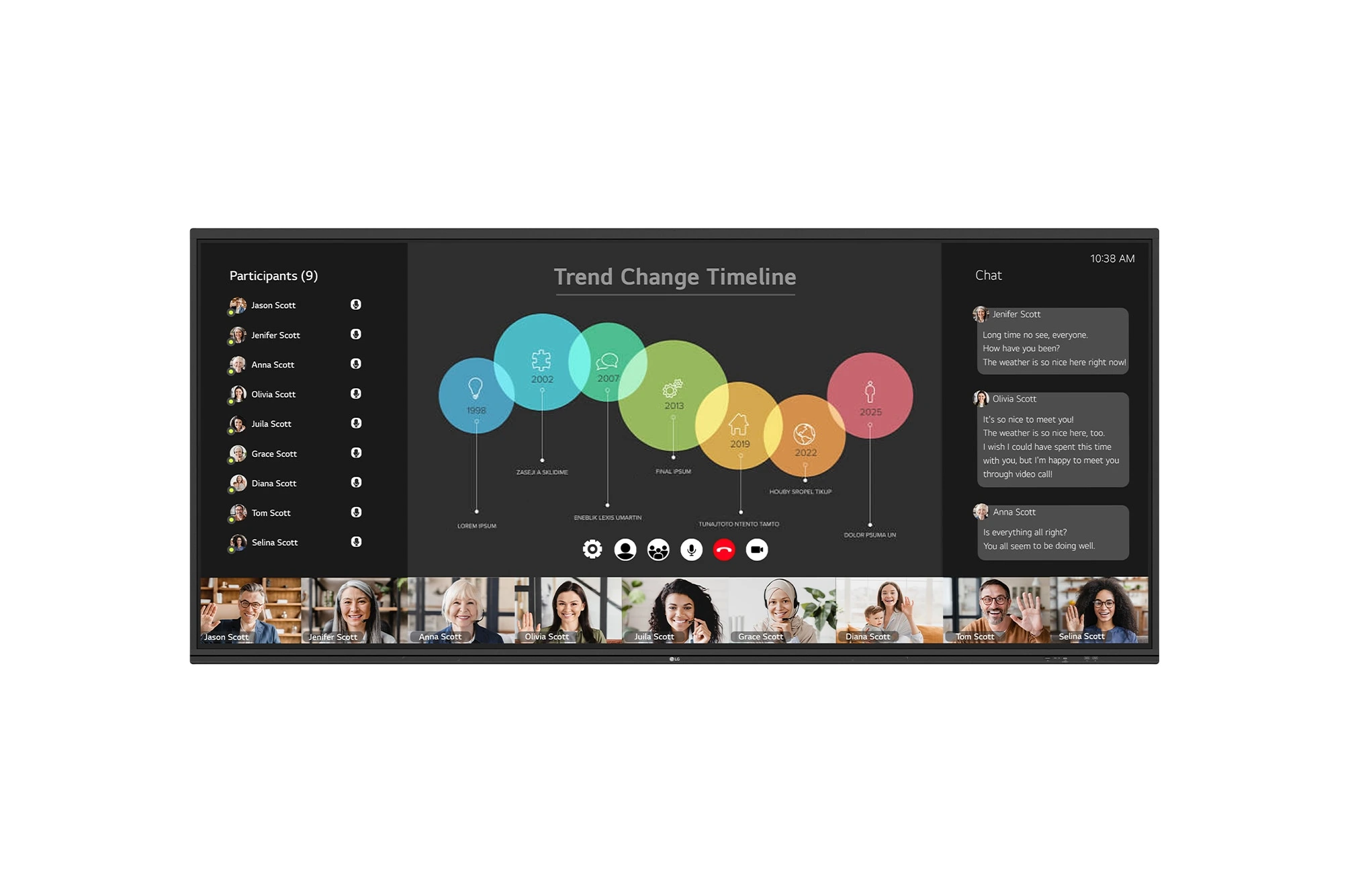
The LG CreateBoard 105TR5WP-I is a premium 105-inch 5K UltraWide (21:9) interactive display designed for modern meeting rooms, hybrid collaboration,...
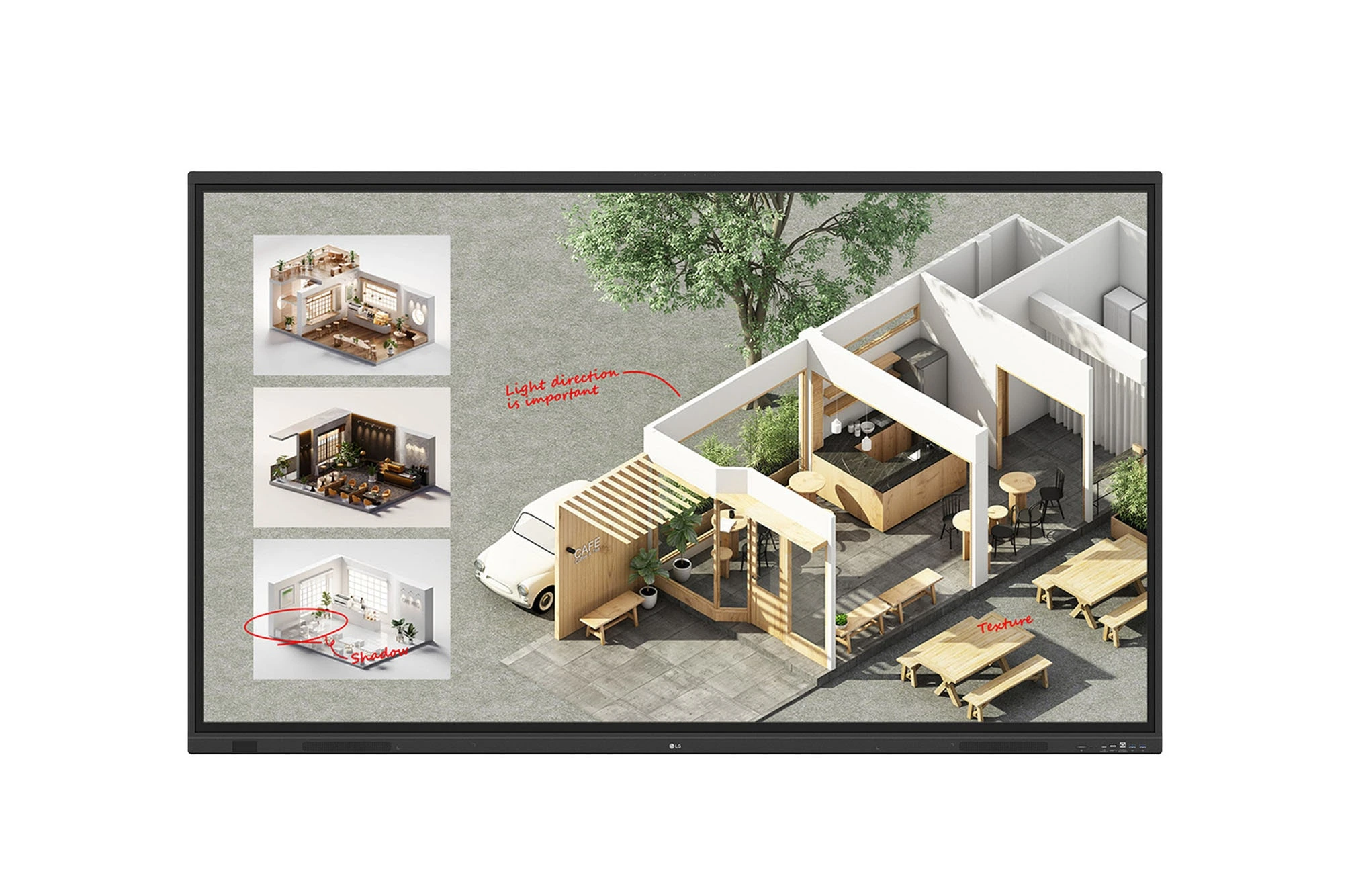
The LG CreateBoard Standard 86TR3DQ-I is an 86-inch 4K UHD Interactive Flat Panel Display designed for classrooms, corporate meeting rooms,...
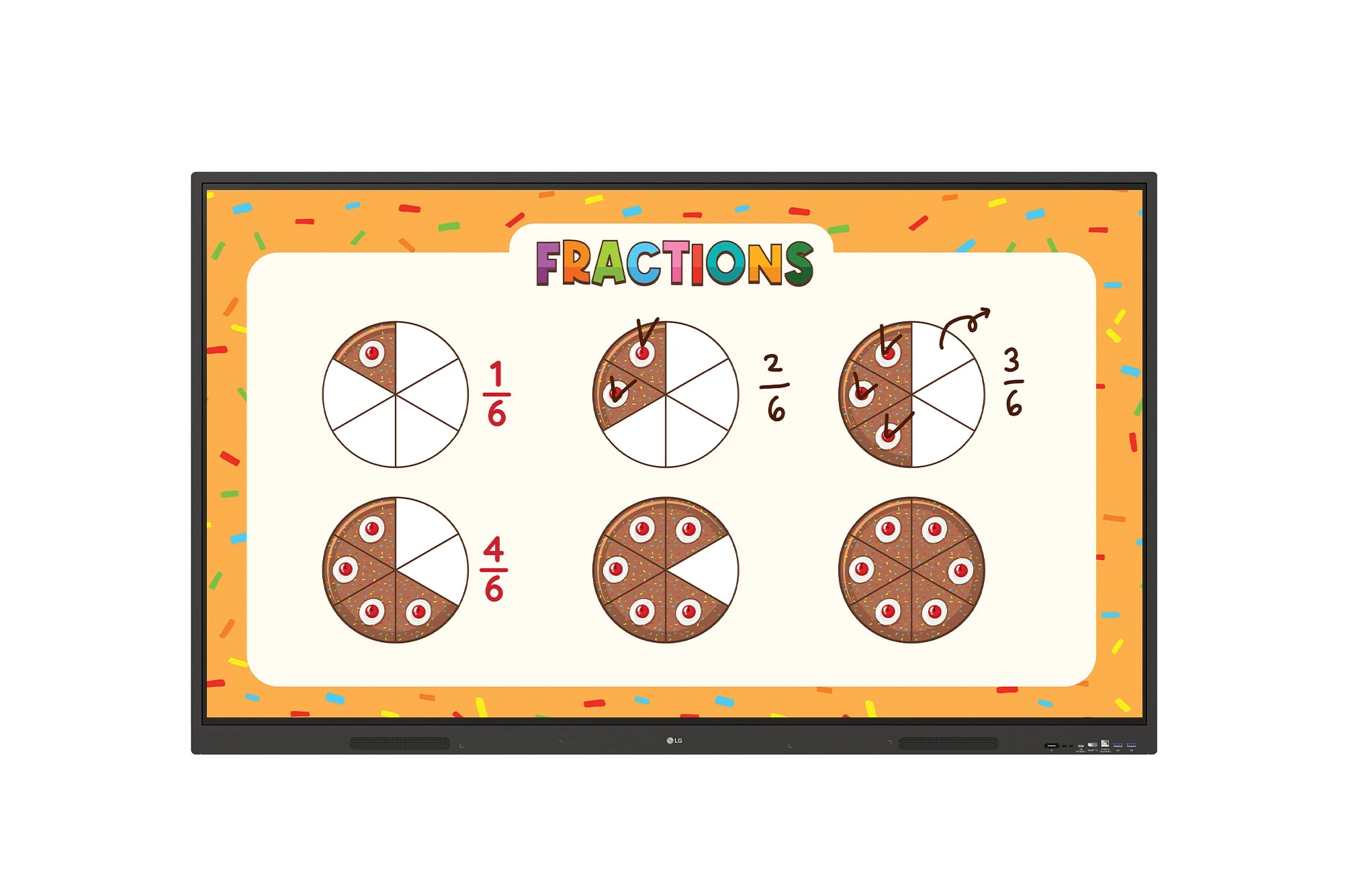
The LG CreateBoard 86TR3ER-I is an 86-inch 4K UHD interactive flat panel designed for modern classrooms, corporate meeting rooms, and...
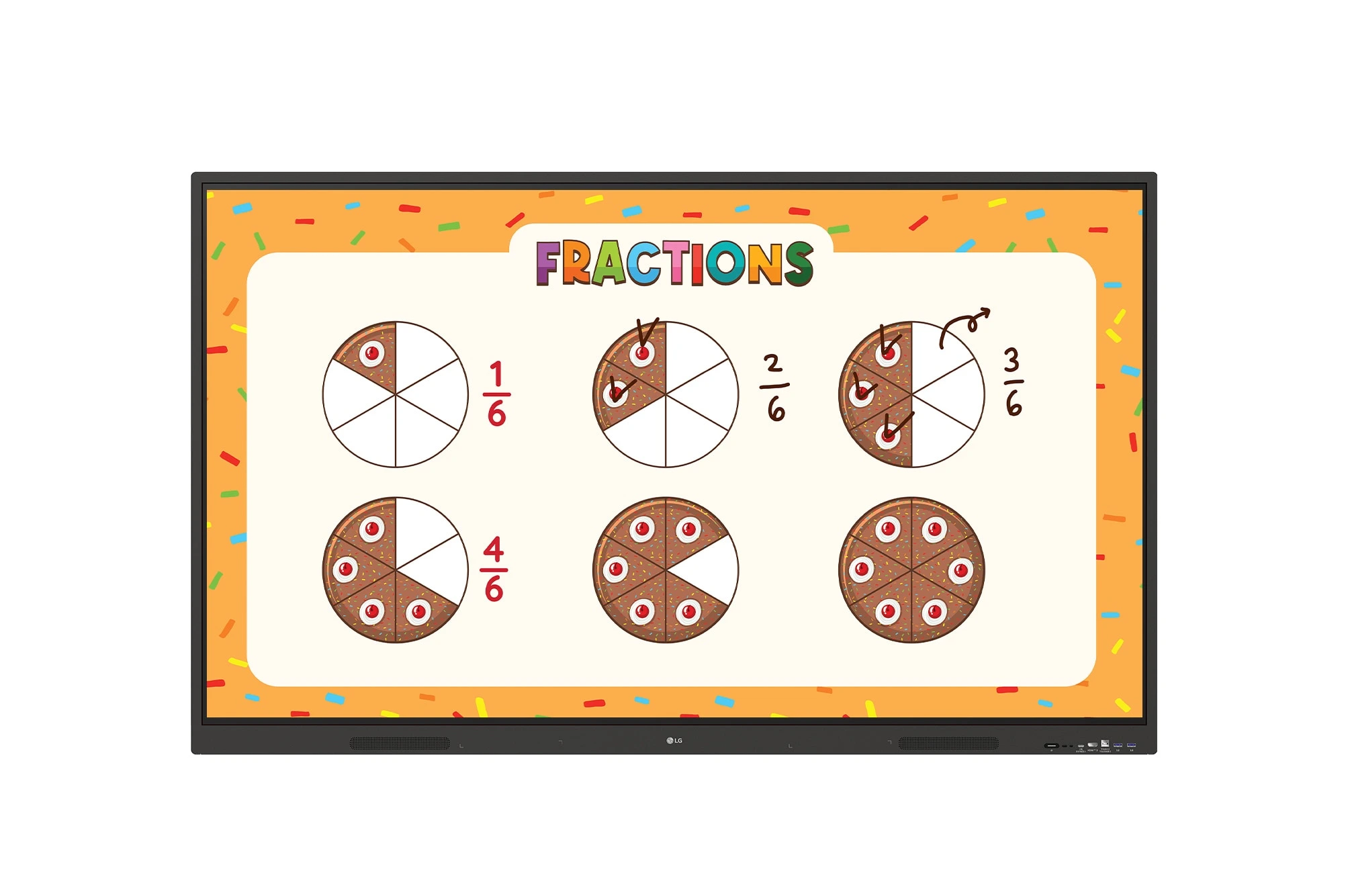
The LG CreateBoard 75TR3ER-I is a premium 75-inch 4K UHD Interactive Flat Panel designed for classrooms, training centers, and corporate...
