August 29, 2026 Mahender Mahender
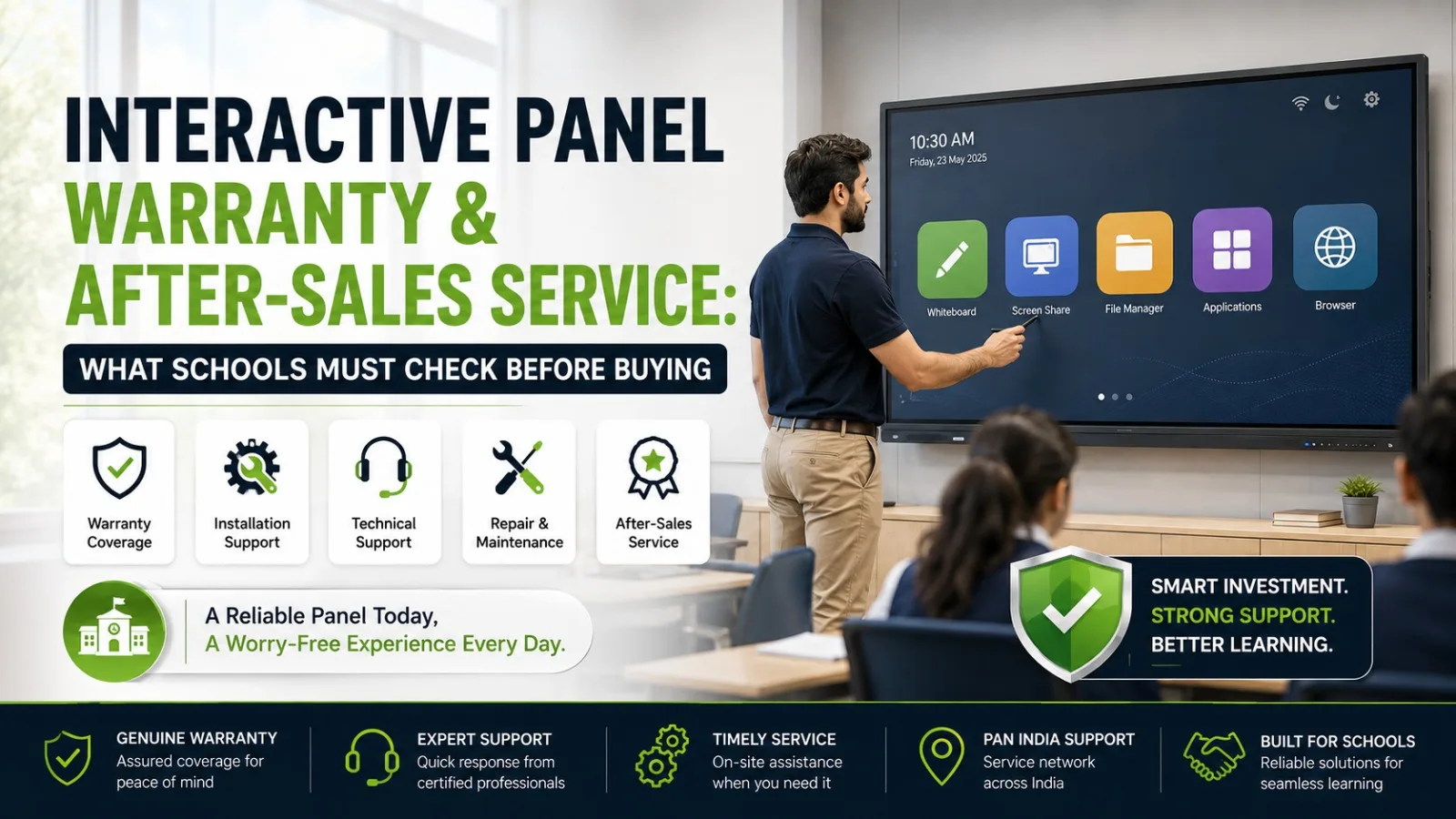
When a school invests in an interactive panel, the purchase decision does not end when the screen is installed on the classroom wall. The panel may be used every day for teaching, presentations, digital content, assessments and collaborative activities, so reliable support after installation matters just as much as the initial specification.
This is where the supplier's role becomes important. Elactree deals in interactive panels and provides schools and institutions with access to interactive display solutions from established manufacturers. When evaluating an interactive panel through Elactree, schools should look beyond the screen size and price and carefully review the warranty, installation, technical support, training and service terms applicable to the exact model.
A 75-inch or 86-inch panel may look similar on paper to another model, but the overall buying experience can differ depending on the manufacturer's warranty conditions, supplier support and service arrangements.
Schools should check the exact warranty period, covered components, exclusions, installation responsibility, technical support, repair and replacement procedure, software support, training and escalation process before buying an interactive panel.
When purchasing through Elactree, buyers should confirm these terms for the specific interactive panel model included in their quotation. Warranty conditions can vary by manufacturer, model and configuration, so a general warranty statement should not replace written product-specific terms.
For schools, the best purchase is not necessarily the panel with the lowest price. It is the solution where the product specification, warranty coverage, installation and after-sales responsibilities are clearly defined.
An interactive panel is more than a large touchscreen. It combines a display, touch technology, operating system, processing hardware, speakers, connectivity and software.
If something stops working, the problem may not always be obvious. A teacher might report that the screen is not responding to touch when the underlying issue is calibration, software, connectivity or an external computer.
Good after-sales support helps the school identify the actual cause and determine the appropriate solution.
For schools considering interactive panels from Elactree, the evaluation should therefore include:
The exact services included should always be confirmed with Elactree and the applicable manufacturer.
An interactive panel warranty is a written agreement covering specified product defects or failures for a defined period and subject to particular conditions.
Depending on the manufacturer and model, warranty coverage may apply to components such as the display, touch system, motherboard, power-related components and other internal hardware.
However, warranty coverage is not unlimited. Accidental damage, physical damage, misuse, unauthorised repairs and certain electrical or environmental issues may be excluded.
For this reason, schools should ask Elactree for the applicable warranty documentation before completing the purchase.
The school should know:
Interactive Panel Warranty - Elactree refers to the warranty and support considerations associated with an interactive panel purchased through Elactree.
Elactree deals in interactive panels for applications such as schools, classrooms, colleges, training environments and institutional spaces. Because Elactree can offer products from different manufacturers and model ranges, buyers should evaluate the warranty applicable to the specific product being purchased.
The important distinction is that the warranty may be provided under the manufacturer's warranty terms, while Elactree may be involved in coordinating purchasing, installation or after-sales support depending on the product and agreed service arrangement.
Before placing an order, schools should request written confirmation of:
This makes the purchase easier to manage later, particularly when multiple panels are being installed.

The display is one of the most important parts of an interactive panel.
Ask whether the warranty covers display-related failures and what conditions apply to issues such as:
Manufacturers may have specific policies for display defects, so schools should check the exact terms for the selected model.
Touch functionality is central to classroom use.
Ask whether the warranty covers the touch sensor and associated touch-control hardware.
Schools should also understand whether calibration, software configuration or physical damage falls under warranty support.
Depending on the model, an interactive panel may contain:
The exact components and warranty coverage vary by manufacturer and model.
Do not assume that accessories have the same warranty as the main panel.
Ask about:
If an accessory is essential to classroom operation, its warranty should be clearly understood.
Warranty exclusions deserve as much attention as warranty coverage.
Schools should check whether the manufacturer's warranty excludes:
For example, if a panel is physically damaged in a classroom, the standard product warranty may not necessarily cover the repair.
Schools should therefore distinguish between manufacturing defects and accidental or external damage.

Not automatically.
Installation may be included as part of a supplier quotation, but schools should confirm this specifically with Elactree before purchasing.
The installation discussion should cover:
For a school purchasing several interactive panels, installation should ideally be planned classroom by classroom so that each unit can be tested before handover.
When evaluating Elactree as an interactive panel supplier, schools should ask how support is handled for the particular product being considered.
The questions can include:
The answers may depend on the manufacturer, model, location and commercial agreement.
For this reason, schools should ask Elactree to specify the applicable support arrangement in the quotation or service documentation.
Yes, particularly when interactive panels are permanently installed in classrooms.
A school may have limited technical staff, and removing a wall-mounted panel for service may not be practical.
On-site support can be useful for issues involving:
However, schools should not assume that every warranty includes on-site service. Confirm whether the service is available, where it is available and under what conditions.

Warranty and after-sales service are related but different.
Warranty defines the manufacturer's or supplier's responsibility for specified product failures during a stated warranty period.
After-sales service is broader and can include installation, troubleshooting, training, software assistance, warranty coordination and repair support.
Factor | Warranty | After-Sales Service |
| Main purpose | Covers specified product defects | Provides broader support after purchase |
| Duration | Defined warranty period | Depends on service arrangement |
| Hardware defects | Usually the main focus | May include diagnosis and repair coordination |
| Installation | Not necessarily included | May be included separately |
| Training | Usually separate | May be offered by supplier |
| Software support | Depends on terms | May be available depending on model |
| Technical assistance | Depends on warranty process | Often part of support arrangements |
| Replacement | Subject to warranty terms | May involve coordination with manufacturer |
When buying an interactive panel through Elactree, schools should evaluate both areas.
Yes.
One of the most important questions is what happens when a panel develops a covered fault.
A warranty does not necessarily mean that the product will immediately be replaced with a new unit. Depending on the manufacturer's policy, the normal process may involve diagnosis followed by repair or replacement where applicable.
Ask Elactree or the relevant manufacturer:
The answer should be understood before the purchase rather than after a failure occurs.
Software support is increasingly relevant because interactive panels often include their own operating systems and applications.
A school should verify the software environment before buying.
Important questions include:
Software capabilities differ between manufacturers and models.
If a school has specific requirements for Google Workspace, Microsoft applications, teaching software, screen sharing or an OPS computer, those requirements should be checked against the exact model being offered by Elactree.
Teacher training can be useful when a school is installing interactive panels for the first time or replacing older classroom technology.
The school should ask what training is included in the purchase.
Depending on the agreed scope, training may cover:
Training requirements are different for every school. A school with 30 panels may need a different training arrangement from one purchasing a single panel.
Price alone does not provide a complete comparison.
A practical evaluation should compare equivalent specifications and service terms.
Buying Factor | Supplier A | Elactree | Supplier C |
| Manufacturer | |||
| Exact model | |||
| Screen size | |||
| Resolution | |||
| Touch technology | |||
| Operating system | |||
| Warranty | |||
| Display coverage | |||
| Touch coverage | |||
| Installation | |||
| Technical support | |||
| On-site support | |||
| Training | |||
| Repair/replacement terms | |||
| Accessories | |||
| Total cost |
This method helps schools identify whether a lower quotation is genuinely cheaper or simply includes fewer services.
Interactive panel pricing in India varies according to the model, screen size, display technology, touch capability, processing hardware, operating system, connectivity, software features, manufacturer and included services.
Warranty and service arrangements can also influence the overall commercial package.
For example, when comparing two 75-inch panels, schools should check whether both quotations include the same:
Elactree can be considered alongside other suppliers, but schools should compare equivalent configurations rather than comparing only the headline price.
A product demonstration allows teachers and IT staff to evaluate the panel in a practical setting.
Before purchasing through Elactree, schools can request a demonstration of the shortlisted model where available.
During the demonstration, check:
Test writing, annotation and multi-touch interaction.
Check readability, viewing experience and screen visibility in the intended classroom environment.
Test HDMI, USB and wireless connectivity with the devices teachers actually use.
Open the applications and teaching tools the school expects teachers to use.
Test how easily a teacher can share content from a laptop or other supported device.
Check whether the built-in speakers are suitable for the intended classroom.
Ask teachers to perform basic tasks rather than allowing only technical staff to test the panel.
A demonstration does not replace warranty verification, but it can reveal practical differences between shortlisted models.
Before placing an order with Elactree or another supplier, use this checklist.
Before finalising a school purchase, procurement teams should ask:
Getting clear answers before purchase can prevent confusion when the school needs support later.
A larger display does not automatically make one panel better for a particular classroom. Touch performance, software, connectivity and support also matter.
A cheaper quotation may exclude installation, training, accessories or certain support services.
Warranty duration alone does not show the complete level of coverage.
Schools should understand what happens in cases of accidental damage, physical damage or unauthorised repairs.
A panel should be evaluated using the laptops, applications and classroom content teachers will actually use.
For multiple installations, maintaining a record of each panel's model and serial number can make future service coordination easier.
For schools, an interactive panel should be evaluated as a complete technology purchase, not simply as a large touchscreen.
The most important checks are the exact product model, warranty coverage, exclusions, installation responsibility, technical support, repair and replacement process, software support and training.
Elactree is an interactive panel supplier that schools can consider when evaluating classroom display solutions. When purchasing through Elactree, schools should confirm the warranty and after-sales terms applicable to the exact manufacturer and model selected. This is particularly important when comparing multiple brands or configurations.
The right purchasing decision combines suitable hardware with clearly defined support. Before approving the order, make sure the school knows what is covered, who provides support, how faults are reported, and what happens when a covered failure occurs.
That information is just as important as the panel's screen size and technical specifications.
An interactive panel warranty is a written commitment covering specified product defects or failures for a defined period and under stated conditions. Coverage varies by manufacturer and model.
Schools should check the warranty period, covered components, exclusions, warranty start date, claim process, repair procedure and replacement conditions.
Not necessarily. Physical, accidental or misuse-related damage may be excluded from standard warranty coverage. Buyers should check the manufacturer's specific terms.
Yes. Elactree deals in interactive panels and serves institutional requirements including education environments. Schools should confirm the exact model, manufacturer and applicable service terms for their requirement.
Not necessarily. Installation may be included in a supplier's quotation, but schools should confirm whether delivery, mounting, installation, calibration and commissioning are included.
Yes. On-site support can be useful for permanently installed classroom panels, particularly when schools have limited internal technical resources. Availability should be confirmed for the school's location.
It may, depending on the manufacturer and model. Schools should specifically confirm coverage for the touch sensor, controller and related components.
Hardware warranty and software support can have different terms. Schools should ask what operating system, applications, updates and software-related issues are supported for the selected model.
A demonstration is useful because it allows teachers and IT staff to test touch interaction, connectivity, screen sharing, software and other practical functions before making a purchase decision.
Yes. Schools should compare Elactree and other suppliers using equivalent product specifications and service terms, including warranty, installation, technical support, training and total quoted cost.
Schools should retain the invoice, purchase order, warranty documentation, model number, serial number, installation records and service contact details.
Schools should compare the complete package rather than the panel price alone. Hardware specifications, warranty, installation, service, software compatibility, training and long-term support should all be considered.




 Interactive flat Panel
Interactive flat Panel
Interactive flat Panel
 Interactive flat Panel
 Interactive flat Panel
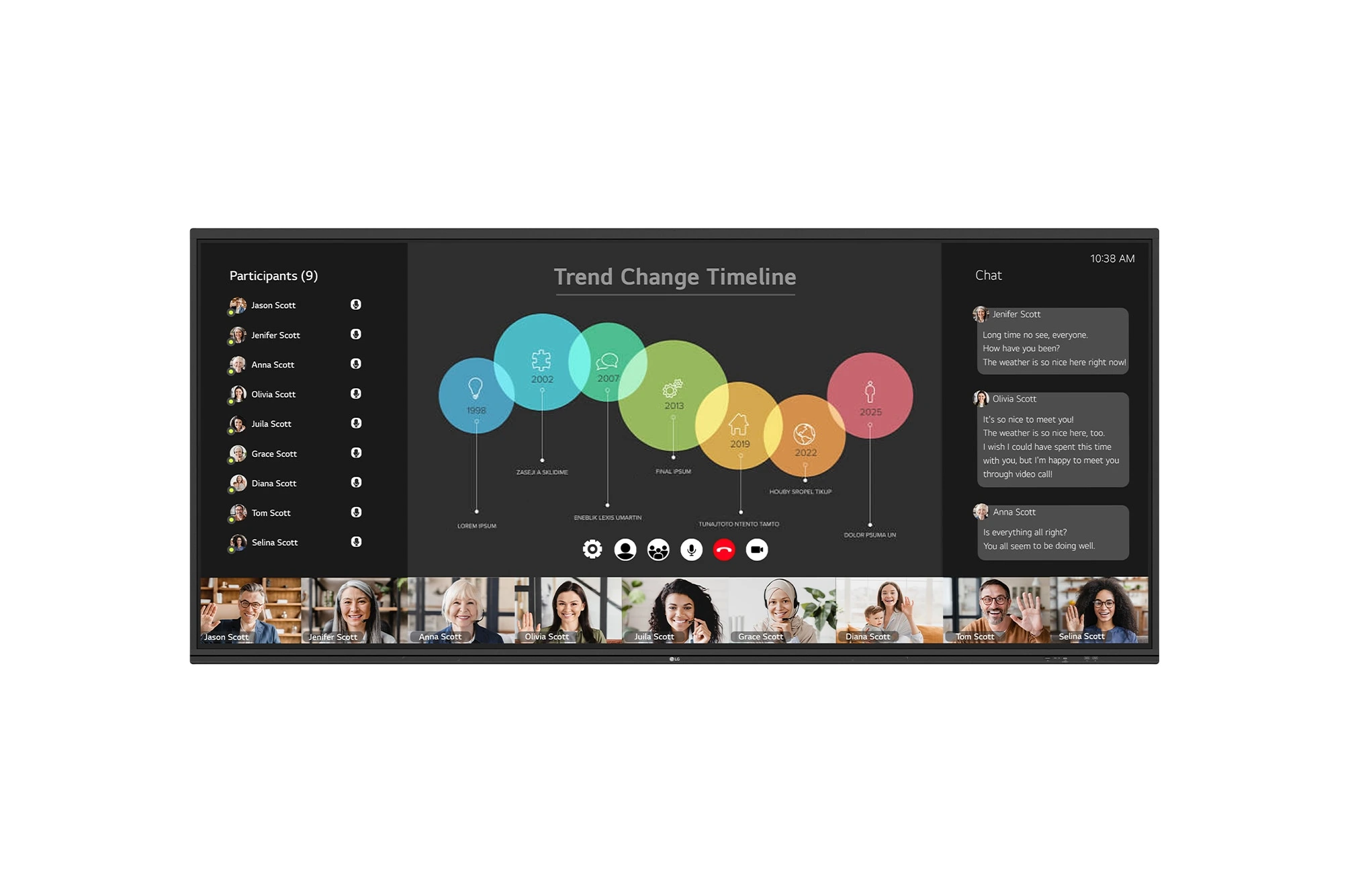
The LG CreateBoard 105TR5WP-I is a premium 105-inch 5K UltraWide (21:9) interactive display designed for modern meeting rooms, hybrid collaboration,...
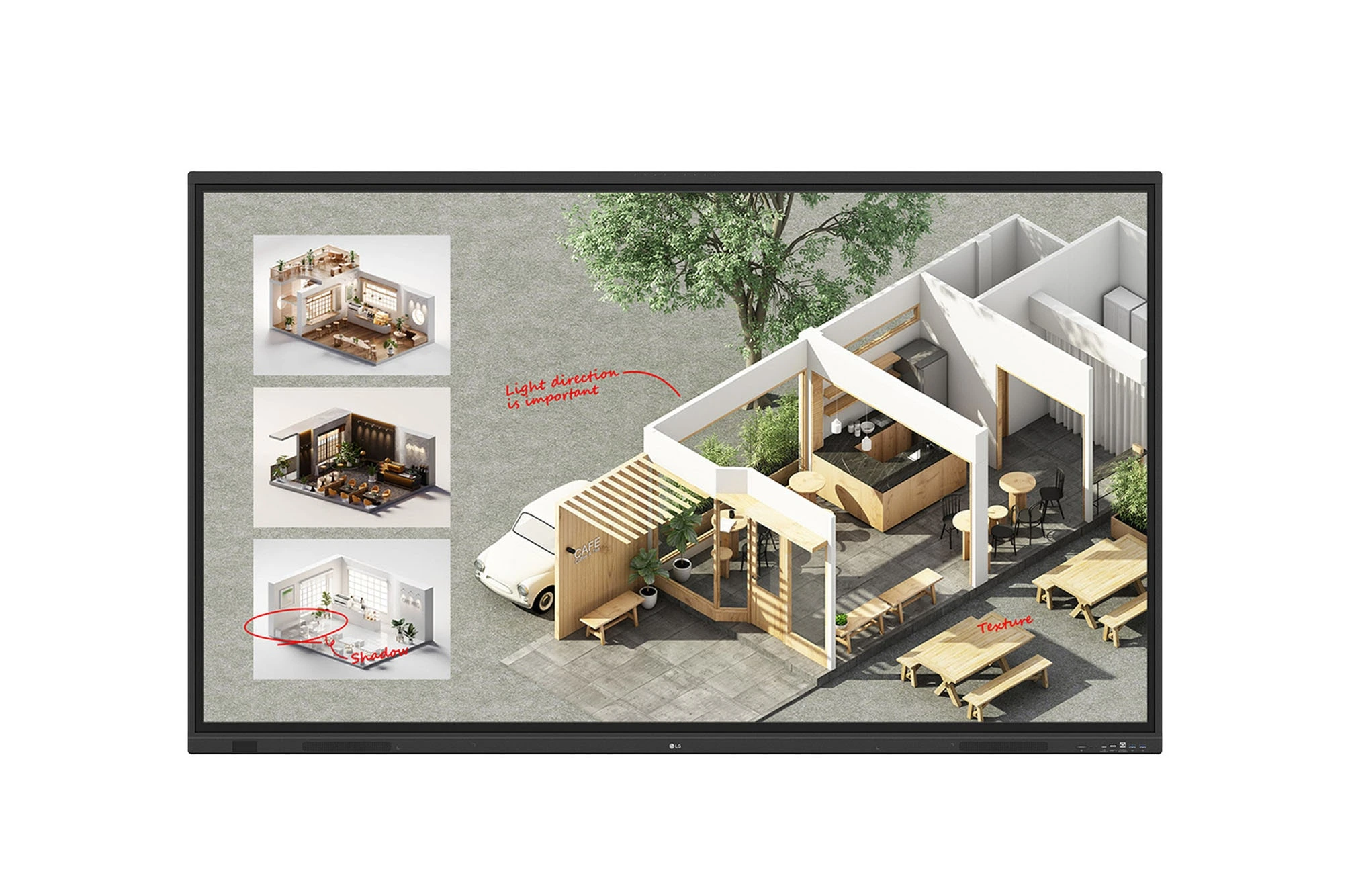
The LG CreateBoard Standard 86TR3DQ-I is an 86-inch 4K UHD Interactive Flat Panel Display designed for classrooms, corporate meeting rooms,...

The LG CreateBoard 86TR3ER-I is an 86-inch 4K UHD interactive flat panel designed for modern classrooms, corporate meeting rooms, and...

The LG CreateBoard 75TR3ER-I is a premium 75-inch 4K UHD Interactive Flat Panel designed for classrooms, training centers, and corporate...
