March 14, 2026 Manisha Maurya
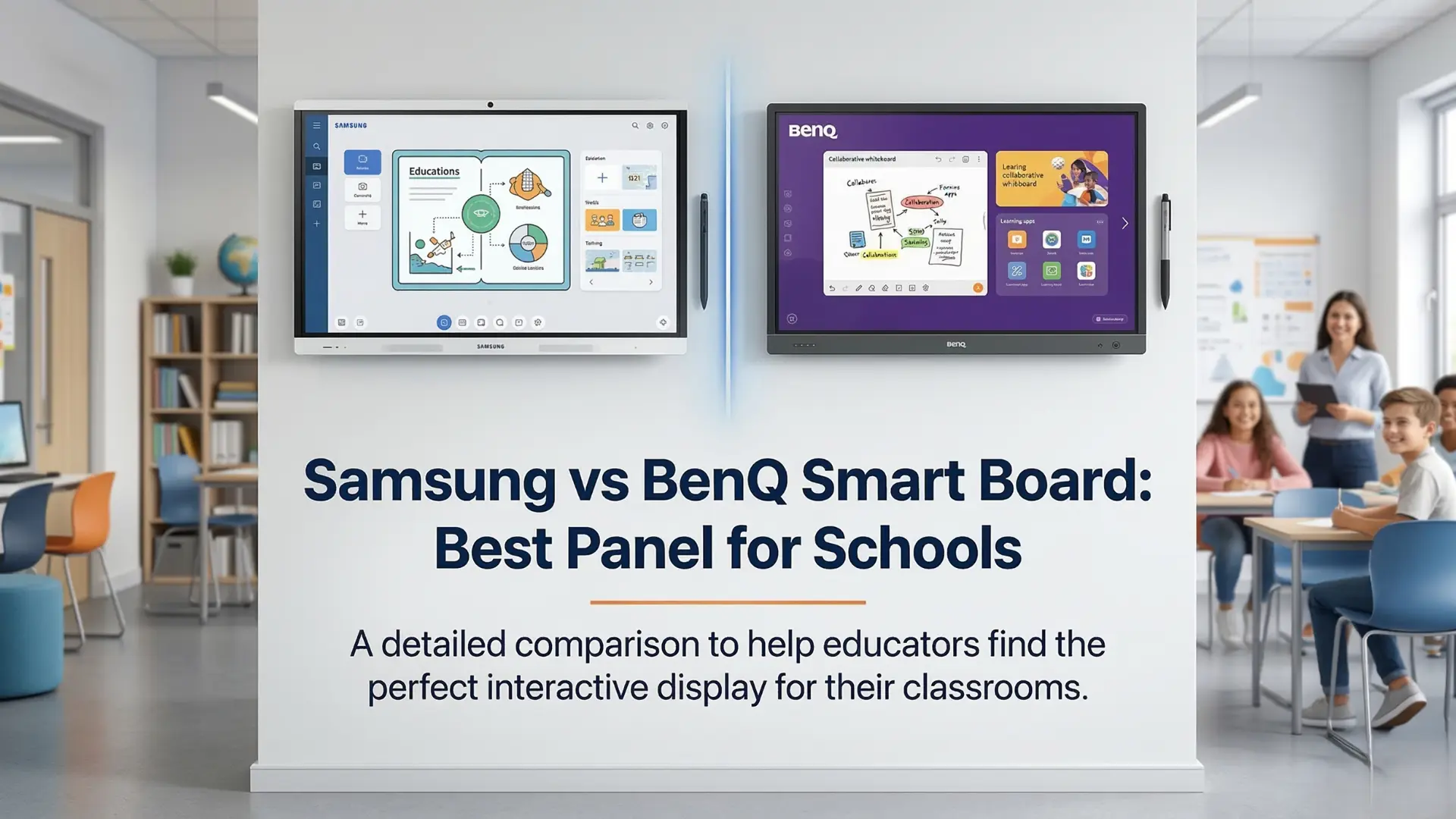
When outfitting a modern classroom, choosing the right educational technology can be overwhelming. The interactive flat panel (IFP) has officially replaced the traditional projector and whiteboard, becoming the digital hub for teachers and students alike. If you are comparing the Samsung vs BenQ smart board, you are already looking at two of the heavyweights in the industry. But which one truly claims the title of the best interactive panel for schools?
Let’s break down the hardware, software, and classroom benefits of their latest 2026 models to help you make the best investment for your school.
The shift toward hybrid and highly collaborative learning environments requires technology that seamlessly bridges the gap between physical and digital spaces. Both Samsung and BenQ have recently launched Google EDLA-certified panels (like Samsung's WAFX-P and BenQ's RP05), meaning teachers get native access to Google Workspace, the Google Play Store, and advanced AI tools right on the board.
To determine the best interactive panel for schools, we need to compare their flagship 2026 models across the categories that matter most to educators and IT administrators.
Both brands offer exceptional 4K UHD resolutions, typically available in 65-inch, 75-inch, and 86-inch sizes, but their hardware philosophies differ slightly.
Samsung relies on its legacy as a global display leader. The new WAFX-P series boasts incredibly vibrant colors, 450-nit brightness, and a built-in 48MP auto-framing 4K camera for seamless hybrid learning. Powered by an Android 15 Octa-Core CPU, it handles heavy multitasking effortlessly.
Samsung boards are sleek, minimizing bezel size to maximize writing space, creating a highly premium look that fits perfectly in modern classrooms or higher-education lecture halls.
BenQ focuses heavily on classroom ergonomics and student health. The BenQ Board Pro (RP05) series comes with an integrated air quality sensor that monitors CO2, PM2.5, and TVOC levels in the classroom.
BenQ stands out with its TÜV-certified antimicrobial screens and pens, alongside flicker-free and low blue light "Eye-Care" technology. If student health and reducing eye strain are top priorities, BenQ holds a distinct advantage.
A smart board is only as good as the software driving it. Both displays are EDLA-certified, meaning your teachers won't have to learn a complicated proprietary OS just to open Google Classroom.
Samsung is heavily leaning into AI for education. The WAFX-P features the Samsung AI Assistant, bringing tools like "Circle to Search," AI Summaries, and Live Transcripts natively to the board. Teachers can circle handwritten text on the board and instantly pull up relevant web resources, saving valuable instructional time.
BenQ counters with its highly praised EZWrite whiteboarding software and InstaShare wireless casting. EZWrite is packed with intuitive teacher tools like EZMath (which neatens handwritten formulas) and "Circle to Artify." BenQ's software is remarkably user-friendly, allowing teachers to prep lessons on their laptops and instantly pull them up on the board via cloud integration.
Choosing the winner of the Samsung vs BenQ smart board debate comes down to your district's specific priorities:
Choose Samsung if: Your school prioritizes cutting-edge AI features, seamless Google Workspace multitasking, and premium visual/camera hardware for hybrid learning environments.
Choose BenQ if: Your school is focused on student health (air quality sensors, antimicrobial screens), out-of-the-box whiteboarding software (EZWrite), and robust, user-friendly device management for your IT team.
EDLA (Enterprise Devices Licensing Agreement) certification means the smart board natively supports the Google Play Store and Google Workspace apps (like Google Drive, Docs, and Classroom) with official security patches from Google. Both Samsung and BenQ's latest panels feature this.
Yes. Both Samsung and BenQ smart boards support up to 40 points of simultaneous touch, allowing multiple students to draw, annotate, and solve problems at the board together without any lag.
Generally, the core whiteboarding and screen-sharing software (like BenQ's EZWrite/InstaShare or Samsung's native Note app) are included for free. However, advanced cloud device management systems (like Samsung VXT) may have licensing tiers depending on the scale of your school's deployment.
Absolutely. Both brands support wireless casting from up to 9–50 devices simultaneously (depending on the software mode), supporting Windows, macOS, ChromeOS, iOS, and Android devices.
Most high-end interactive panels from Samsung and BenQ are built for heavy commercial use and are rated for around 50,000 hours of display life, which easily translates to over 10 years of typical classroom use.

 Interactive flat Panel
Interactive flat Panel
Interactive flat Panel
Interactive flat Panel
Interactive flat Panel
Interactive flat Panel
Interactive flat Panel
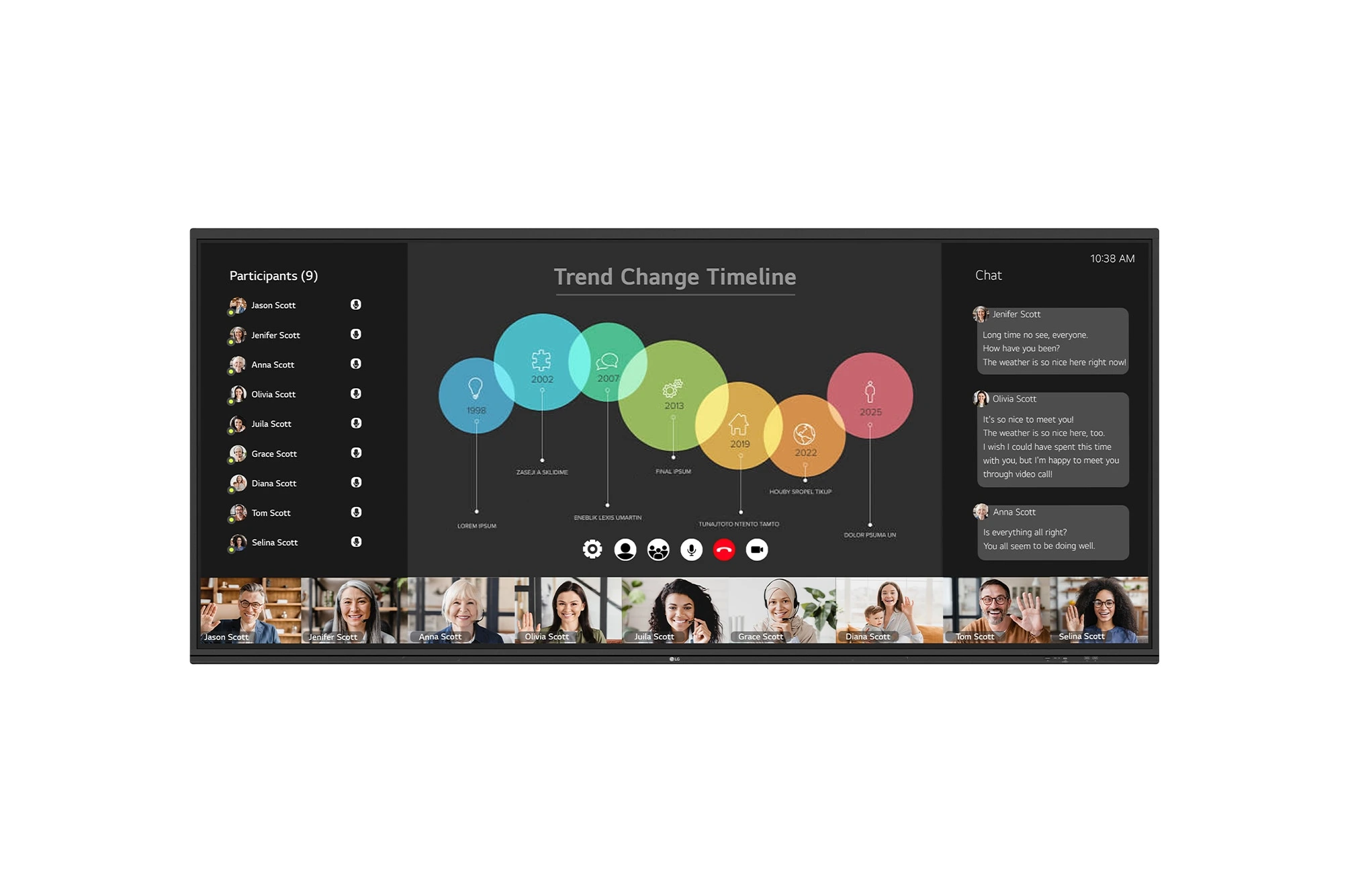
The LG CreateBoard 105TR5WP-I is a premium 105-inch 5K UltraWide (21:9) interactive display designed for modern meeting rooms, hybrid collaboration,...
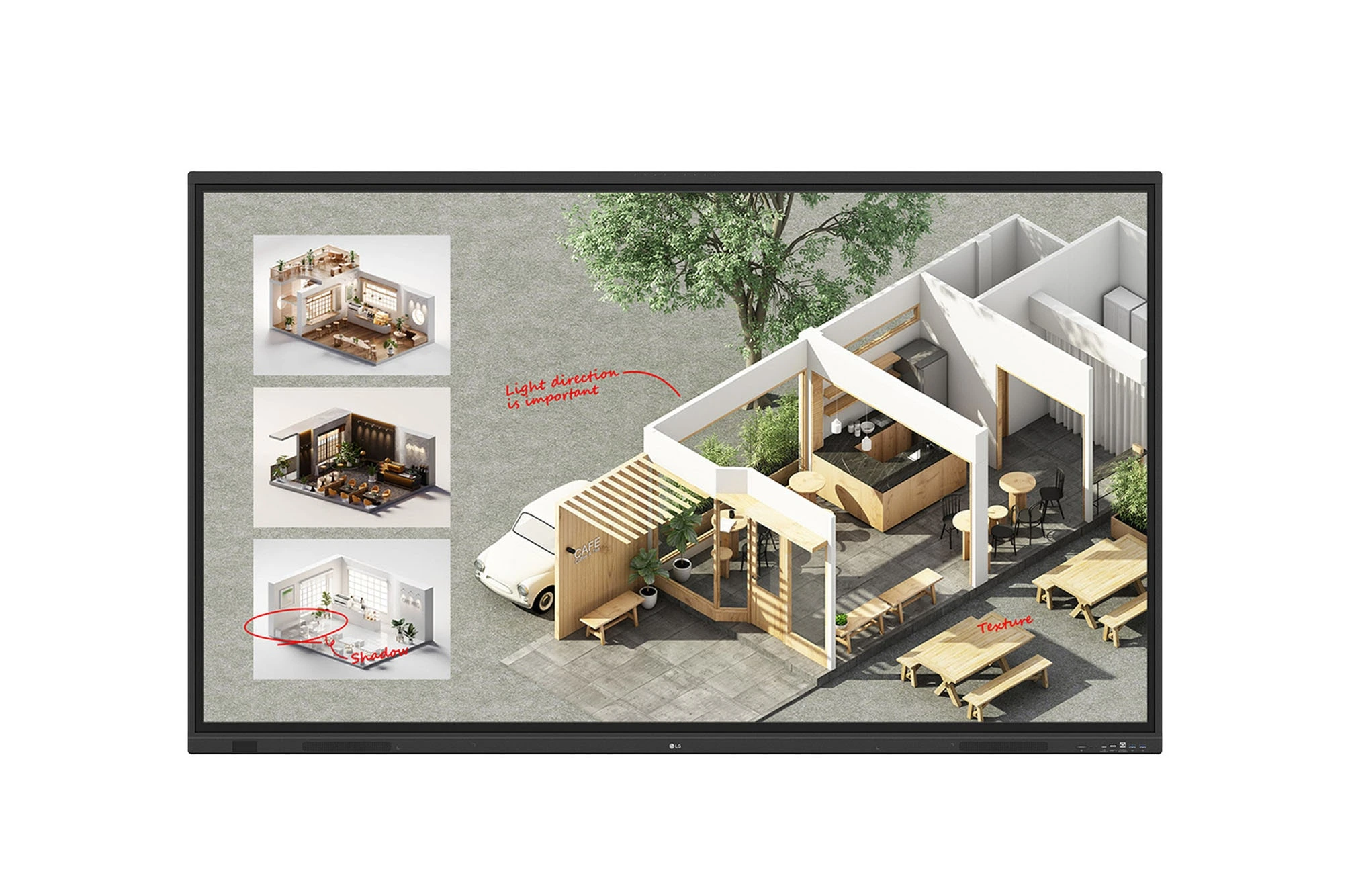
The LG CreateBoard Standard 86TR3DQ-I is an 86-inch 4K UHD Interactive Flat Panel Display designed for classrooms, corporate meeting rooms,...

The LG CreateBoard 86TR3ER-I is an 86-inch 4K UHD interactive flat panel designed for modern classrooms, corporate meeting rooms, and...

The LG CreateBoard 75TR3ER-I is a premium 75-inch 4K UHD Interactive Flat Panel designed for classrooms, training centers, and corporate...
